  • Login
Cart
Exceljet logo Exceljet
  • Training
  • Videos
  • Functions
  • Formulas
  • Shortcuts
  • Articles
Cart
  • Login
  • Training
  • Videos
  • Functions
  • Formulas
  • Shortcuts
  • Articles
  • Login

Excel Training Videos

These videos come from our online training. Mastering Excel requires a lot of practice — you must learn by doing. We make short videos so you can watch a demo and practice a skill in less than 10 minutes. Quick, clean, and to the point.

Quick Links
  • Video Courses
  • Course Bundles
  • Other resources
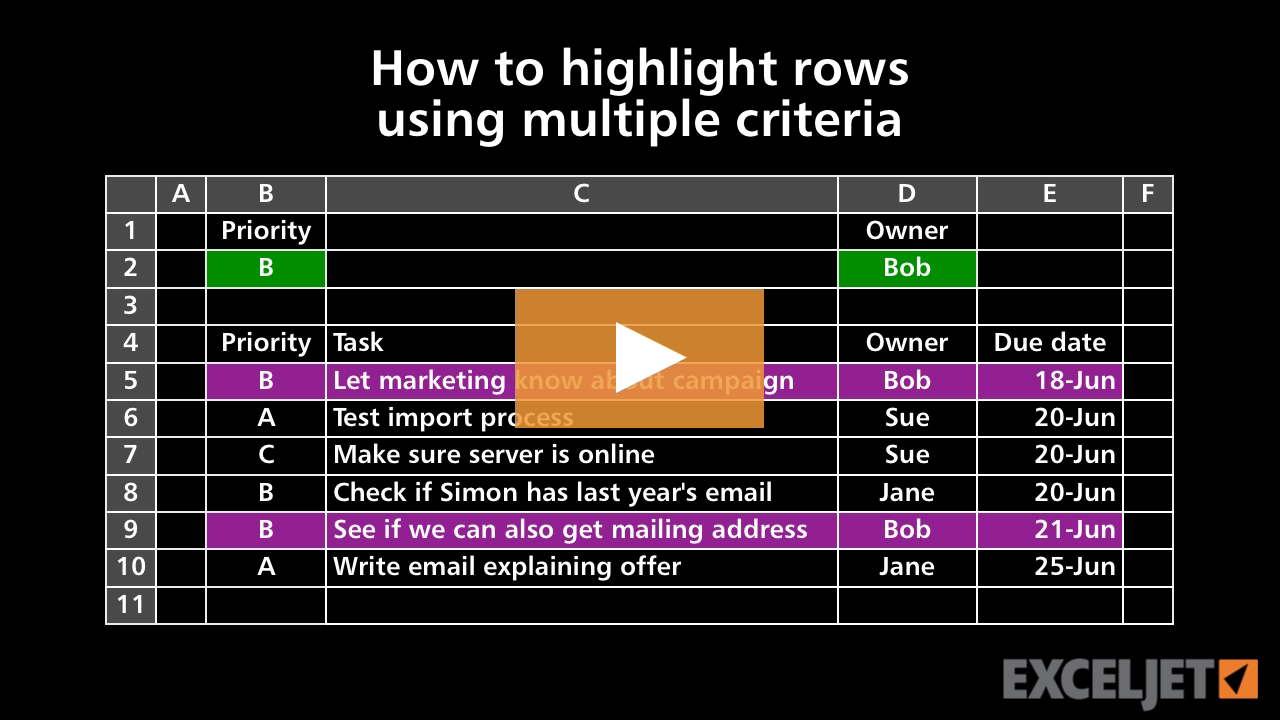
How to highlight rows using multiple criteria
Conditional Formatting
3:18

How to highlight rows using multiple criteria

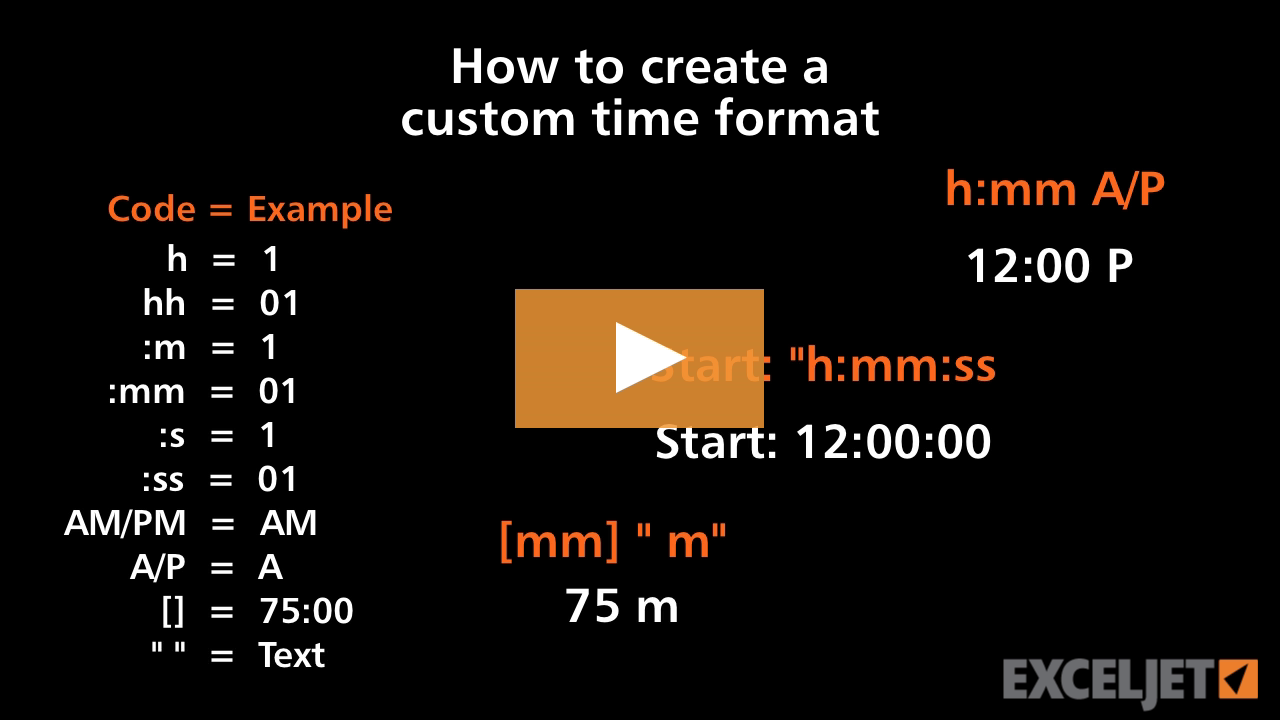
How to create a custom time format
Core Excel
3:41

How to create a custom time format

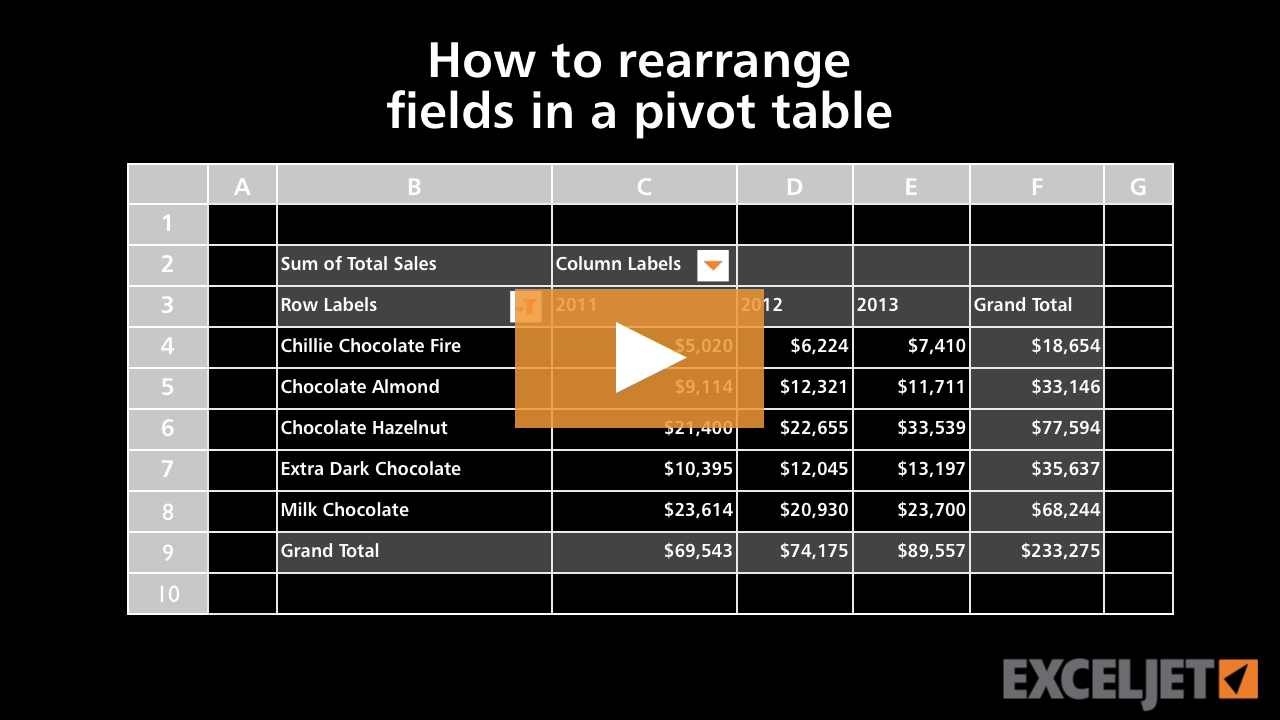
How to rearrange fields in a pivot table
Core Pivot
2:27

How to rearrange fields in a pivot table

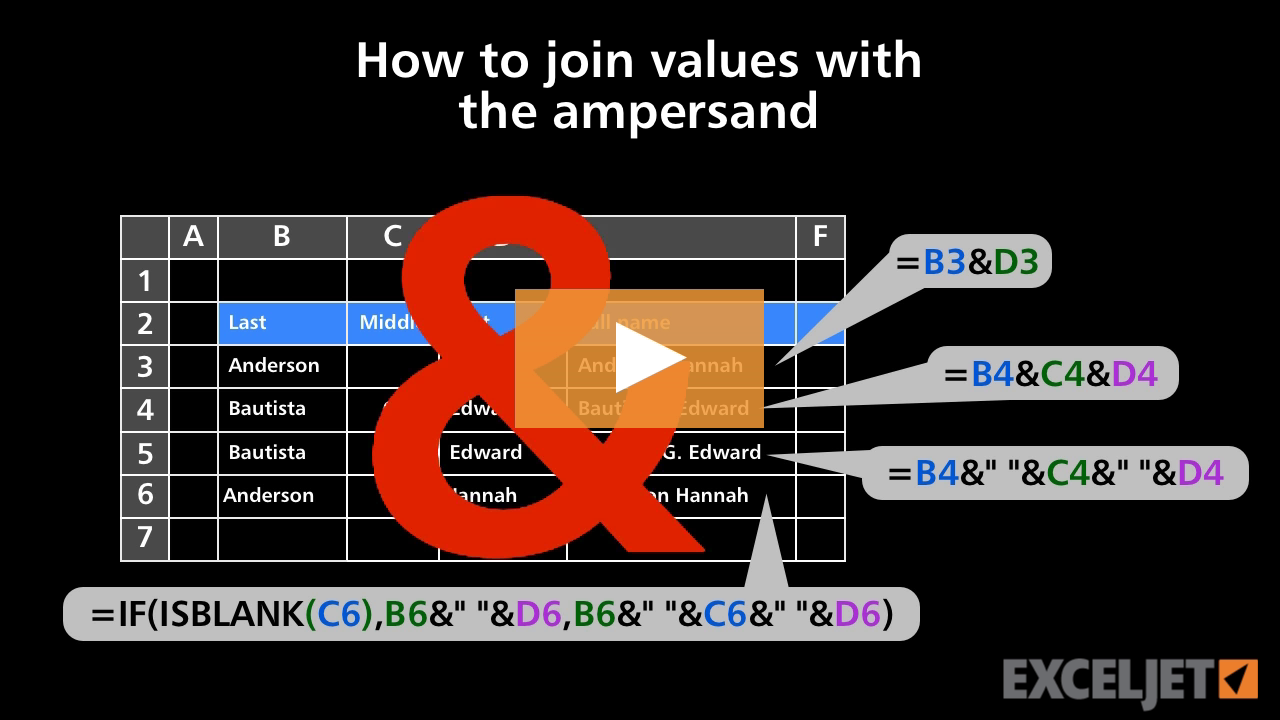
How to join values with the ampersand
Core Formula
2:54

How to join values with the ampersand

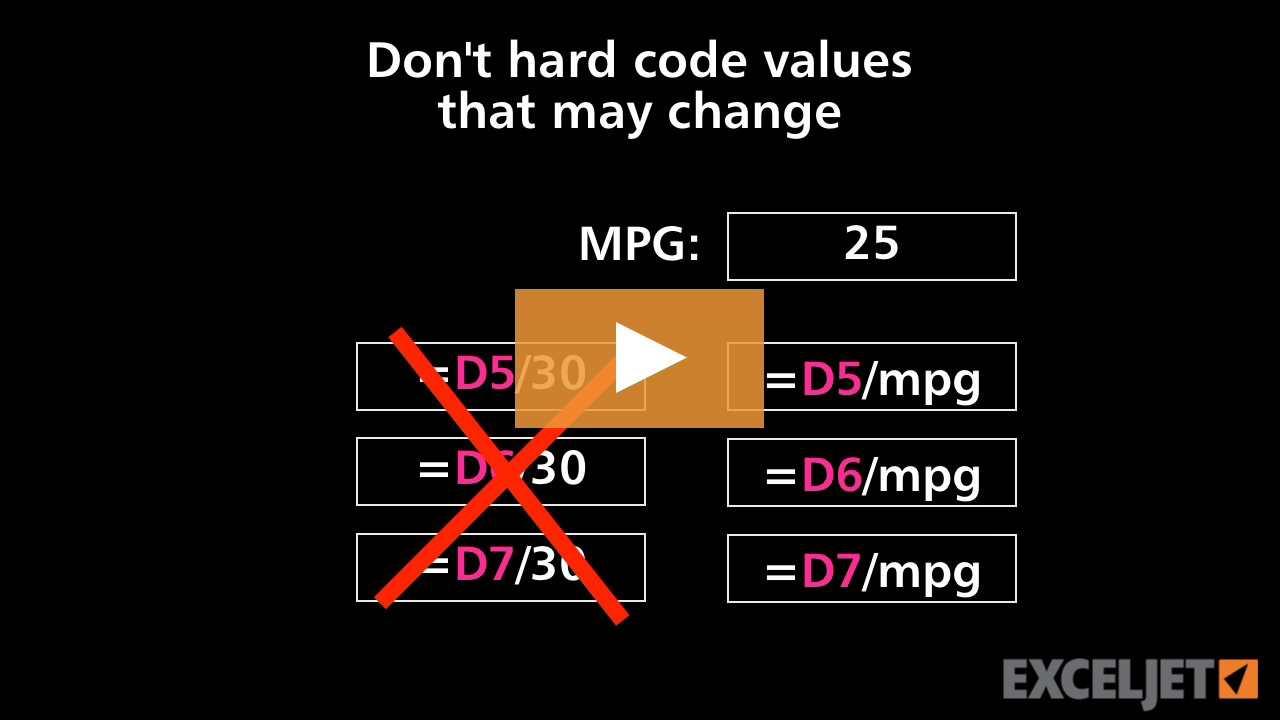
Don't hard code values that may change
Core Formula
3:09

Don't hard code values that may change

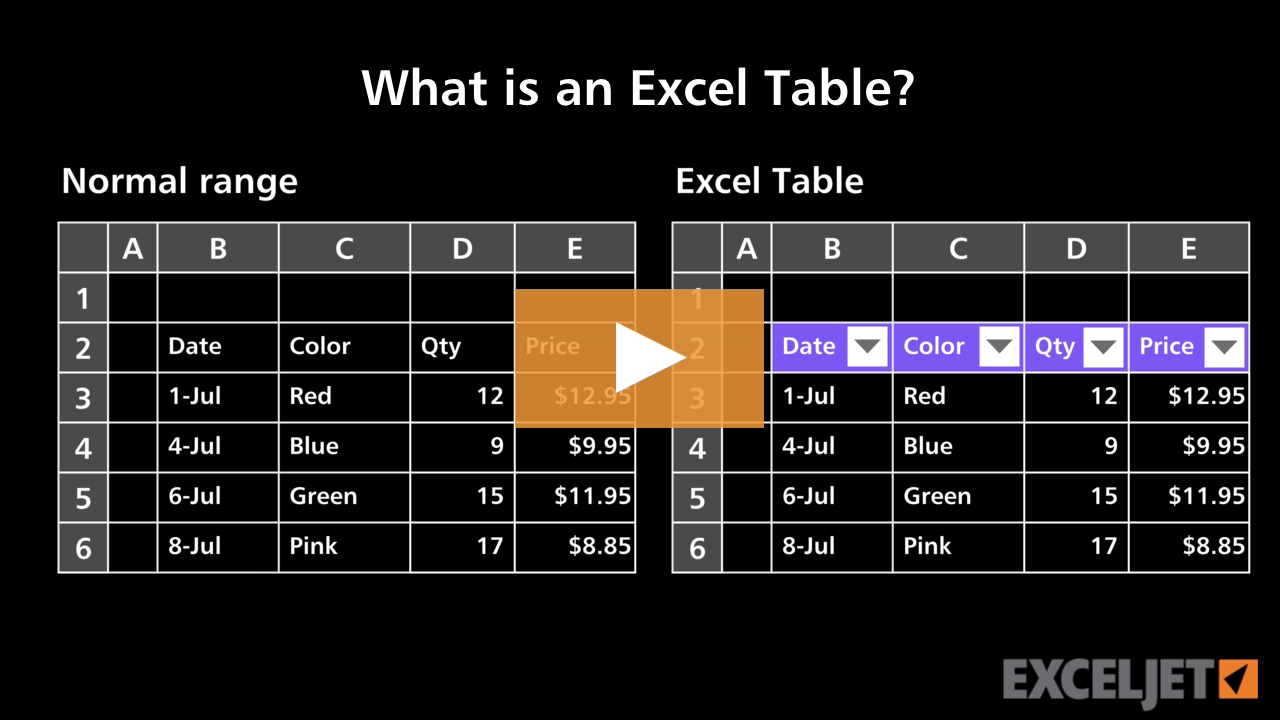
What is an Excel Table
Excel Tables
3:08

What is an Excel Table

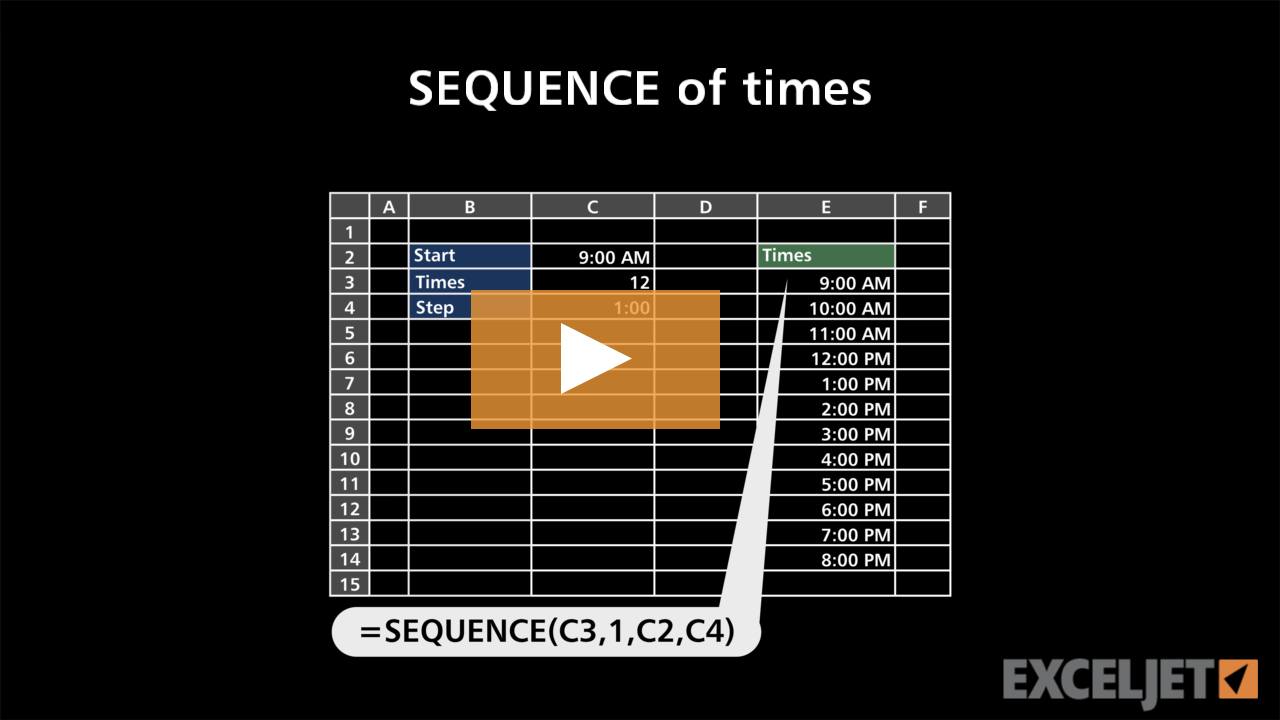
SEQUENCE of times
Dynamic Array Formulas
3:03

SEQUENCE of times

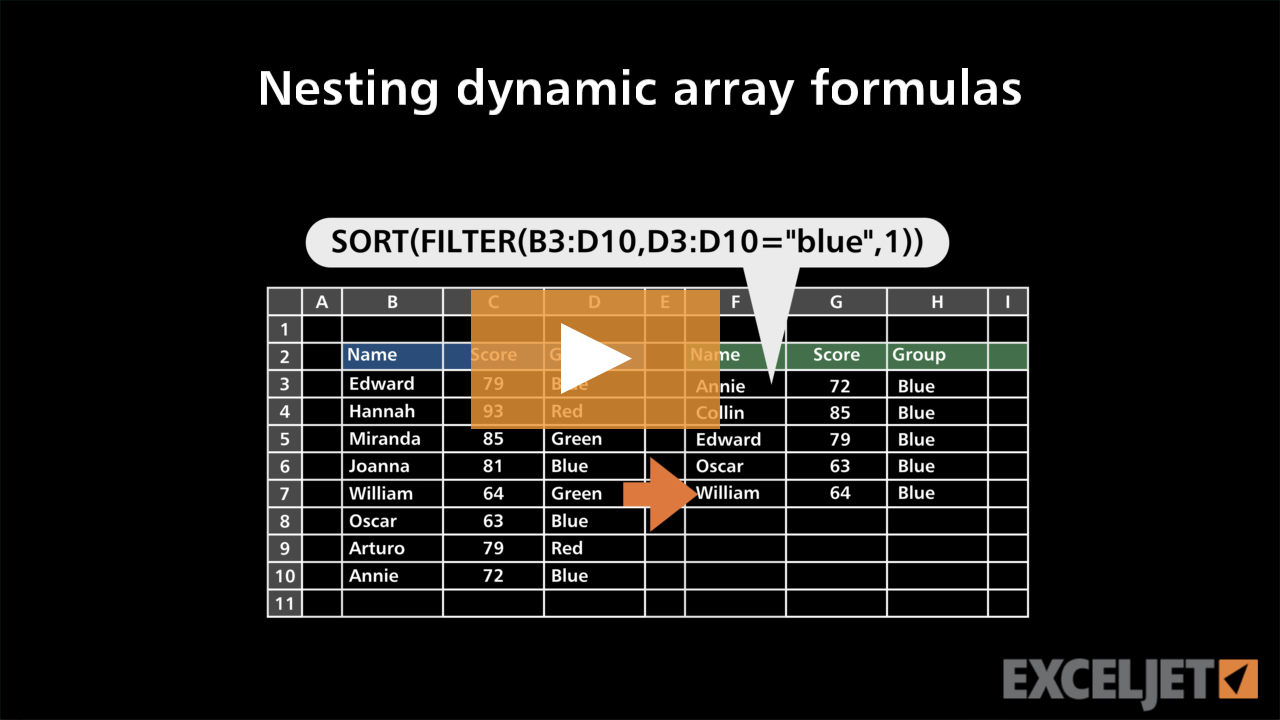
Nesting dynamic array formulas
Dynamic Array Formulas
3:02

Nesting dynamic array formulas

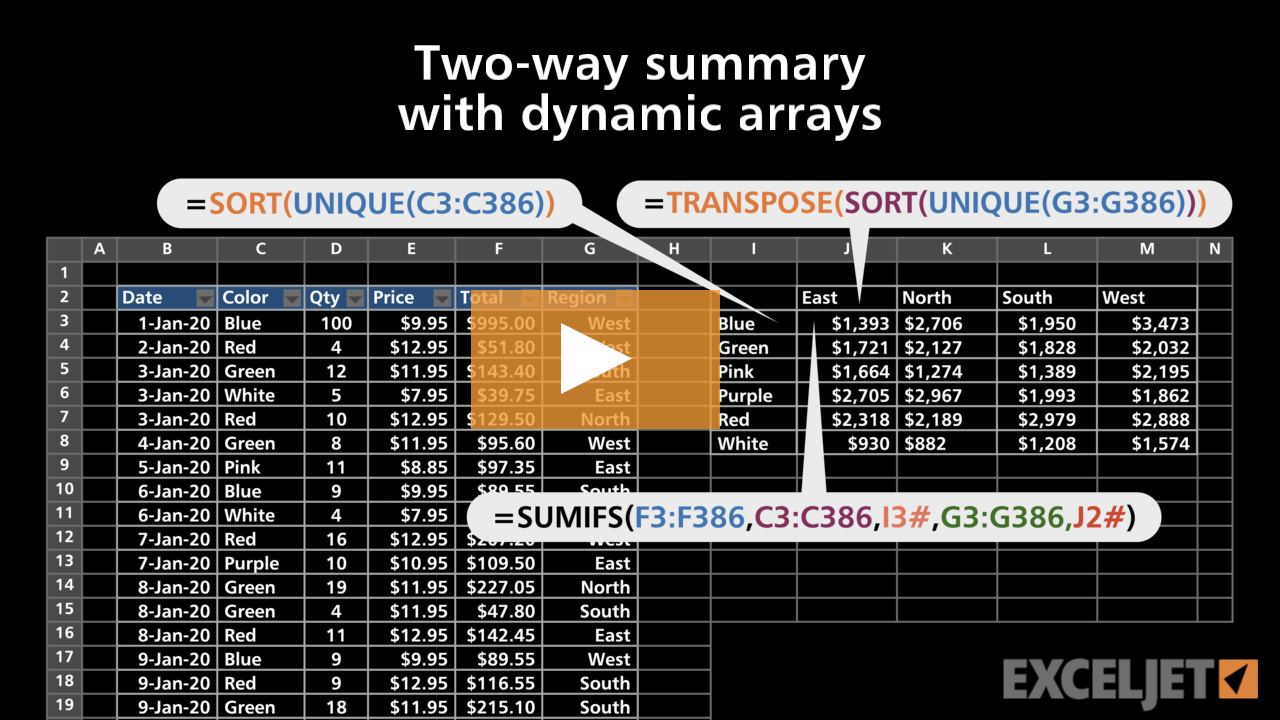
Two-way summary with dynamic arrays
Dynamic Array Formulas
3:37

Two-way summary with dynamic arrays

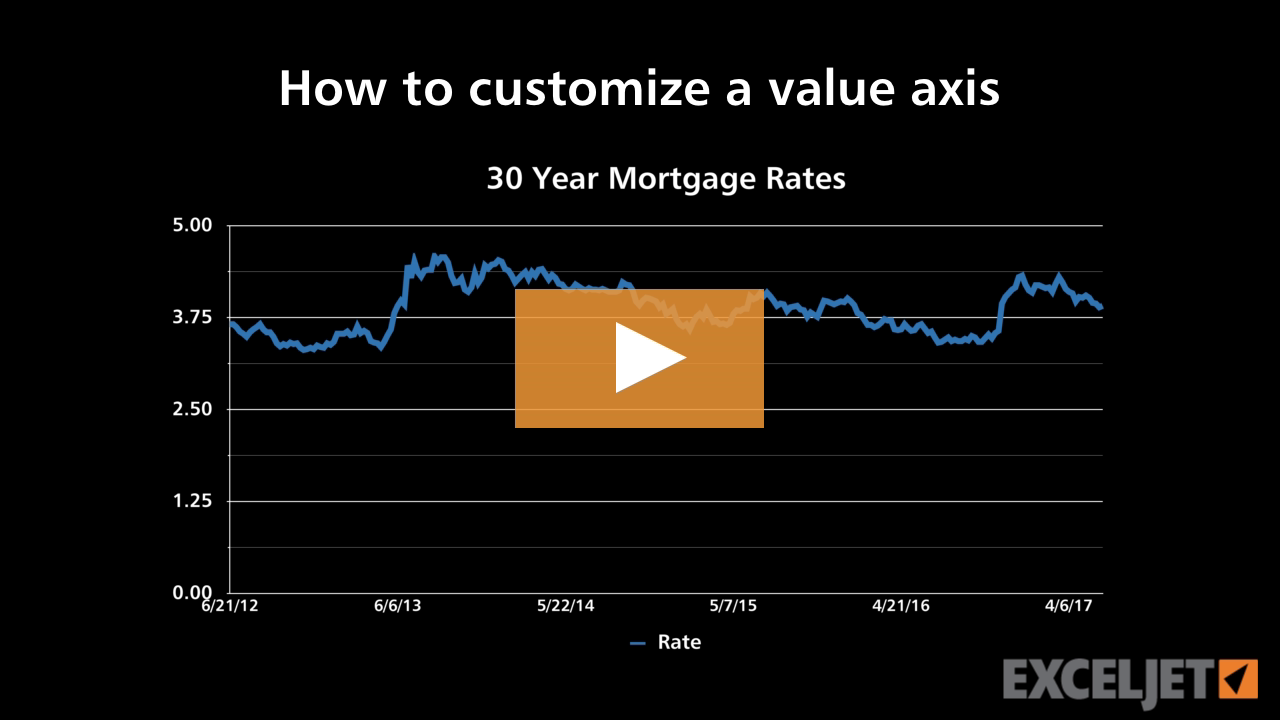
How to customize a value axis
Core Charts
3:08

How to customize a value axis

How to insert and delete worksheets
Core Excel
2:30

How to insert and delete worksheets

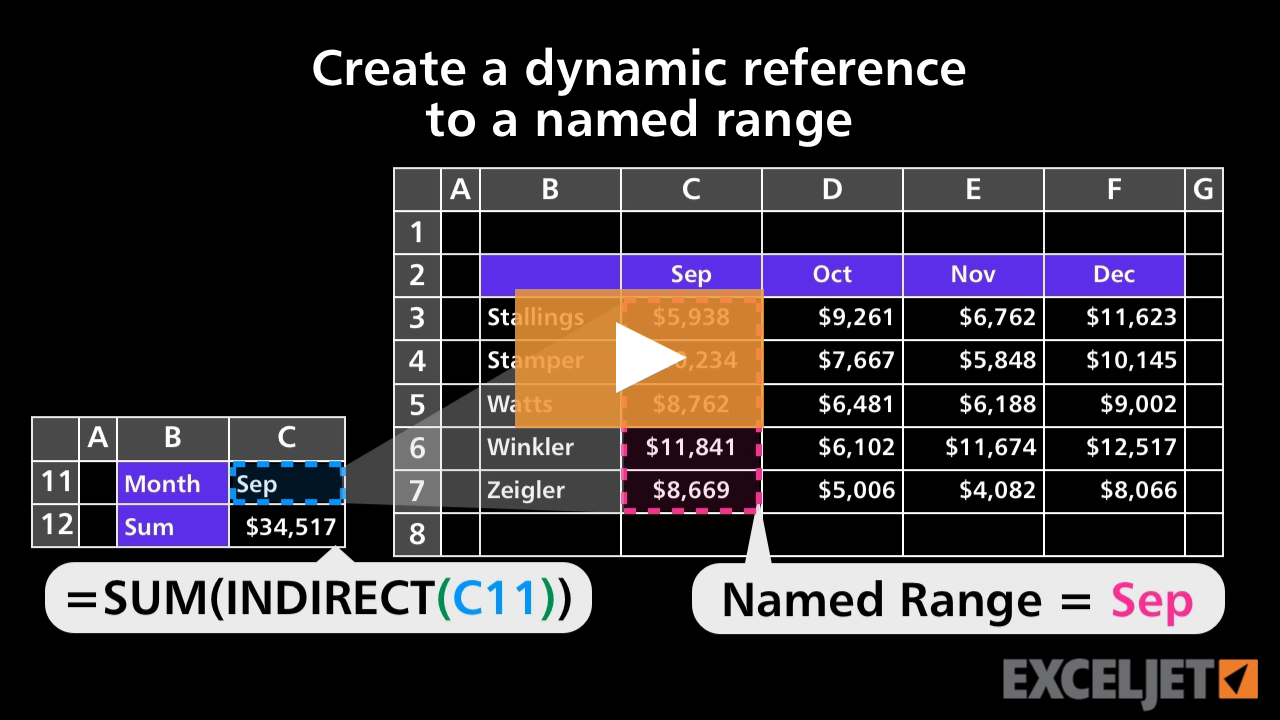
Create a dynamic reference to a named range
Core Formula
2:32

Create a dynamic reference to a named range

How to customize a category axis
3:17

How to customize a category axis

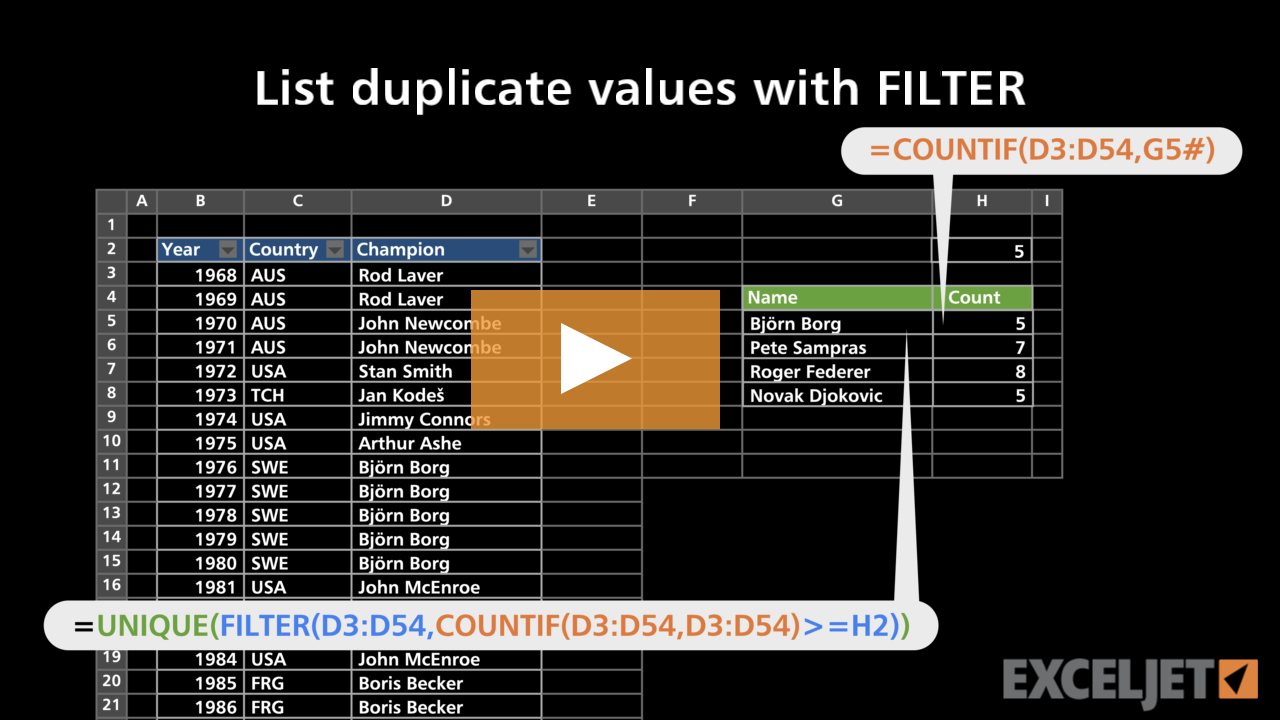
List duplicate values with FILTER
Dynamic Array Formulas
2:52

List duplicate values with FILTER

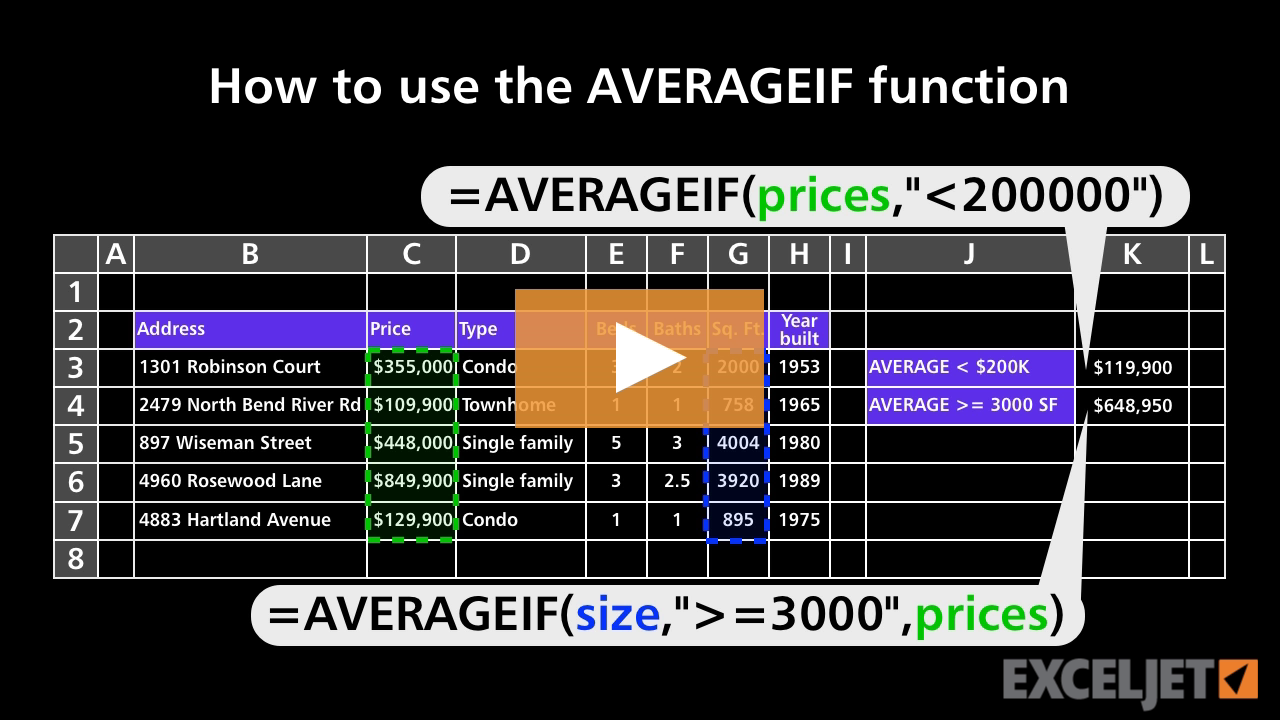
How to use the AVERAGEIF function
Core Formula
3:14

How to use the AVERAGEIF function

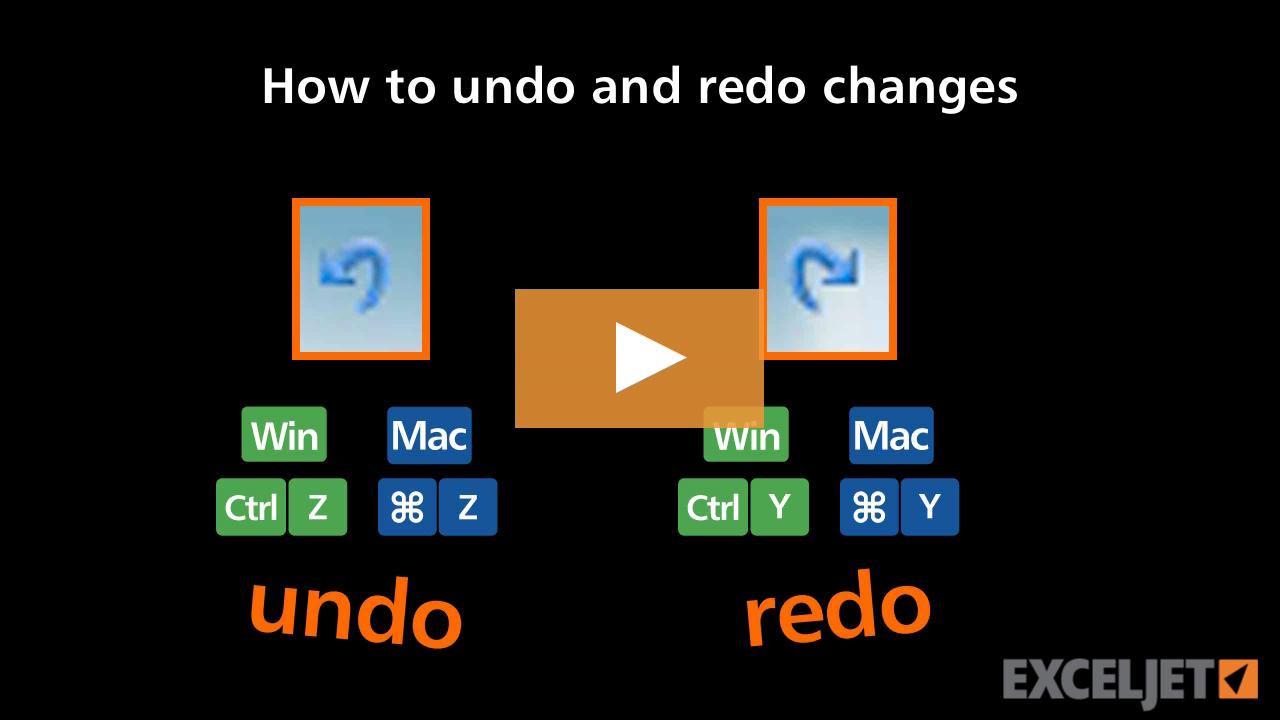
How to undo and redo changes in Excel
Core Excel
2:39

How to undo and redo changes in Excel

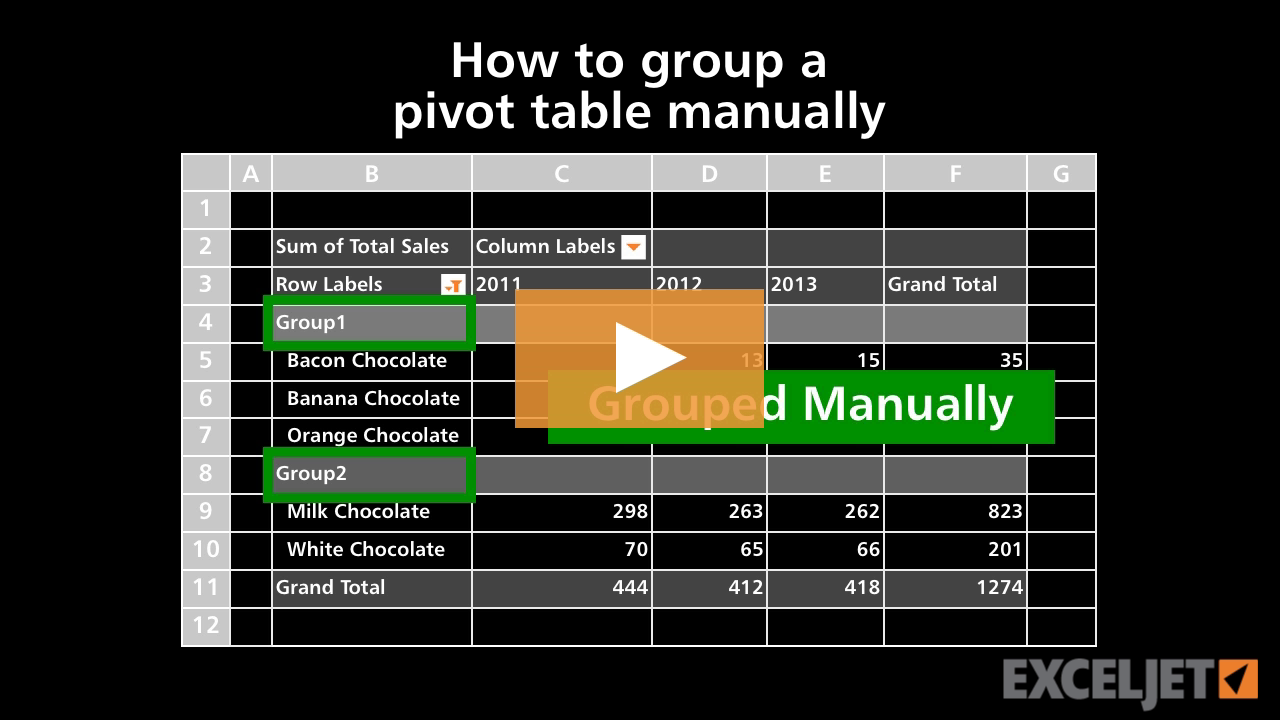
How to group a pivot table manually
Core Pivot
2:51

How to group a pivot table manually

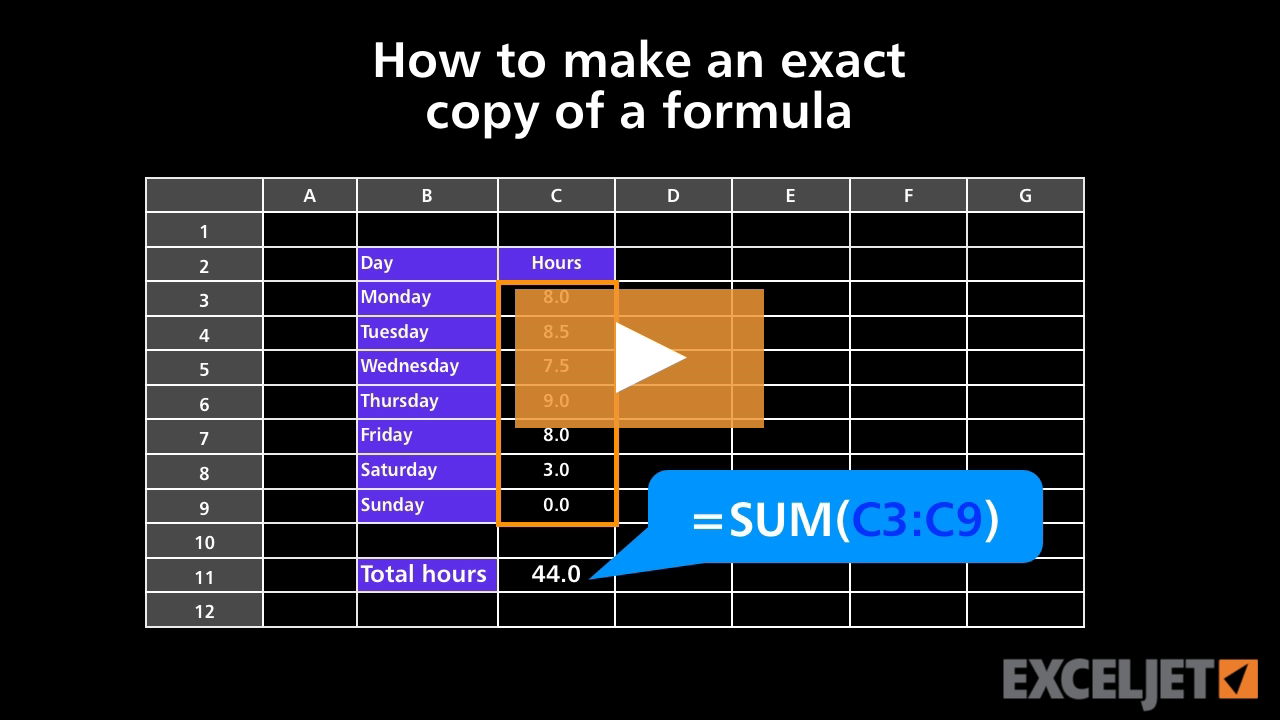
How to make an exact copy of a formula
Core Formula
2:59

How to make an exact copy of a formula

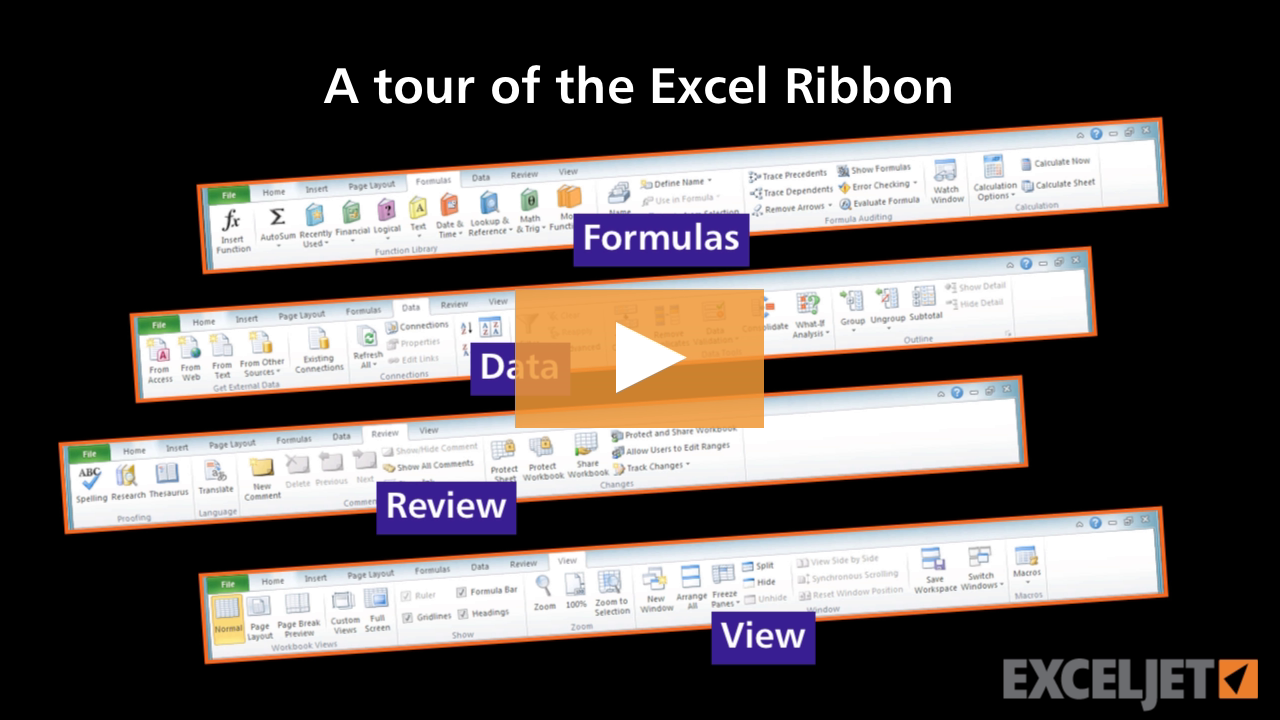
A tour of the Excel Ribbon
Core Excel
3:09

A tour of the Excel Ribbon

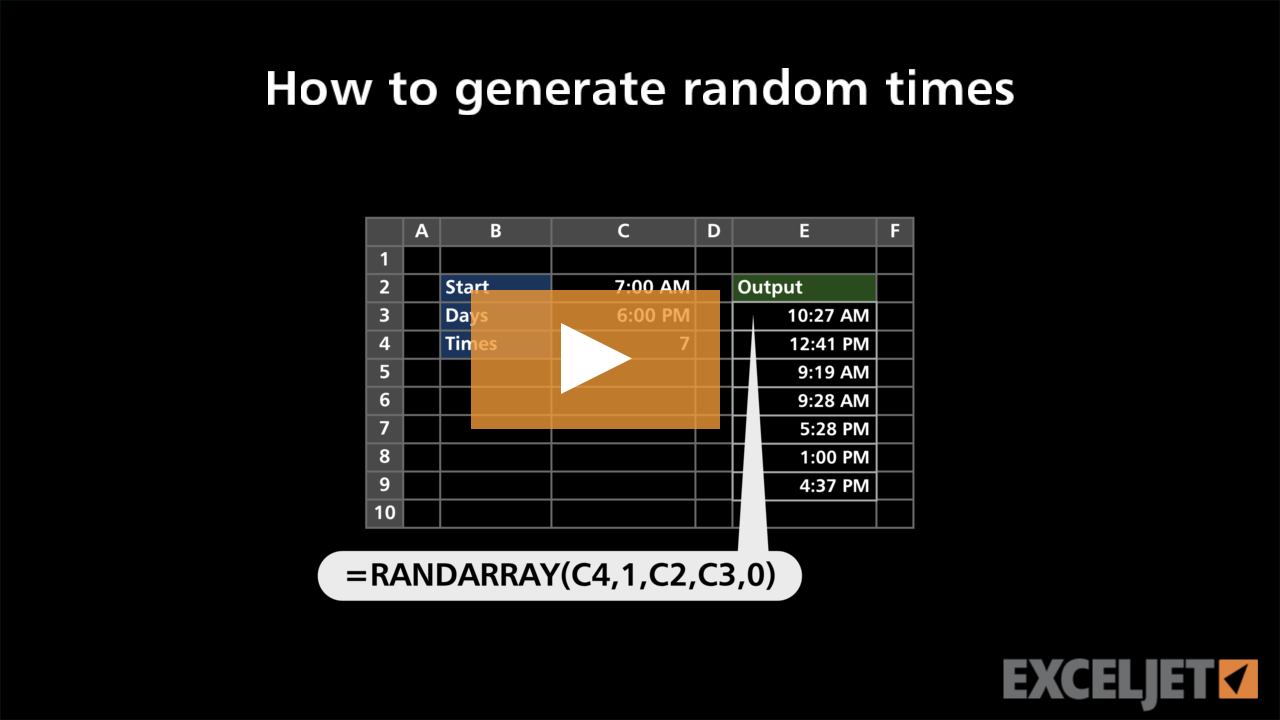
How to generate random times
Dynamic Array Formulas
2:45

How to generate random times

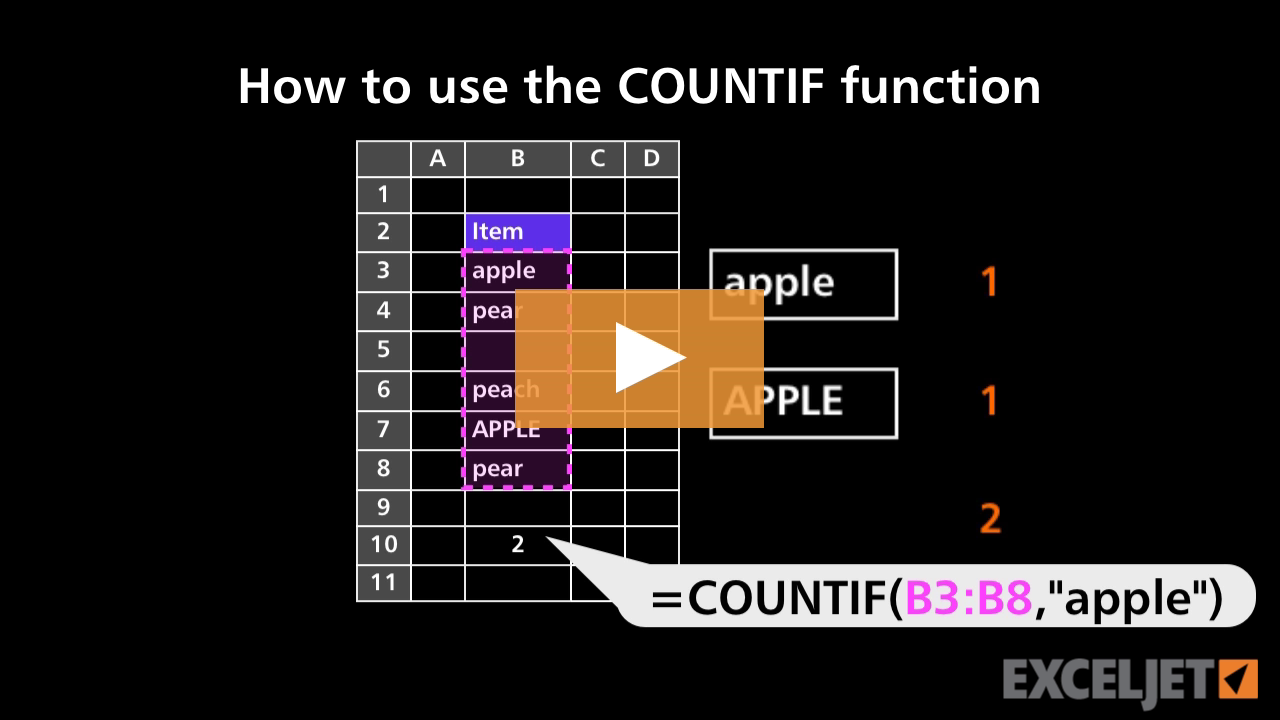
How to use the COUNTIF function
Core Formula
3:03

How to use the COUNTIF function

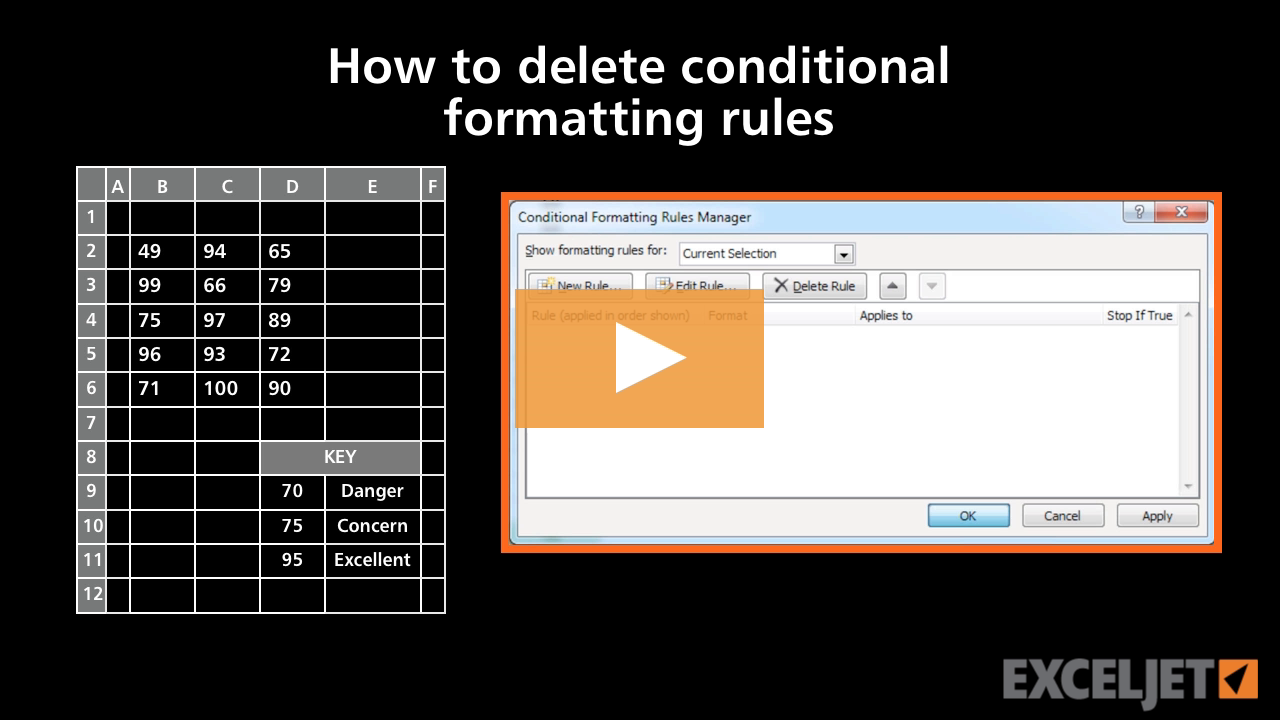
How to delete conditional formatting rules
Conditional Formatting
2:20

How to delete conditional formatting rules

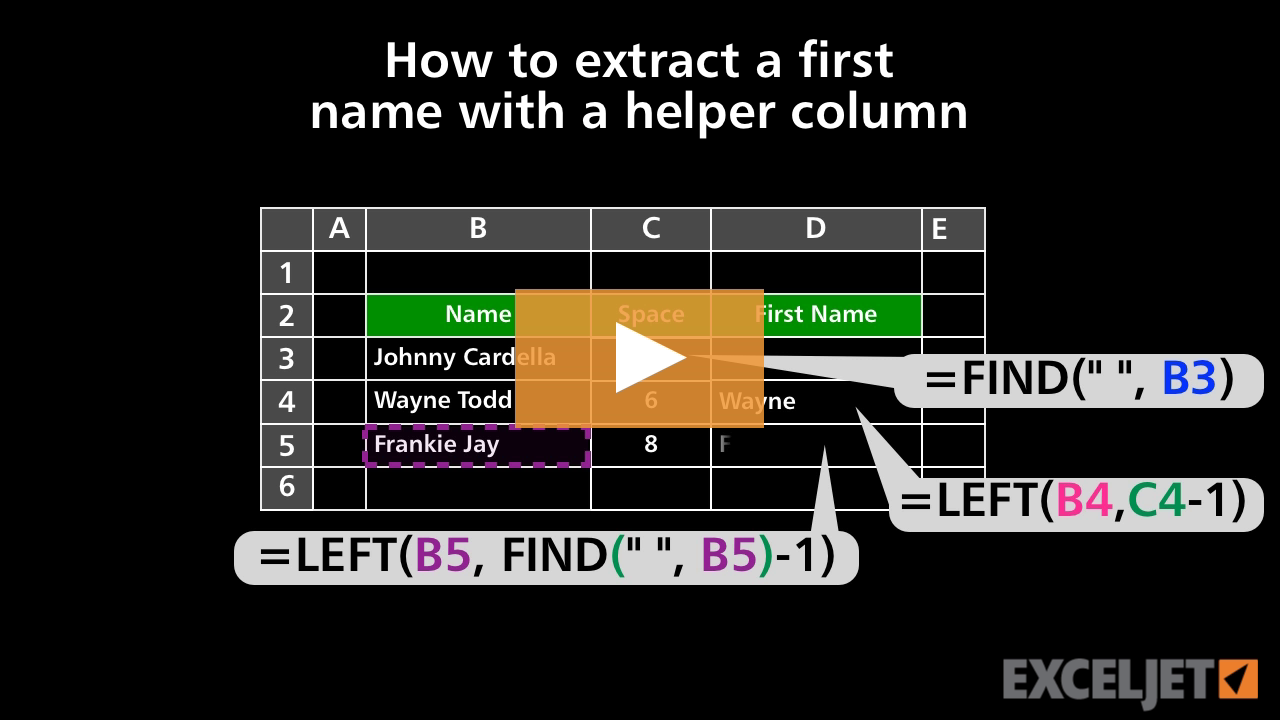
How to extract a first name with a helper column
Core Formula
3:06

How to extract a first name with a helper column

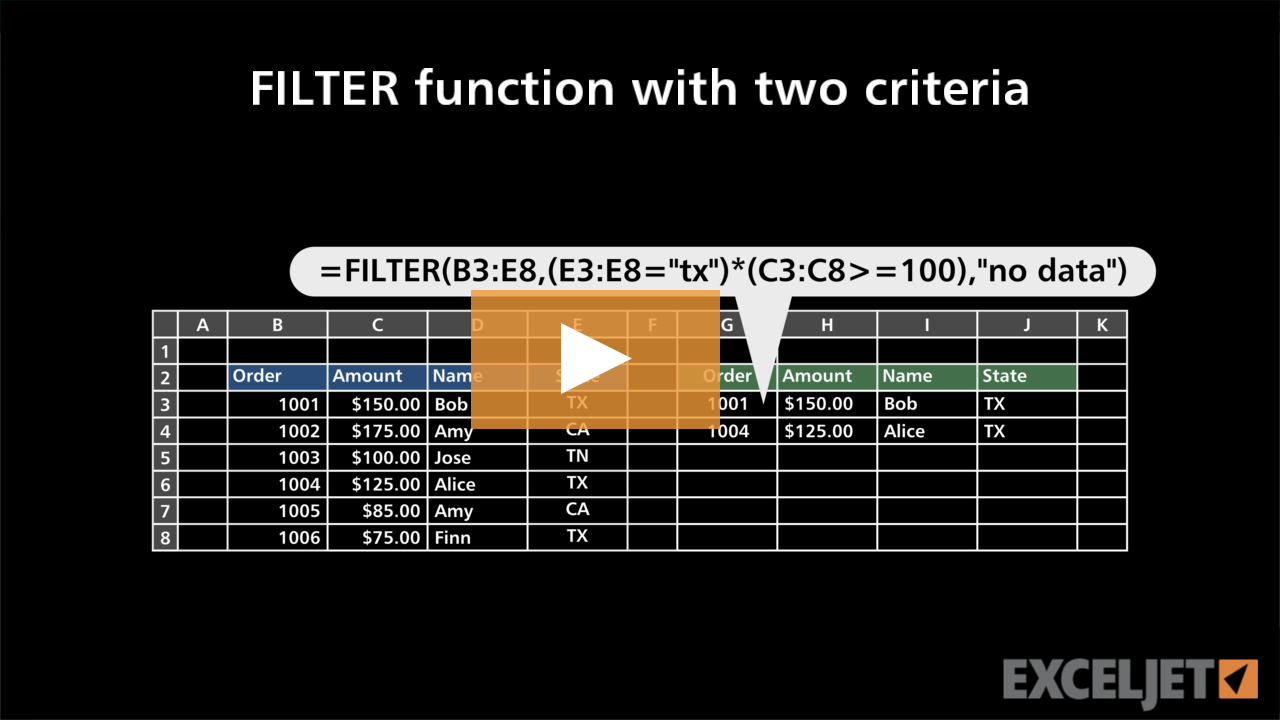
FILTER function with two criteria
Dynamic Array Formulas
3:21

FILTER function with two criteria

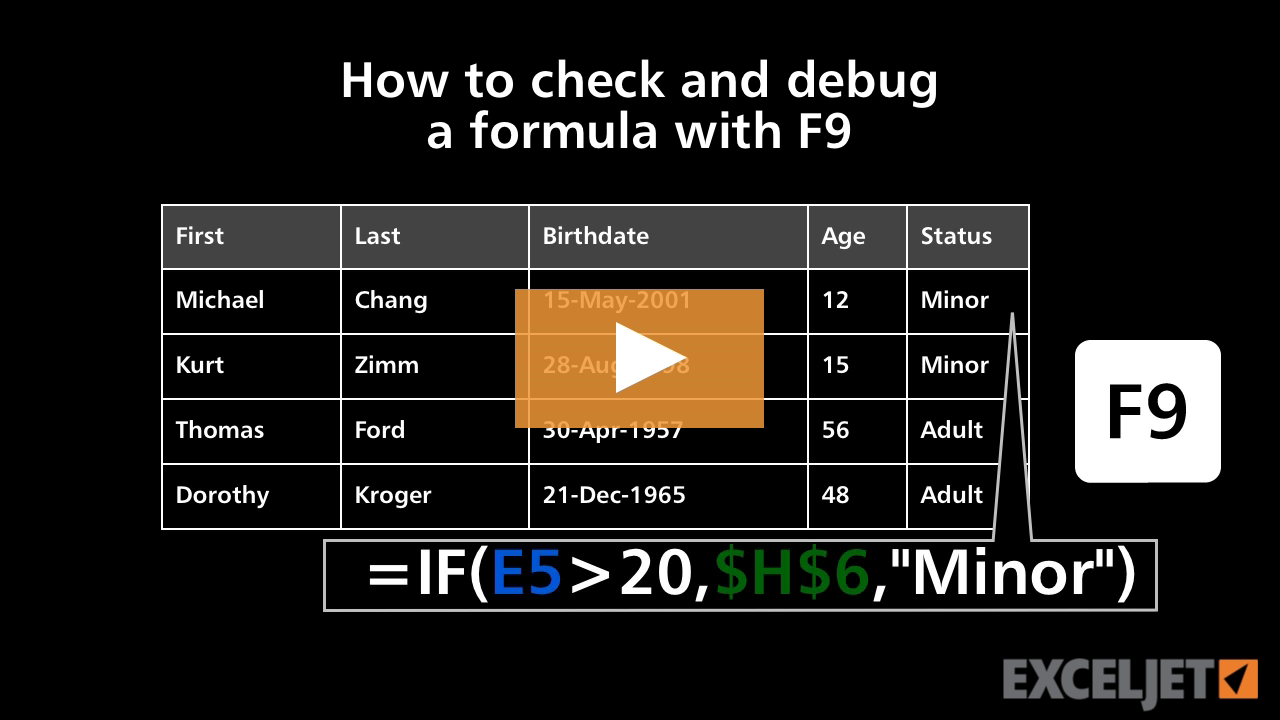
How to check and debug a formula with F9
Core Formula
3:12

How to check and debug a formula with F9

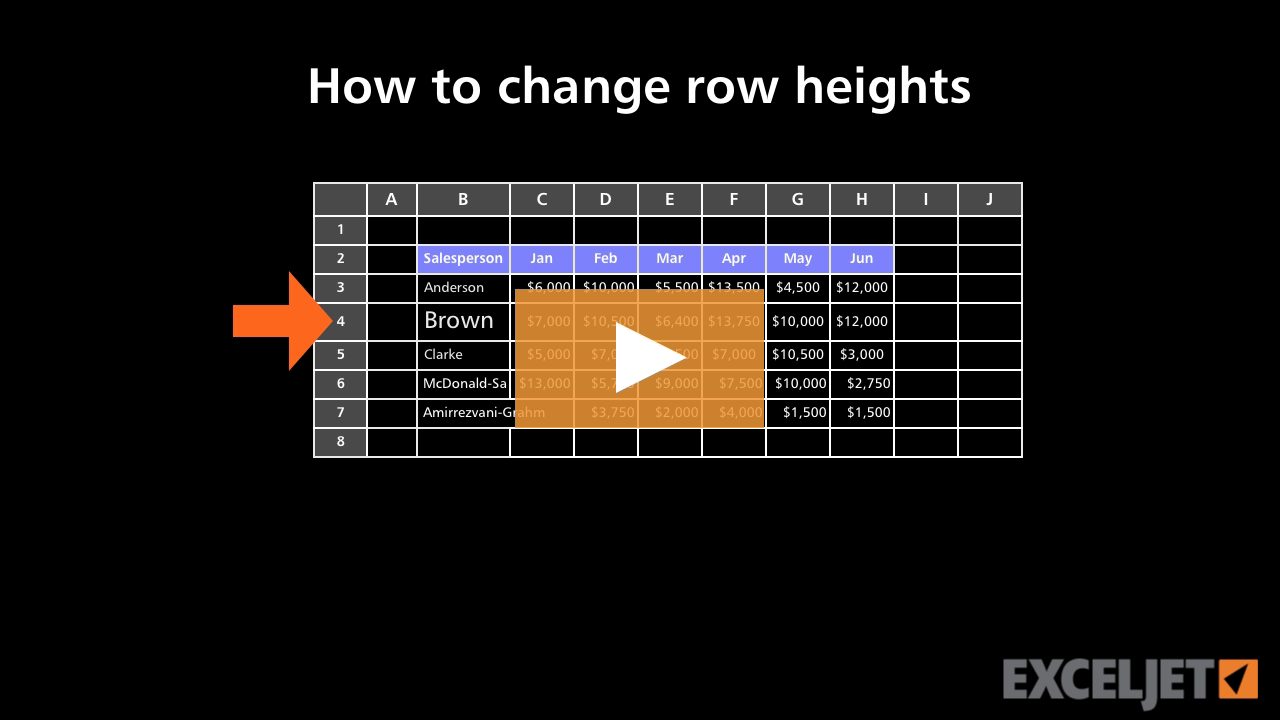
How to change row heights in Excel
Core Excel
2:29

How to change row heights in Excel

How to use division in a formula
Core Excel
2:06

How to use division in a formula

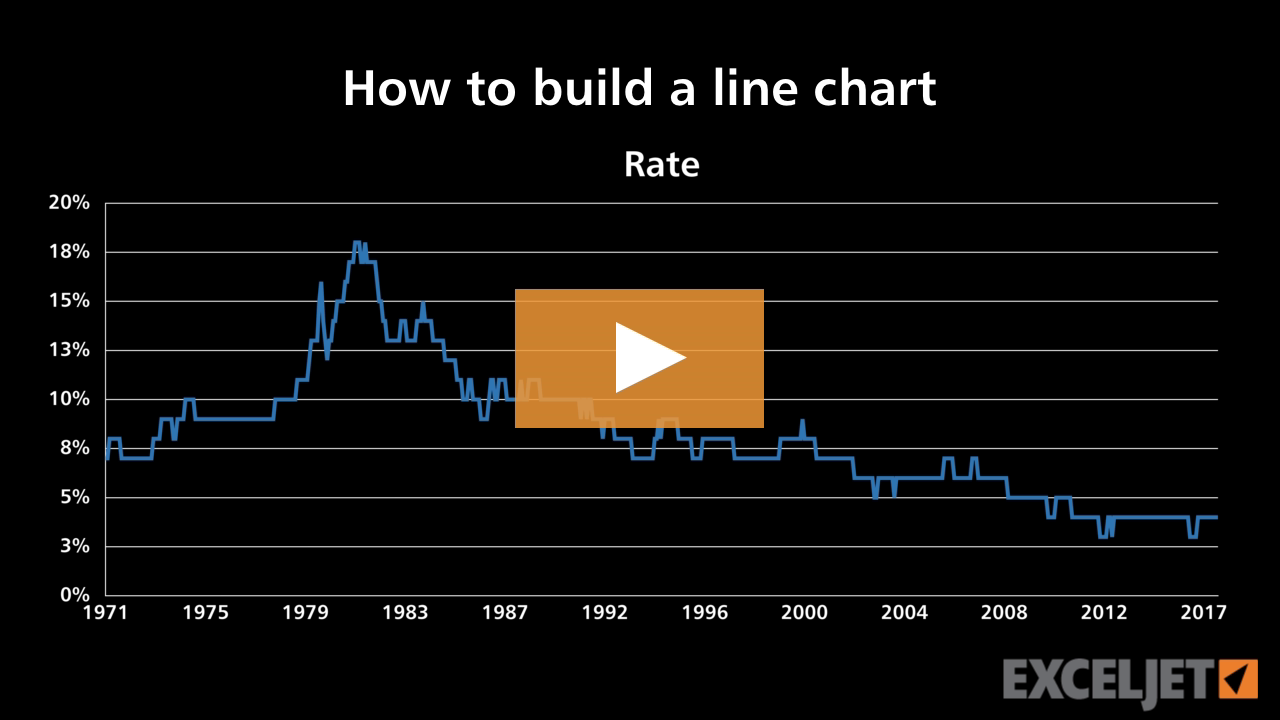
How to build a line chart
Core Charts
2:48

How to build a line chart

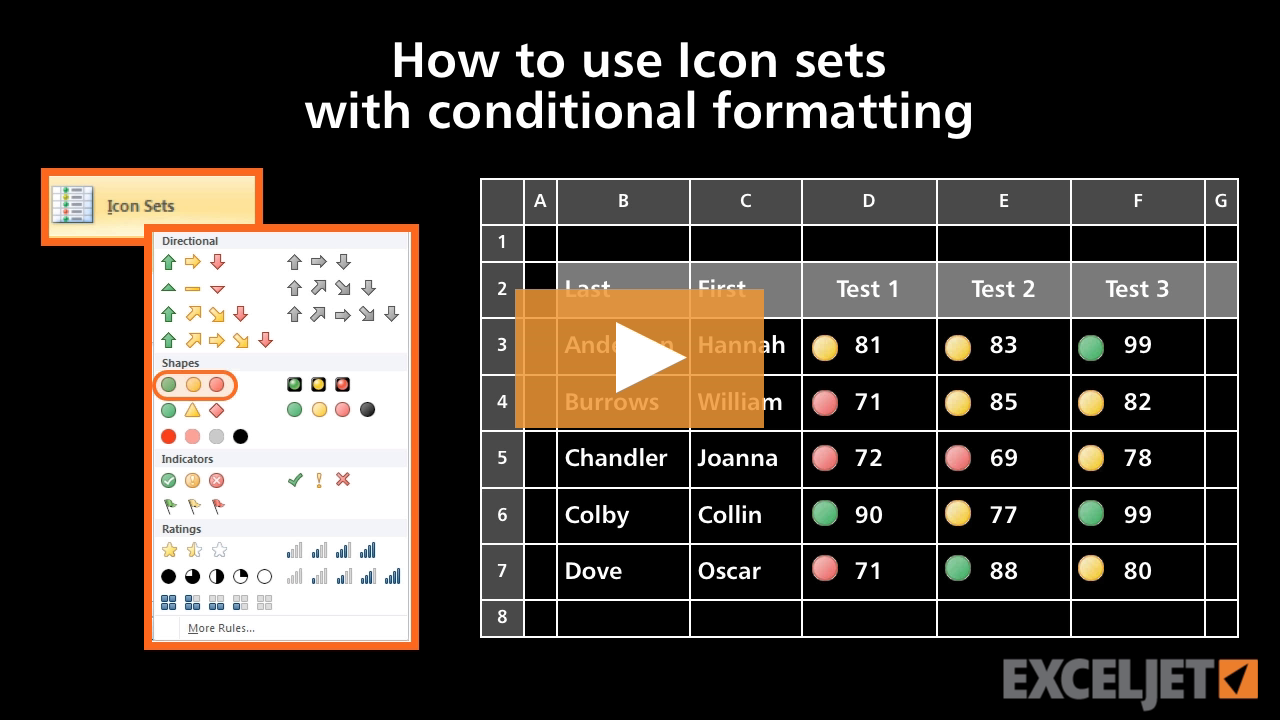
How to use Icon sets with conditional formatting
Conditional Formatting
2:56

How to use Icon sets with conditional formatting

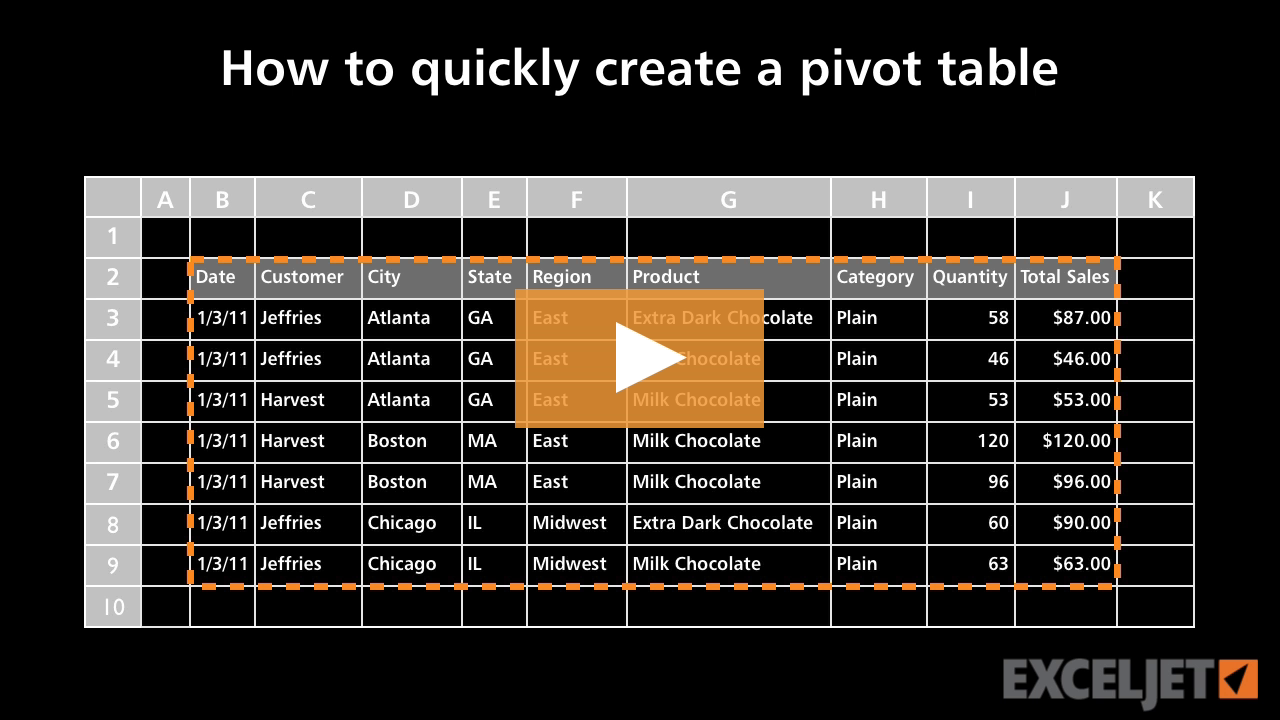
How to quickly create a pivot table
Core Pivot
2:56

How to quickly create a pivot table

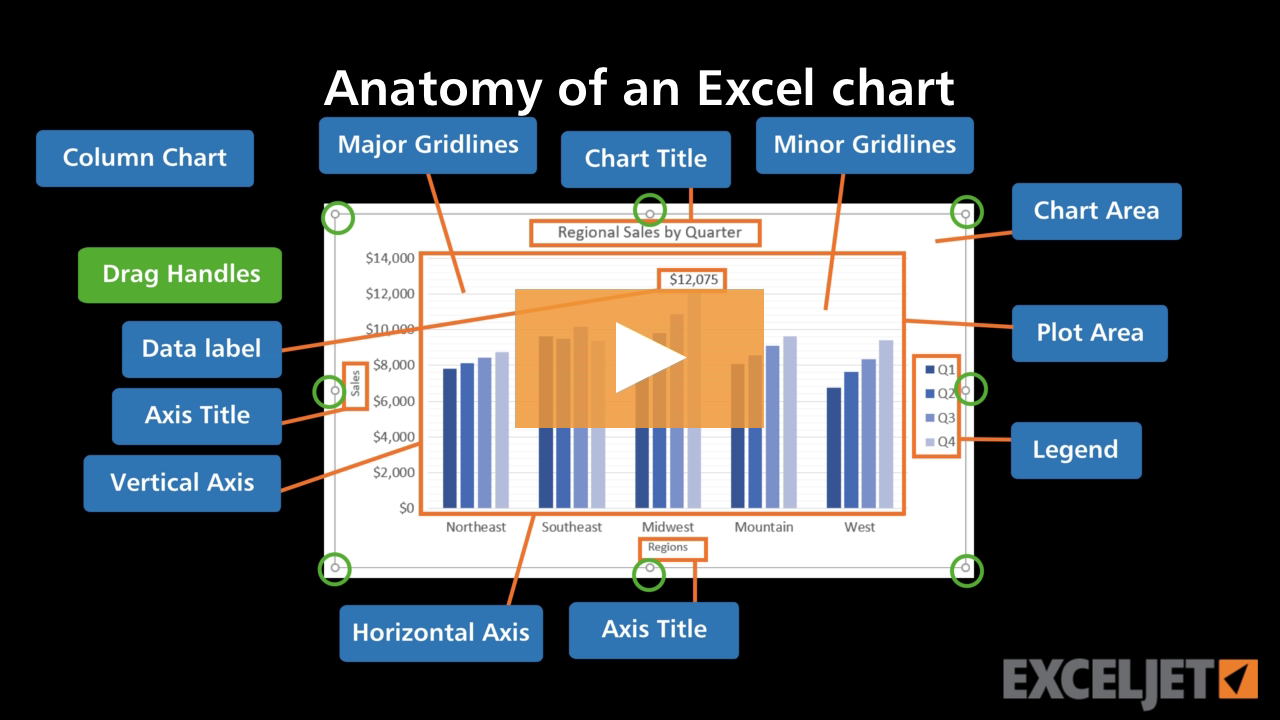
Anatomy of an Excel chart 2016
Core Charts
2:07

Anatomy of an Excel chart 2016

How to use fraction formatting in Excel
Core Excel
3:16

How to use fraction formatting in Excel

How to enter dates in Excel
Core Excel
1:19

How to enter dates in Excel

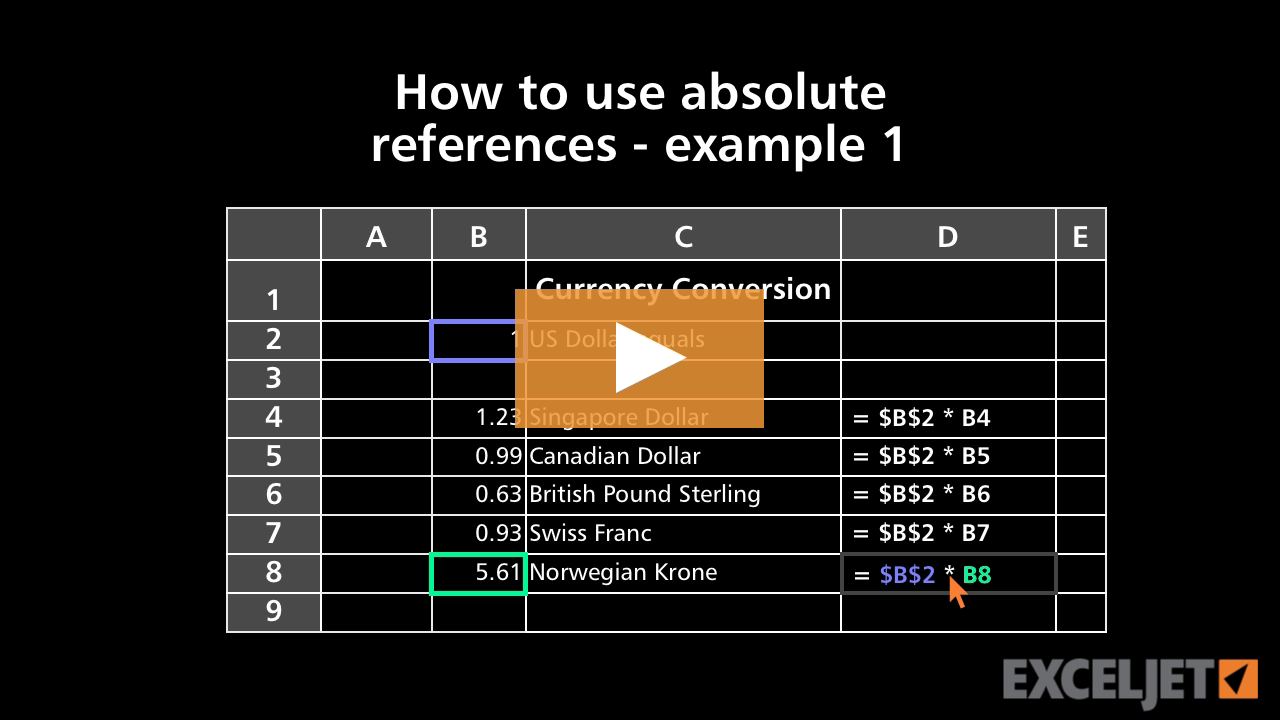
How to use absolute references - example 1
Core Excel
2:37

How to use absolute references - example 1

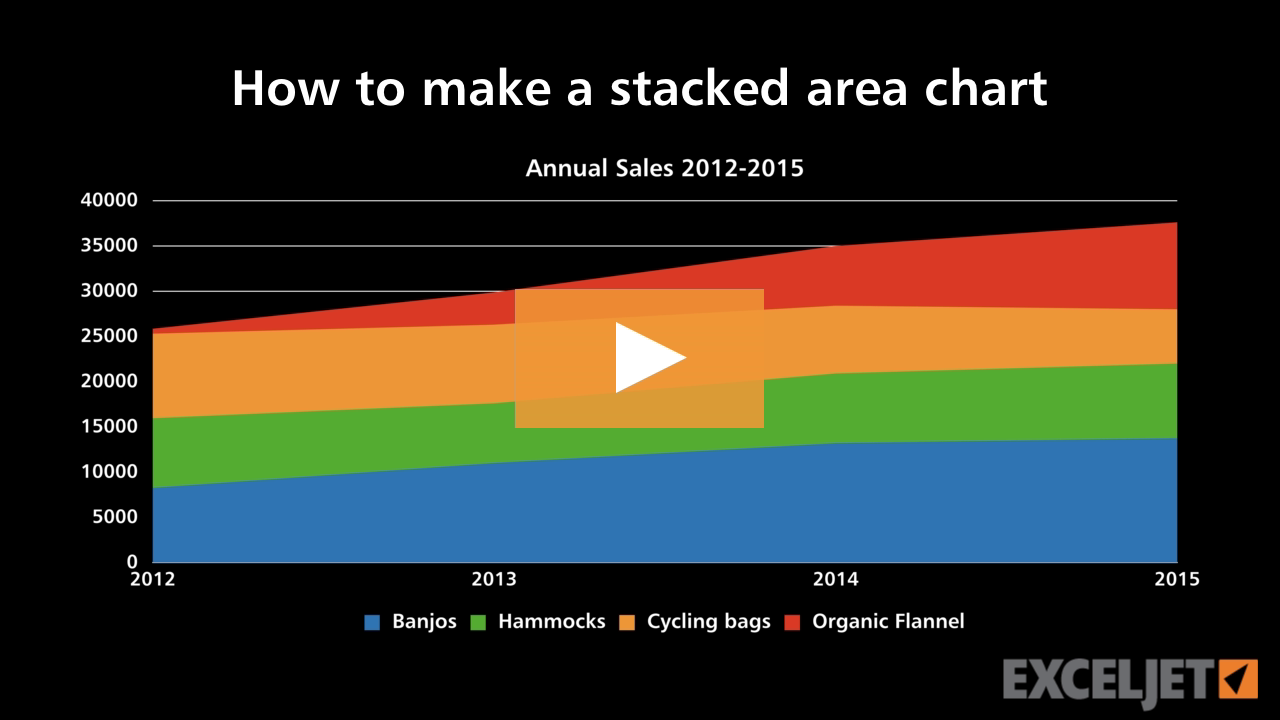
How to make a stacked area chart
Core Charts
3:26

How to make a stacked area chart

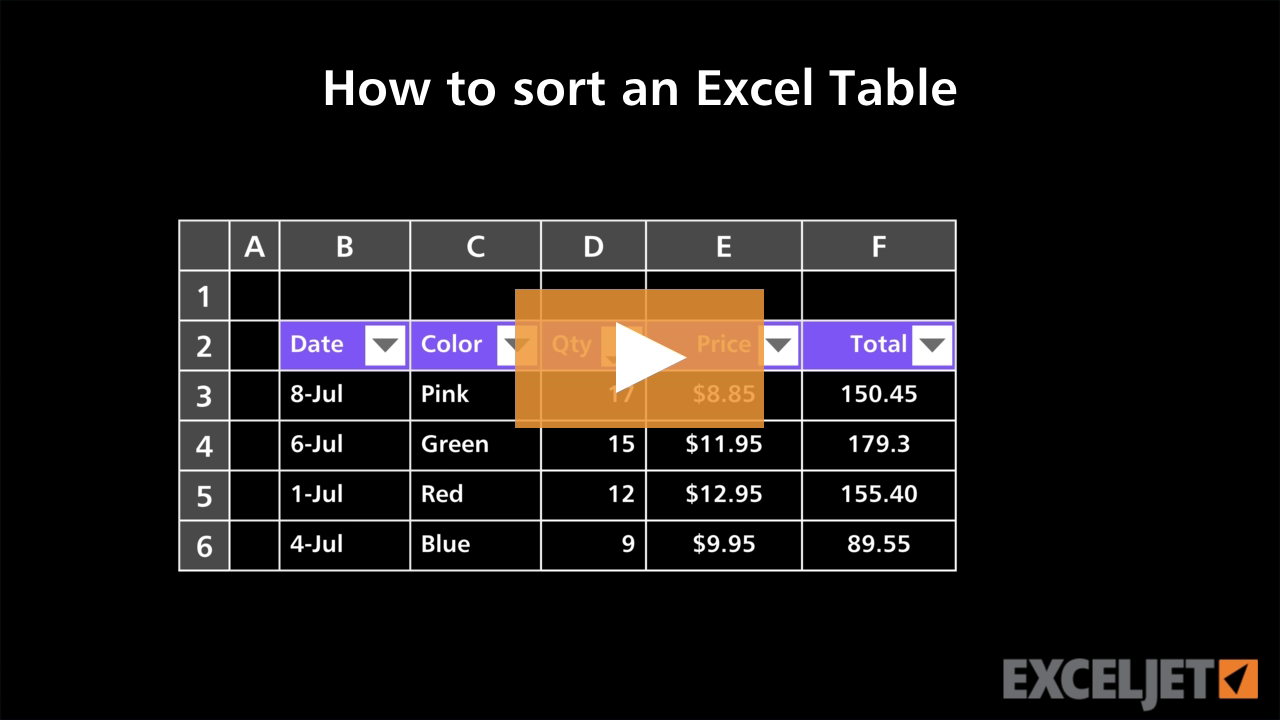
How to sort an Excel Table
Excel Tables
3:19

How to sort an Excel Table

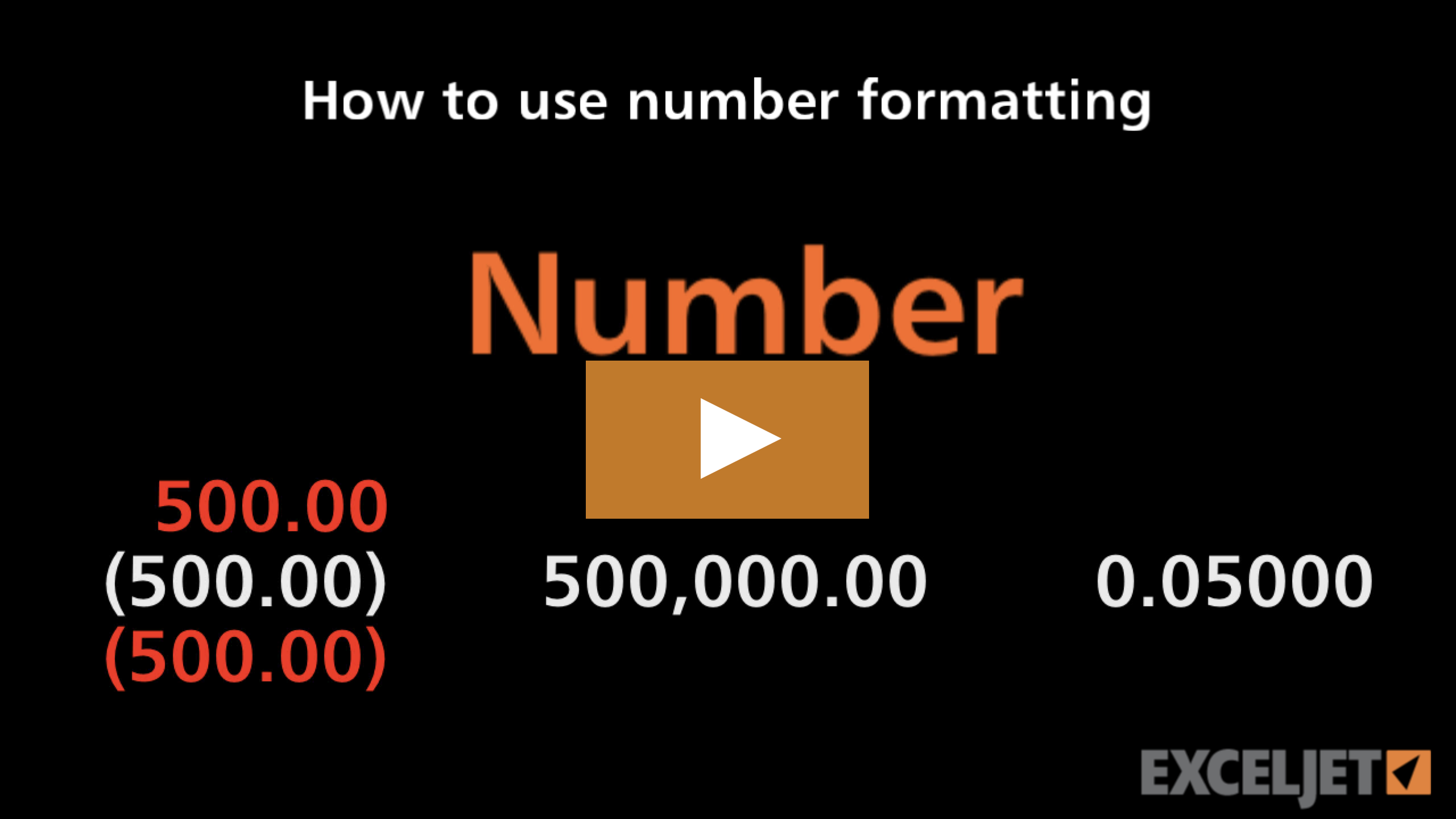
How to use number formatting in Excel
Core Excel
2:47

How to use number formatting in Excel

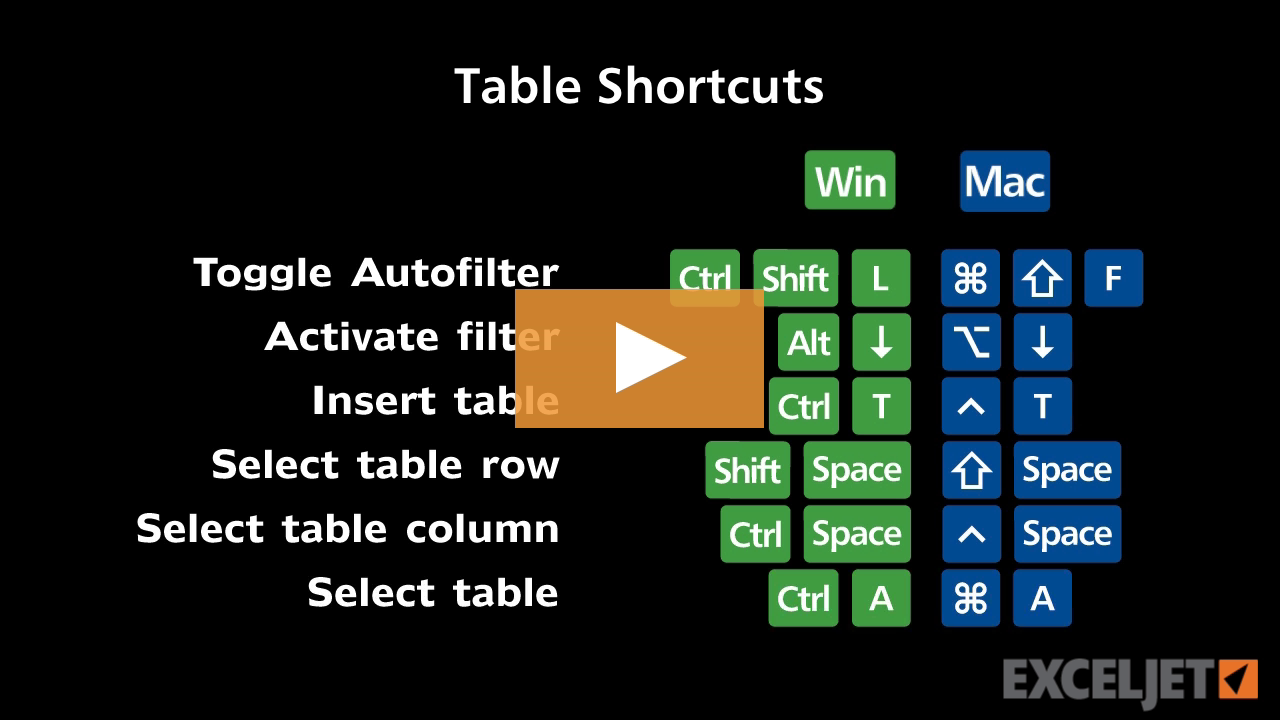
Shortcuts for Excel Tables
Excel Shortcuts
3:17

Shortcuts for Excel Tables

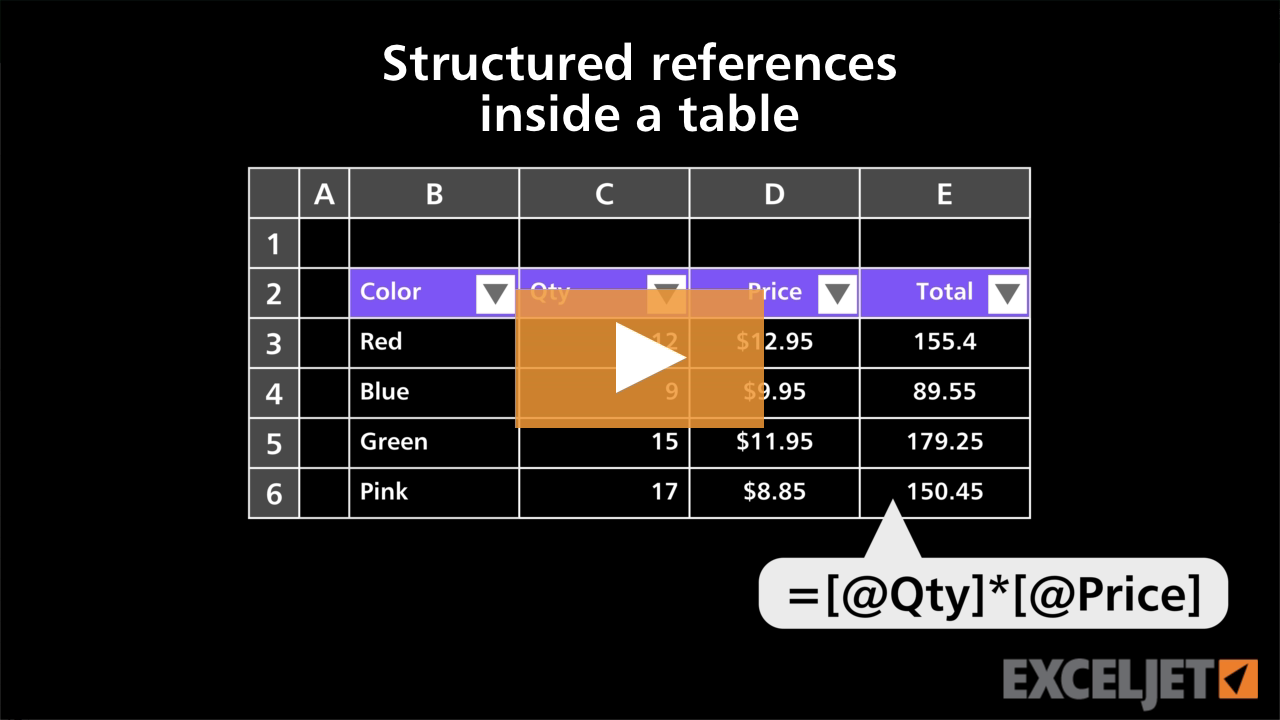
Structured references inside a table
Excel Tables
2:53

Structured references inside a table

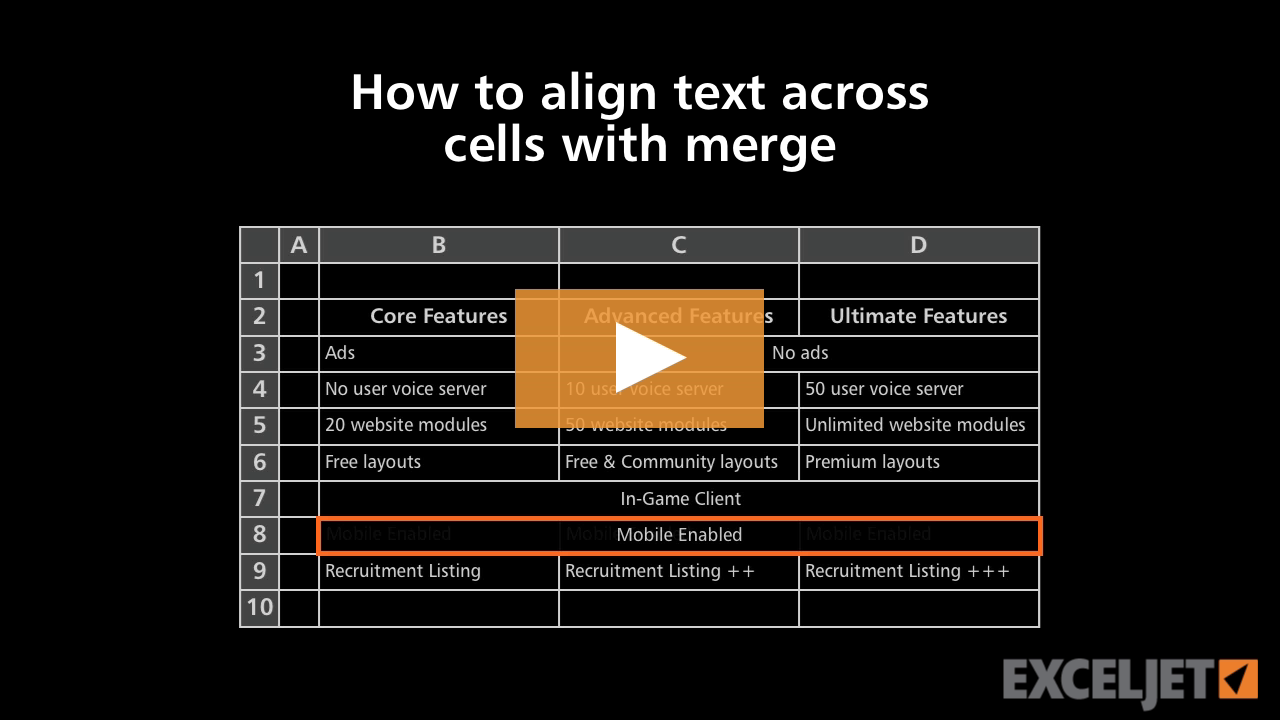
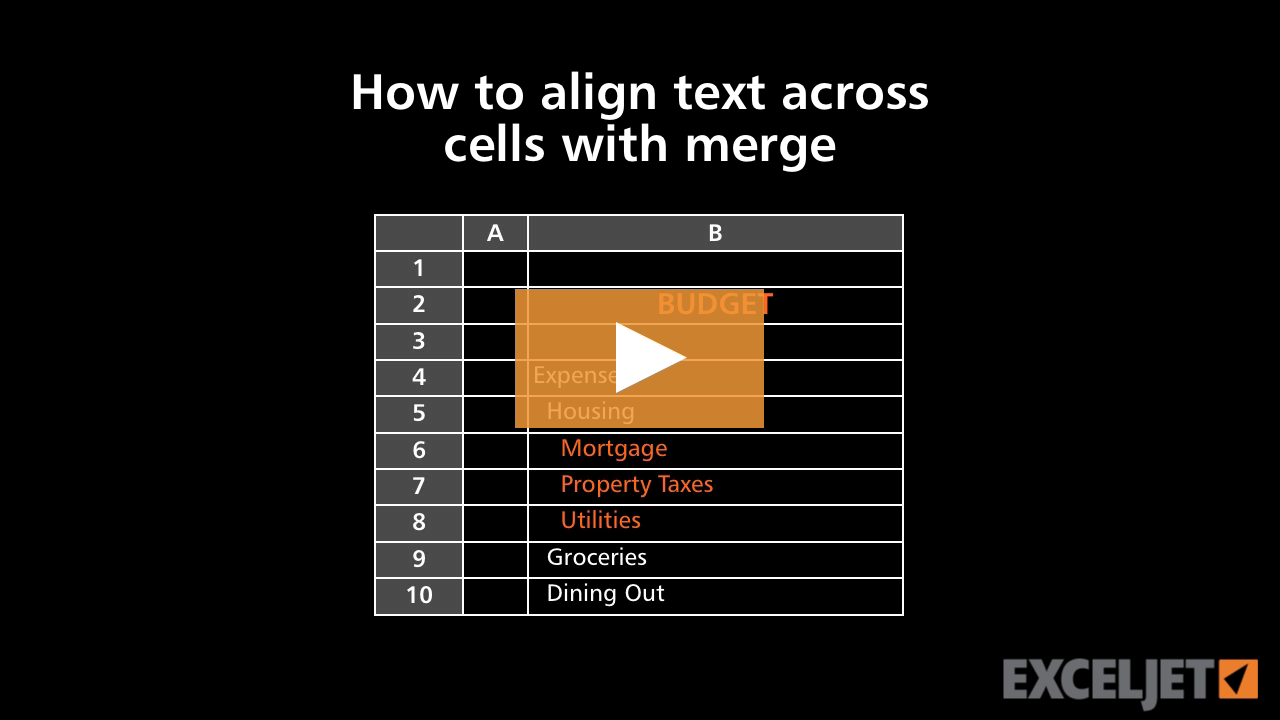
How to align text across cells with merge in Excel
Core Excel
2:55

How to align text across cells with merge in Excel

What is text in Excel
Core Formula
3:07

What is text in Excel

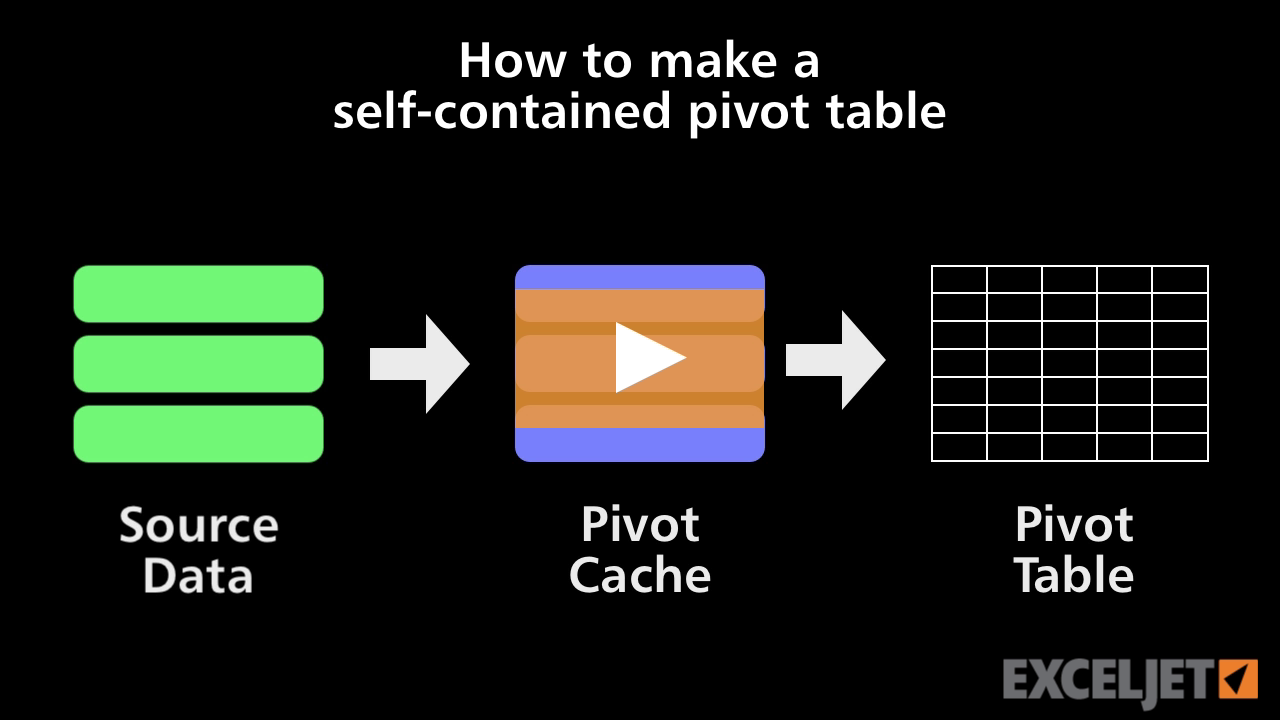
How to make a self-contained pivot table
Core Pivot
2:44

How to make a self-contained pivot table

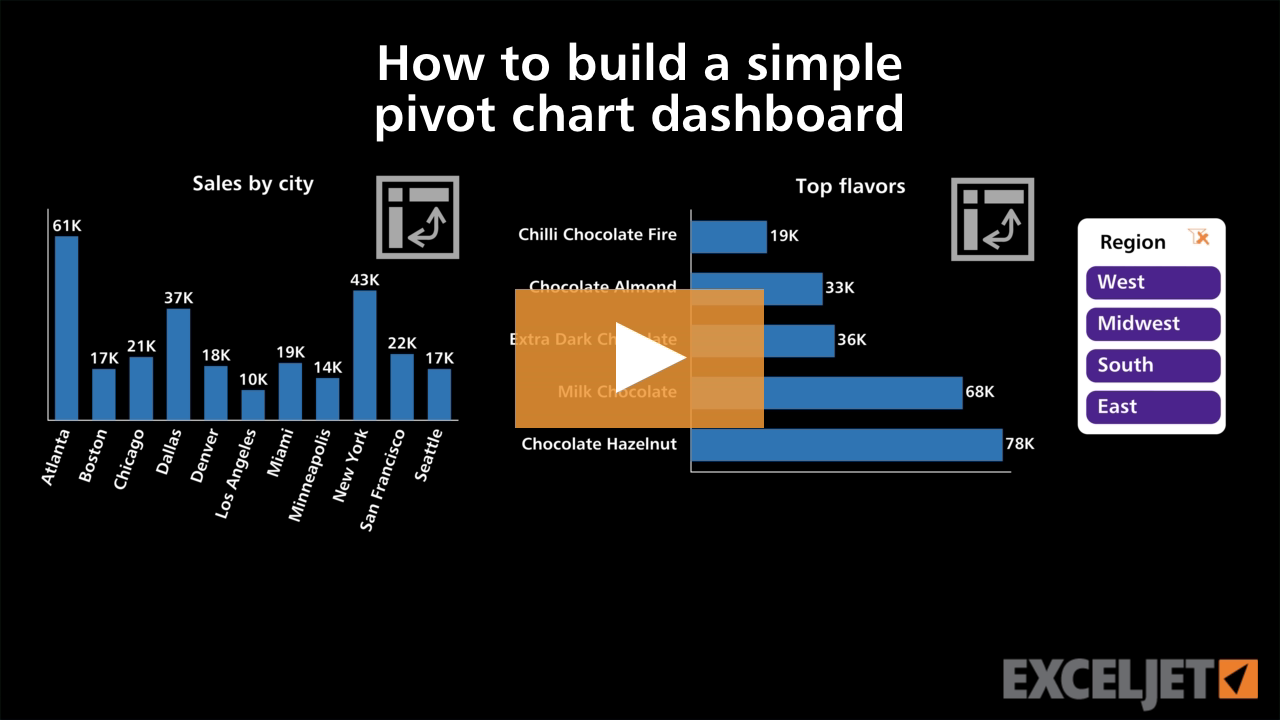
How to build a simple pivot chart dashboard
Core Charts
3:28

How to build a simple pivot chart dashboard

How to navigate a workbook
Core Excel
2:32

How to navigate a workbook

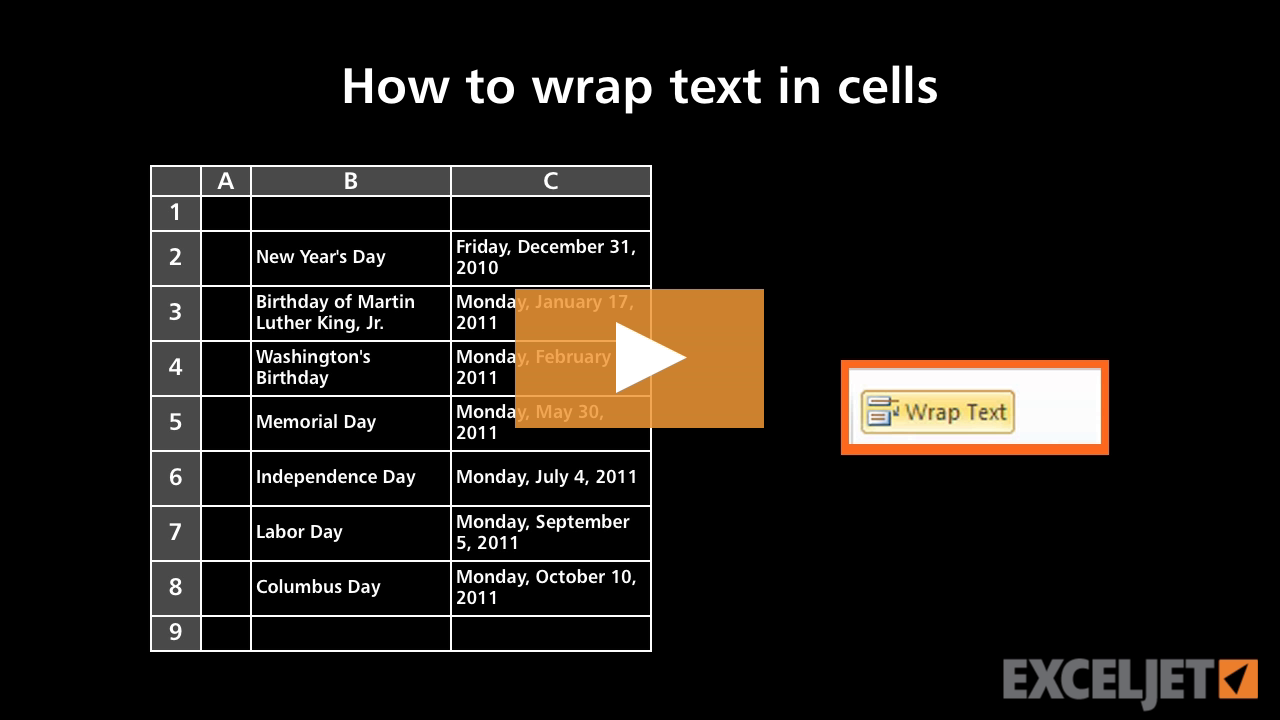
How to wrap text in cells in Excel
Core Excel
2:41

How to wrap text in cells in Excel

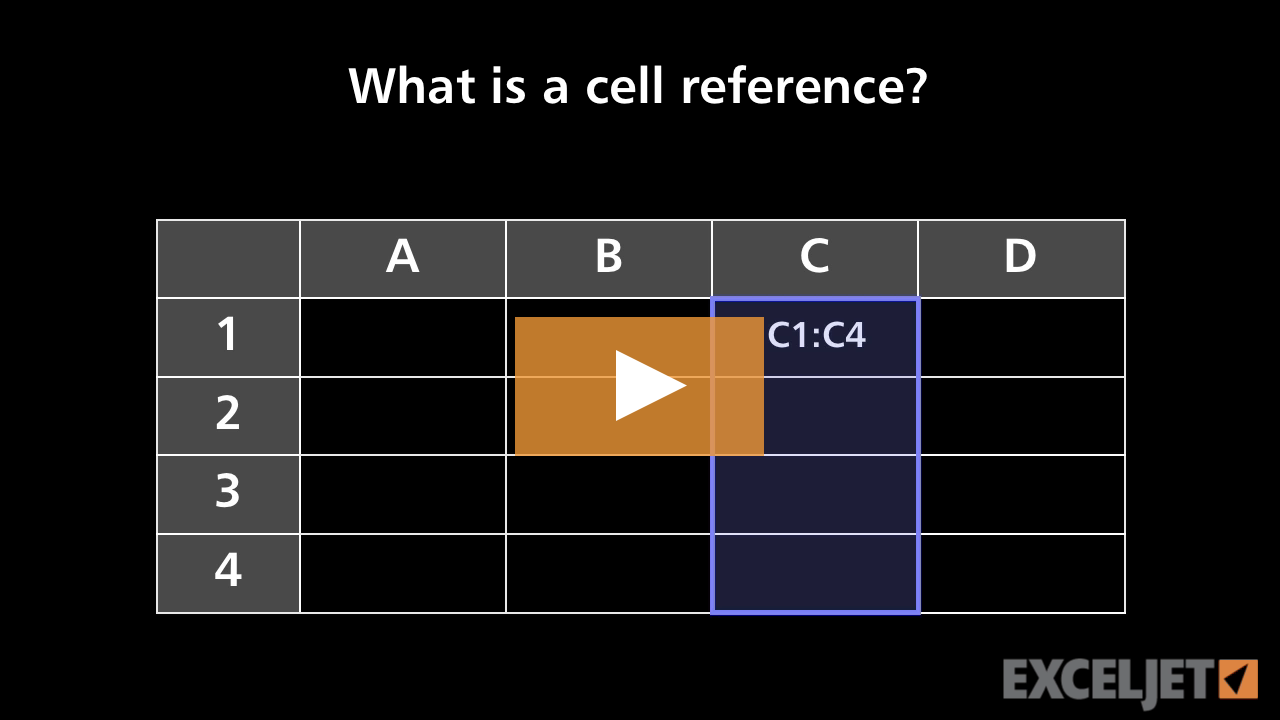
What is a cell reference?
Core Excel
2:15

What is a cell reference?

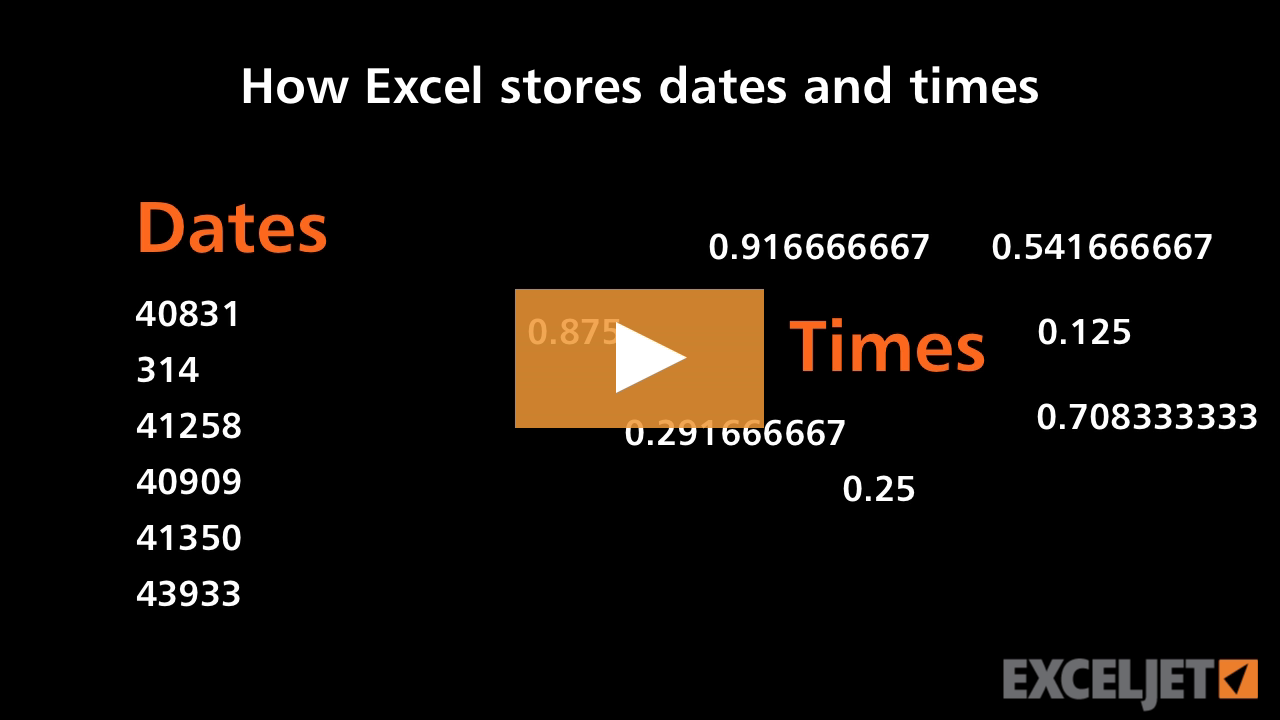
How Excel stores dates and times
Core Excel
2:44

How Excel stores dates and times

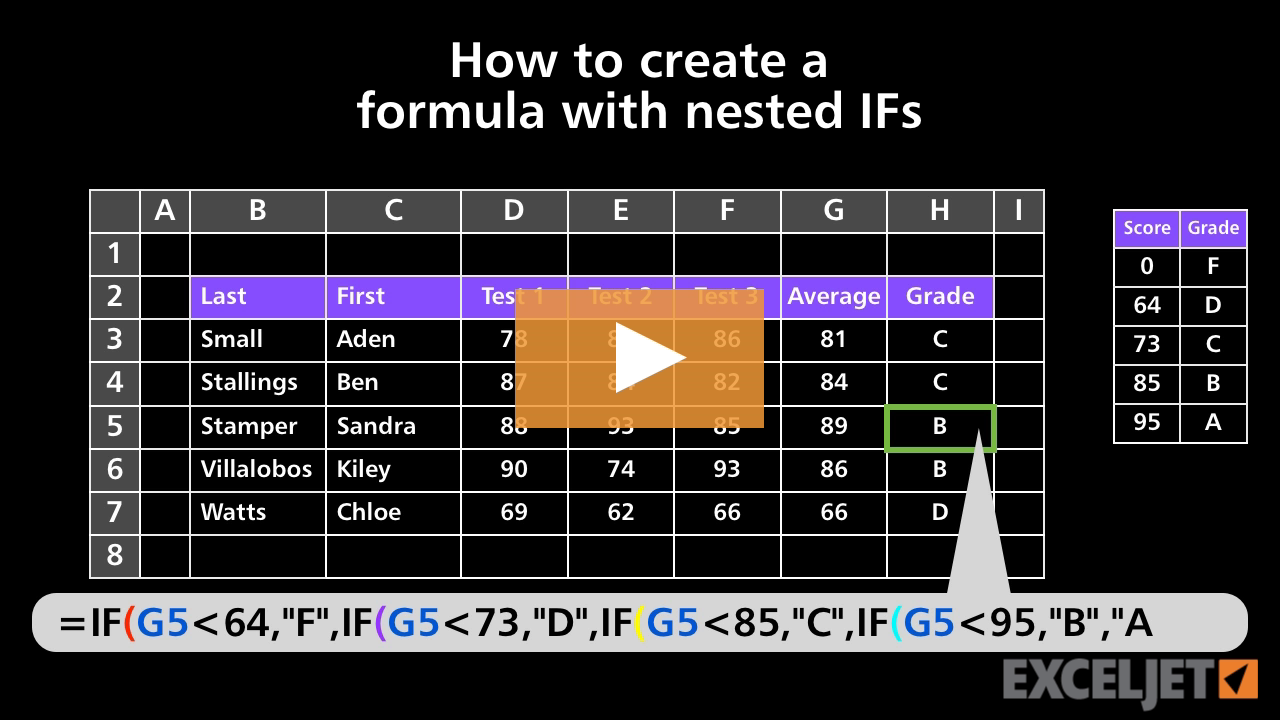
How to create a formula with nested IFs
Core Formula
3:15

How to create a formula with nested IFs

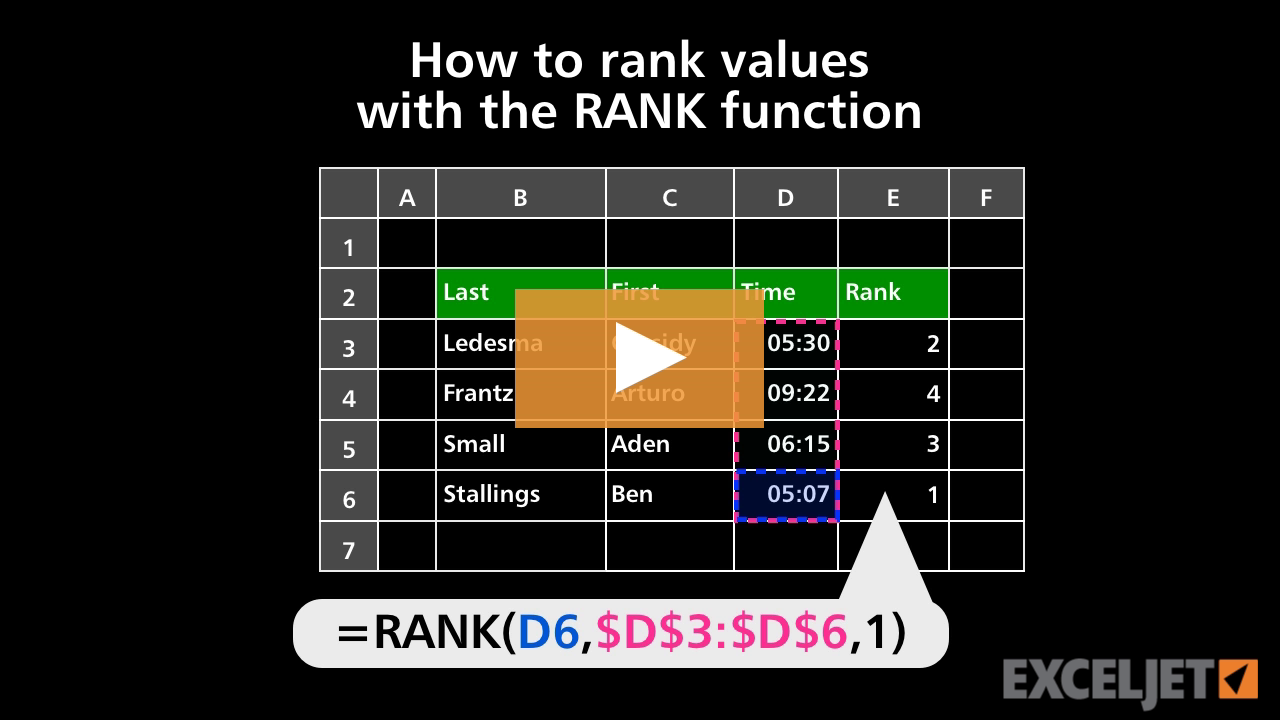
How to rank values with the RANK function
Core Formula
2:59

How to rank values with the RANK function

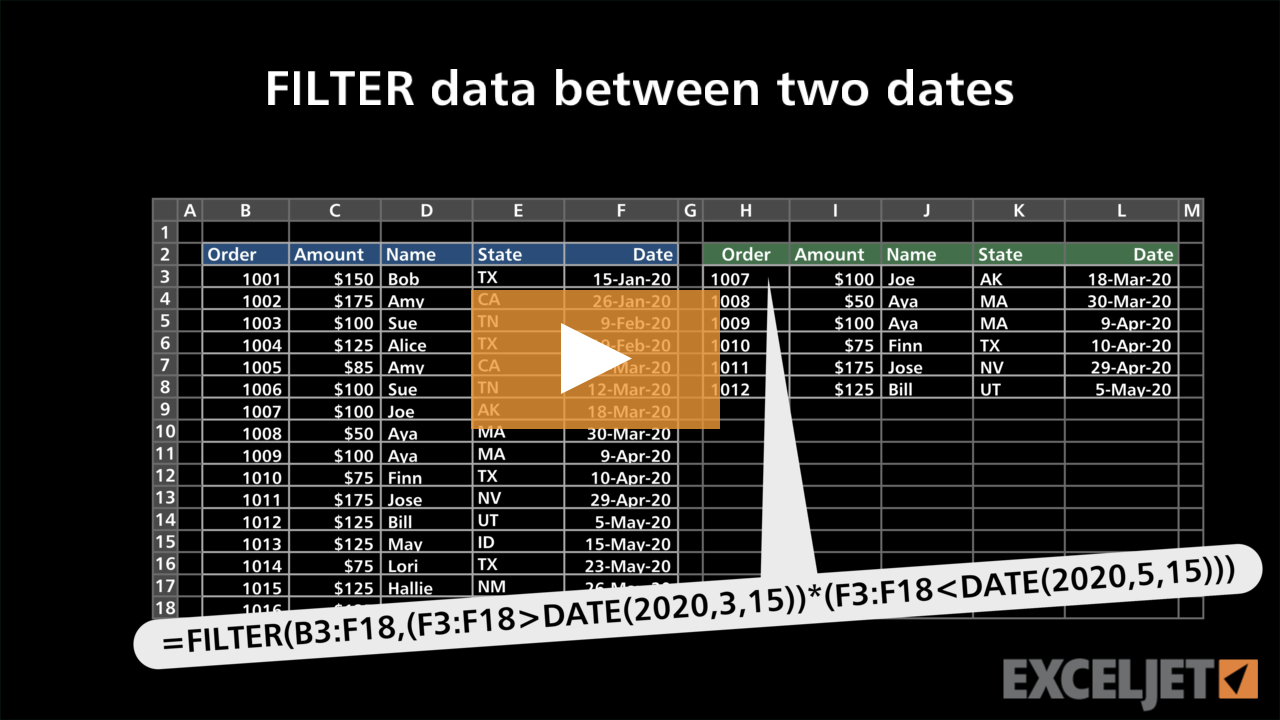
FILTER data between two dates
Dynamic Array Formulas
3:06

FILTER data between two dates

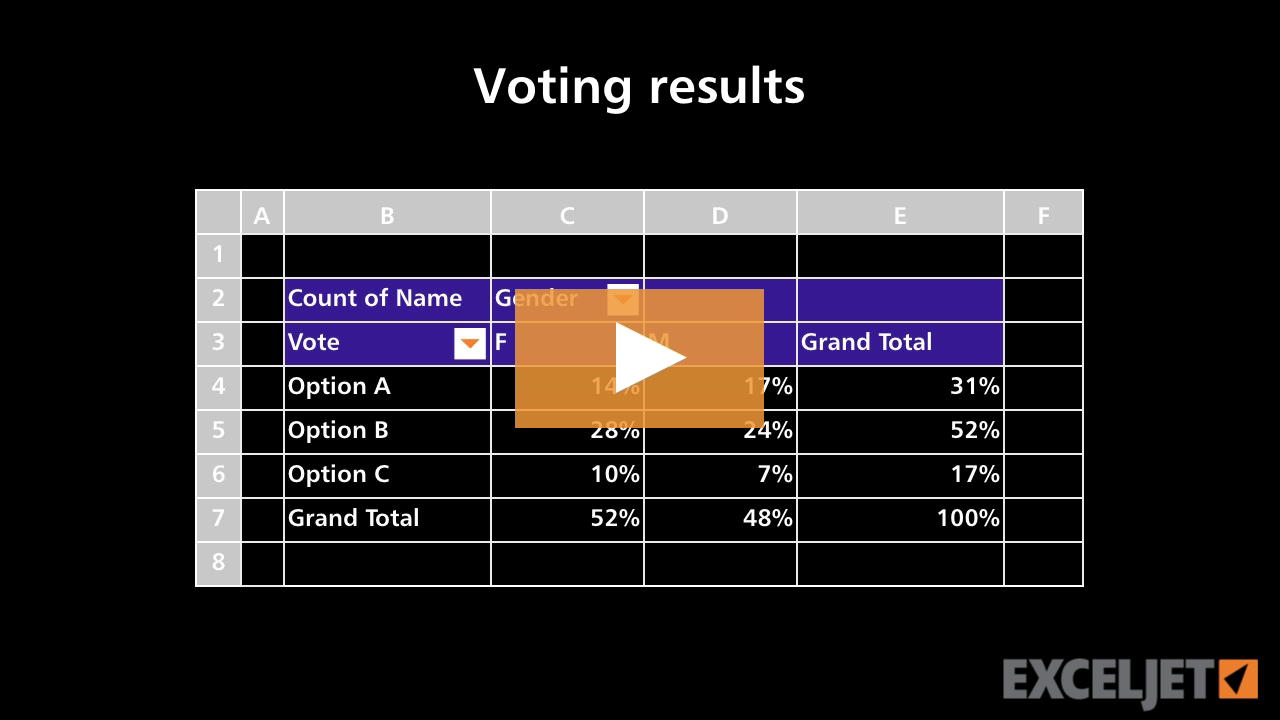
Pivot Table Example - Voting results
Core Pivot
1:44

Pivot Table Example - Voting results

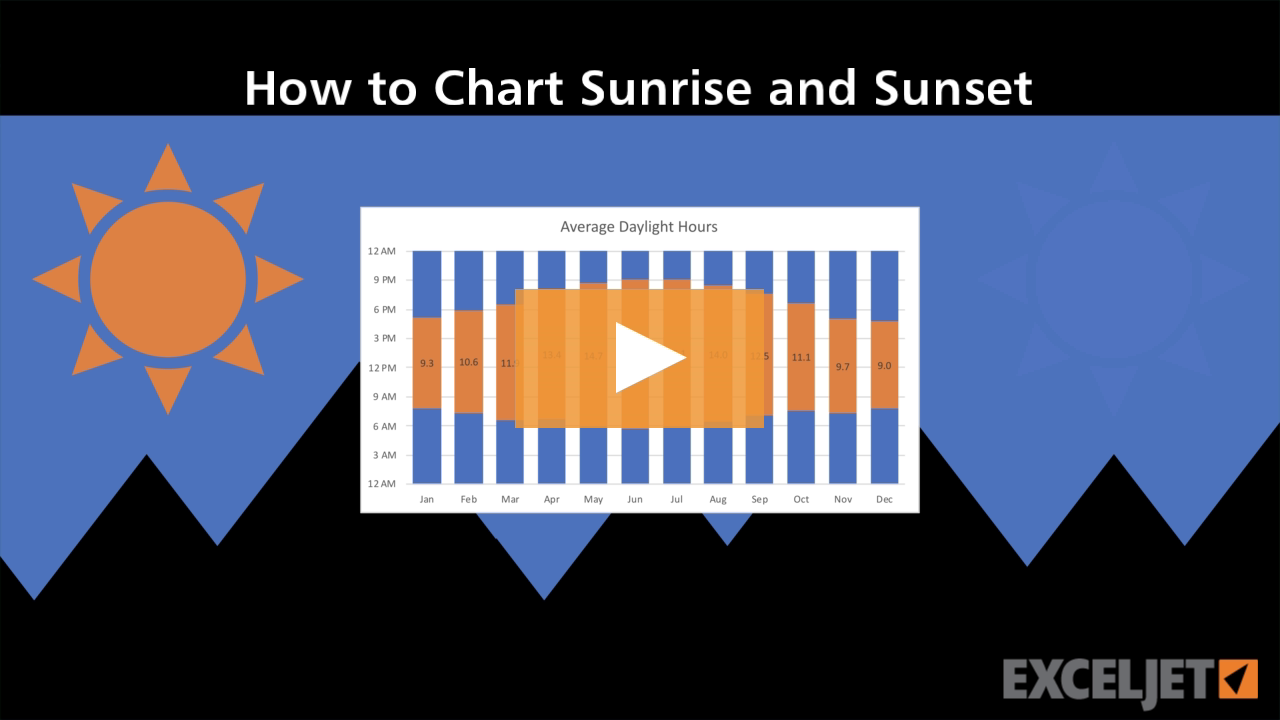
How to chart sunrise and sunset
Core Charts
3:49

How to chart sunrise and sunset

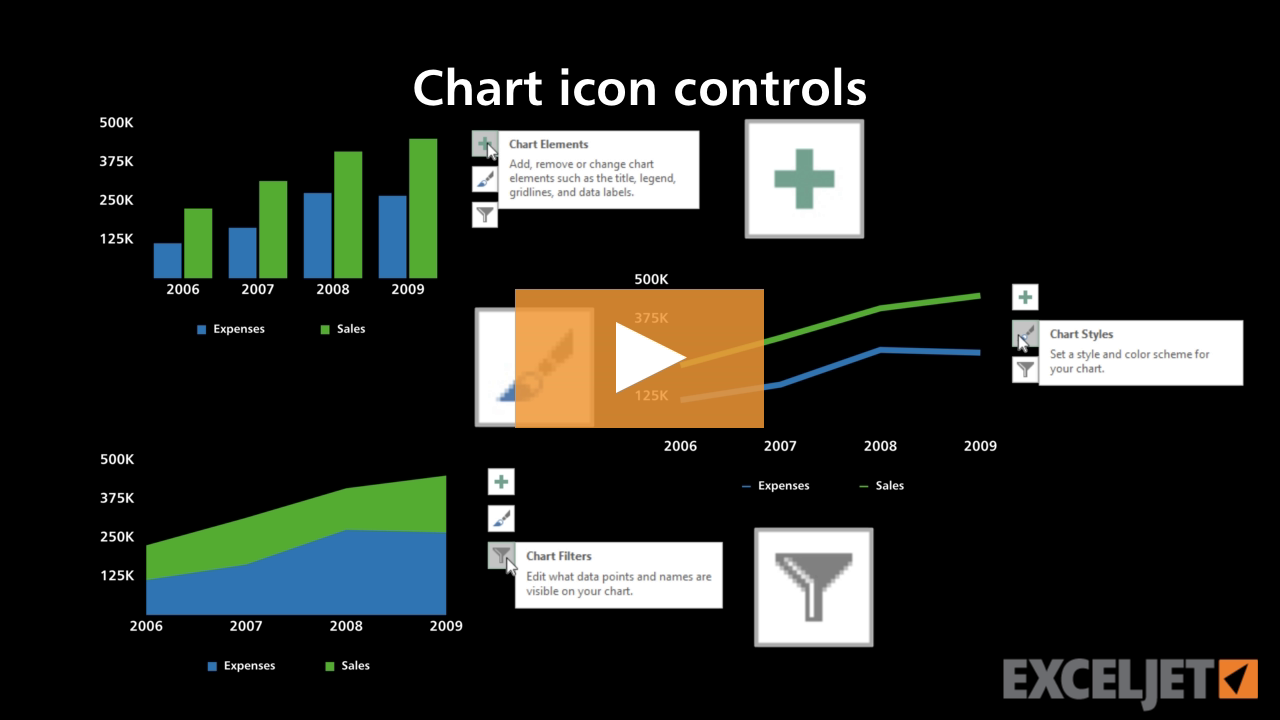
Chart icon controls
Core Charts
2:56

Chart icon controls

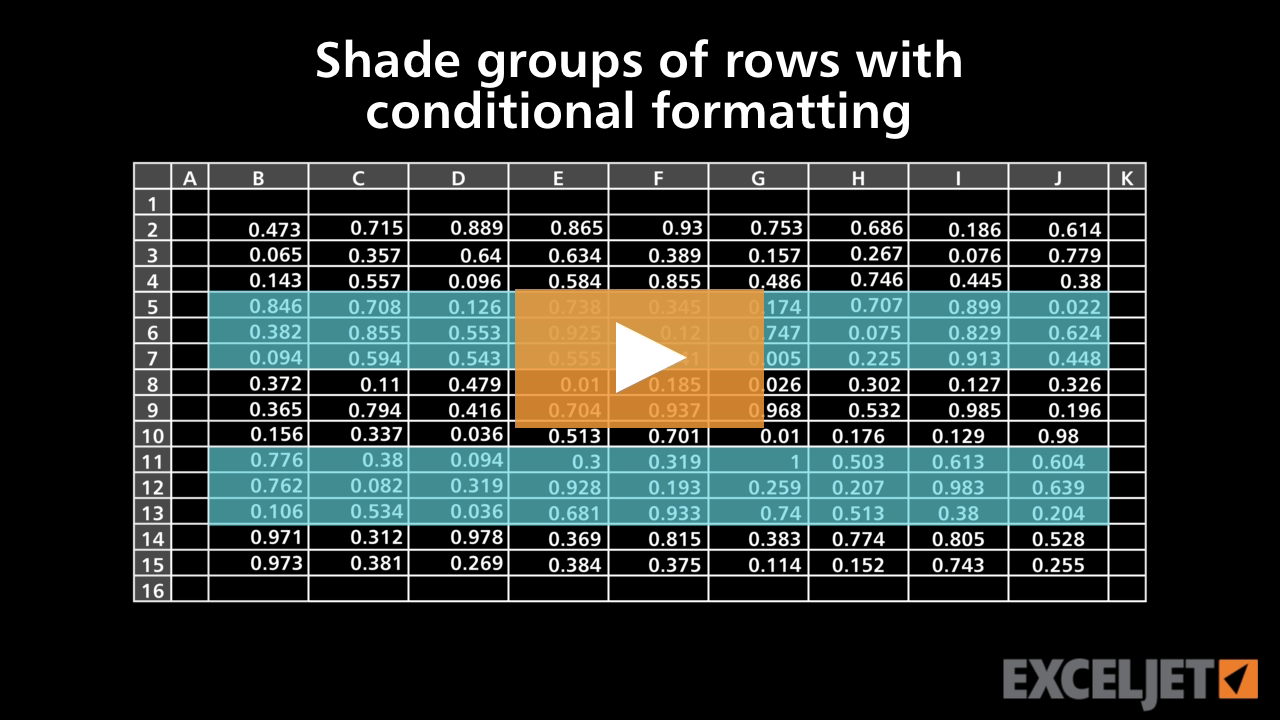
Shade groups of rows with conditional formatting
Conditional Formatting
3:01

Shade groups of rows with conditional formatting

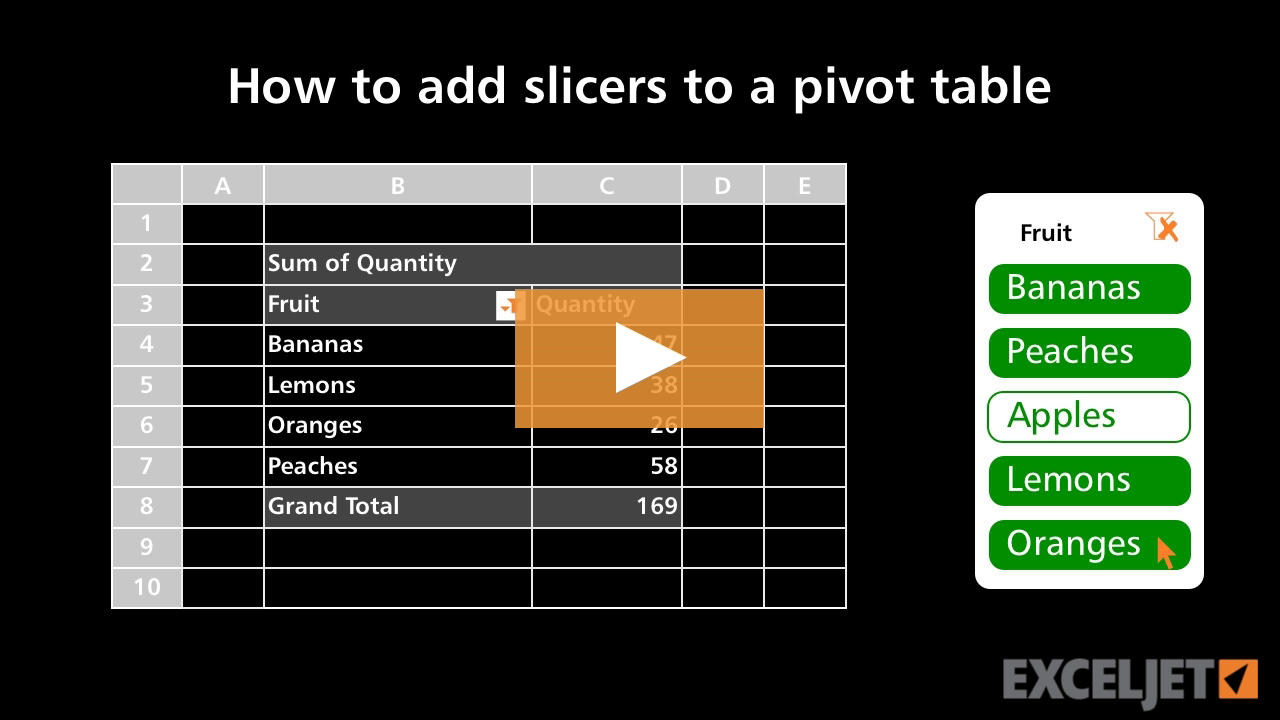
How to add slicers to a pivot table
Core Pivot
3:14

How to add slicers to a pivot table

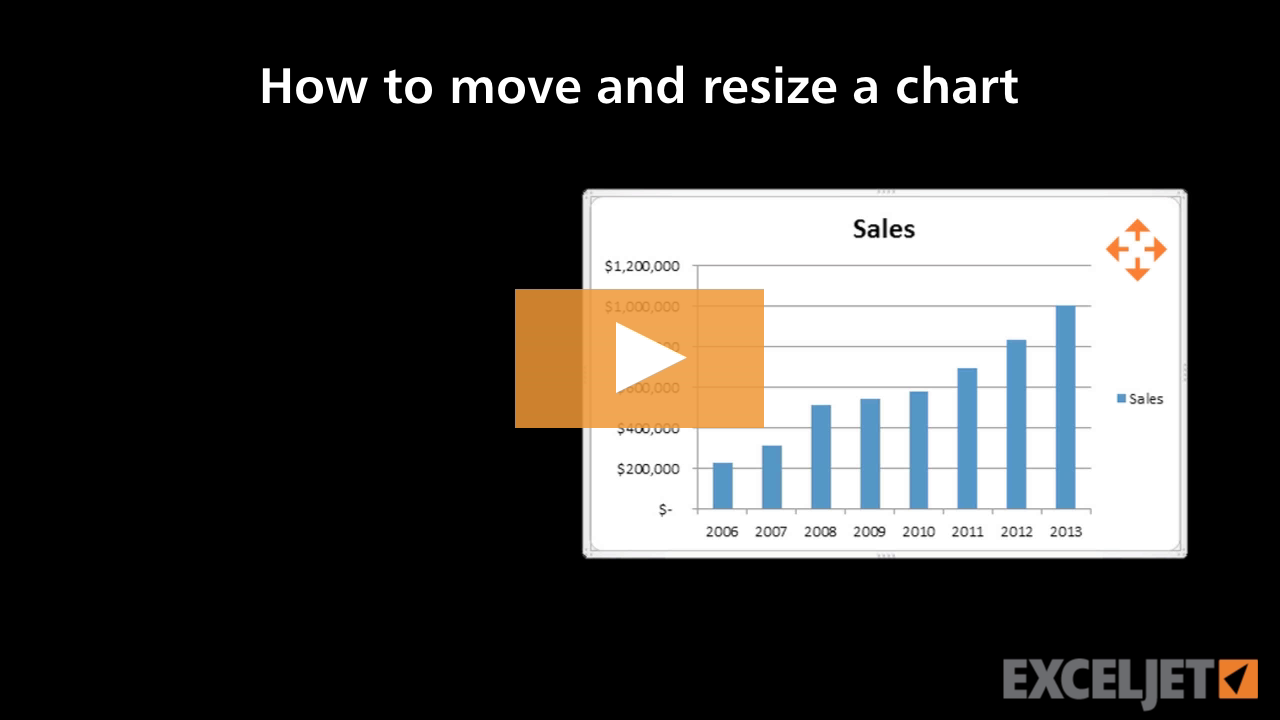
How to move and resize a chart in Excel
Core Excel
2:45

How to move and resize a chart in Excel

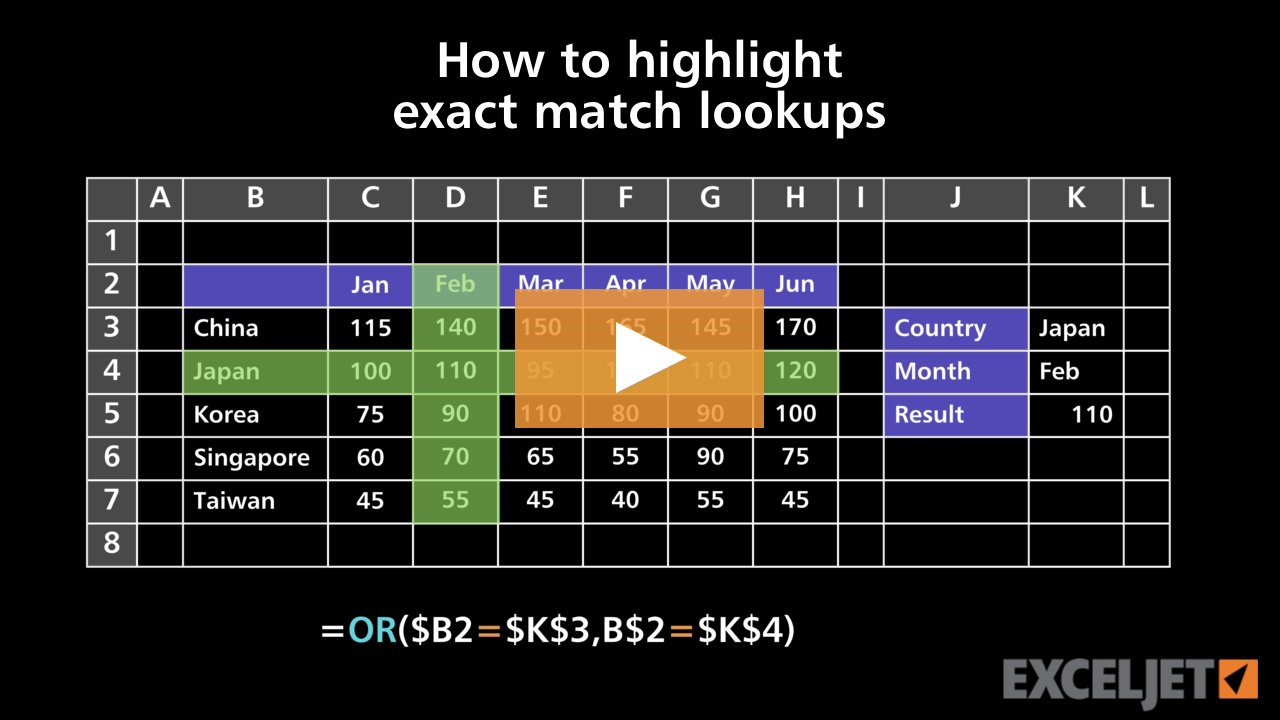
How to highlight exact match lookups
Conditional Formatting
4:05

How to highlight exact match lookups

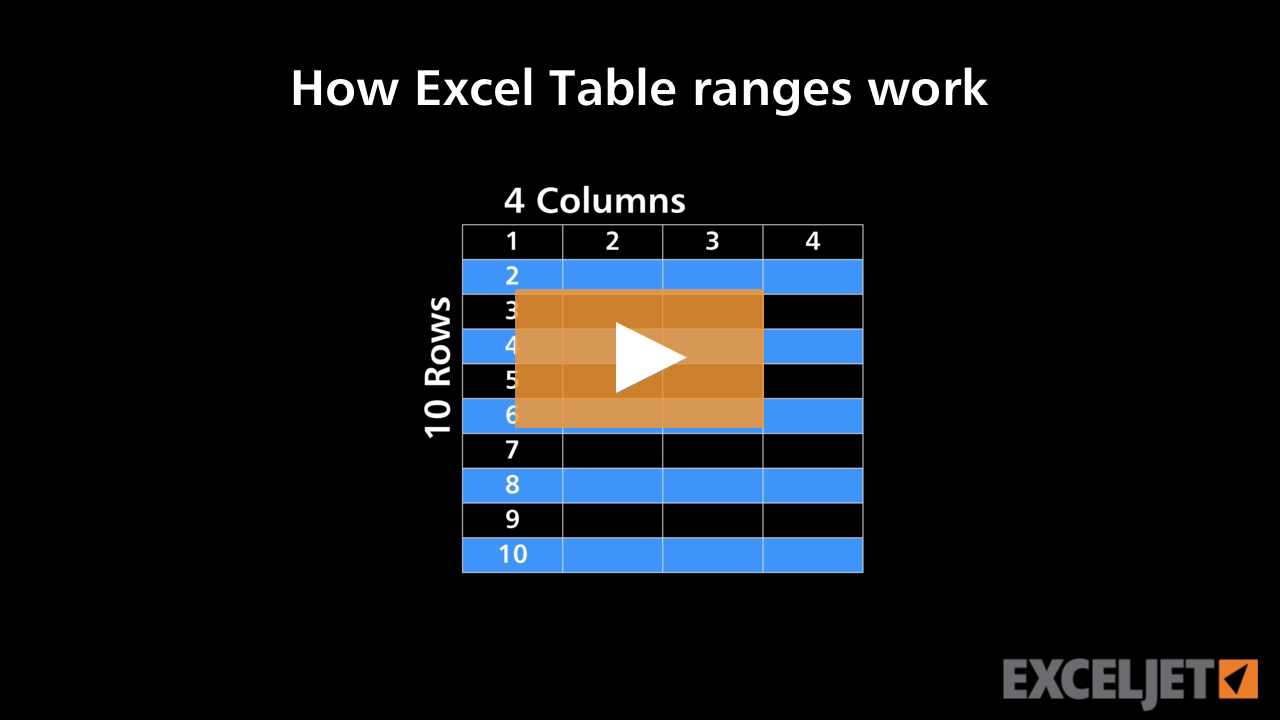
How Excel Table ranges work
Excel Tables
2:56

How Excel Table ranges work

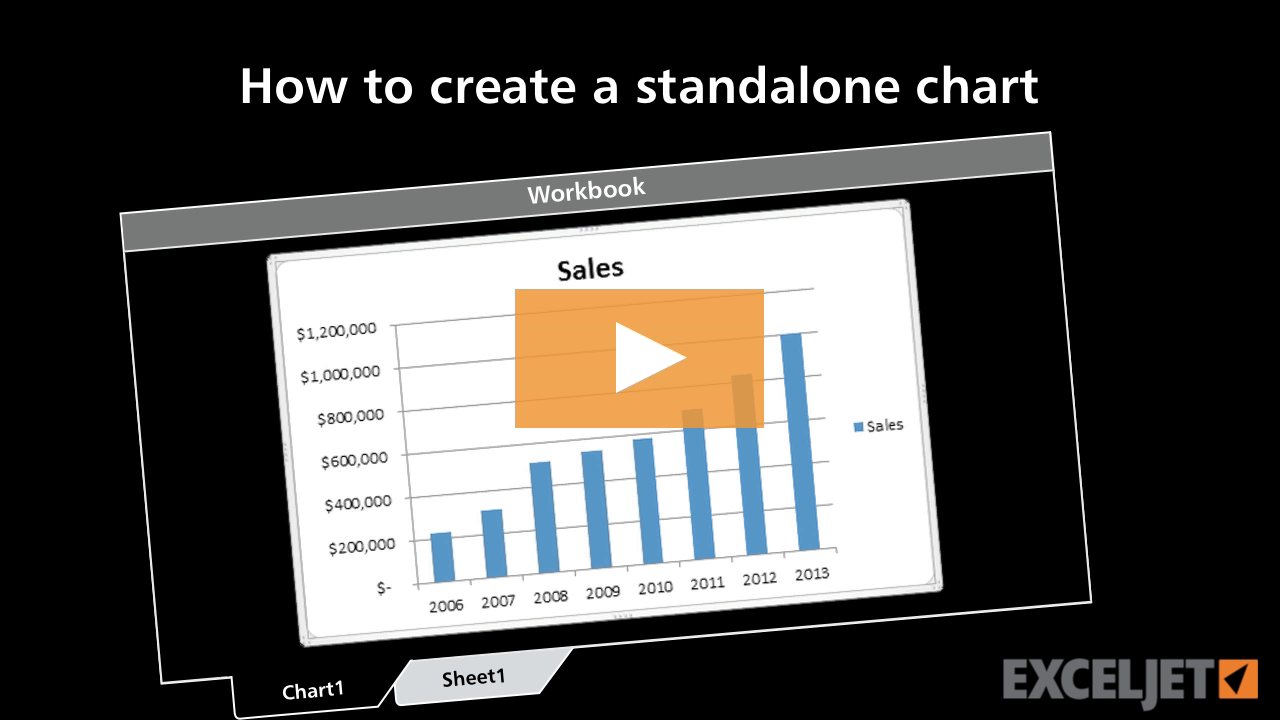
How to create a standalone chart
Core Excel
2:31

How to create a standalone chart

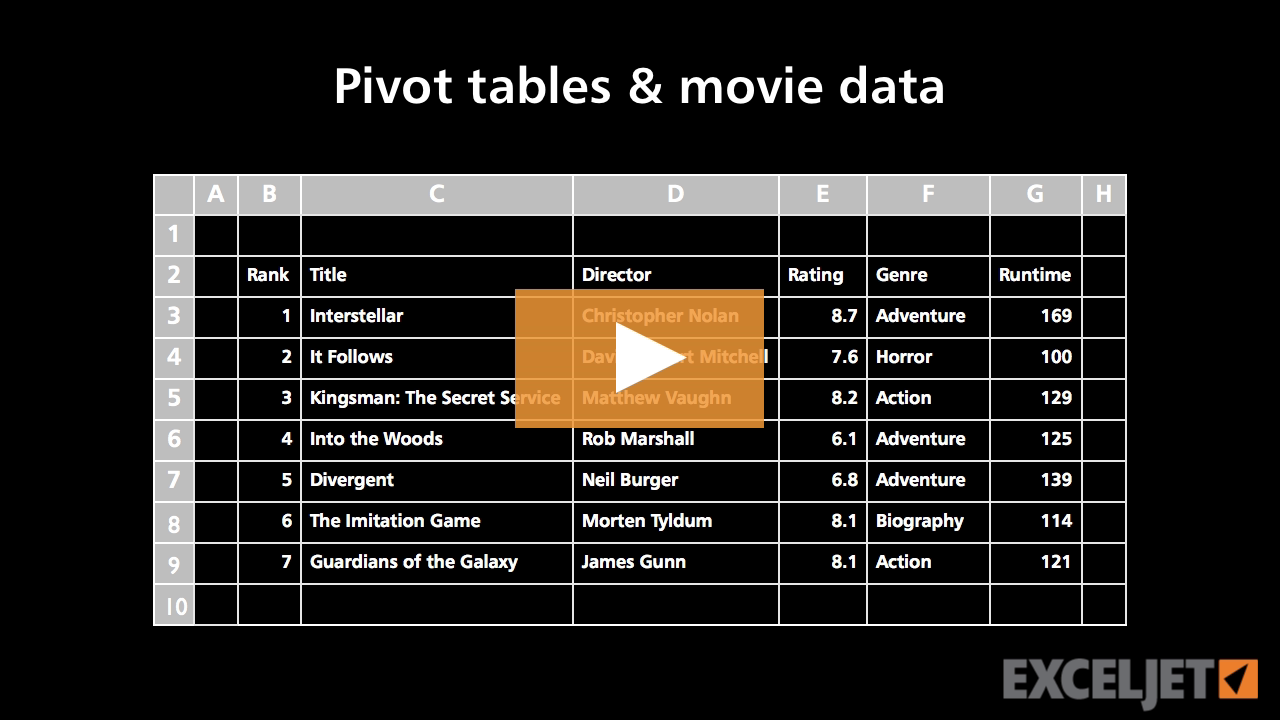
Pivot Table Example - IMDB Movie data
Core Pivot
2:28

Pivot Table Example - IMDB Movie data

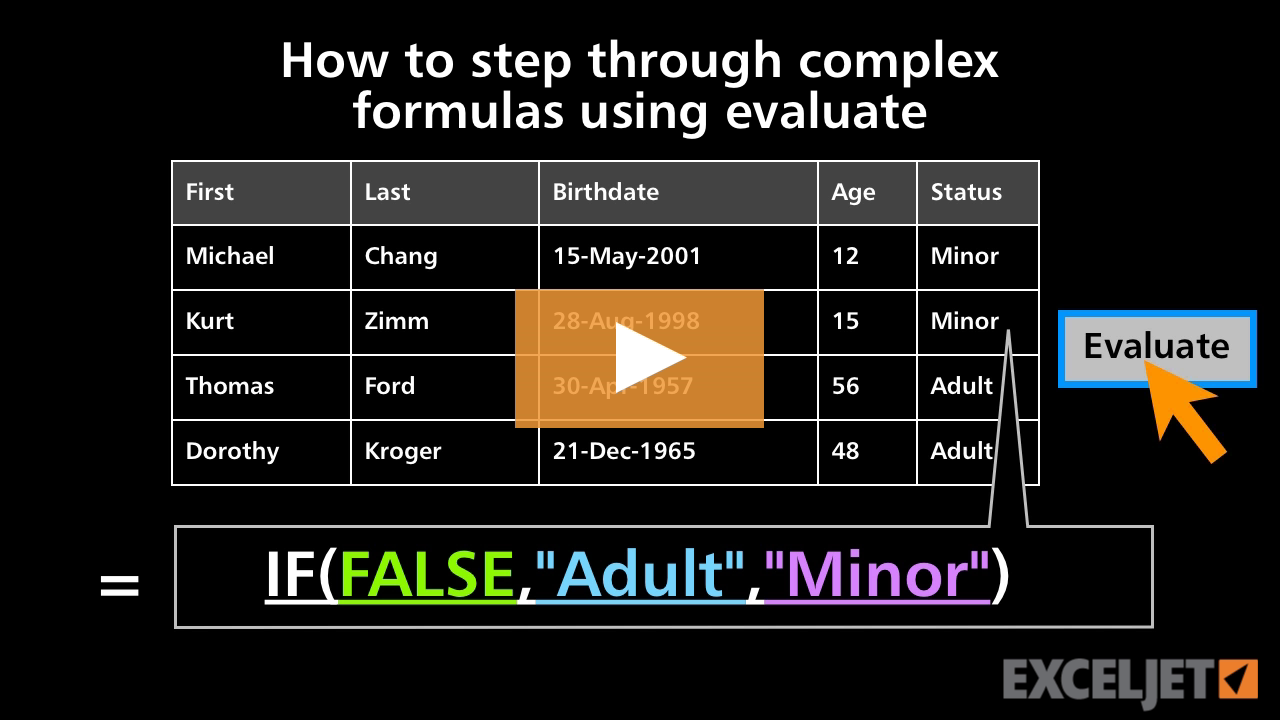
How to step through complex formulas using Evaluate
Core Formula
3:16

How to step through complex formulas using Evaluate

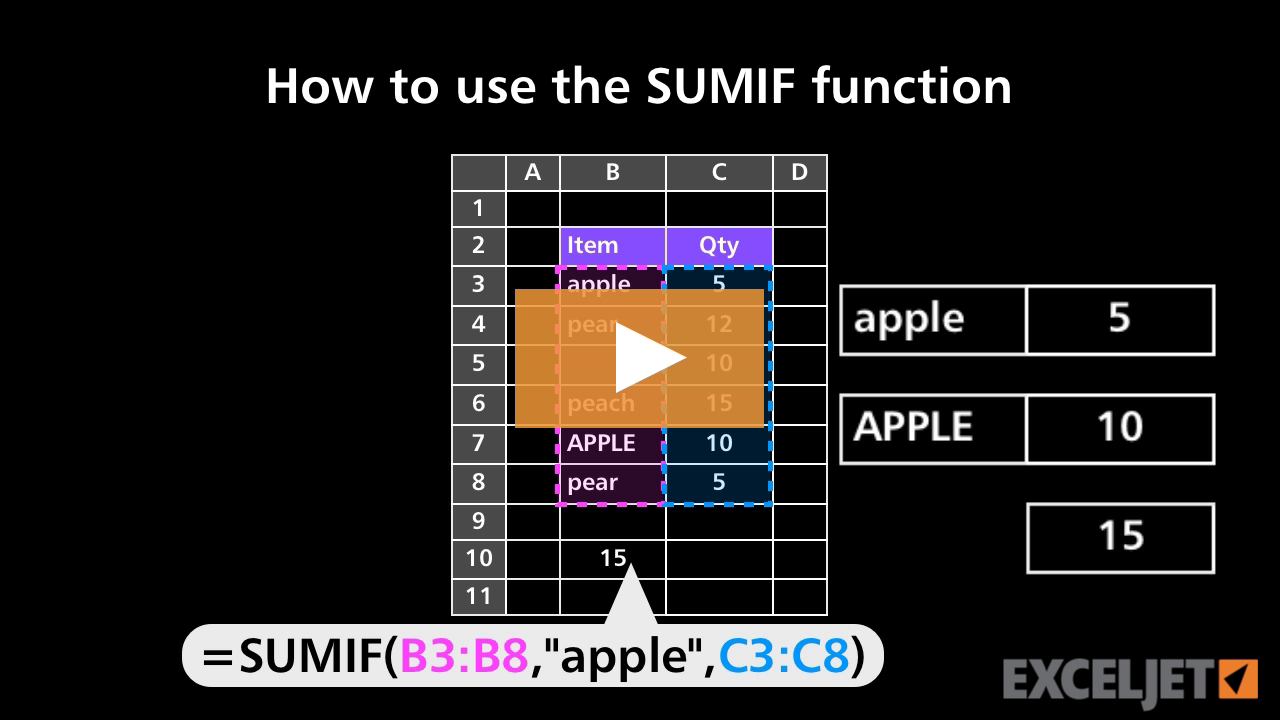
How to use the SUMIF function
Core Formula
3:43

How to use the SUMIF function

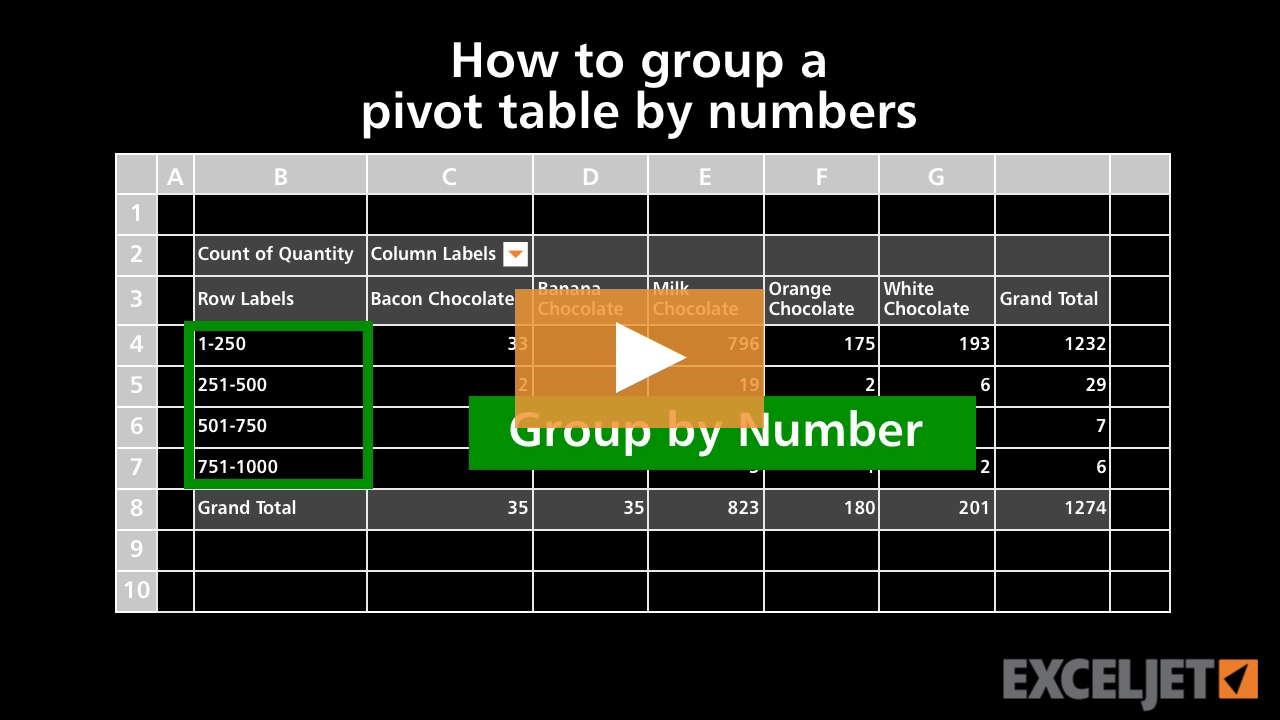
How to group a pivot table by numbers
Core Pivot
3:08

How to group a pivot table by numbers

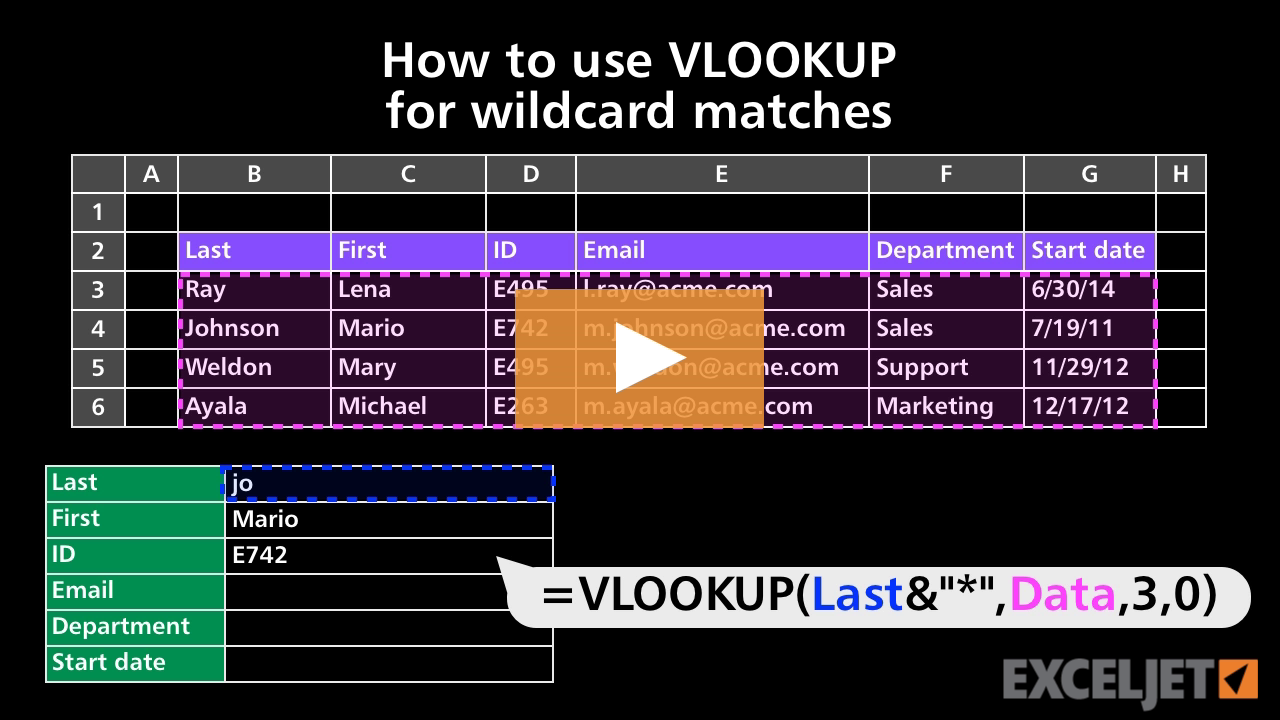
How to use VLOOKUP for wildcard matches
Core Formula
3:24

How to use VLOOKUP for wildcard matches

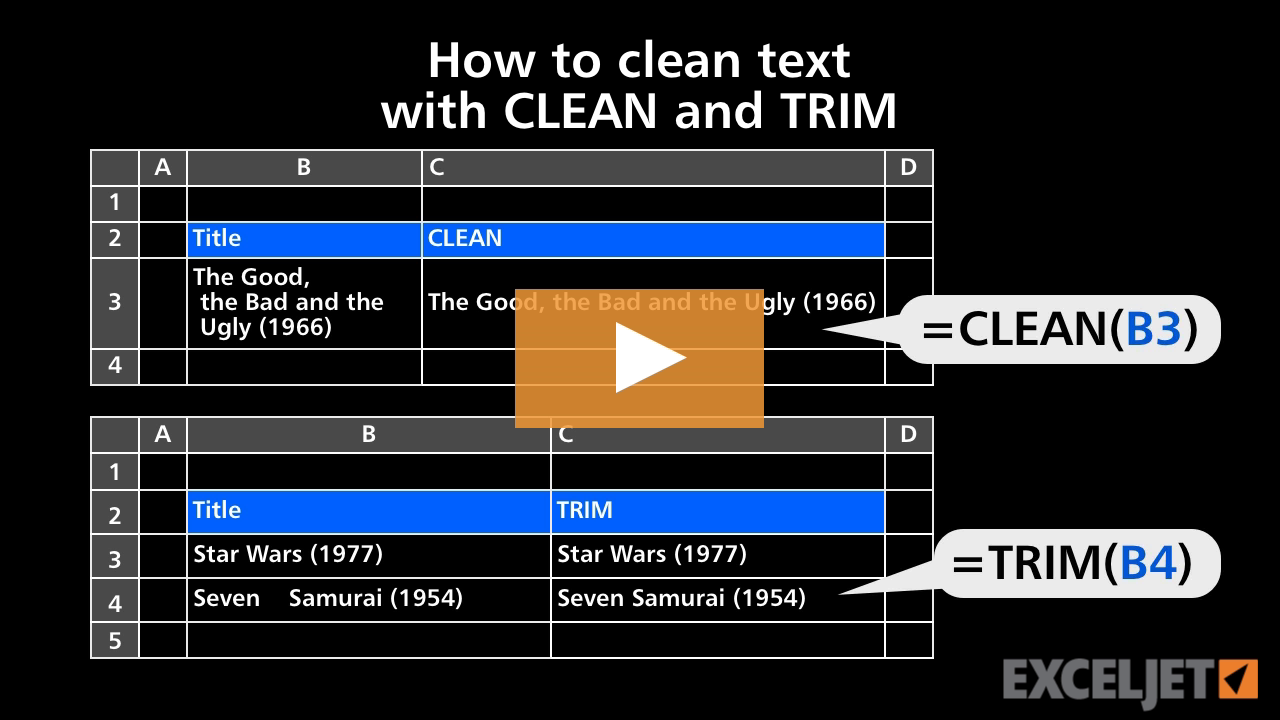
How to clean text with CLEAN and TRIM
Core Formula
2:22

How to clean text with CLEAN and TRIM

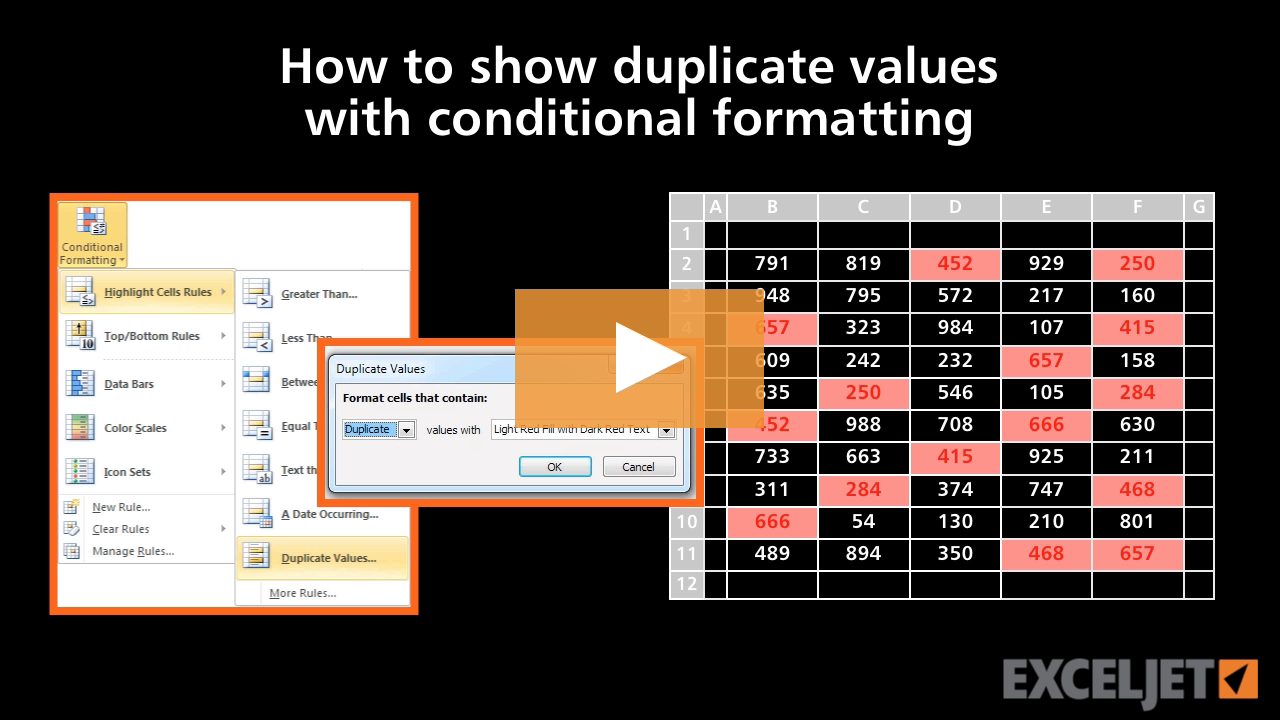
How to show duplicate values with conditional formatting
Conditional Formatting
1:59

How to show duplicate values with conditional formatting

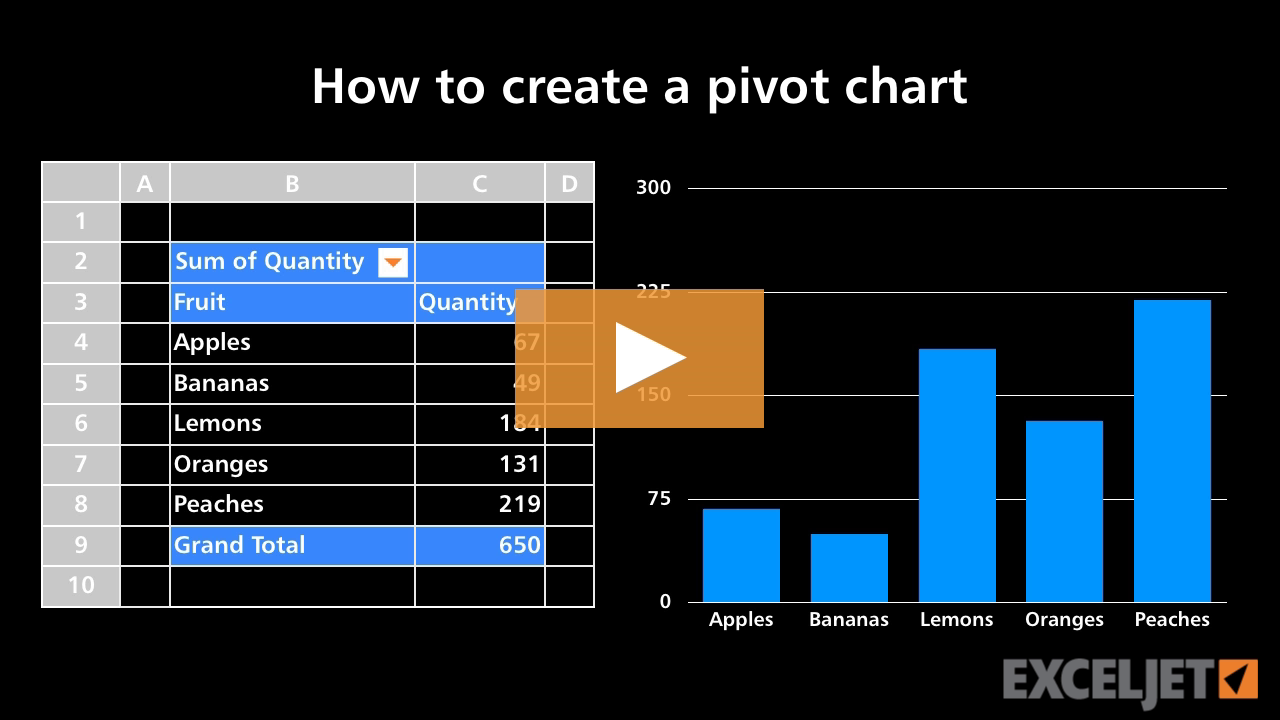
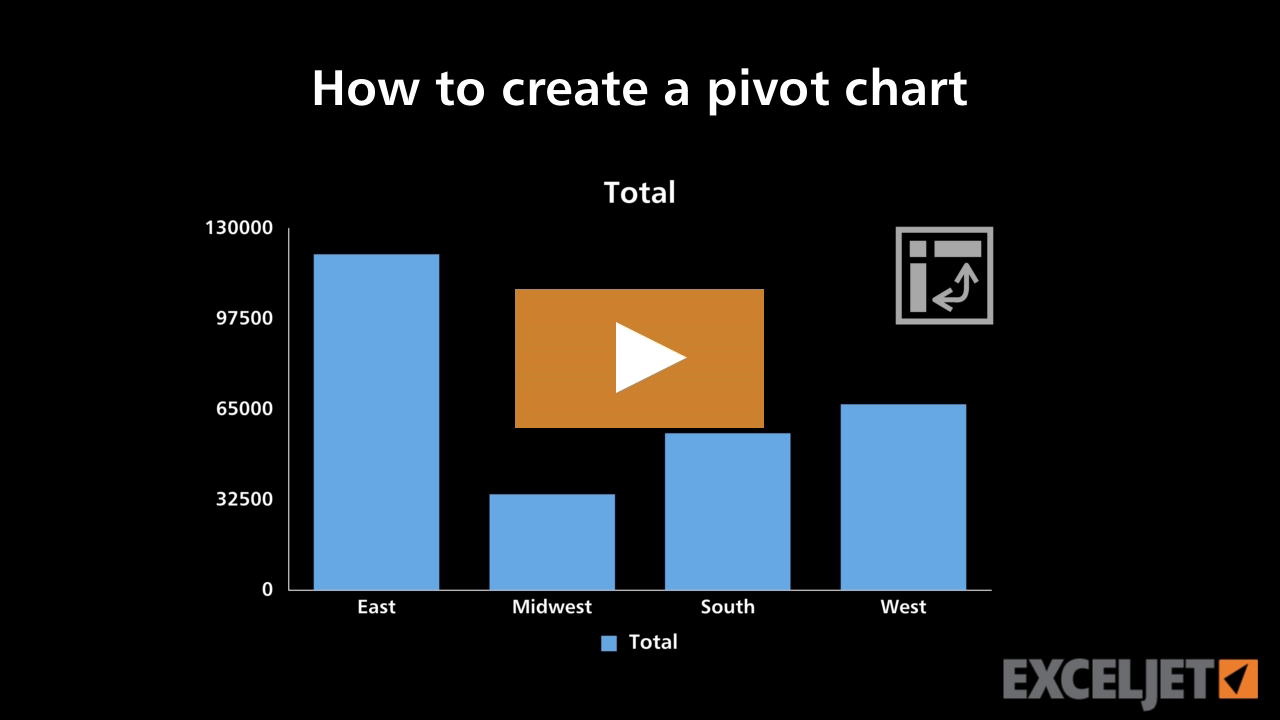
How to create a pivot chart
Core Pivot
2:28

How to create a pivot chart

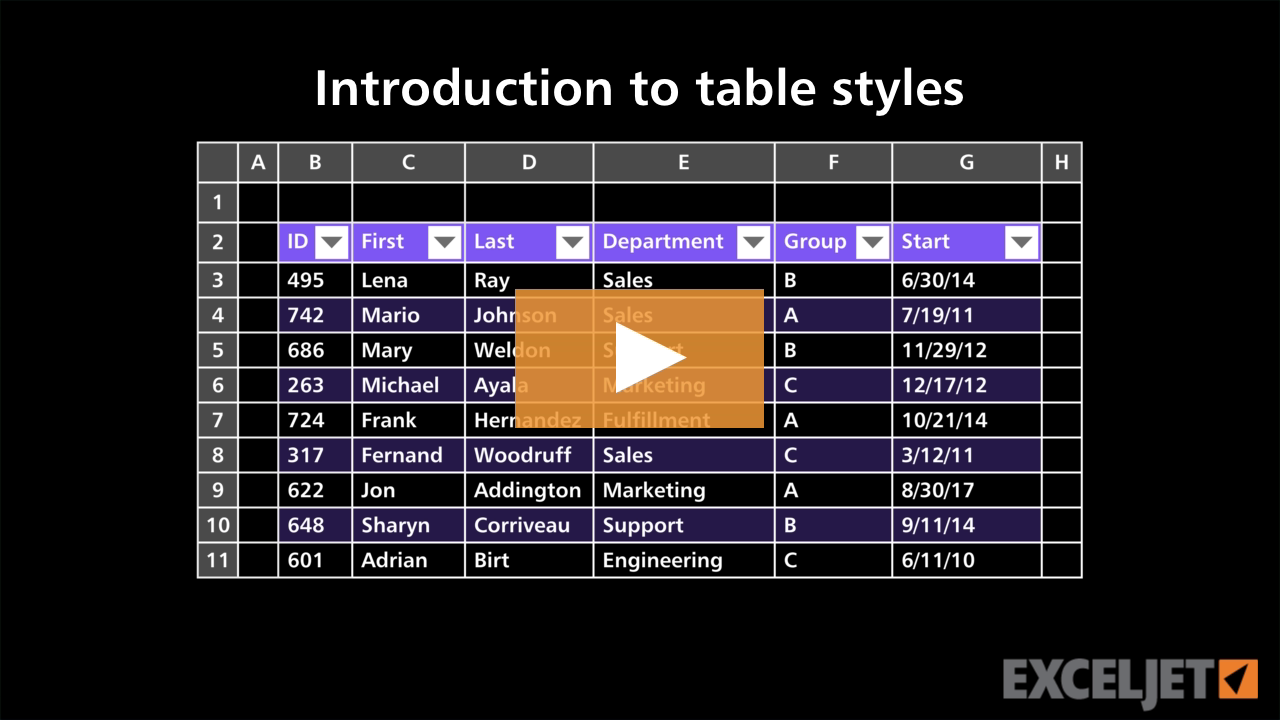
Introduction to table styles
Excel Tables
1:35

Introduction to table styles

How to select cells in Excel
Core Excel
2:21

How to select cells in Excel

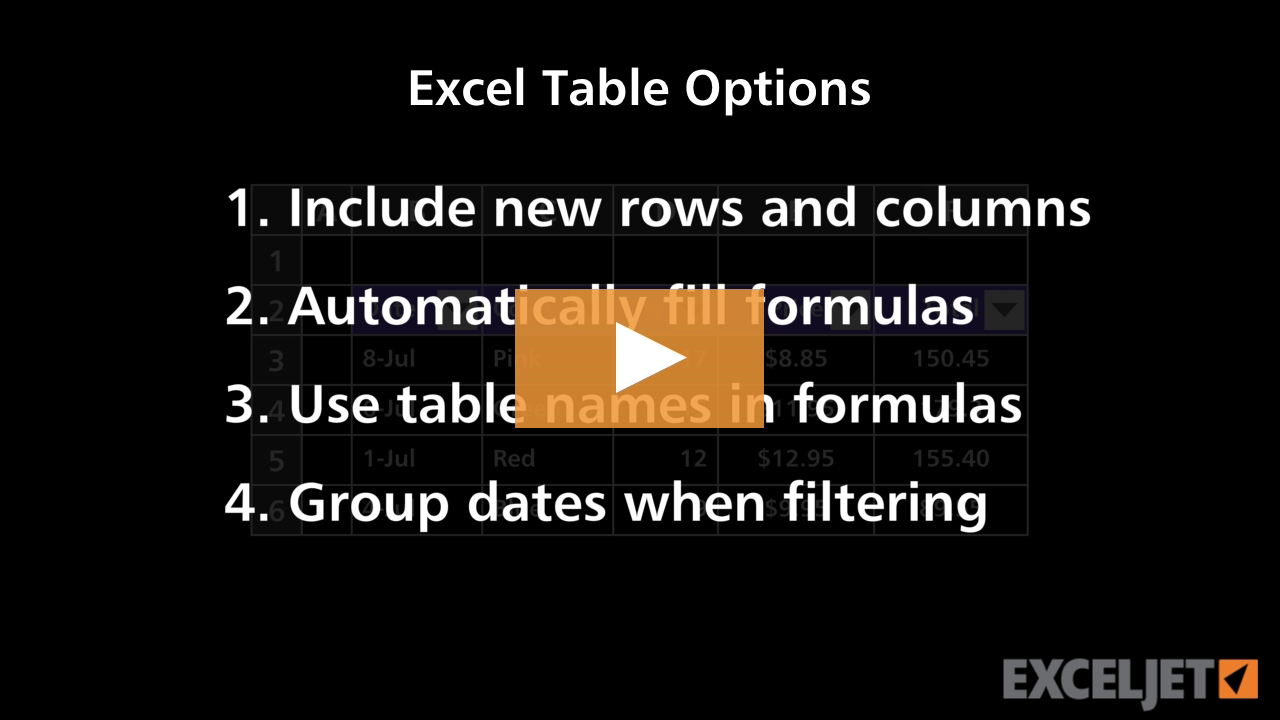
Excel Table Options
Excel Tables
4:06

Excel Table Options

How to build a radar chart
Core Charts
3:02

How to build a radar chart

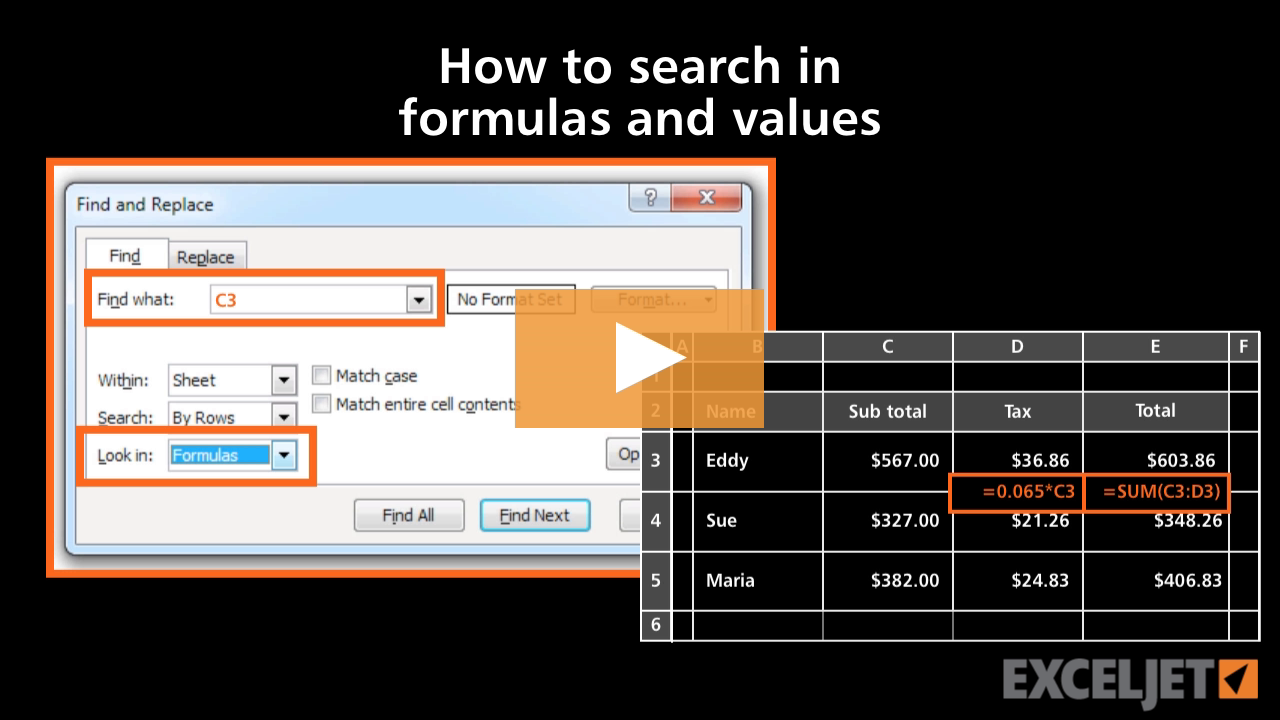
How to search in formulas and values in Excel
Core Excel
2:41

How to search in formulas and values in Excel

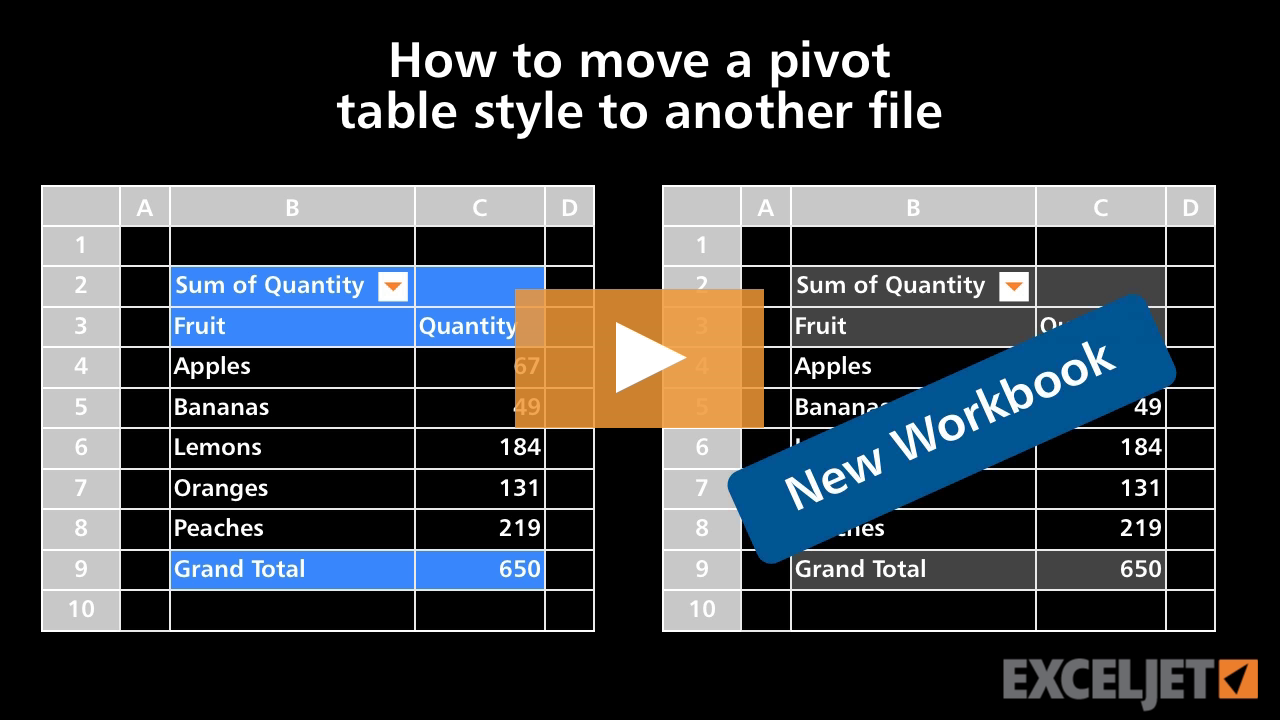
How to move a pivot table style to another file
Core Pivot
1:52

How to move a pivot table style to another file

How to create a pivot chart 2016
Core Charts
2:40

How to create a pivot chart 2016

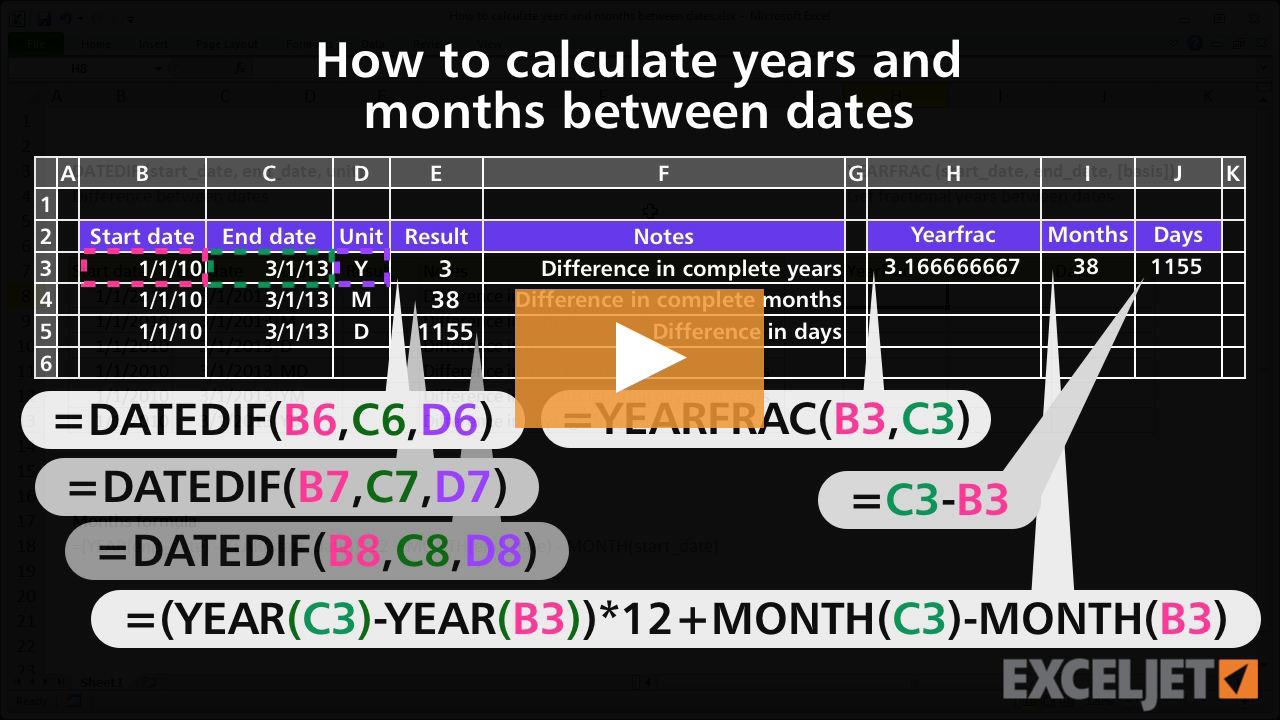
How to calculate years and months between dates
Core Formula
3:51

How to calculate years and months between dates

How to pick names out of a hat with Excel
Core Formula
3:07

How to pick names out of a hat with Excel

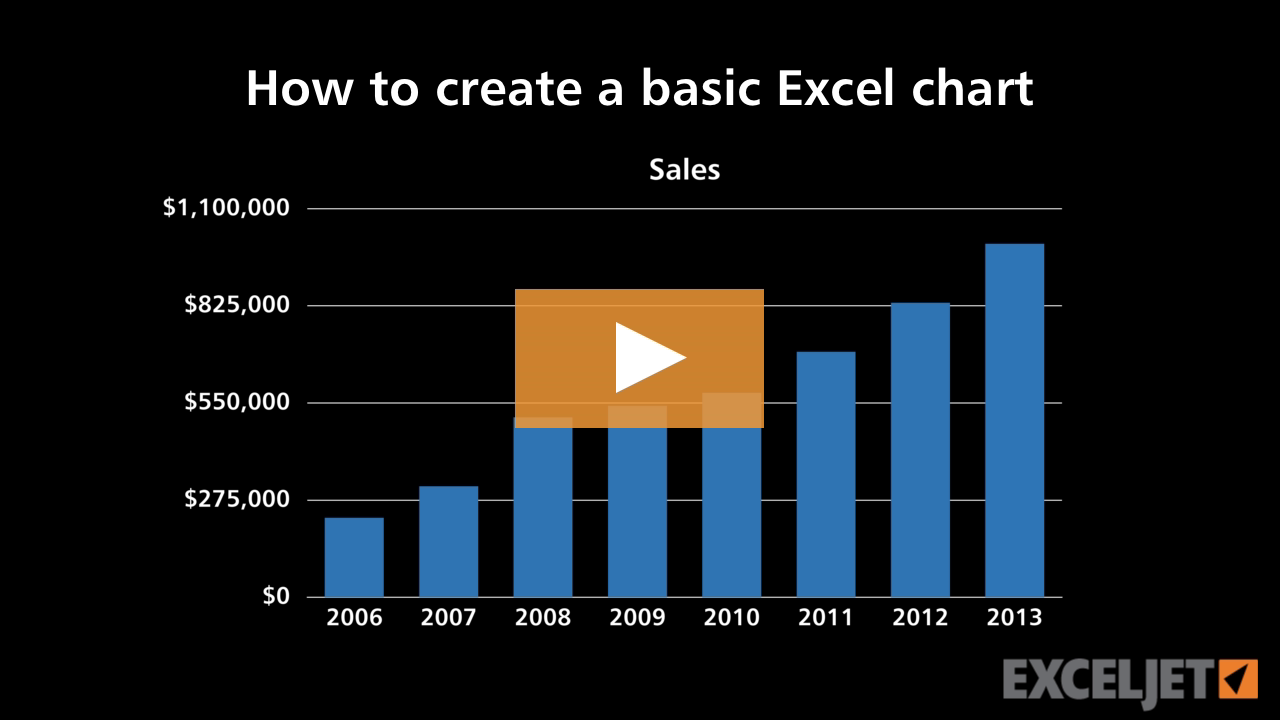
How to create a basic Excel chart
Core Charts
3:10

How to create a basic Excel chart

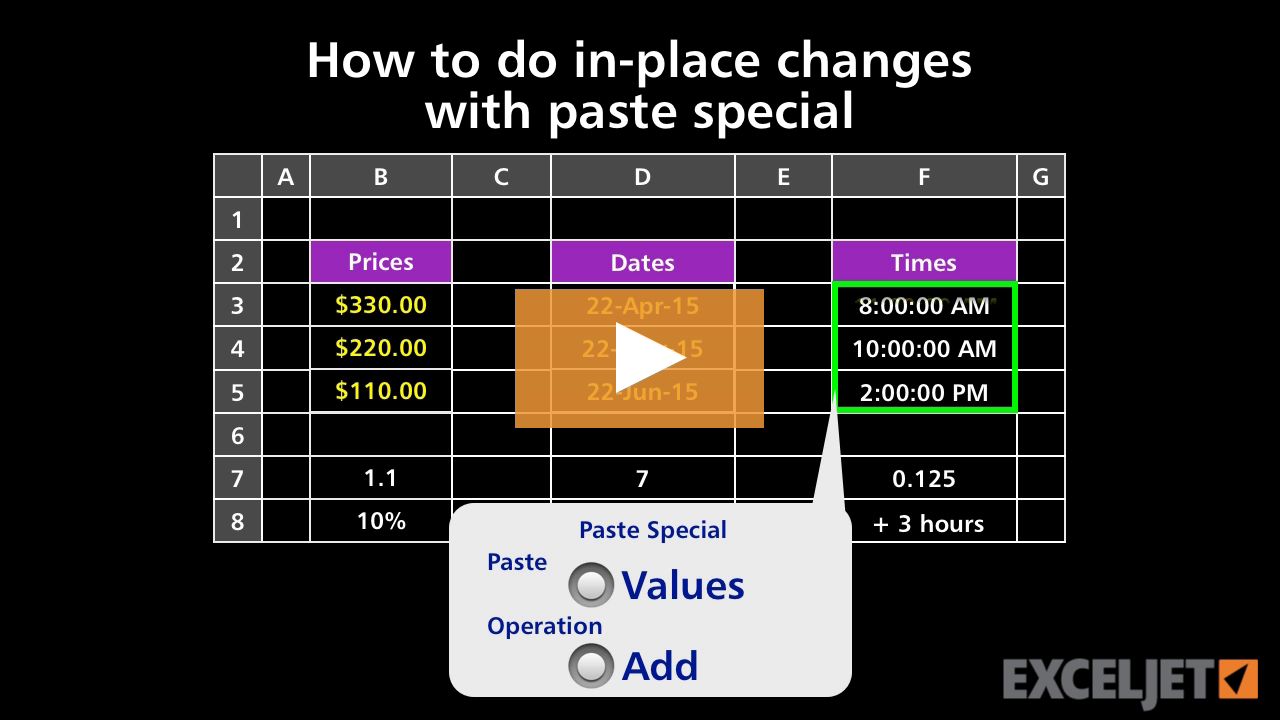
How to do in-place changes with paste special
Core Formula
2:36

How to do in-place changes with paste special

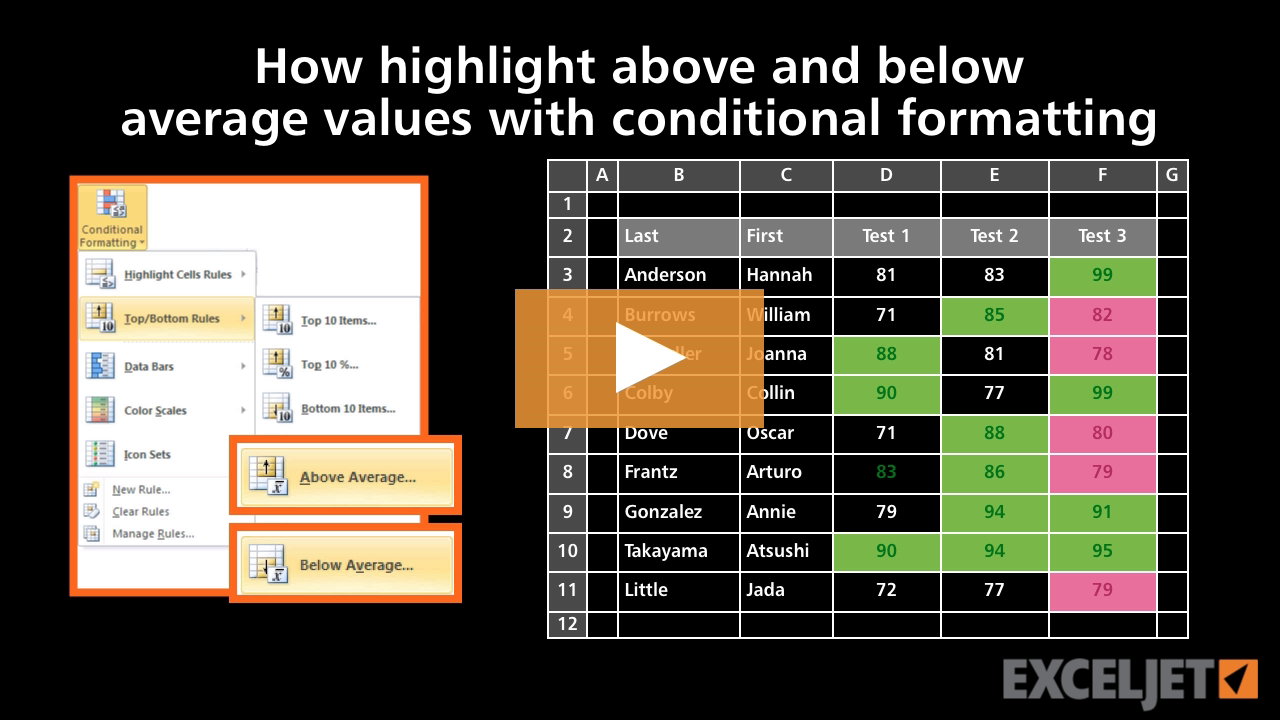
How to highlight above and below average values
Conditional Formatting
2:43

How to highlight above and below average values

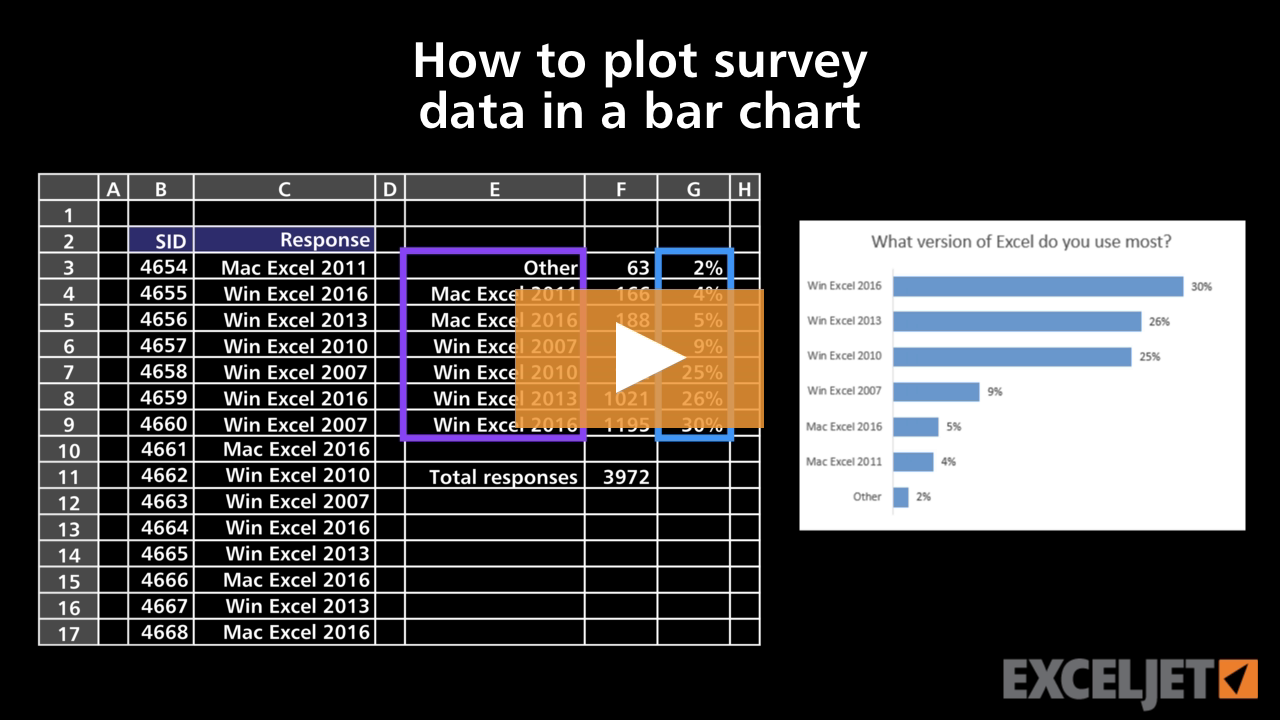
How to plot survey data in a bar chart
Core Charts
3:42

How to plot survey data in a bar chart

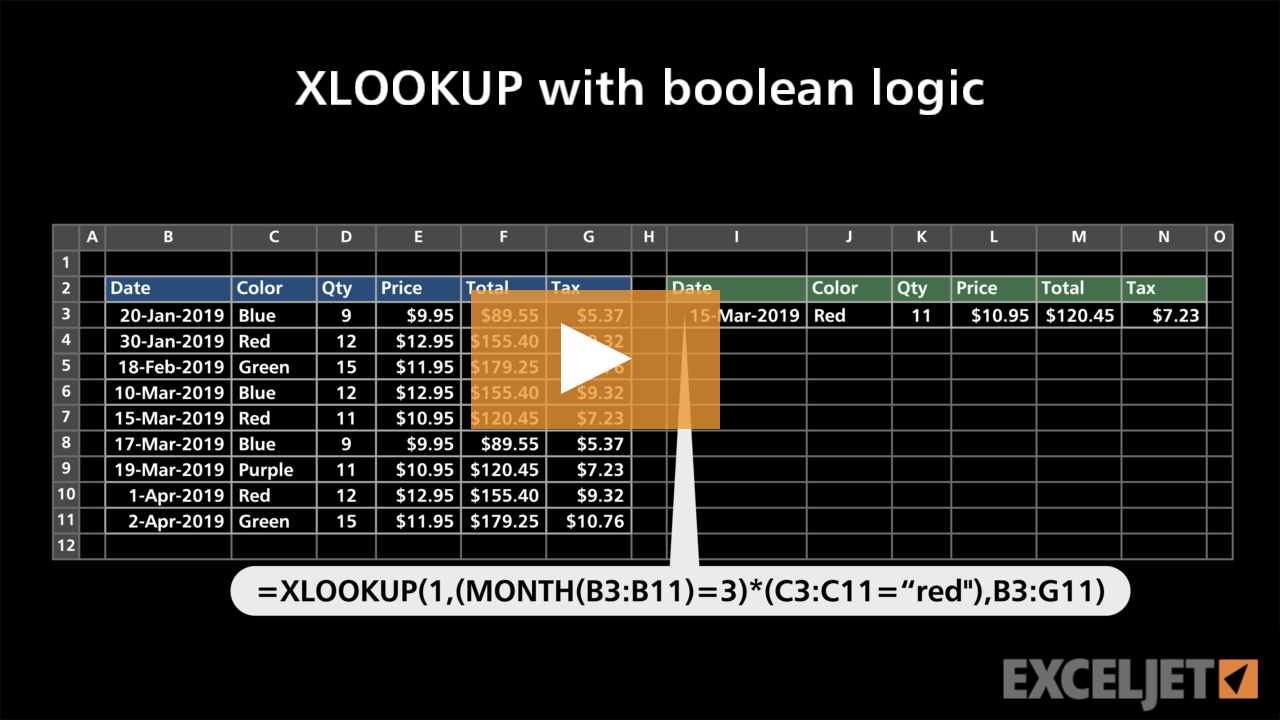
XLOOKUP with boolean logic
Dynamic Array Formulas
3:05

XLOOKUP with boolean logic

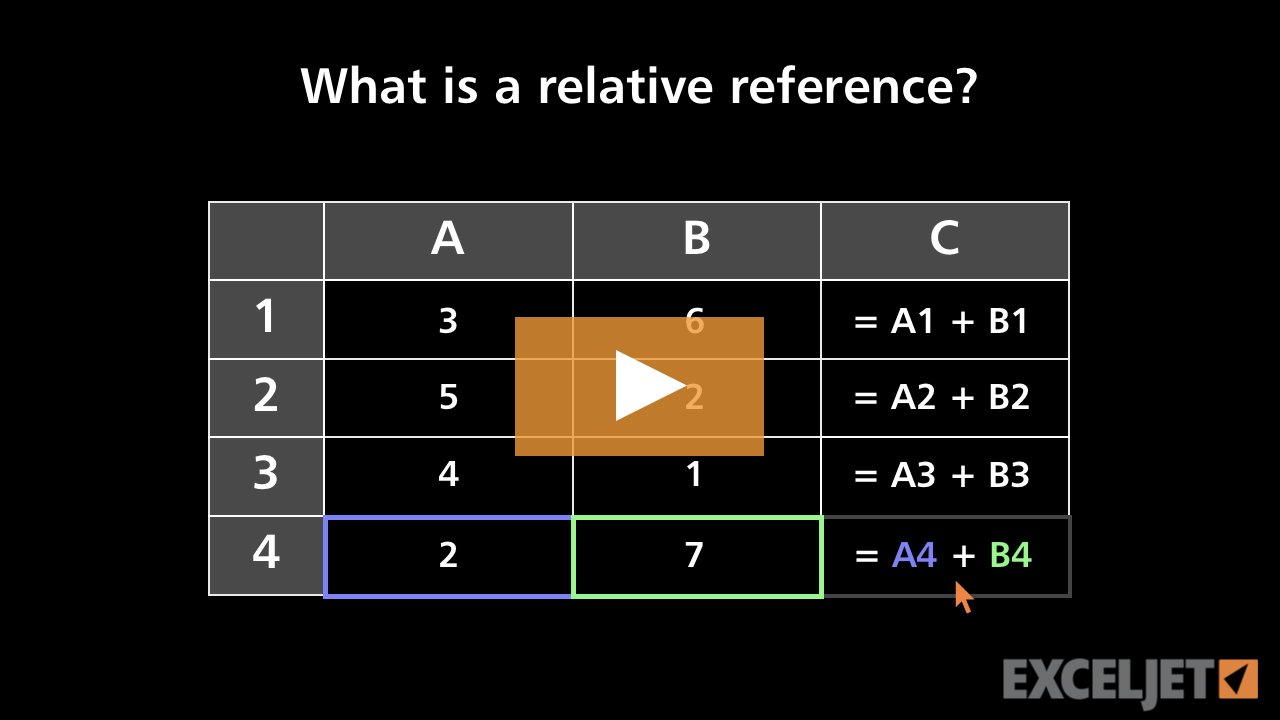
What's a relative reference?
Core Excel
2:38

What's a relative reference?

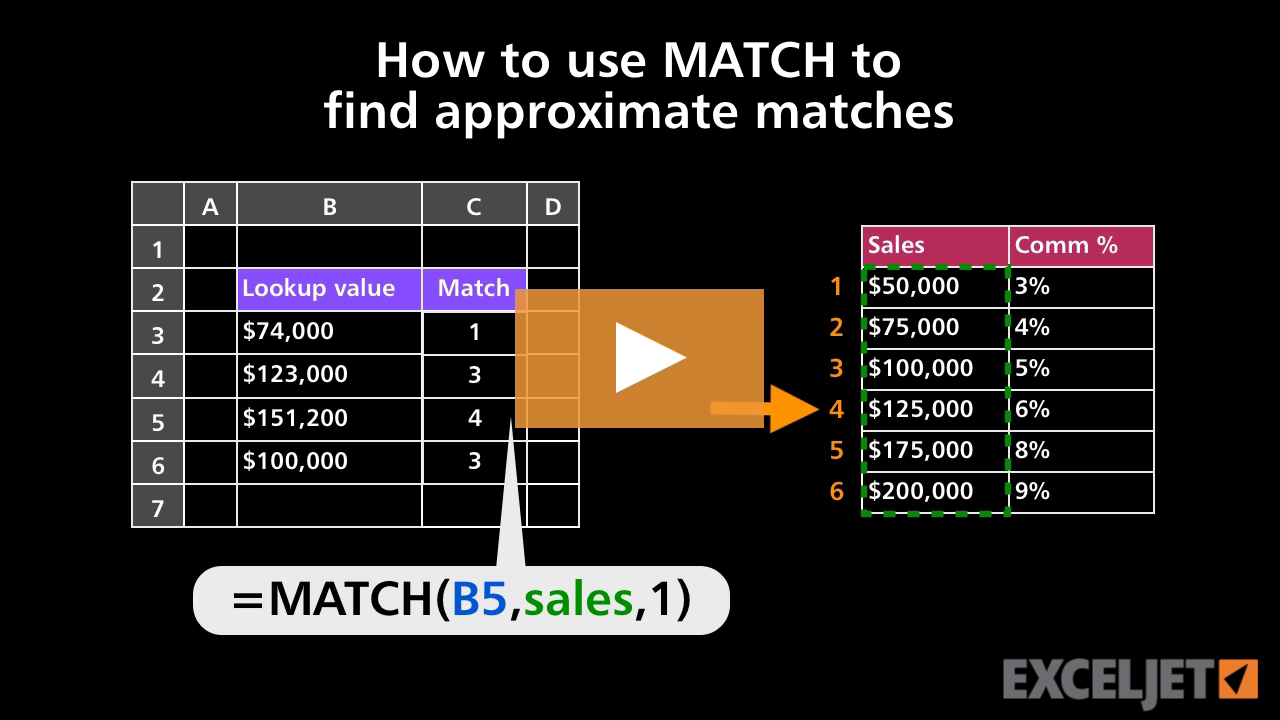
How to use MATCH to find approximate matches
Core Formula
2:53

How to use MATCH to find approximate matches

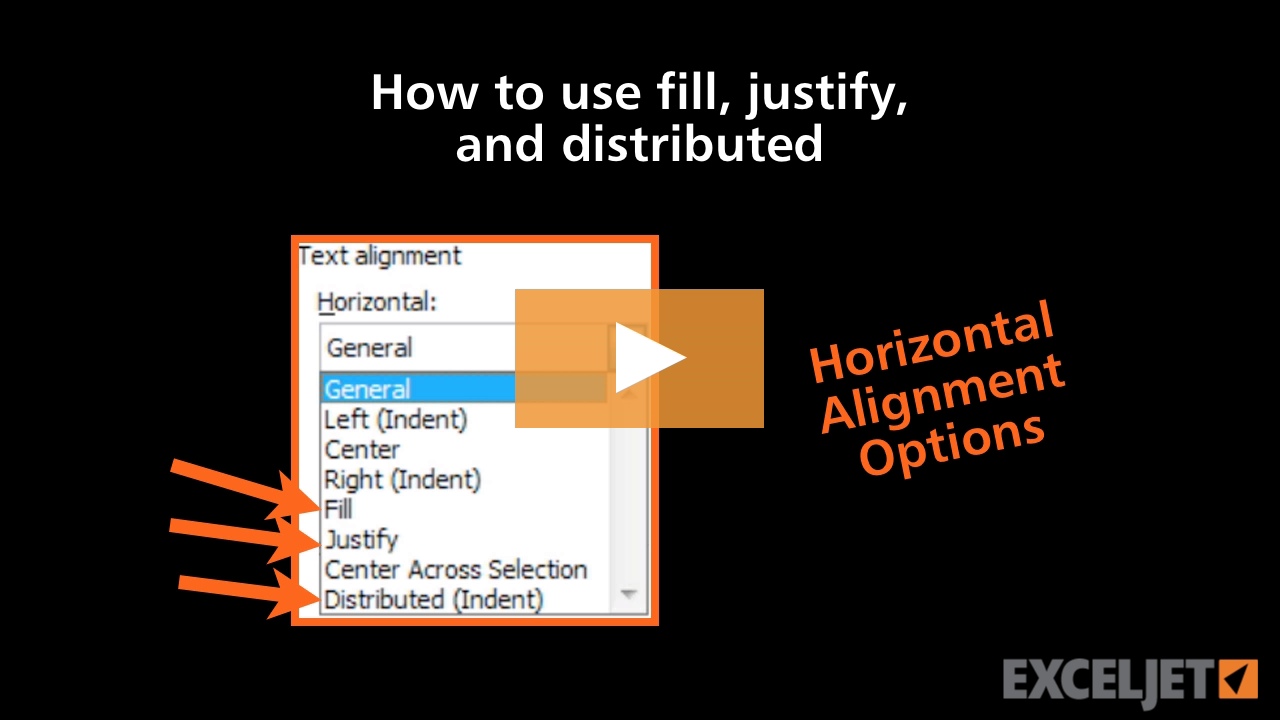
How to use fill, justify, and distributed in Excel
Core Excel
3:04

How to use fill, justify, and distributed in Excel

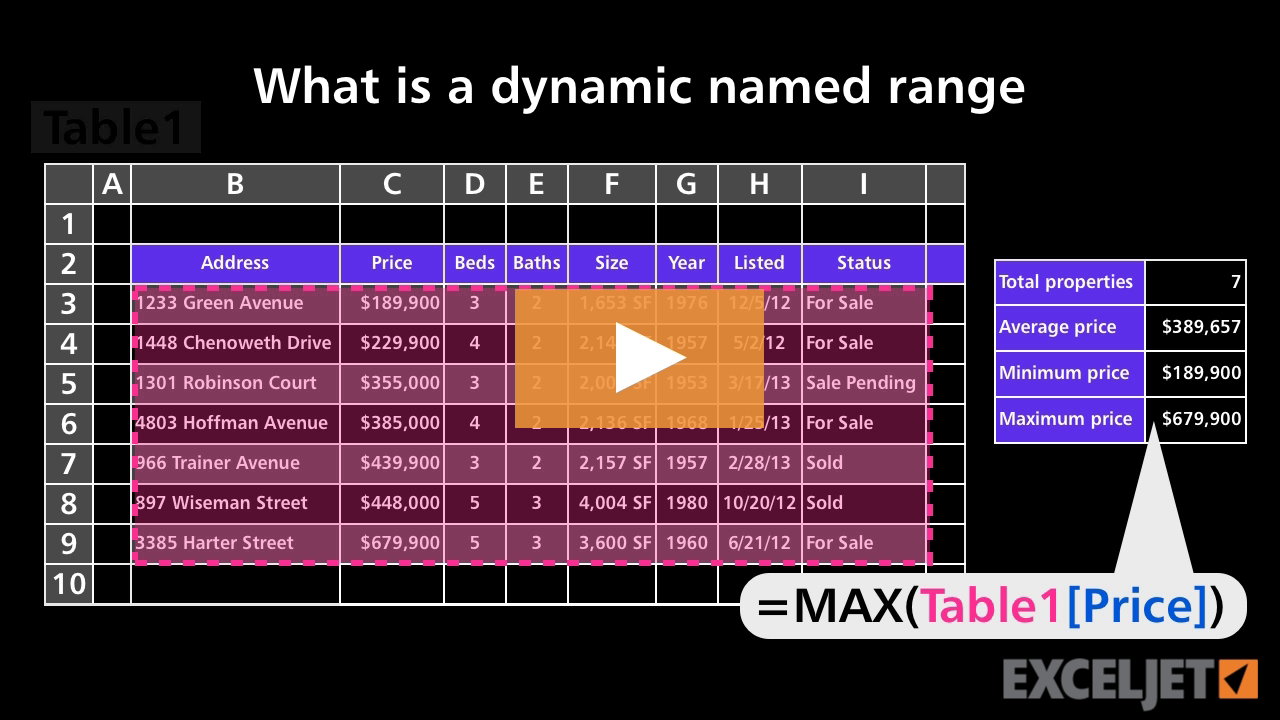
What is a dynamic named range
Core Formula
2:35

What is a dynamic named range

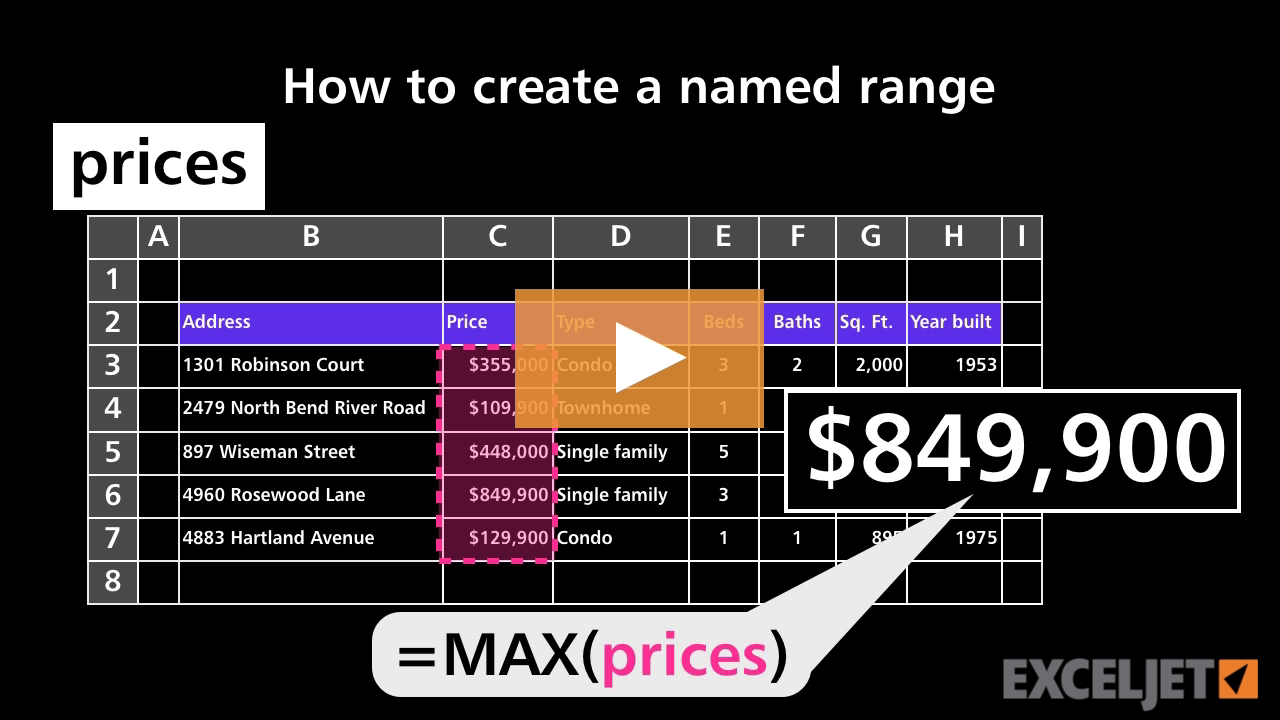
How to create a named range
Core Formula
3:04

How to create a named range

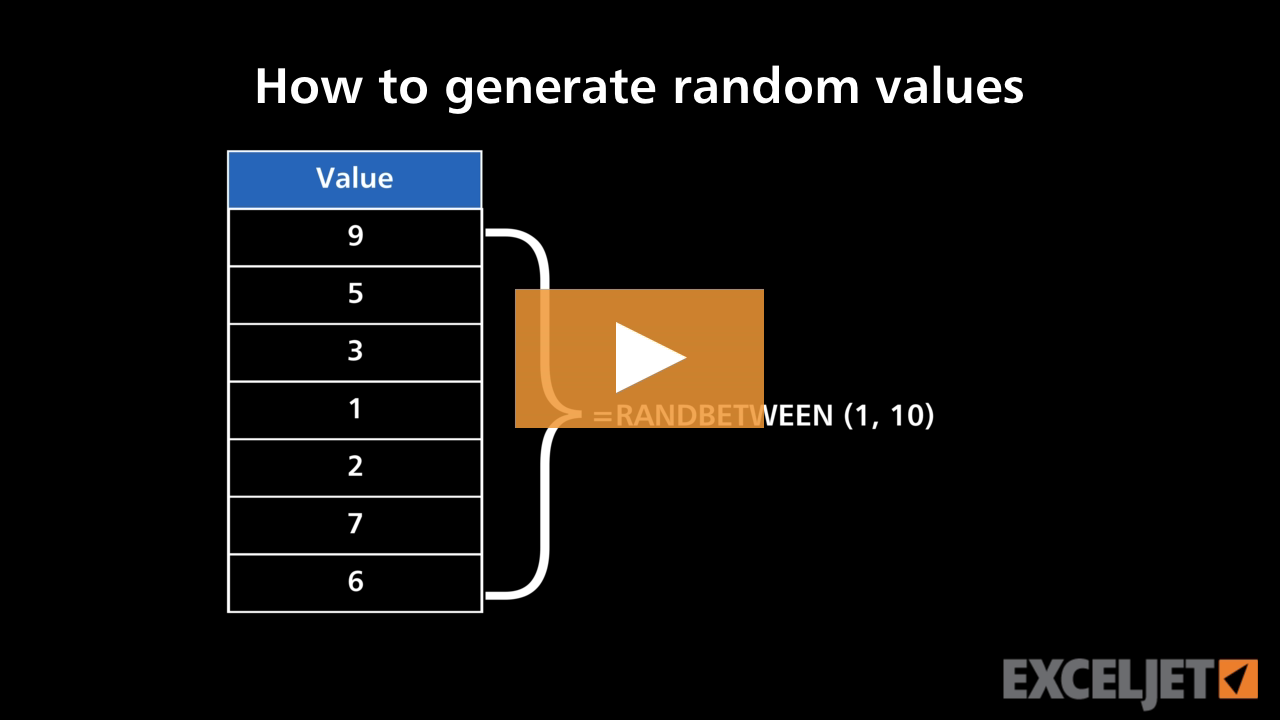
How to generate random values
Core Formula
3:39

How to generate random values

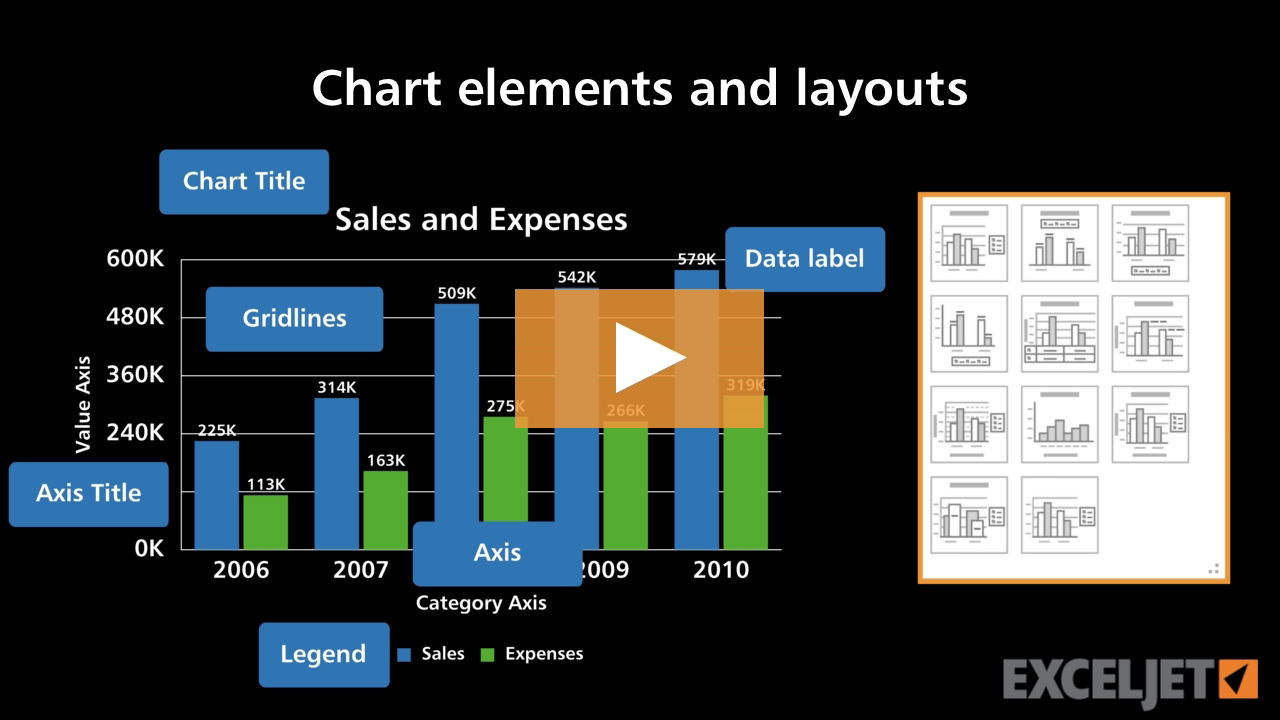
Chart elements and layouts
Core Charts
2:57

Chart elements and layouts

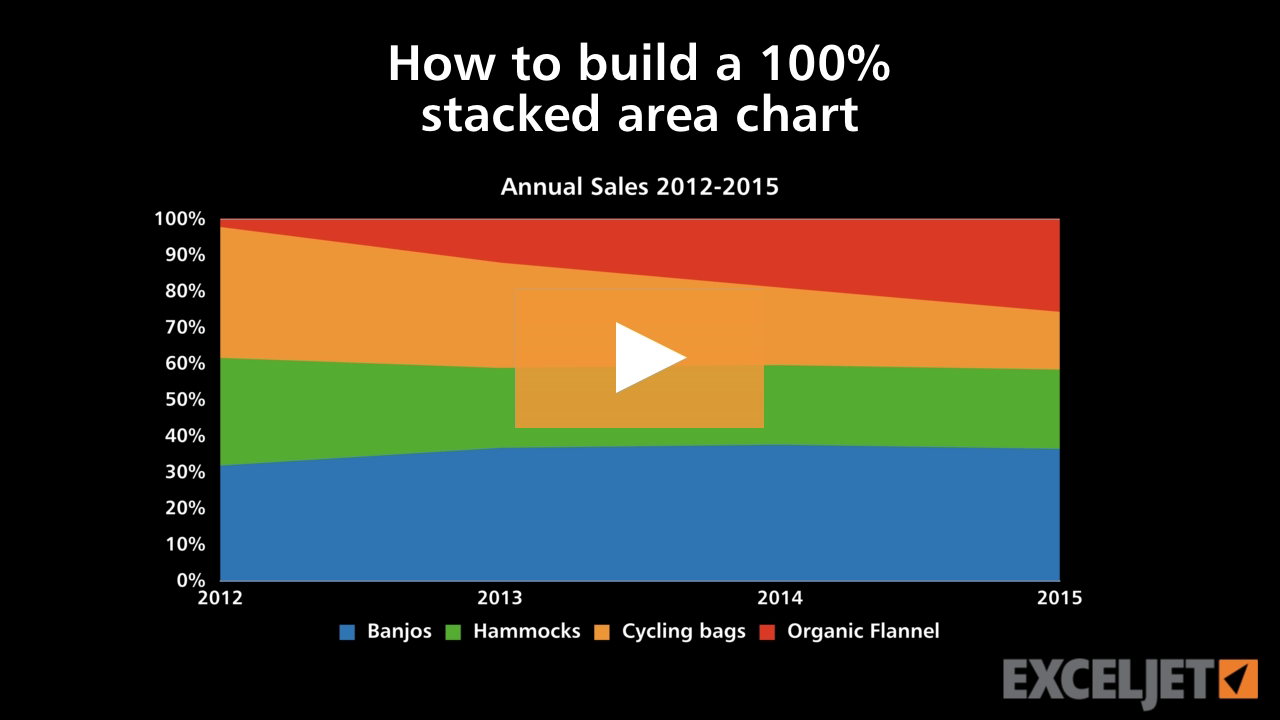
How to build a 100% stacked area chart
Core Charts
3:26

How to build a 100% stacked area chart

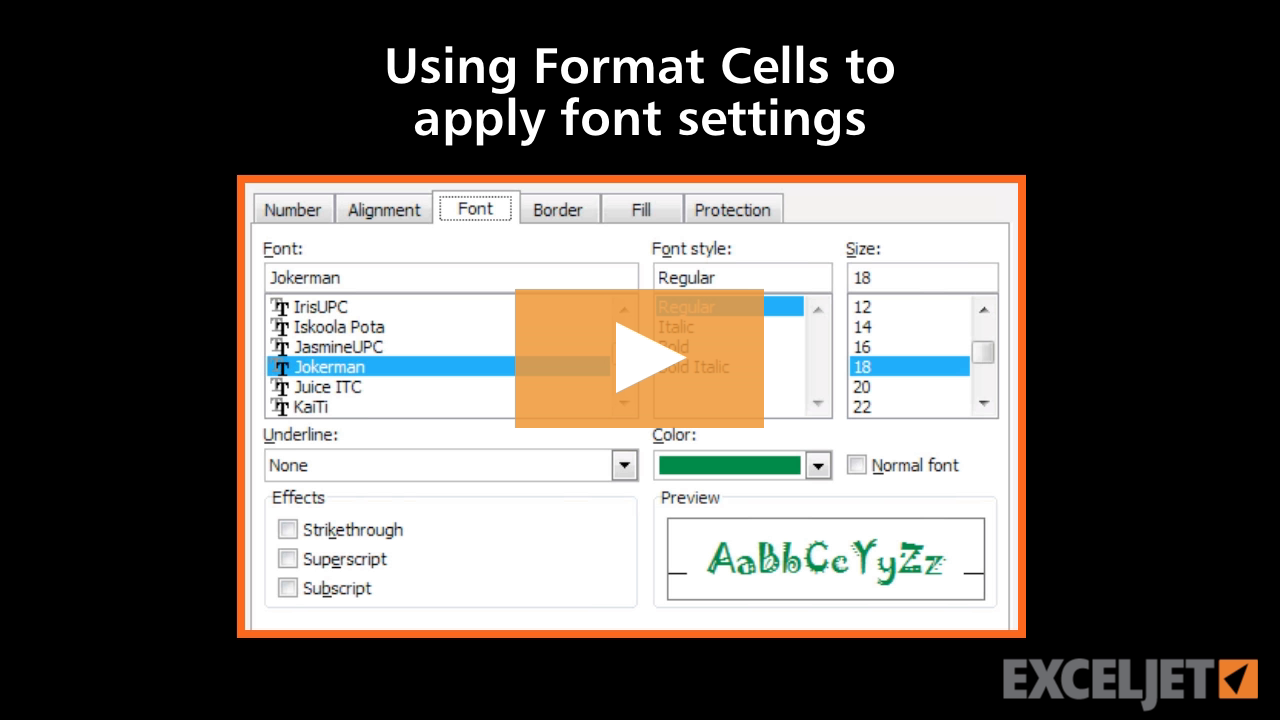
Using Format Cells to apply font settings in Excel
Core Excel
2:36

Using Format Cells to apply font settings in Excel

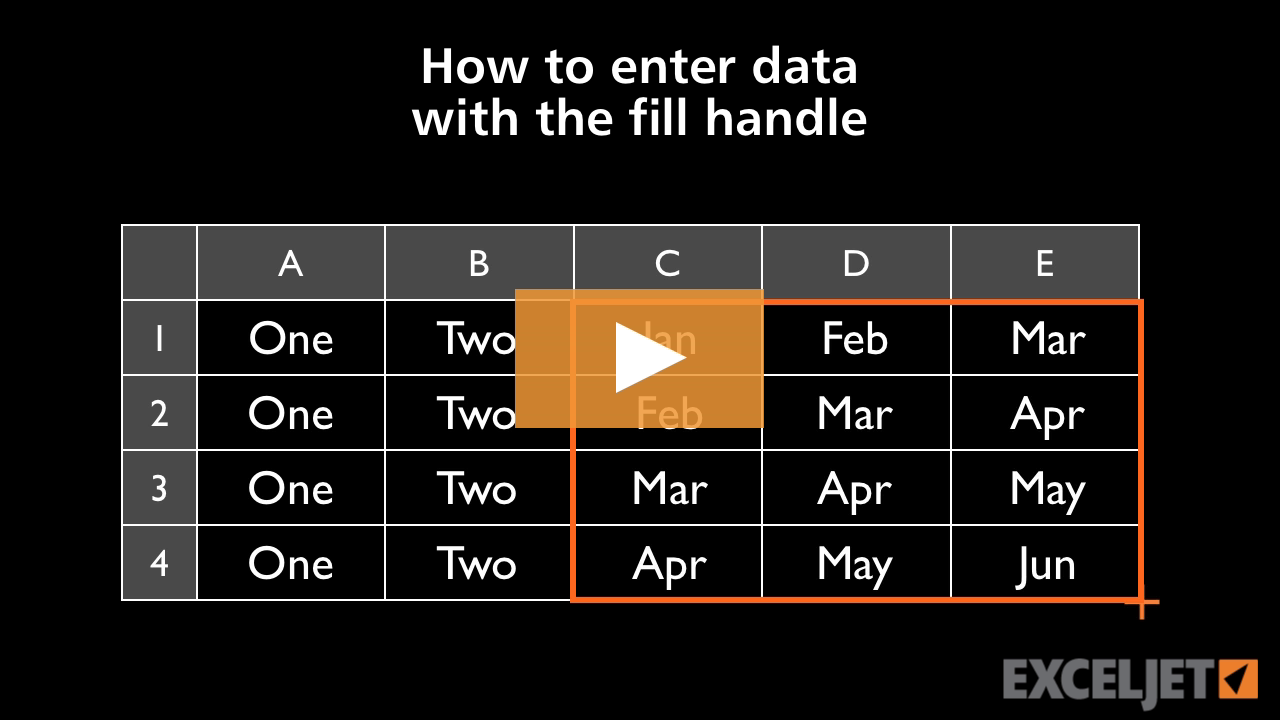
How to use the fill handle to enter data in Excel
Core Excel
2:09

How to use the fill handle to enter data in Excel

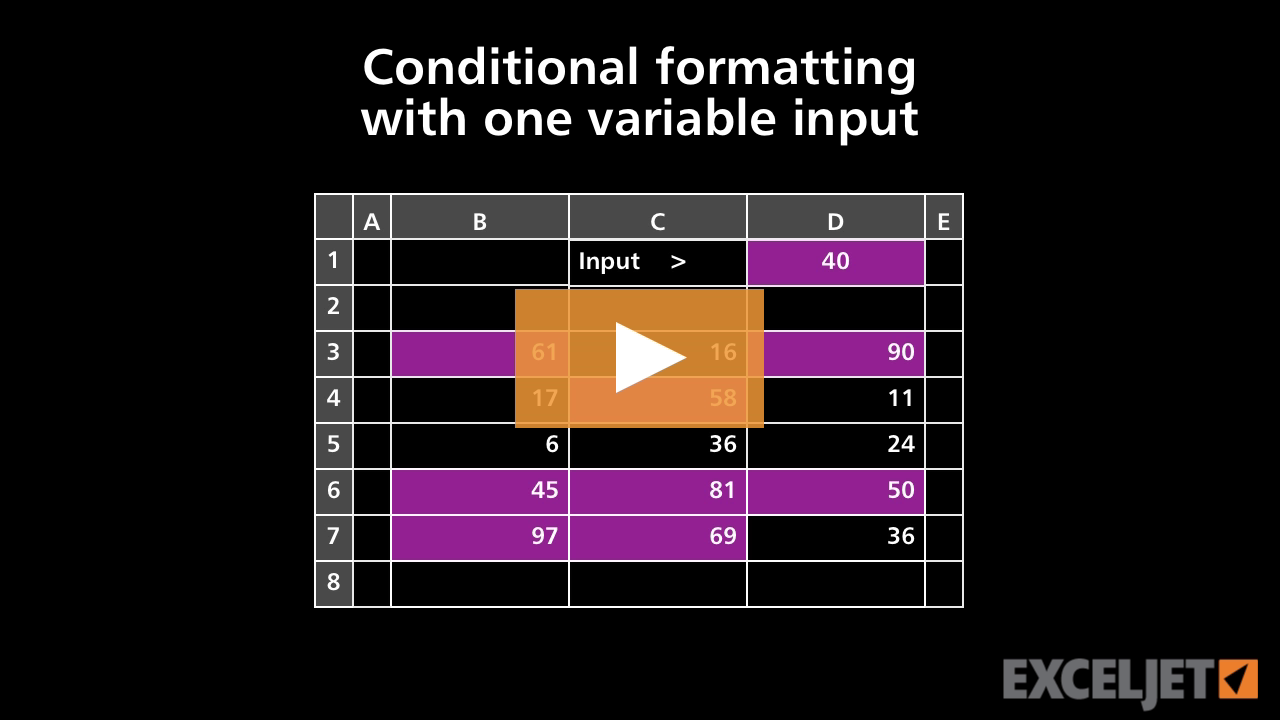
Conditional formatting with one variable input
Conditional Formatting
2:43

Conditional formatting with one variable input

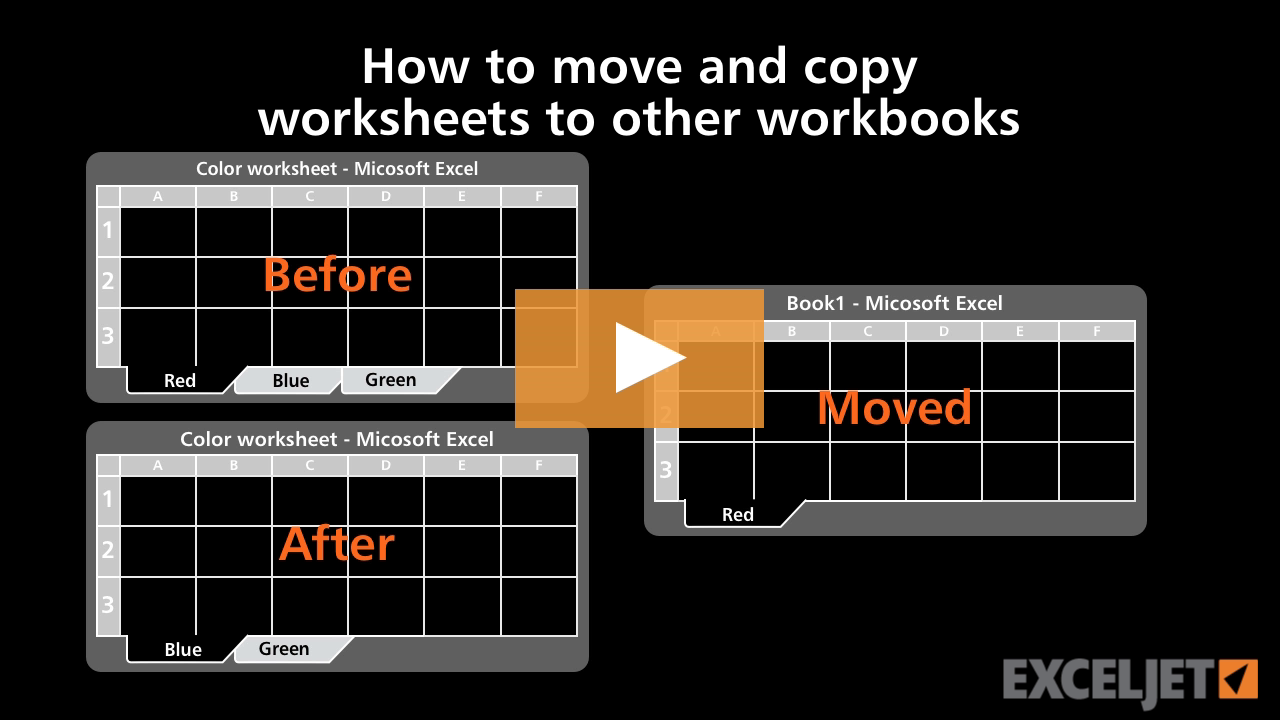
How to move and copy worksheets to other workbooks
Core Excel
2:47

How to move and copy worksheets to other workbooks
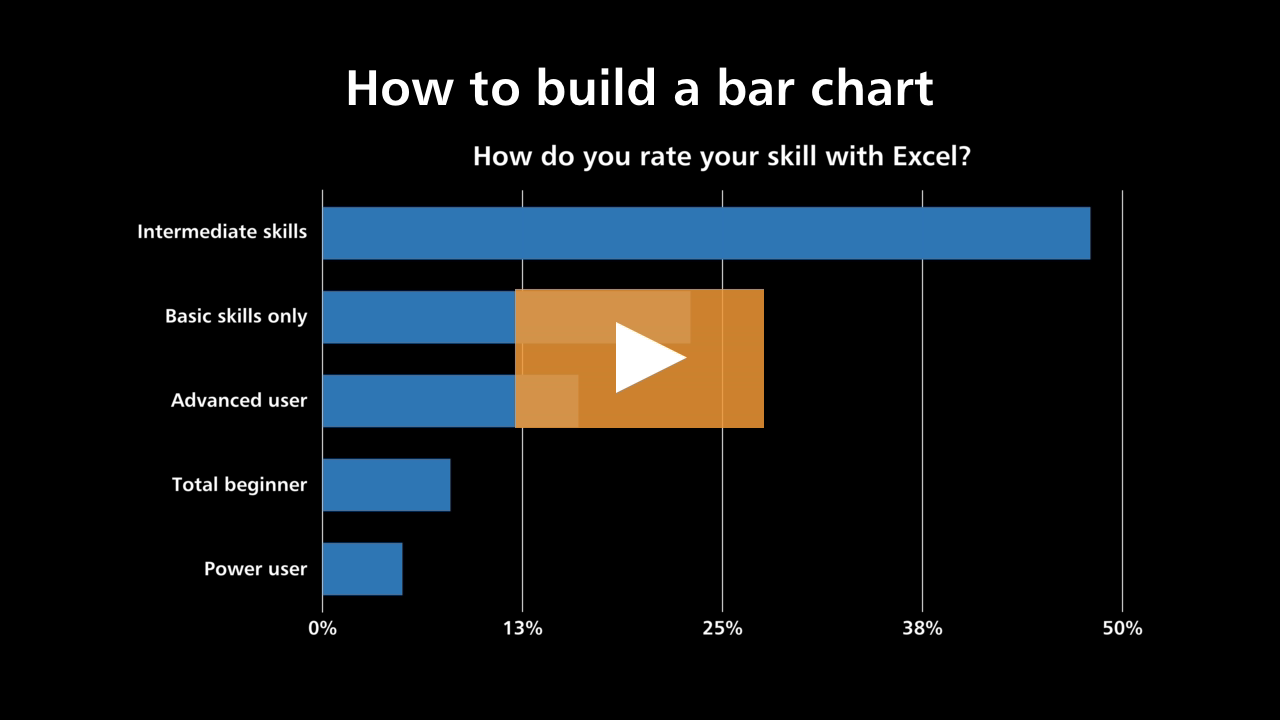
How to build a bar chart
Core Charts
3:23

How to build a bar chart

How to select rows and columns in Excel
Core Excel
1:43

How to select rows and columns in Excel

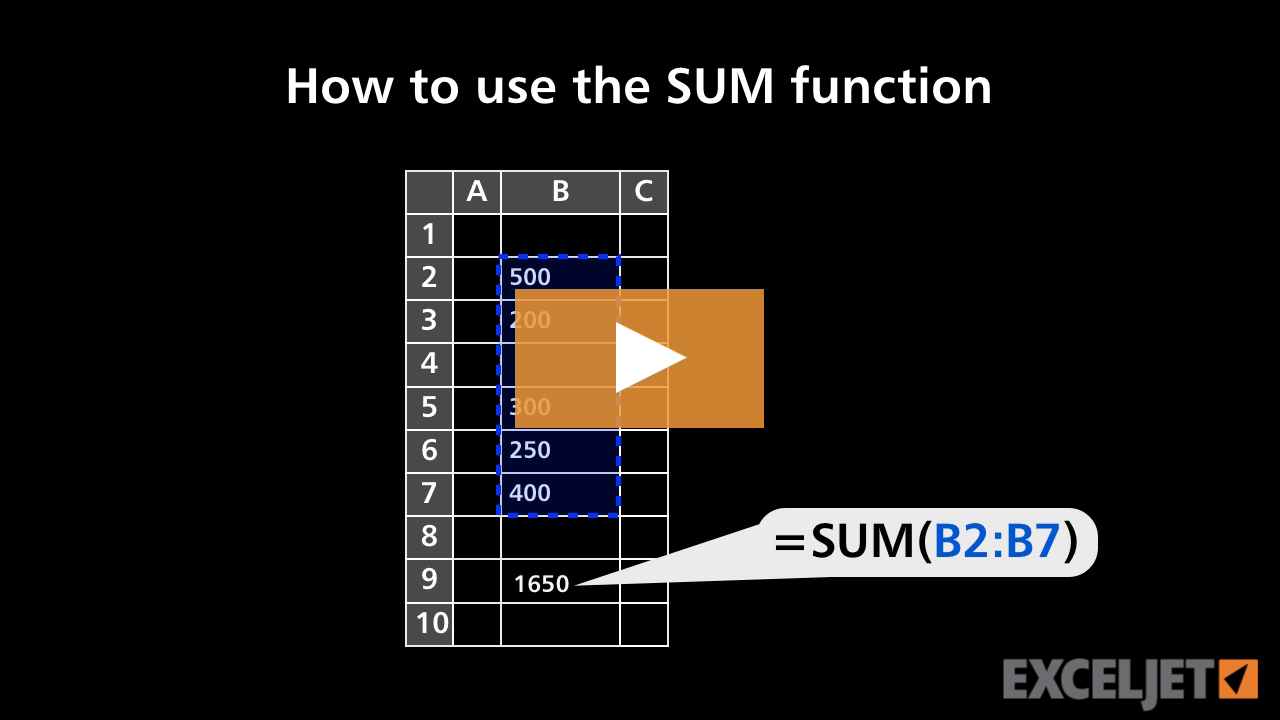
How to use the SUM function
Core Formula
1:32

How to use the SUM function

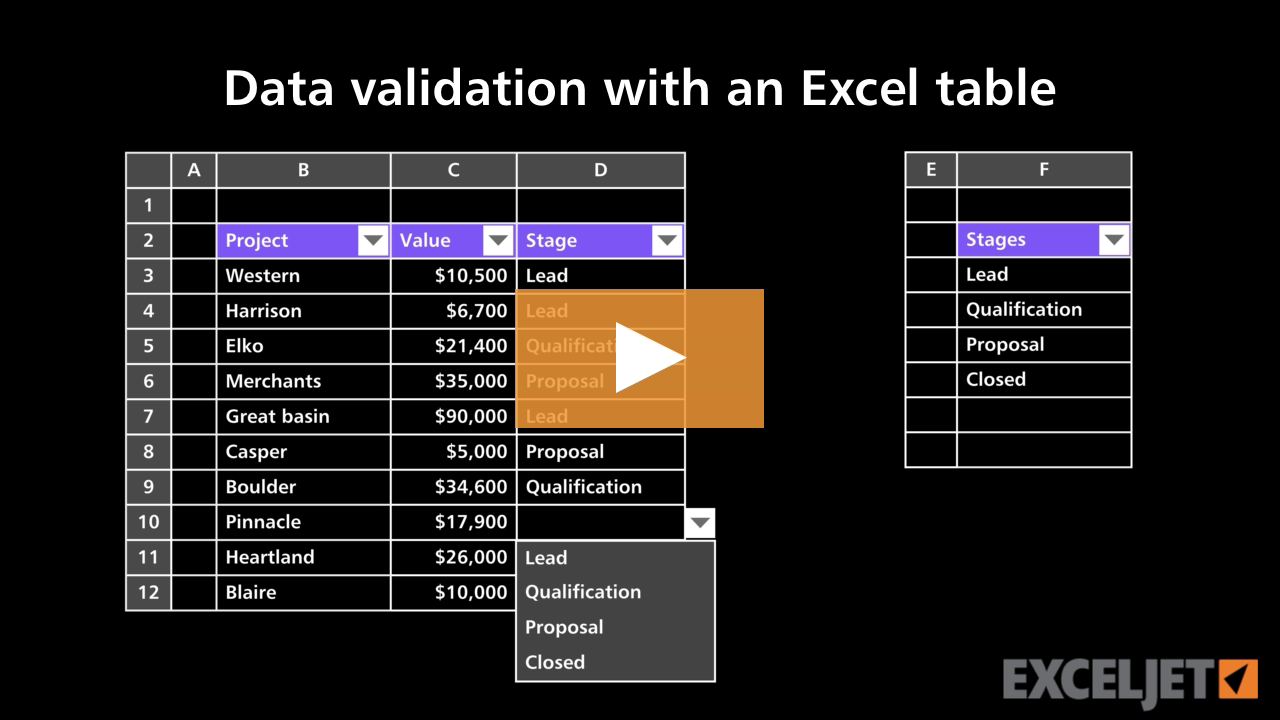
Data validation with an Excel table
Excel Tables
3:09

Data validation with an Excel table

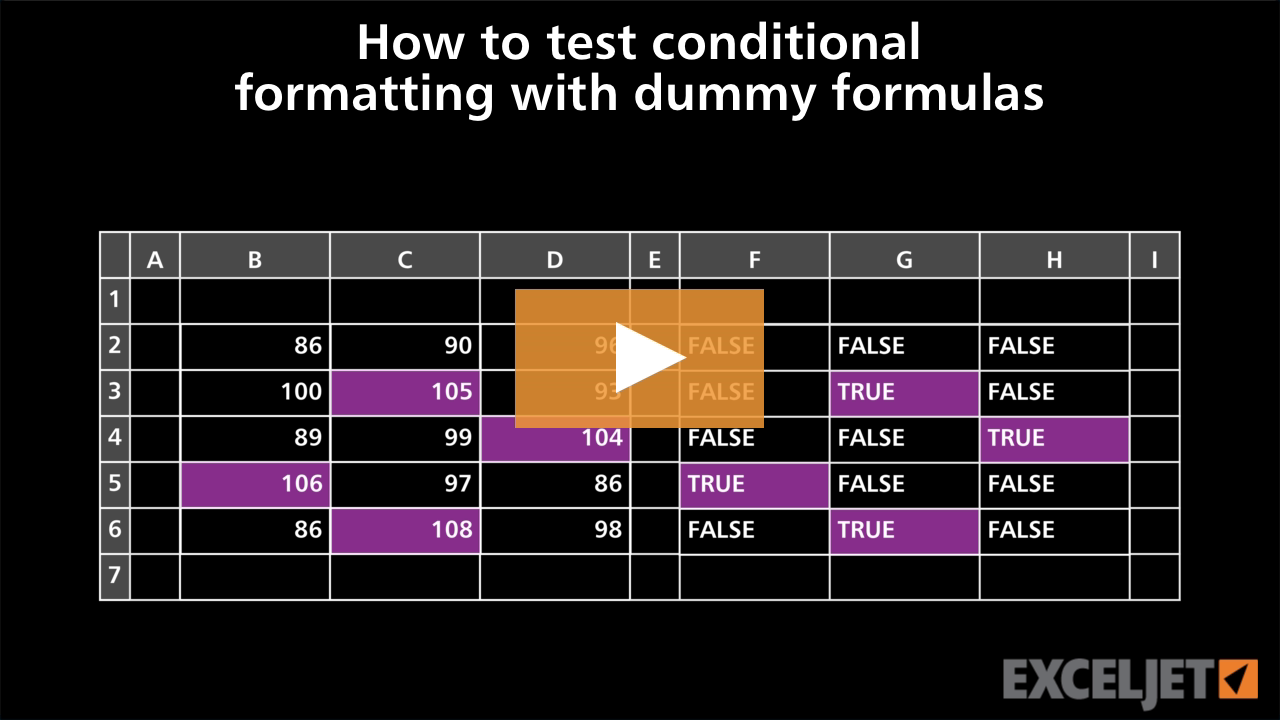
How to test conditional formatting with dummy formula
Conditional Formatting
3:28

How to test conditional formatting with dummy formula

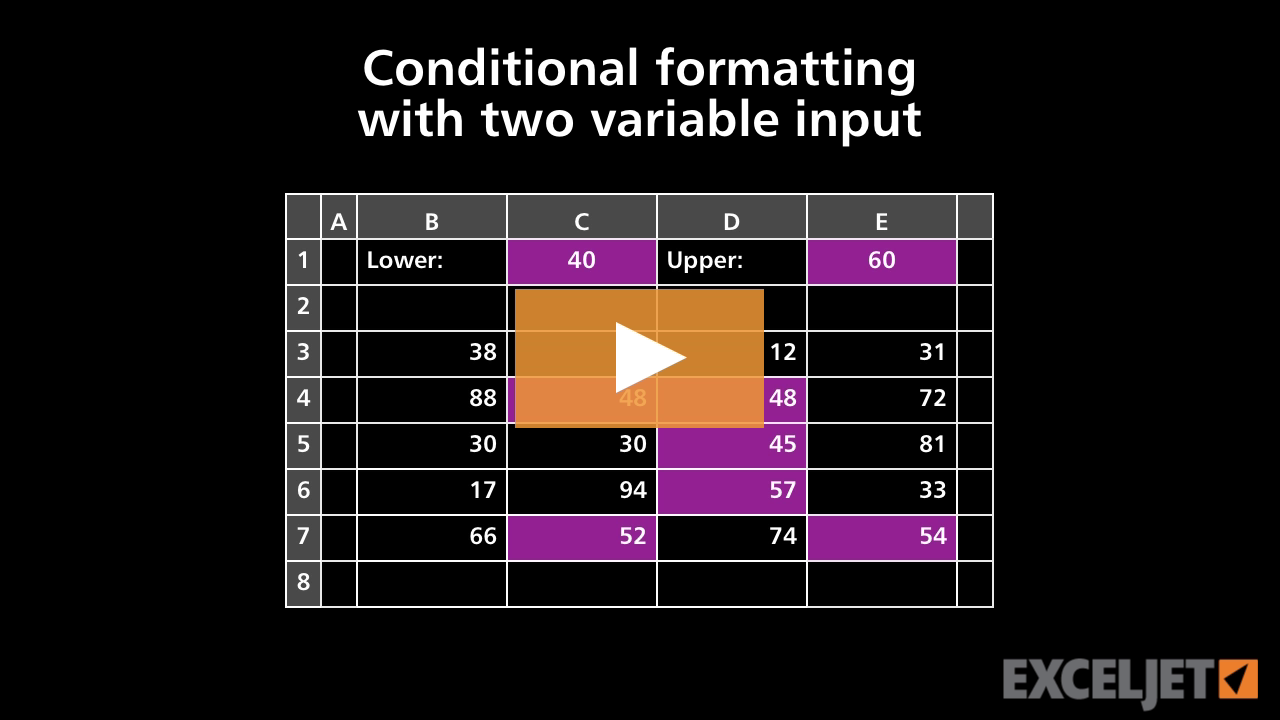
Conditional formatting with two variable inputs
Conditional Formatting
2:59

Conditional formatting with two variable inputs

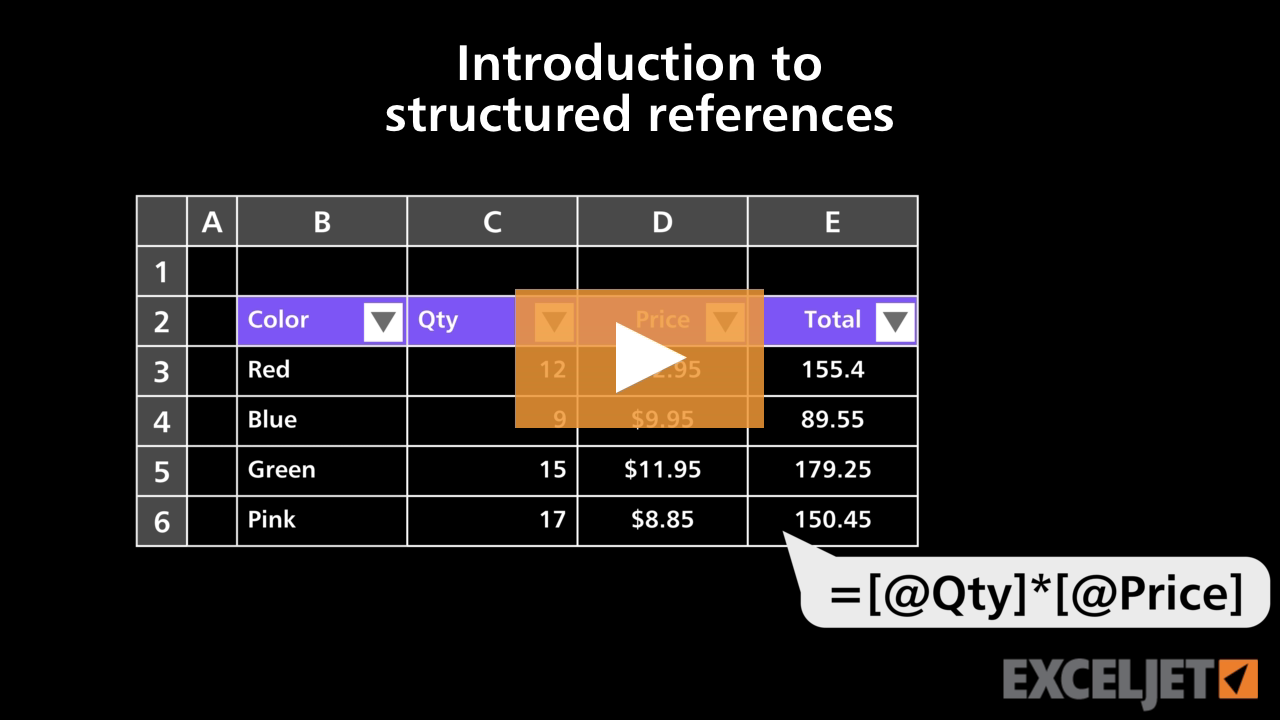
Introduction to structured references
Excel Tables
3:34

Introduction to structured references

How to create a custom number format in Excel
Core Excel
2:48

How to create a custom number format in Excel

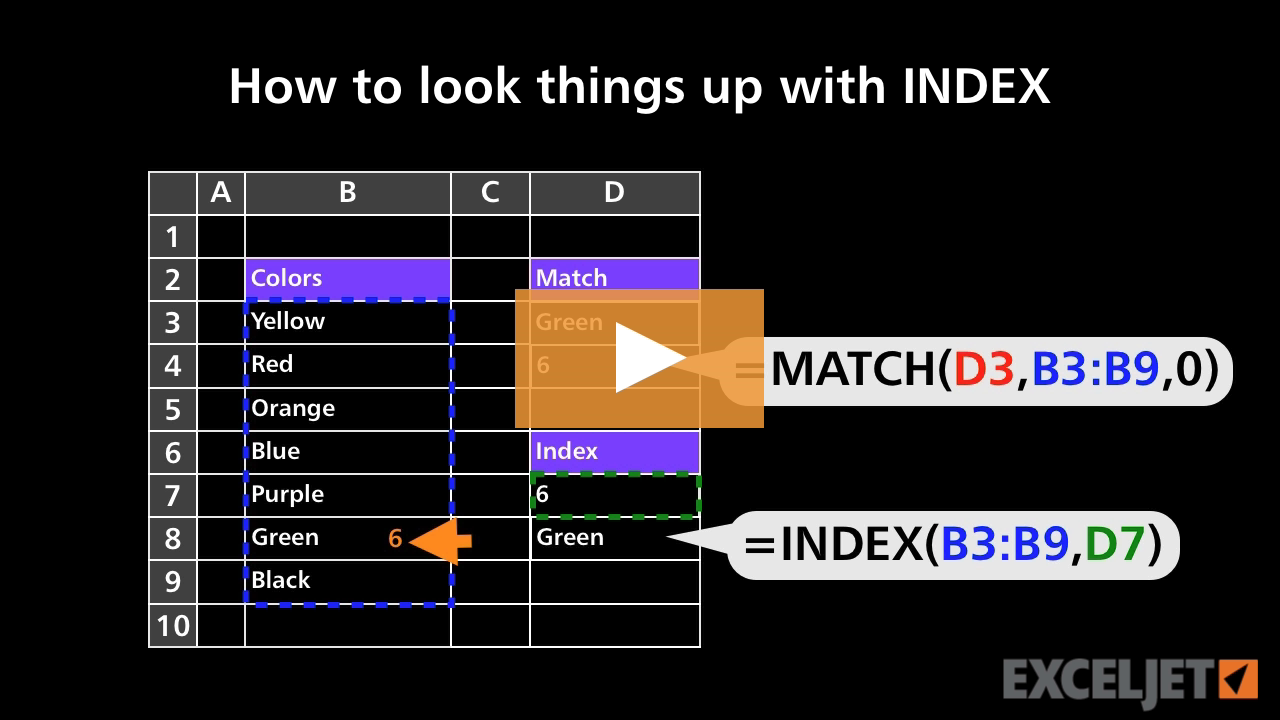
How to look things up with INDEX
Core Formula
2:48

How to look things up with INDEX

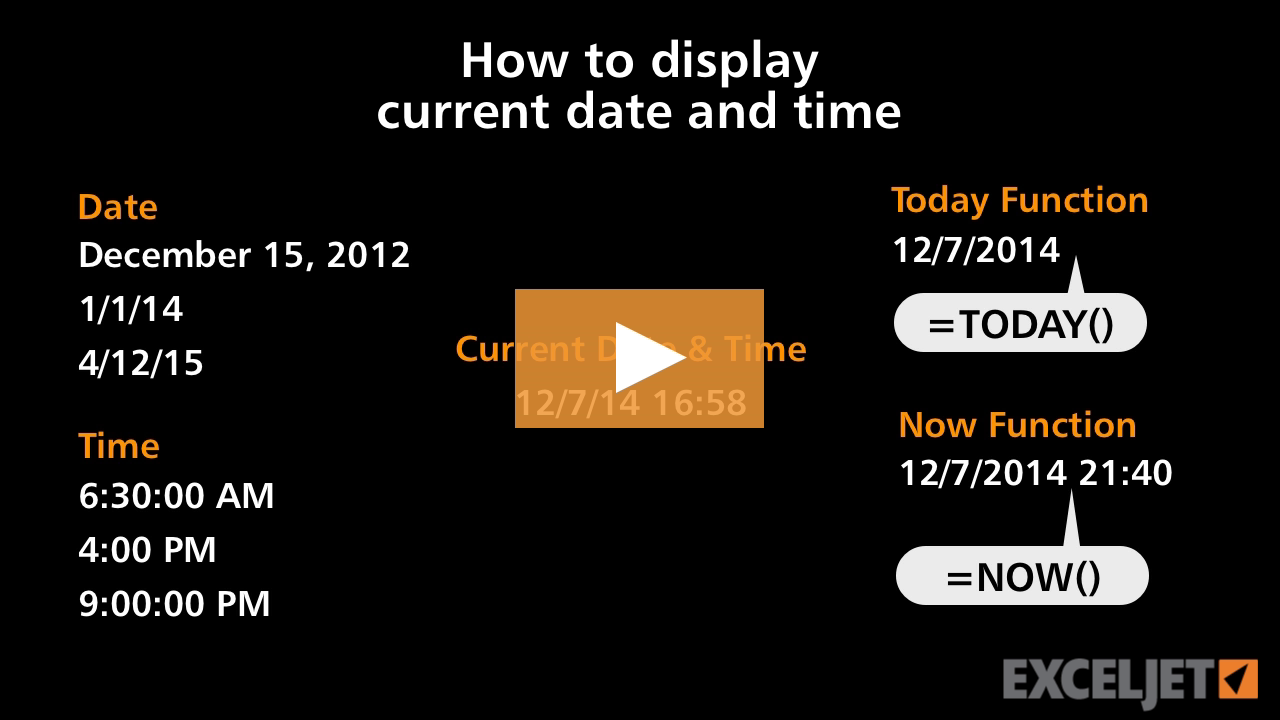
How to display current date and time
Core Formula
1:51

How to display current date and time

How to fill in missing data with a simple formula
Core Formula
3:19

How to fill in missing data with a simple formula

How to fill in missing data part 2
Core Formula
2:55

How to fill in missing data part 2

How to use drag and drop in Excel
Core Excel
1:56

How to use drag and drop in Excel

How to create a new pivot table style
Core Pivot
3:15

How to create a new pivot table style

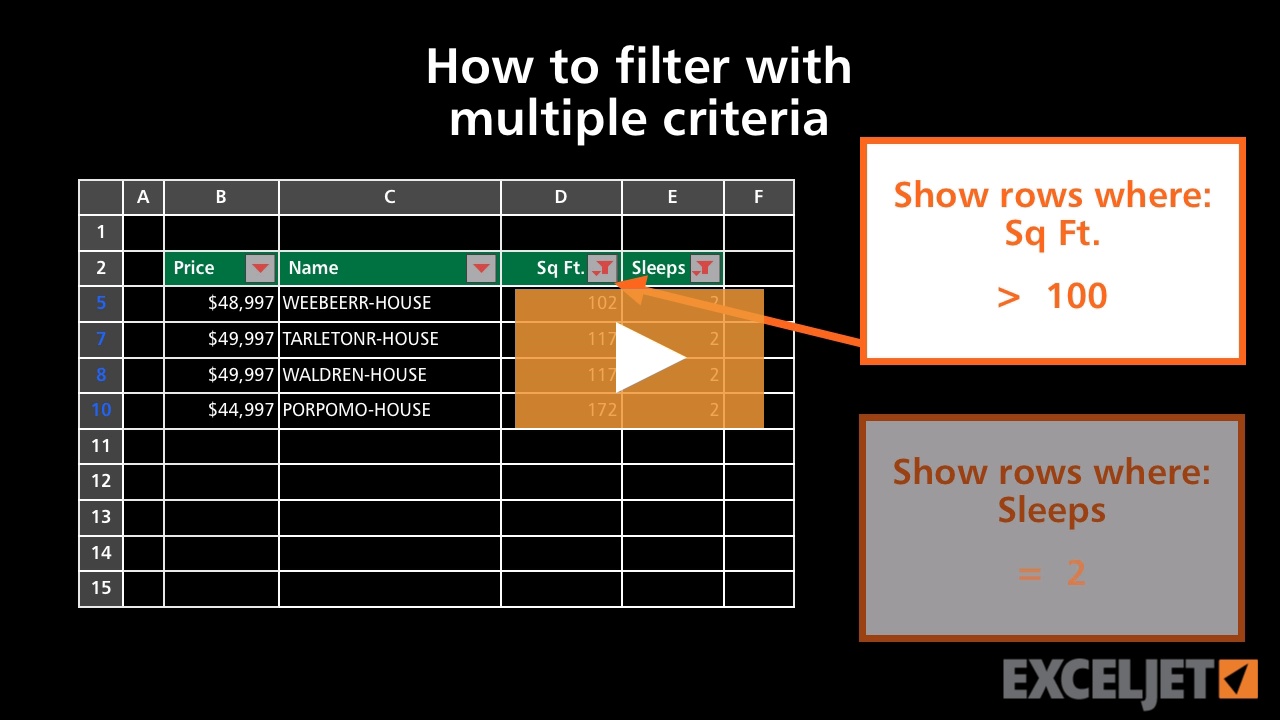
How to filter with multiple criteria
Core Excel
3:07

How to filter with multiple criteria

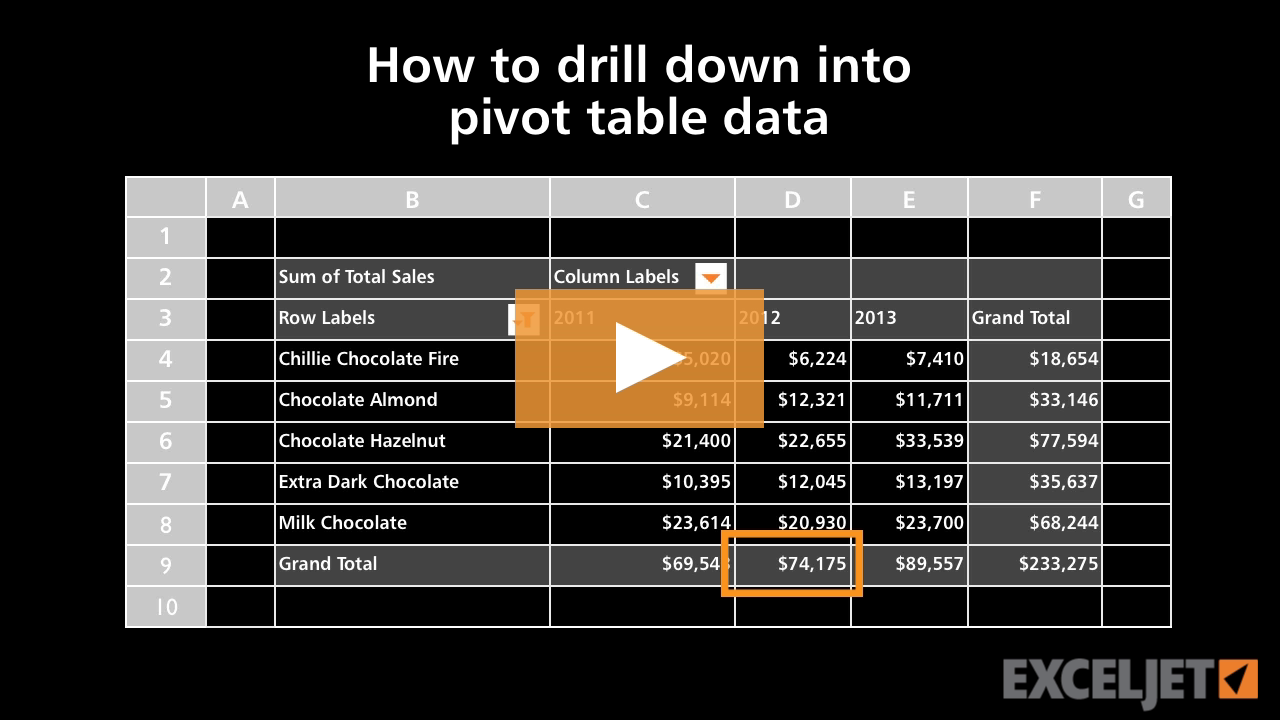
How to drill down into a pivot table
Core Pivot
2:12

How to drill down into a pivot table

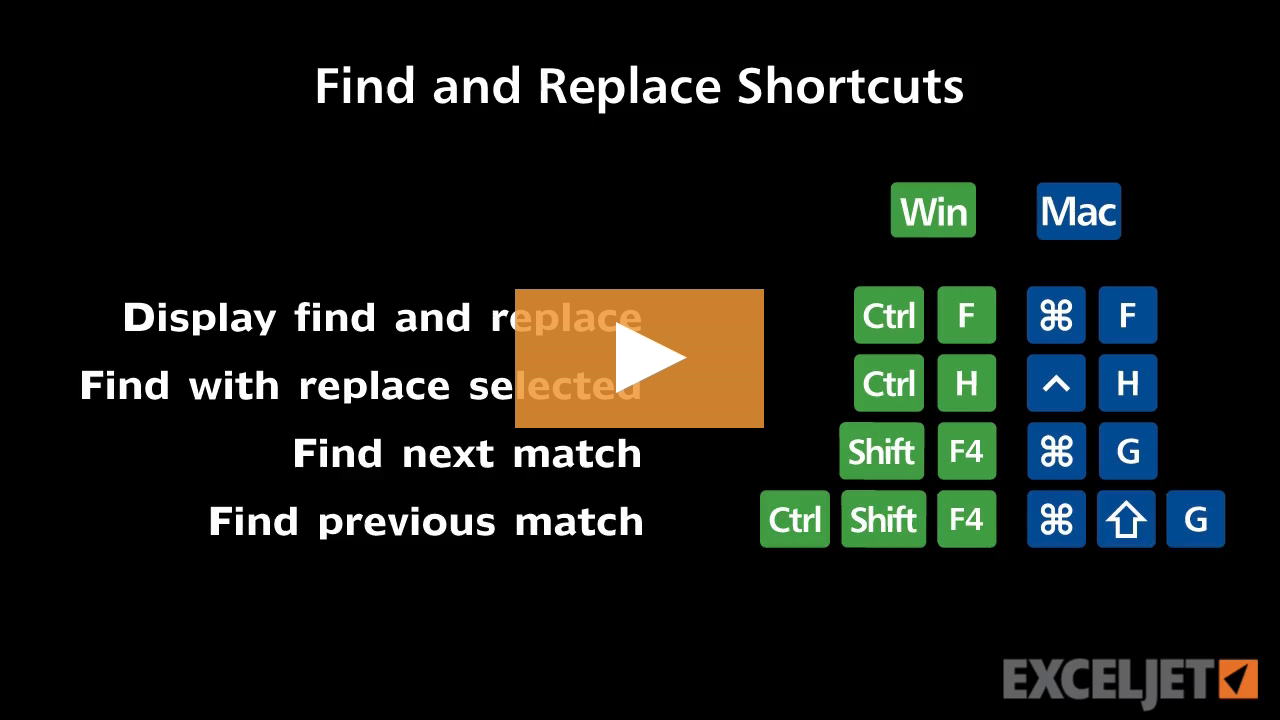
Shortcuts to find and replace
Excel Shortcuts
2:33

Shortcuts to find and replace

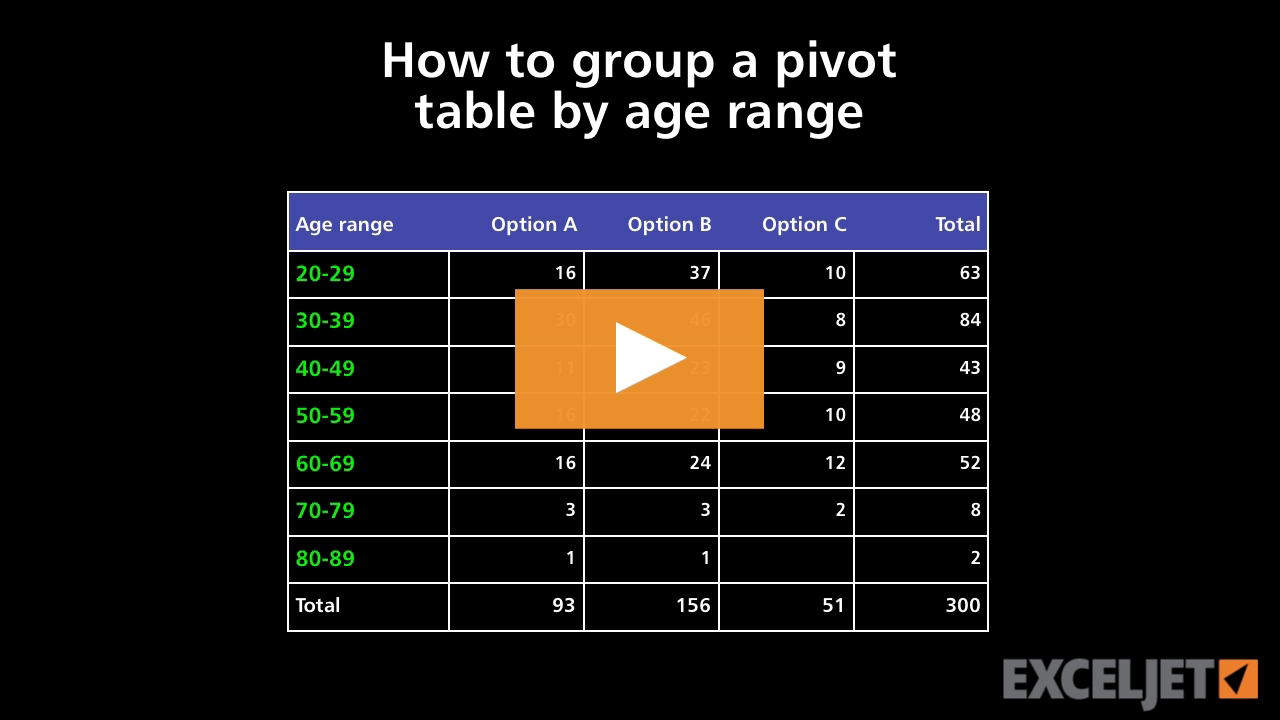
How to group a pivot table by age range
Core Pivot
2:47

How to group a pivot table by age range

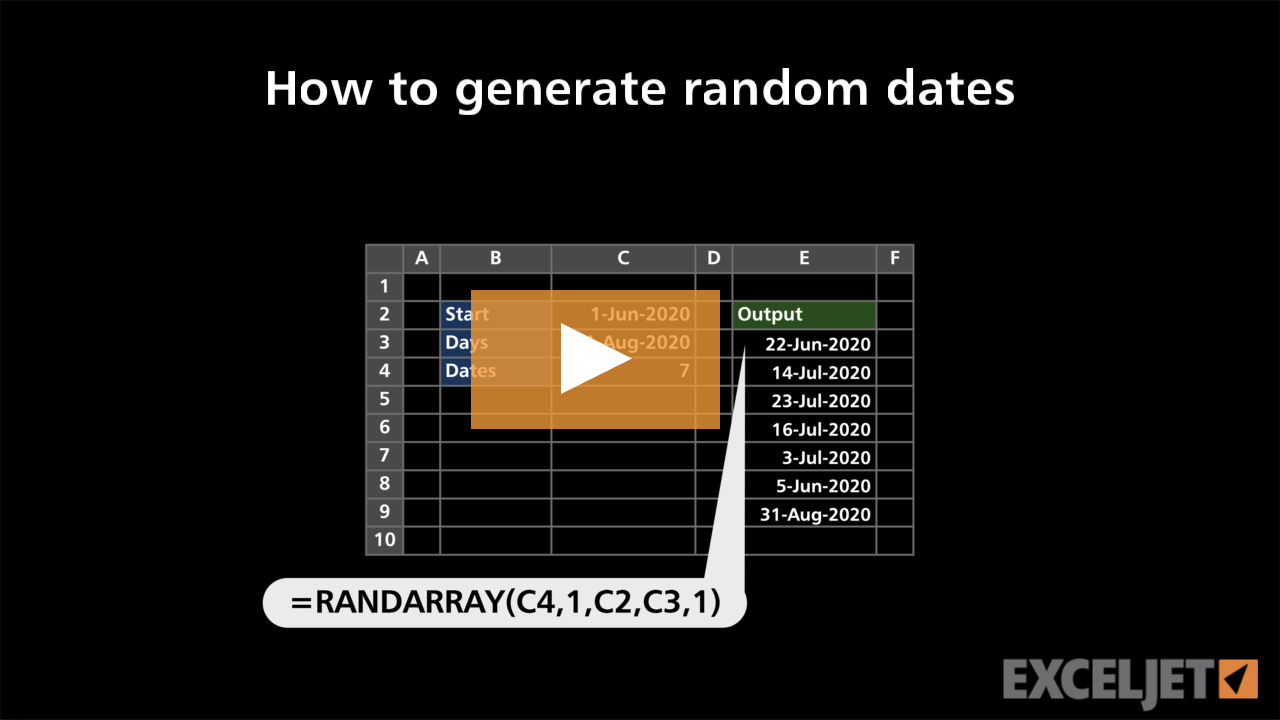
How to generate random dates
Dynamic Array Formulas
2:53

How to generate random dates

How to set formula error checking options
Core Formula
2:38

How to set formula error checking options

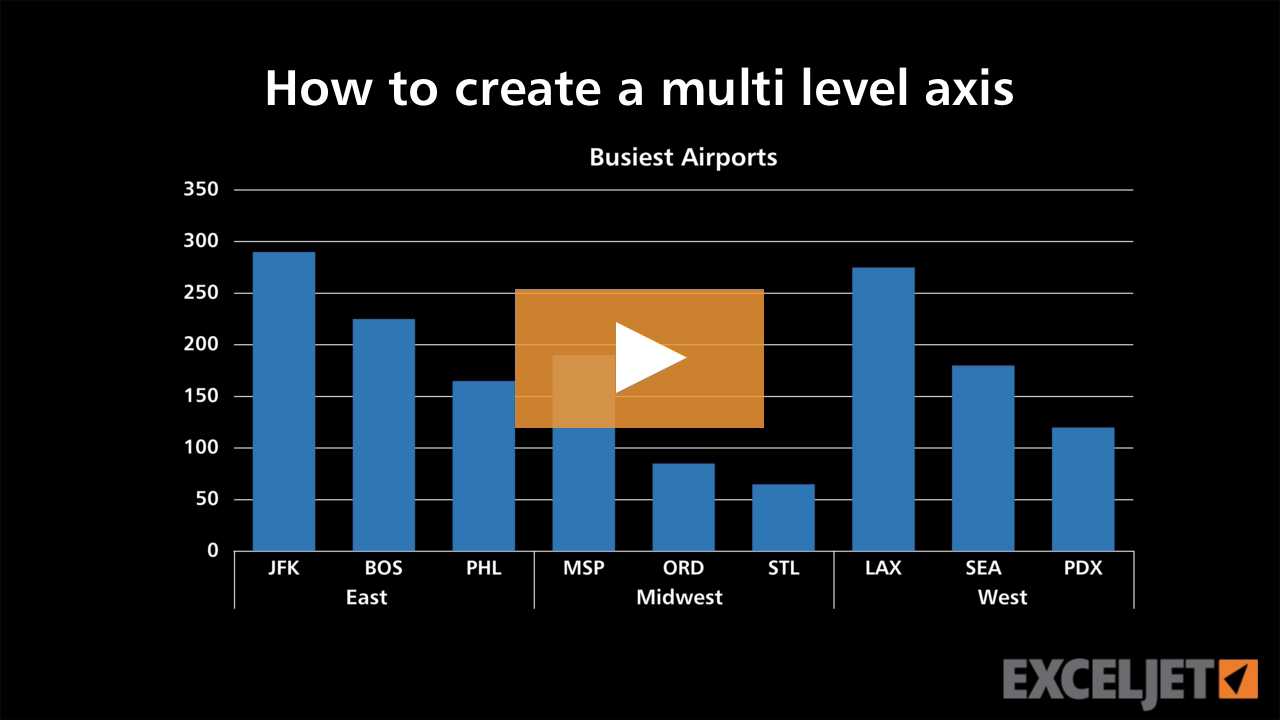
How to create a multi level axis
Core Charts
3:36

How to create a multi level axis

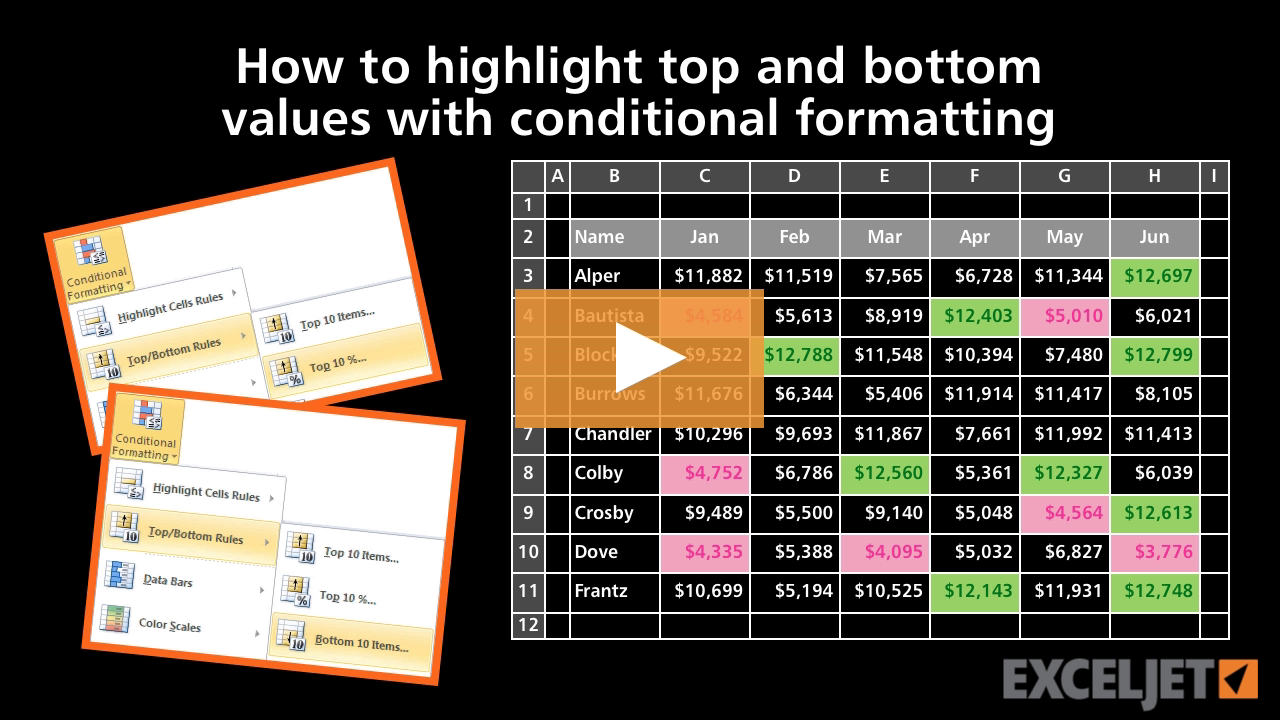
How to highlight top and bottom values
Conditional Formatting
2:45

How to highlight top and bottom values

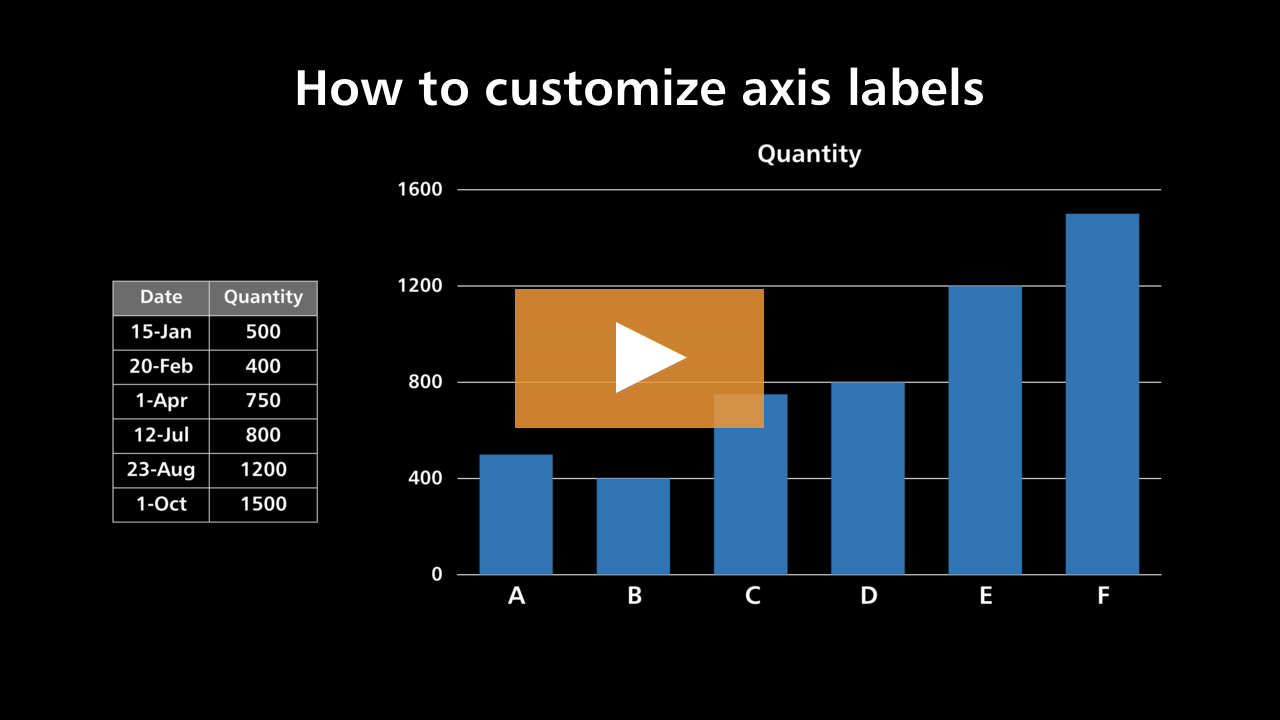
How to customize axis labels
Core Charts
3:06

How to customize axis labels

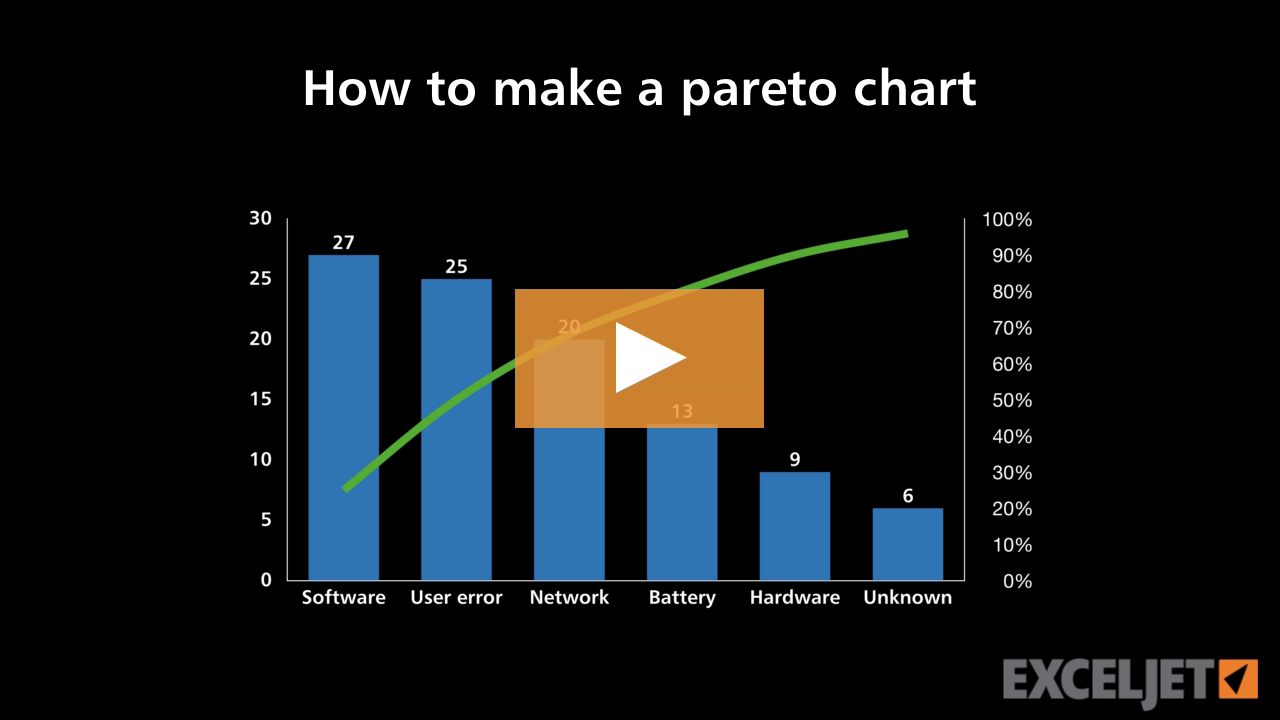
How to make a Pareto chart
Core Charts
2:50

How to make a Pareto chart

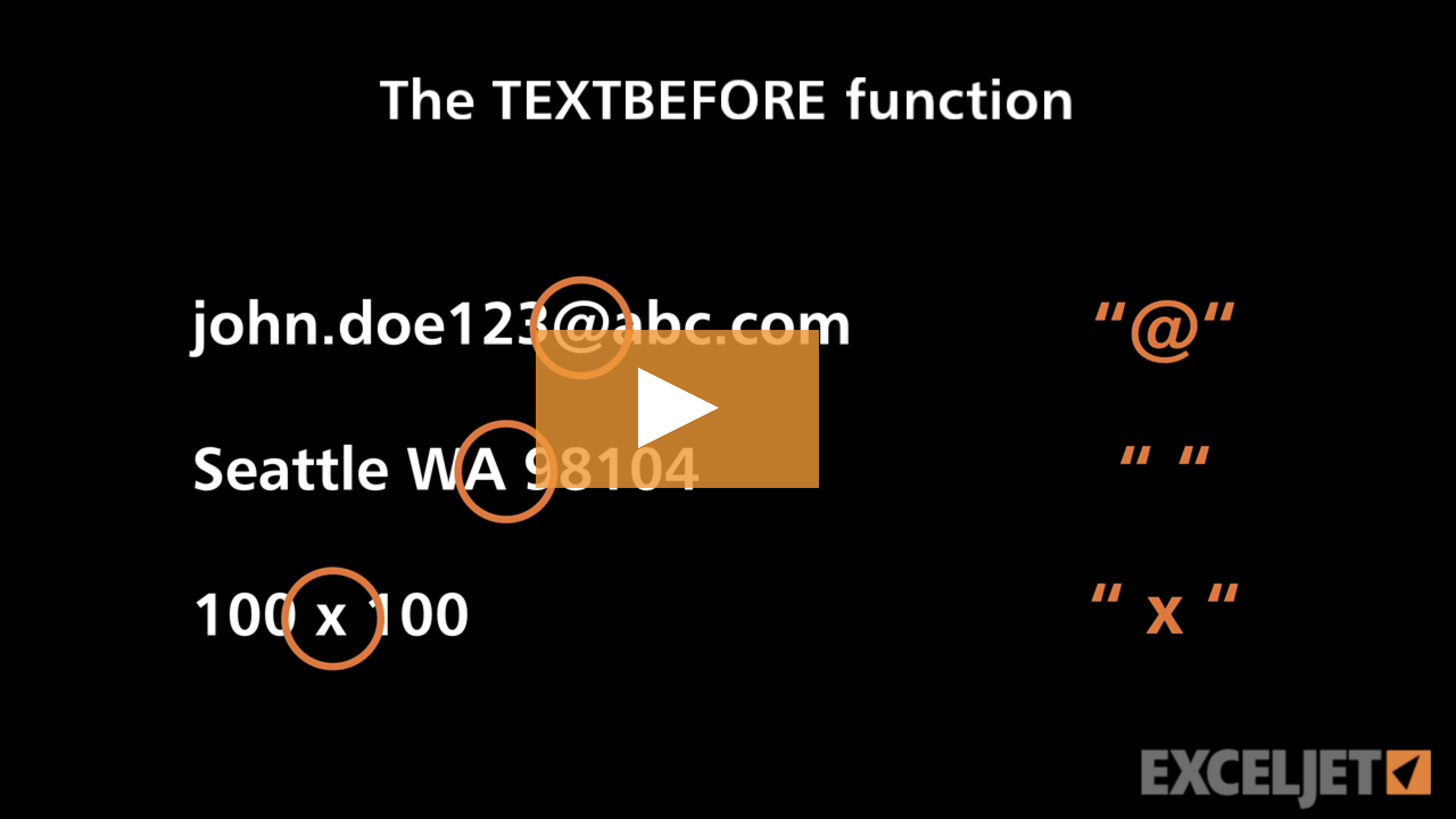
Excel TEXTBEFORE function
Dynamic Array Formulas
3:48

Excel TEXTBEFORE function

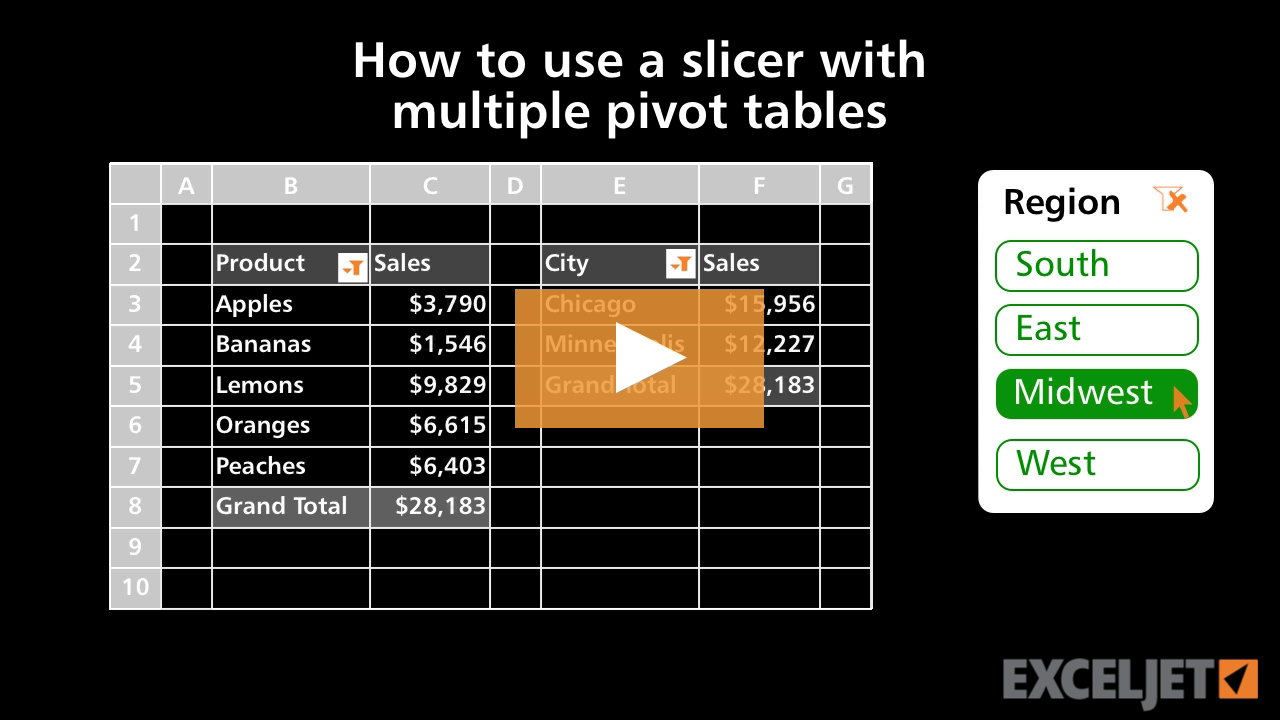
How to use a slicer with multiple pivot tables
Core Pivot
2:30

How to use a slicer with multiple pivot tables

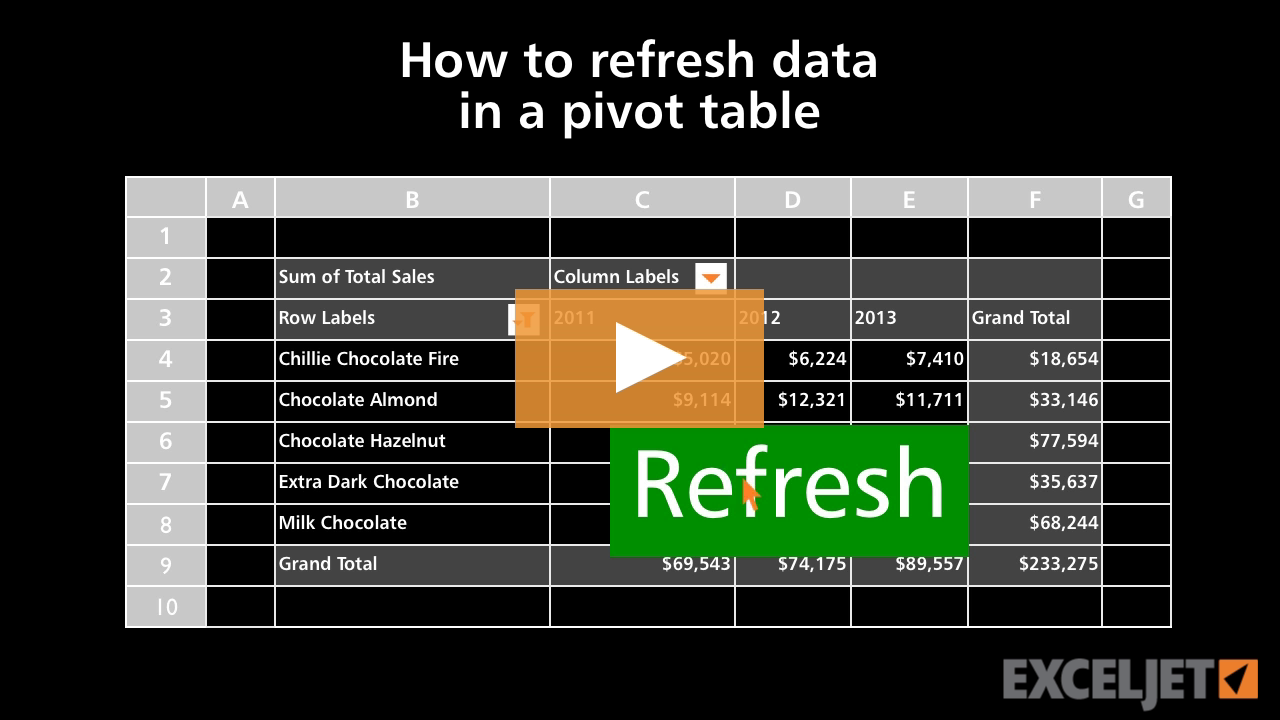
How to refresh data in a pivot table
Core Pivot
2:41

How to refresh data in a pivot table

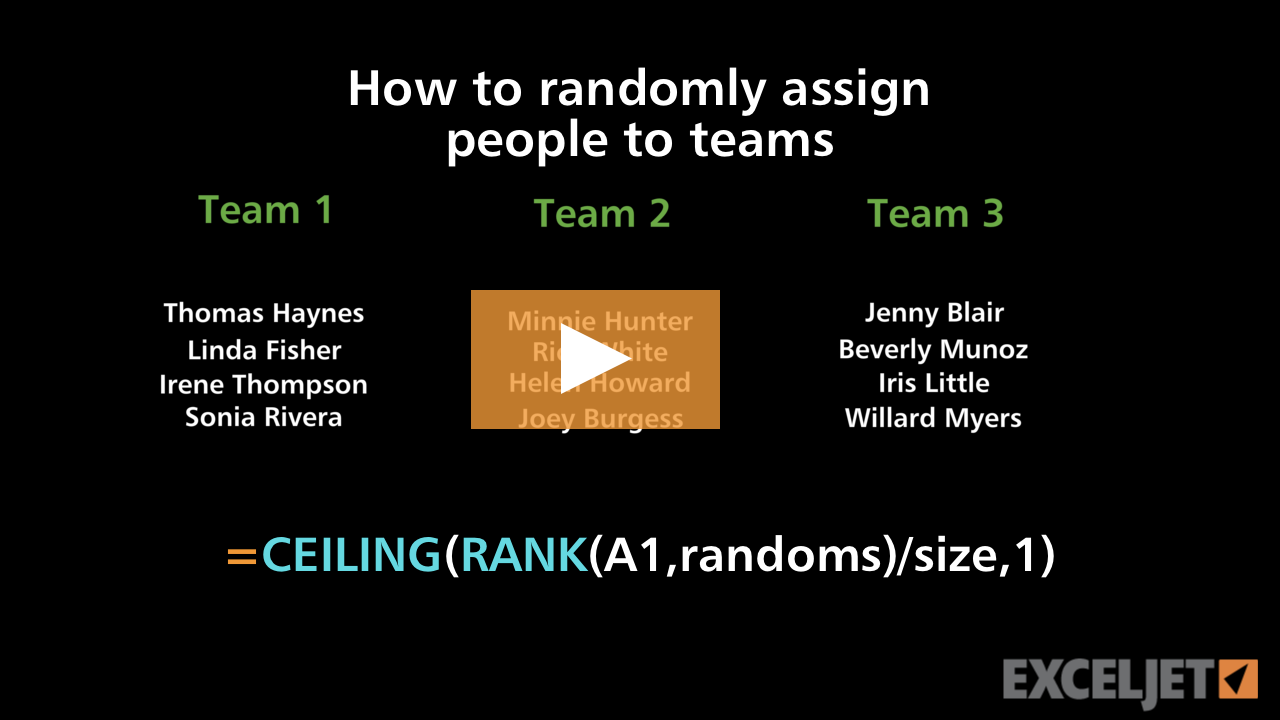
How to randomly assign people to teams
Core Formula
3:49

How to randomly assign people to teams

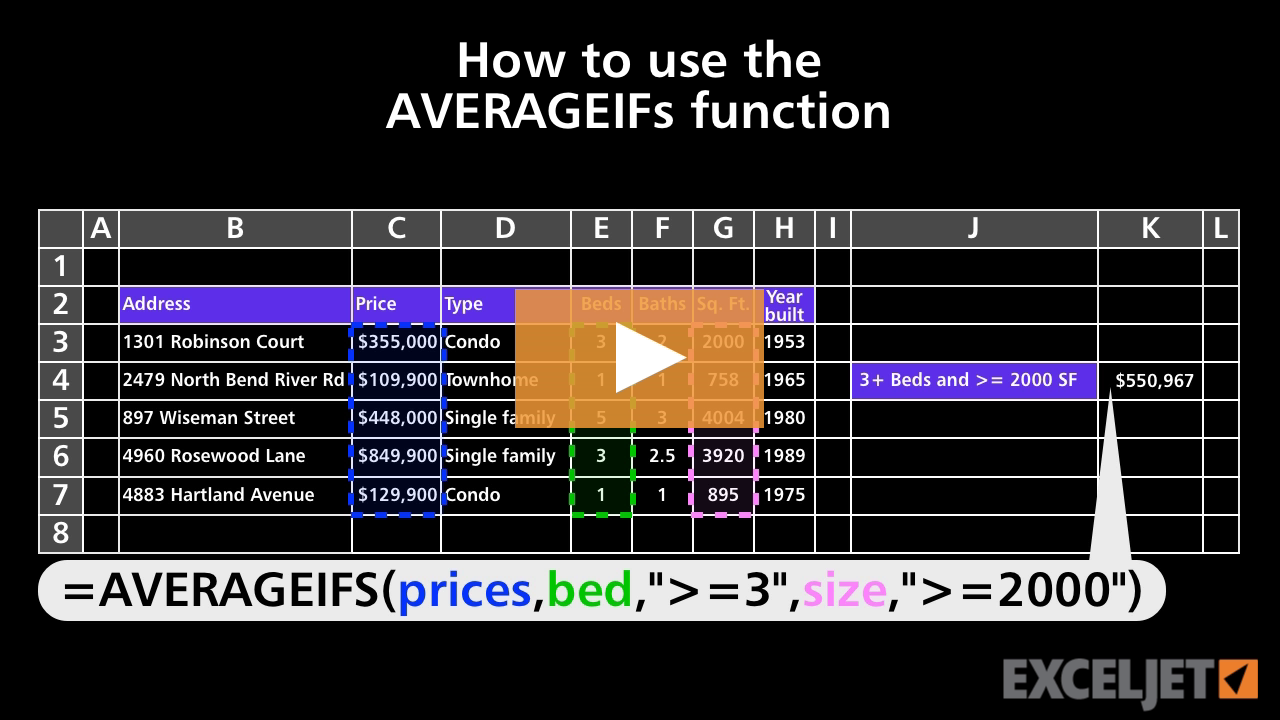
How to use the AVERAGEIFS function
Core Formula
3:20

How to use the AVERAGEIFS function

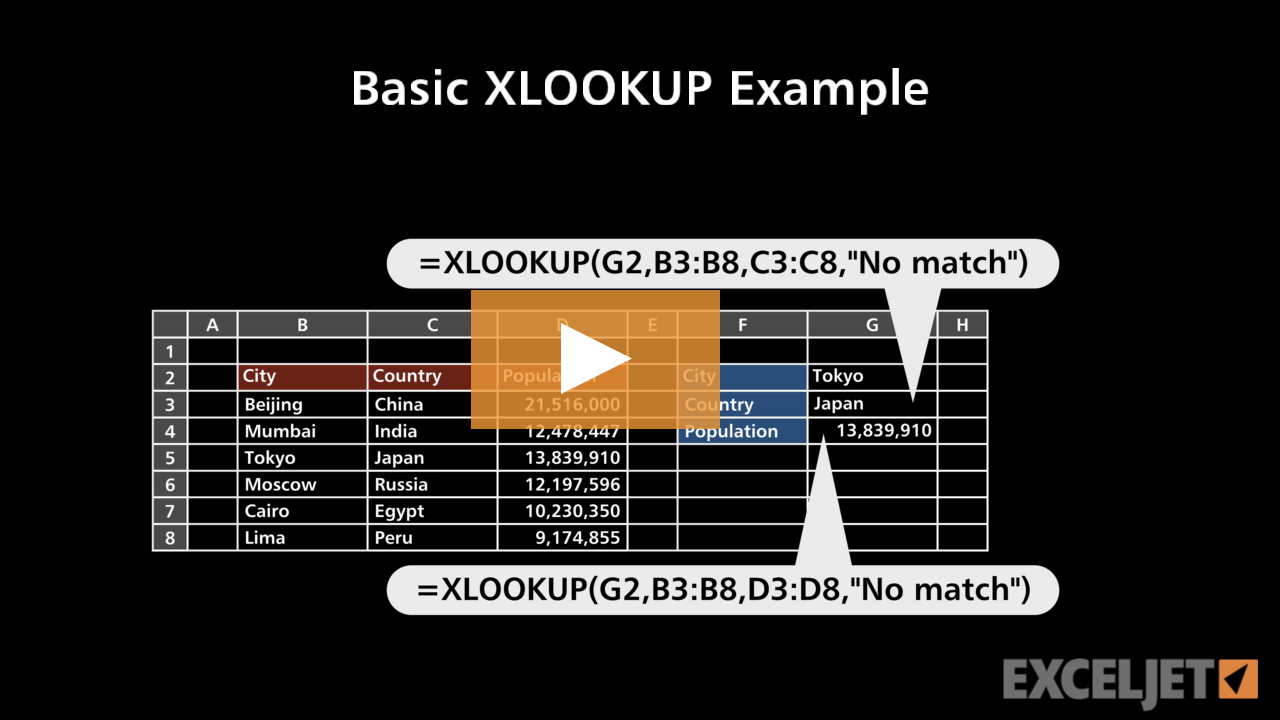
Basic XLOOKUP example
Dynamic Array Formulas
2:48

Basic XLOOKUP example

How to filter chart data with a table filter
Core Charts
3:16

How to filter chart data with a table filter

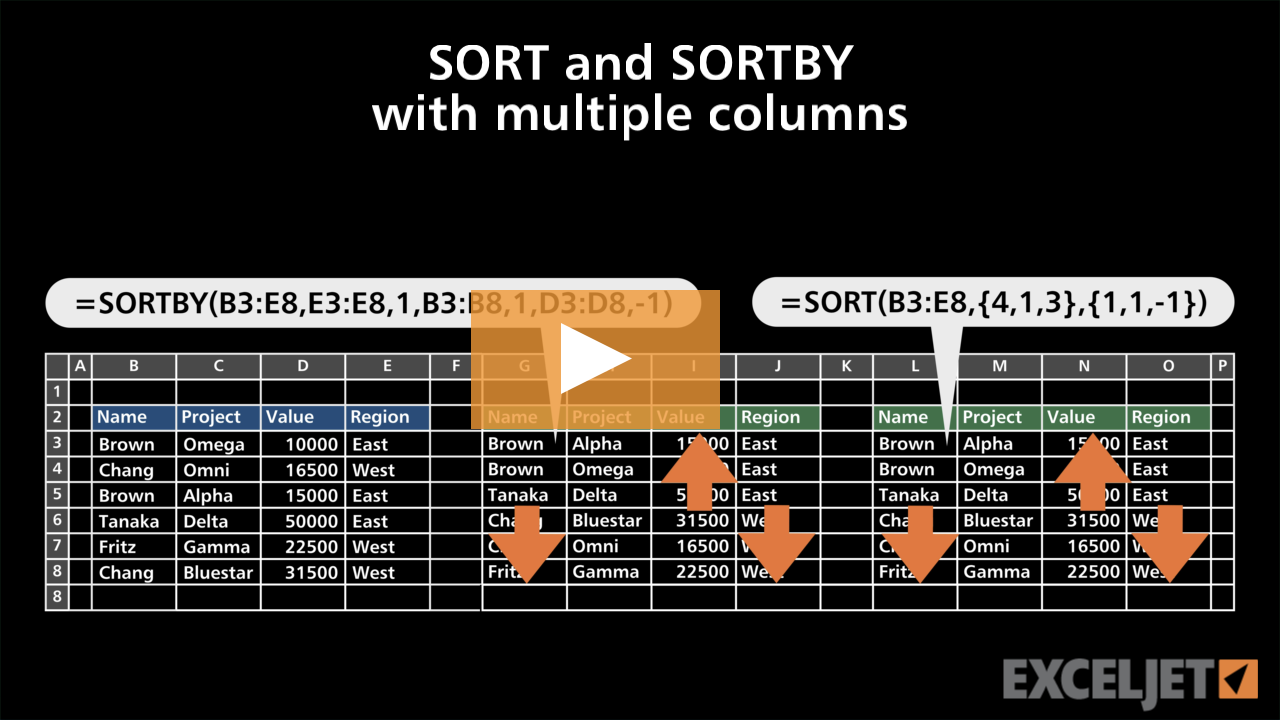
SORT and SORTBY with multiple columns
Dynamic Array Formulas
3:02

SORT and SORTBY with multiple columns

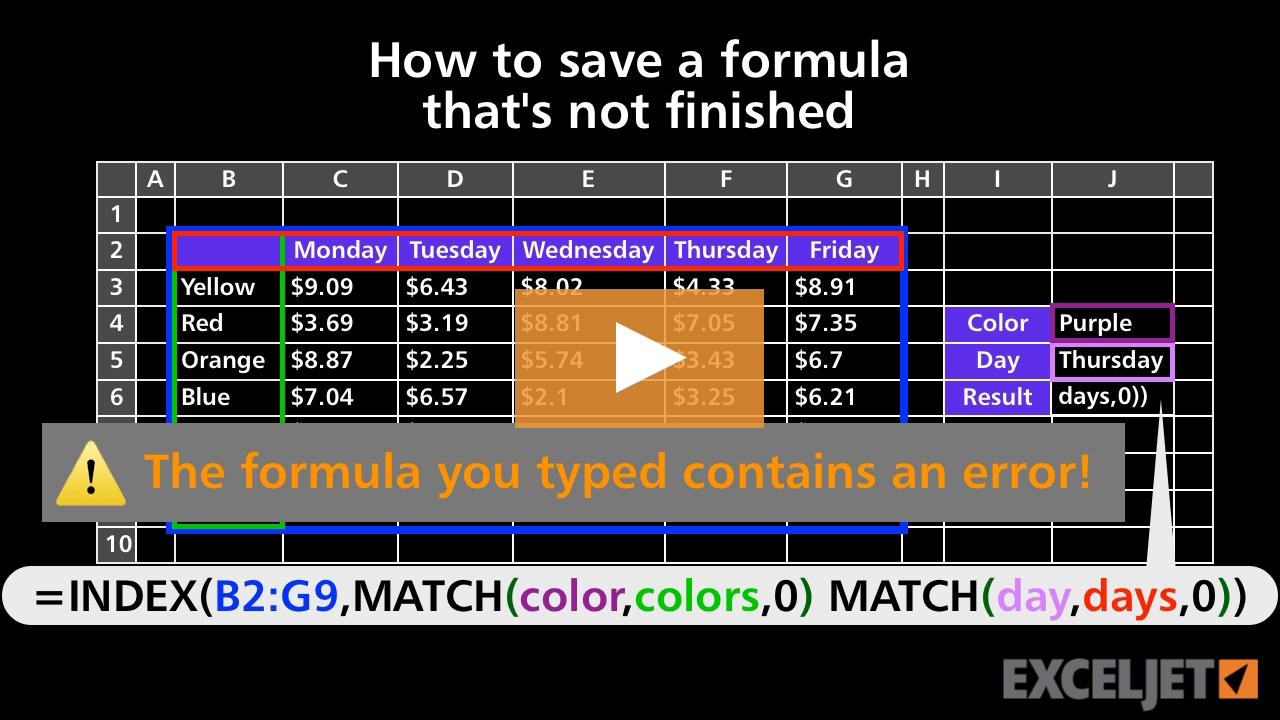
How to save a formula that's not finished
Core Formula
1:19

How to save a formula that's not finished

How to use scientific formatting in Excel
Core Excel
2:32

How to use scientific formatting in Excel

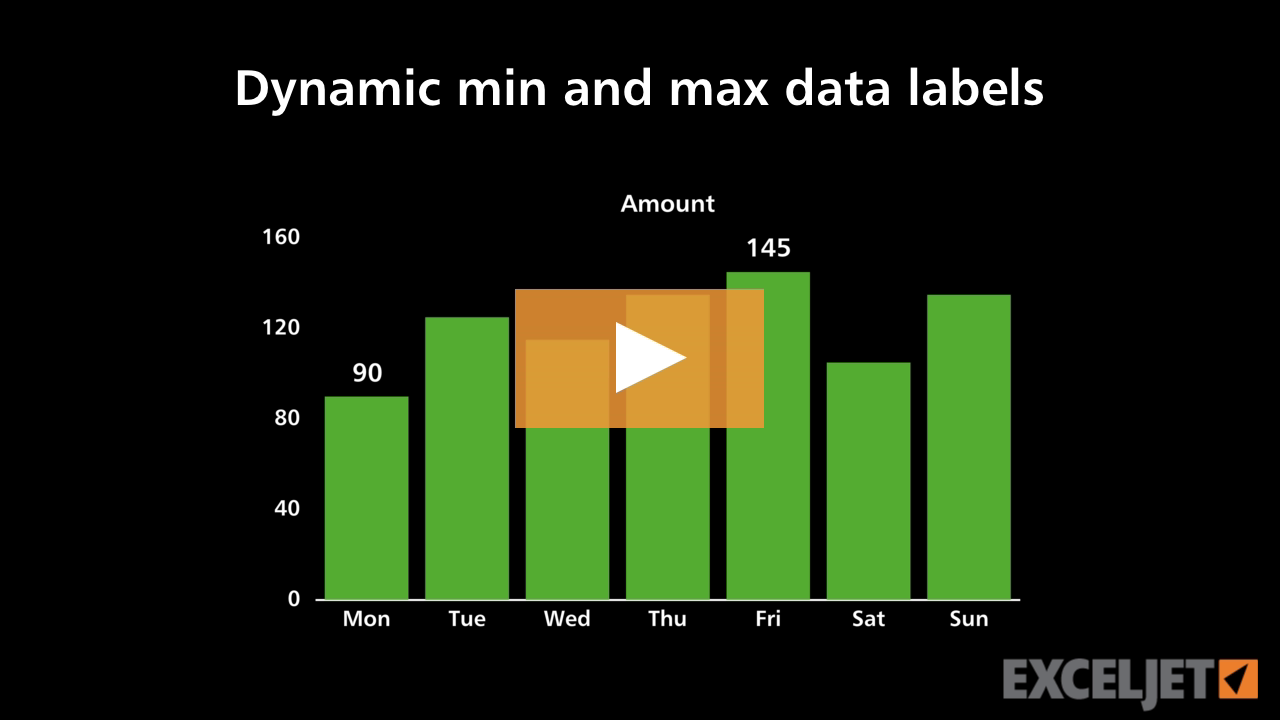
Dynamic min and max data labels
Core Charts
3:14

Dynamic min and max data labels

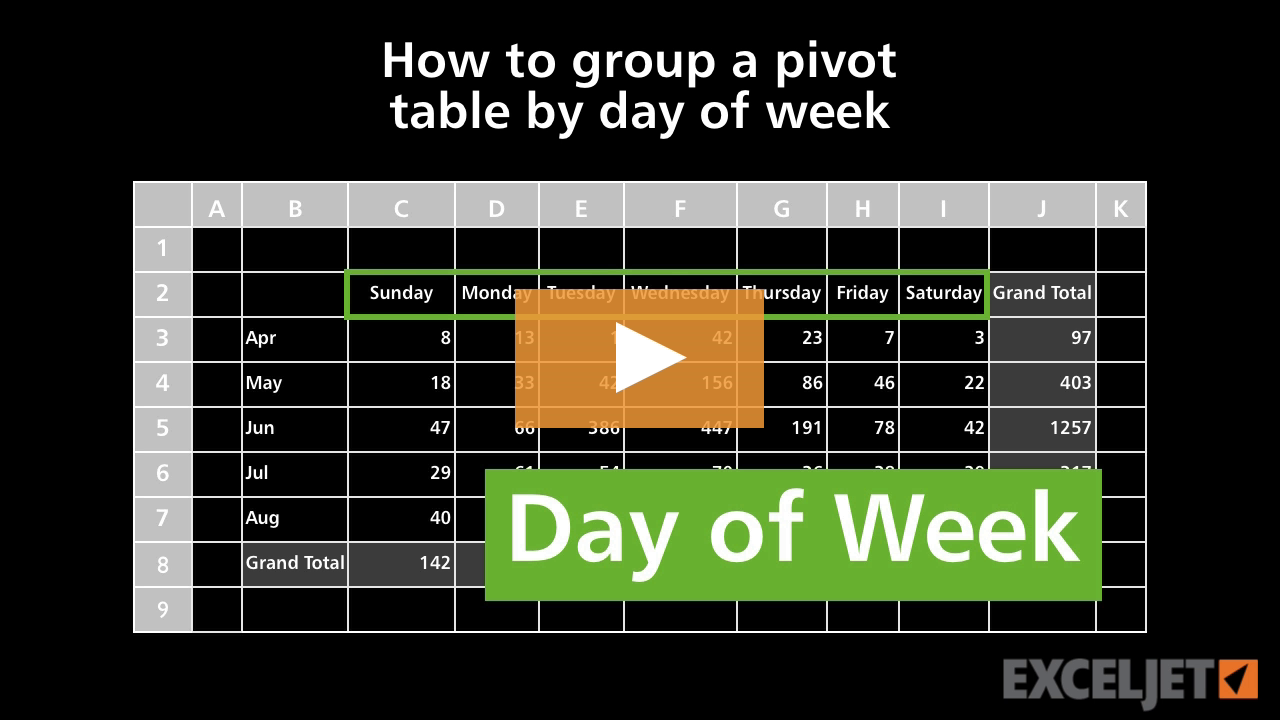
How to group a pivot table by day of week
Core Pivot
3:39

How to group a pivot table by day of week

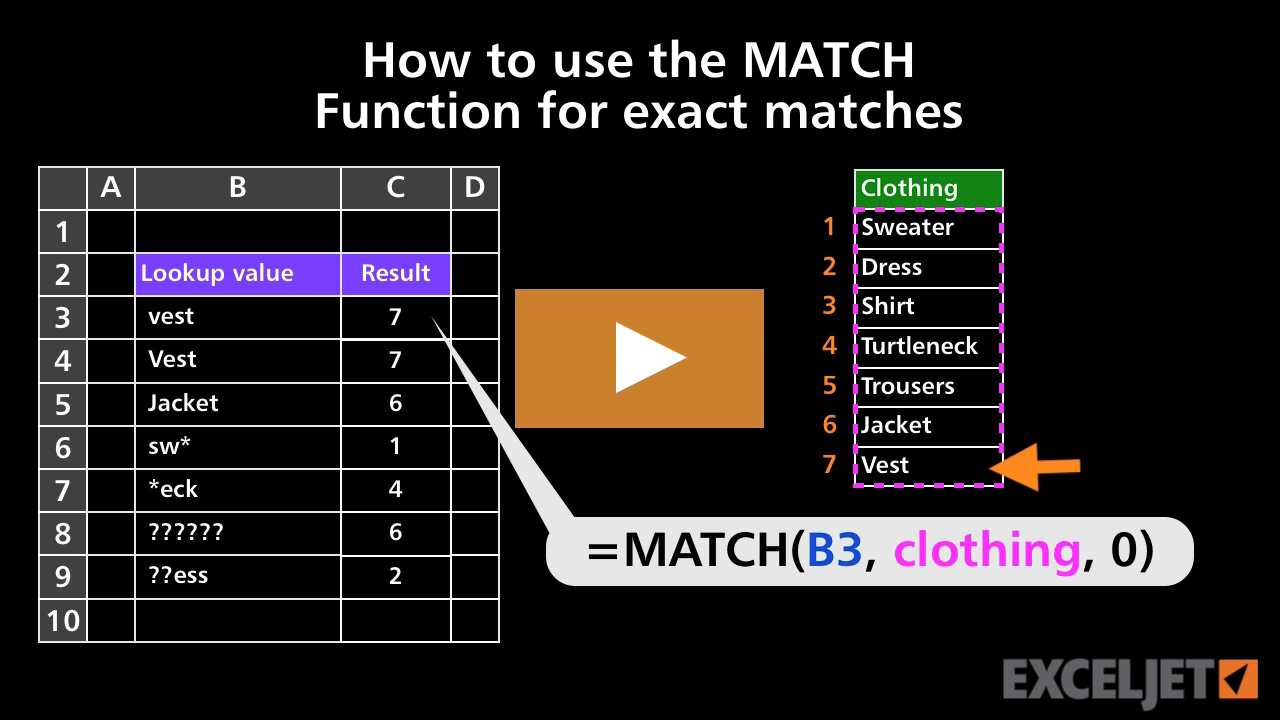
How to use the MATCH Function for exact matches
Core Formula
3:23

How to use the MATCH Function for exact matches

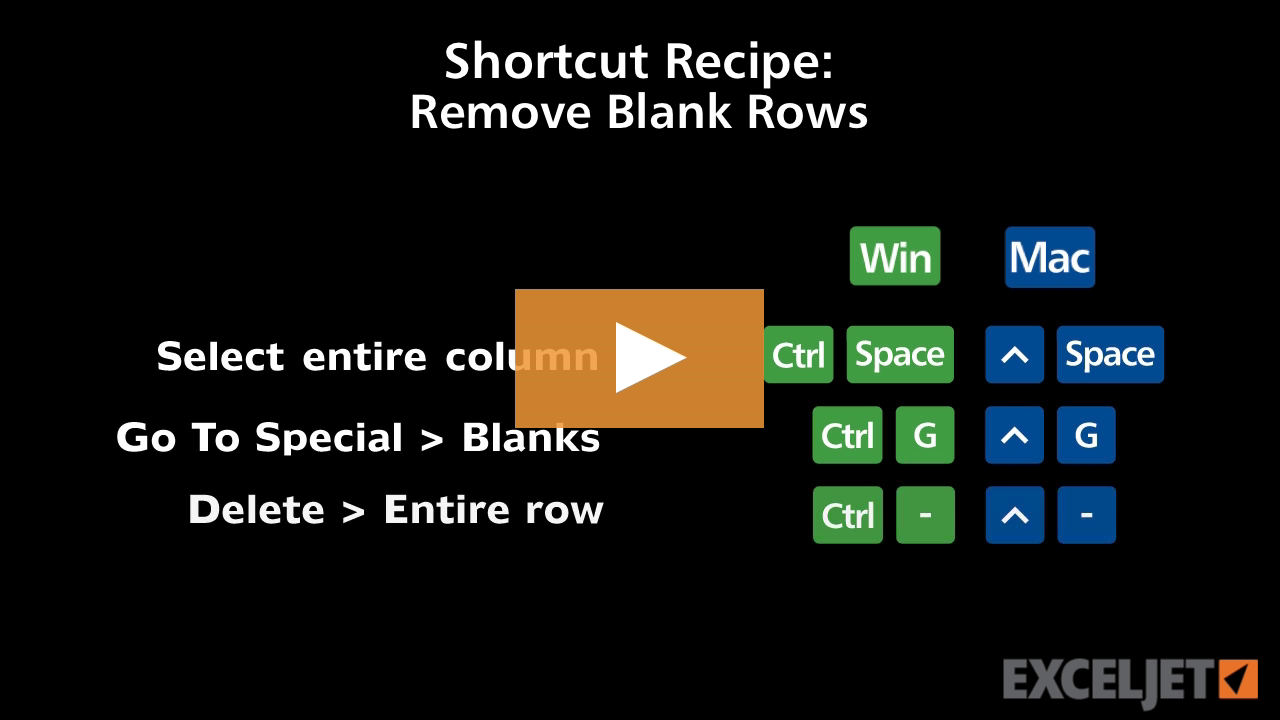
Shortcut recipe: delete blank rows
Excel Shortcuts
1:38

Shortcut recipe: delete blank rows

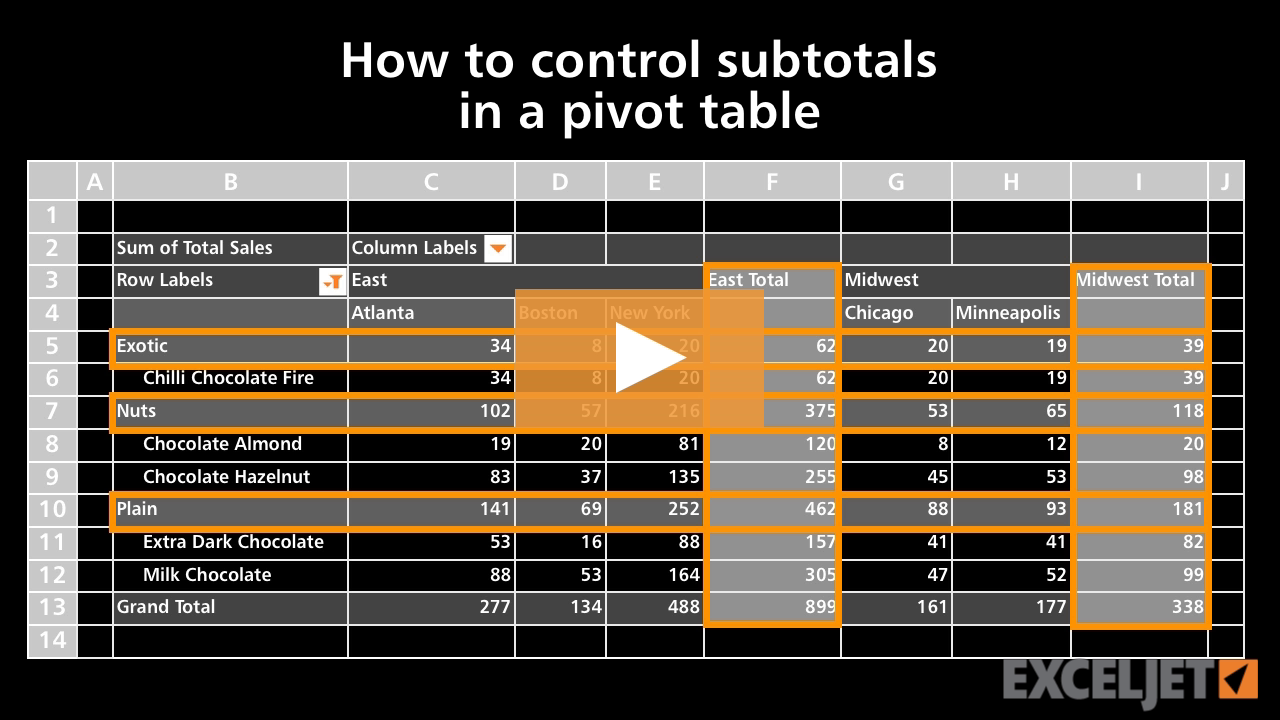
How to control subtotals in a pivot table
Core Pivot
3:03

How to control subtotals in a pivot table

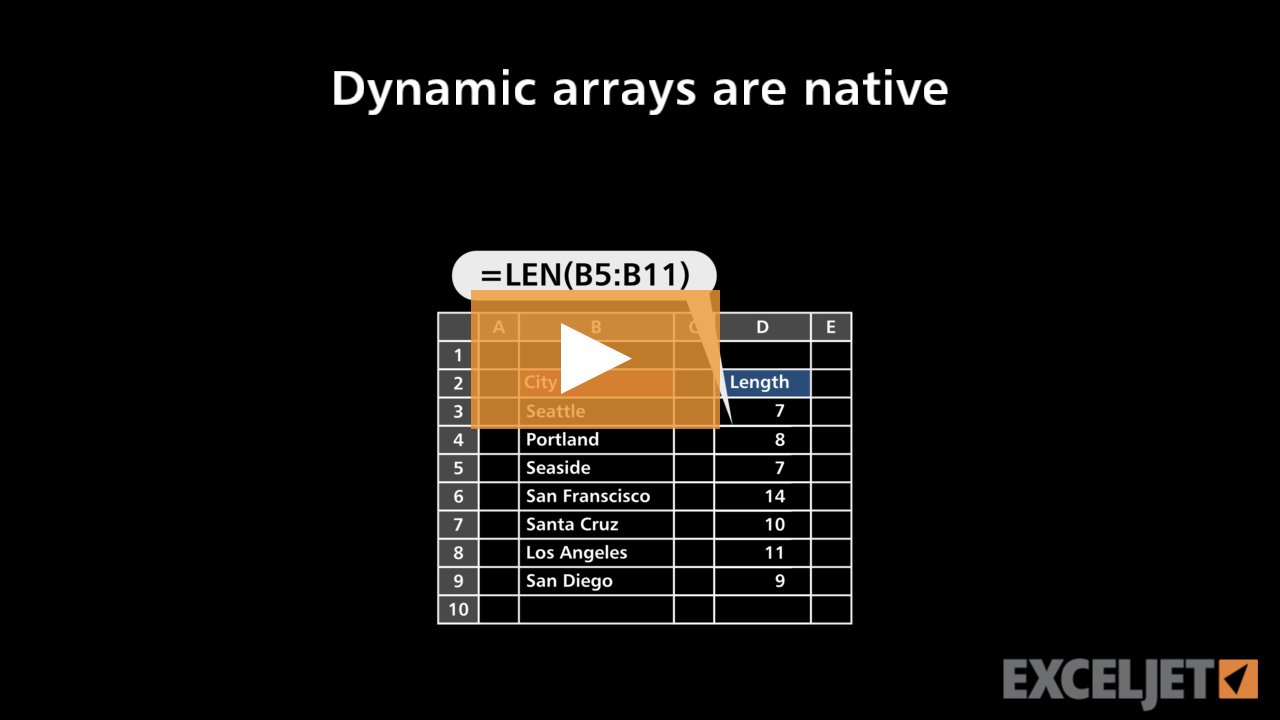
Dynamic arrays are native
Dynamic Array Formulas
2:52

Dynamic arrays are native

How to use exponents in a formula
Core Excel
2:13

How to use exponents in a formula

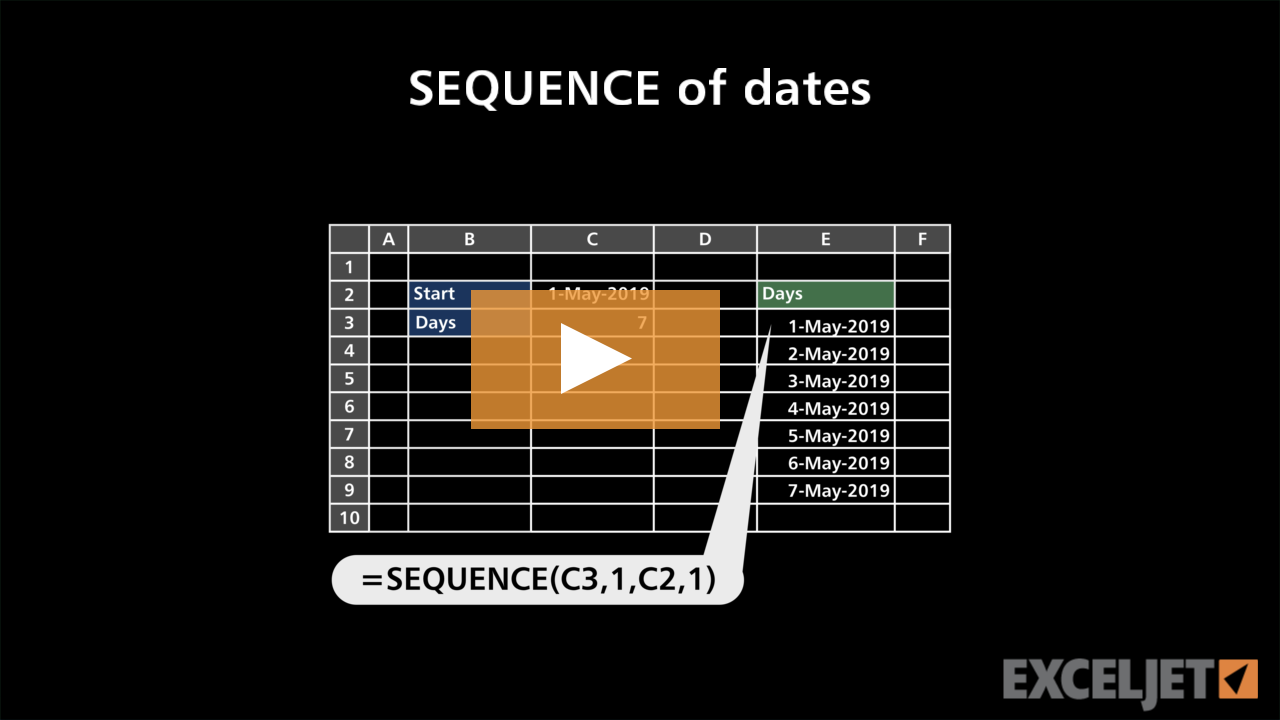
SEQUENCE of dates
Dynamic Array Formulas
2:45

SEQUENCE of dates

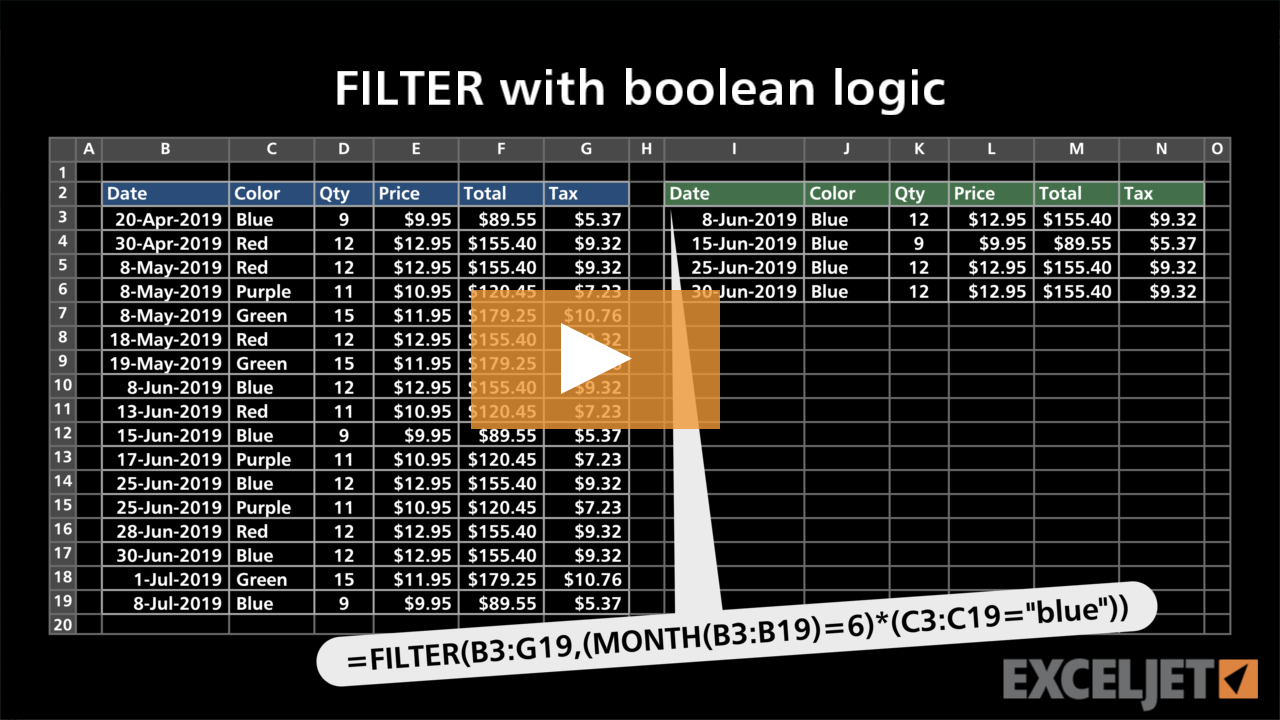
FILTER with boolean logic
Dynamic Array Formulas
2:57

FILTER with boolean logic

How to name and format worksheet tabs
Core Excel
2:21

How to name and format worksheet tabs

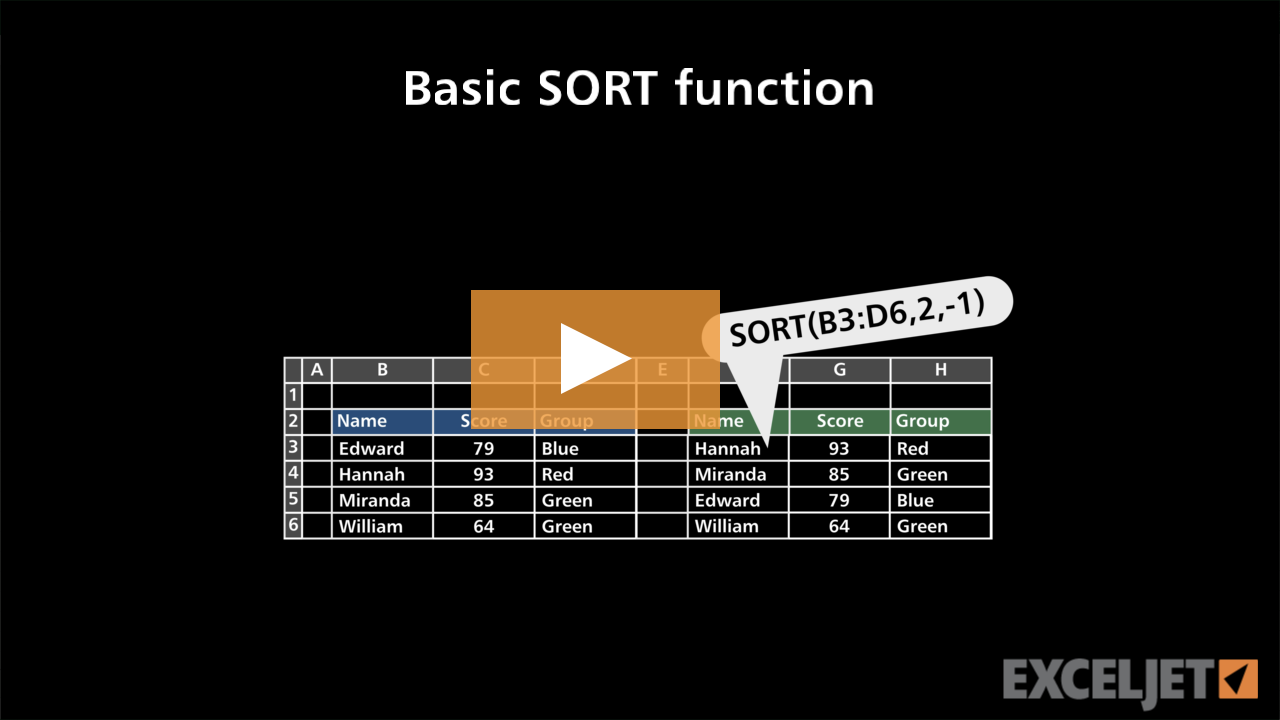
Basic SORT function example
Dynamic Array Formulas
2:33

Basic SORT function example

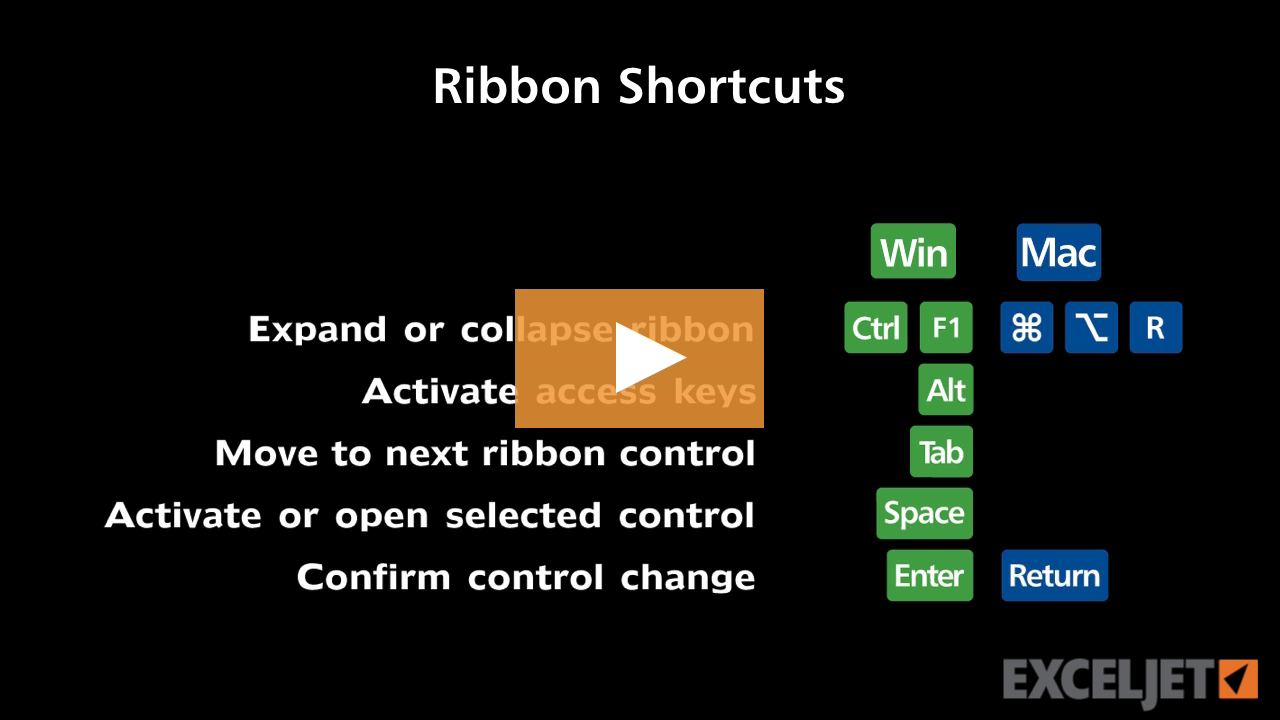
Excel Ribbon shortcuts
Excel Shortcuts
3:02

Excel Ribbon shortcuts

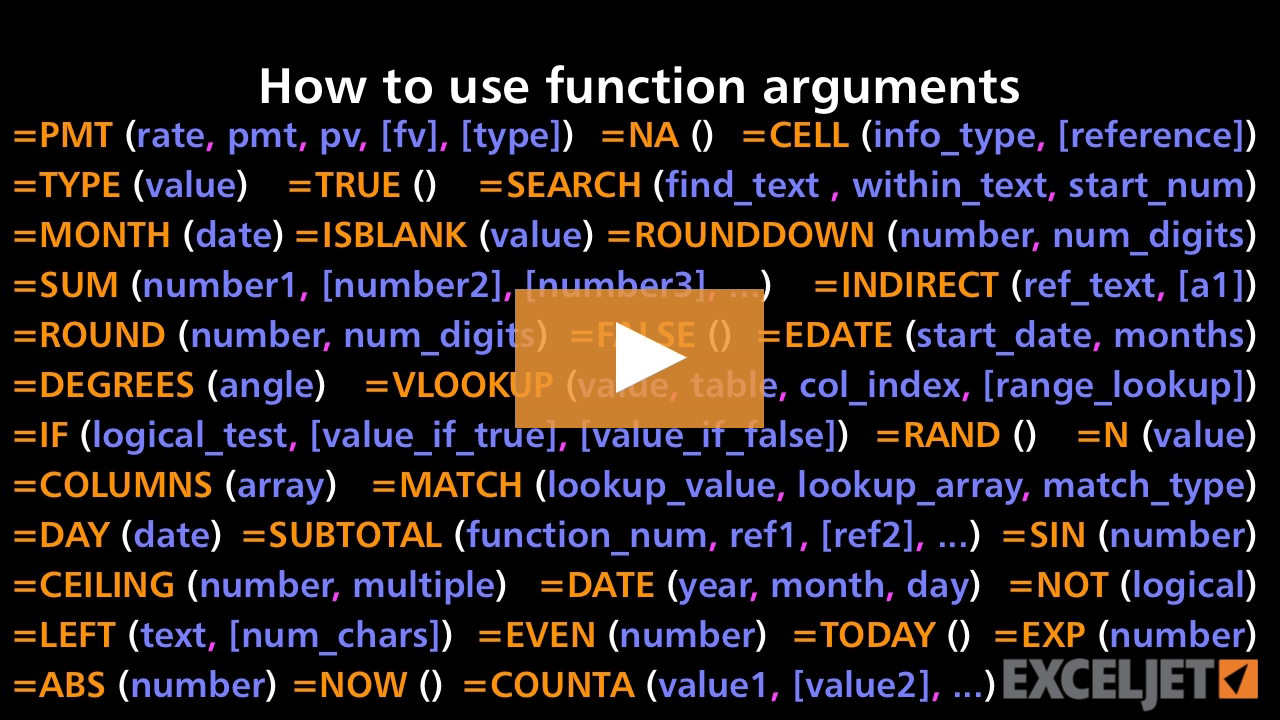
How to use function arguments
Core Formula
3:08

How to use function arguments

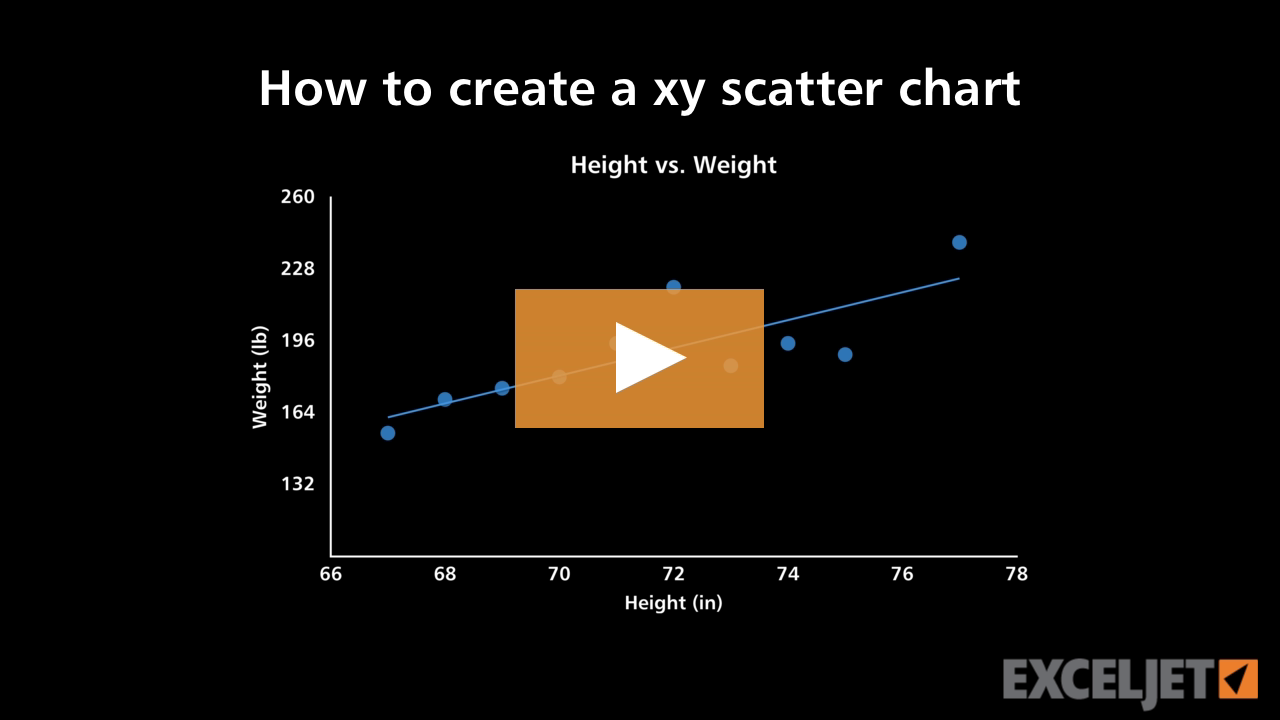
How to create a xy scatter chart
Core Charts
2:29

How to create a xy scatter chart

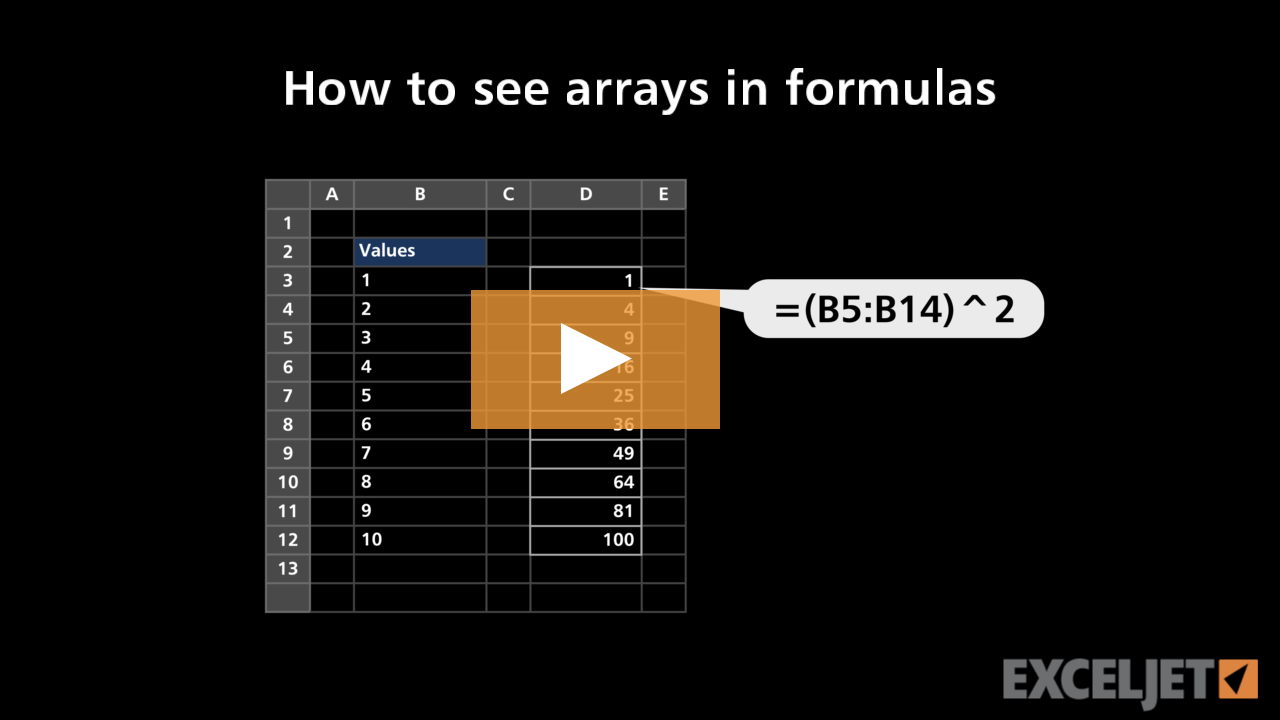
How to see arrays in formulas
Dynamic Array Formulas
2:55

How to see arrays in formulas

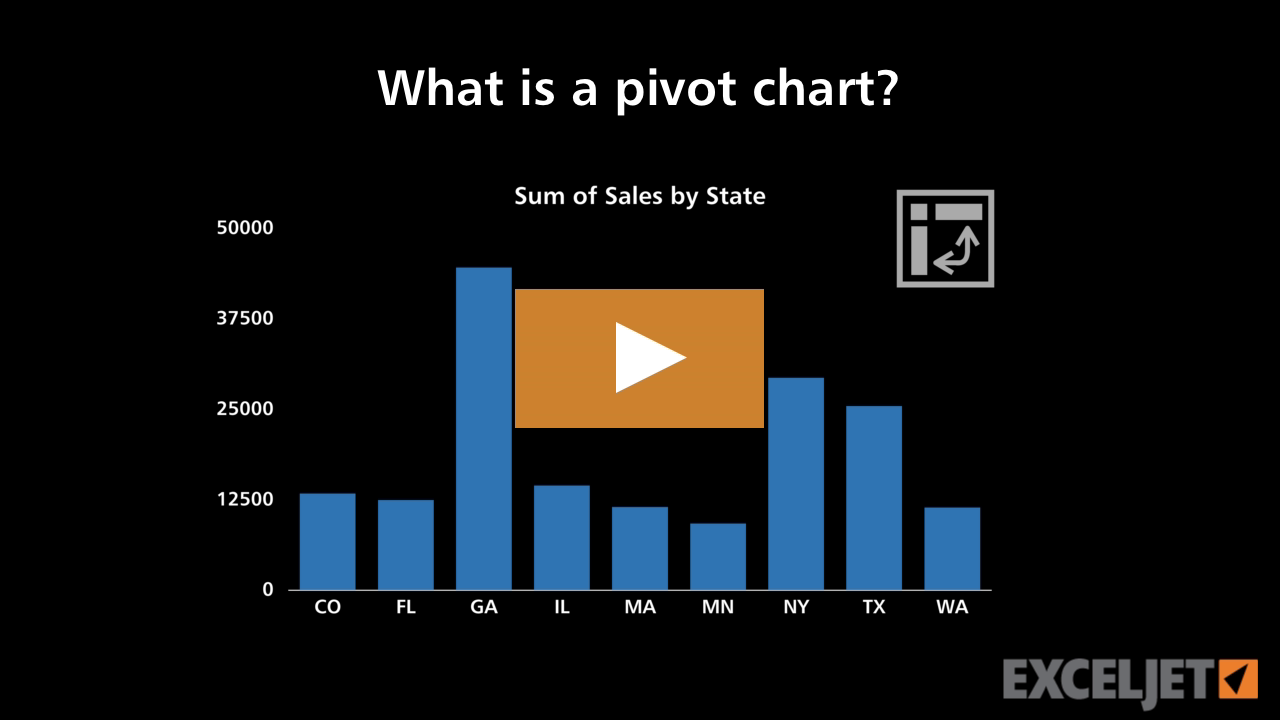
What is a pivot chart
Core Charts
3:14

What is a pivot chart

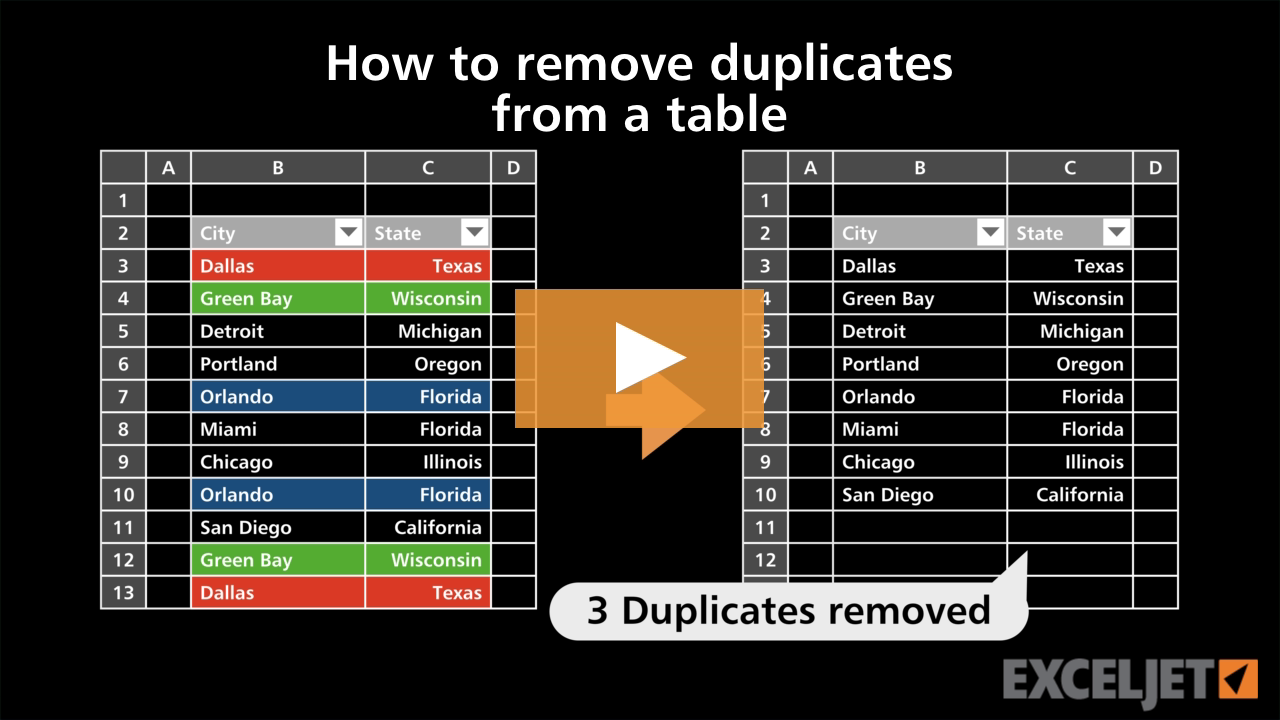
How to remove duplicates from a table
Excel Tables
2:54

How to remove duplicates from a table

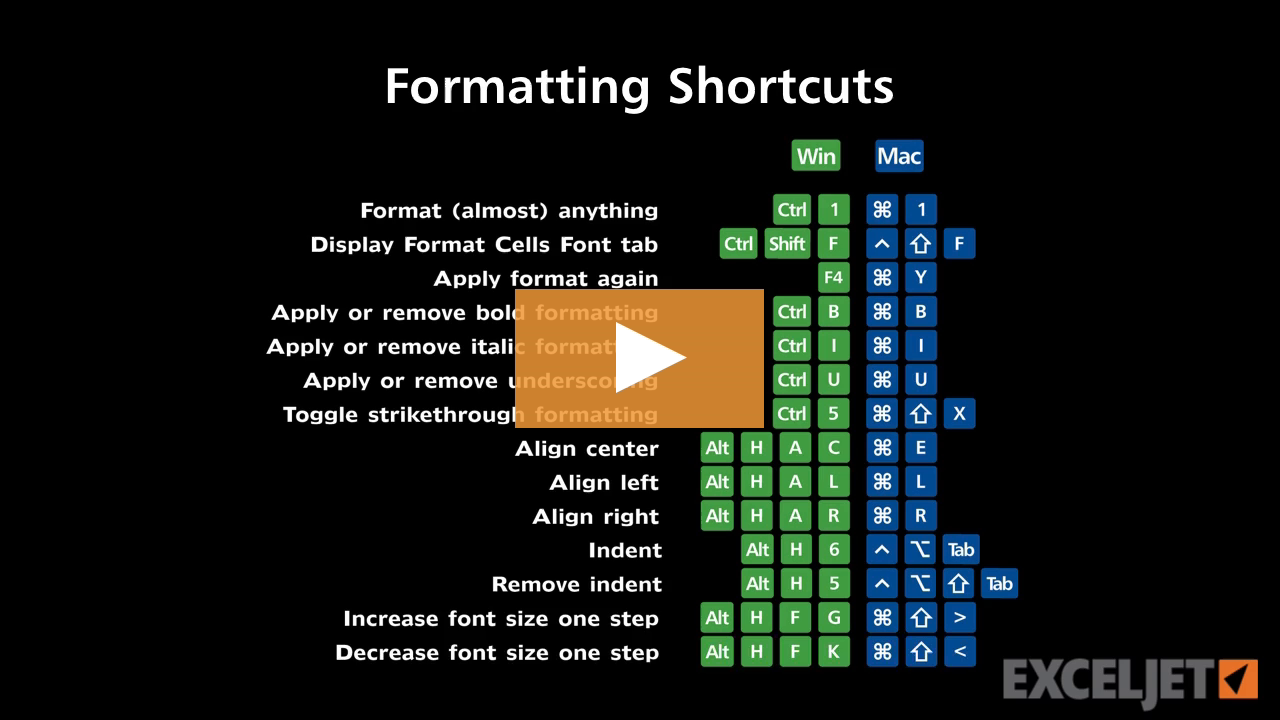
Shortcuts for formatting
Excel Shortcuts
3:54

Shortcuts for formatting

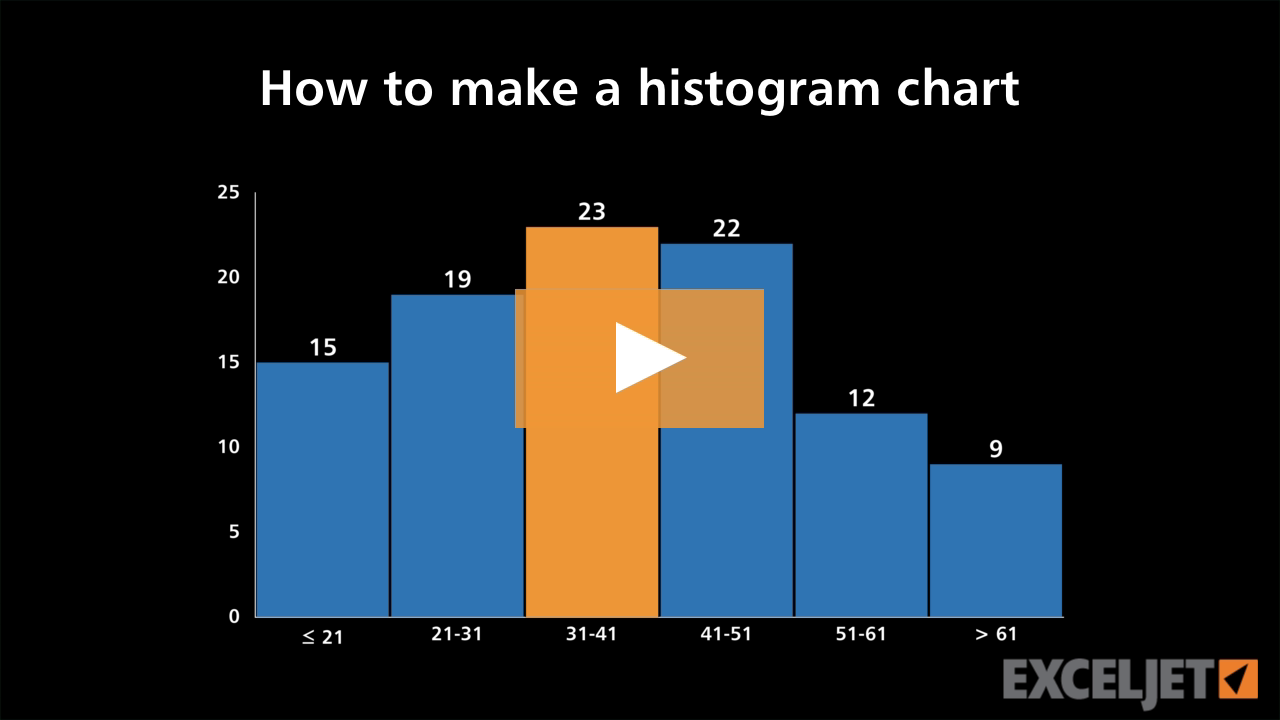
How to make a histogram chart
Core Charts
3:15

How to make a histogram chart

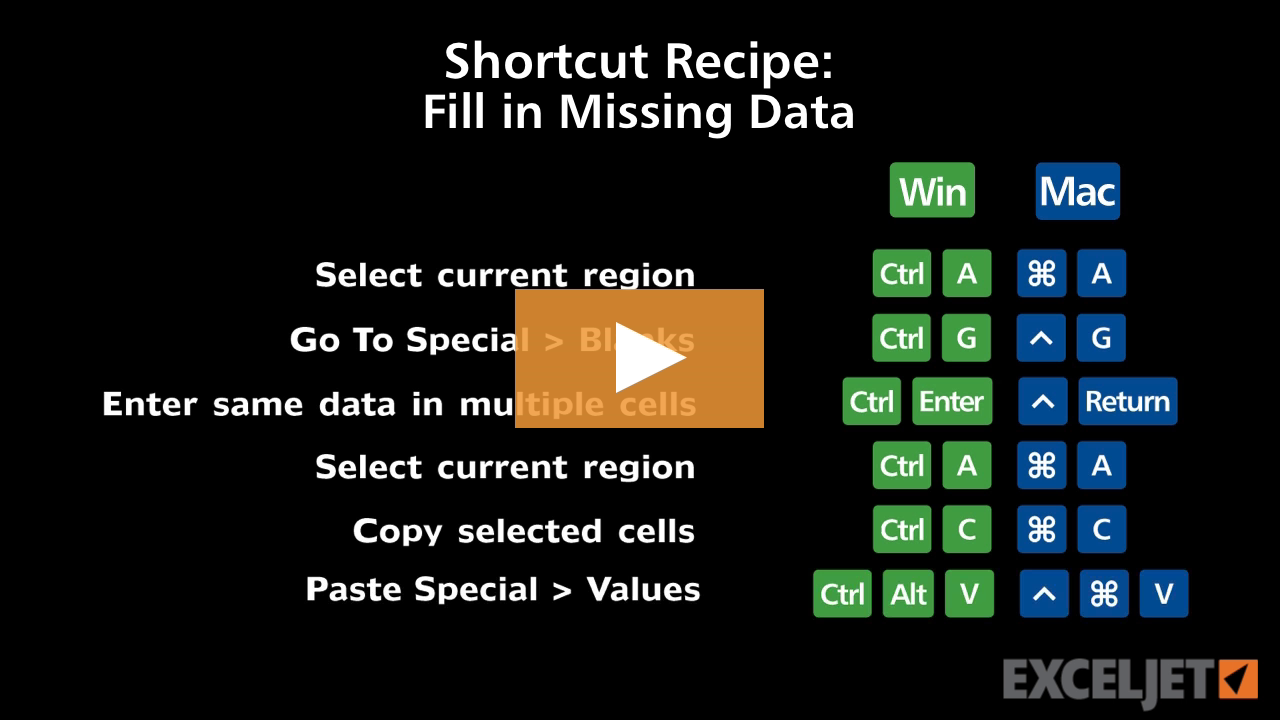
Shortcut recipe: fill in missing data
Excel Shortcuts
2:42

Shortcut recipe: fill in missing data

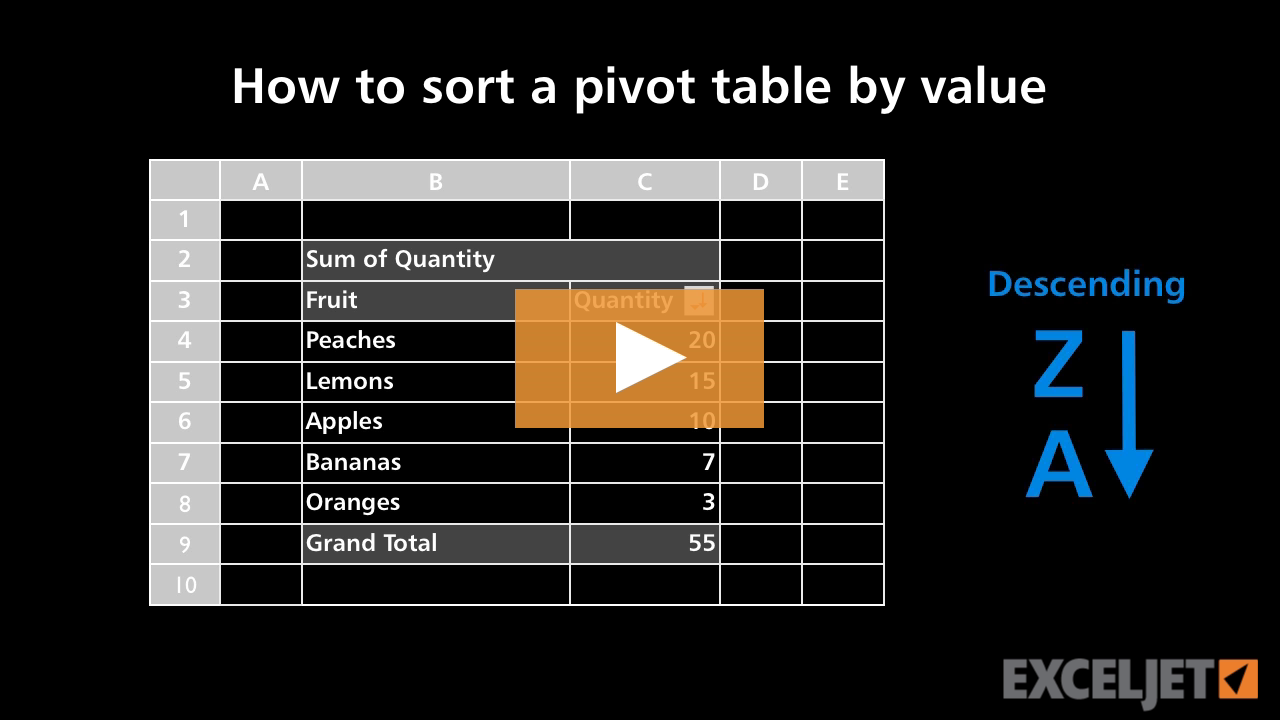
How to sort a pivot table by value
Core Pivot
2:55

How to sort a pivot table by value

How to use the Quick Access Toolbar
Core Excel
2:59

How to use the Quick Access Toolbar

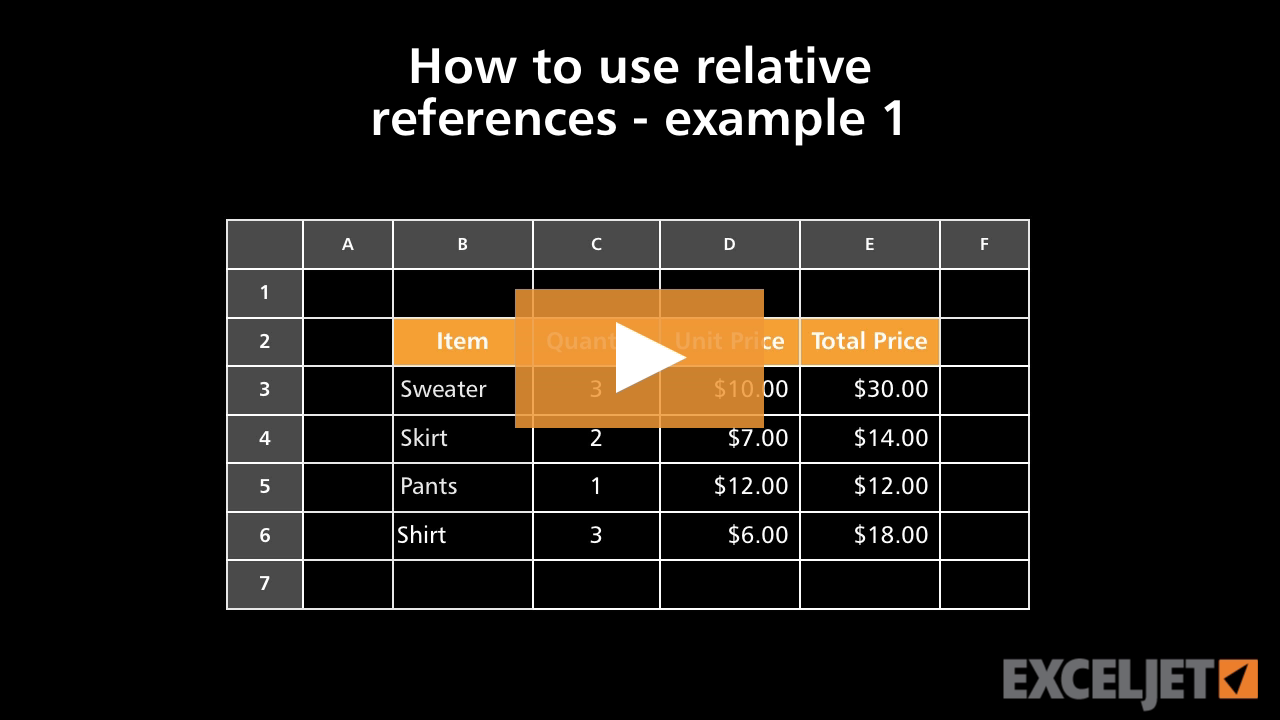
How to use relative references - example 1
Core Excel
2:28

How to use relative references - example 1

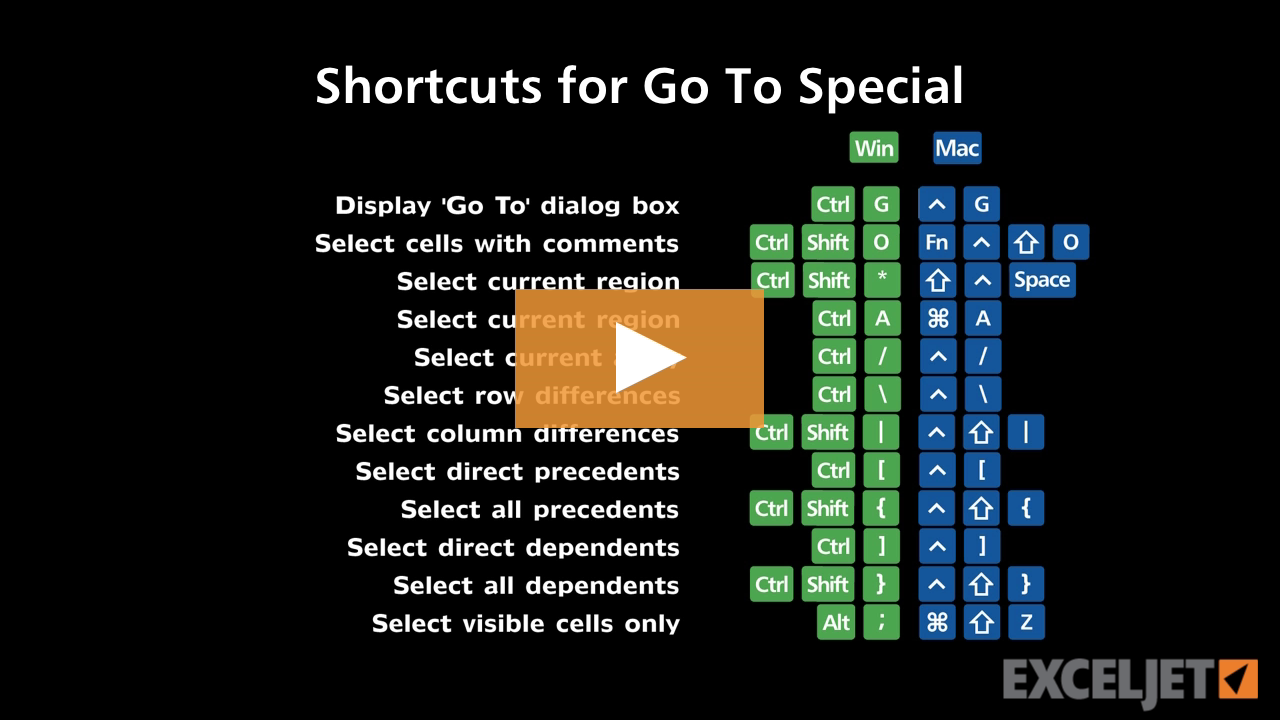
Shortcuts for Go To Special
Excel Shortcuts
4:22

Shortcuts for Go To Special

How to find and open recent workbooks
Core Excel
2:03

How to find and open recent workbooks

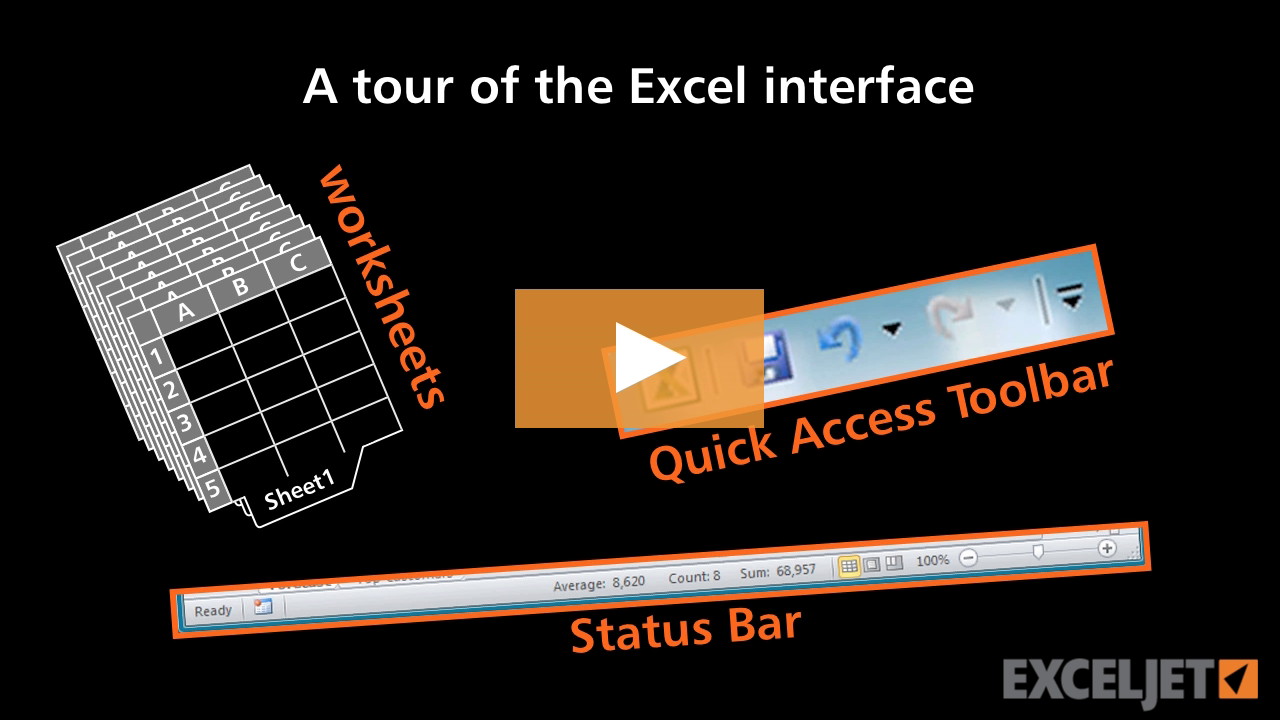
A tour of the Excel interface
Core Excel
2:34

A tour of the Excel interface

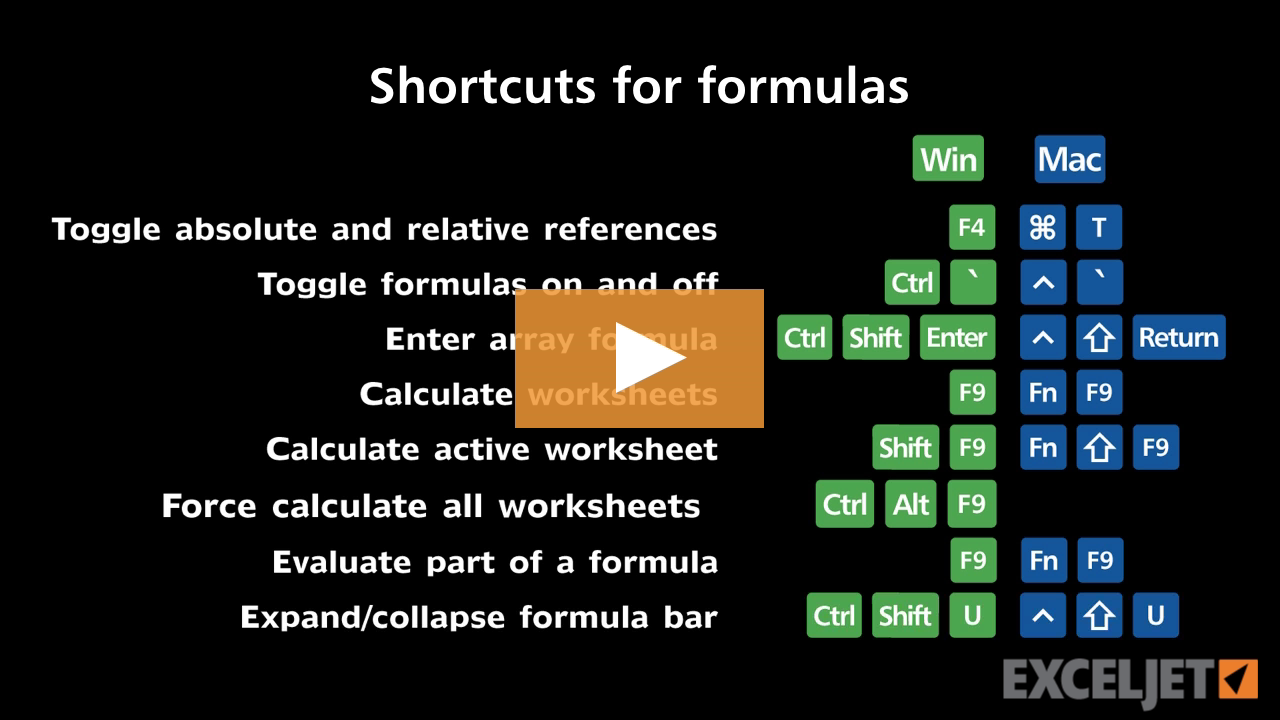
Shortcuts for formulas
Excel Shortcuts
4:05

Shortcuts for formulas

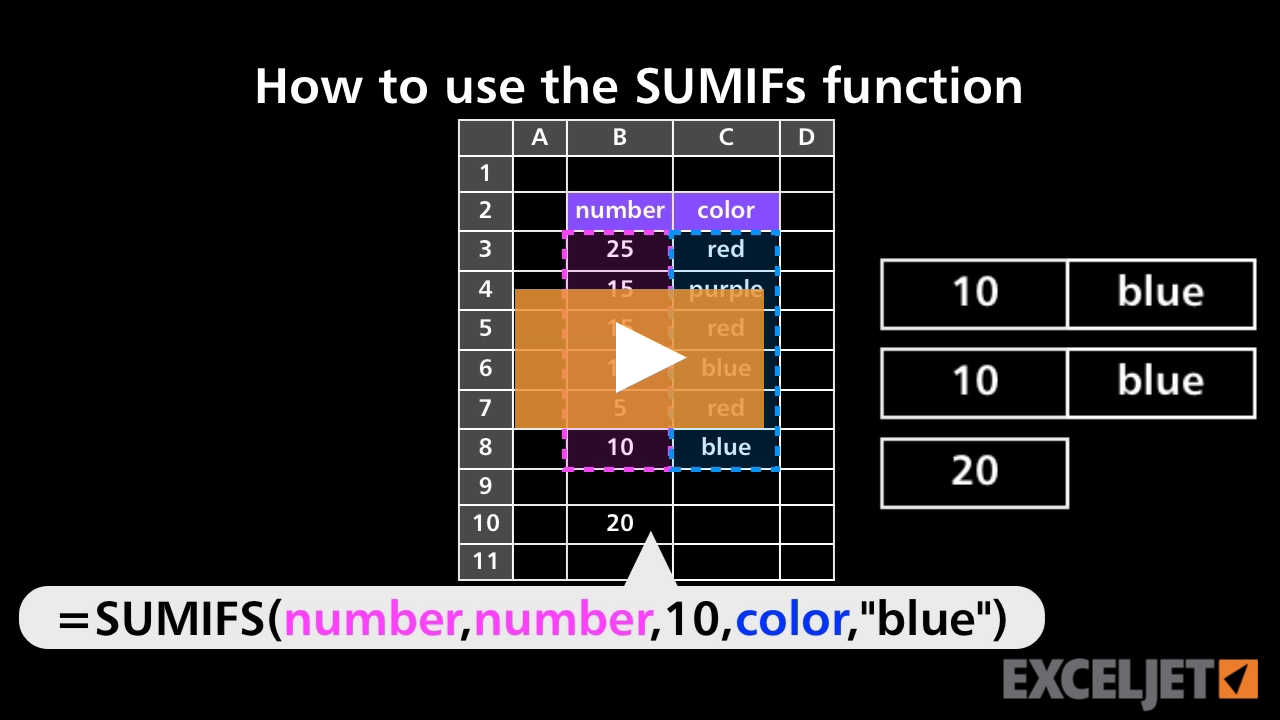
How to use the SUMIFS function
Core Formula
3:46

How to use the SUMIFS function

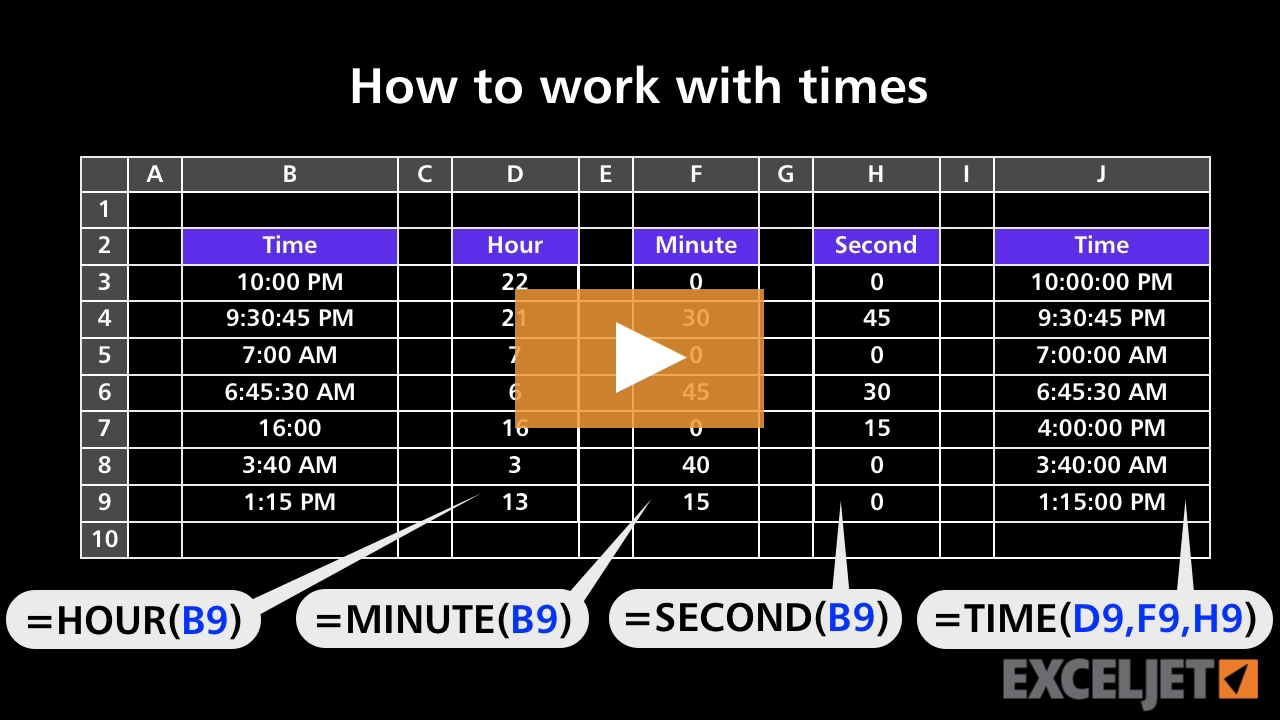
How to work with times
Core Formula
2:55

How to work with times

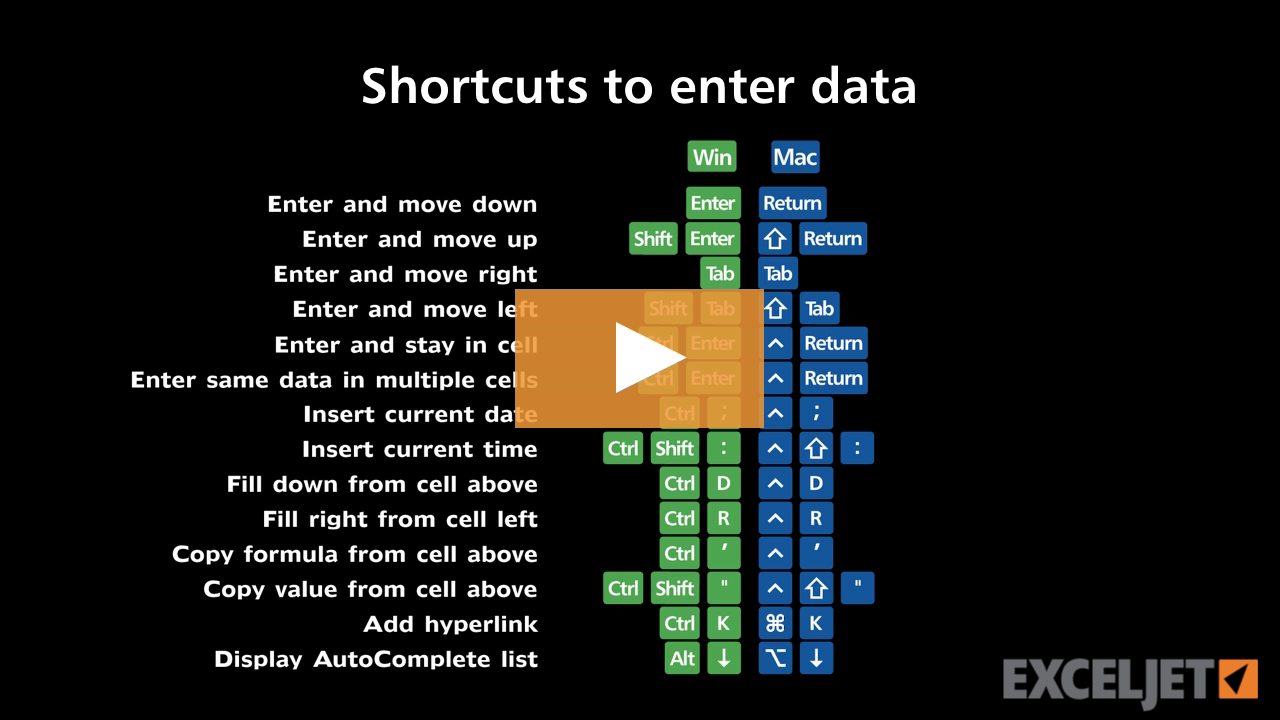
Shortcuts to enter data
Excel Shortcuts
3:33

Shortcuts to enter data

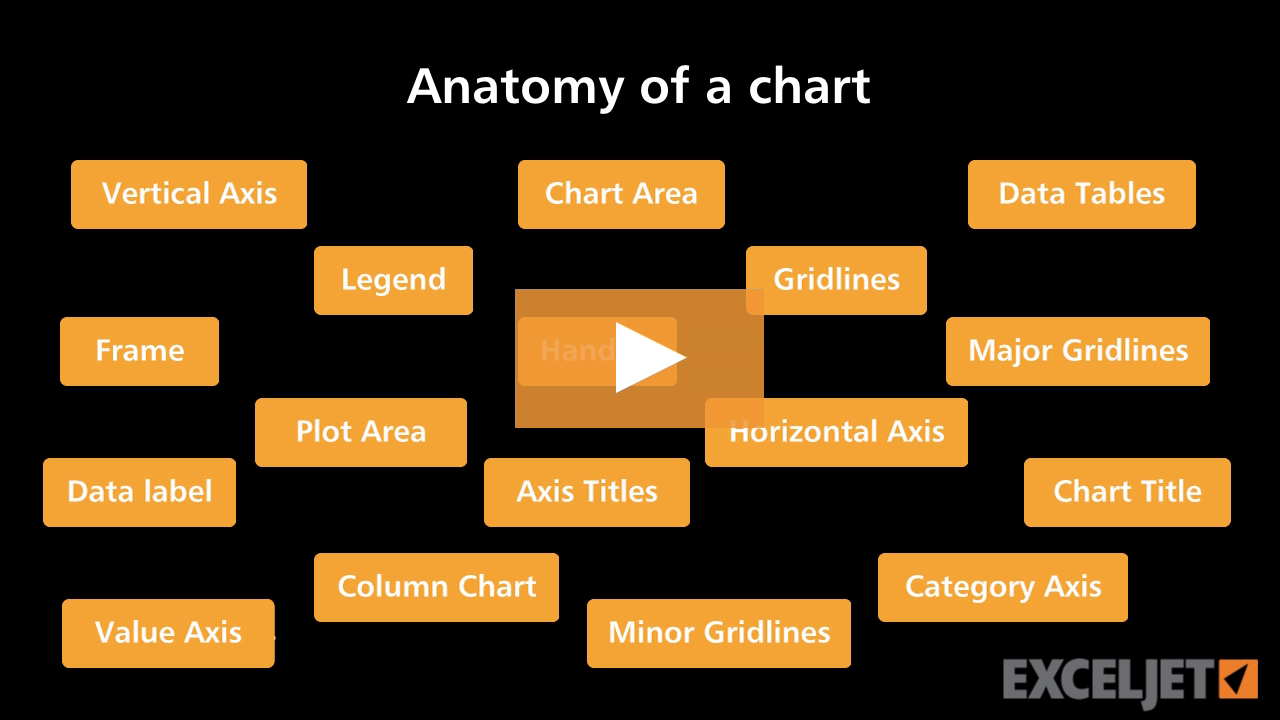
Anatomy of an Excel chart
Core Excel
2:28

Anatomy of an Excel chart

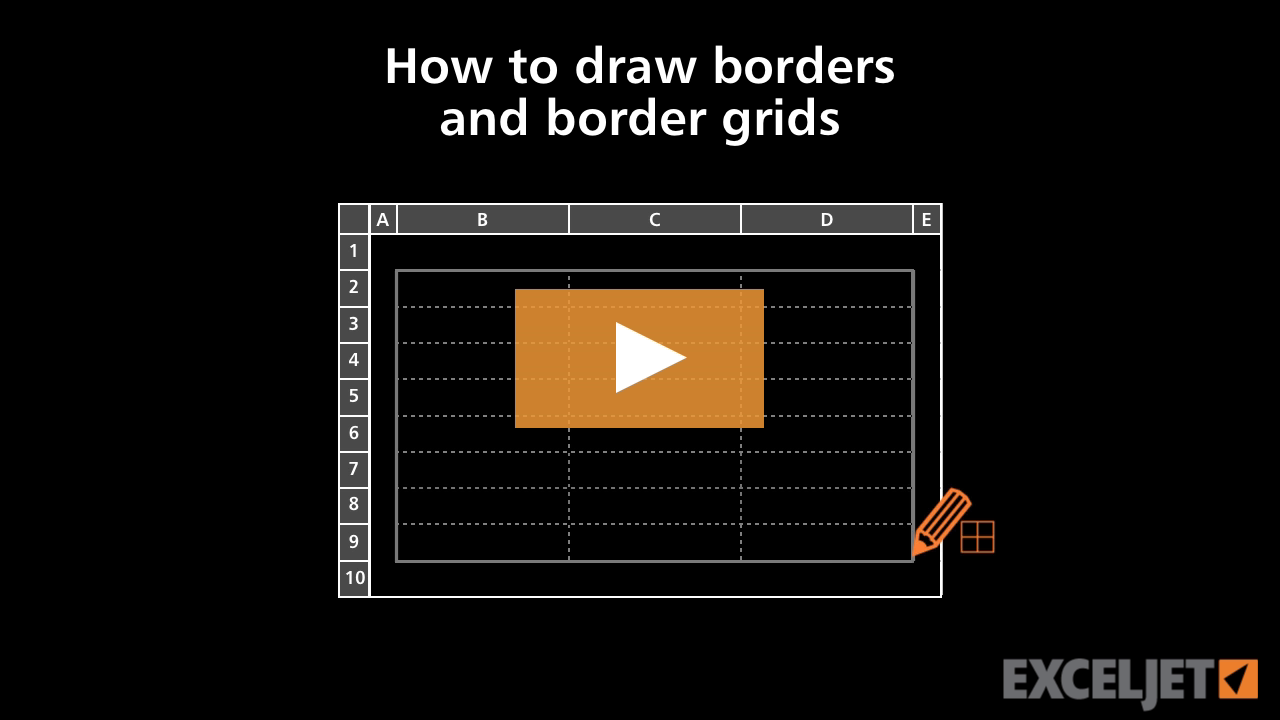
How to draw borders and border grids in Excel
Core Excel
2:50

How to draw borders and border grids in Excel

How to indent cell content in Excel
Core Excel
3:02

How to indent cell content in Excel

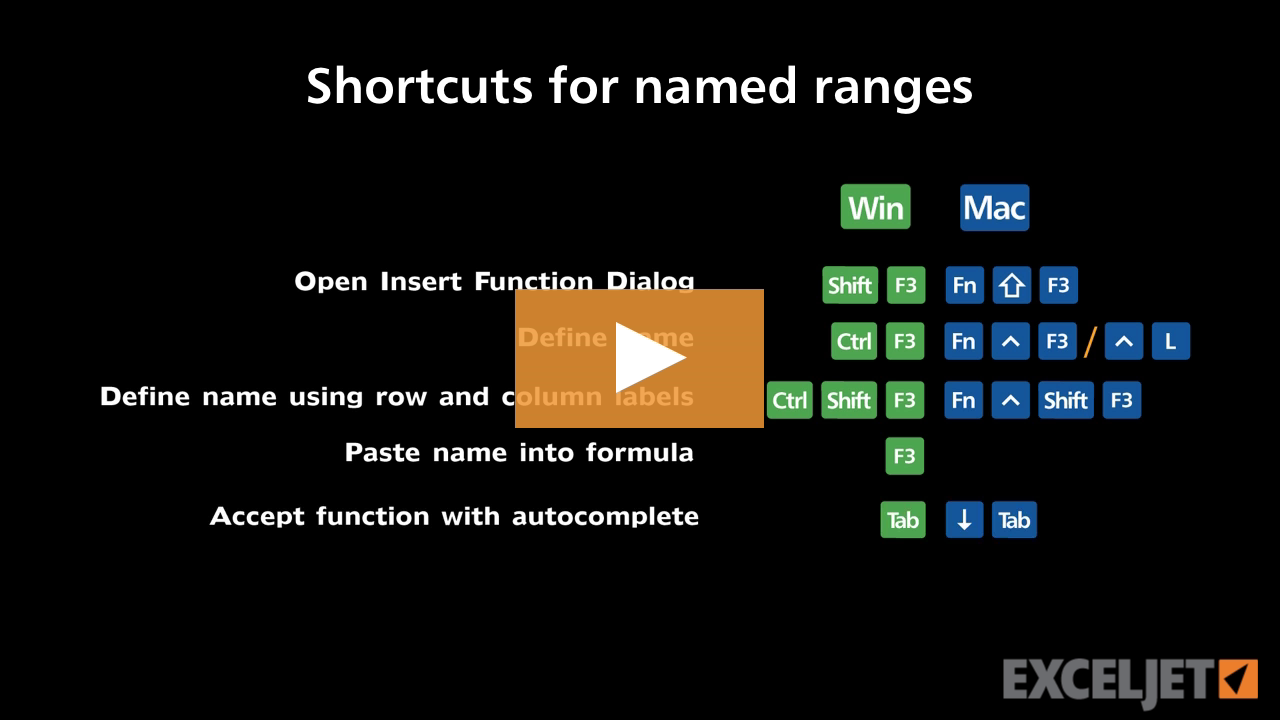
Shortcuts for named ranges
Excel Shortcuts
3:39

Shortcuts for named ranges

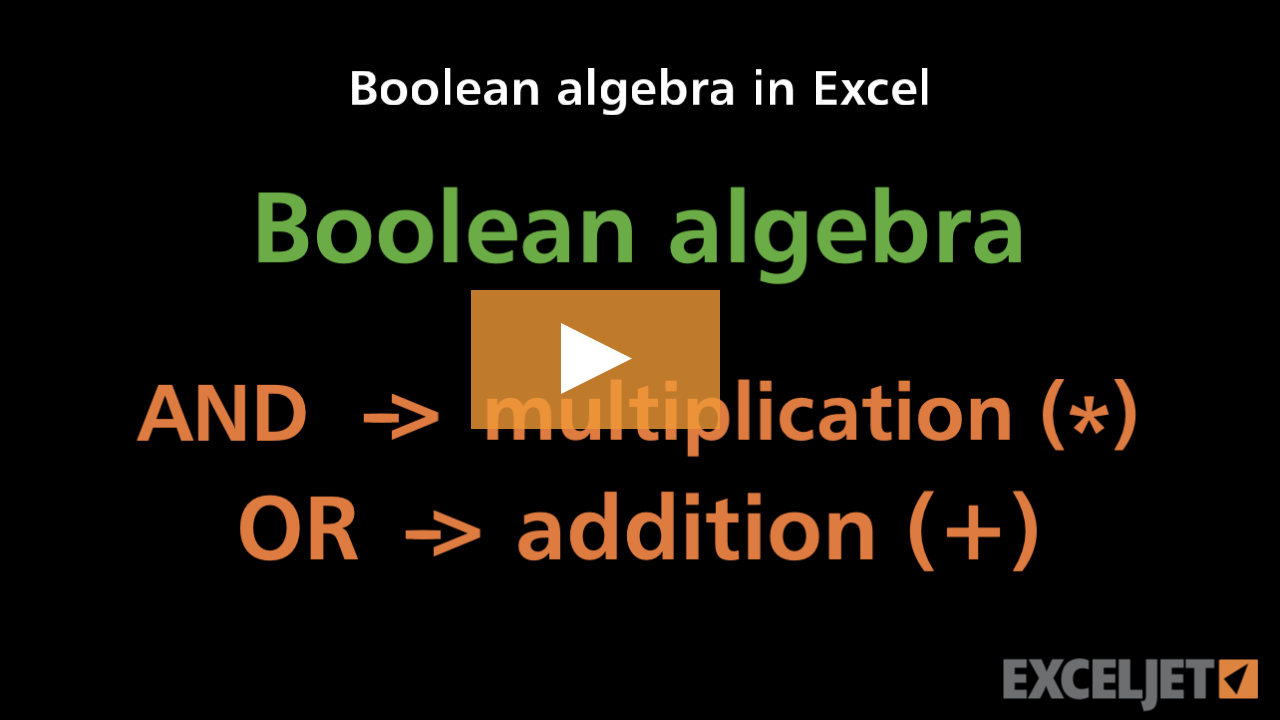
Boolean algebra in Excel
Dynamic Array Formulas
3:00

Boolean algebra in Excel

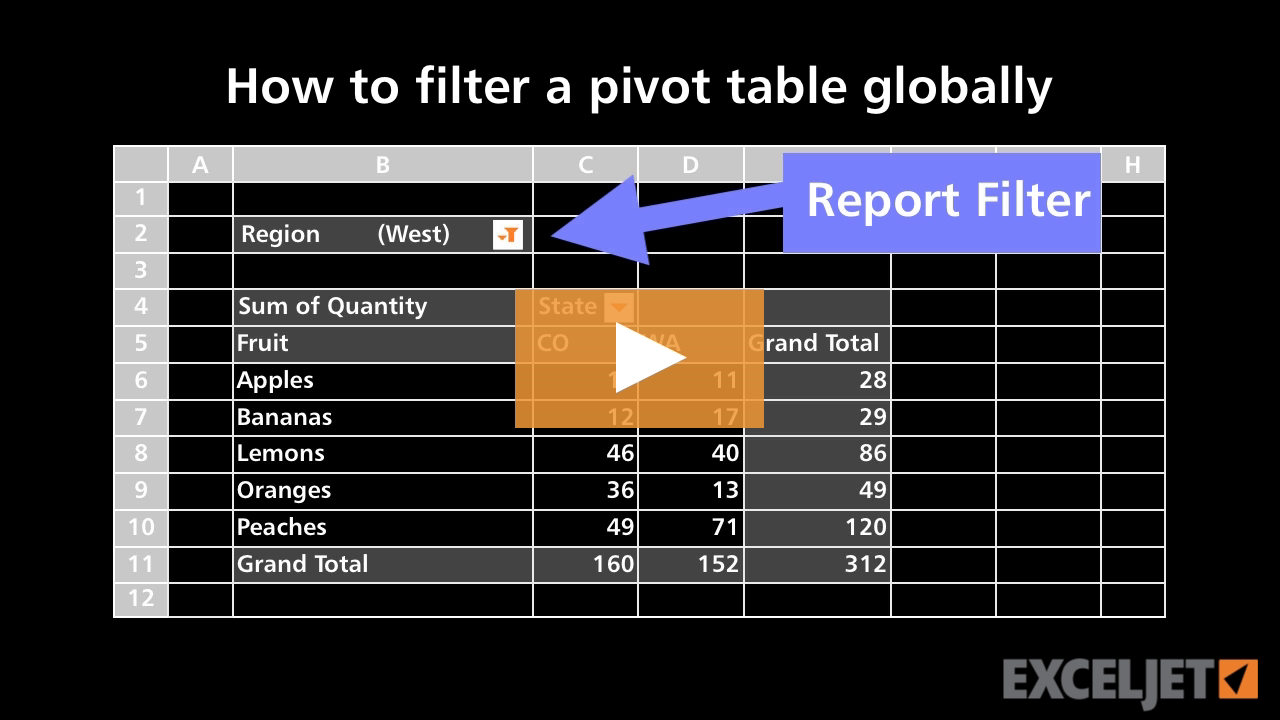
How to filter a pivot table globally
Core Pivot
2:41

How to filter a pivot table globally

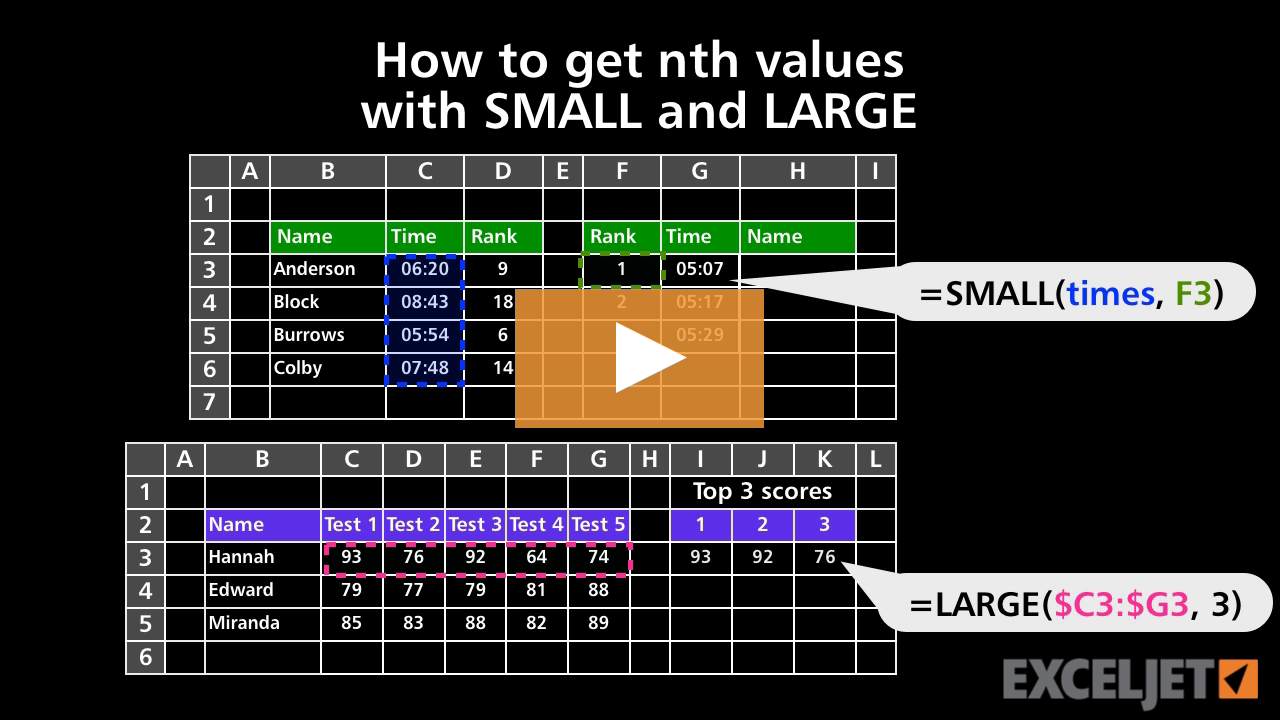
How to get nth values with SMALL and LARGE
Core Formula
4:01

How to get nth values with SMALL and LARGE

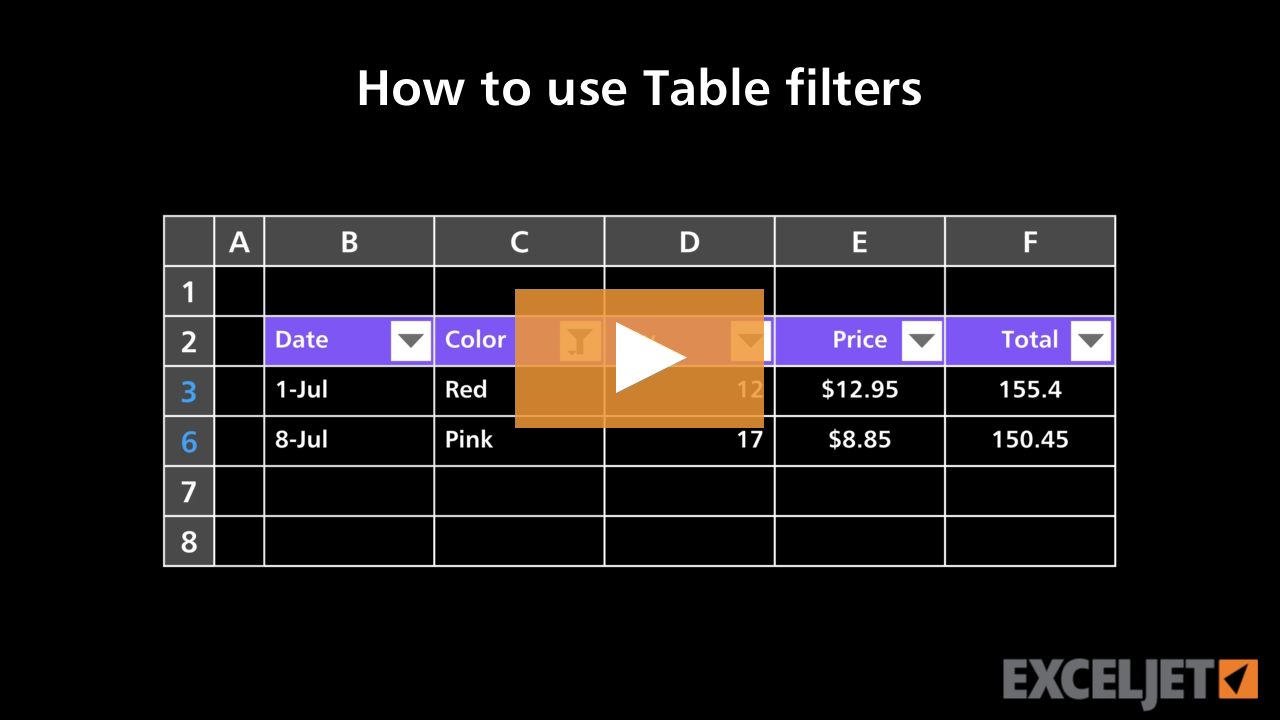
How to use Table filters
Excel Tables
3:29

How to use Table filters

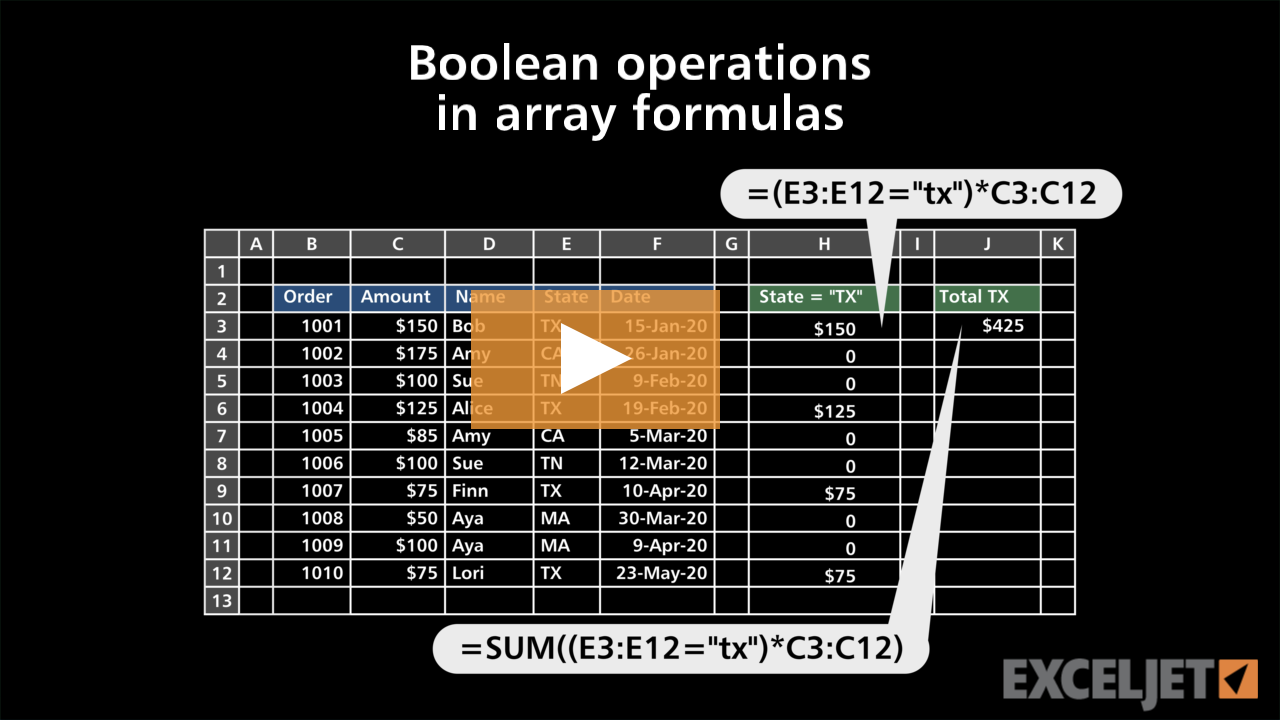
Boolean operations in array formulas
Dynamic Array Formulas
3:14

Boolean operations in array formulas

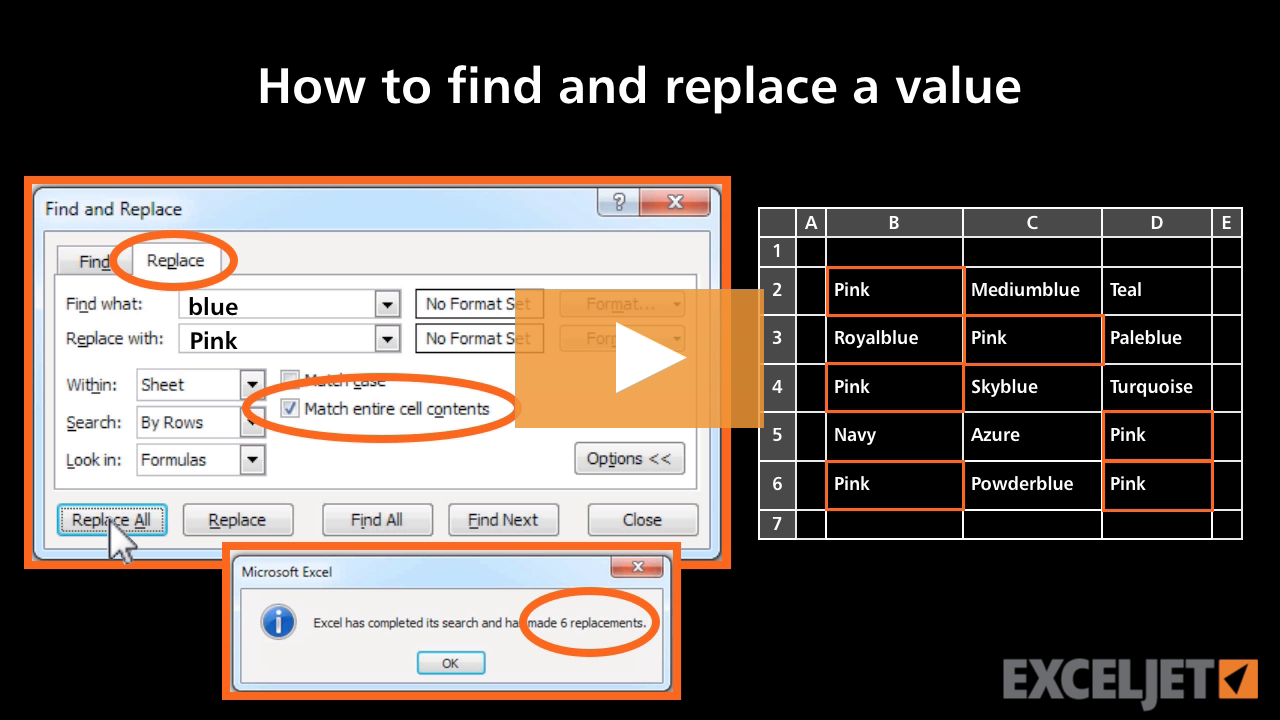
How to find and replace a value
Core Excel
2:36

How to find and replace a value

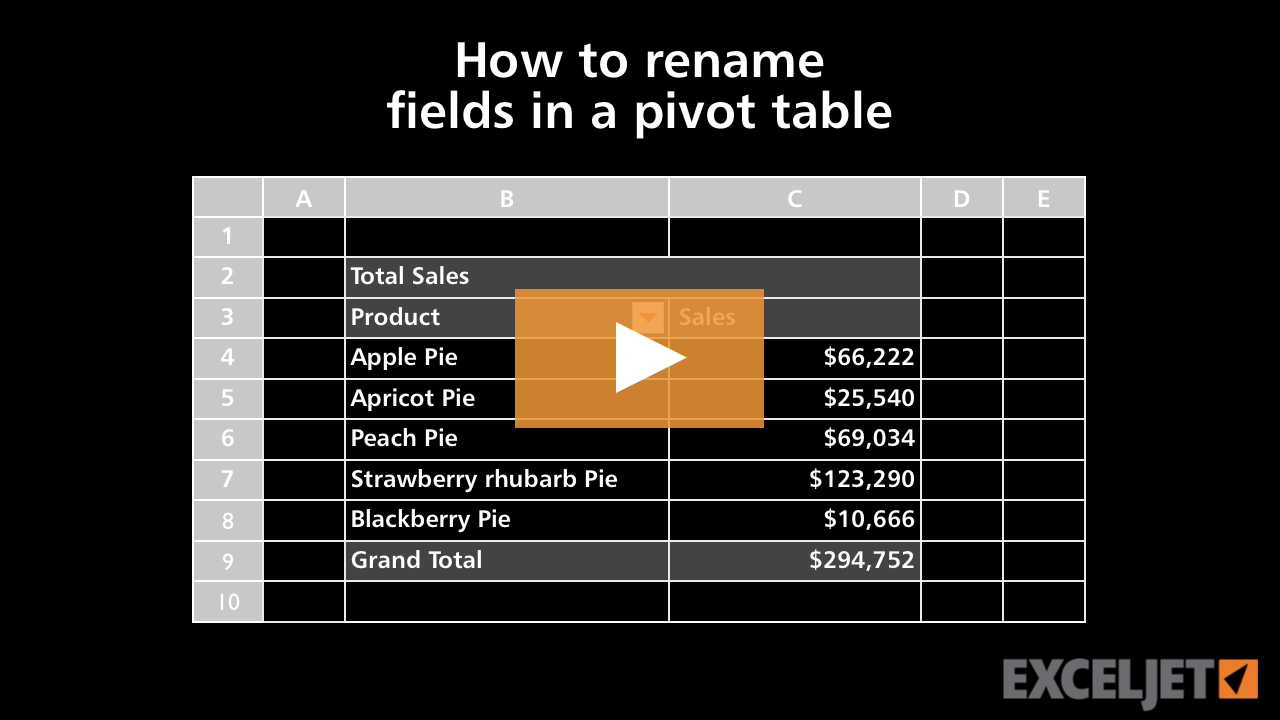
How to rename fields in a pivot table
Core Pivot
3:08

How to rename fields in a pivot table

10 pivot table problems and easy fixes
Core Pivot
11:01

10 pivot table problems and easy fixes

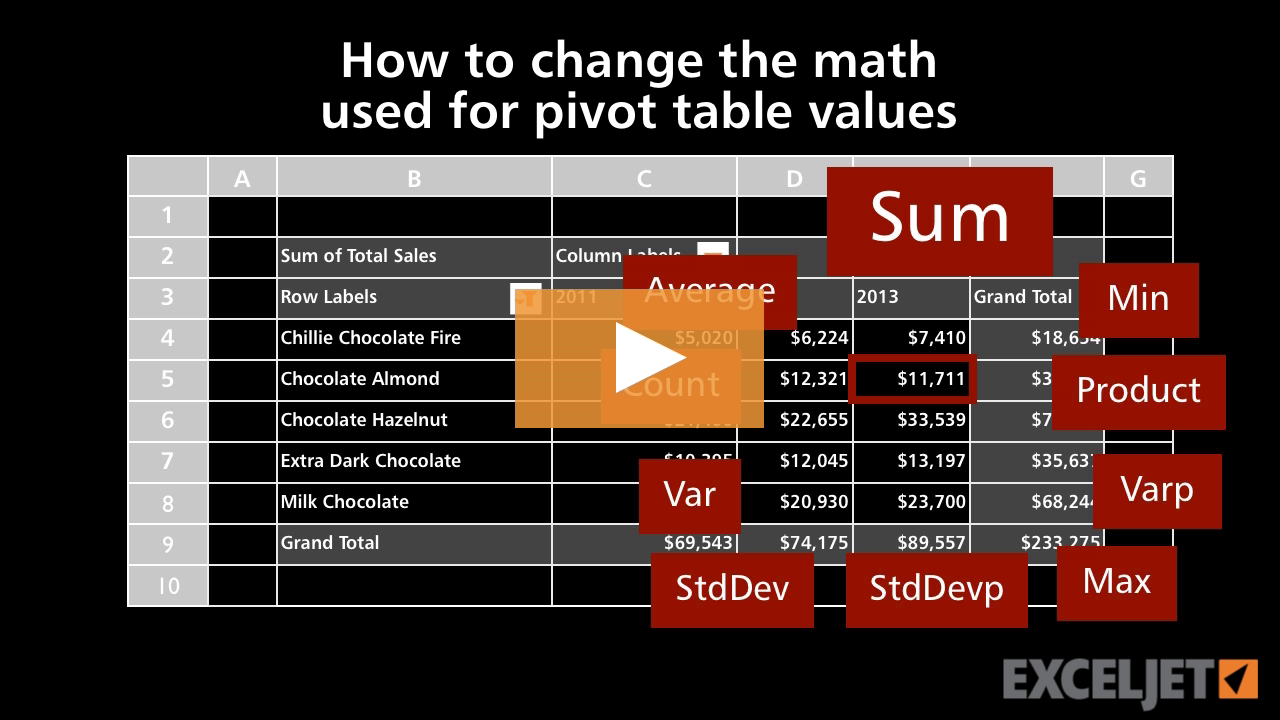
How to change the math used for pivot table values
Core Pivot
2:43

How to change the math used for pivot table values

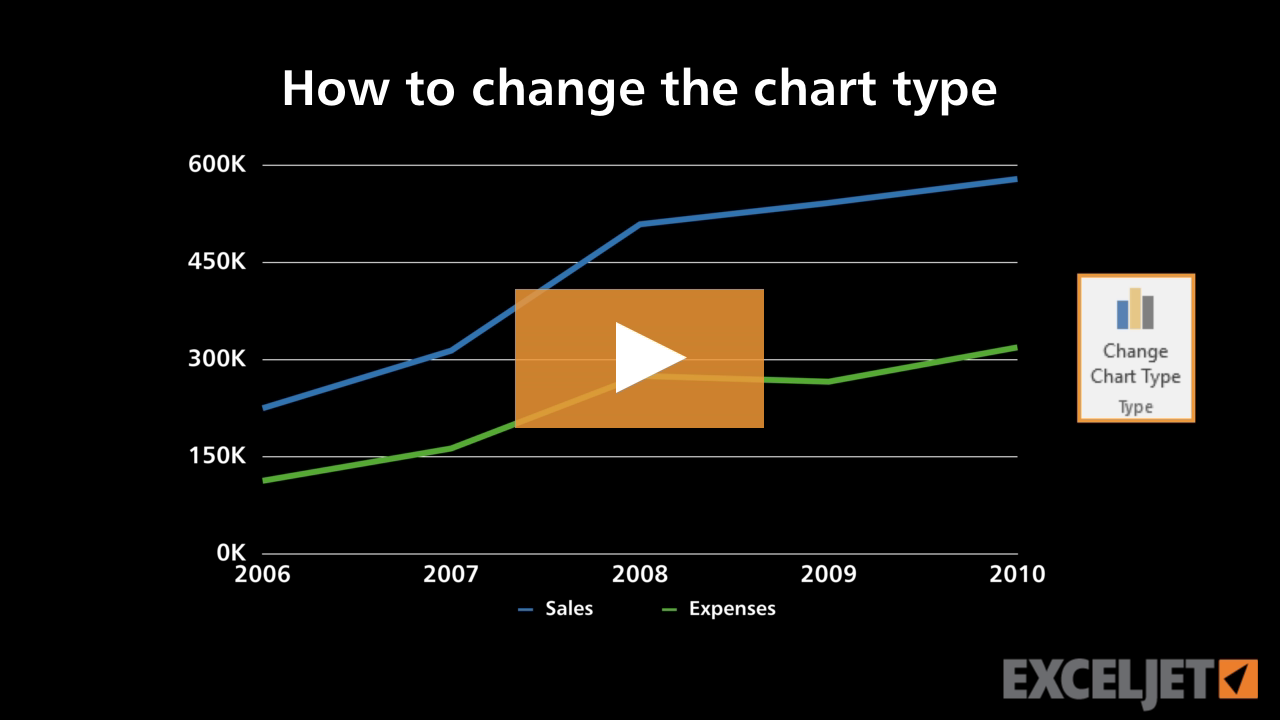
How to change the chart type
Core Charts
2:04

How to change the chart type

How to insert and delete rows in Excel
Core Excel
1:49

How to insert and delete rows in Excel

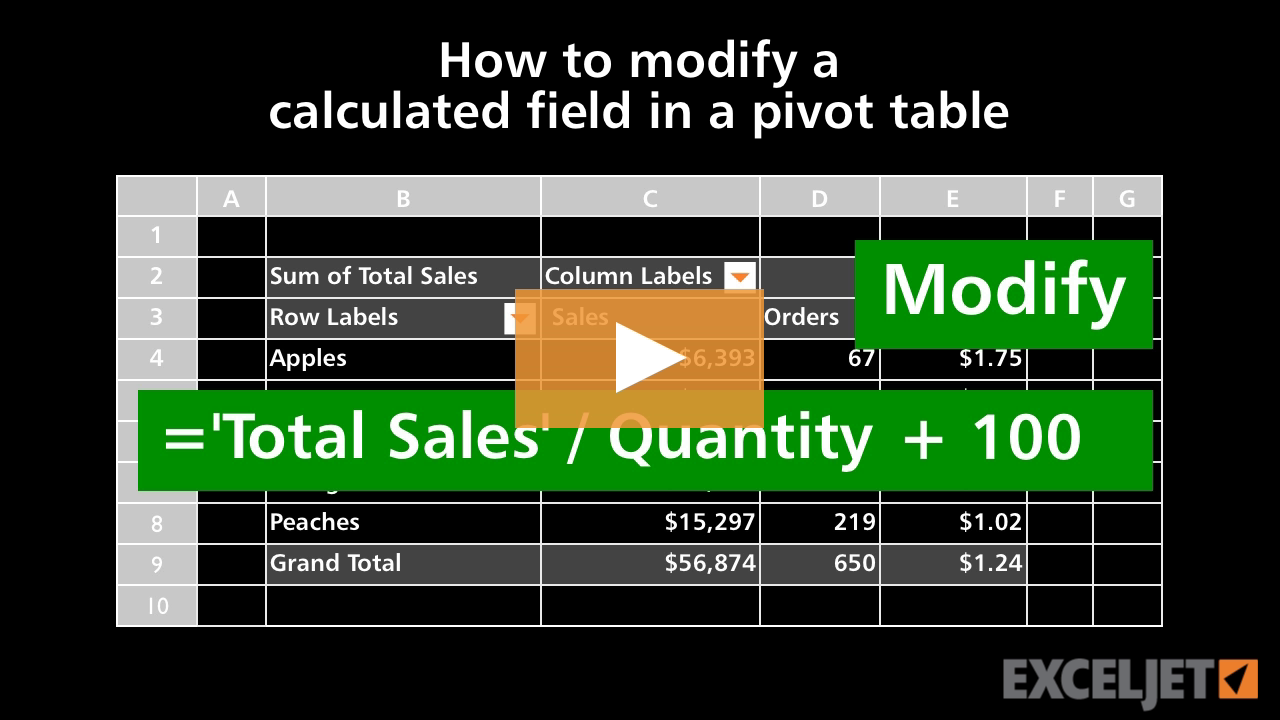
How to modify a calculated field in a pivot table
Core Pivot
2:16

How to modify a calculated field in a pivot table

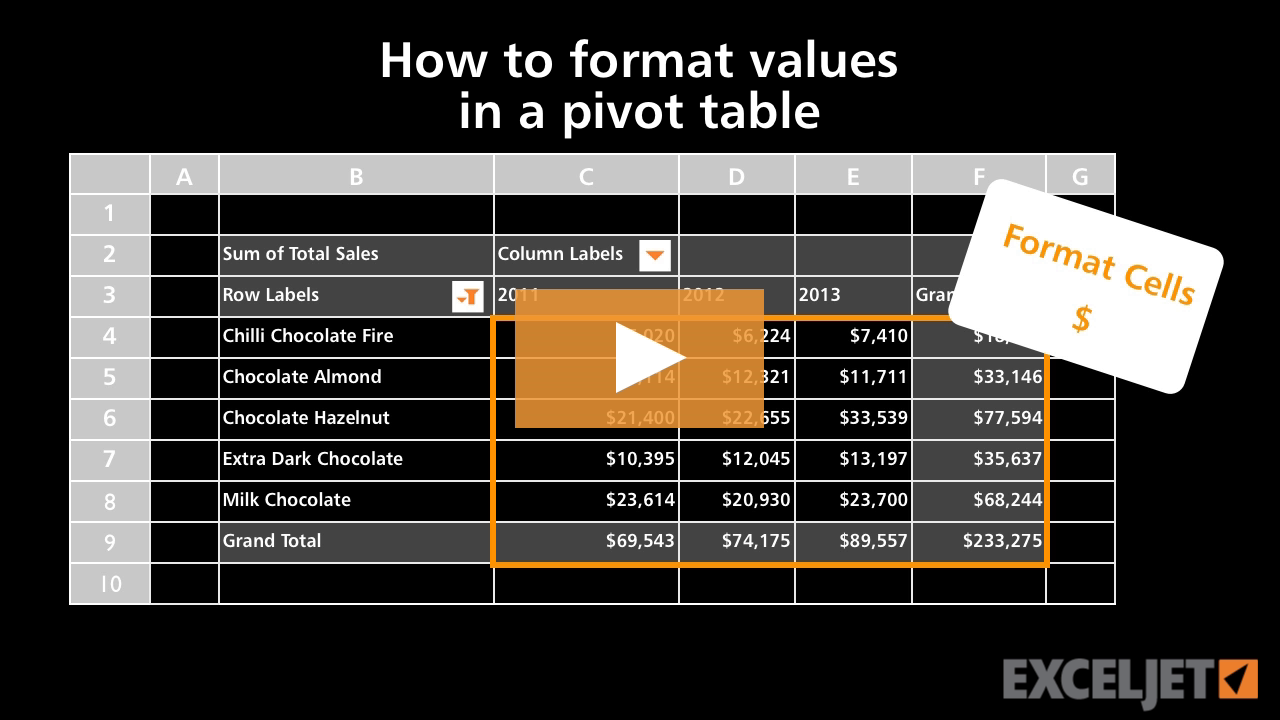
How to format numbers in a pivot table
Core Pivot
2:15

How to format numbers in a pivot table

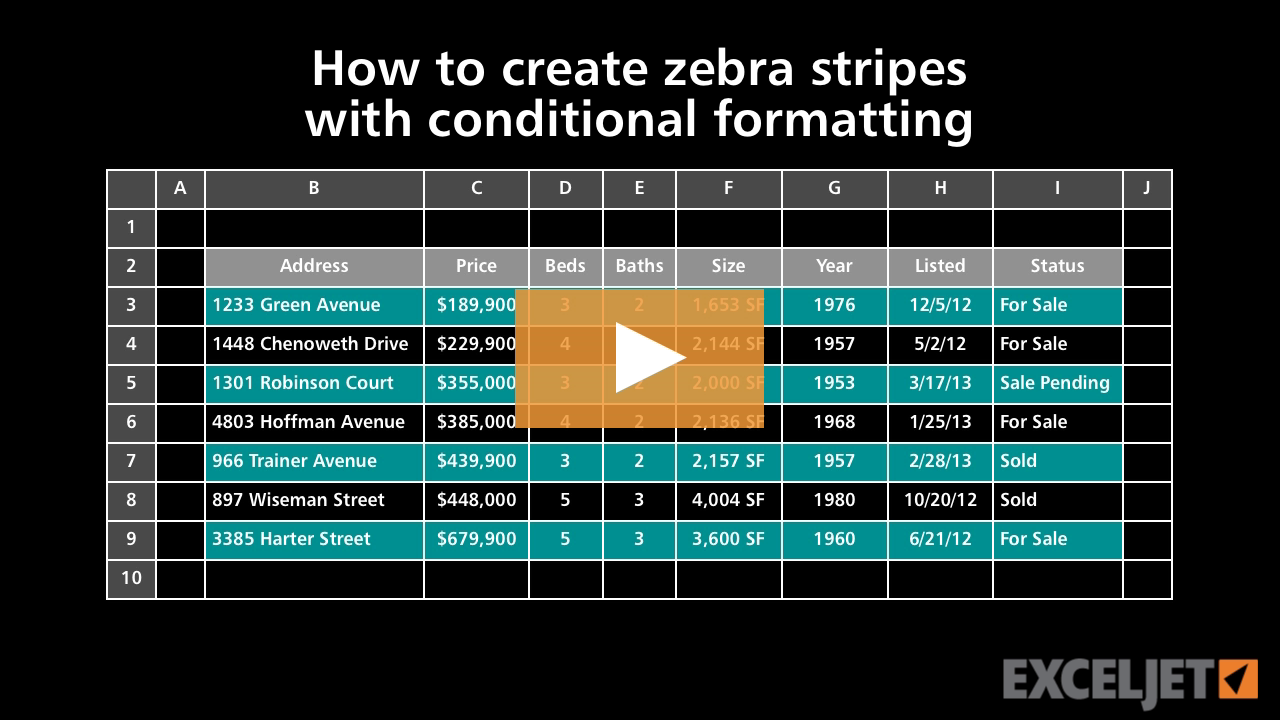
How to create zebra stripes with conditional formatting
Conditional Formatting
3:30

How to create zebra stripes with conditional formatting

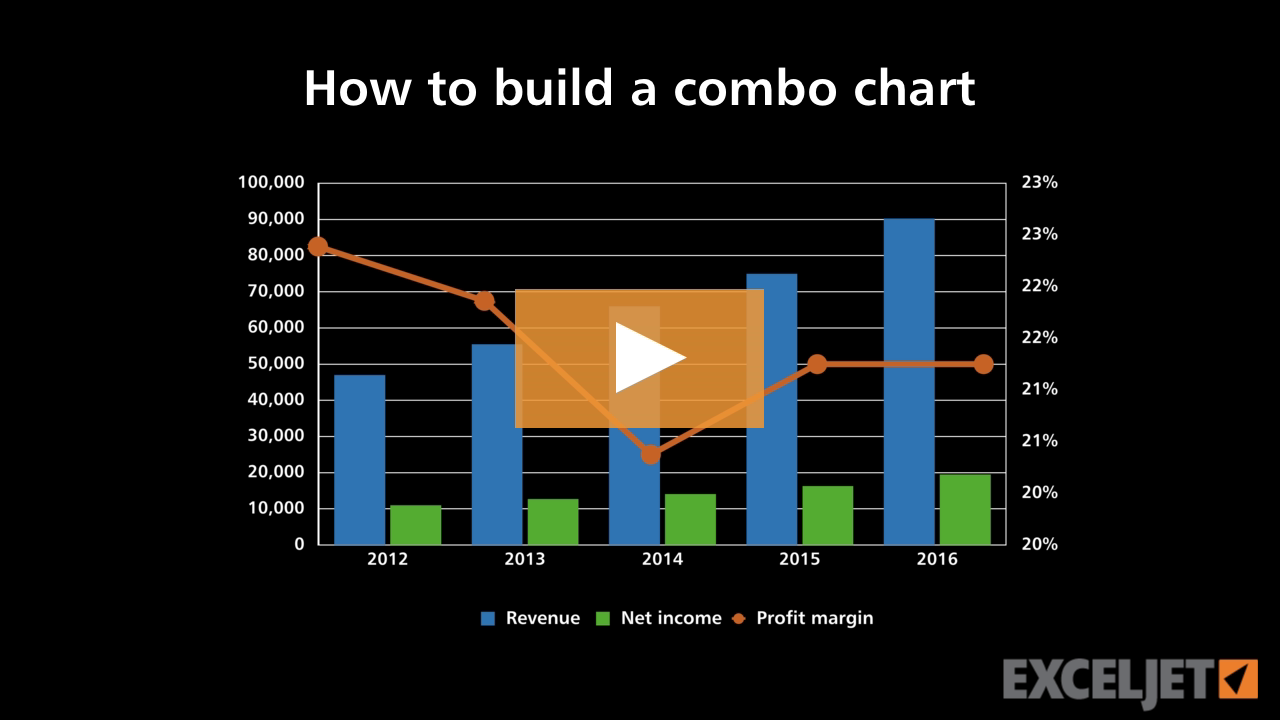
How to build a combo chart
Core Charts
2:51

How to build a combo chart

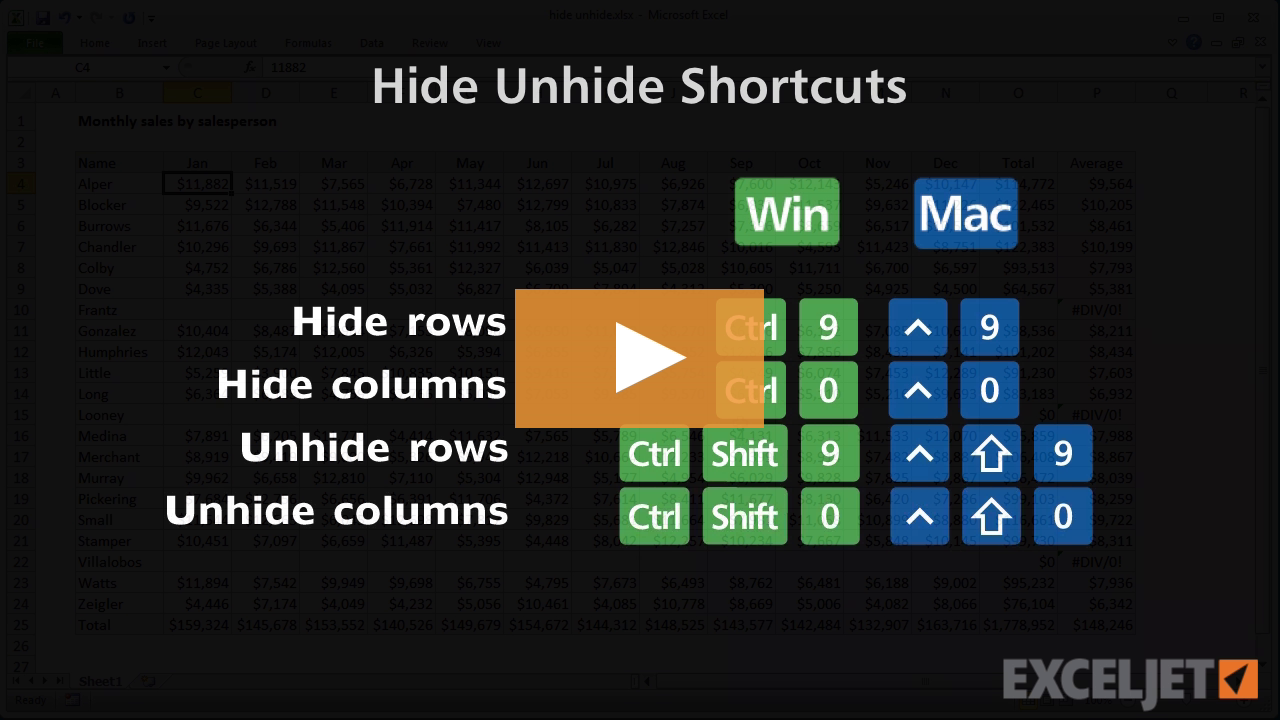
Shortcuts to hide/unhide rows and columns
Excel Shortcuts
2:53

Shortcuts to hide/unhide rows and columns

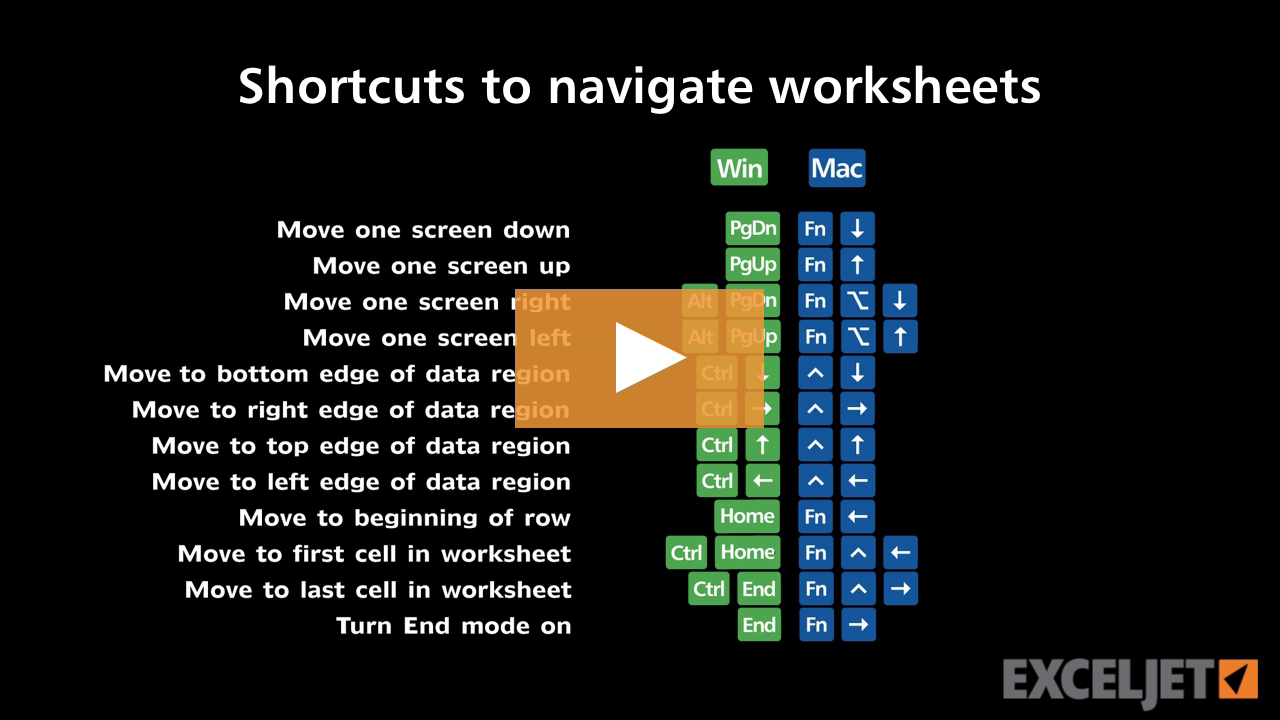
Shortcuts to navigate worksheets
Excel Shortcuts
3:17

Shortcuts to navigate worksheets

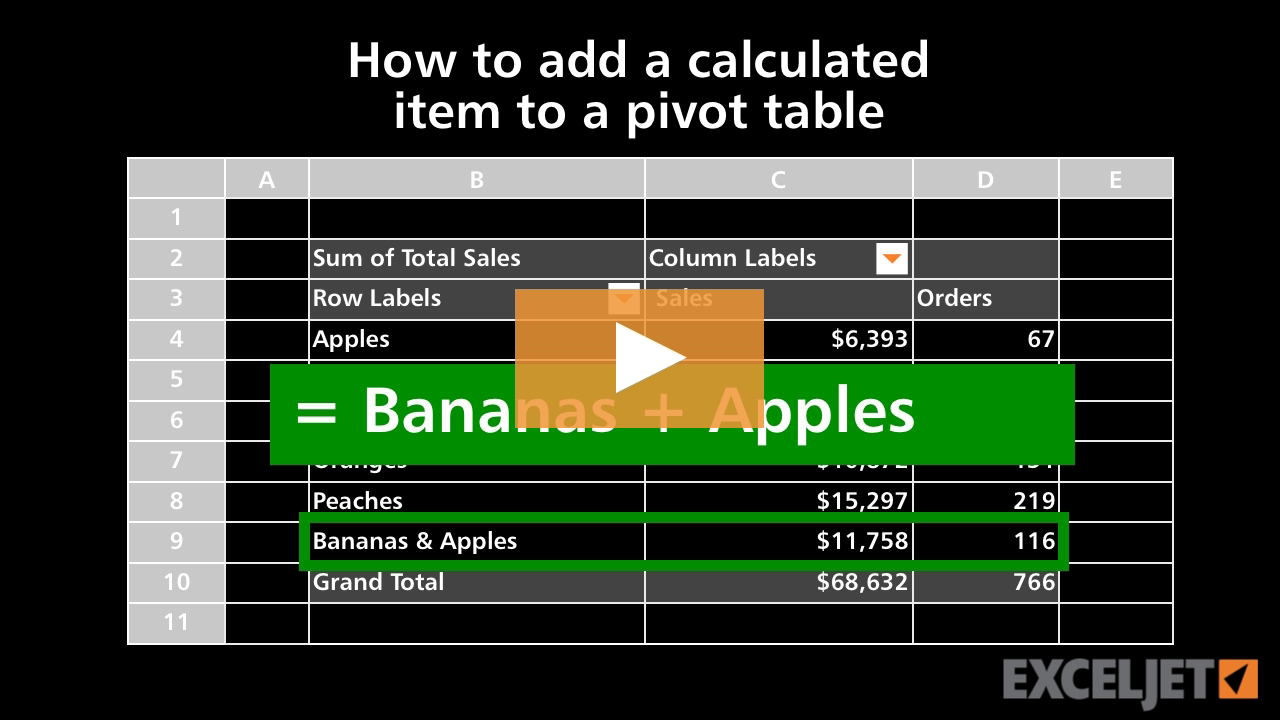
How to add a calculated item to a pivot table
Core Pivot
3:33

How to add a calculated item to a pivot table

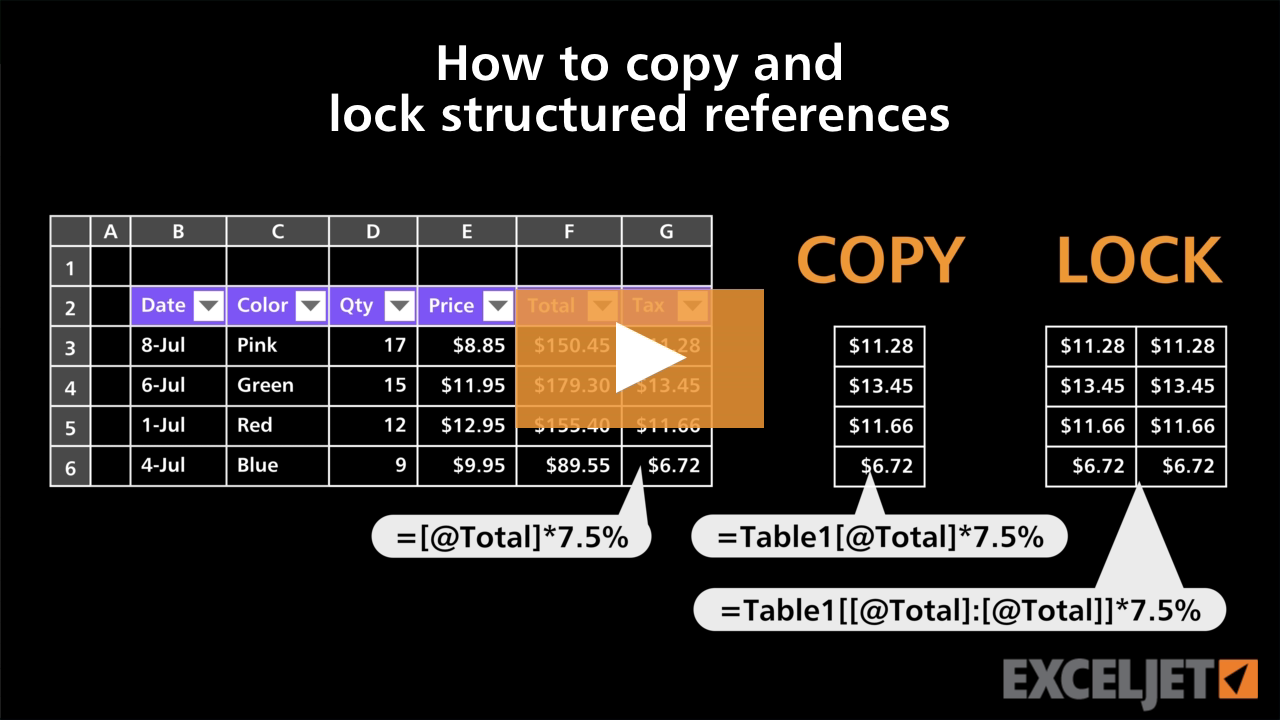
How to copy and lock structured references
Excel Tables
3:36

How to copy and lock structured references

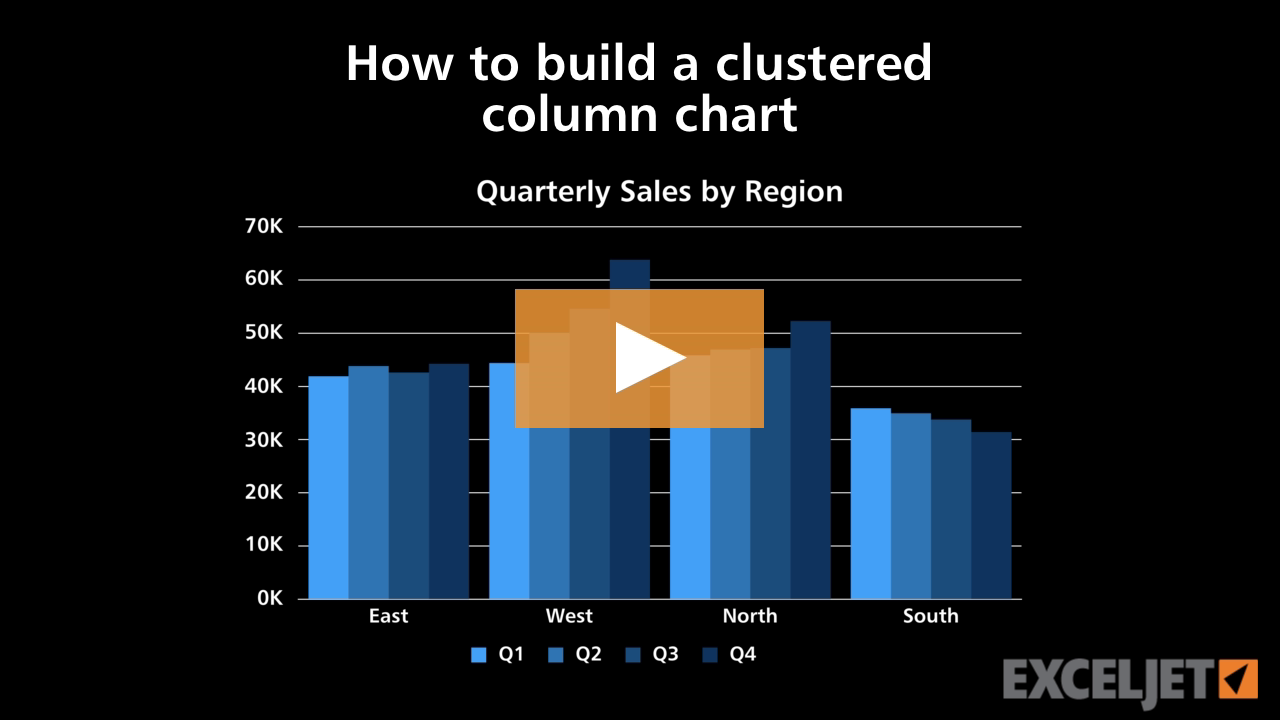
How to build a clustered column chart
Core Charts
2:54

How to build a clustered column chart

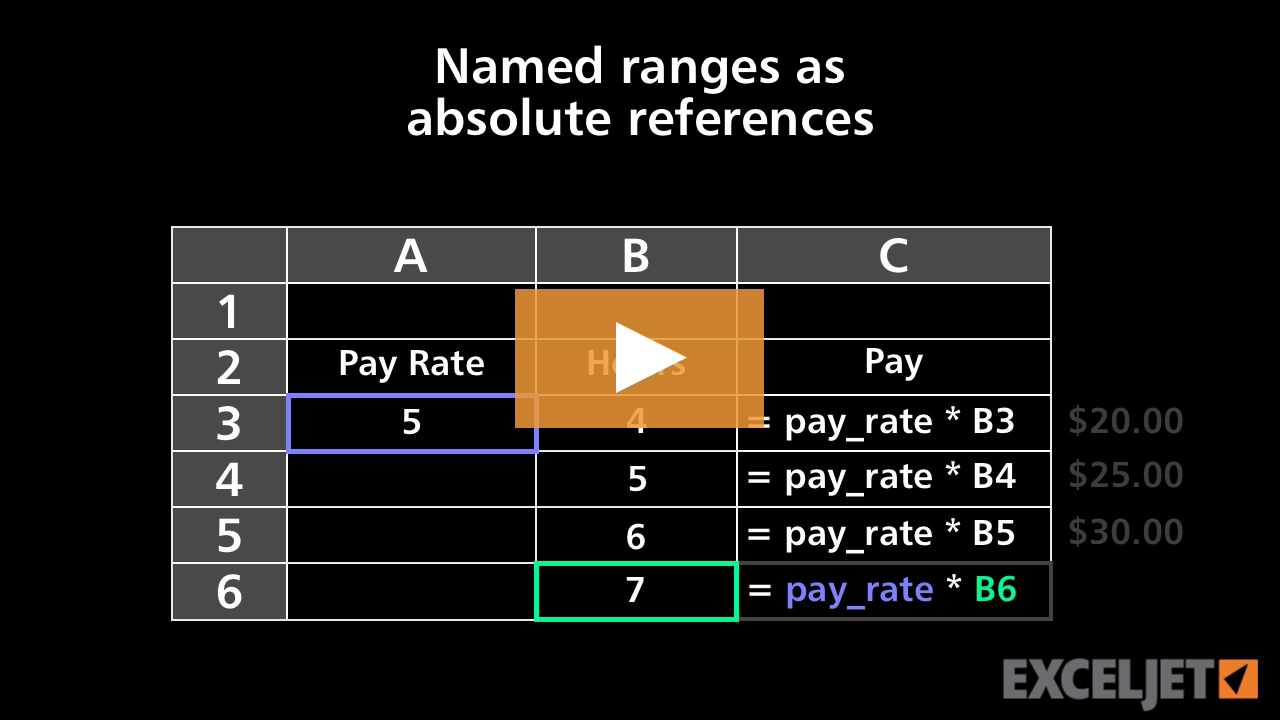
Named ranges as absolute references
Core Excel
2:16

Named ranges as absolute references

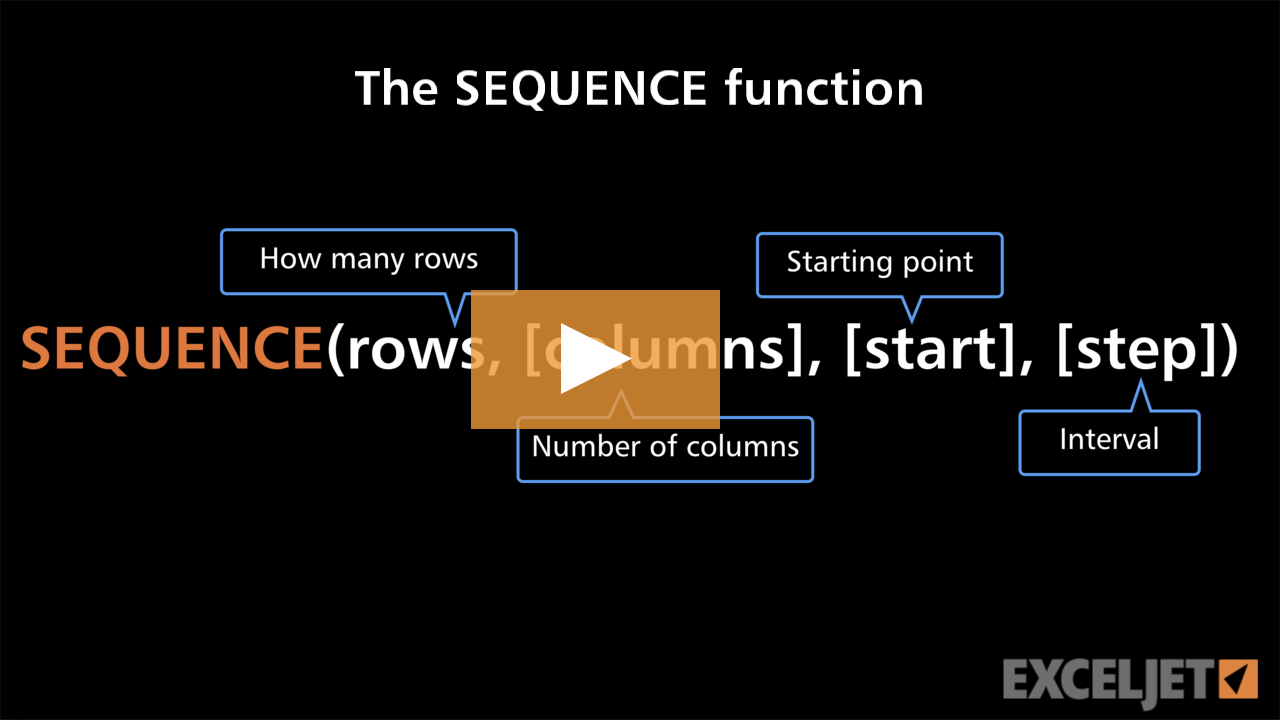
The SEQUENCE function
Dynamic Array Formulas
3:11

The SEQUENCE function

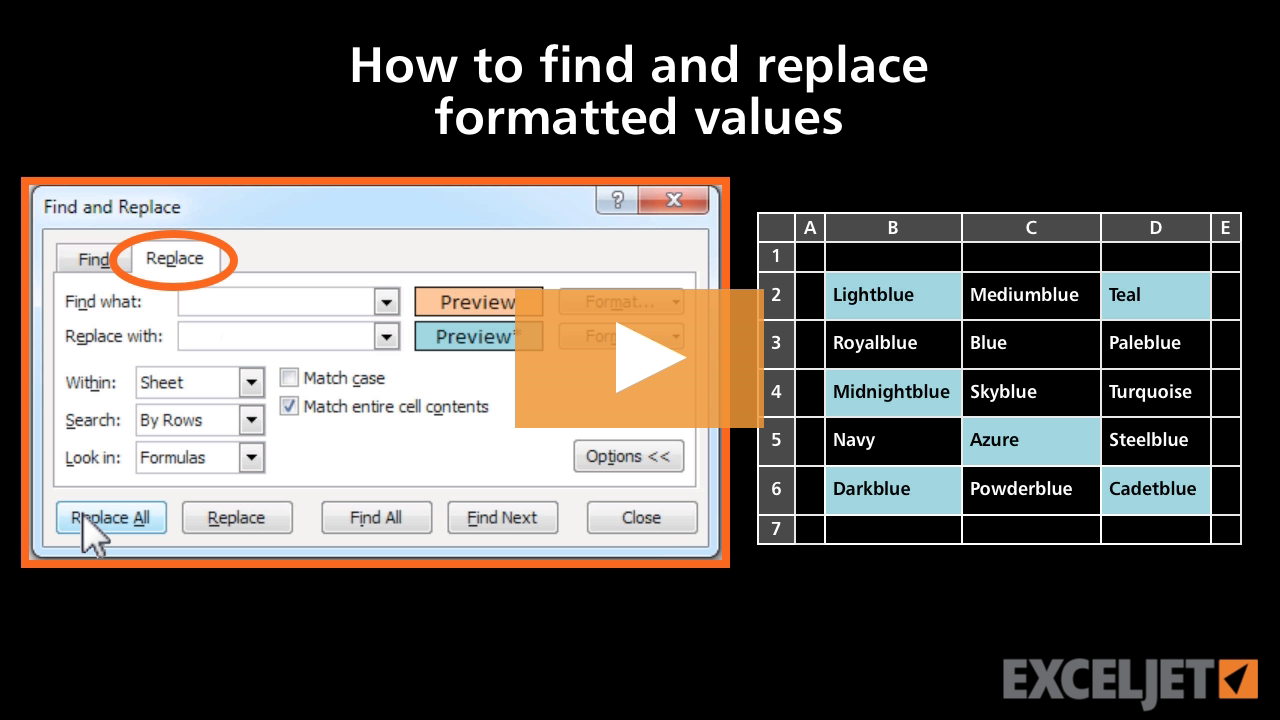
How to find and replace formatted values in Excel
Core Excel
2:51

How to find and replace formatted values in Excel

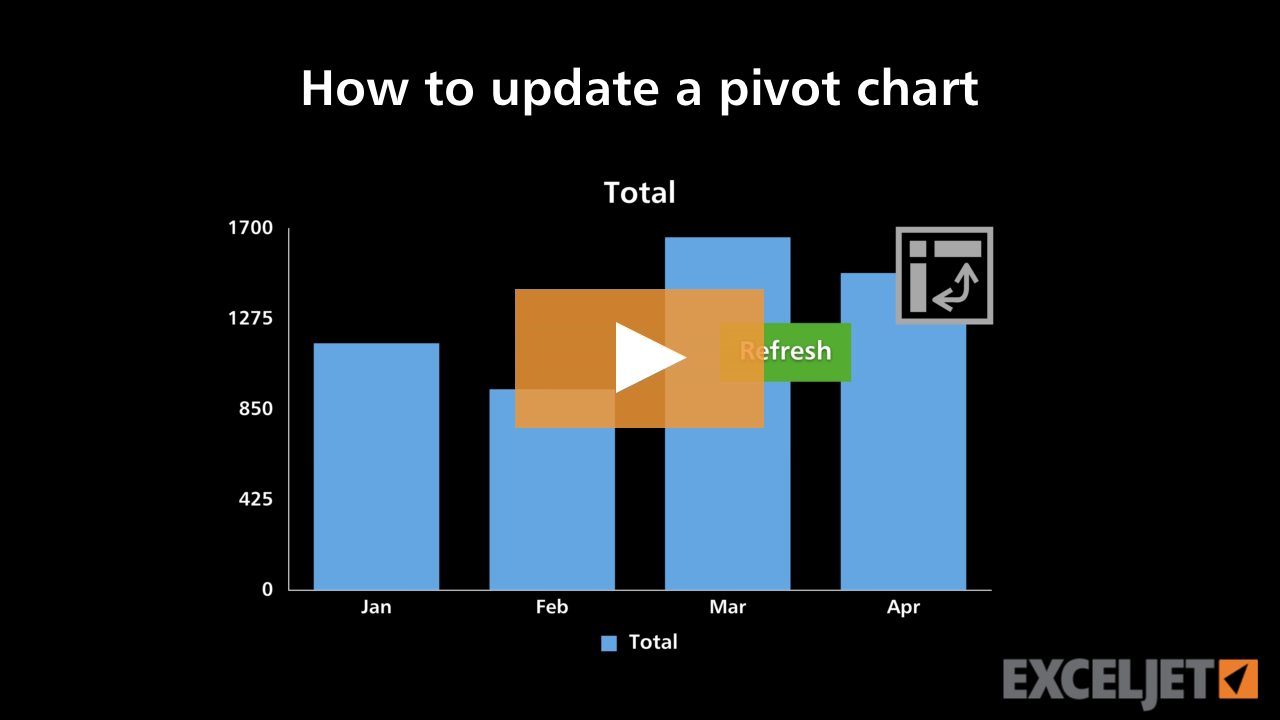
How to update a pivot chart
Core Charts
2:42

How to update a pivot chart

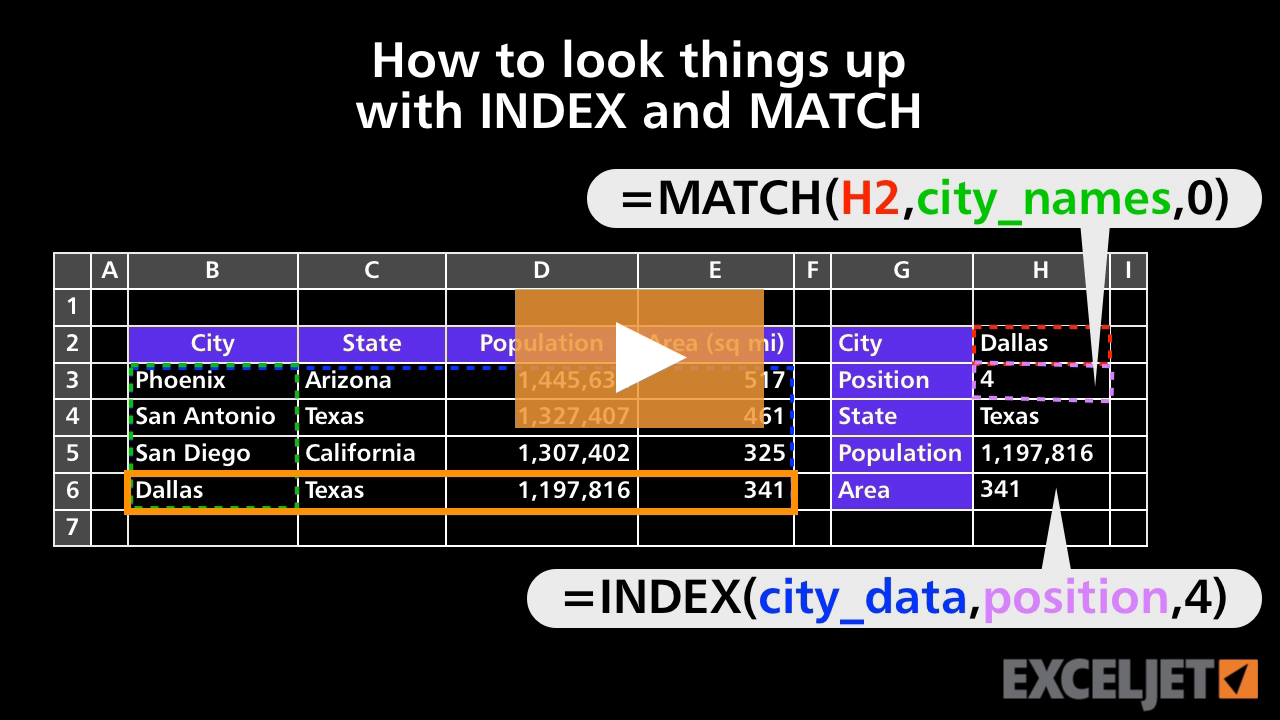
How to look things up with INDEX and MATCH
Core Formula
2:48

How to look things up with INDEX and MATCH

What is a function?
Core Excel
2:16

What is a function?

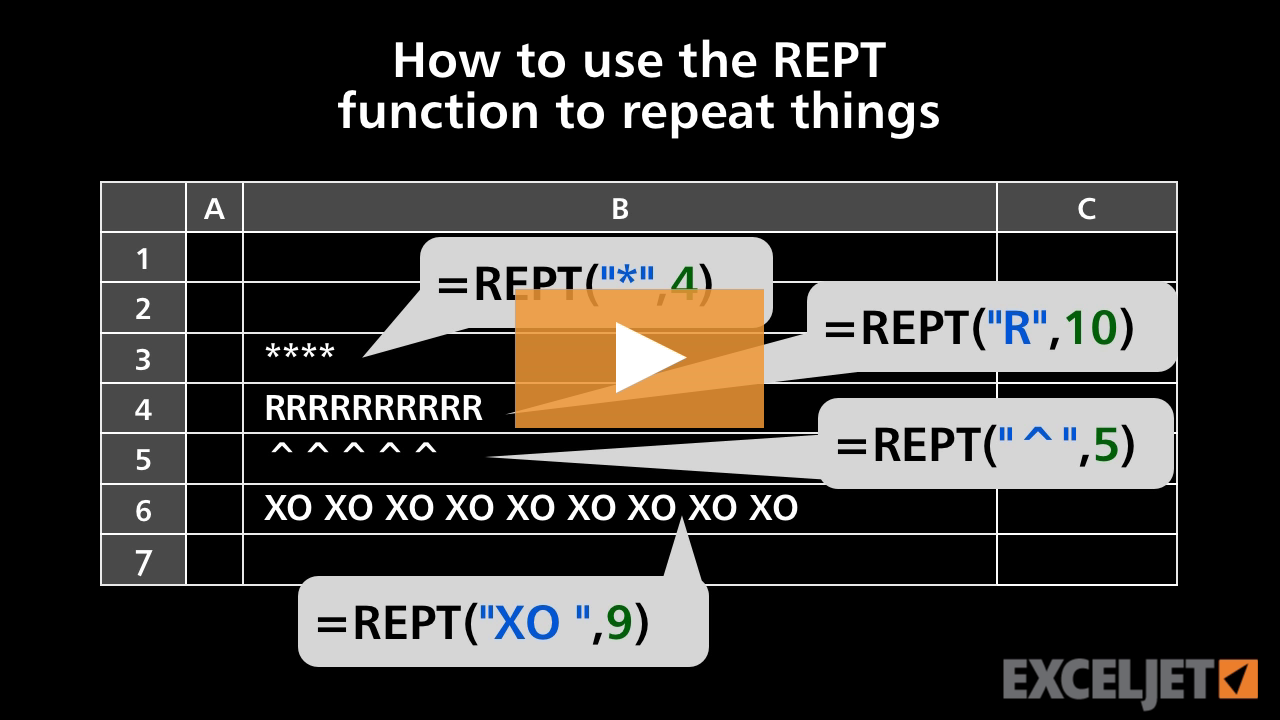
How to use the REPT function to repeat things
Core Formula
2:59

How to use the REPT function to repeat things

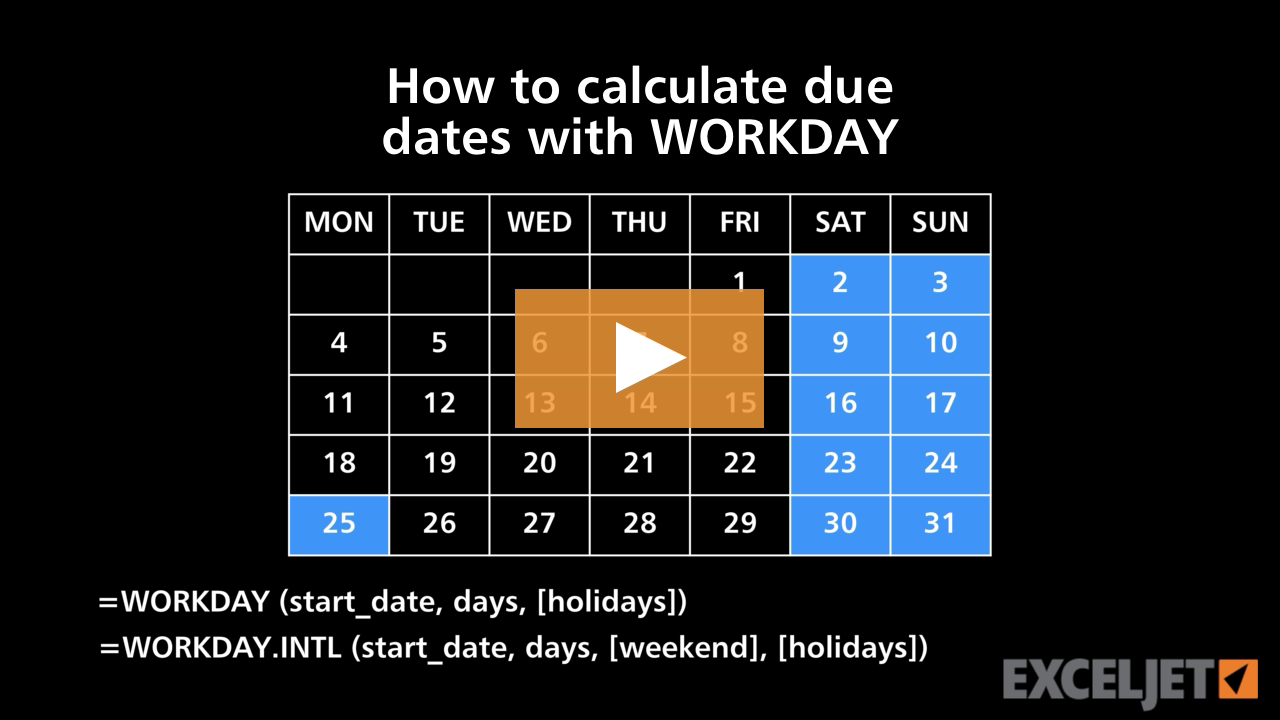
How to calculate due dates with WORKDAY
Core Formula
3:30

How to calculate due dates with WORKDAY

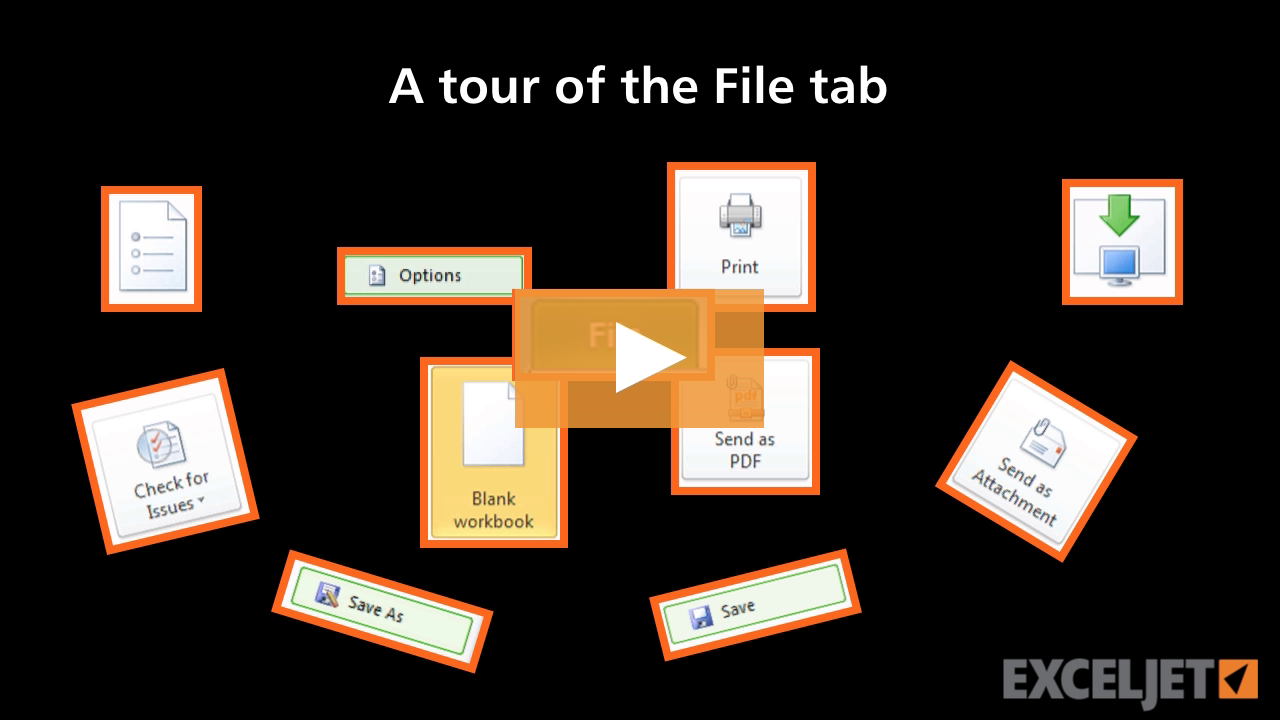
A tour of the File tab
Core Excel
2:44

A tour of the File tab

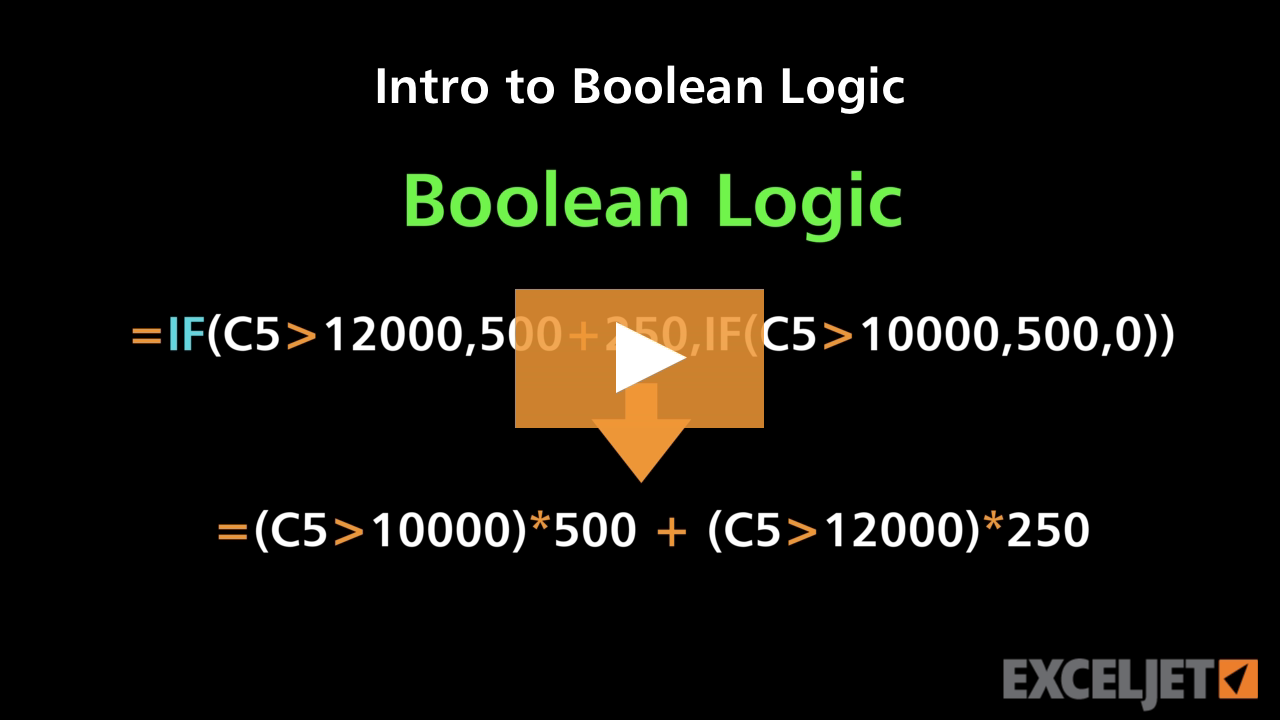
Intro to Boolean Logic
Core Formula
3:33

Intro to Boolean Logic

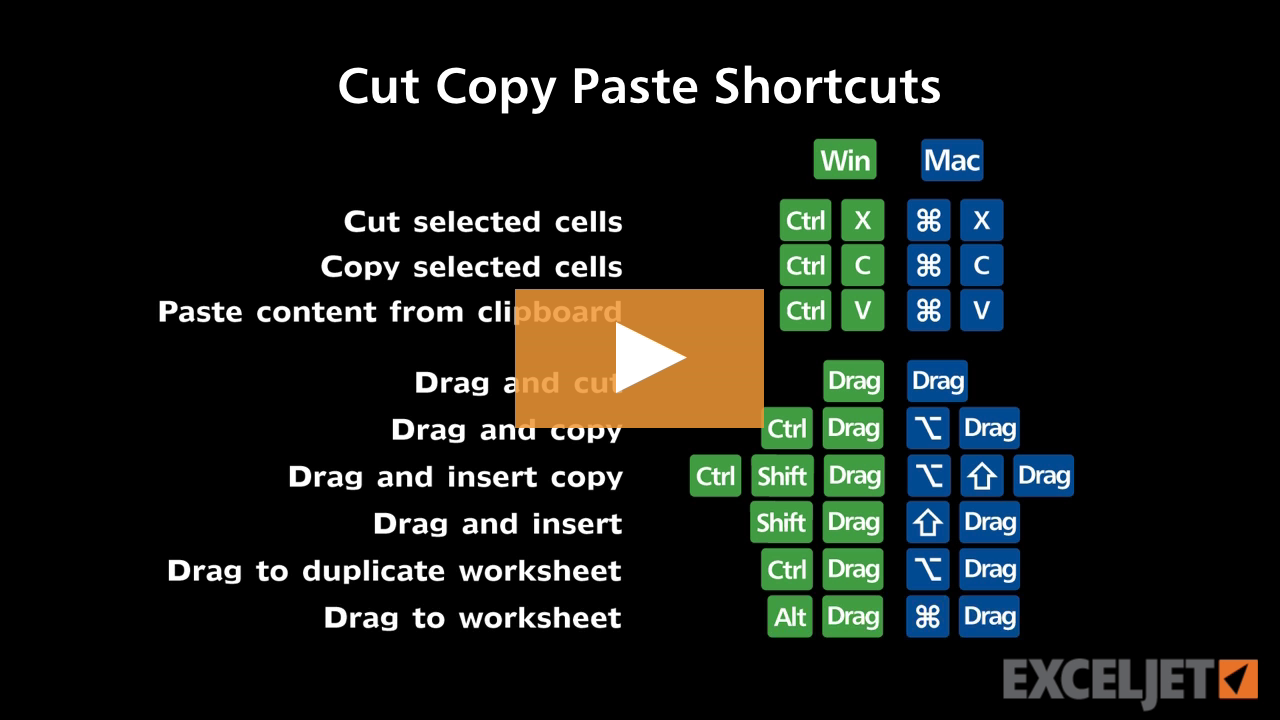
Shortcuts to cut copy paste
Excel Shortcuts
2:33

Shortcuts to cut copy paste

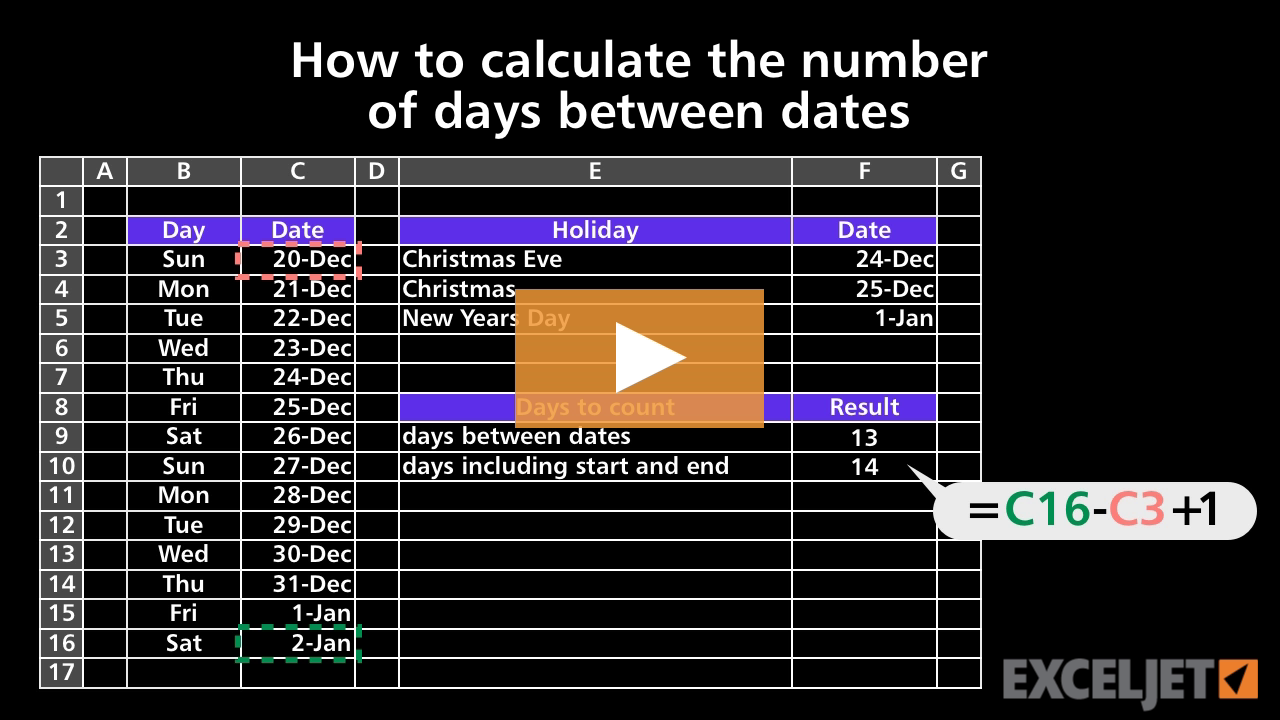
How to calculate the number of days between dates
Core Formula
3:05

How to calculate the number of days between dates

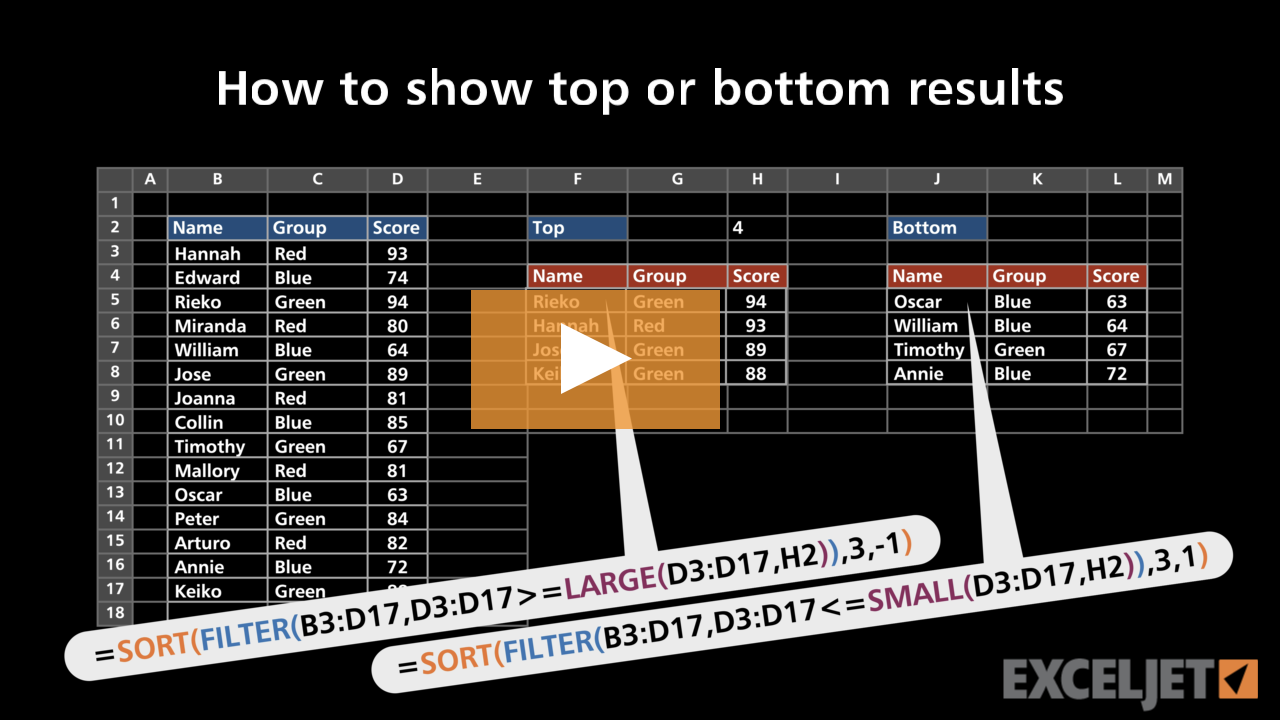
How to show top or bottom n results
Dynamic Array Formulas
2:56

How to show top or bottom n results

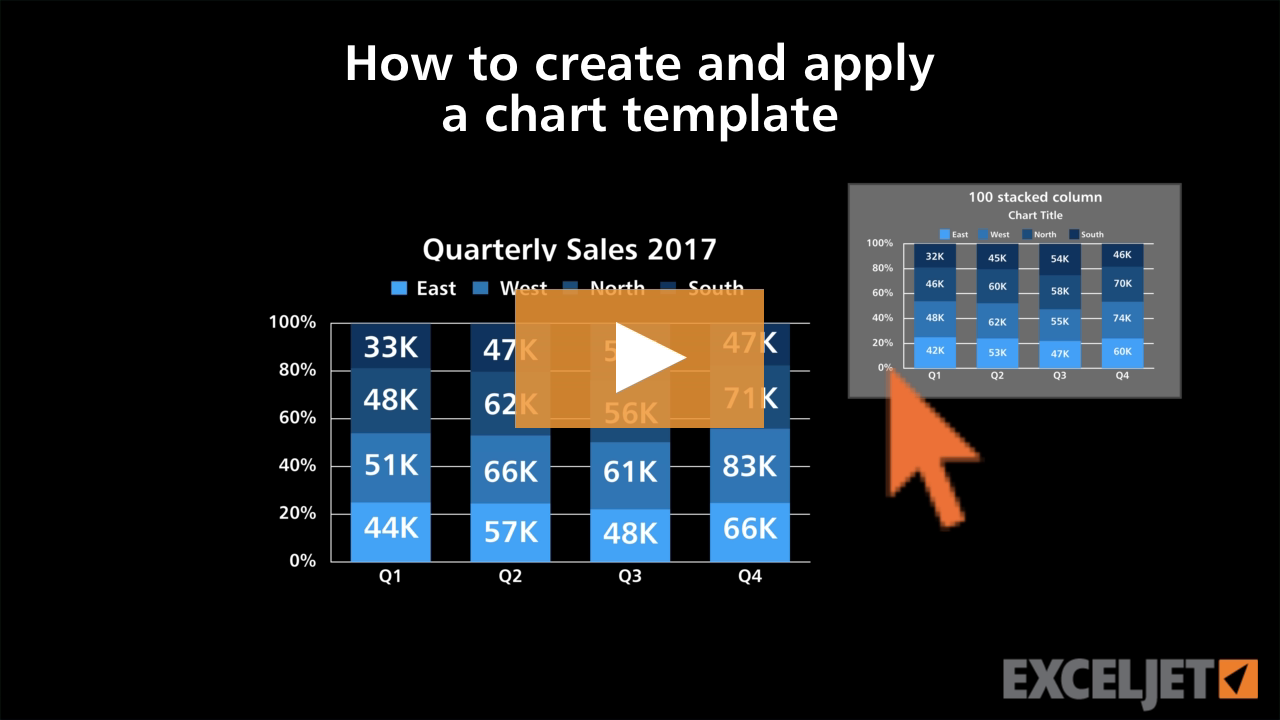
How to create and apply a chart template
Core Charts
2:12

How to create and apply a chart template

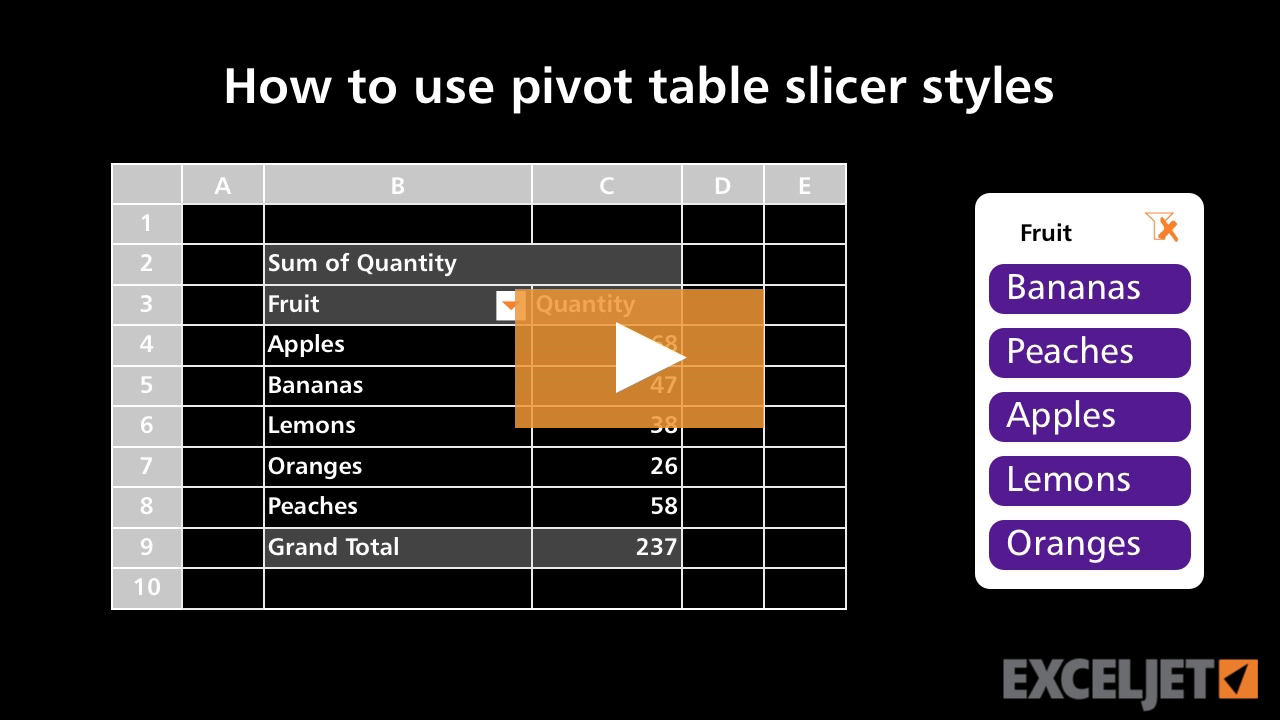
How to use pivot table slicer styles
Core Pivot
3:17

How to use pivot table slicer styles

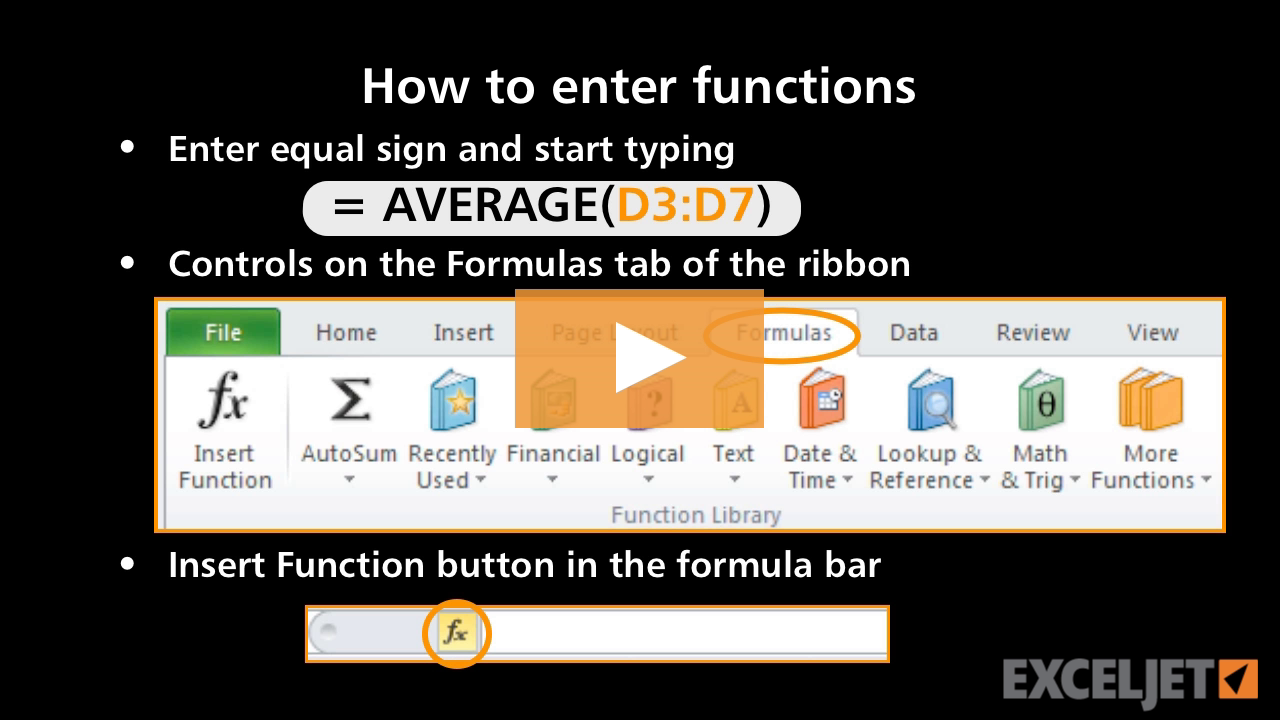
How to enter functions
Core Formula
3:01

How to enter functions

How to build a simple dynamic chart
Core Formula
3:56

How to build a simple dynamic chart

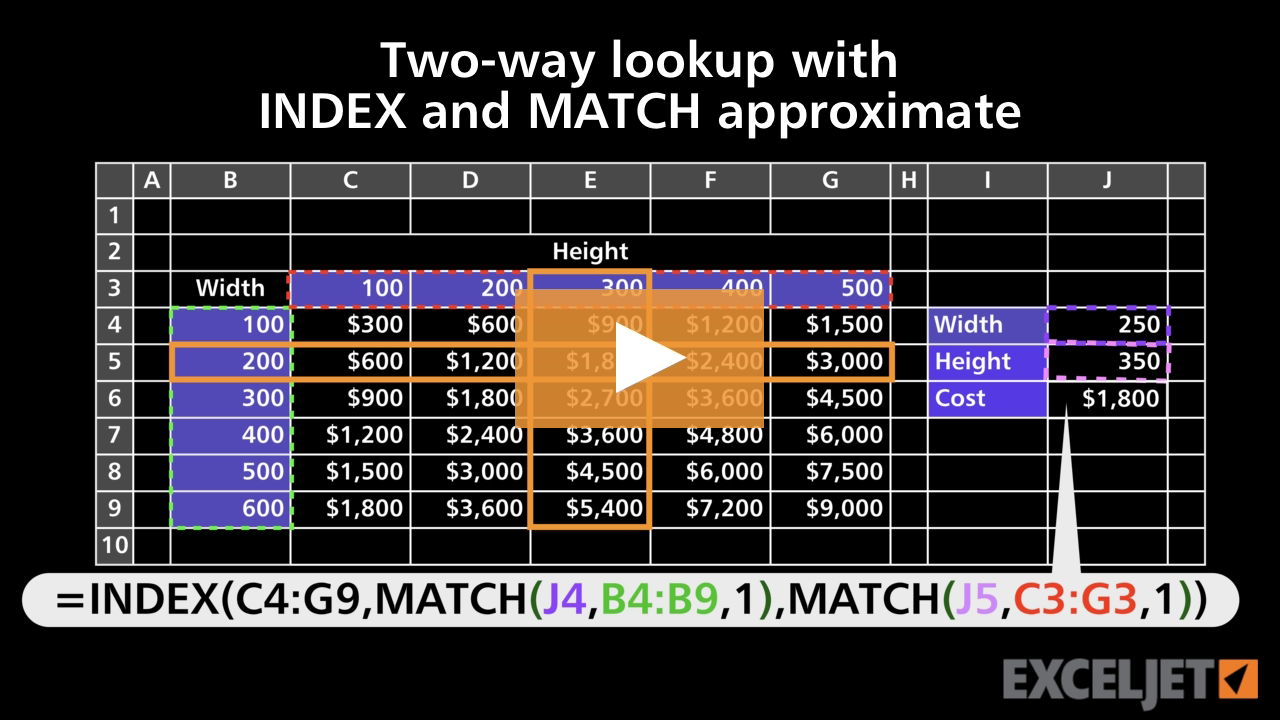
Two-way lookup with INDEX and MATCH approximate
Conditional Formatting
3:08

Two-way lookup with INDEX and MATCH approximate

How to trace a formula error
Core Formula
2:29

How to trace a formula error

Selecting chart elements
Core Charts
3:13

Selecting chart elements

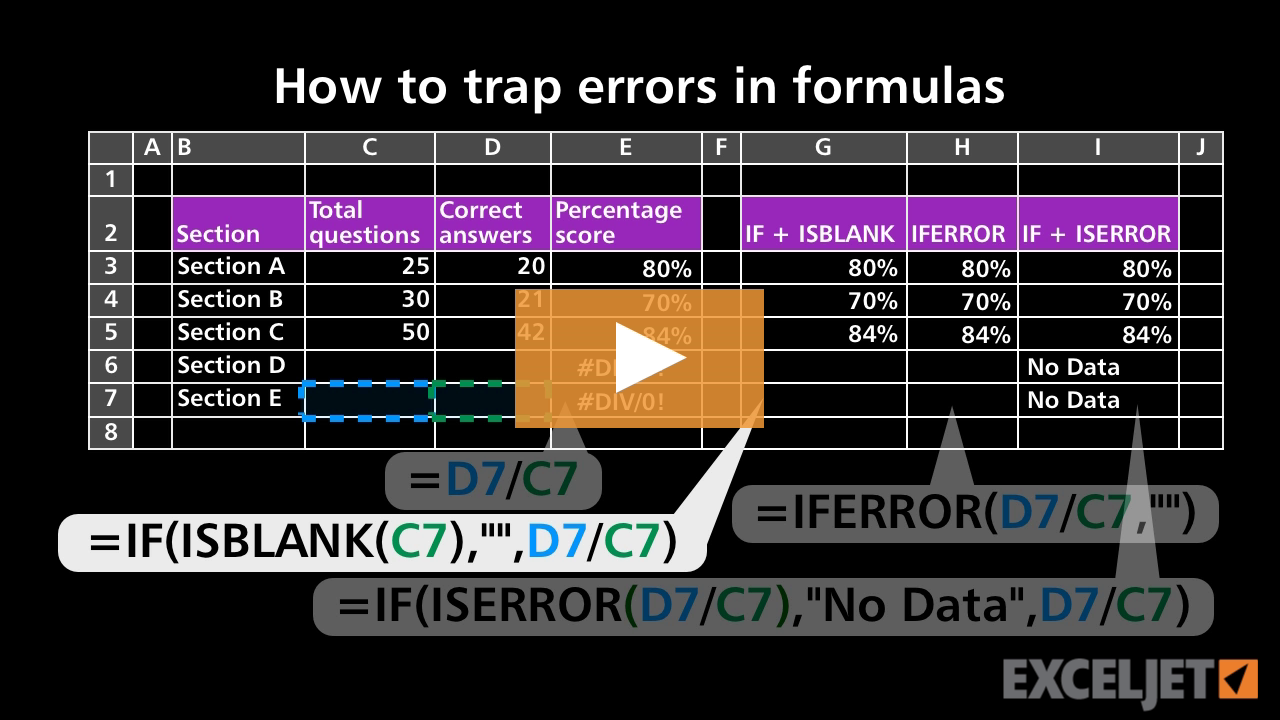
How to trap errors in formulas
Core Formula
3:17

How to trap errors in formulas

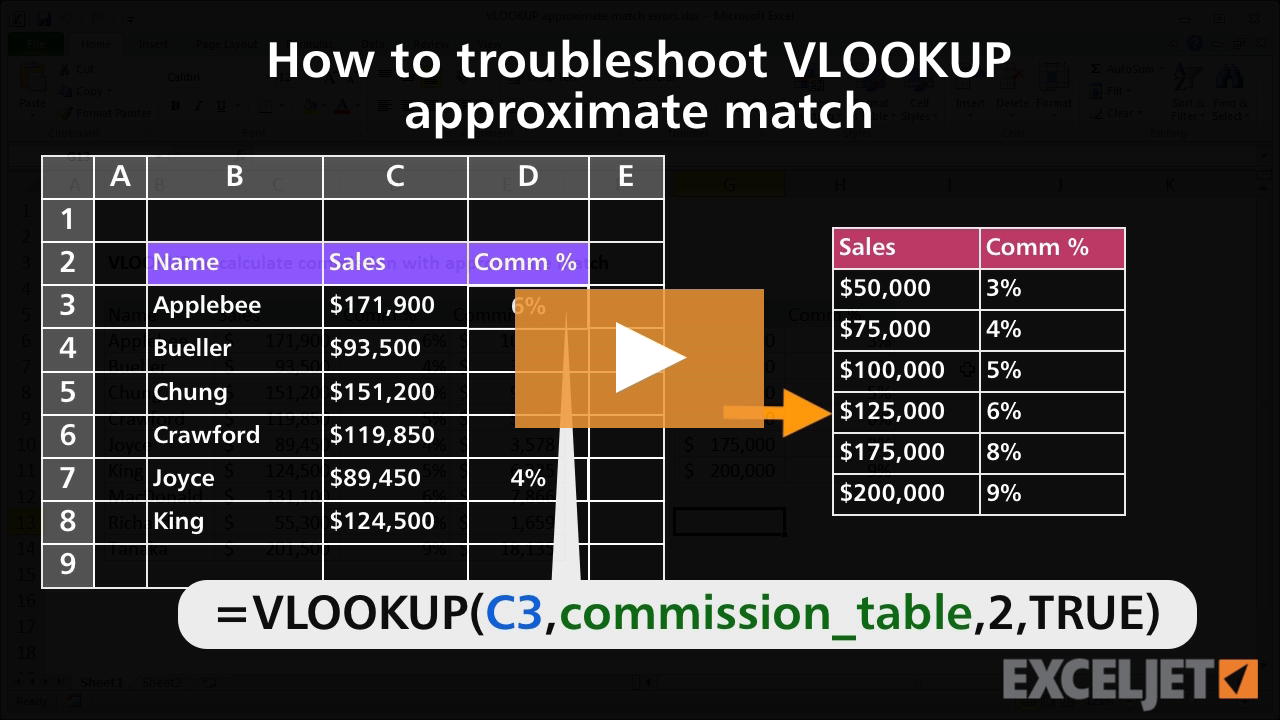
How to troubleshoot VLOOKUP approximate match
Core Formula
2:43

How to troubleshoot VLOOKUP approximate match

How to build a search box with conditional formatting
Conditional Formatting
3:34

How to build a search box with conditional formatting

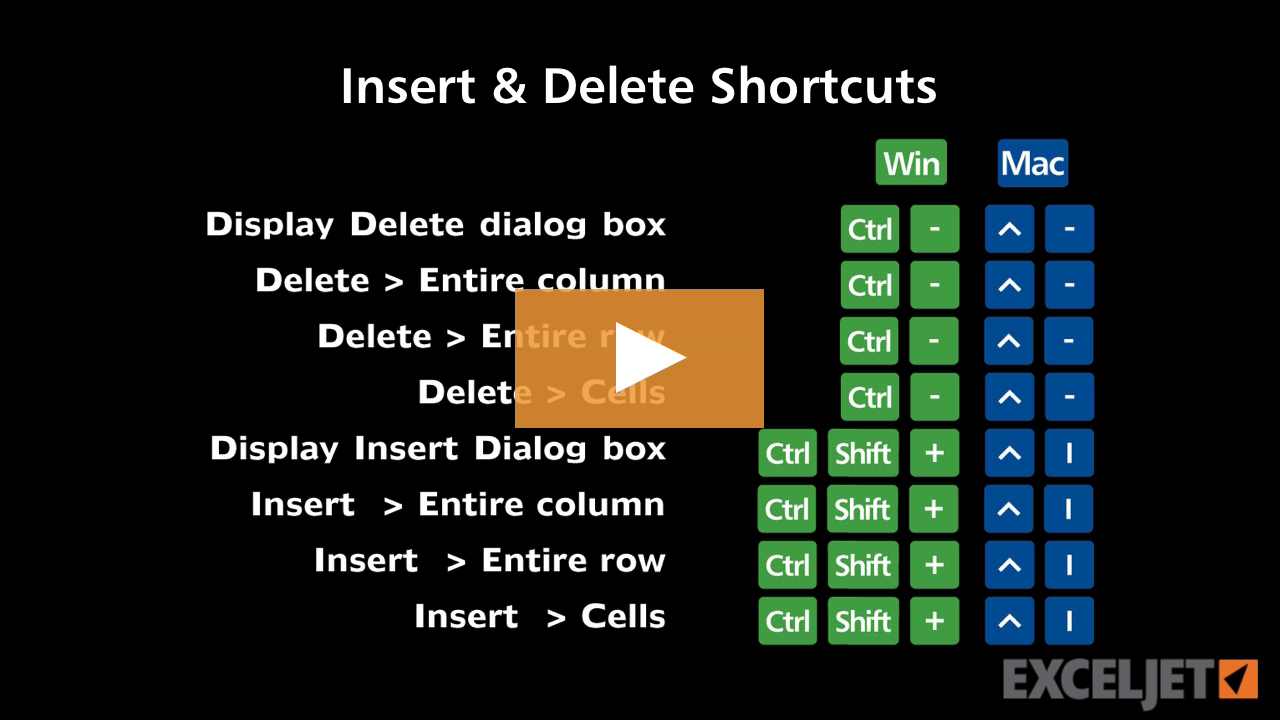
Shortcuts to insert/delete rows and columns
Excel Shortcuts
3:10

Shortcuts to insert/delete rows and columns

How to copy a pivot table without the data
Core Pivot
2:43

How to copy a pivot table without the data

Excel shortcuts on a Mac
Excel Shortcuts
3:22

Excel shortcuts on a Mac

How to sort a pivot table manually
Core Pivot
2:04

How to sort a pivot table manually

How to move data in Excel
Core Excel
2:44

How to move data in Excel

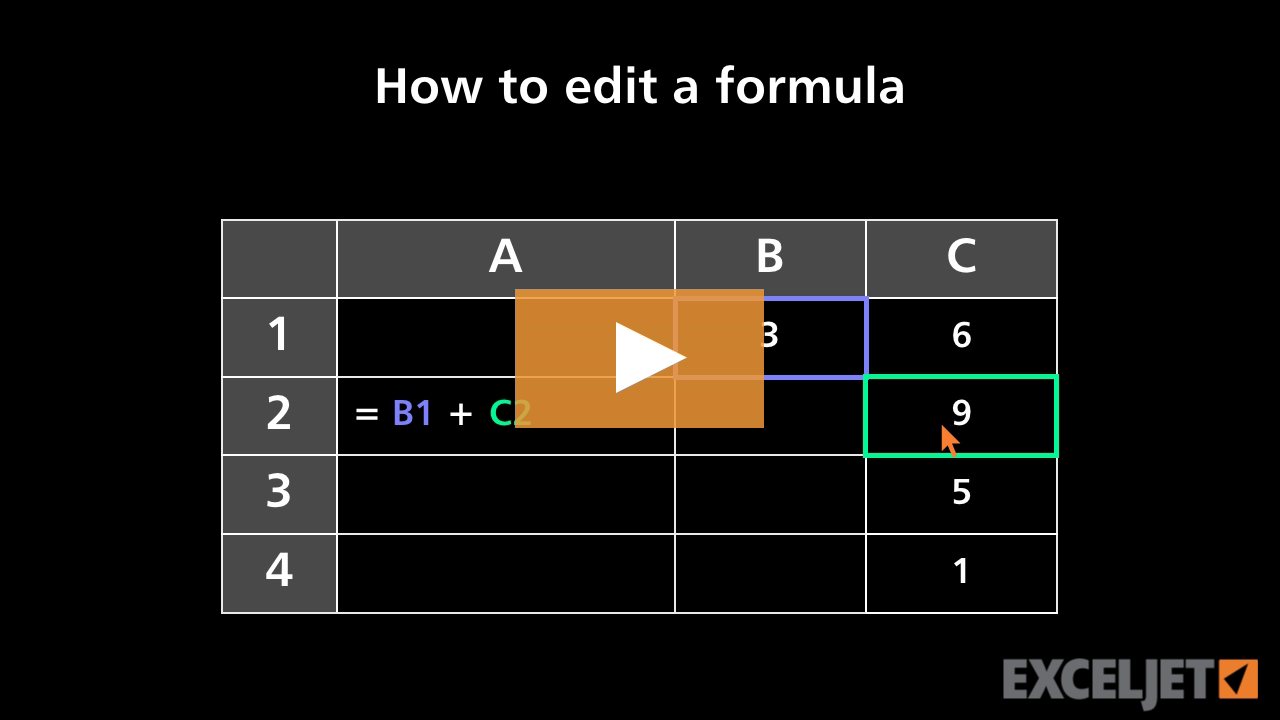
How to edit a formula
Core Excel
2:26

How to edit a formula

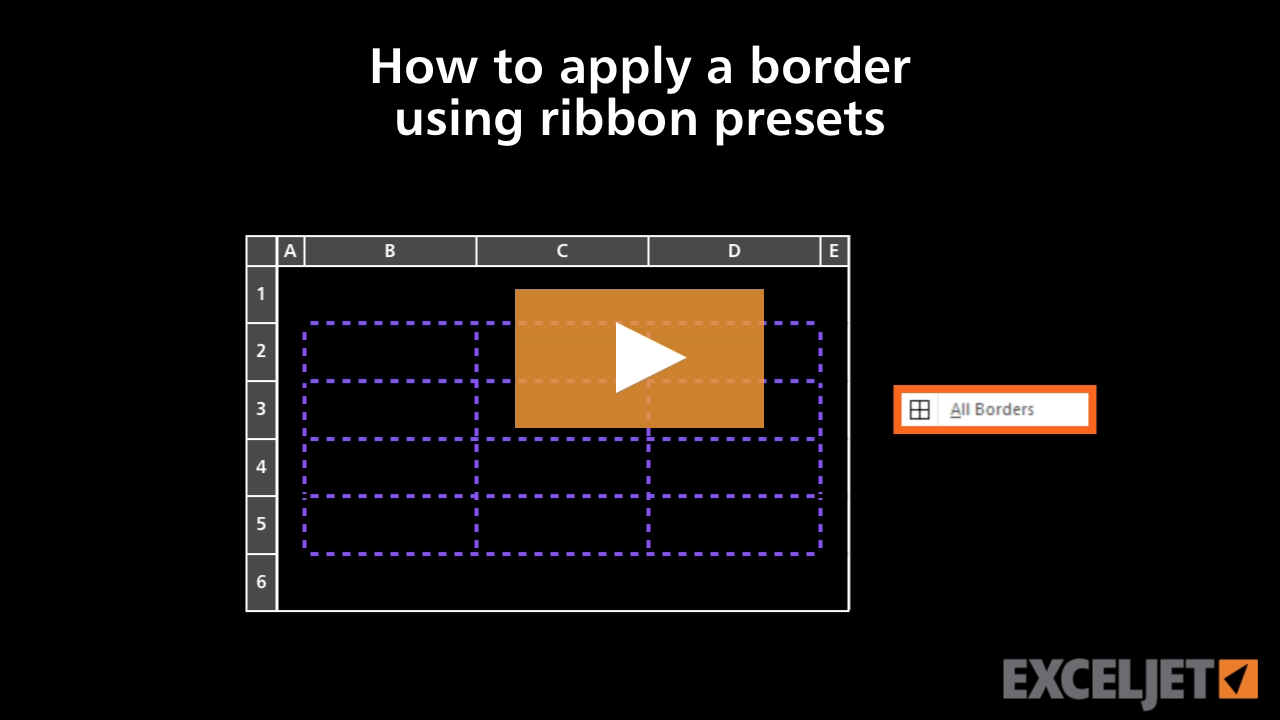
How to apply a border using ribbon presets in Excel
Core Excel
2:51

How to apply a border using ribbon presets in Excel

23 Excel formula tips
9:19

23 Excel formula tips

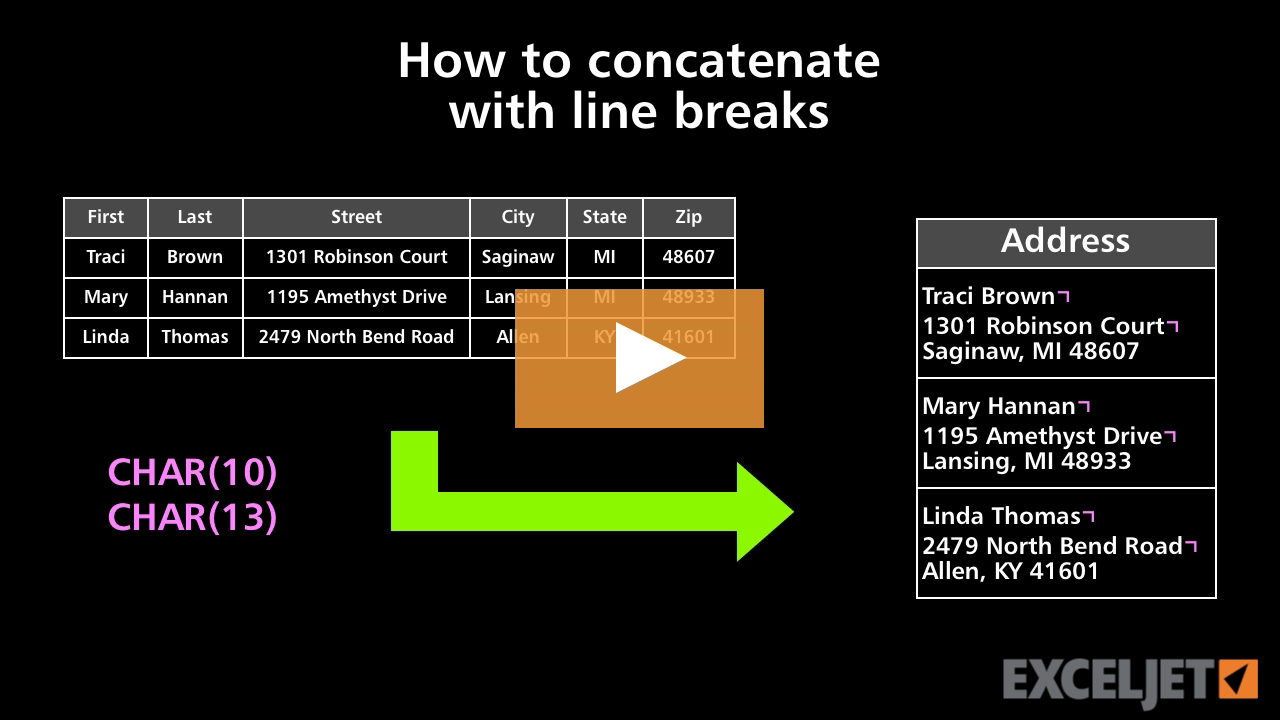
How to concatenate with line breaks
Core Formula
3:15

How to concatenate with line breaks

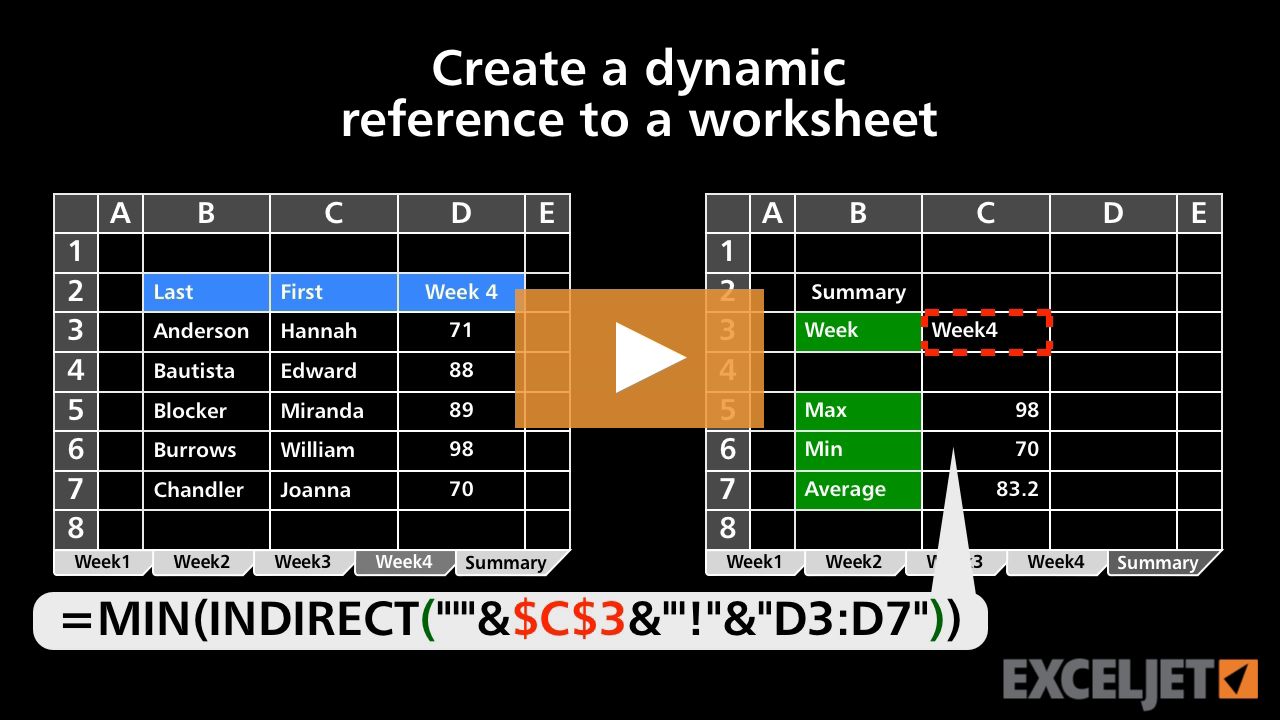
Create a dynamic reference to a worksheet
Core Formula
3:28

Create a dynamic reference to a worksheet

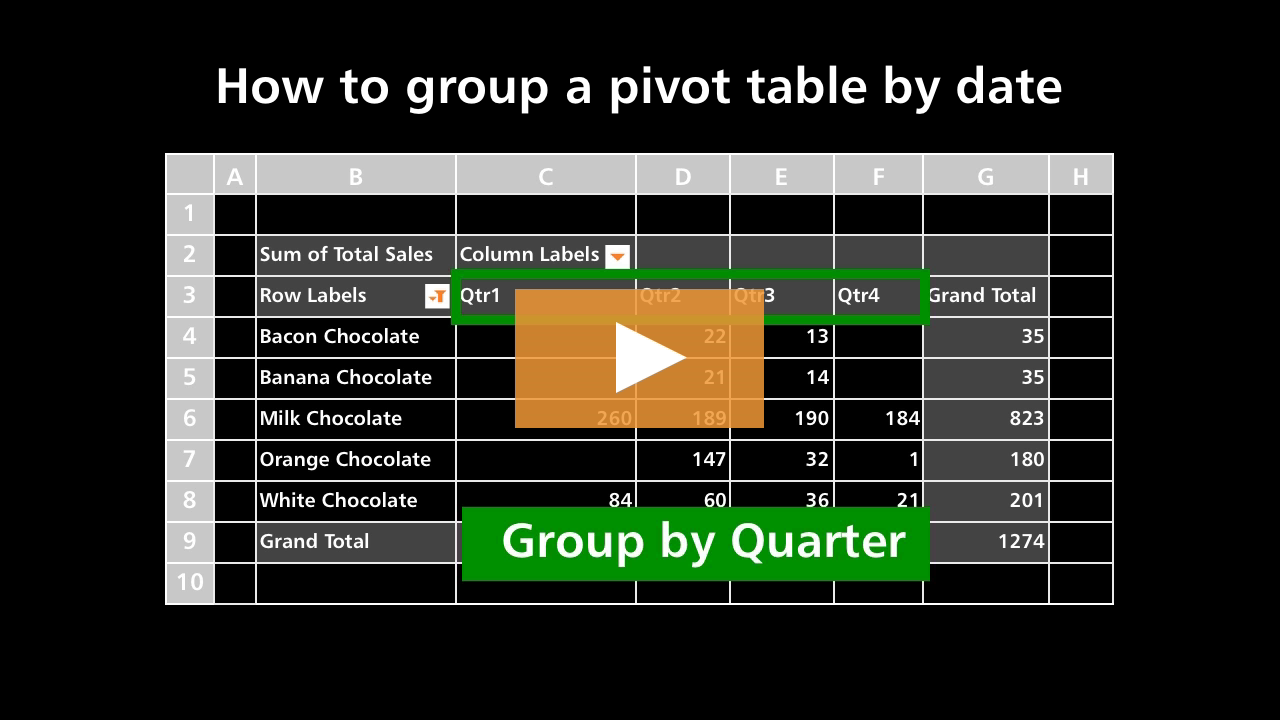
How to group a pivot table by date
Core Pivot
2:35

How to group a pivot table by date

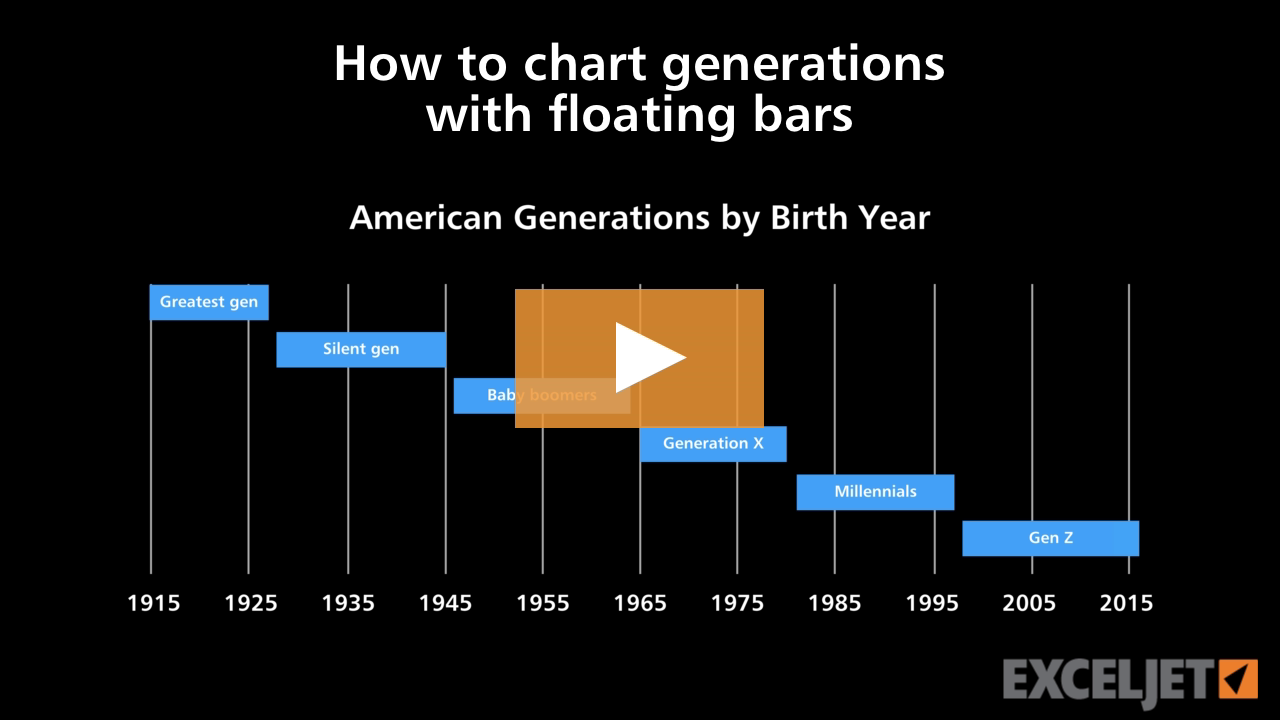
How to chart generations with floating bars
Core Charts
3:37

How to chart generations with floating bars

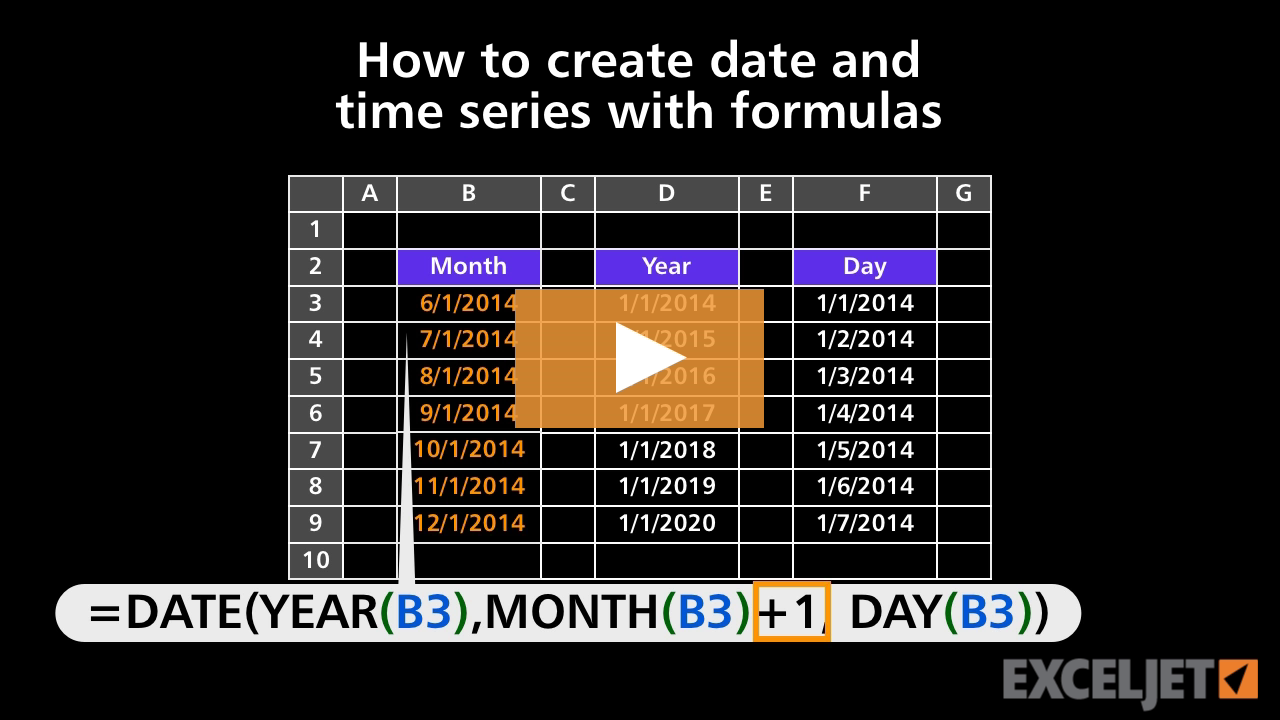
How to create date and time series with formulas
Core Formula
3:24

How to create date and time series with formulas

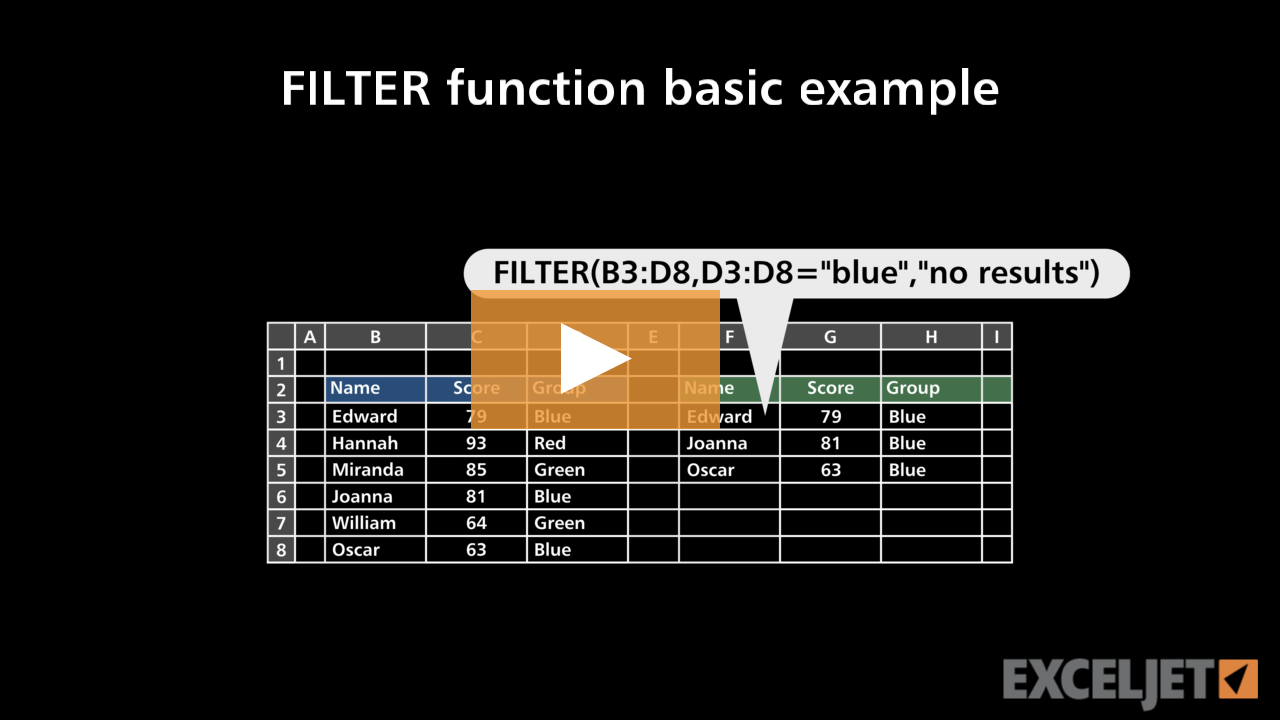
FILTER function basic example
Dynamic Array Formulas
2:44

FILTER function basic example

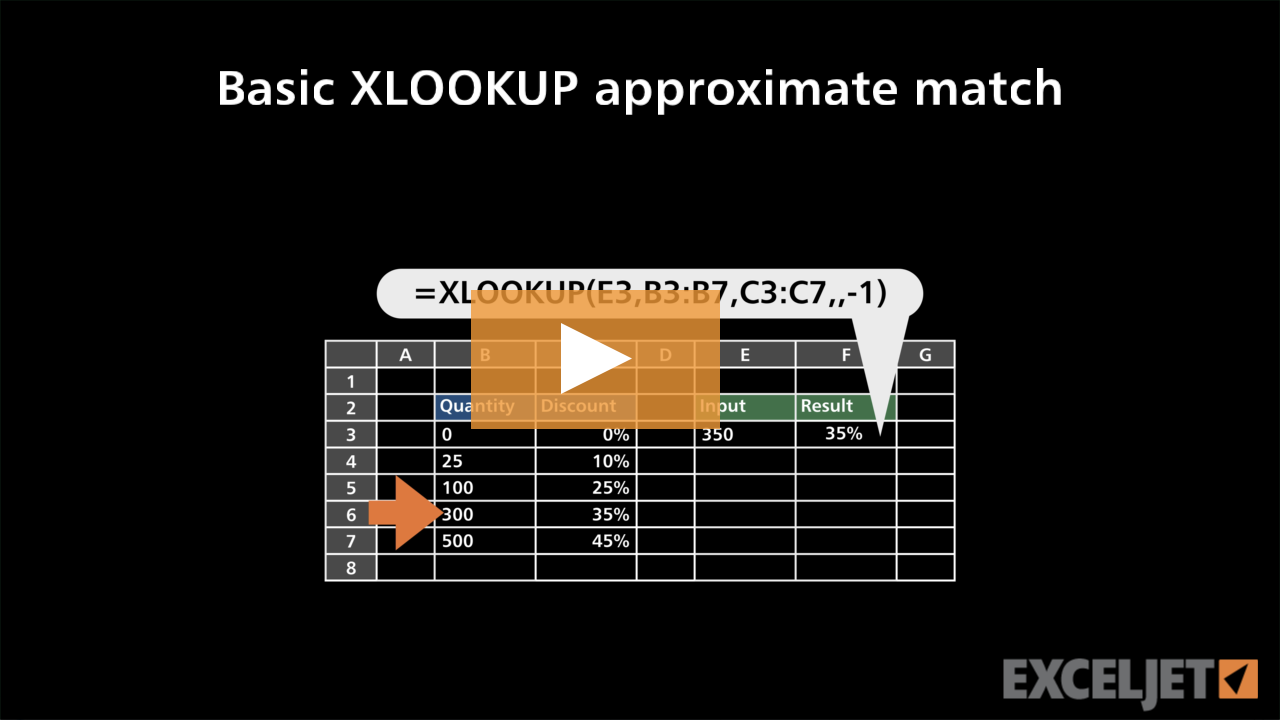
Basic XLOOKUP approximate match
Dynamic Array Formulas
3:22

Basic XLOOKUP approximate match

Shortcut for entering data in more than one cell in Excel
Core Excel
1:14

Shortcut for entering data in more than one cell in Excel

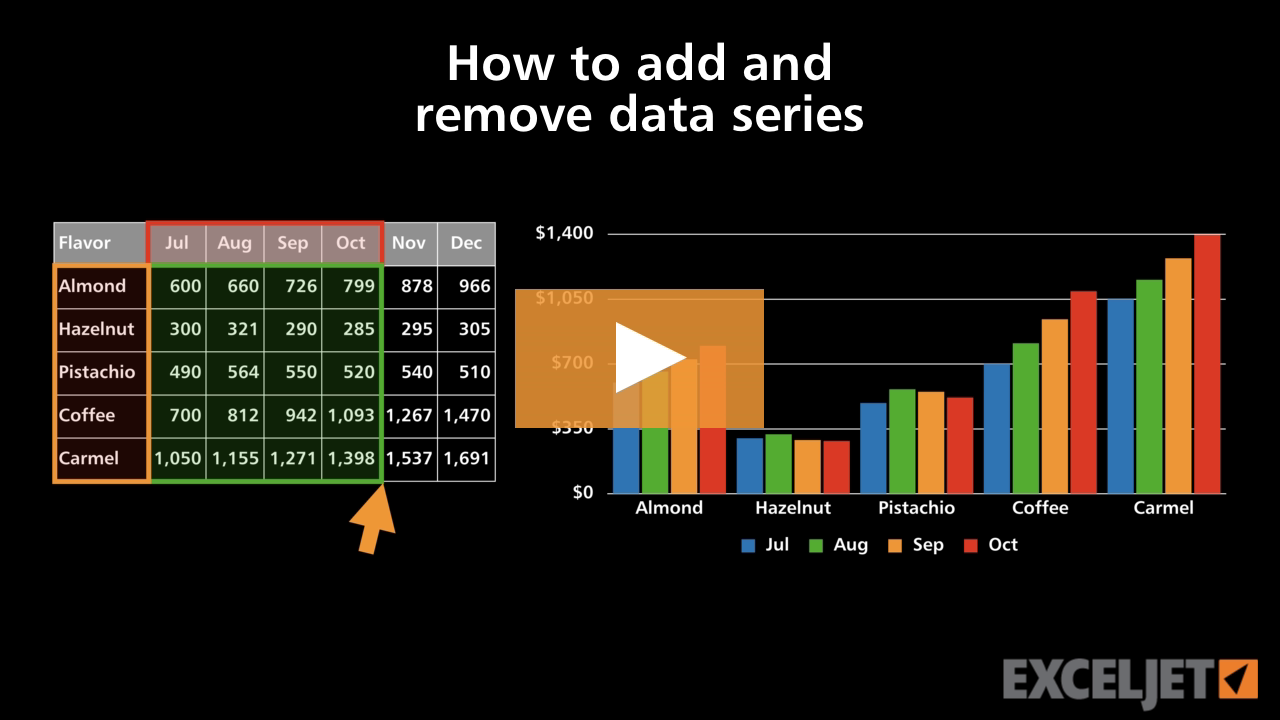
How to add and remove data series
Core Charts
2:38

How to add and remove data series

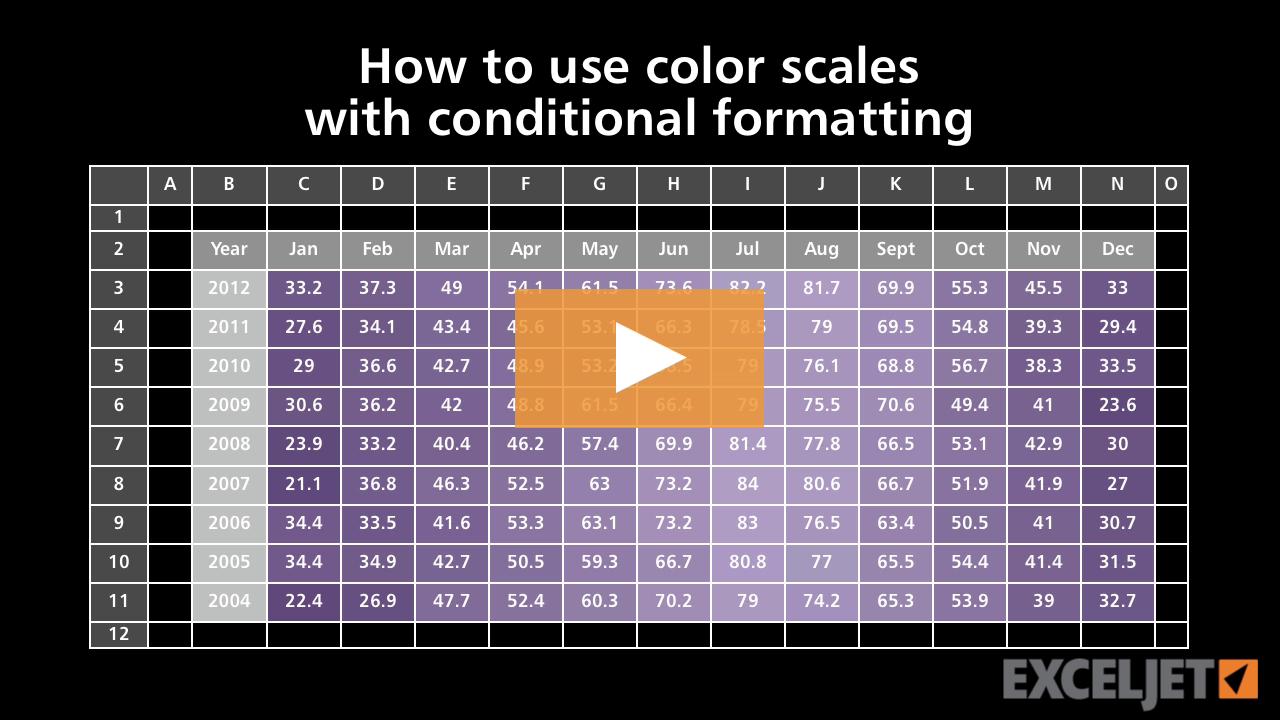
How to use color scales with conditional formatting
Conditional Formatting
2:58

How to use color scales with conditional formatting

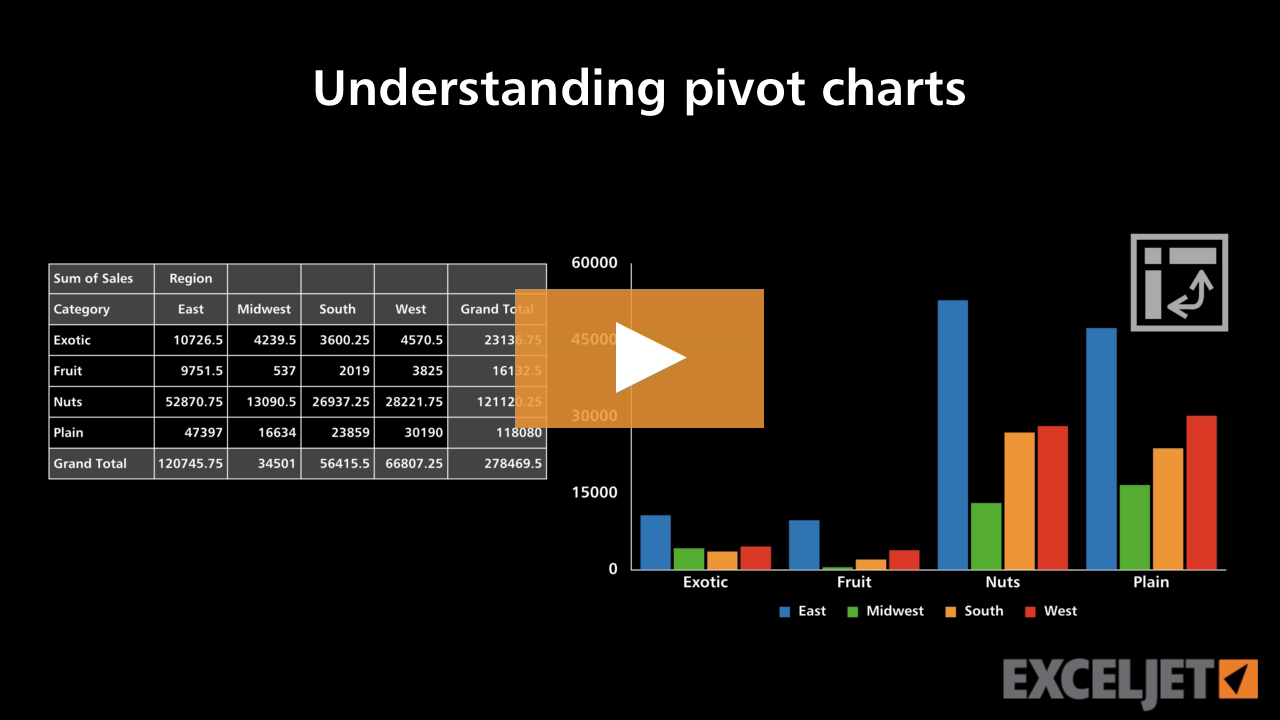
Understanding pivot charts
Core Charts
3:21

Understanding pivot charts

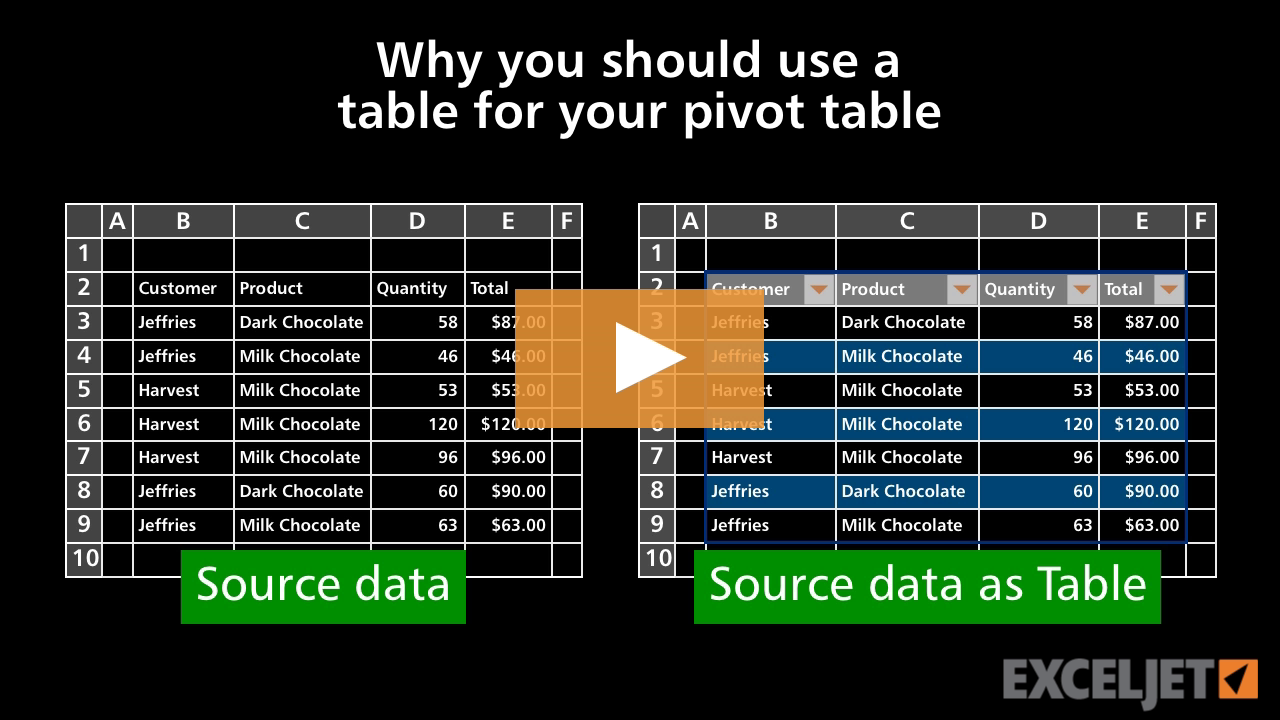
Why you should use a table for your pivot table
Core Pivot
3:14

Why you should use a table for your pivot table

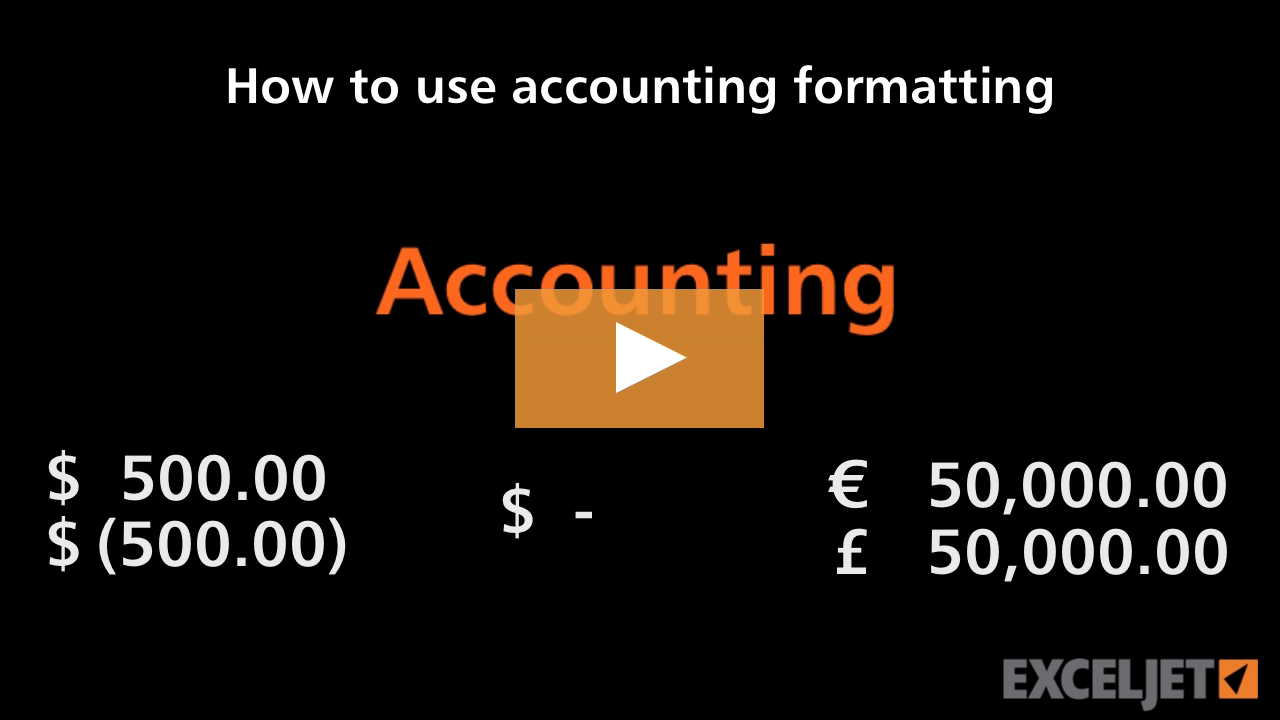
How to use accounting formatting in Excel
Core Excel
2:39

How to use accounting formatting in Excel

How to move around big lists fast
Core Excel
2:40

How to move around big lists fast

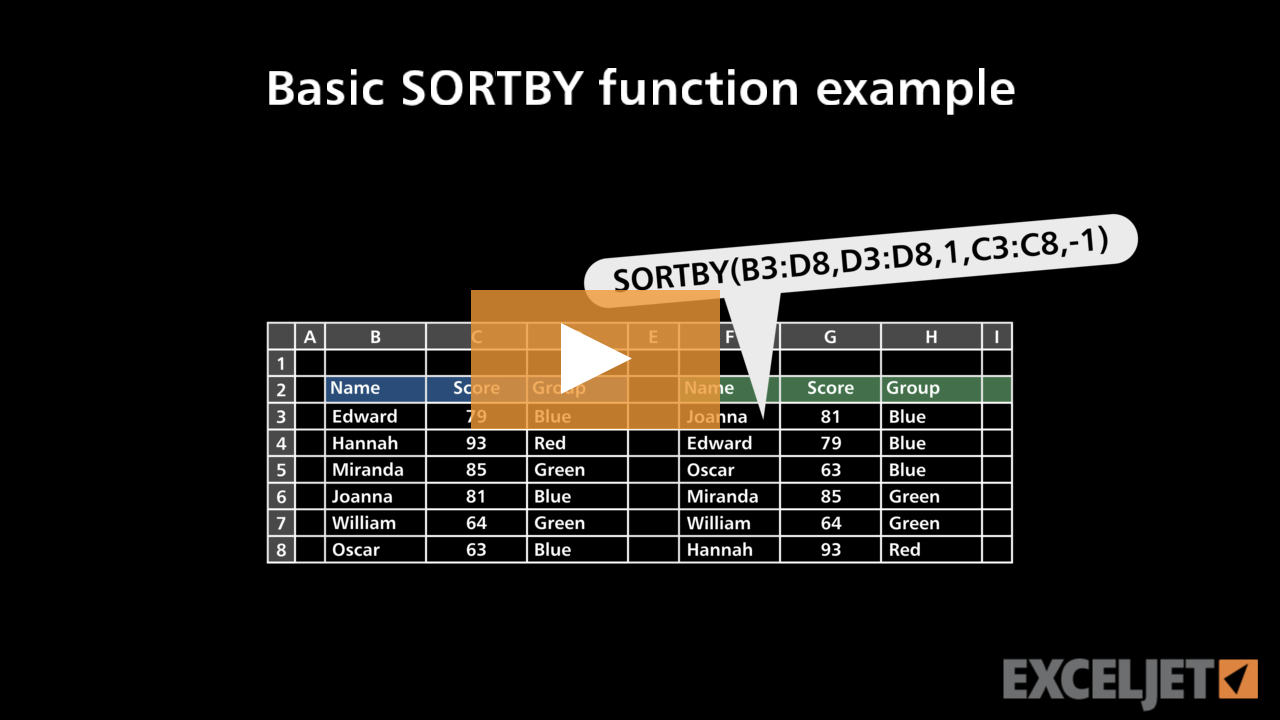
Basic SORTBY function example
Dynamic Array Formulas
2:48

Basic SORTBY function example

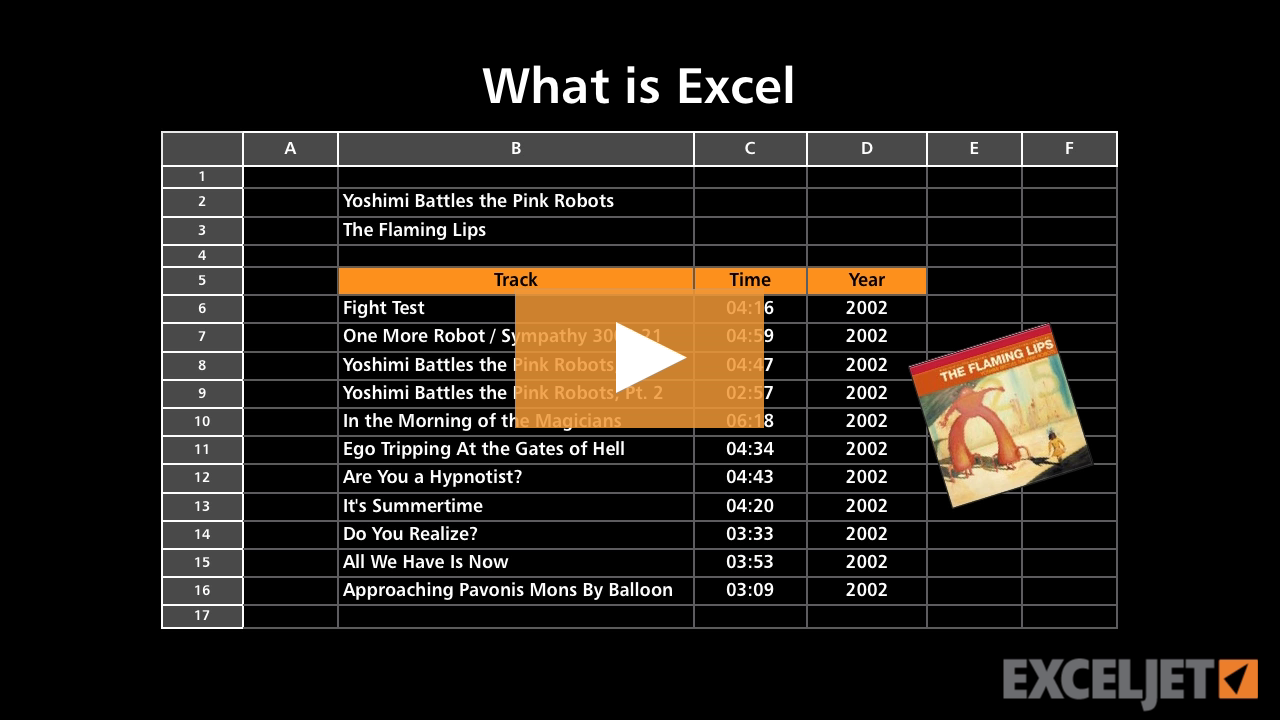
What is Excel?
Core Excel
2:32

What is Excel?

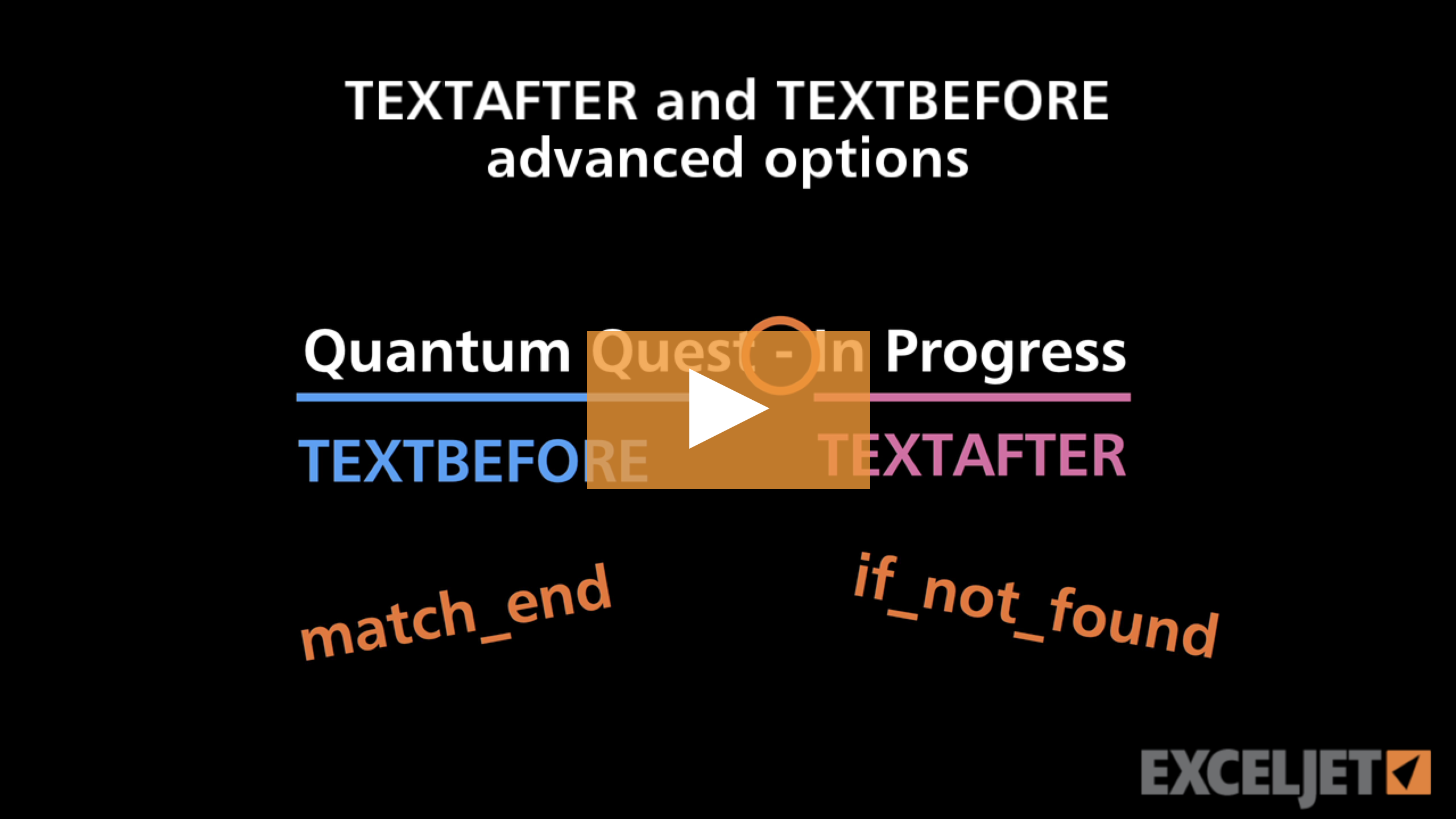
TEXTAFTER and TEXTBEFORE advanced options
Dynamic Array Formulas
3:41

TEXTAFTER and TEXTBEFORE advanced options

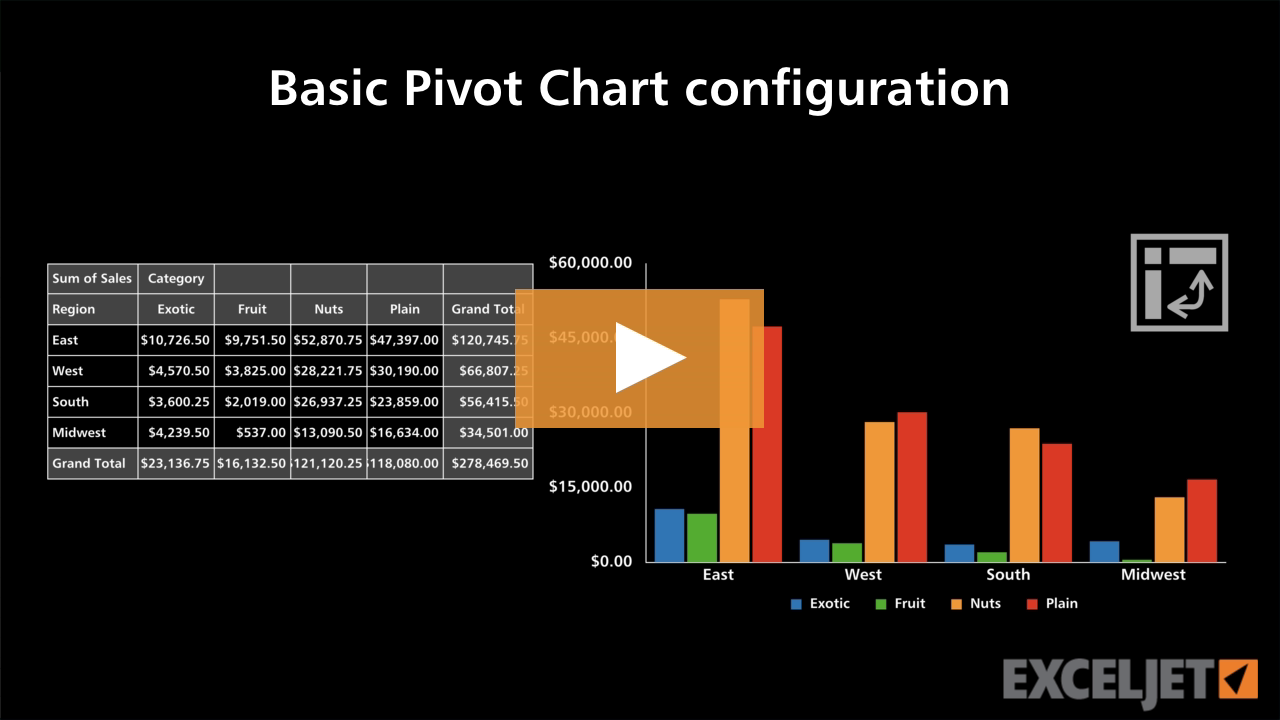
Basic Pivot Chart configuration
Core Charts
2:55

Basic Pivot Chart configuration

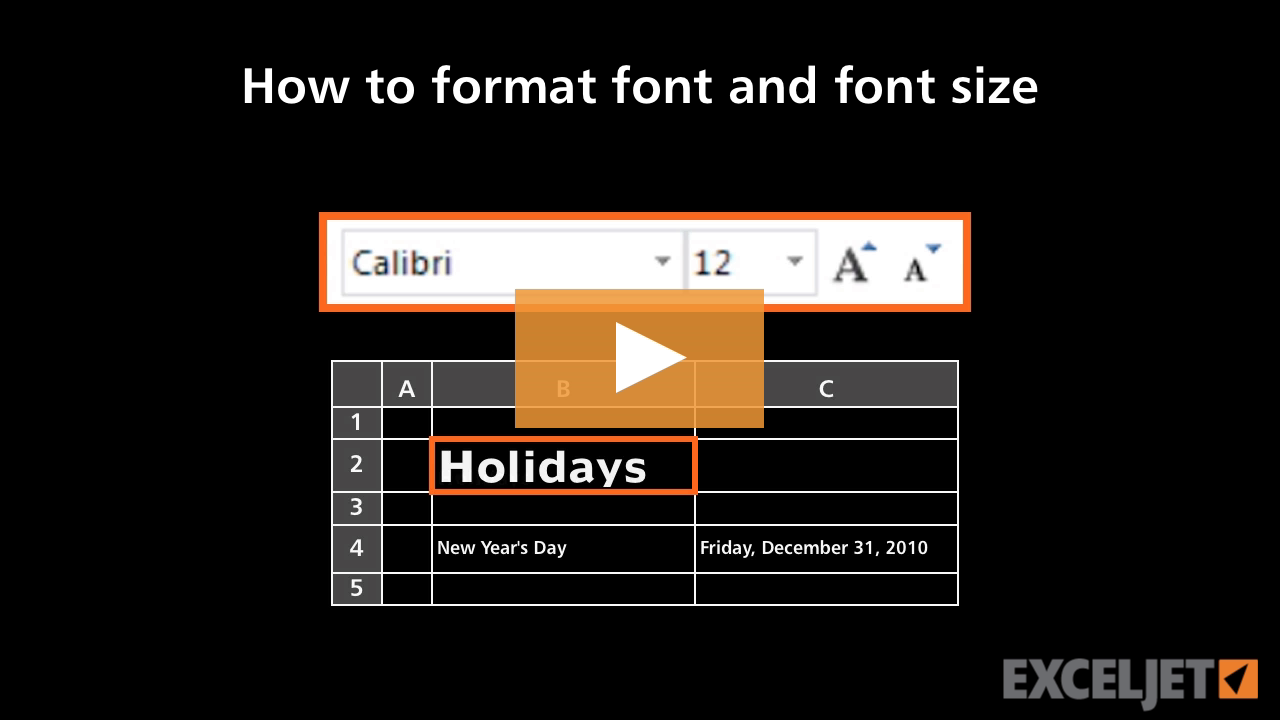
How to format font and font size in Excel
Core Excel
3:05

How to format font and font size in Excel

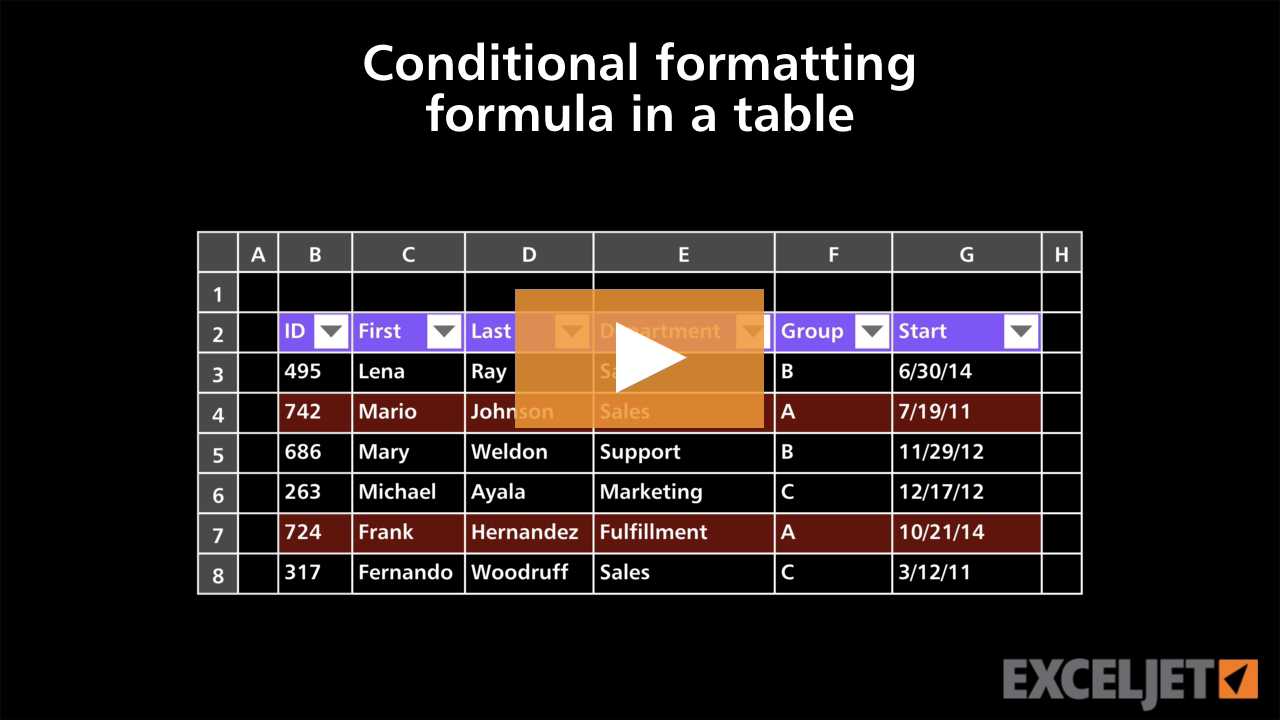
Conditional formatting formula in a table
Excel Tables
3:09

Conditional formatting formula in a table

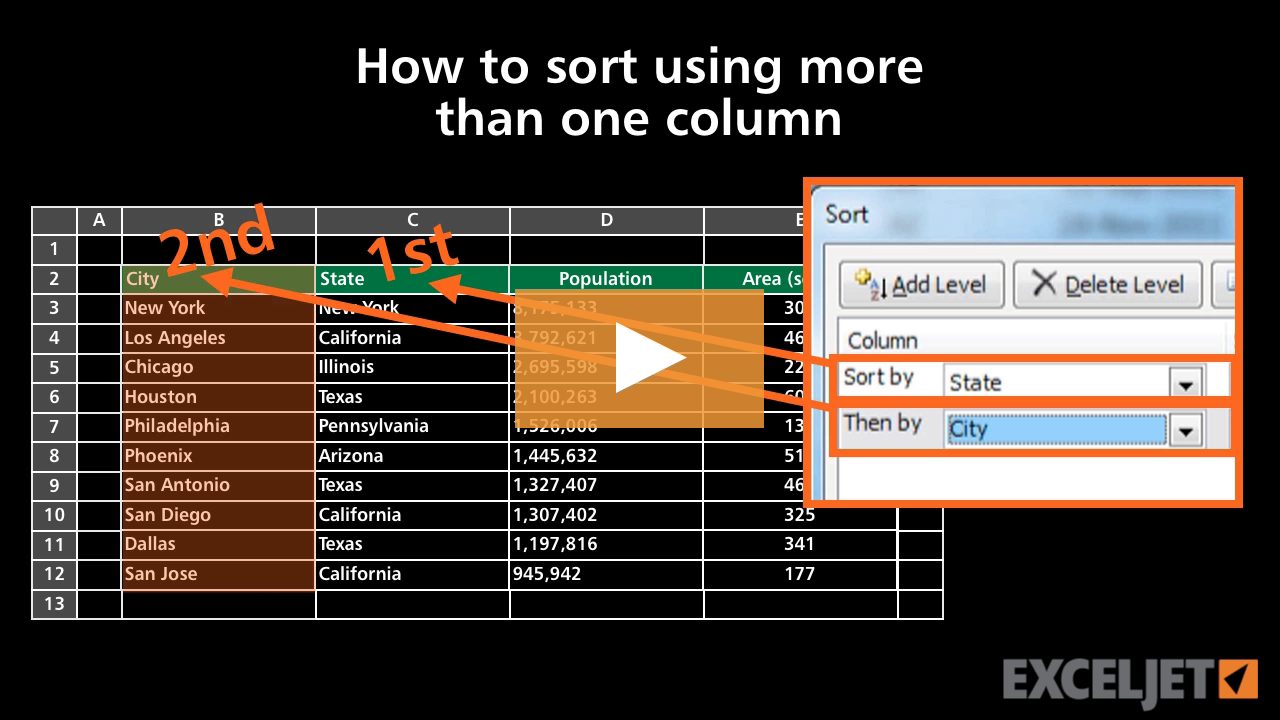
How to sort using more than one column
Core Excel
2:56

How to sort using more than one column

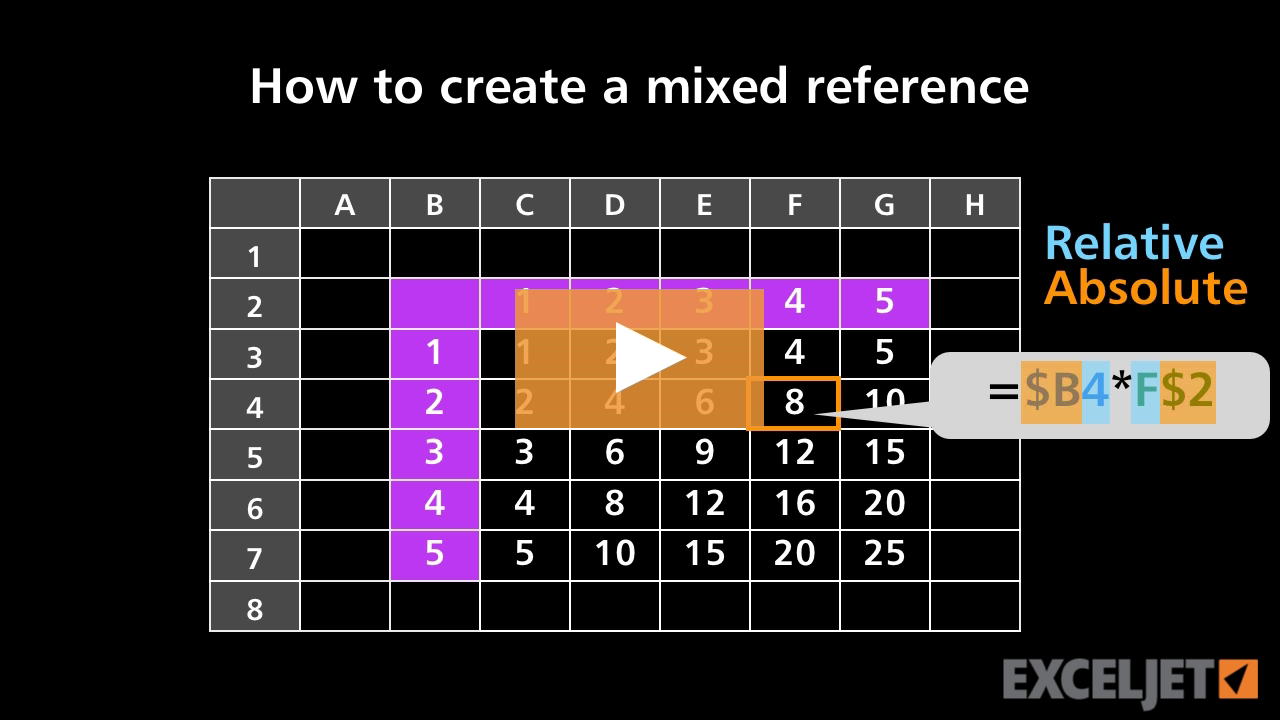
How to create a mixed reference
Core Formula
2:33

How to create a mixed reference

How to delete data in Excel
Core Excel
2:00

How to delete data in Excel

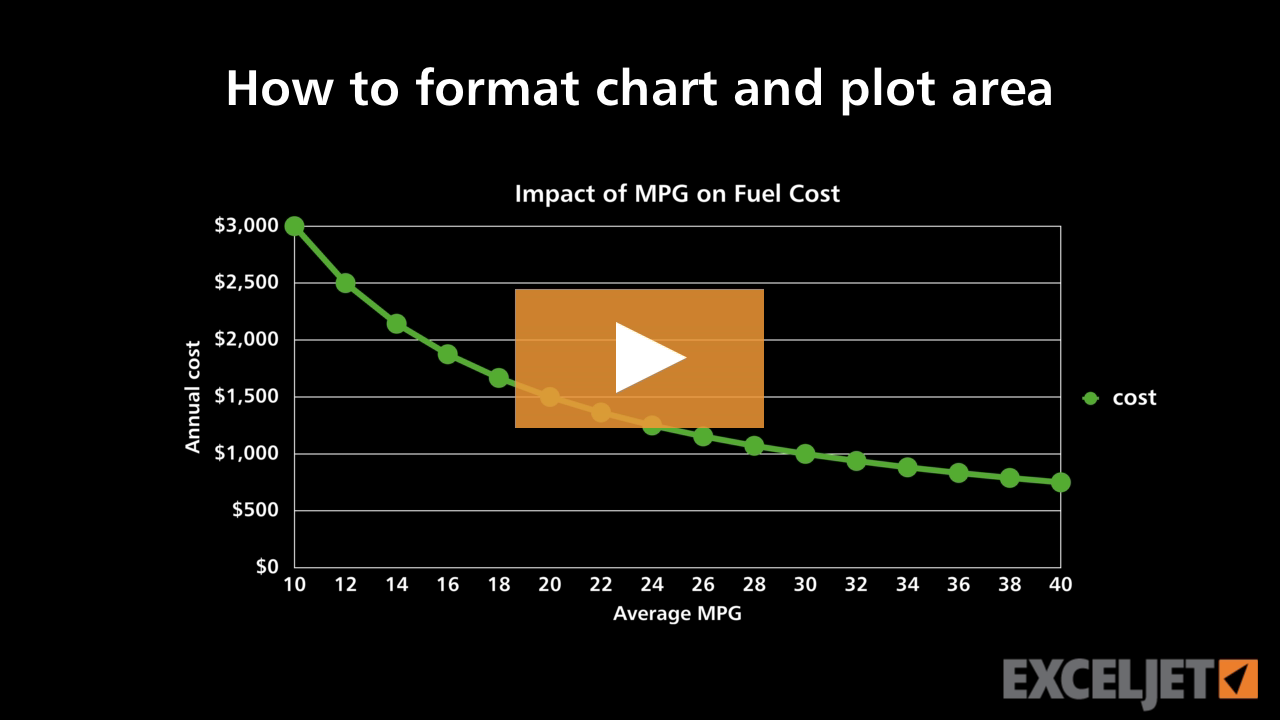
How to format chart and plot area
Core Charts
2:37

How to format chart and plot area

How to use multiplication in a formula
Core Excel
2:07

How to use multiplication in a formula

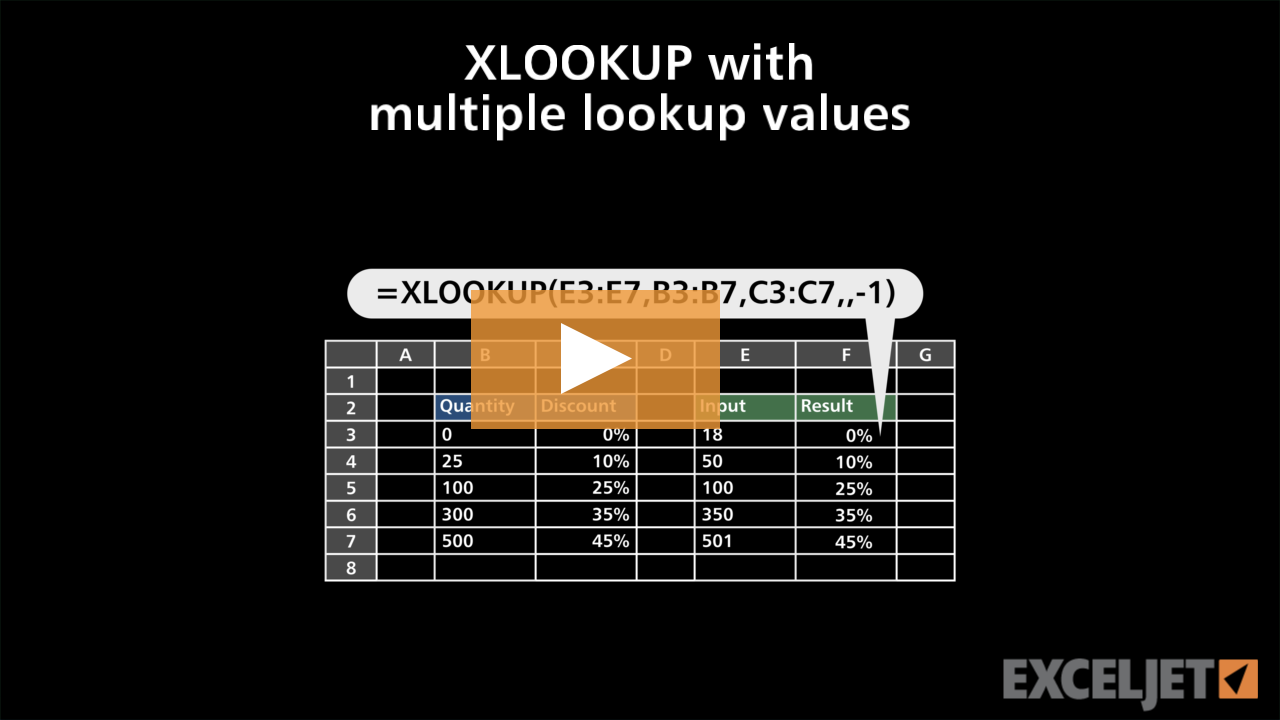
XLOOKUP with multiple lookup values
Dynamic Array Formulas
2:39

XLOOKUP with multiple lookup values

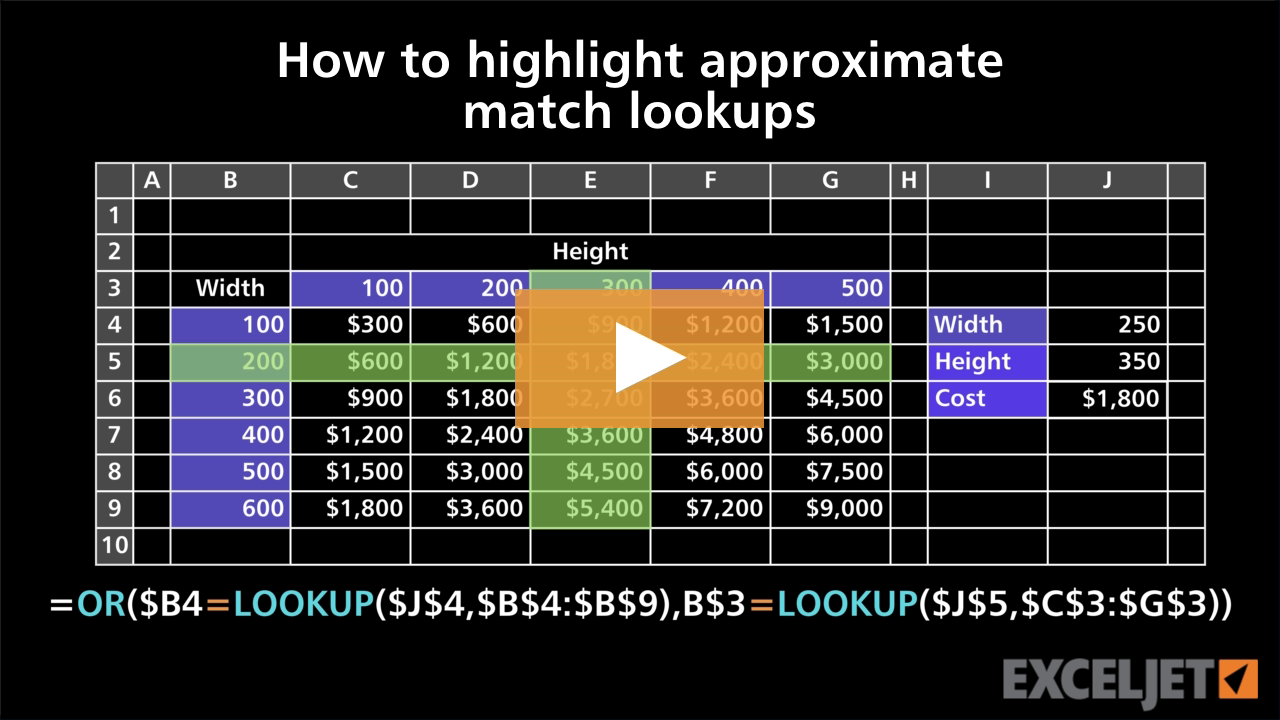
How to highlight approximate match lookups
Conditional Formatting
3:55

How to highlight approximate match lookups

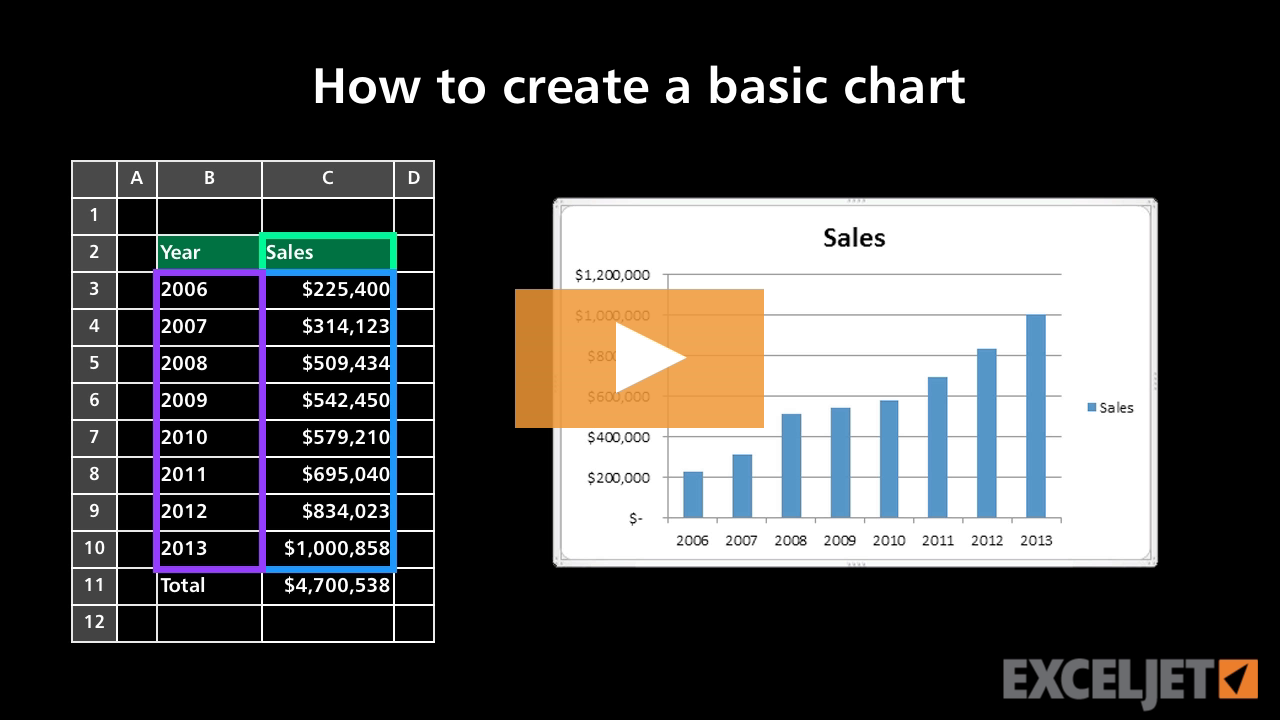
How to create a basic chart
Core Excel
2:26

How to create a basic chart

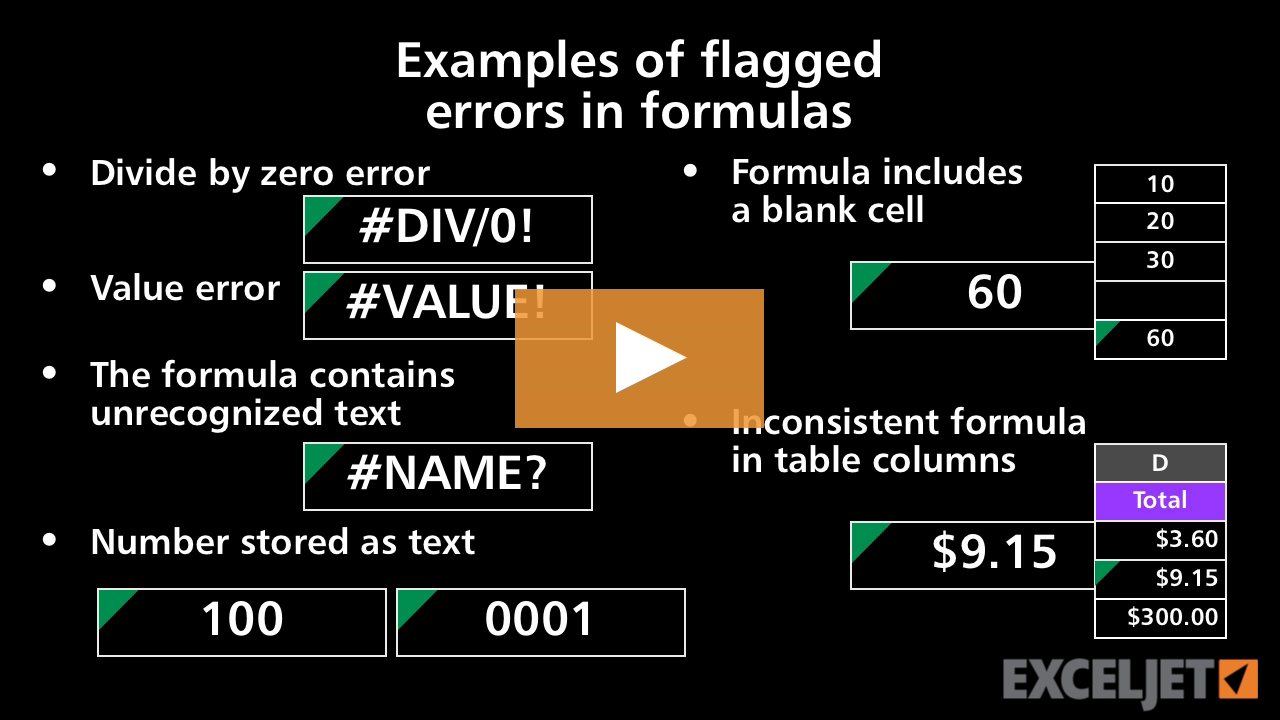
Examples of flagged errors in formulas
Core Formula
3:00

Examples of flagged errors in formulas

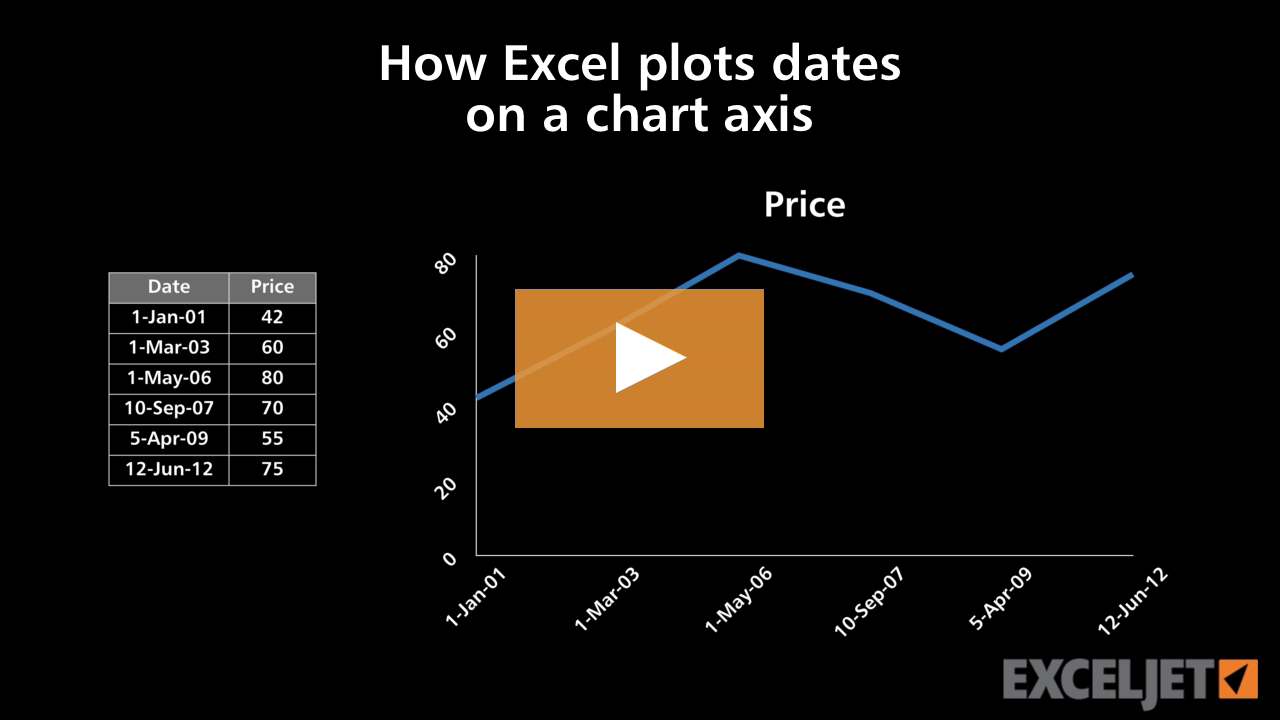
How Excel plots dates on a chart axis
Core Charts
3:04

How Excel plots dates on a chart axis

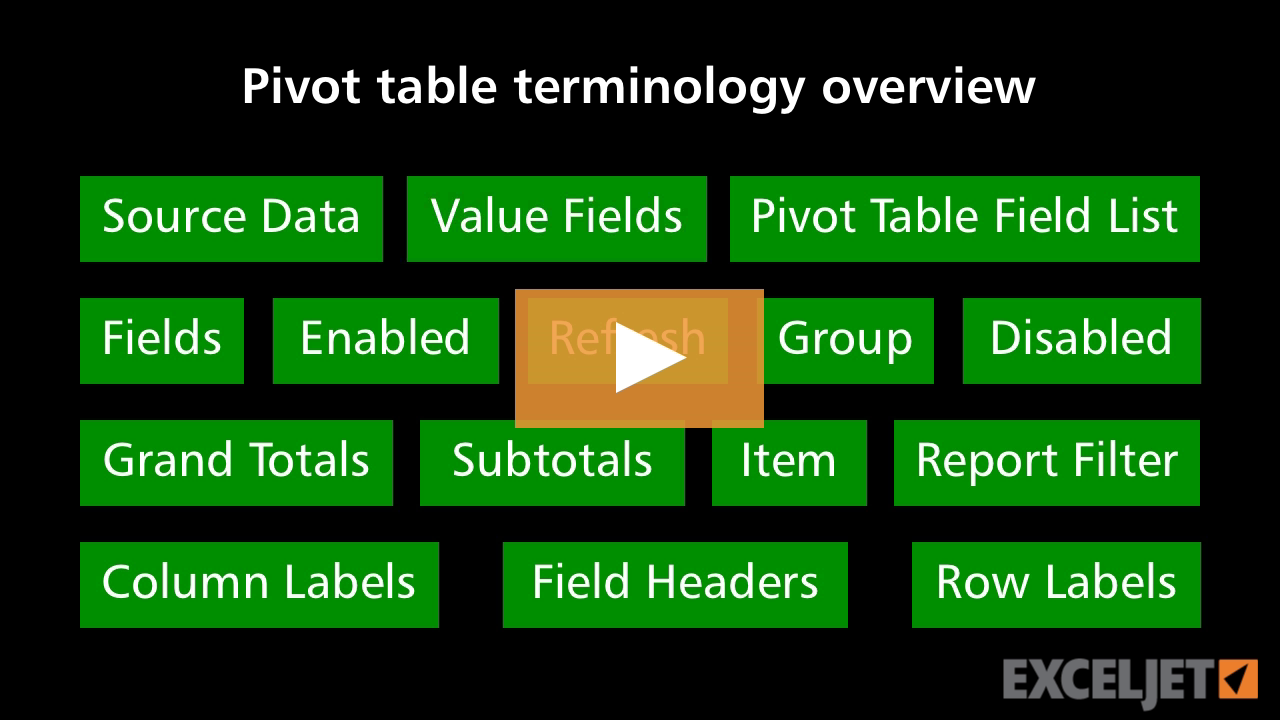
Pivot Table Terminology
Core Pivot
2:56

Pivot Table Terminology

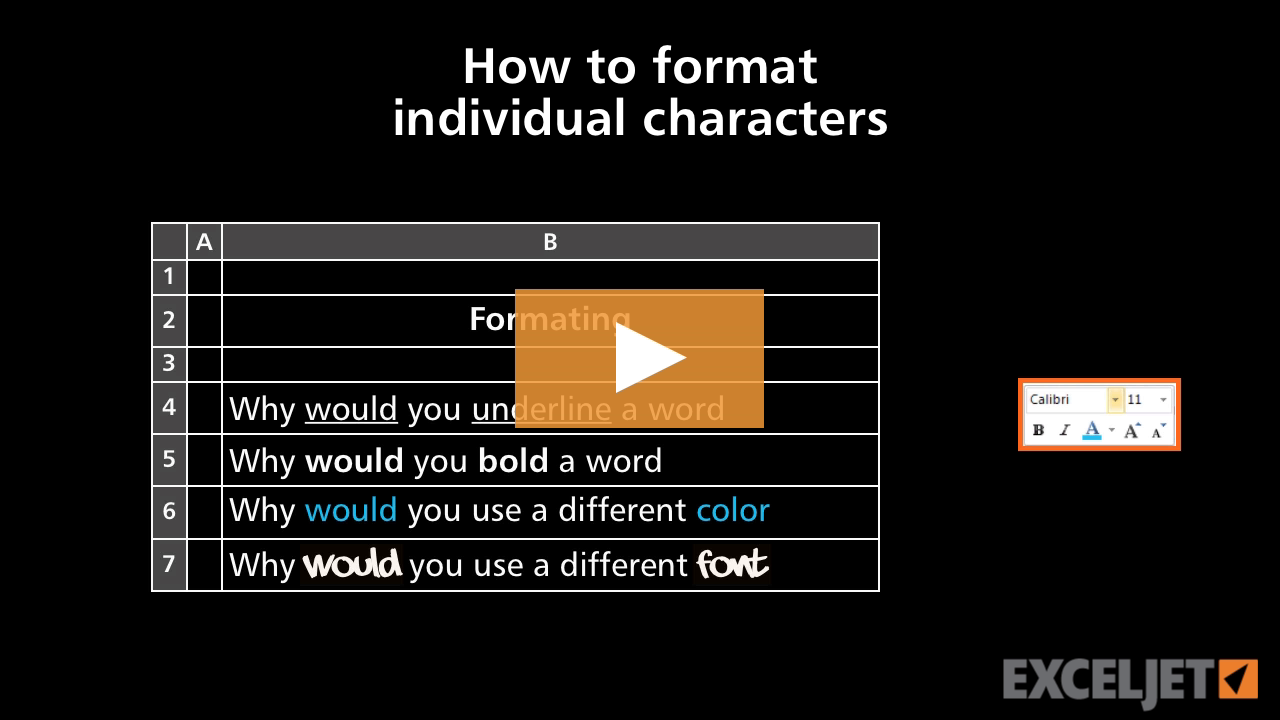
How to format individual characters in Excel
Core Excel
2:42

How to format individual characters in Excel

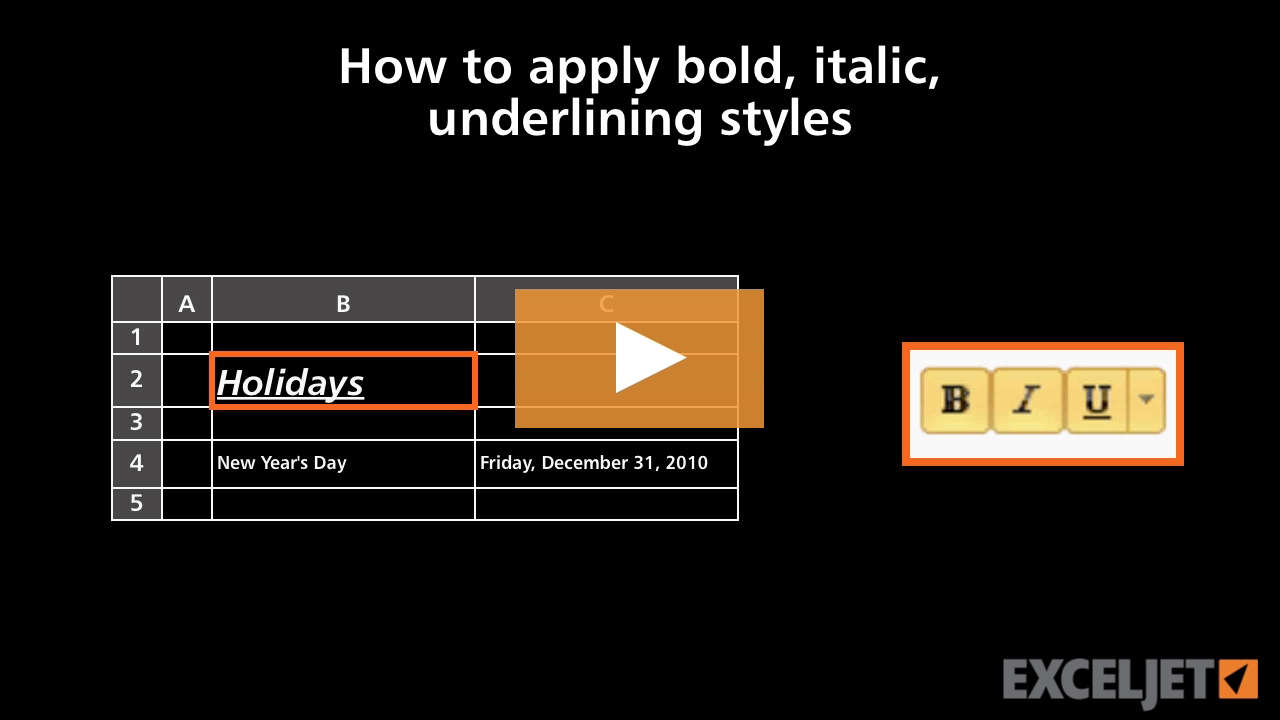
How to apply bold, italic, underlining styles in Excel
Core Excel
2:38

How to apply bold, italic, underlining styles in Excel

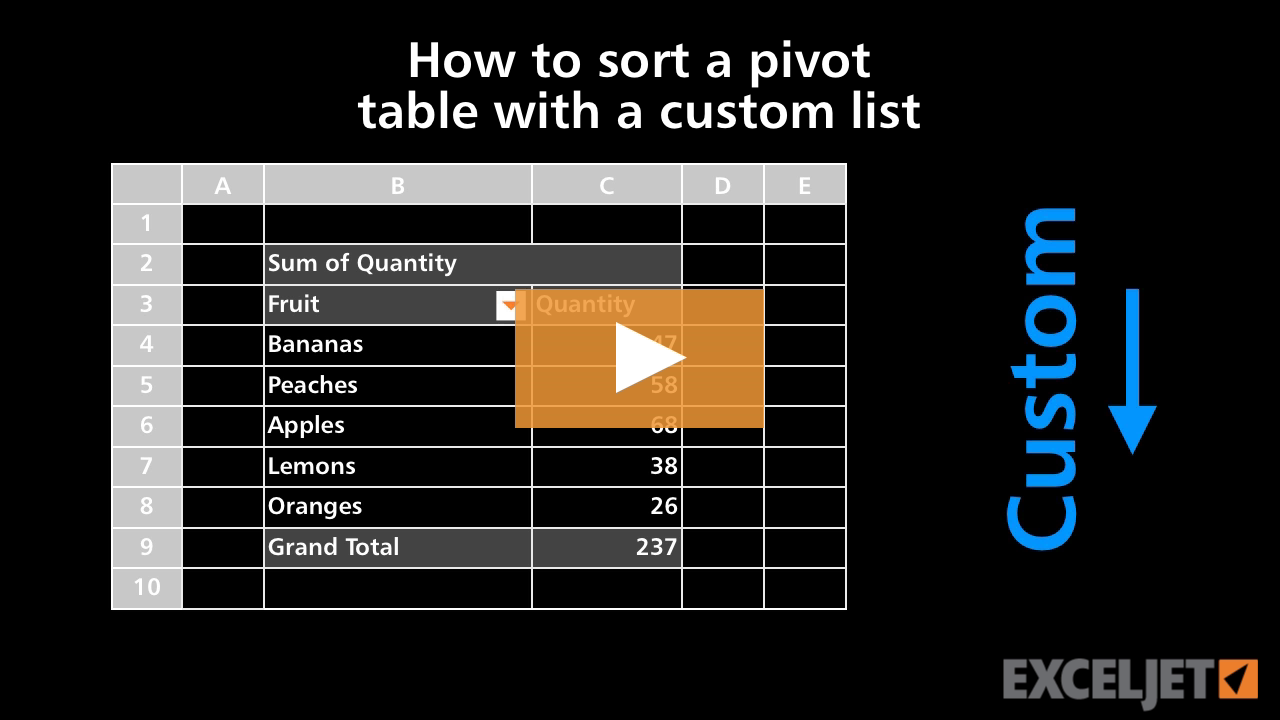
How to sort a pivot table with a custom list
Core Pivot
2:24

How to sort a pivot table with a custom list

Why VLOOKUP is better than nested IFs
Core Formula
2:56

Why VLOOKUP is better than nested IFs

Excel TEXTSPLIT function
Dynamic Array Formulas
3:17

Excel TEXTSPLIT function

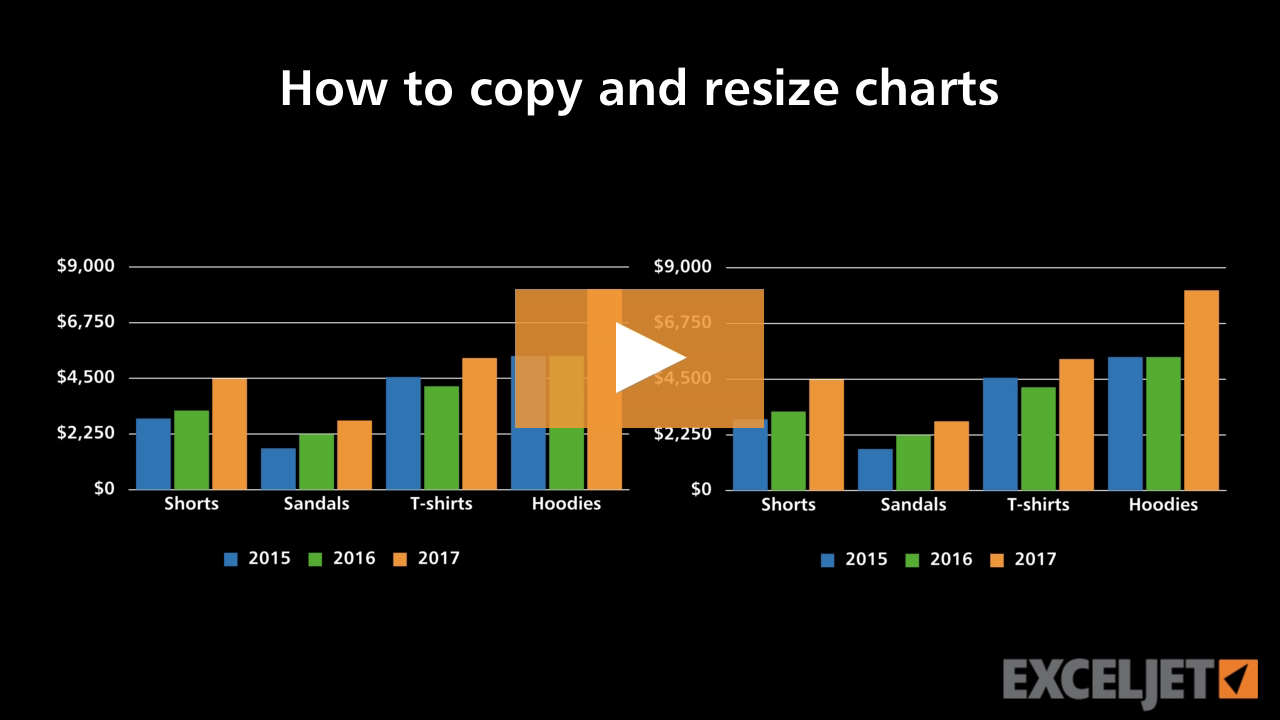
How to copy and resize charts
Core Charts
2:13

How to copy and resize charts

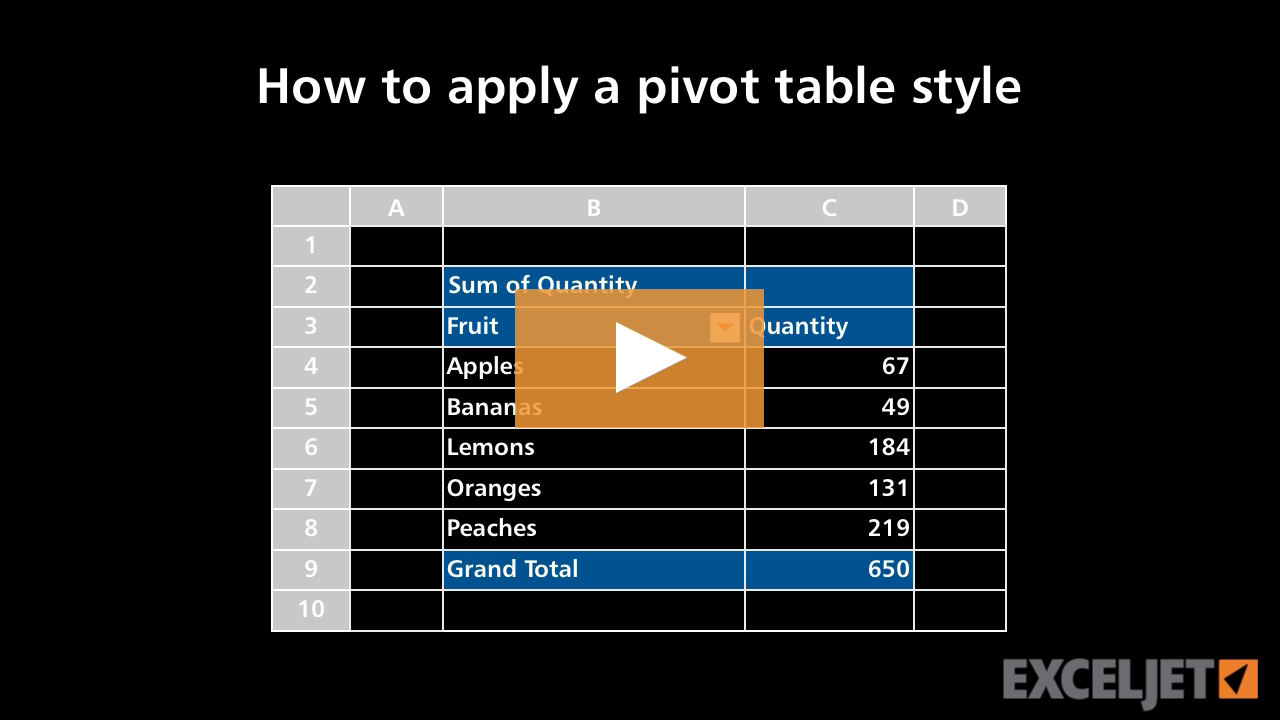
How to apply a pivot table style
Core Pivot
2:27

How to apply a pivot table style

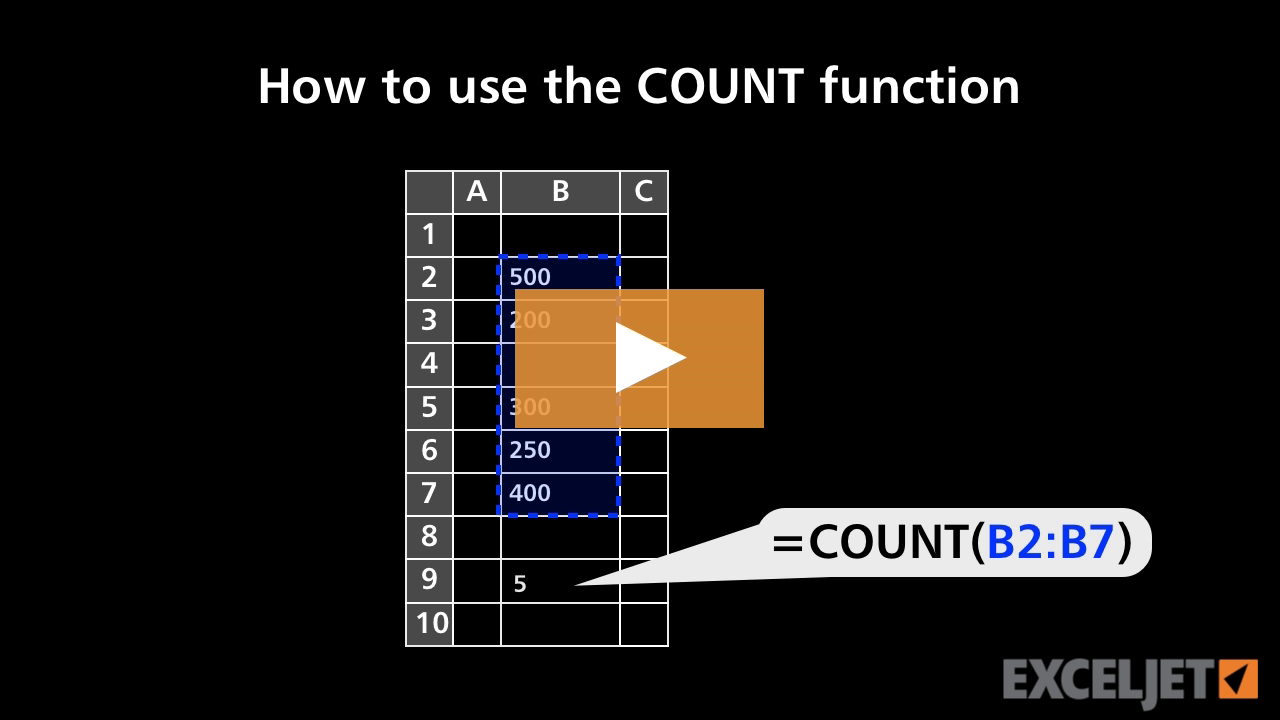
How to use the COUNT function
Core Formula
1:31

How to use the COUNT function

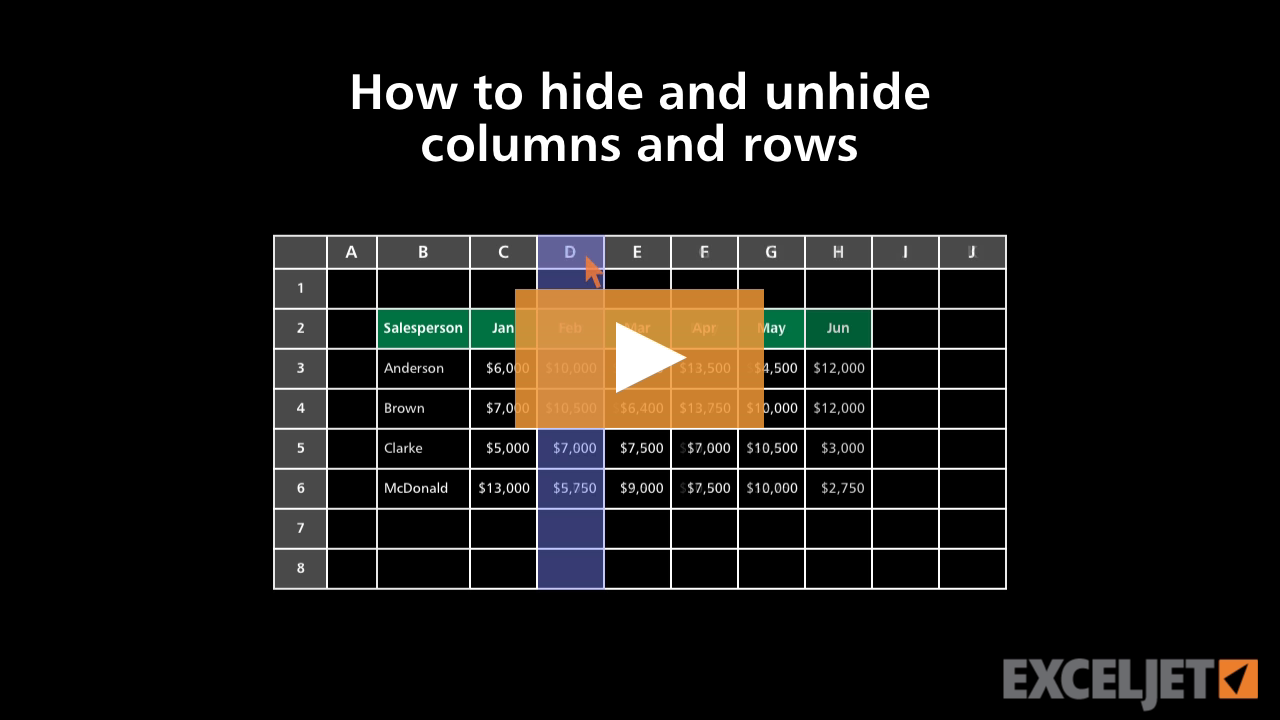
How to hide and unhide columns and rows in Excel
Core Excel
2:31

How to hide and unhide columns and rows in Excel

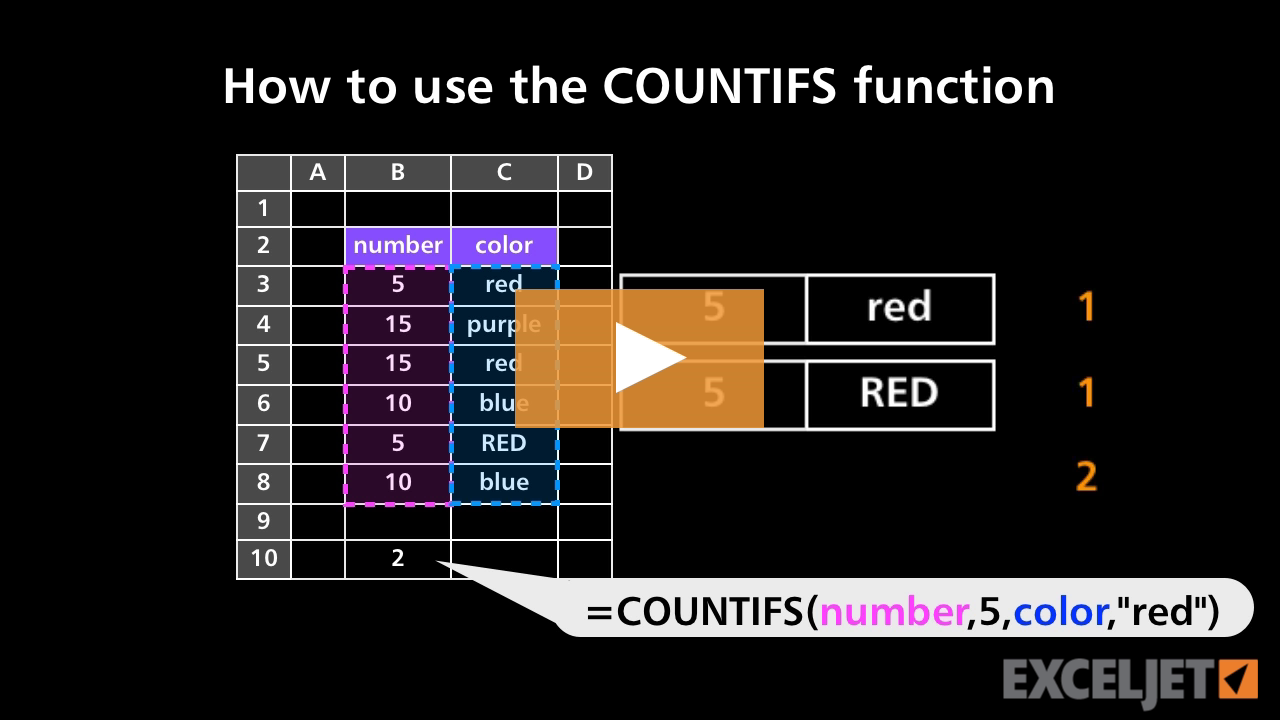
How to use the COUNTIFS function
Core Formula
3:07

How to use the COUNTIFS function

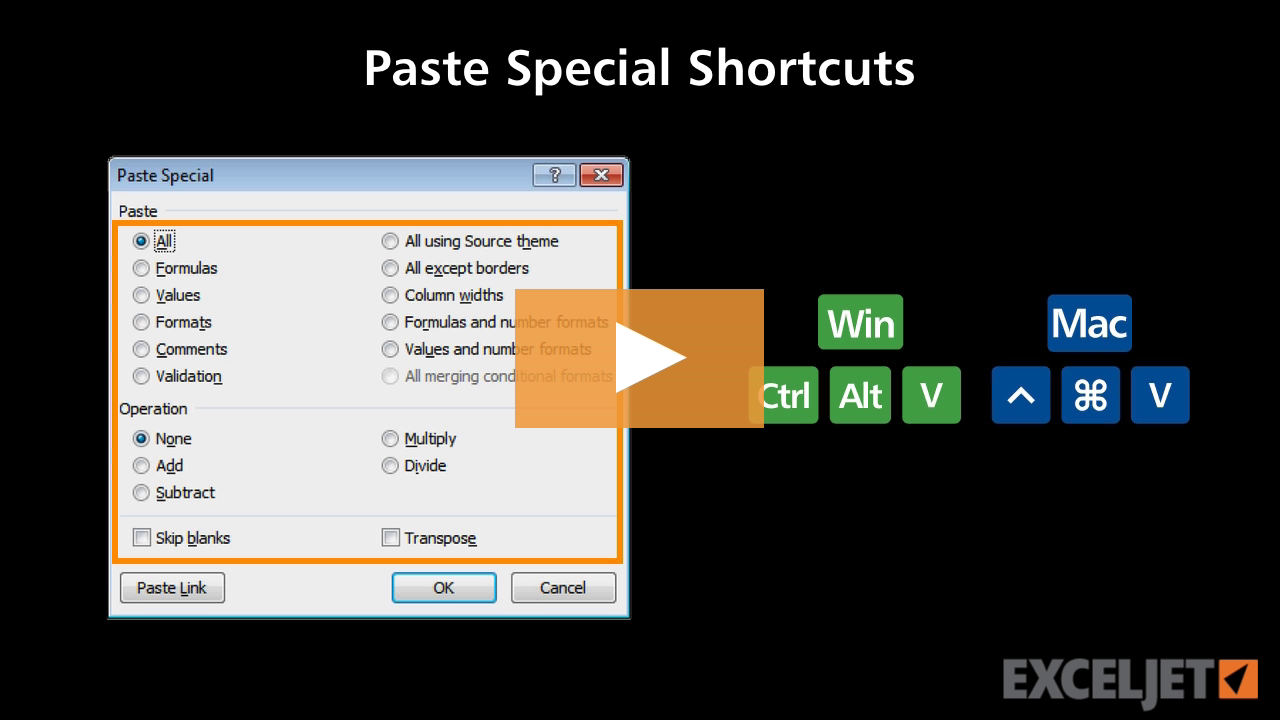
Shortcuts for paste special
Excel Shortcuts
4:05

Shortcuts for paste special

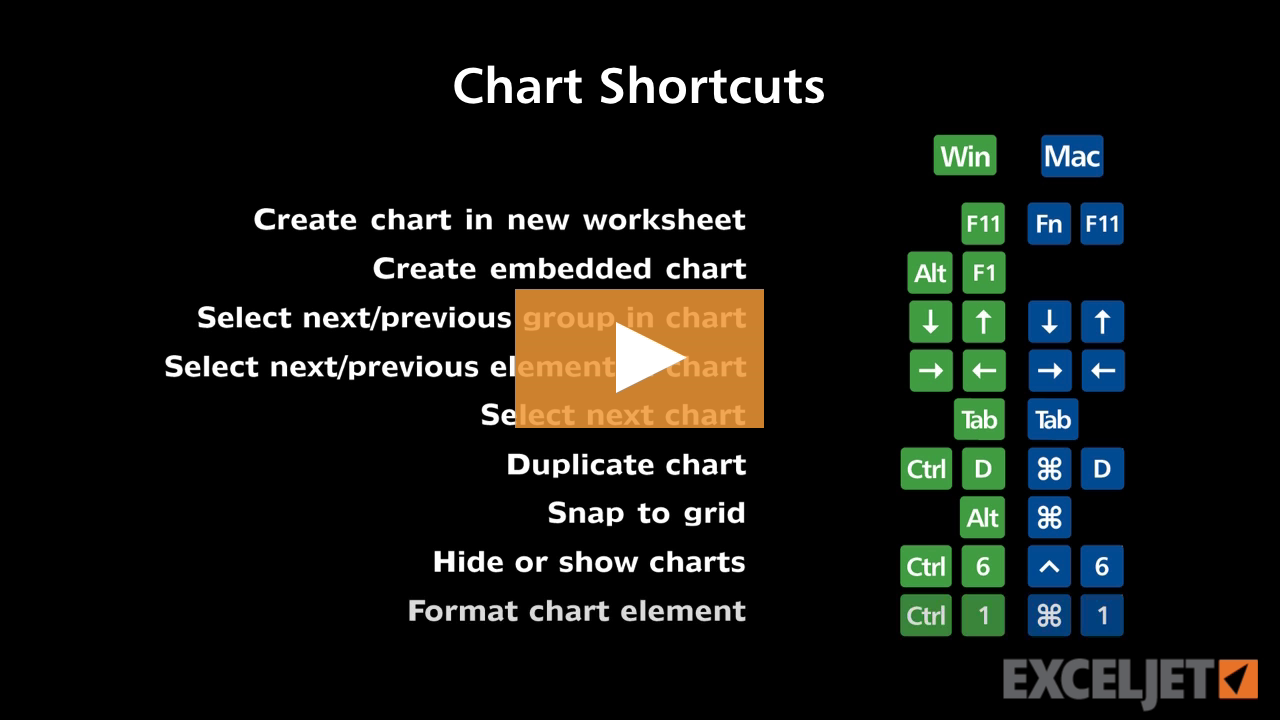
Shortcuts for charts
Excel Shortcuts
2:53

Shortcuts for charts

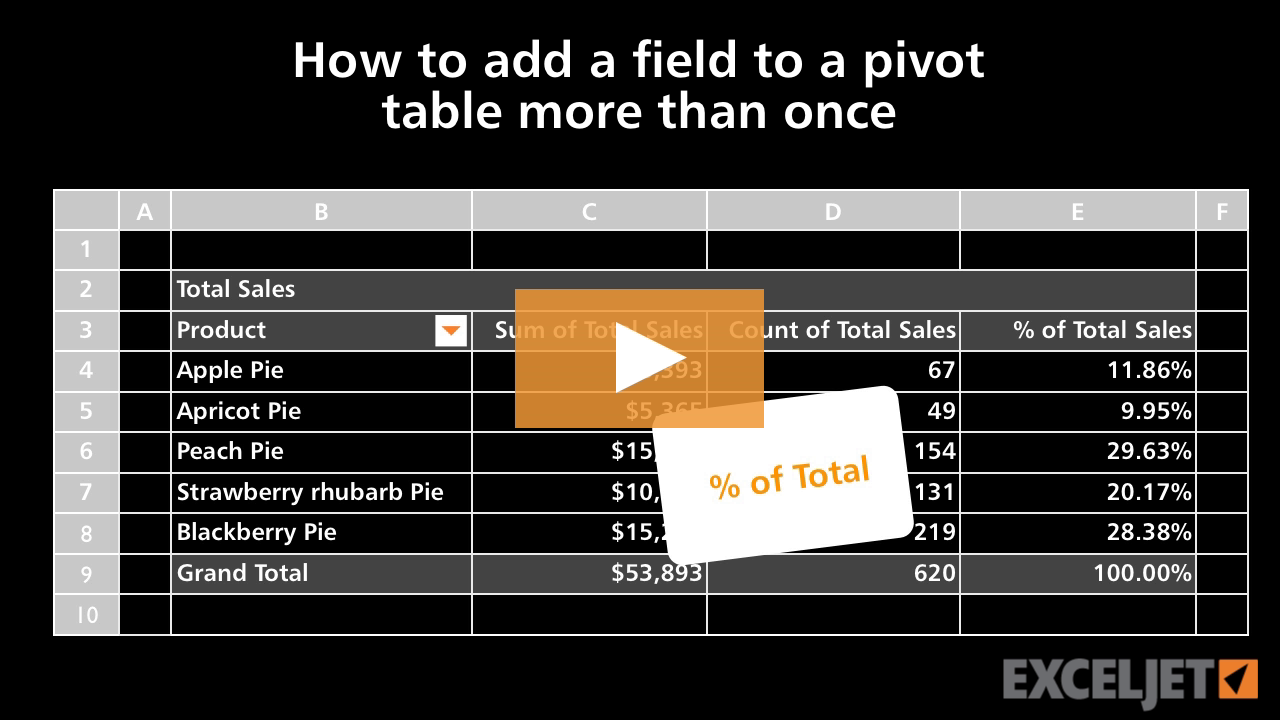
How to add a field to a pivot table more than once
Core Pivot
2:14

How to add a field to a pivot table more than once

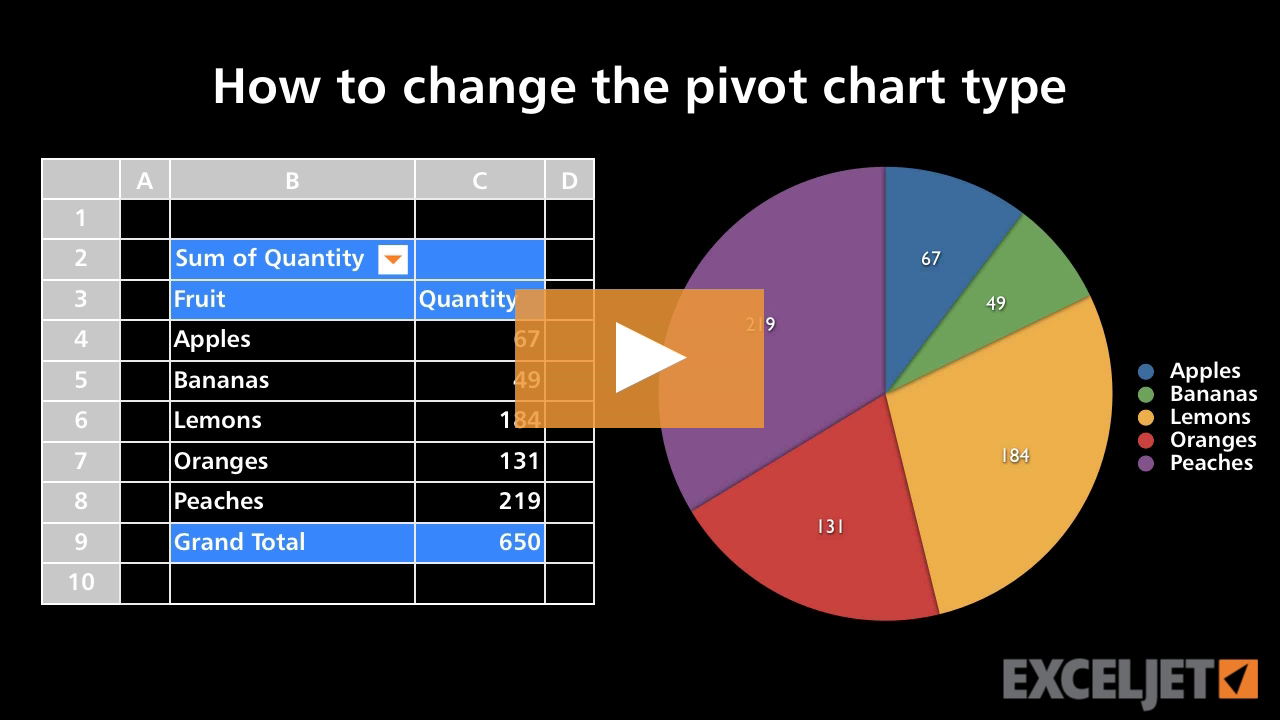
How to change the pivot chart type
Core Pivot
2:10

How to change the pivot chart type

The IF function
Core Formula
3:09

The IF function

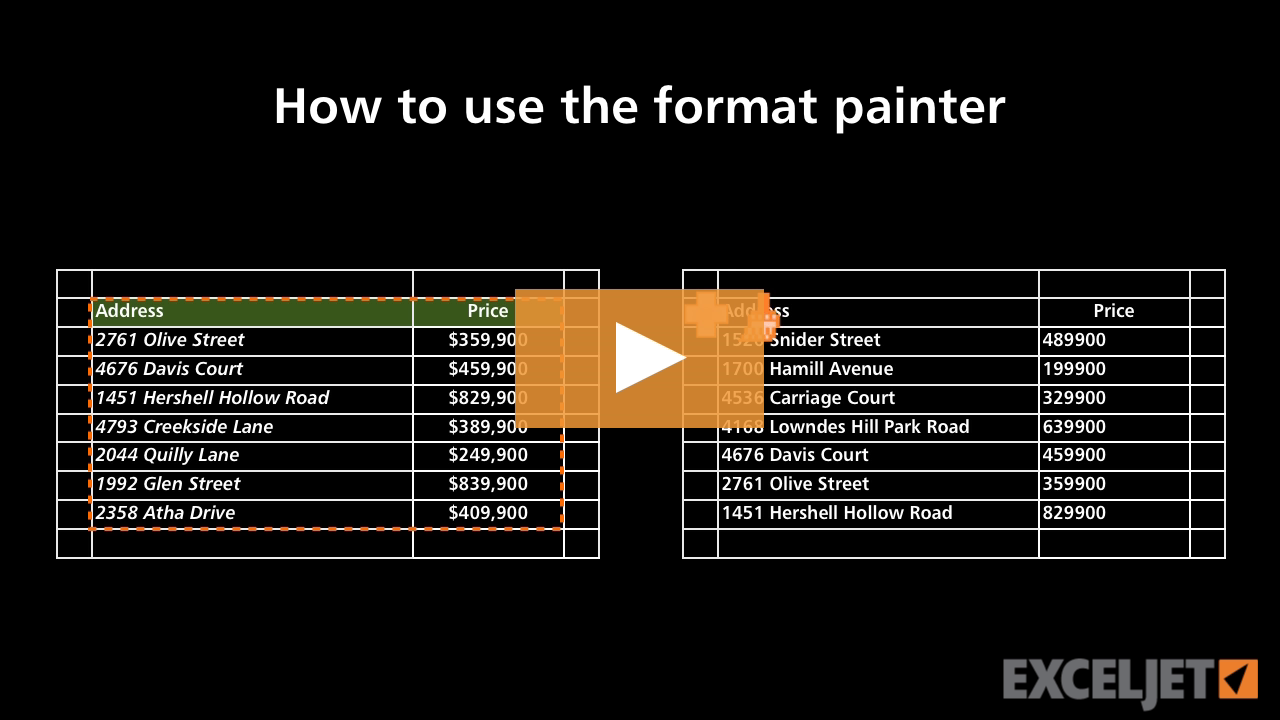
How to use the format painter
Core Excel
3:13

How to use the format painter

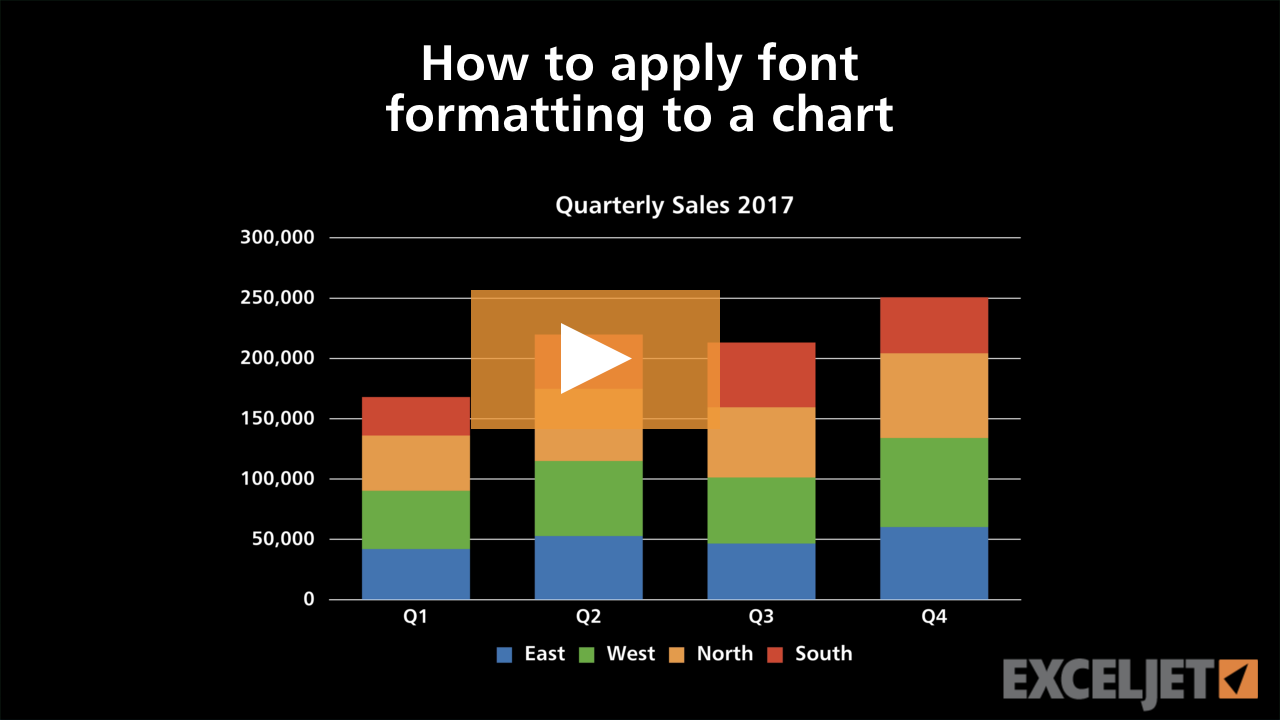
How to apply font formatting to a chart
2:55

How to apply font formatting to a chart

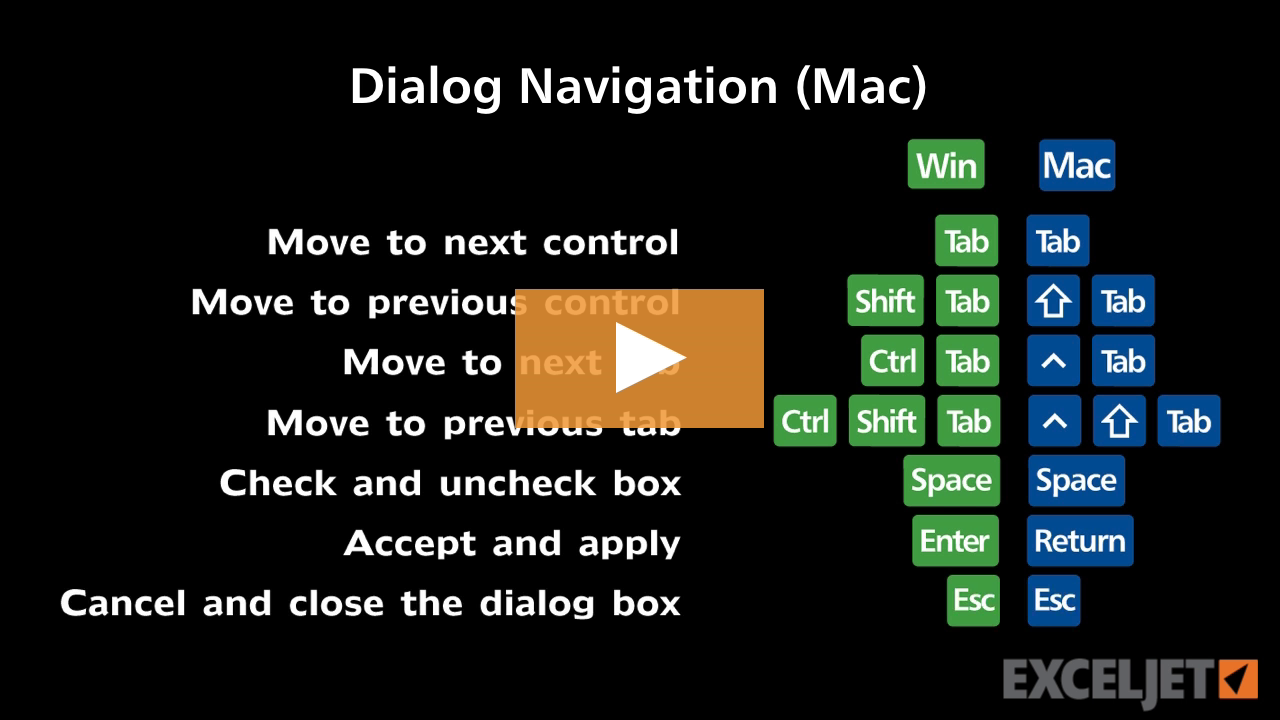
Shortcuts for Excel dialog boxes (Mac)
Excel Shortcuts
3:25

Shortcuts for Excel dialog boxes (Mac)

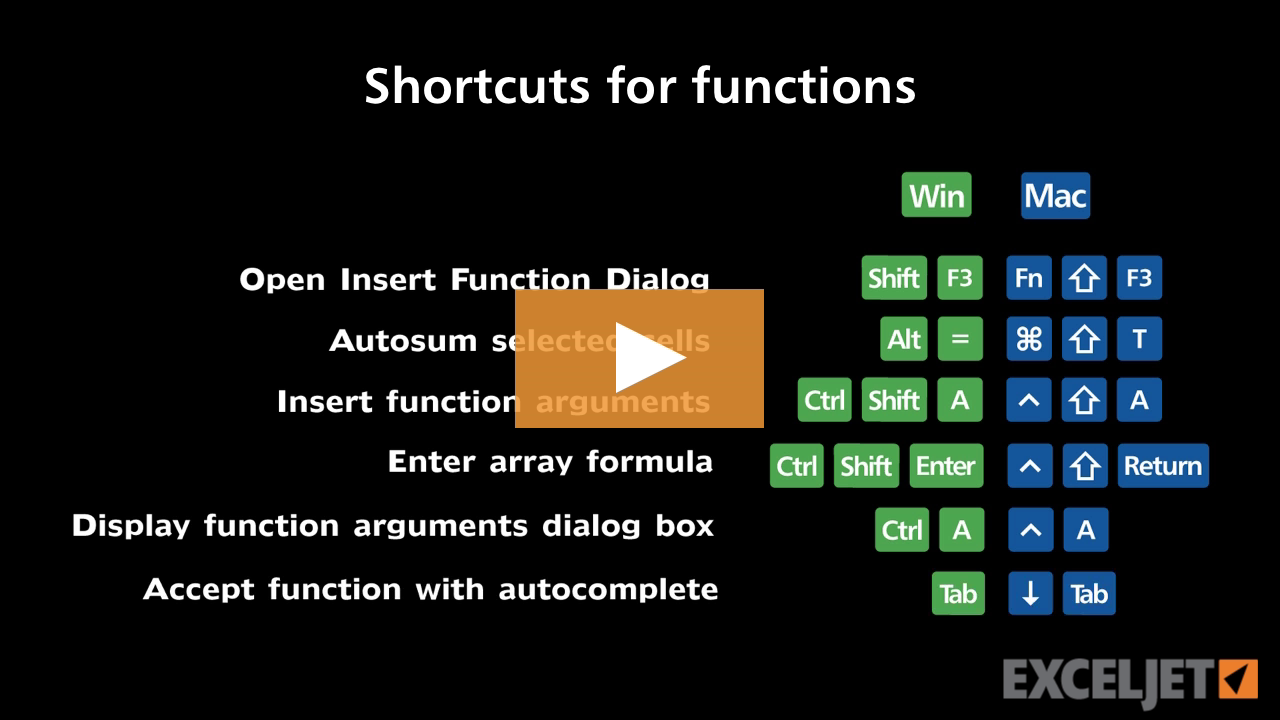
Shortcuts for functions
Excel Shortcuts
3:02

Shortcuts for functions

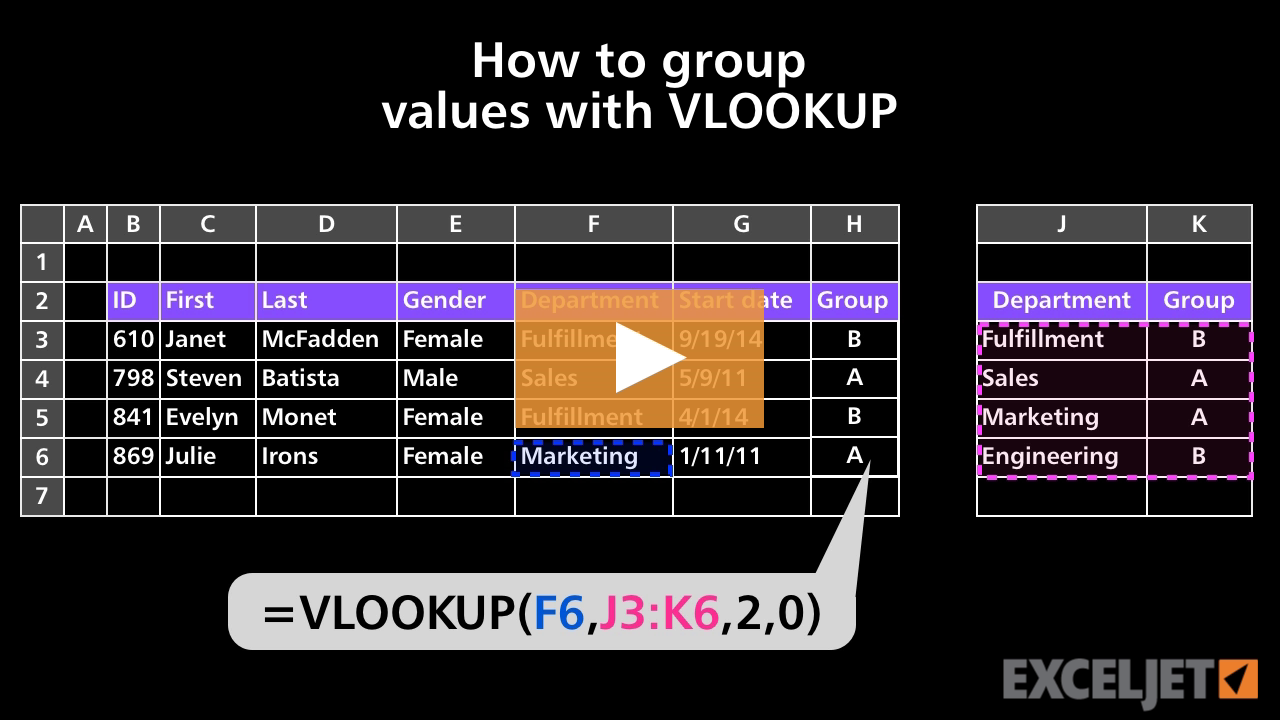
How to group values with VLOOKUP
Core Formula
2:41

How to group values with VLOOKUP

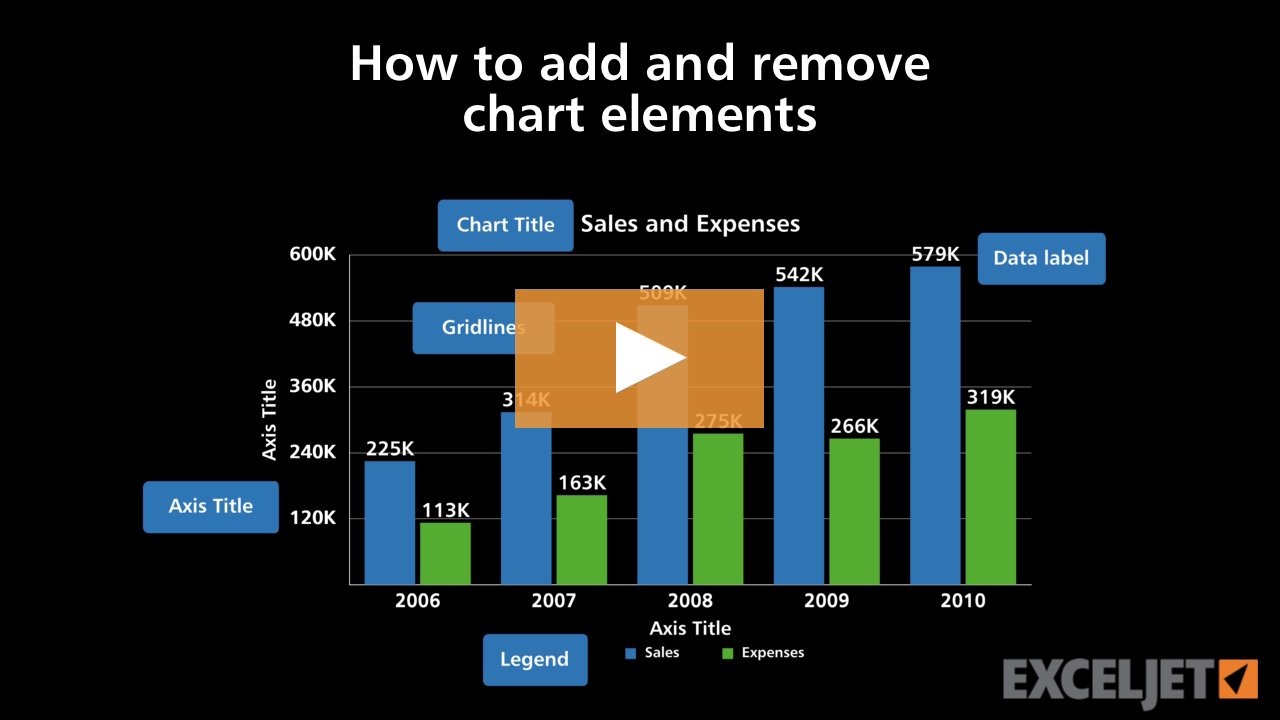
How to add and remove chart elements
Core Charts
2:40

How to add and remove chart elements

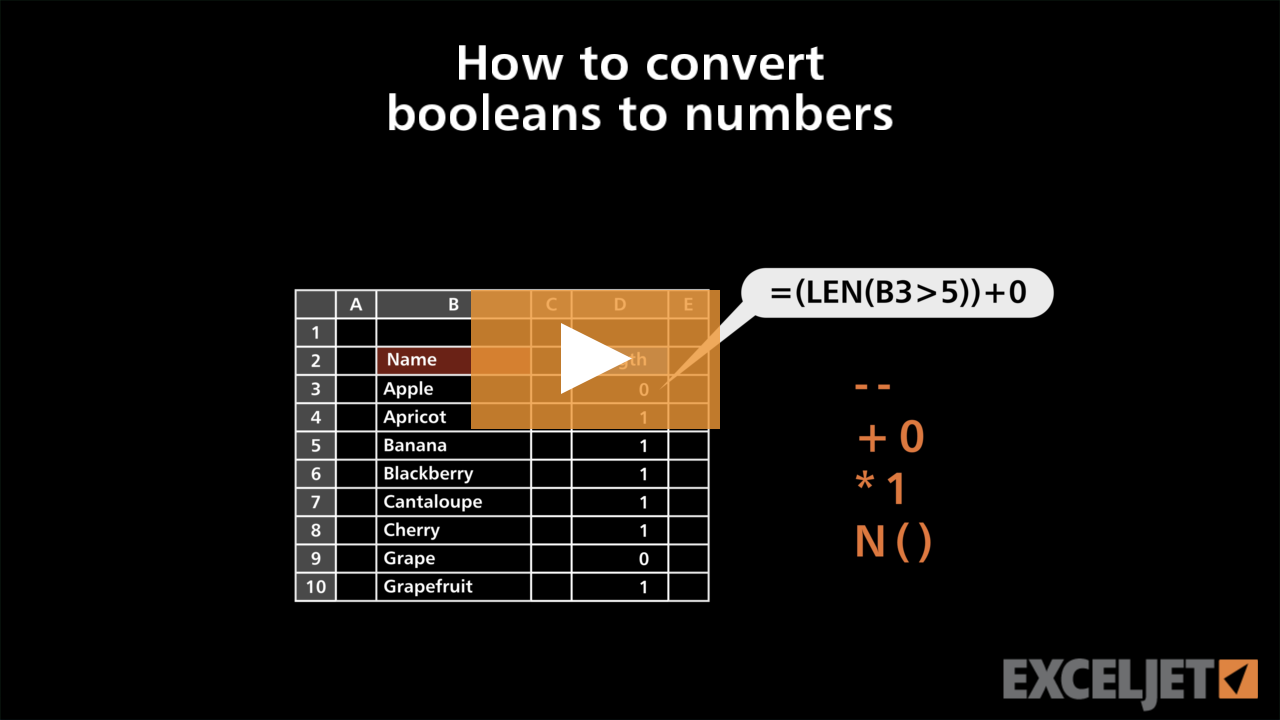
How to convert Booleans to numbers
Dynamic Array Formulas
3:08

How to convert Booleans to numbers

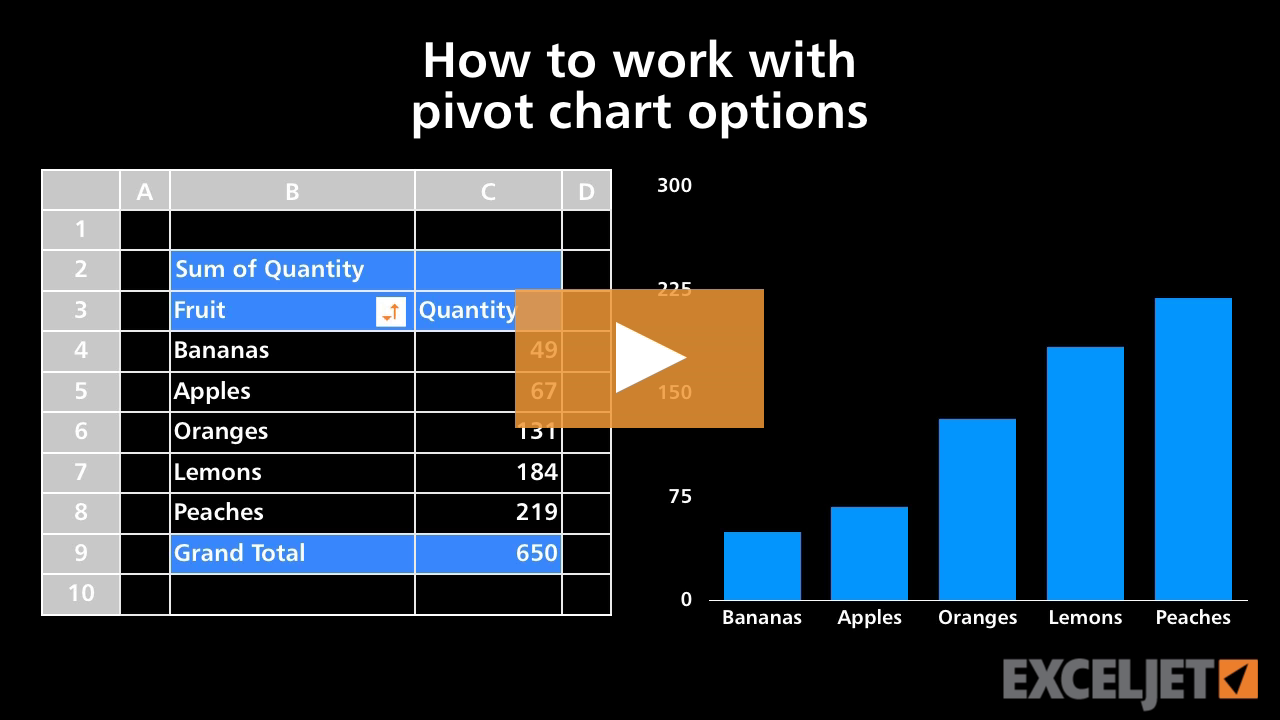
How to work with pivot chart options
Core Pivot
3:46

How to work with pivot chart options

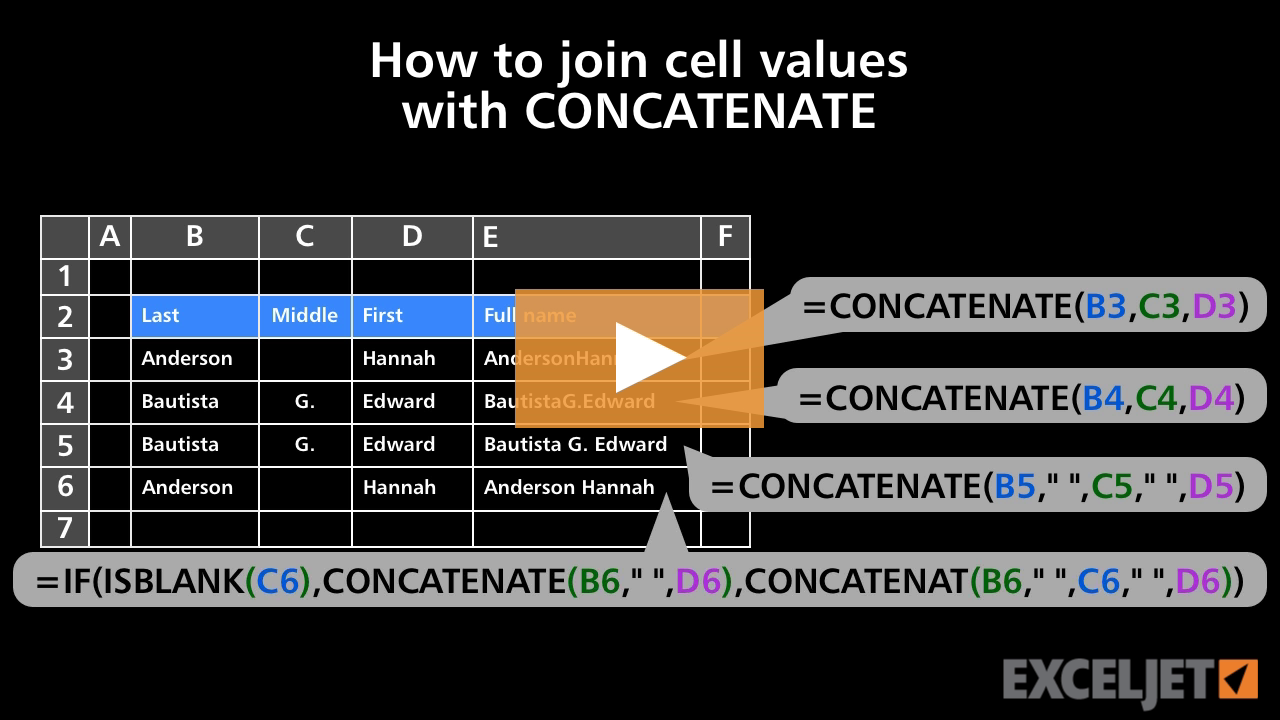
How to join cell values with CONCATENATE
Core Formula
3:03

How to join cell values with CONCATENATE

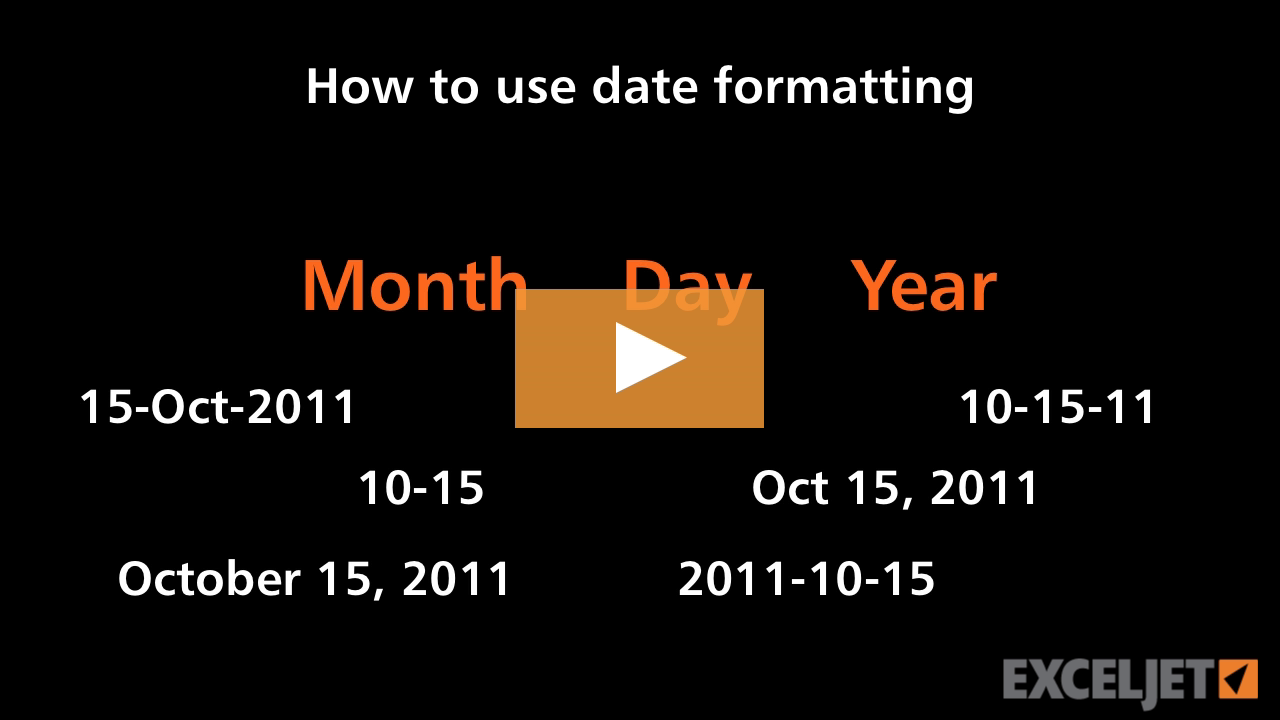
How to use date formatting in Excel
Core Excel
2:53

How to use date formatting in Excel

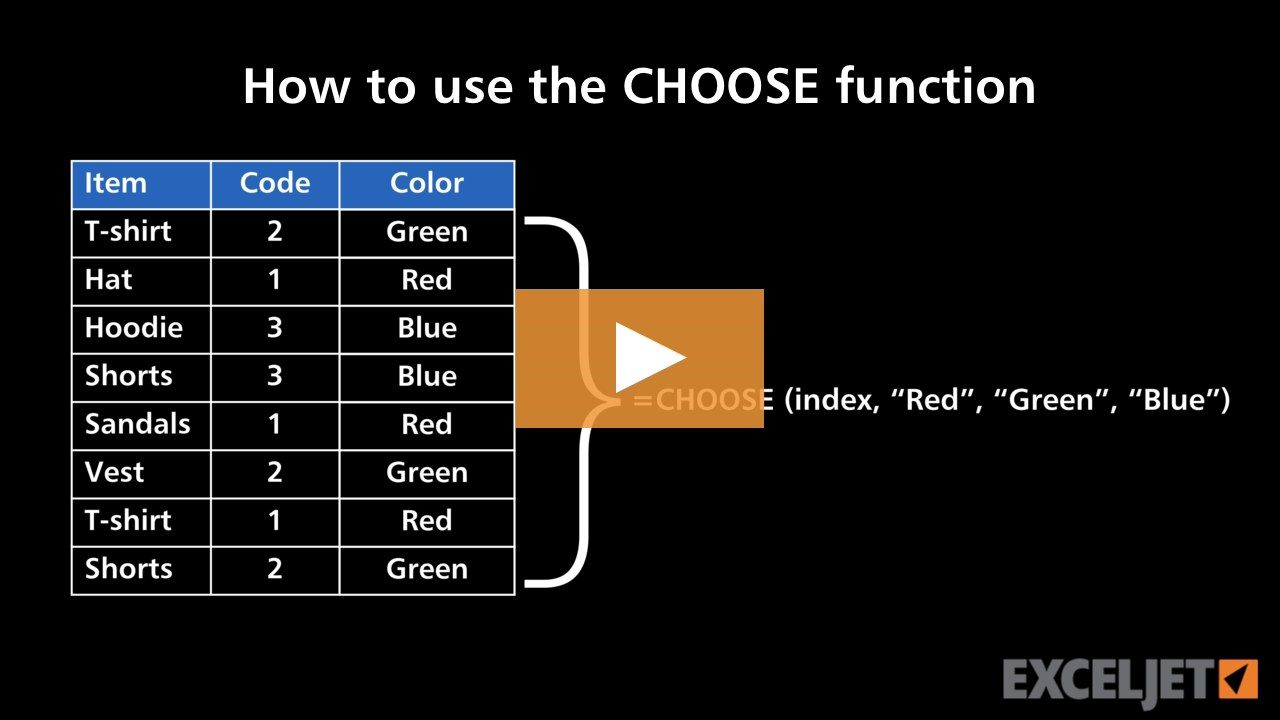
How to use the CHOOSE function
Core Formula
3:41

How to use the CHOOSE function

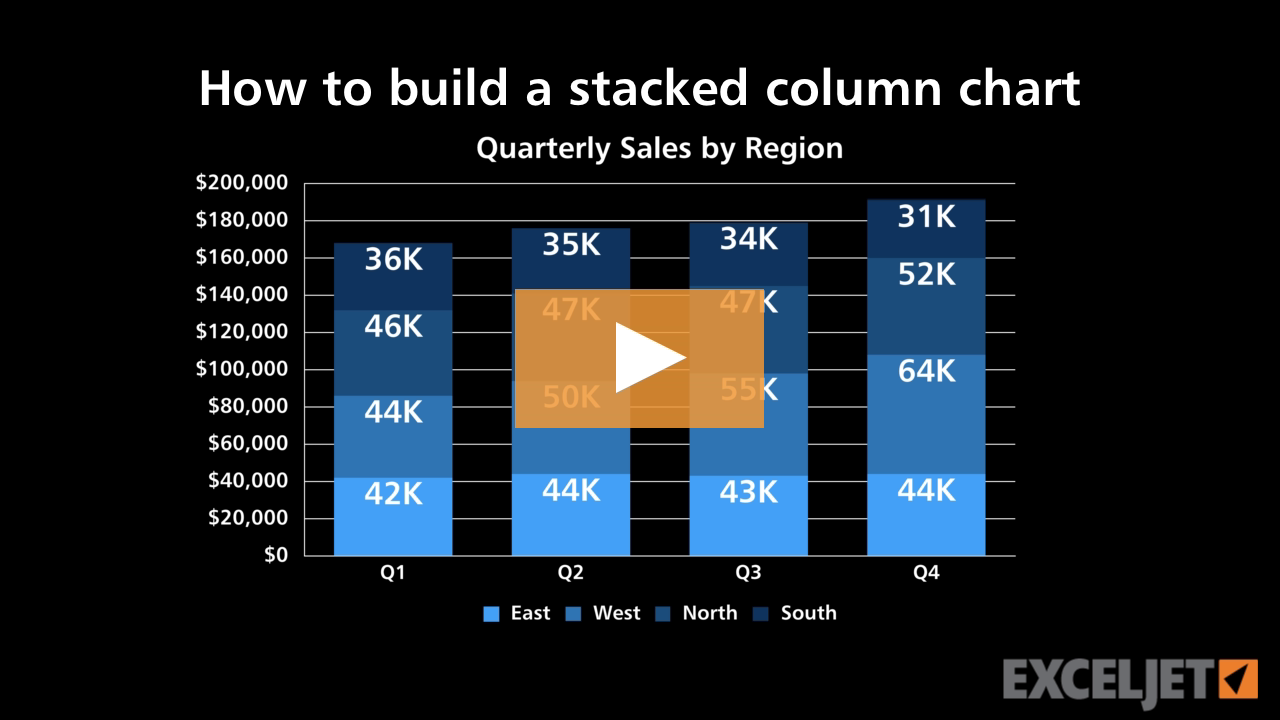
How to build a stacked column chart
Core Charts
3:33

How to build a stacked column chart

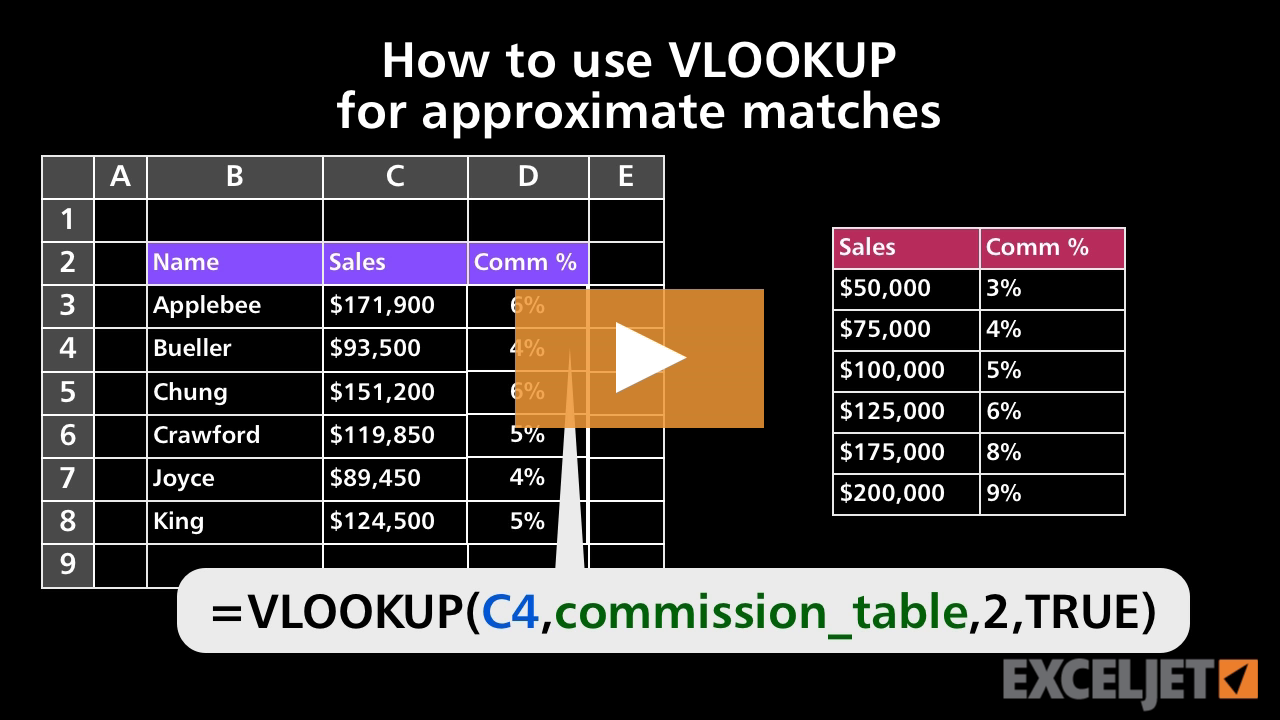
How to use VLOOKUP for approximate matches
Core Formula
2:53

How to use VLOOKUP for approximate matches

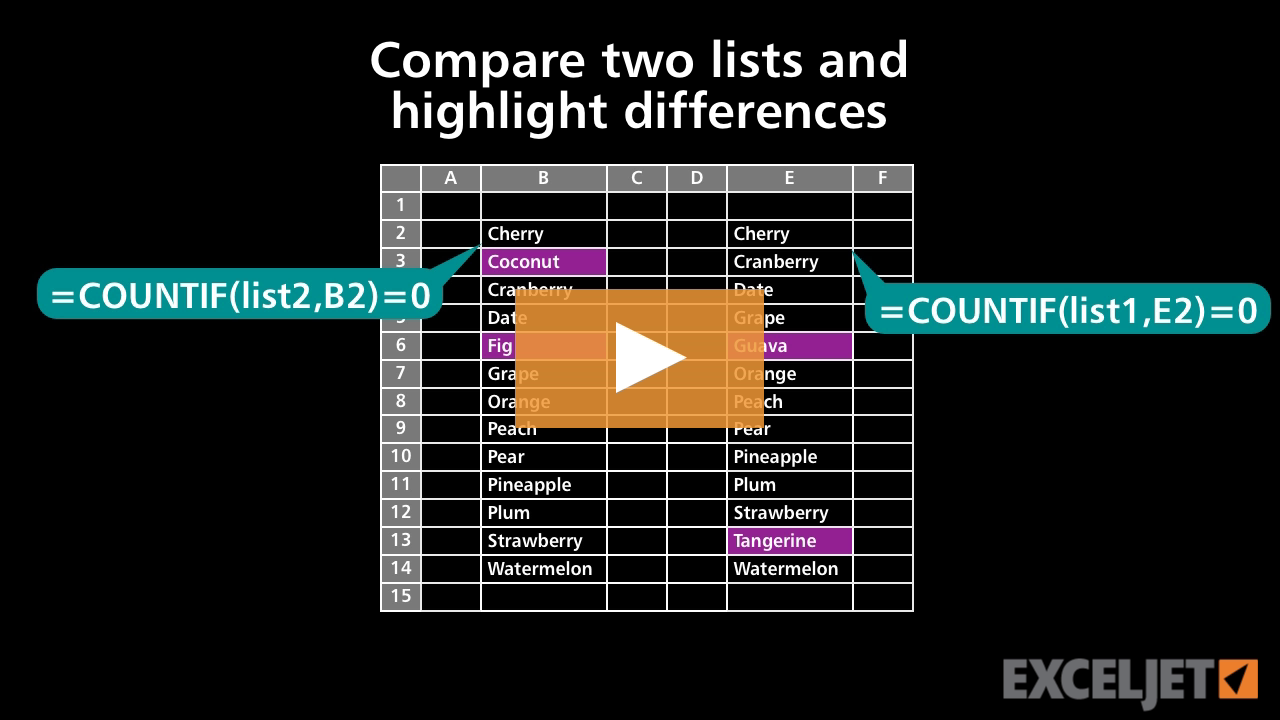
How to compare two lists and highlight differences
Conditional Formatting
2:28

How to compare two lists and highlight differences

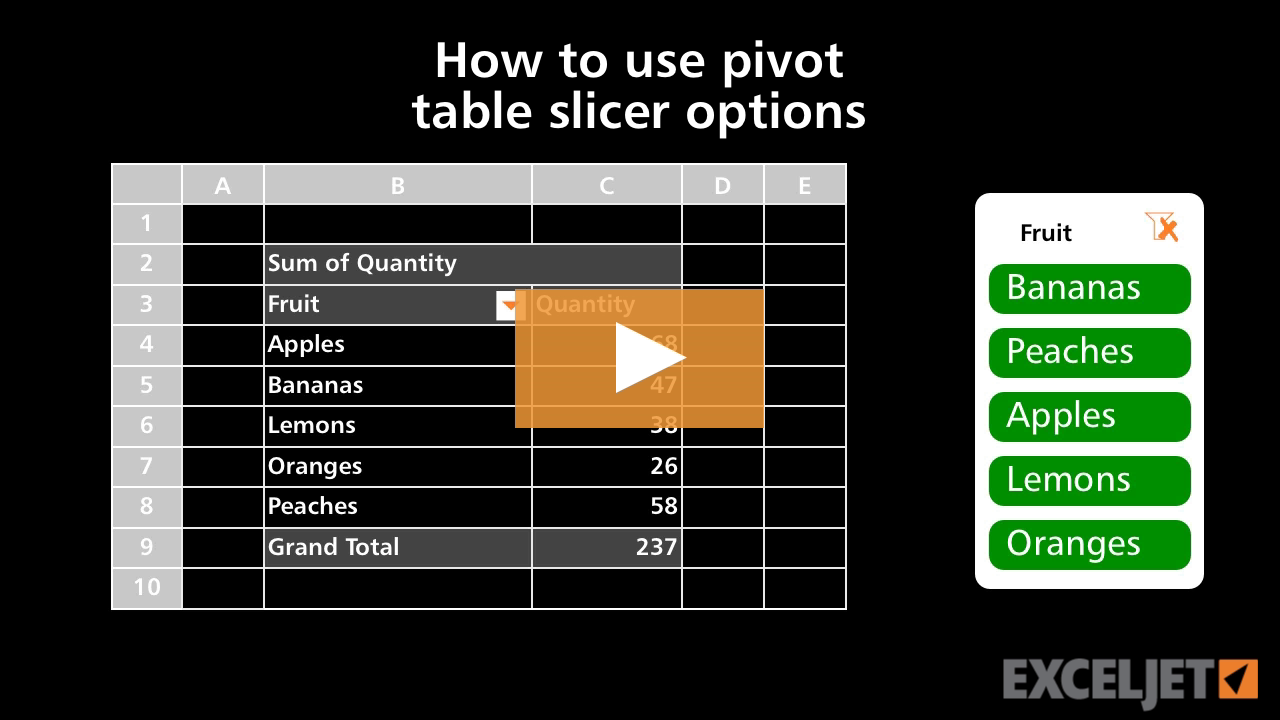
How to use Pivot table slicer options
Core Pivot
2:59

How to use Pivot table slicer options

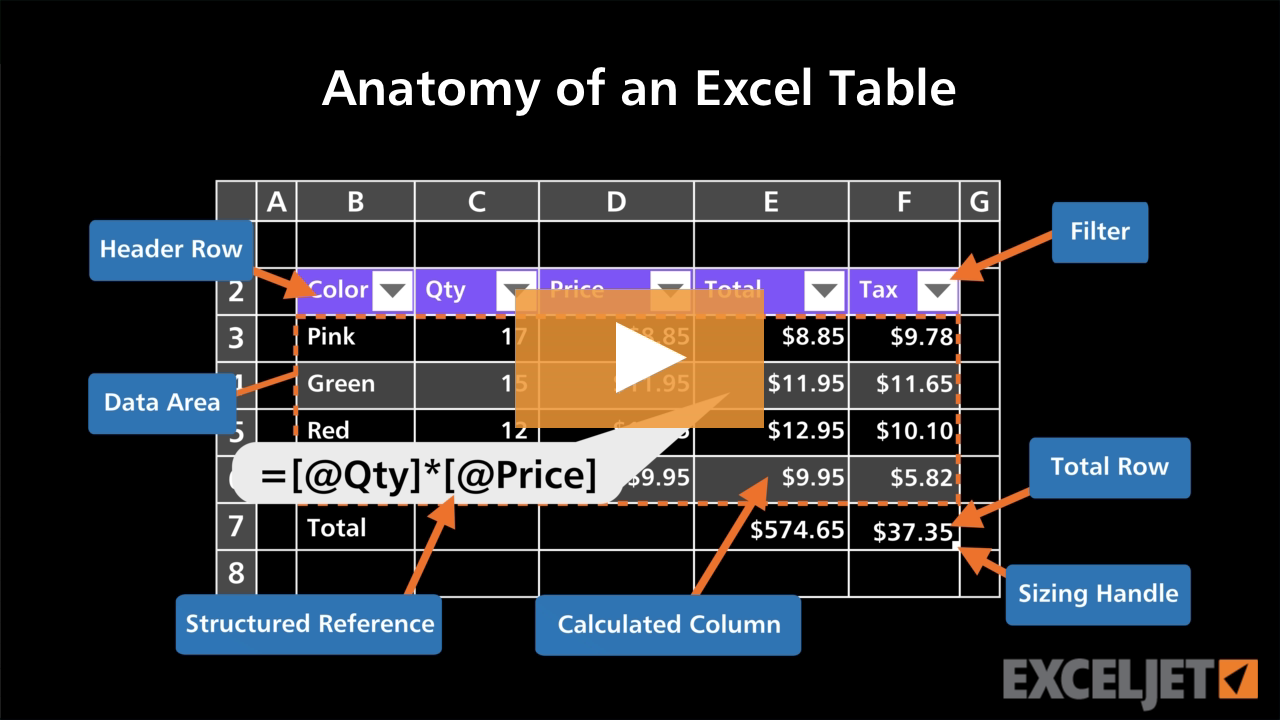
Anatomy of an Excel Table
Excel Tables
2:42

Anatomy of an Excel Table

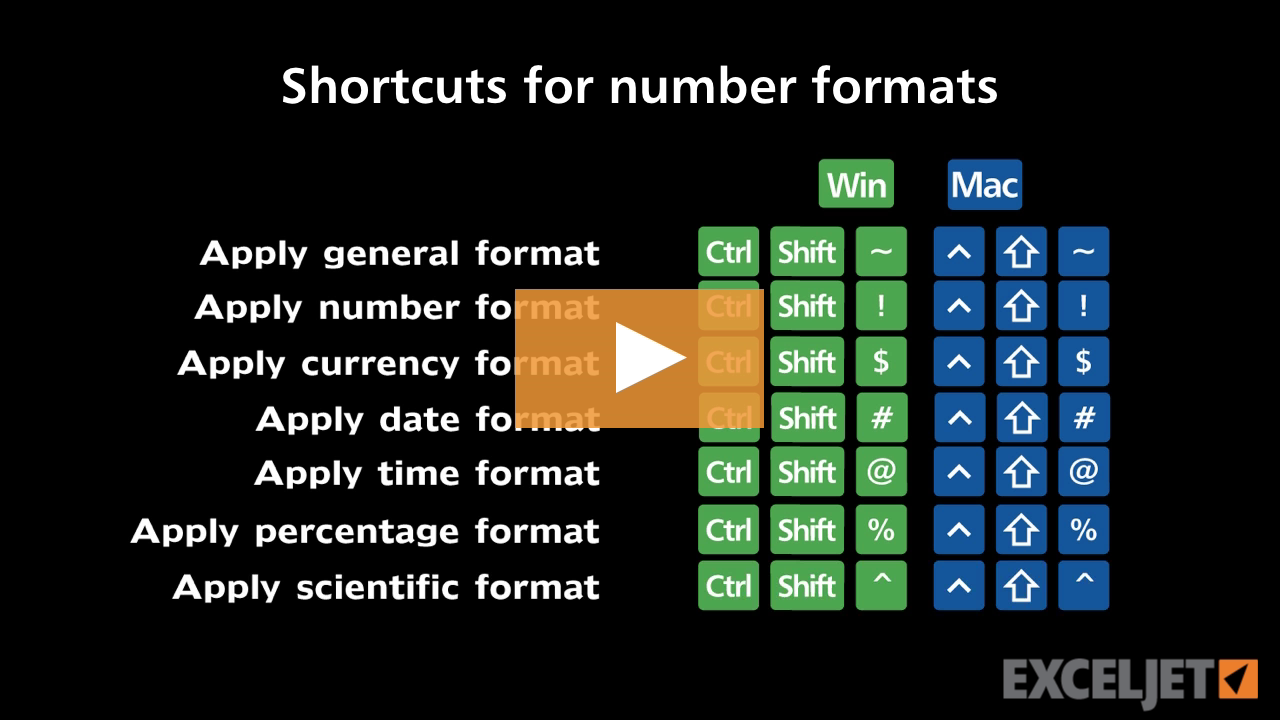
Shortcuts for number formats
Excel Shortcuts
2:24

Shortcuts for number formats

How to add a second pivot chart
Core Charts
1:51

How to add a second pivot chart

Why pivot tables?
Core Pivot
10:00

Why pivot tables?

How to enter custom patterns with the fill handle in Excel
Core Excel
1:50

How to enter custom patterns with the fill handle in Excel

How to save a workbook in a different format
Core Excel
2:48

How to save a workbook in a different format

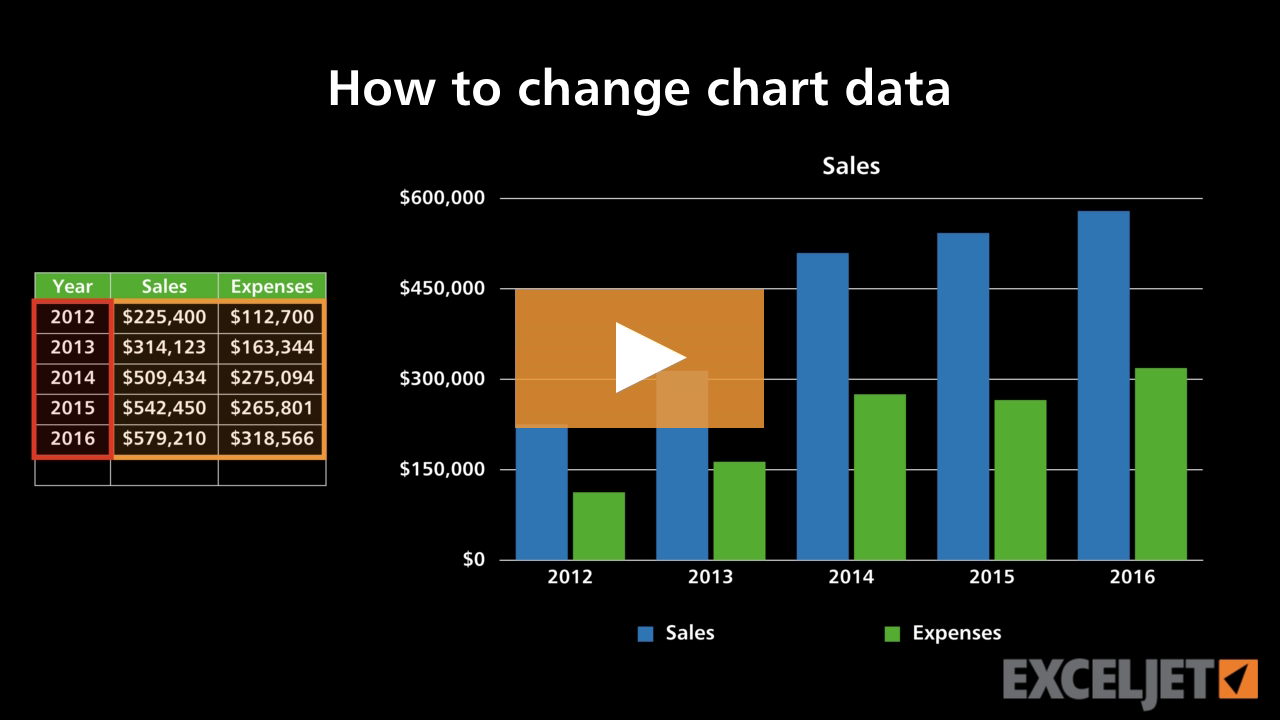
How to change chart data
Core Charts
2:07

How to change chart data

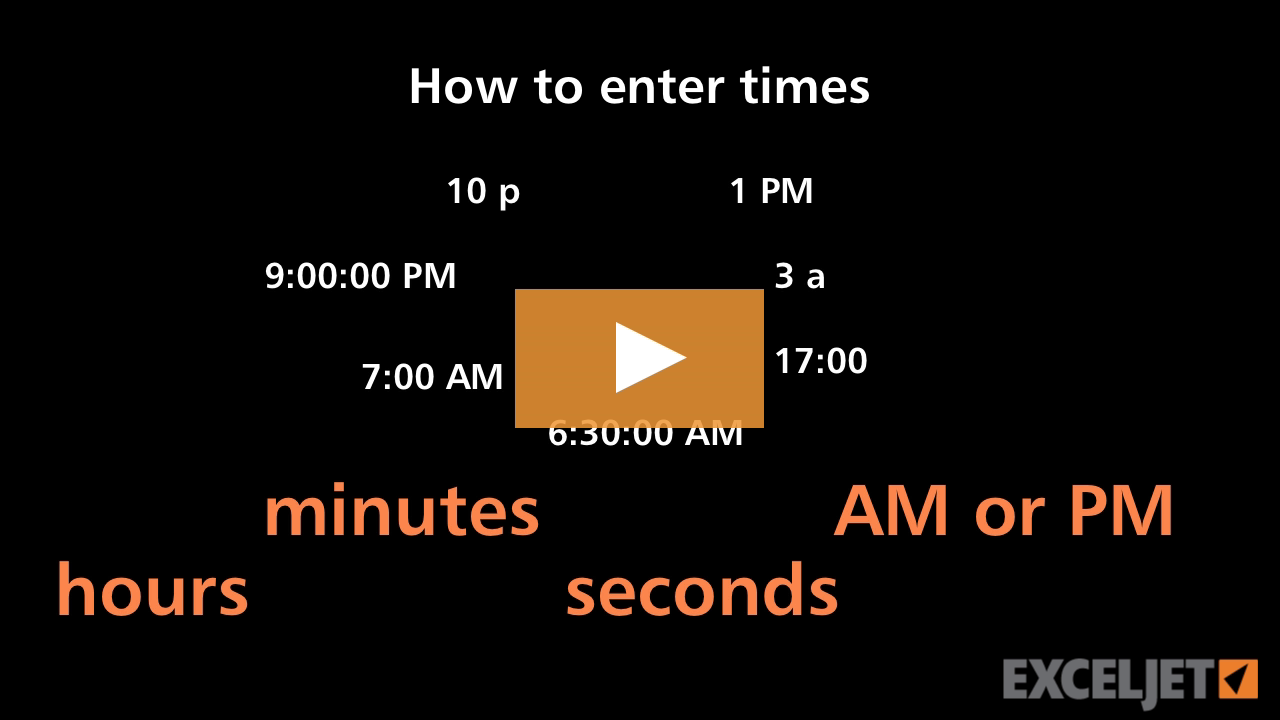
How to enter times in Excel
Core Excel
1:46

How to enter times in Excel

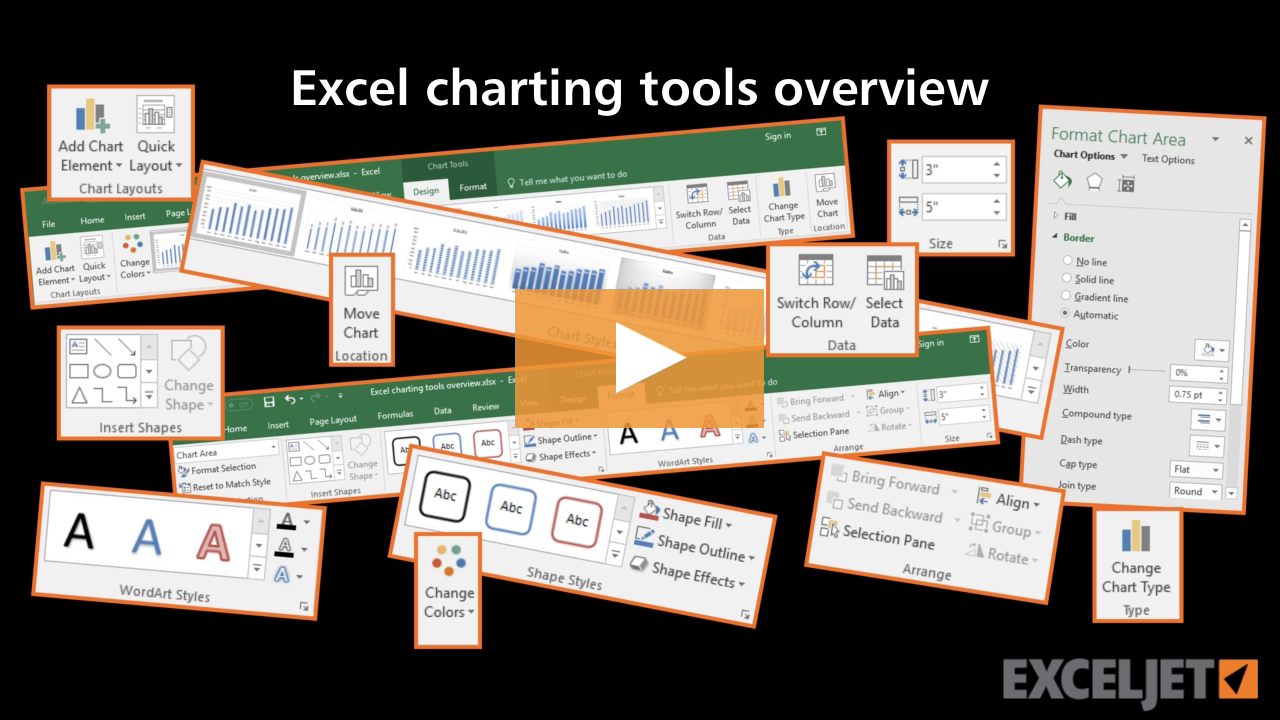
Excel charting tools overview
Core Charts
3:31

Excel charting tools overview

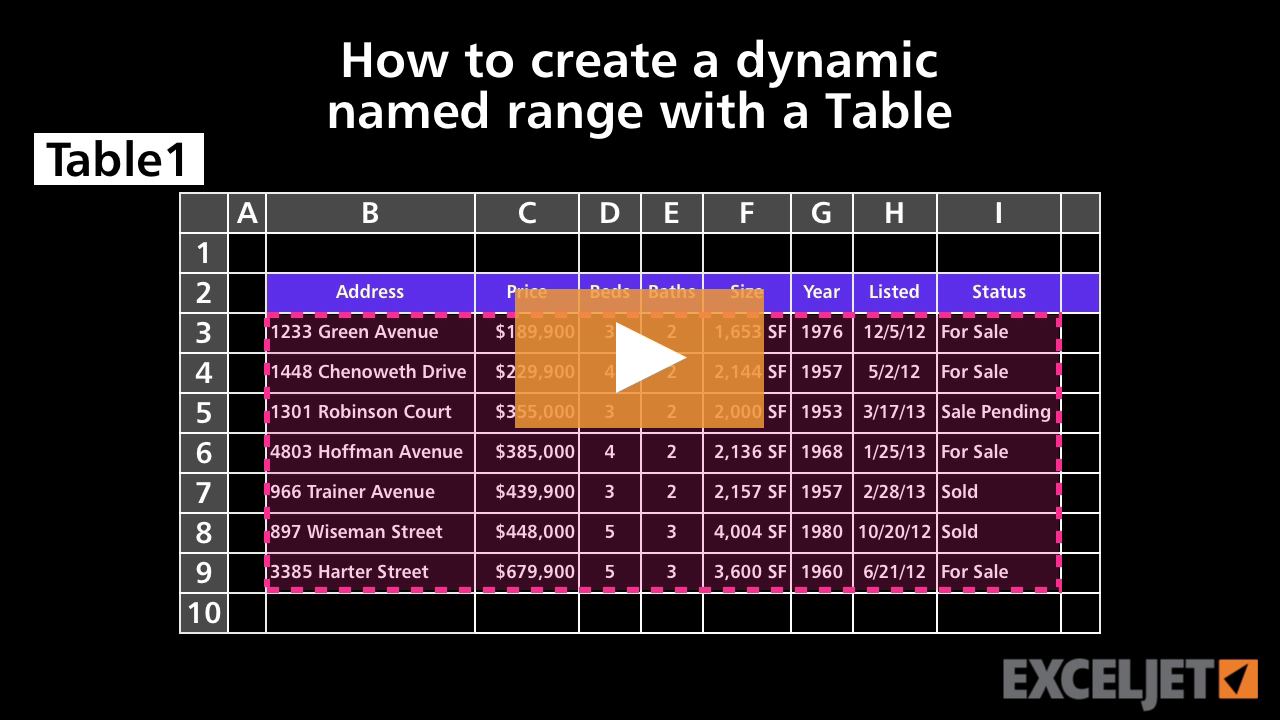
How to create a dynamic named range with a Table
Core Formula
3:00

How to create a dynamic named range with a Table

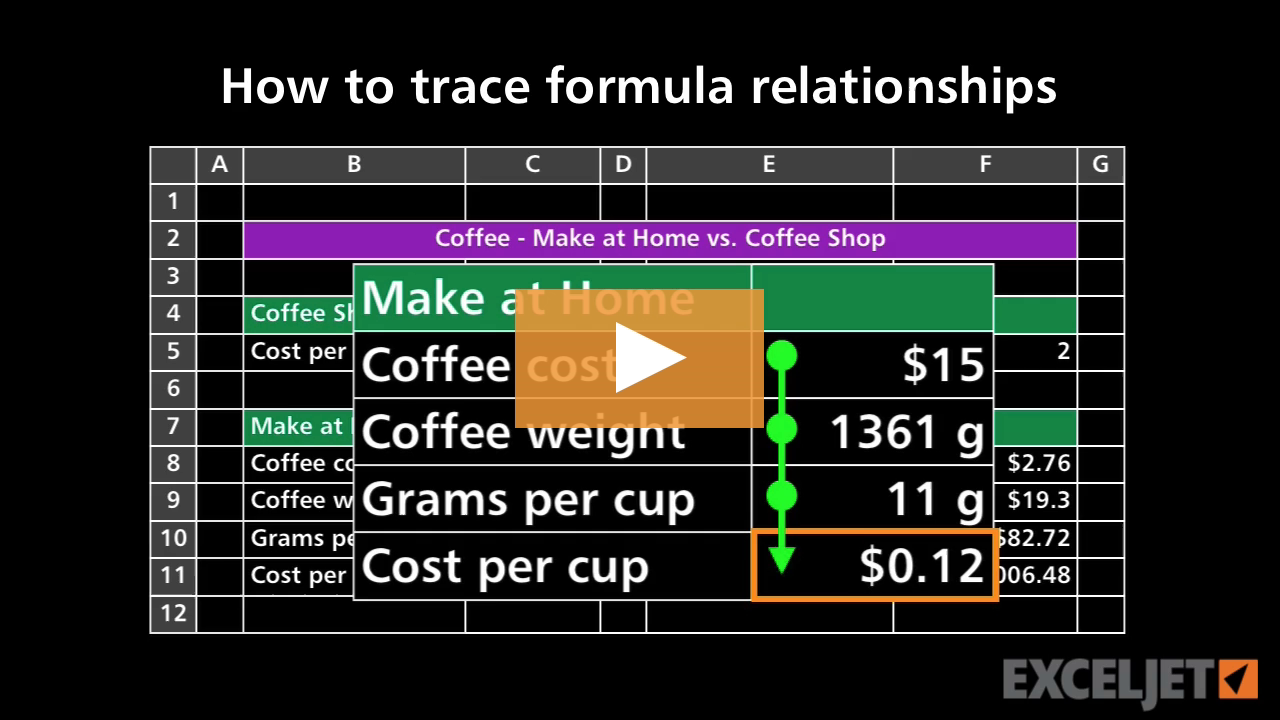
How to trace formula relationships
Core Formula
3:13

How to trace formula relationships

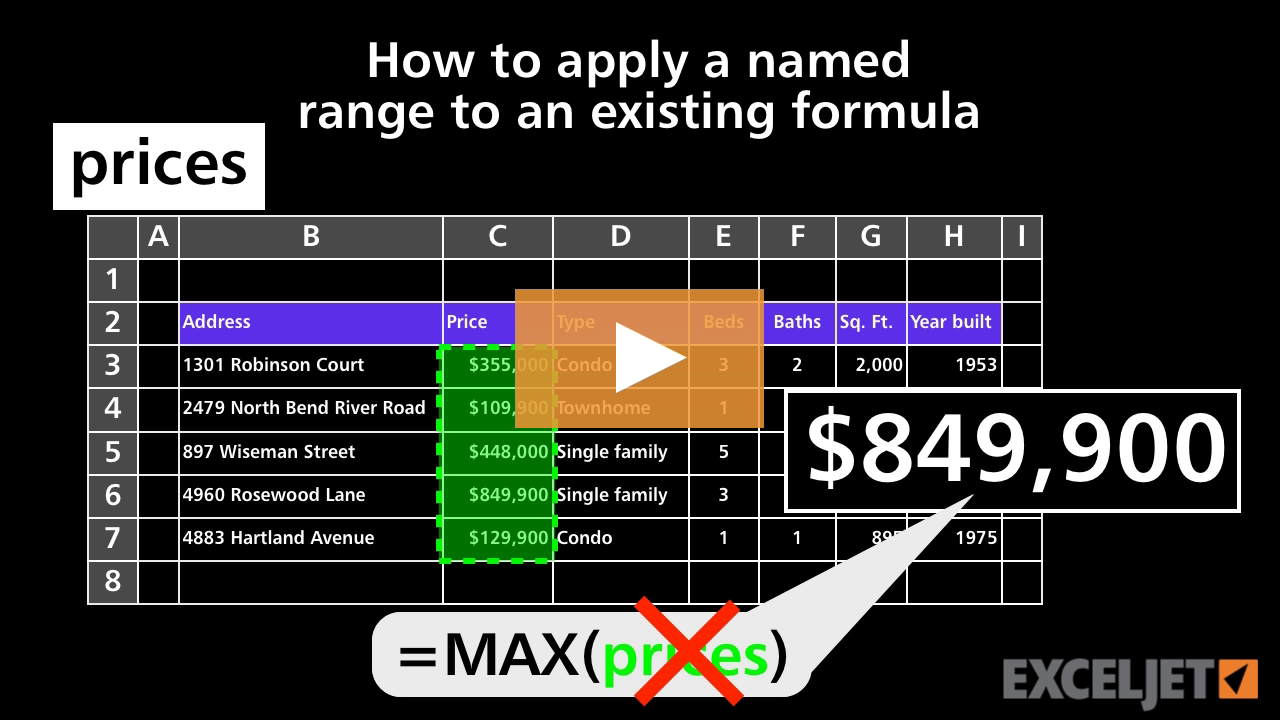
How to apply a named range to an existing formula
Core Formula
3:00

How to apply a named range to an existing formula

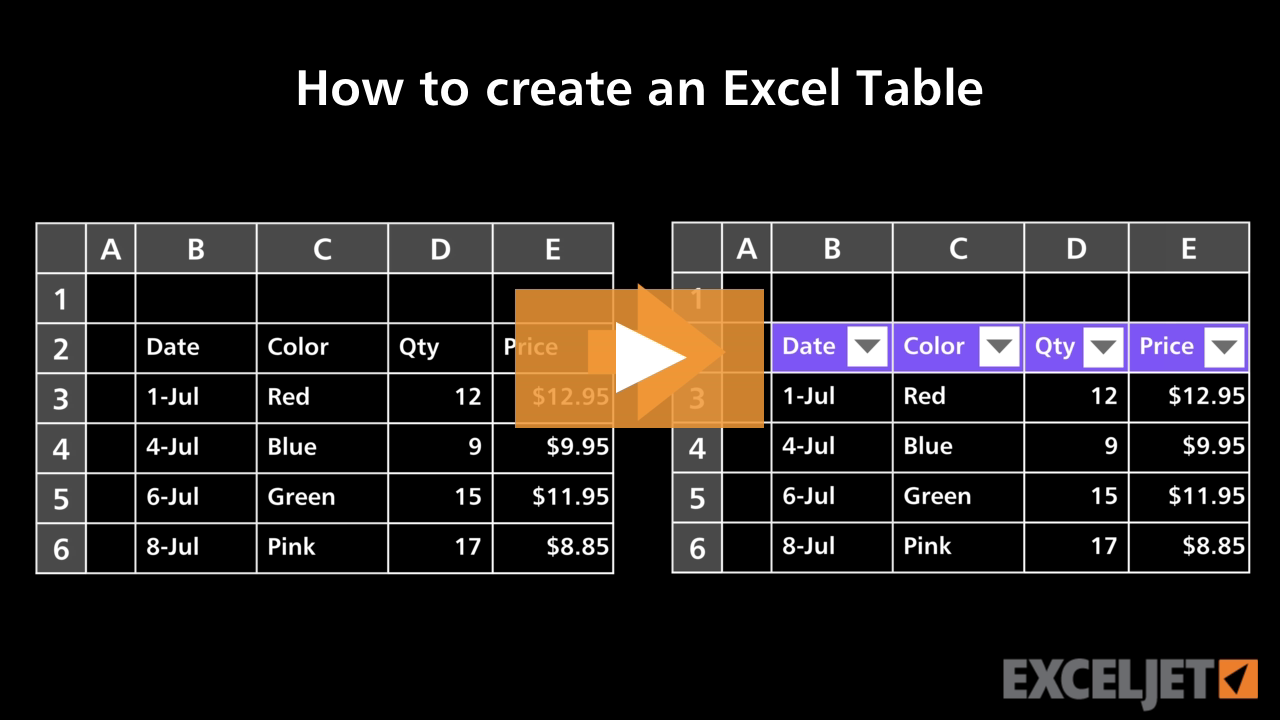
How to create an Excel Table
Excel Tables
3:08

How to create an Excel Table

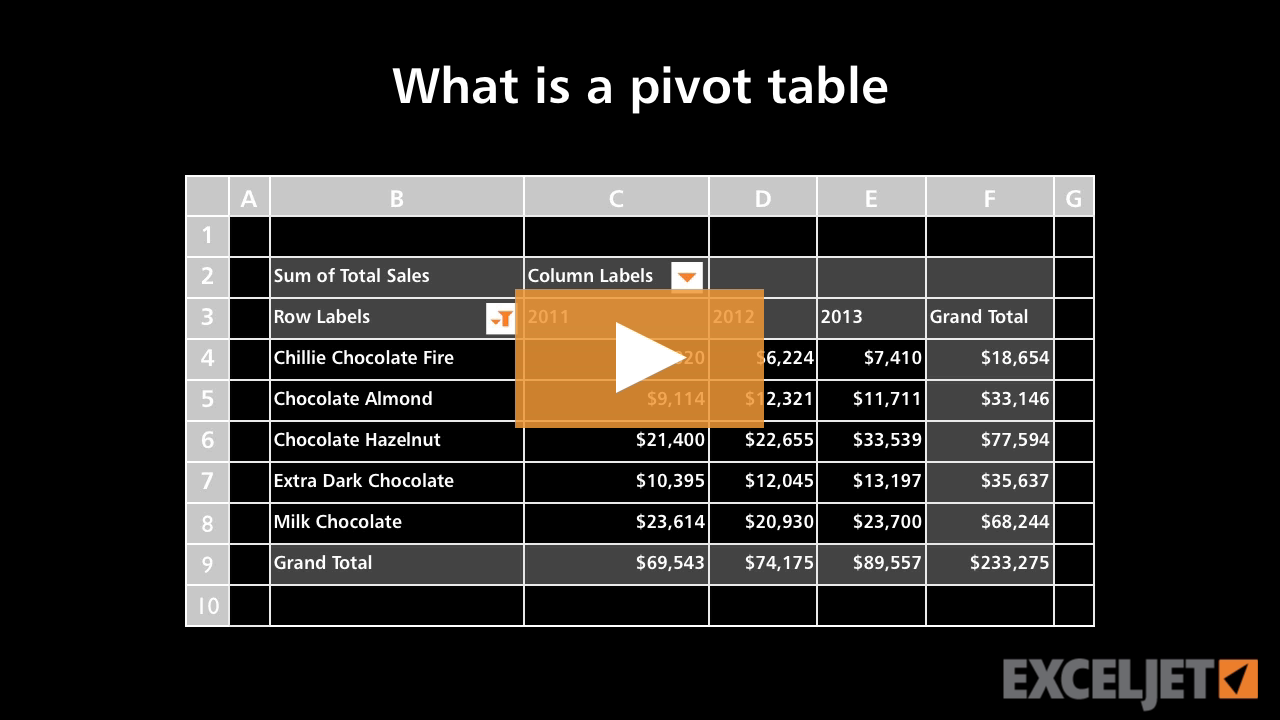
What is a pivot table?
Core Pivot
2:44

What is a pivot table?

Shortcuts for the current Date and Time in Excel
Core Excel
0:55

Shortcuts for the current Date and Time in Excel

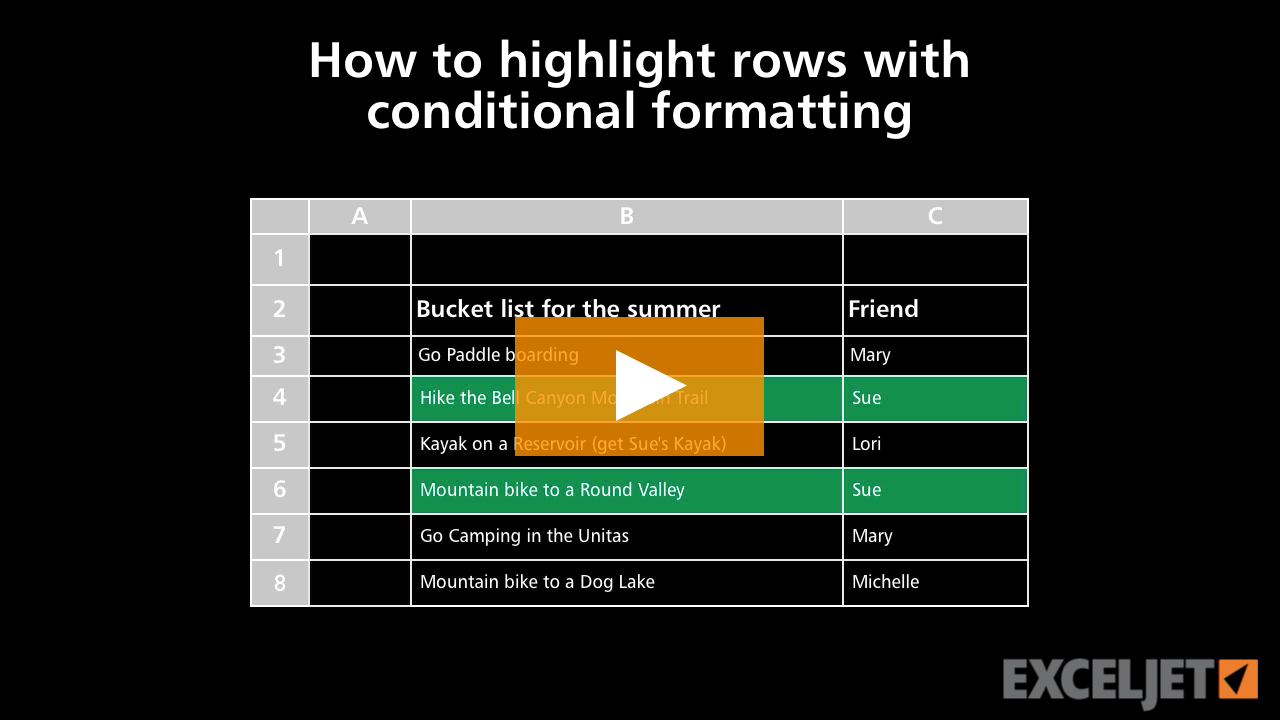
How to highlight rows with conditional formatting
Conditional Formatting
2:53

How to highlight rows with conditional formatting

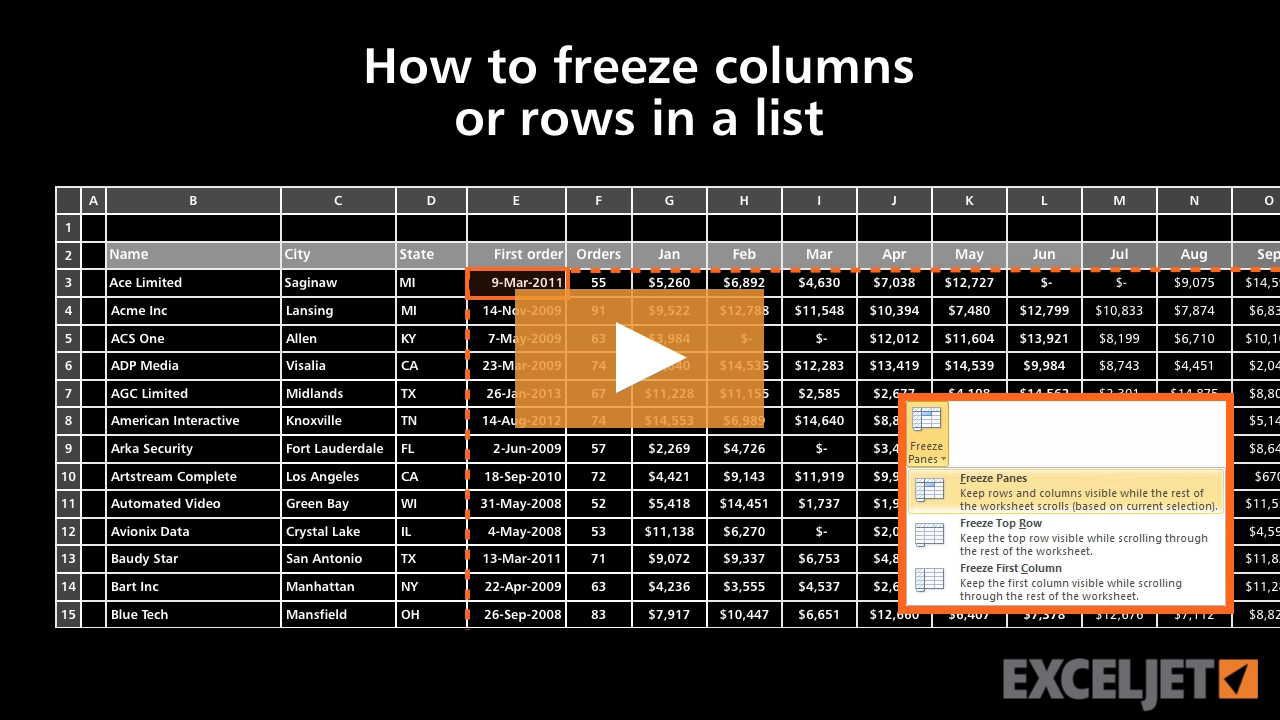
How to freeze columns or rows in a list
Core Excel
2:27

How to freeze columns or rows in a list

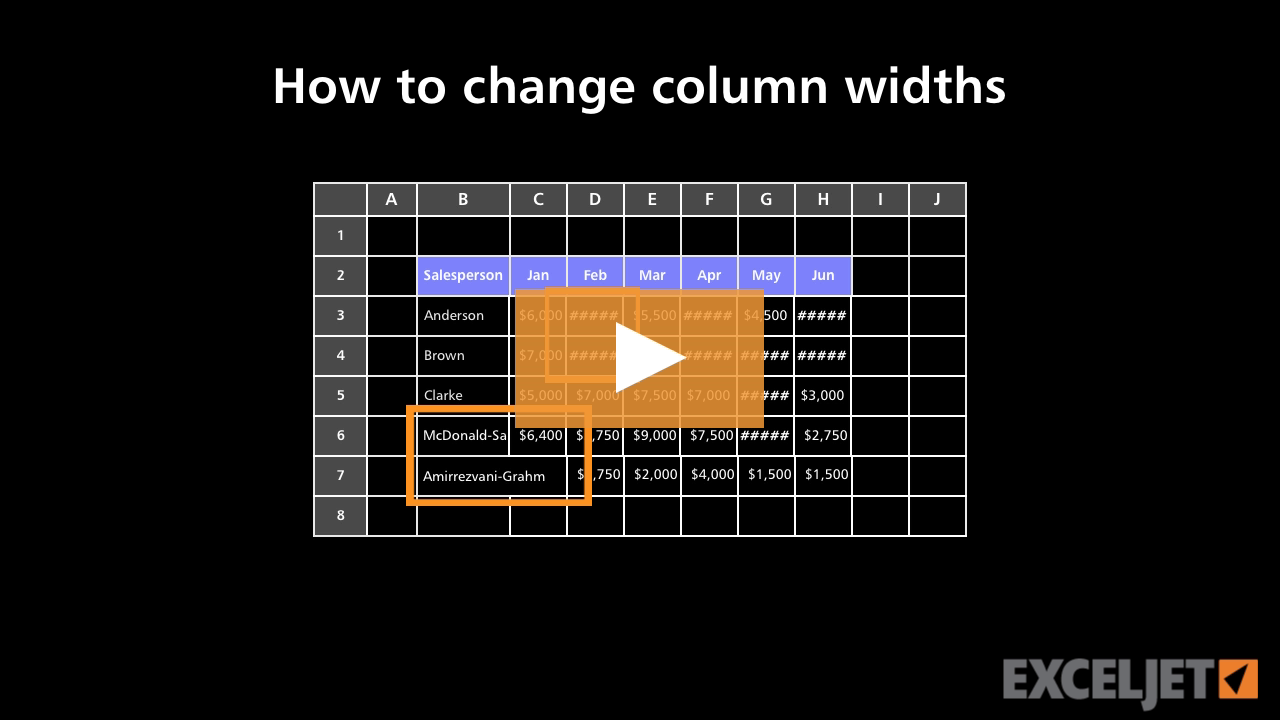
How to change column widths in Excel
Core Excel
2:29

How to change column widths in Excel

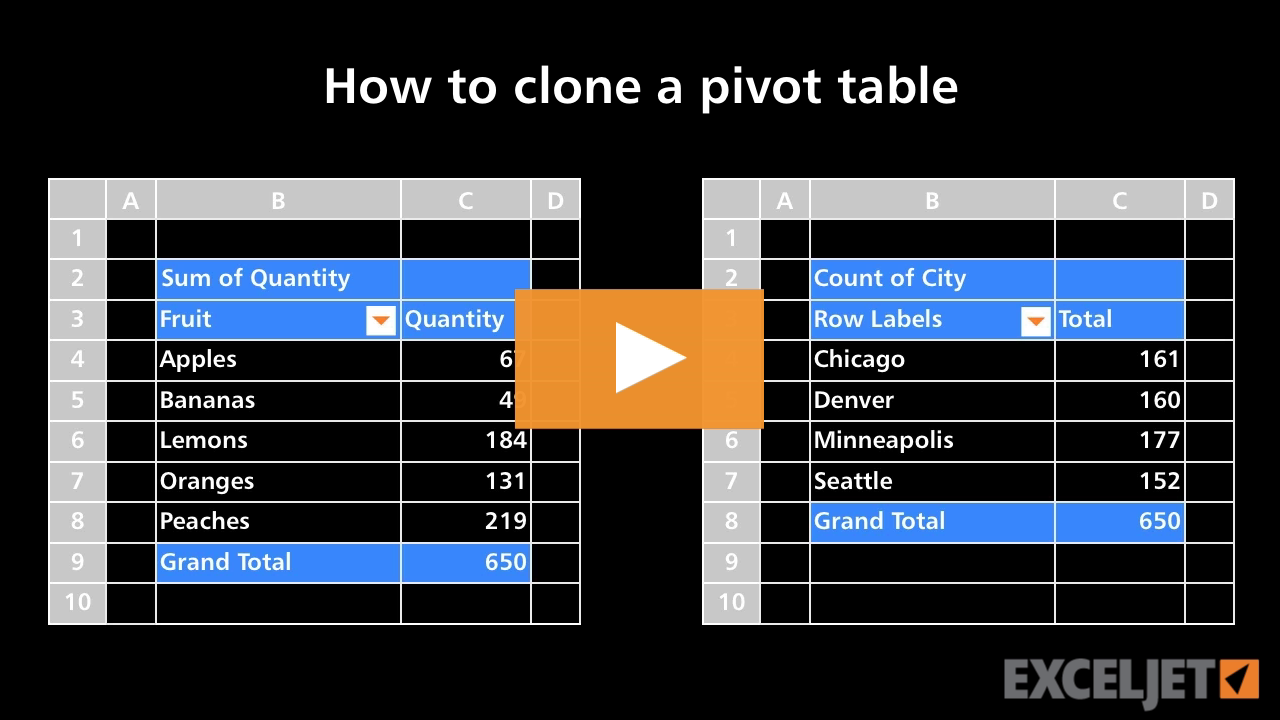
How to clone a pivot table
Core Pivot
3:11

How to clone a pivot table

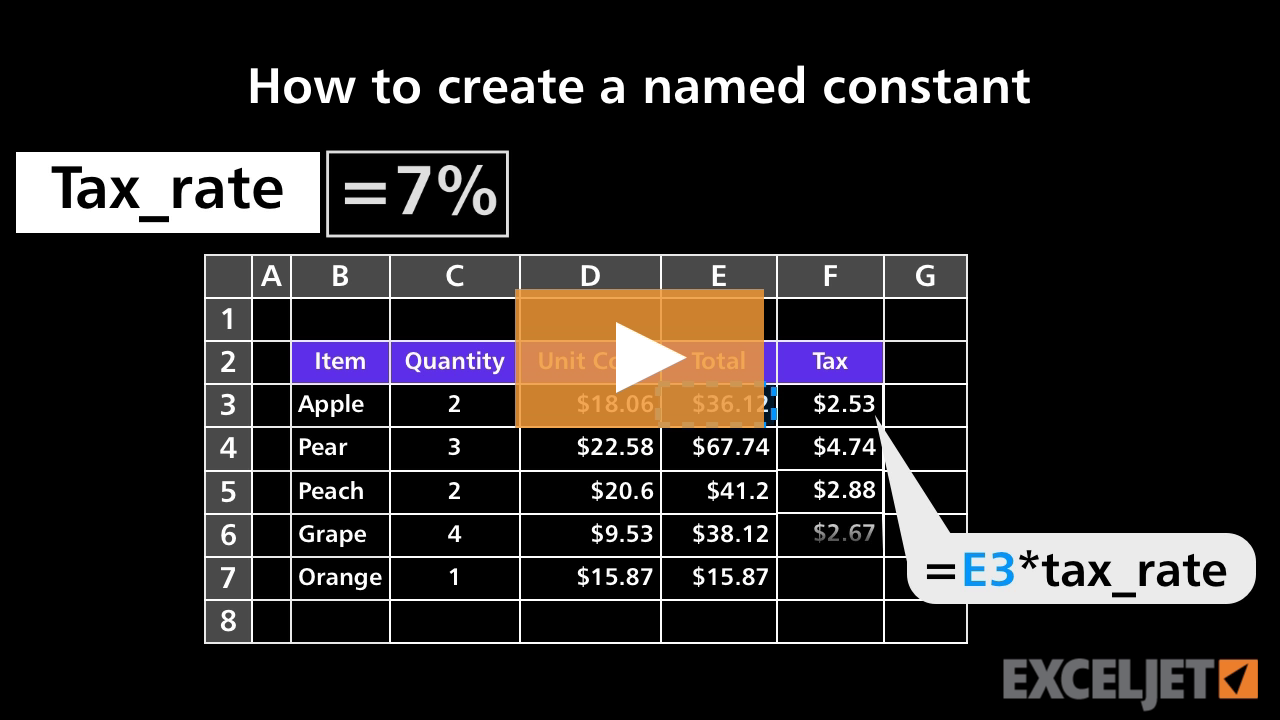
How to create a named constant
Core Formula
2:32

How to create a named constant

How to insert and delete columns in Excel
Core Excel
1:55

How to insert and delete columns in Excel

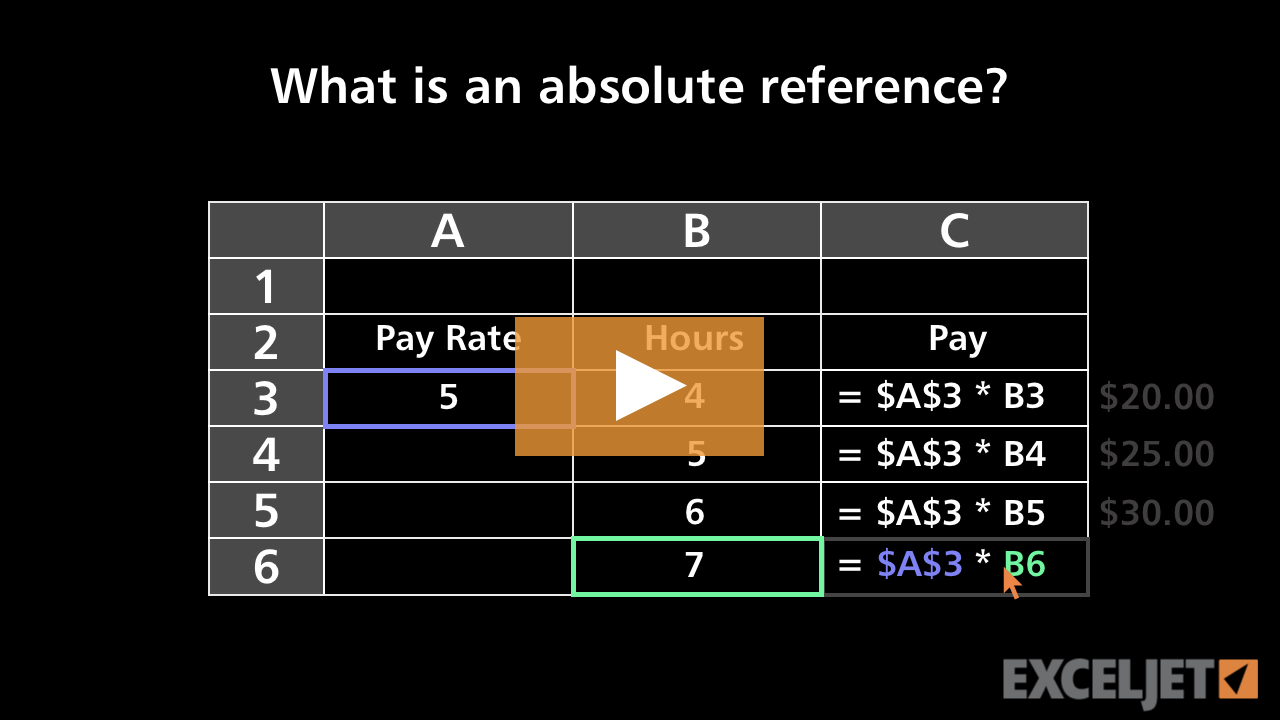
What's an absolute reference?
Core Excel
3:00

What's an absolute reference?

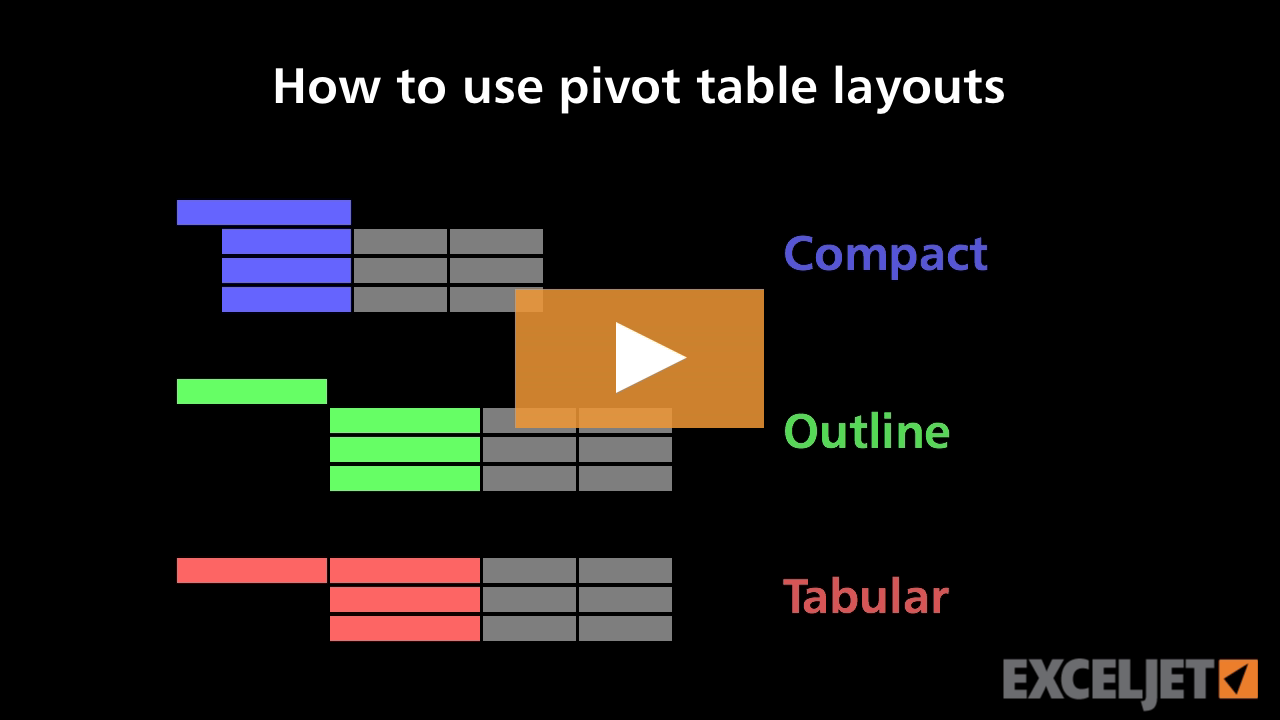
How to use pivot table layouts
Core Pivot
3:05

How to use pivot table layouts

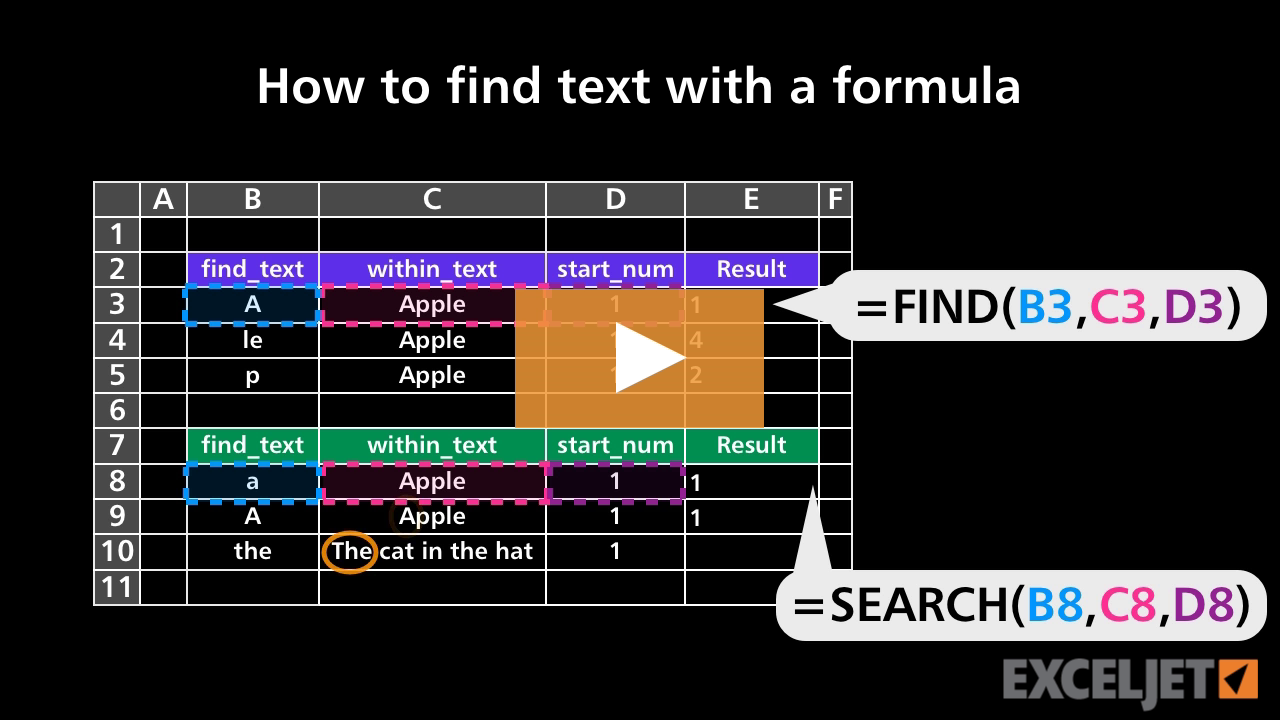
How to find text with a formula
Core Formula
3:16

How to find text with a formula

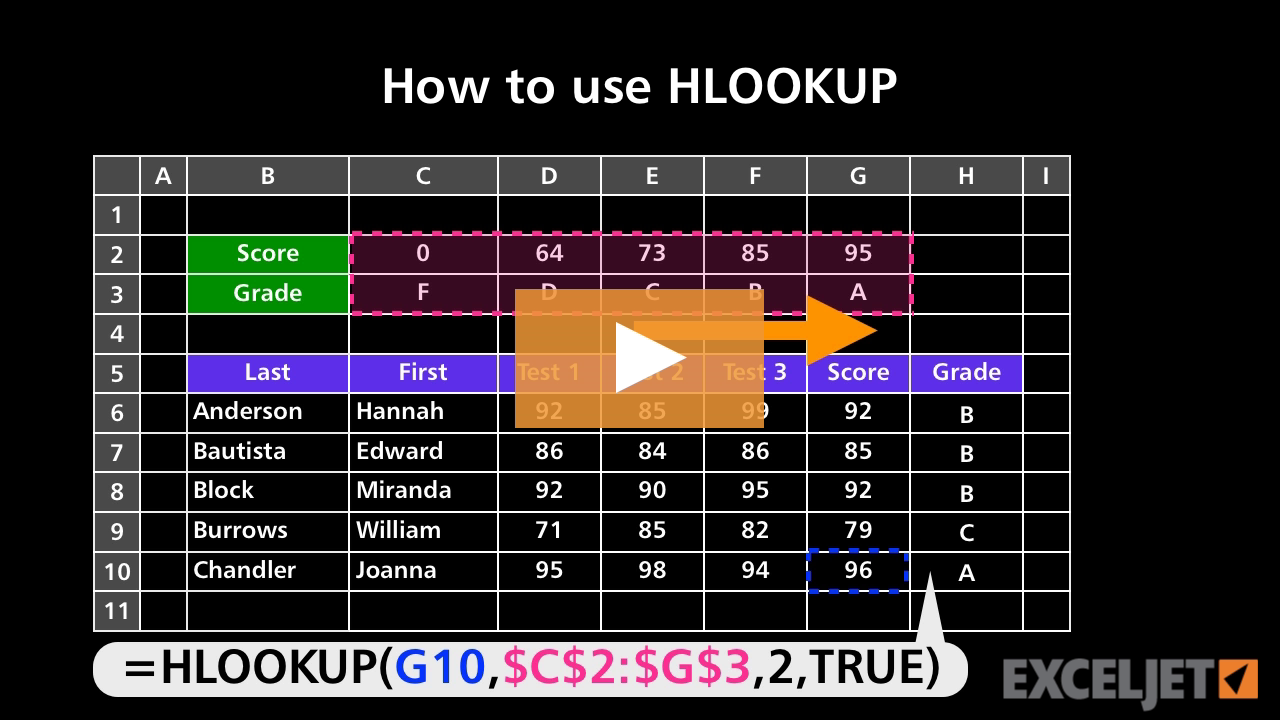
How to use HLOOKUP
Core Formula
2:20

How to use HLOOKUP

How to insert symbols and special characters in Excel
Core Excel
3:18

How to insert symbols and special characters in Excel

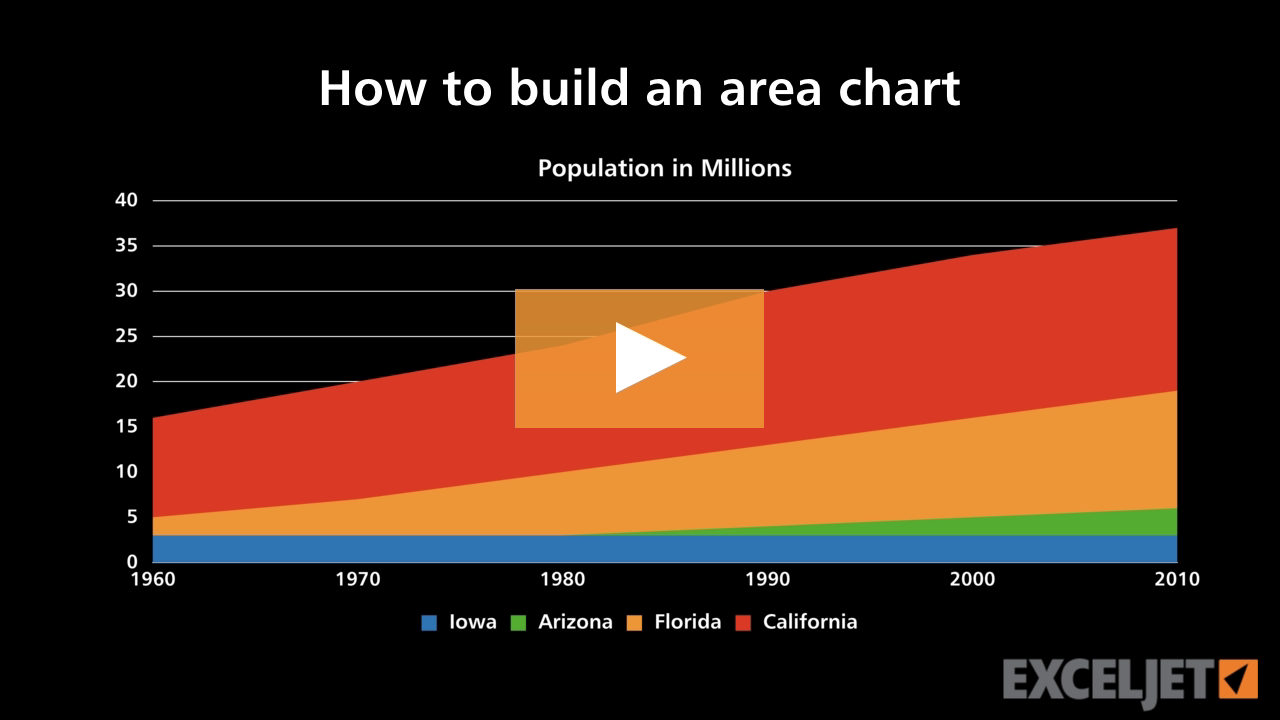
How to build an area chart
Core Charts
3:53

How to build an area chart

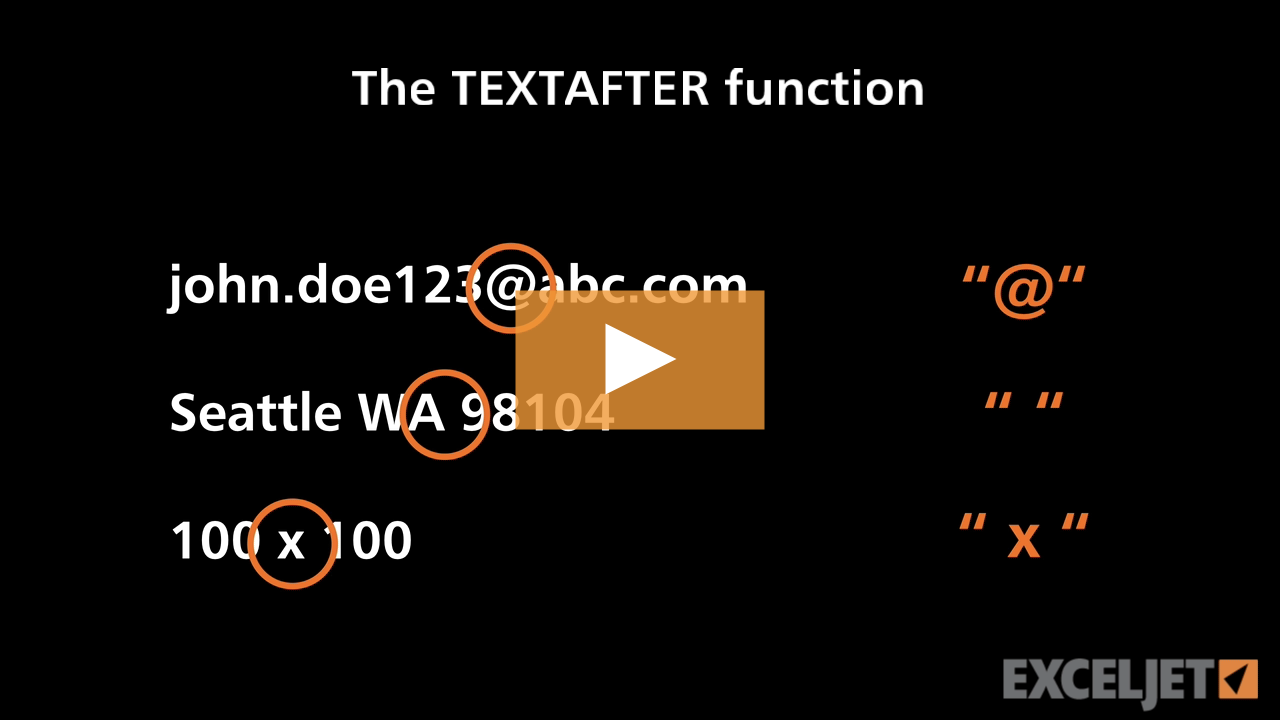
Excel TEXTAFTER function
Dynamic Array Formulas
4:15

Excel TEXTAFTER function

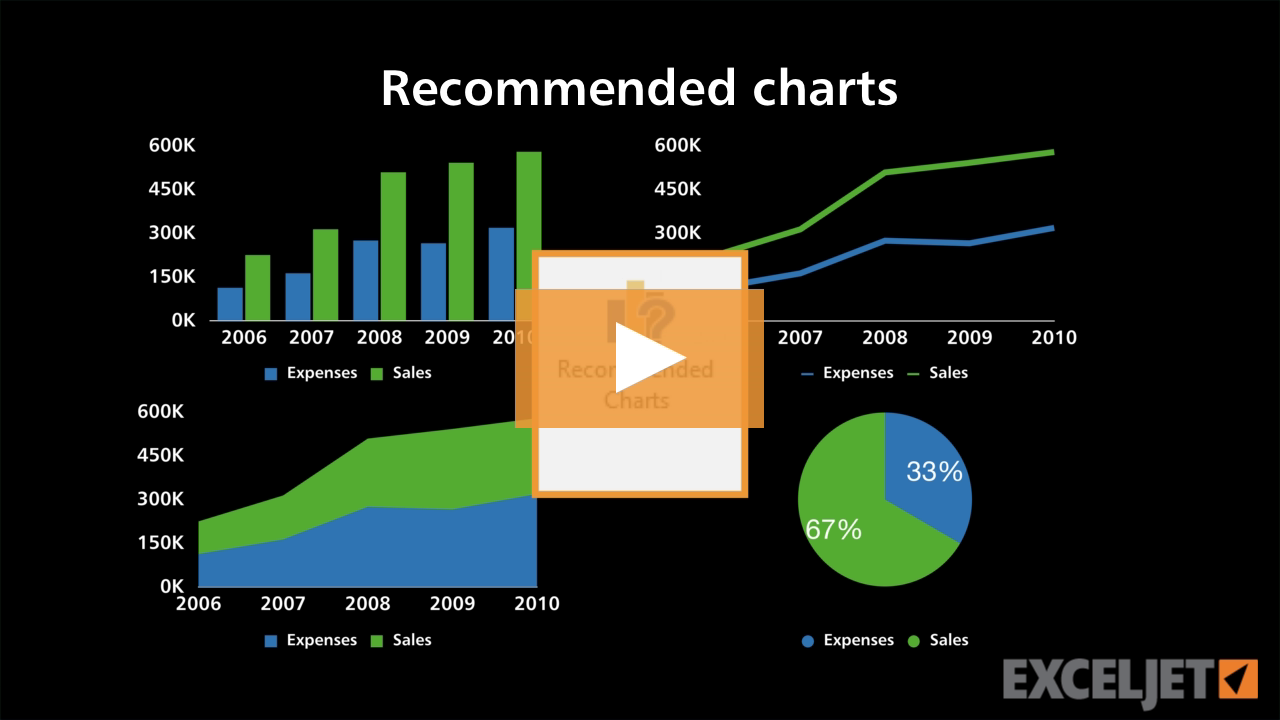
Recommended charts
Core Charts
2:45

Recommended charts

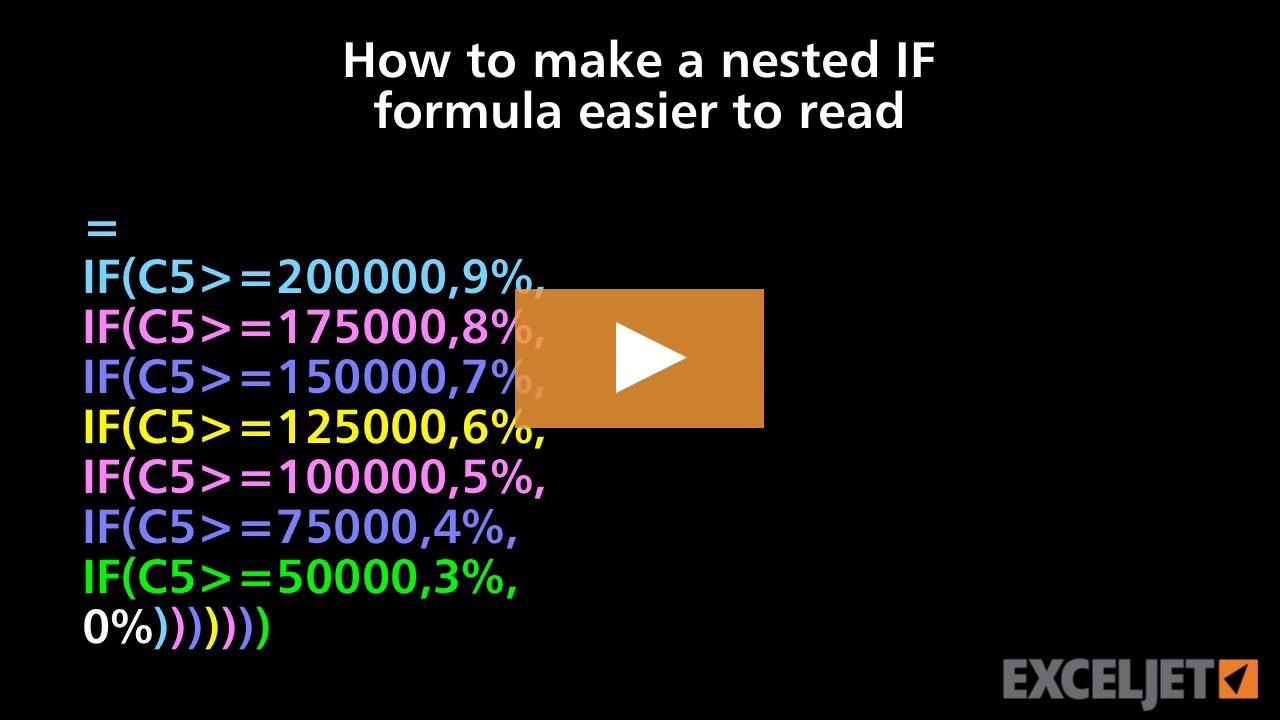
How to make a nested IF formula easier to read
Core Formula
3:06

How to make a nested IF formula easier to read

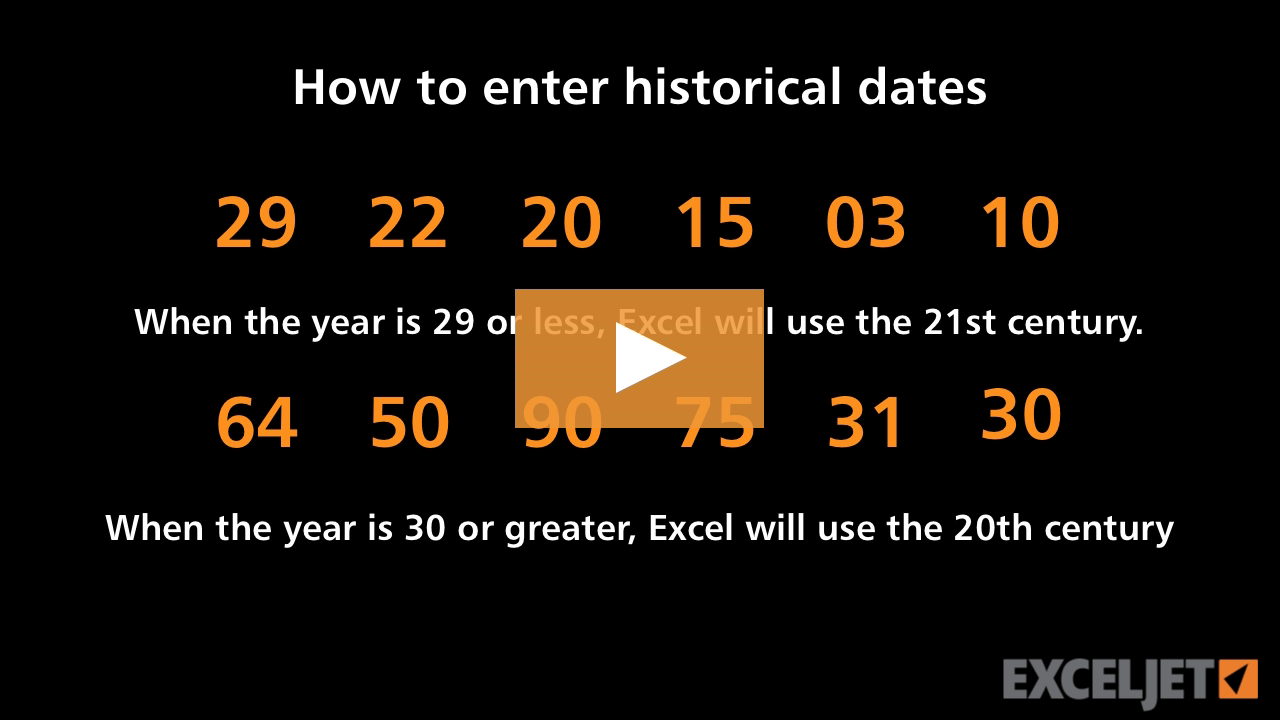
How to enter historical dates in Excel
Core Excel
2:14

How to enter historical dates in Excel

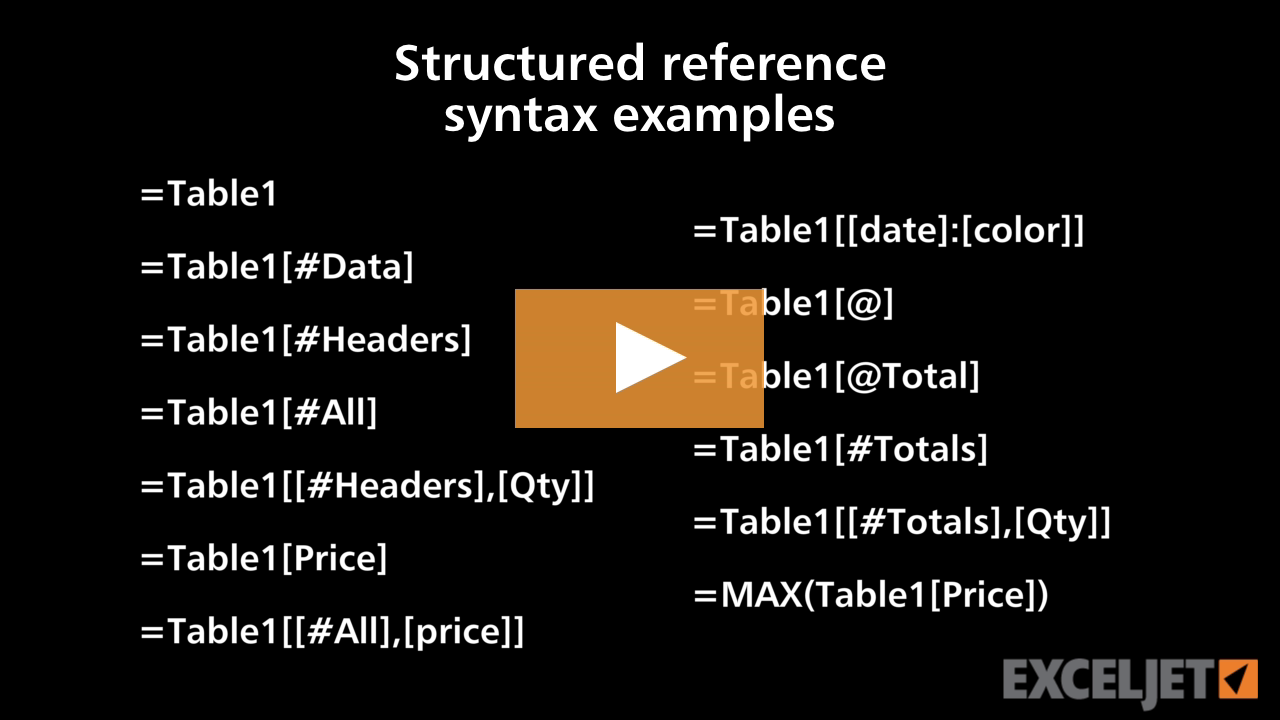
Structured reference syntax examples
Excel Tables
3:33

Structured reference syntax examples

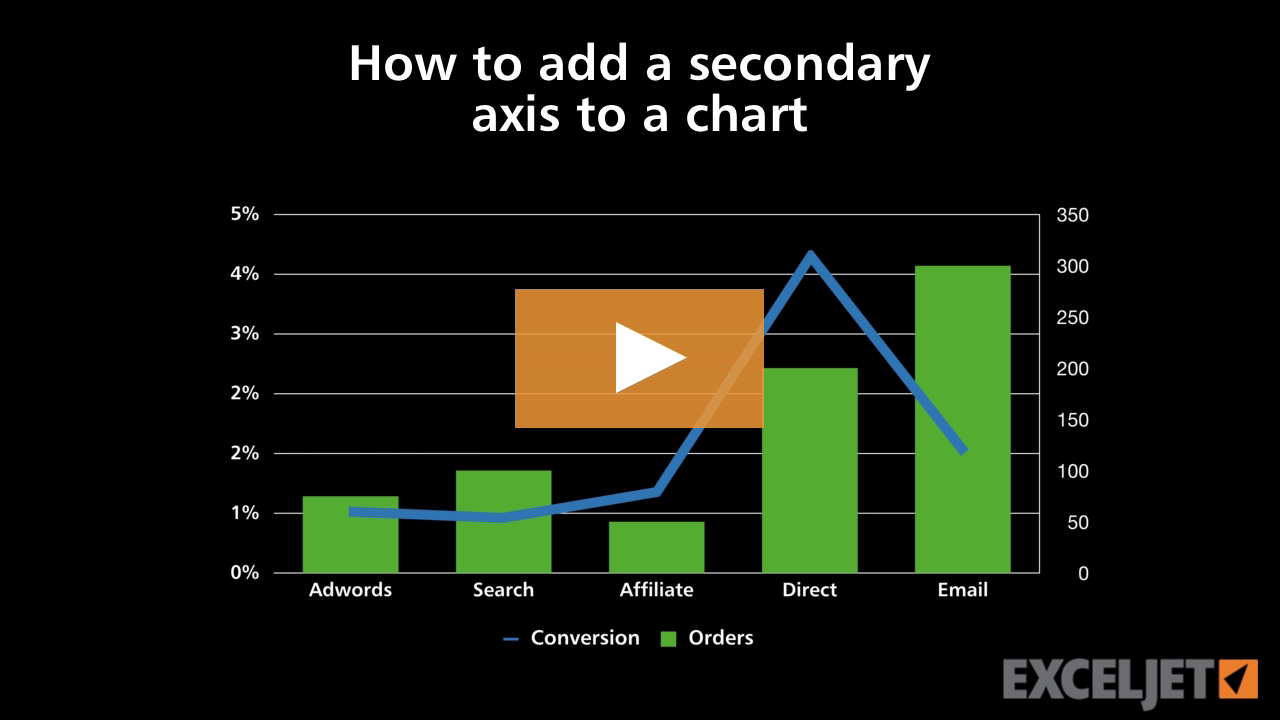
How to add a secondary axis to a chart
Core Charts
2:56

How to add a secondary axis to a chart

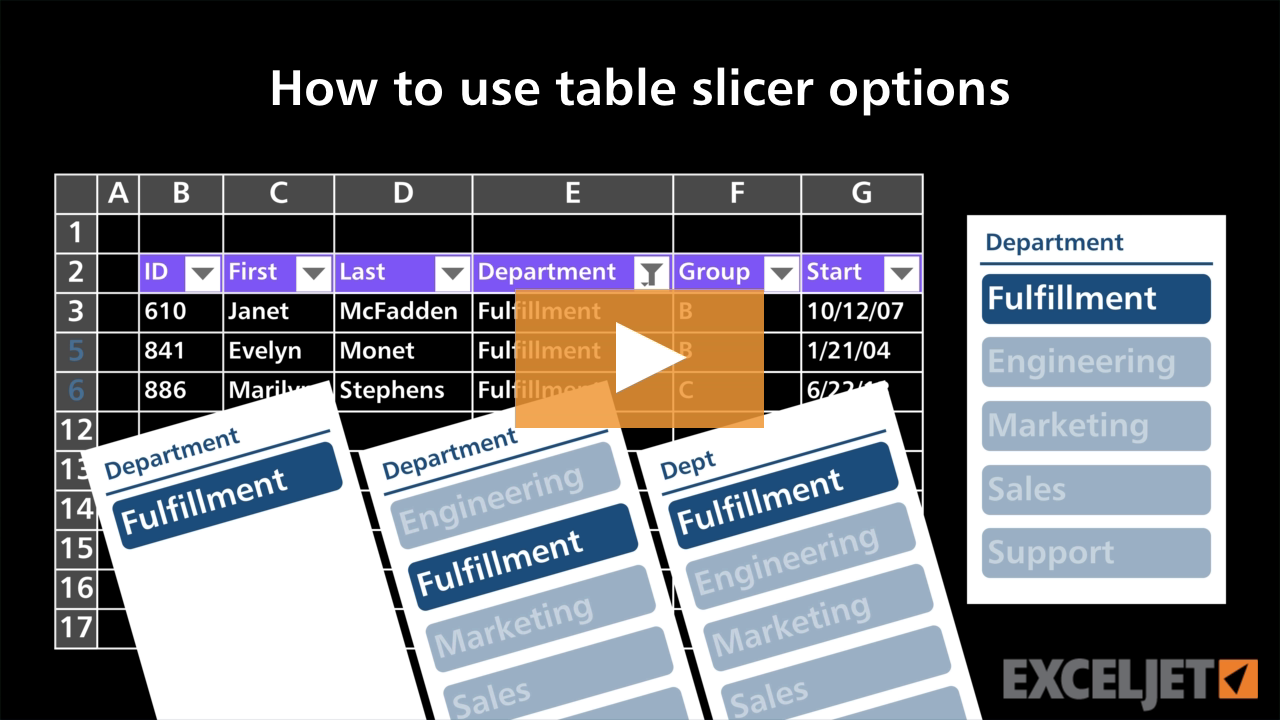
How to use table slicer options
Excel Tables
3:06

How to use table slicer options

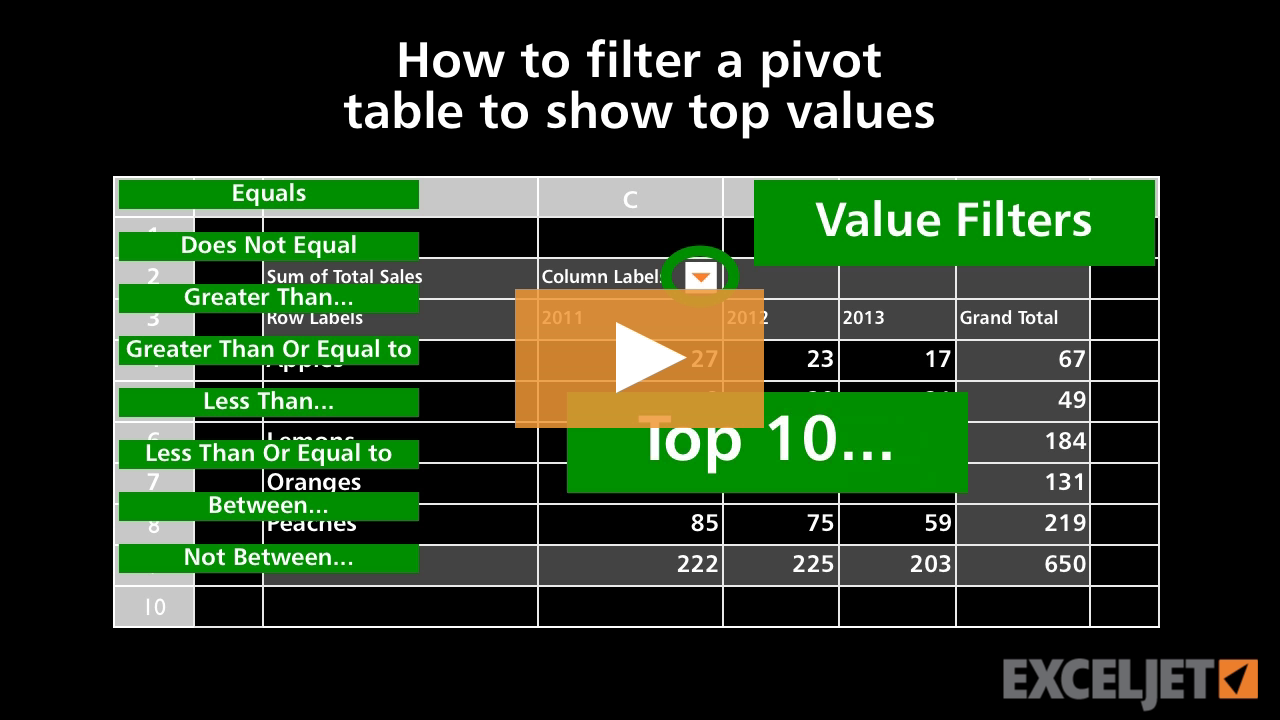
How to filter a pivot table to show top values
Core Pivot
1:57

How to filter a pivot table to show top values

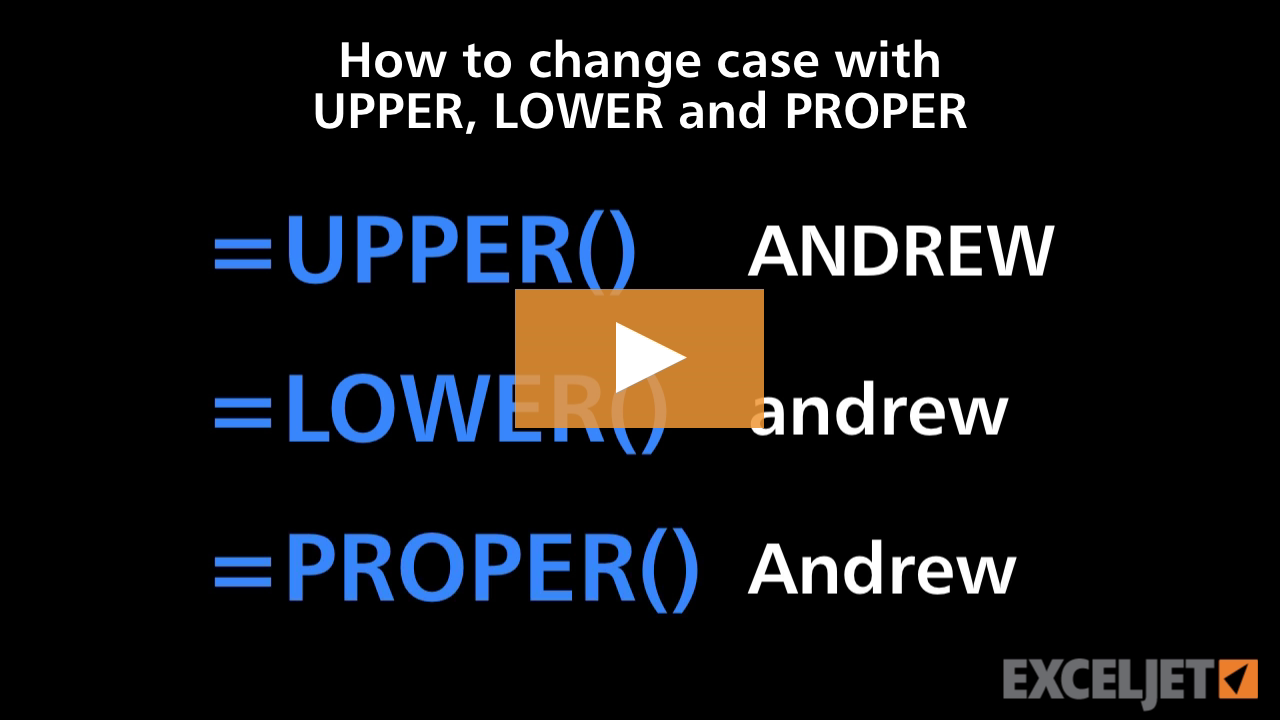
How to change case with UPPER LOWER and PROPER
Core Formula
2:59

How to change case with UPPER LOWER and PROPER

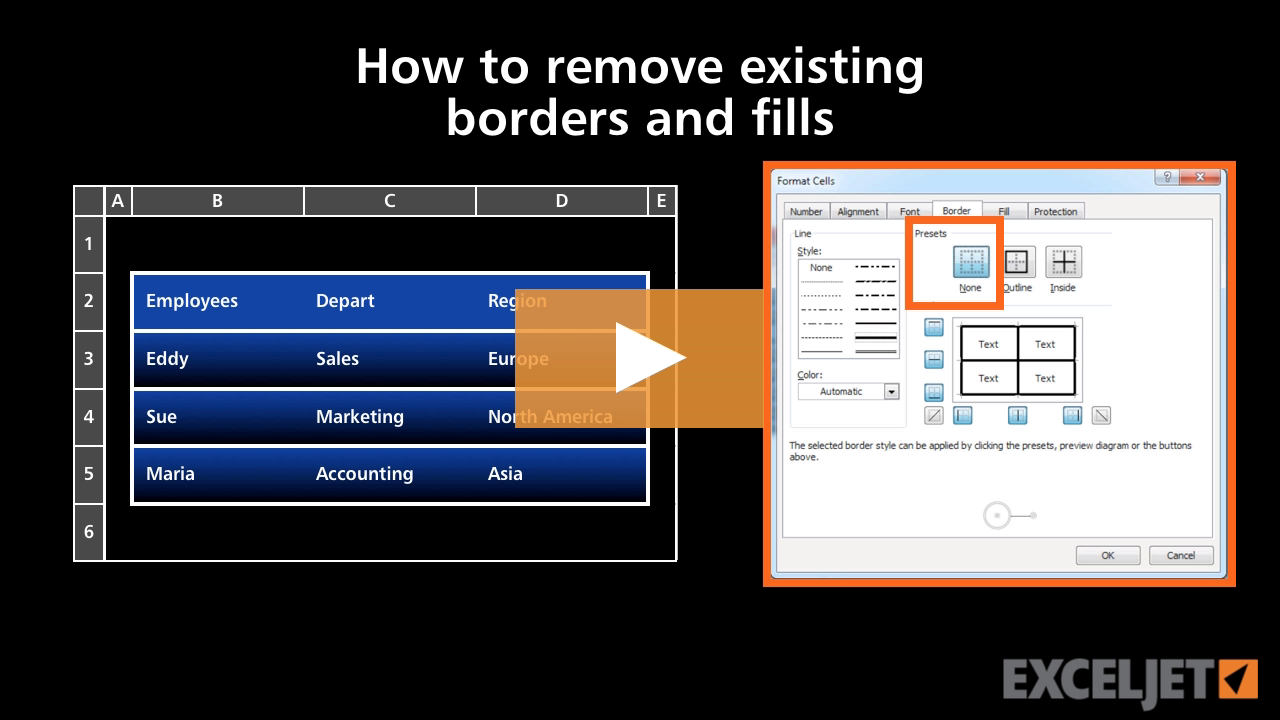
How to remove existing borders and fills in Excel
Core Excel
2:09

How to remove existing borders and fills in Excel

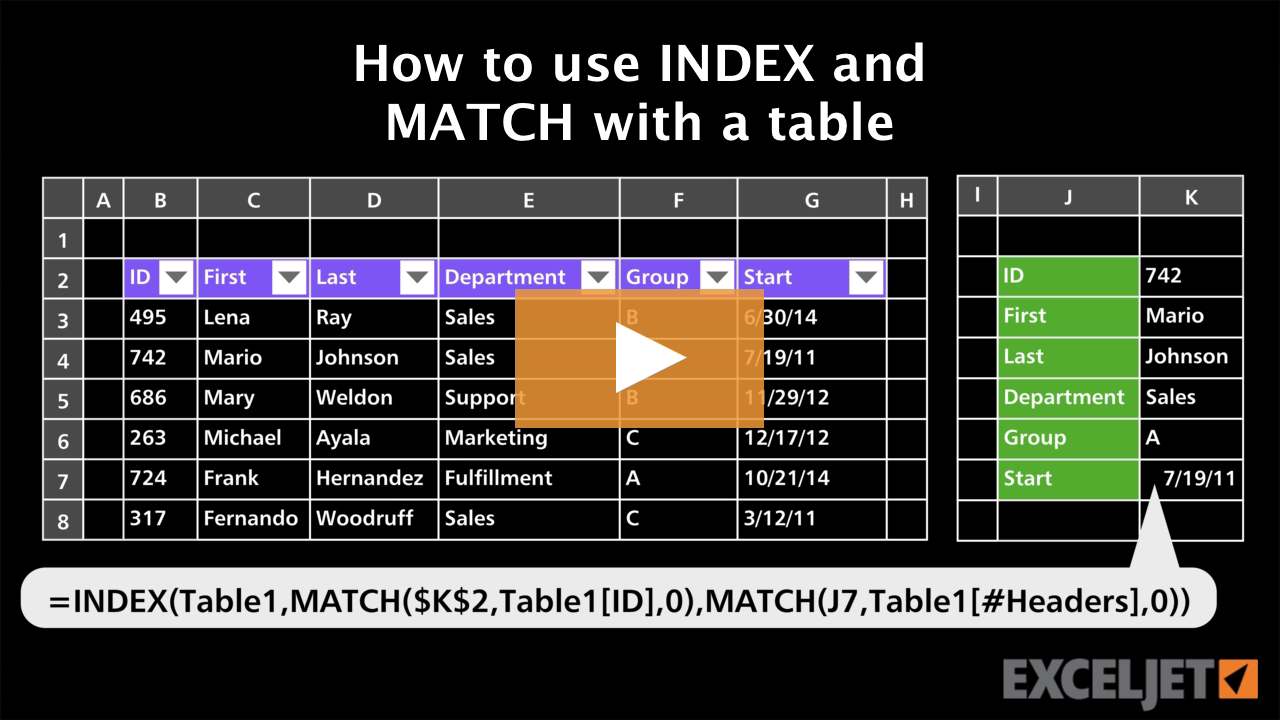
How to use INDEX and MATCH with a table
Excel Tables
3:20

How to use INDEX and MATCH with a table

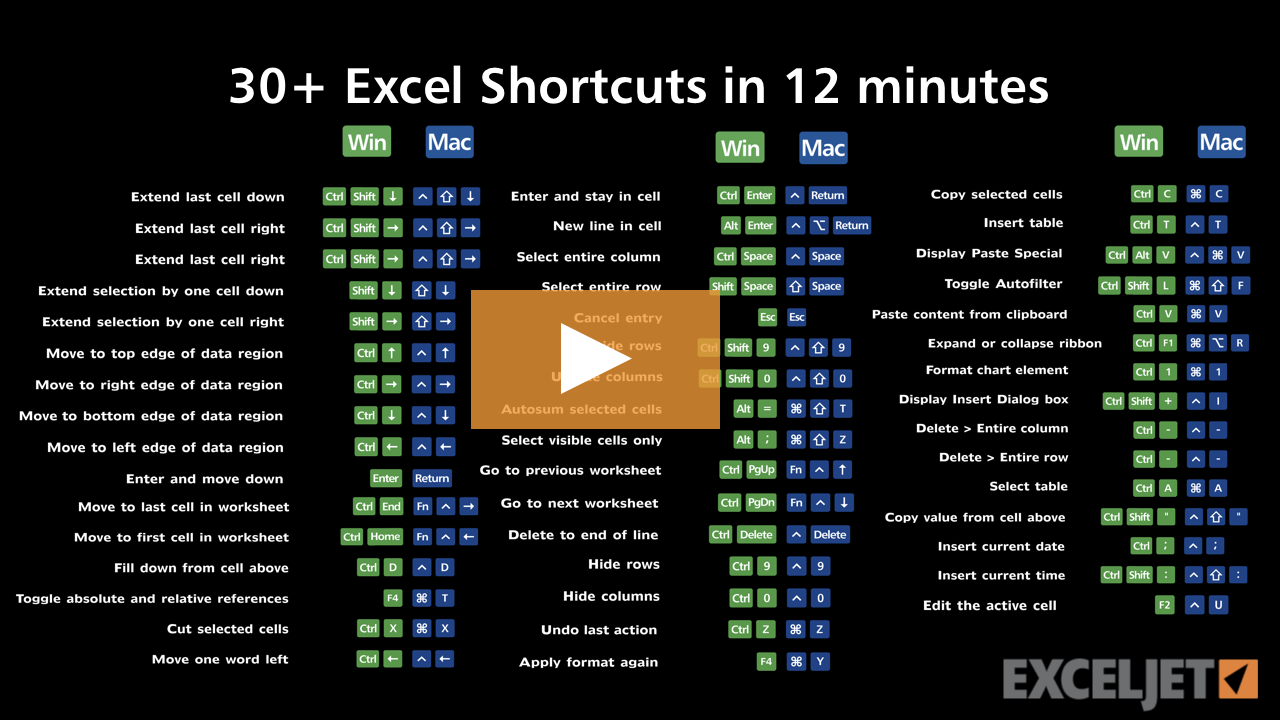
30 Excel Shortcuts in 12 minutes
Excel Shortcuts
12:21

30 Excel Shortcuts in 12 minutes

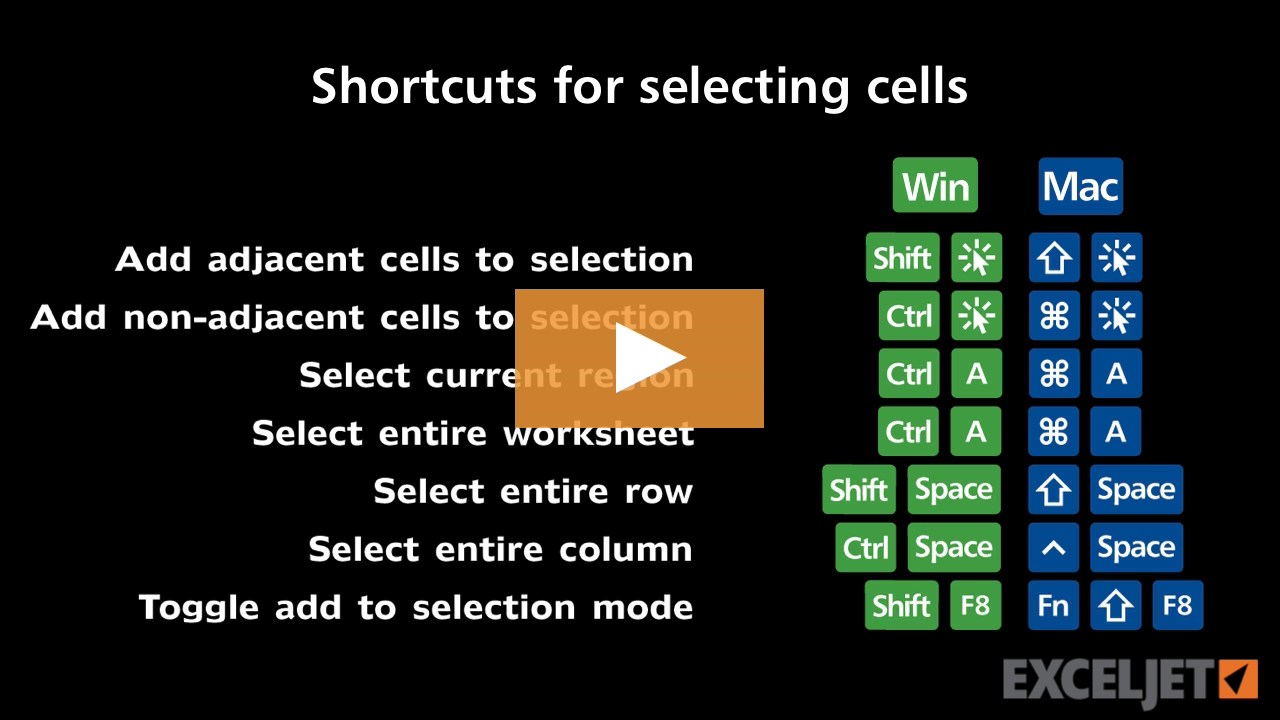
Shortcuts for selecting cells
Excel Shortcuts
2:27

Shortcuts for selecting cells

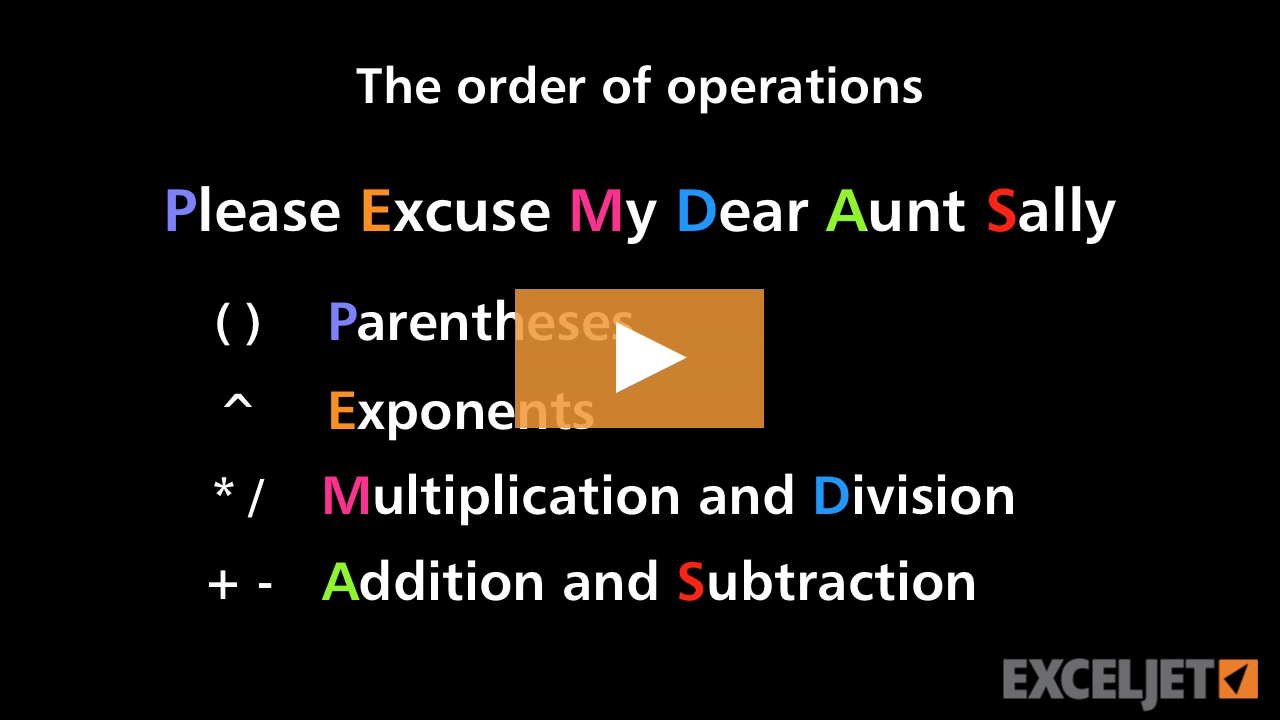
The order of operations
Core Excel
2:54

The order of operations

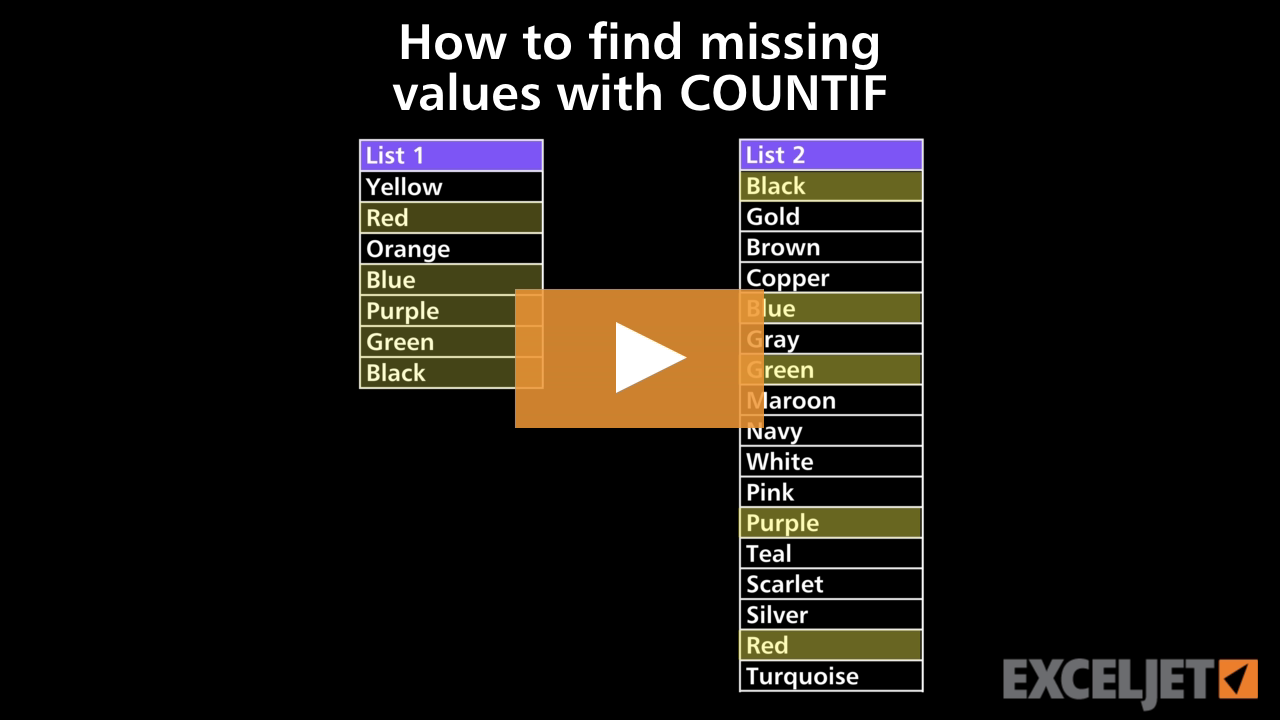
How to find missing values with COUNTIF
Core Formula
2:35

How to find missing values with COUNTIF

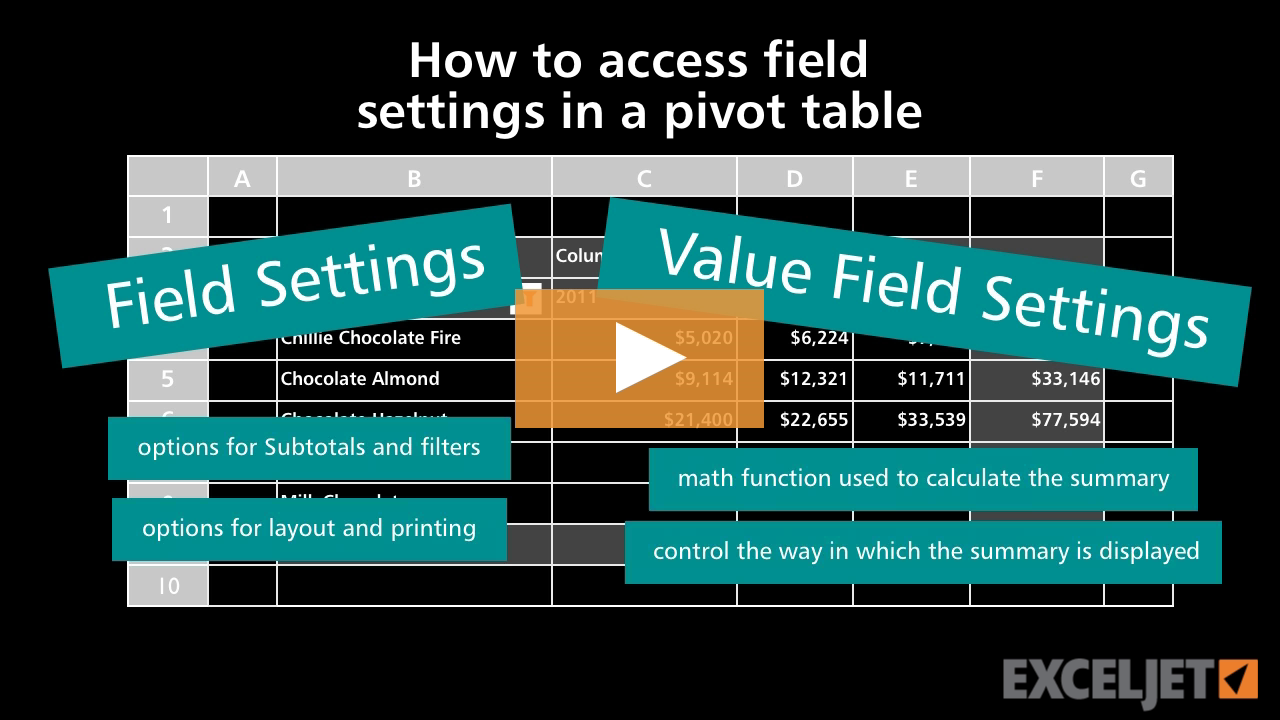
How to access field settings in a pivot table
Core Pivot
2:05

How to access field settings in a pivot table

What is an array?
Dynamic Array Formulas
2:34

What is an array?

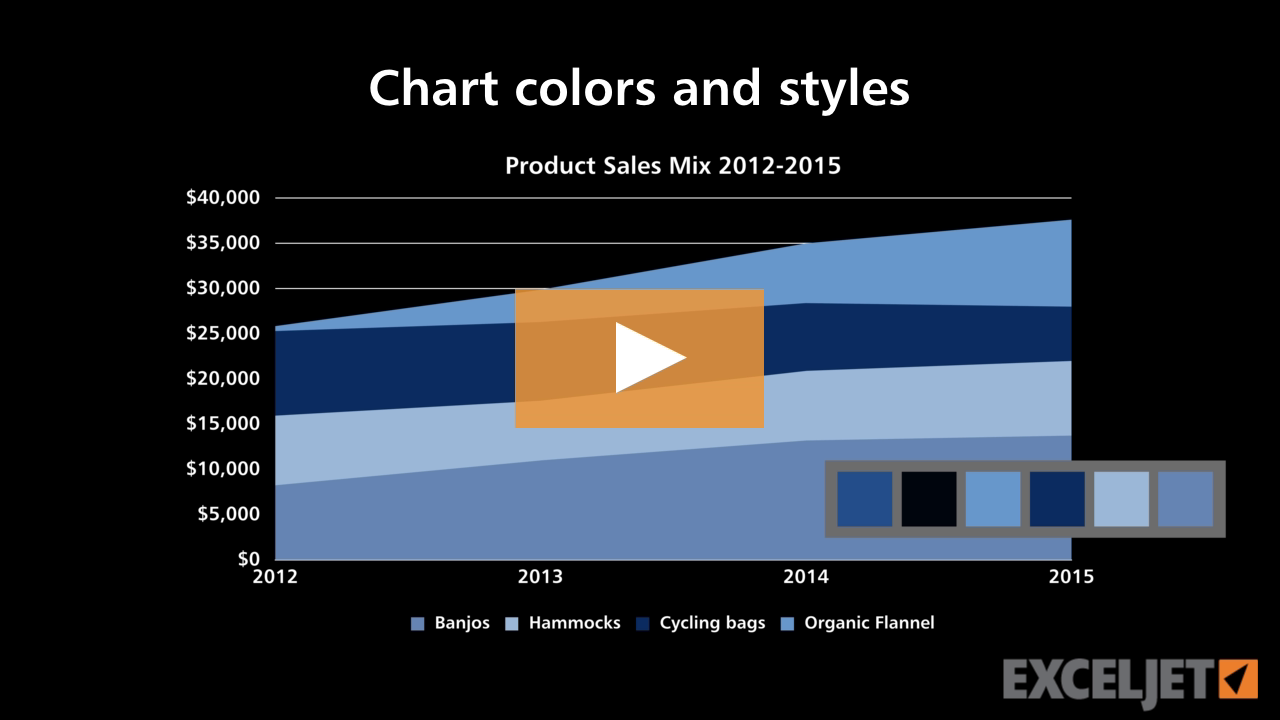
Chart colors and styles
Core Charts
2:35

Chart colors and styles

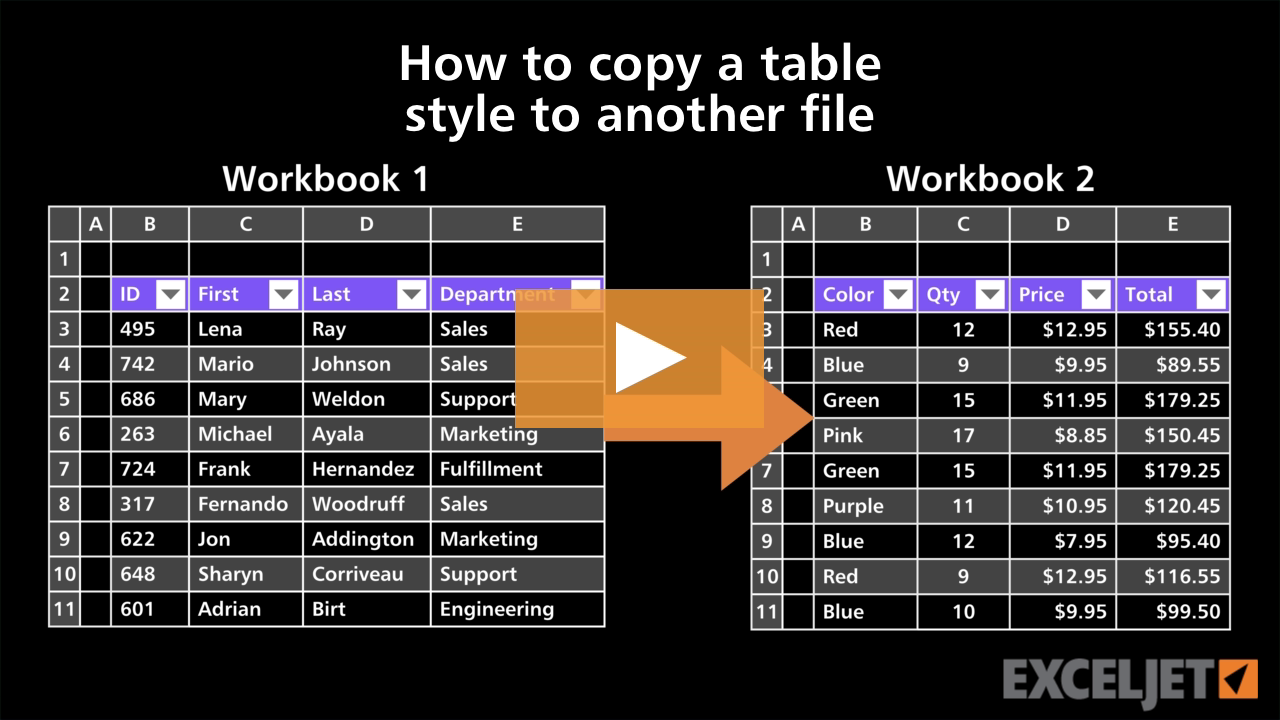
How to copy a table style to another file
Excel Tables
2:26

How to copy a table style to another file

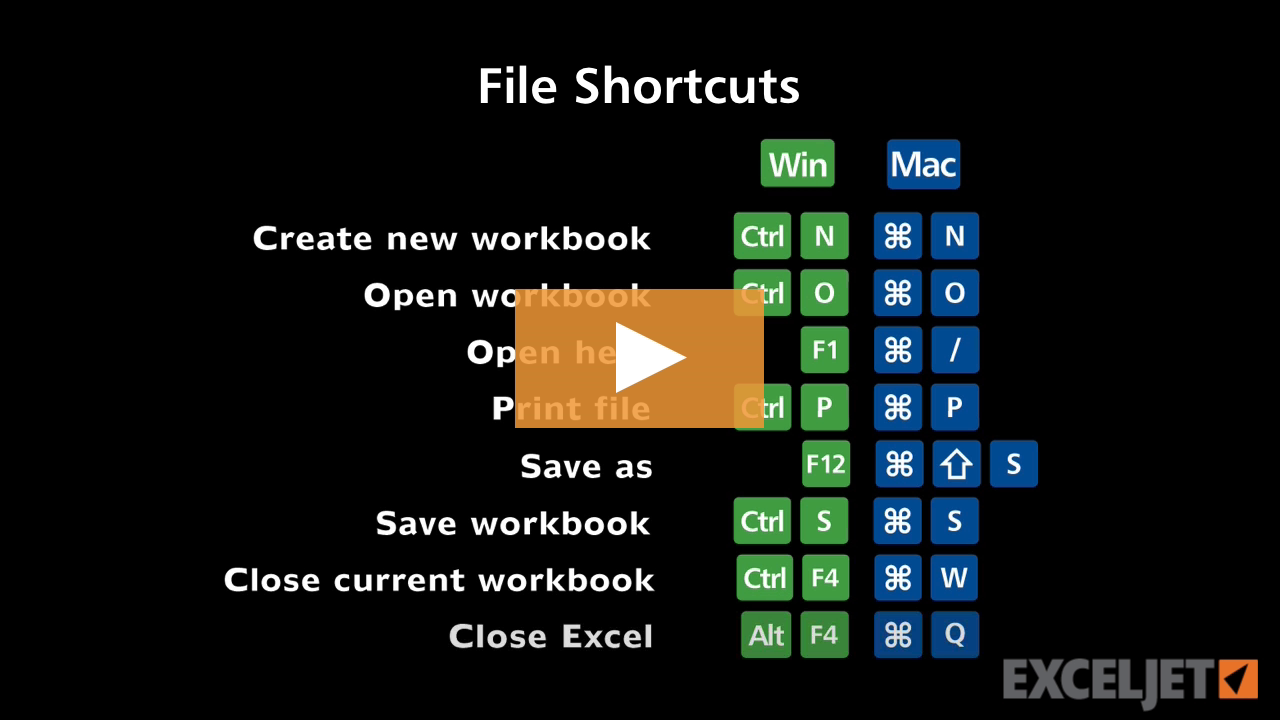
Shortcuts for file commands
Excel Shortcuts
2:14

Shortcuts for file commands

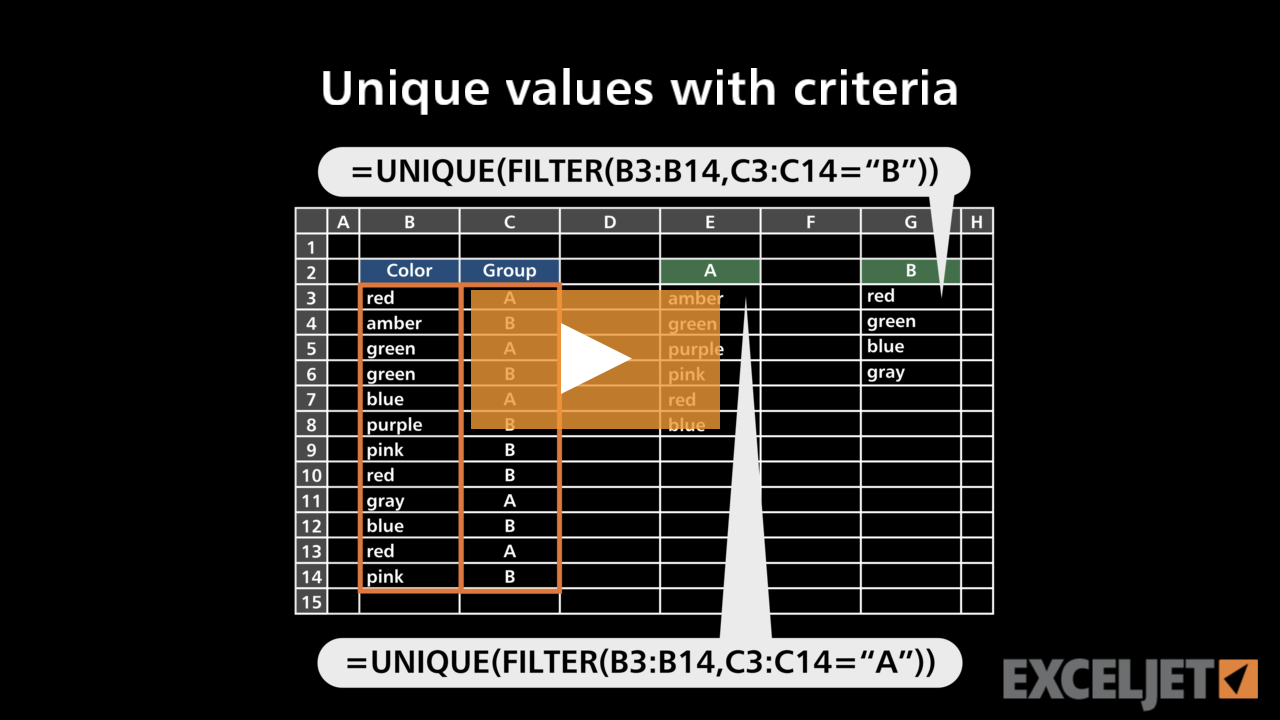
Unique values with criteria
Dynamic Array Formulas
3:08

Unique values with criteria

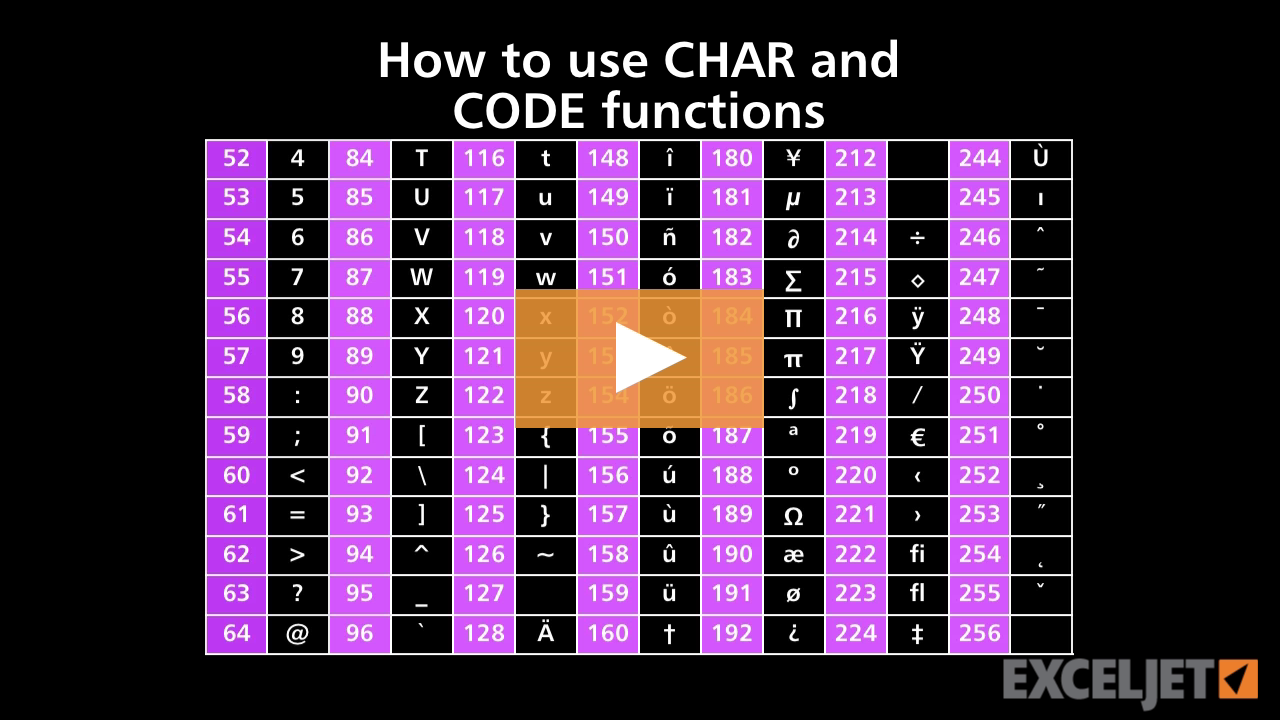
How to use CHAR and CODE functions
Core Formula
3:04

How to use CHAR and CODE functions

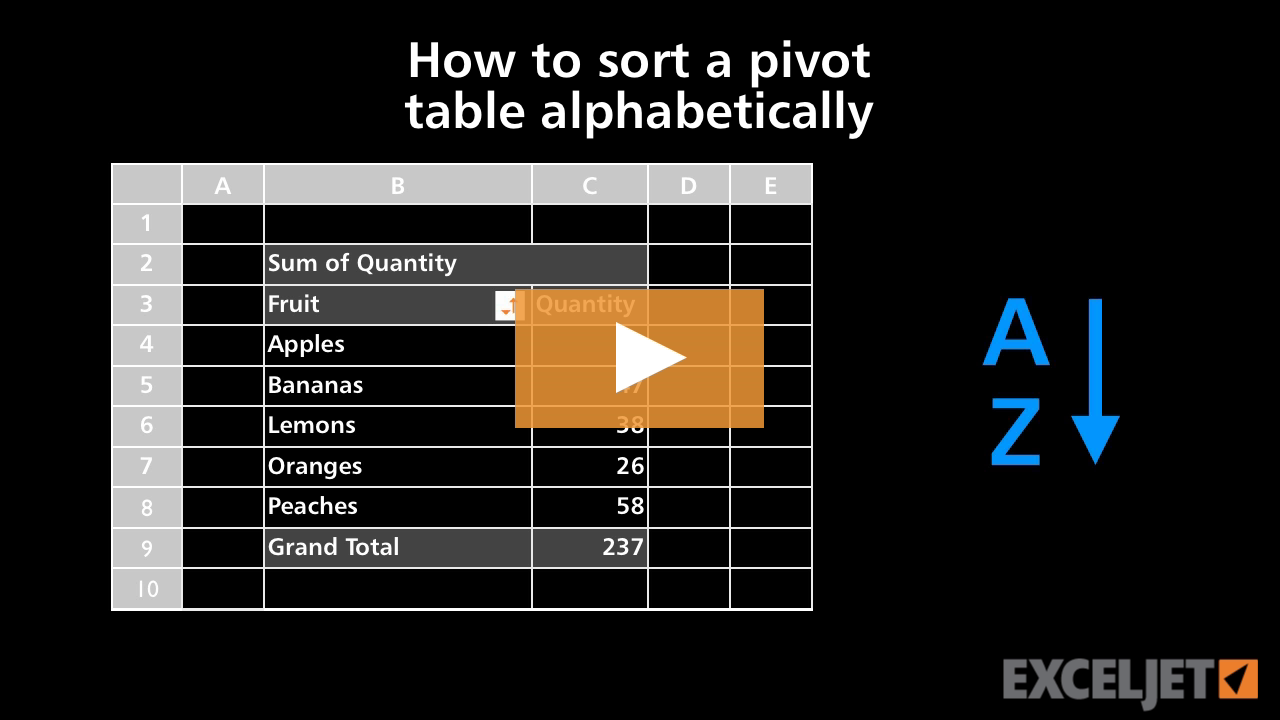
How to sort a pivot table alphabetically
Core Pivot
2:55

How to sort a pivot table alphabetically

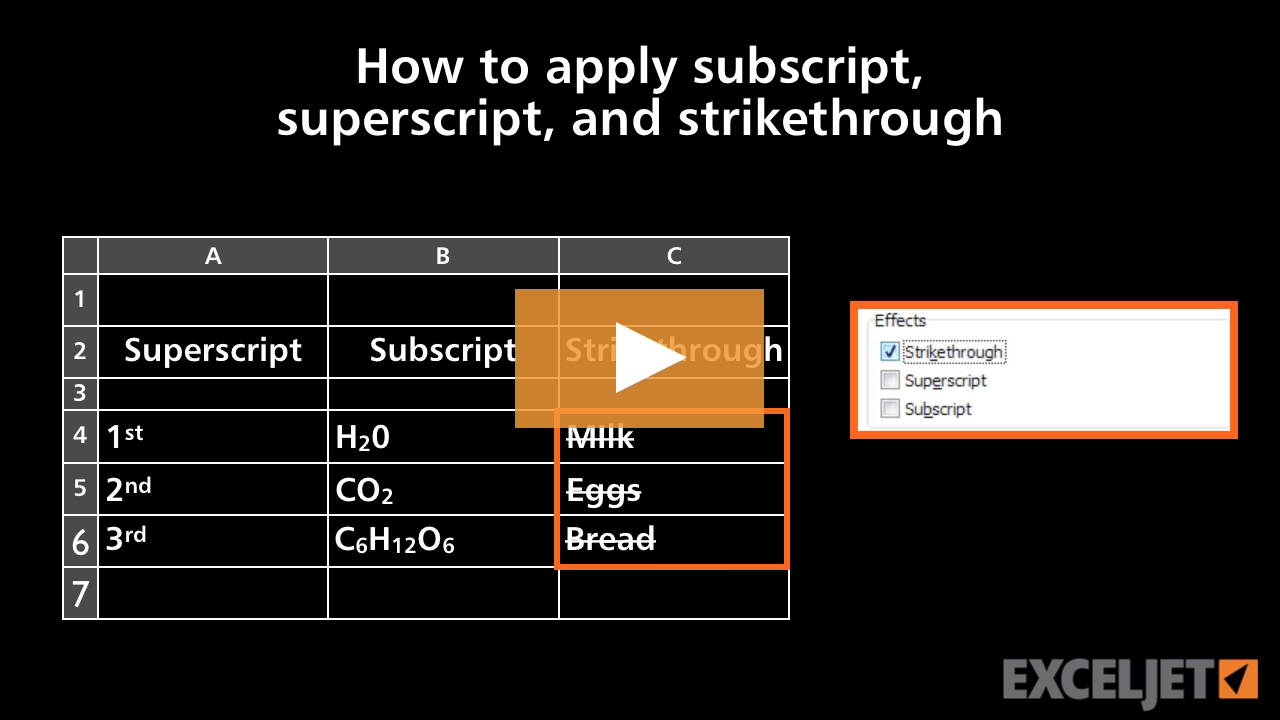
How to apply subscript, superscript, and strikethrough formatting in Excel
Core Excel
3:03

How to apply subscript, superscript, and strikethrough formatting in Excel

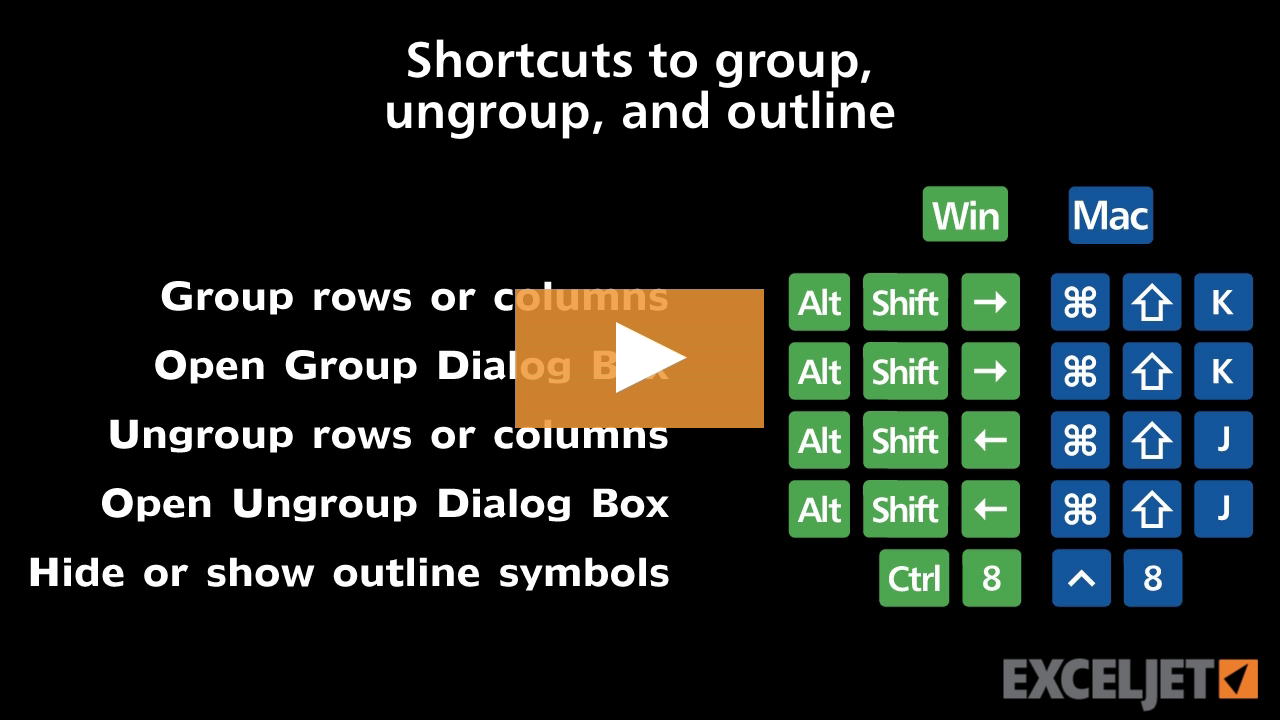
Shortcuts to group, ungroup, and outline
Excel Shortcuts
3:05

Shortcuts to group, ungroup, and outline

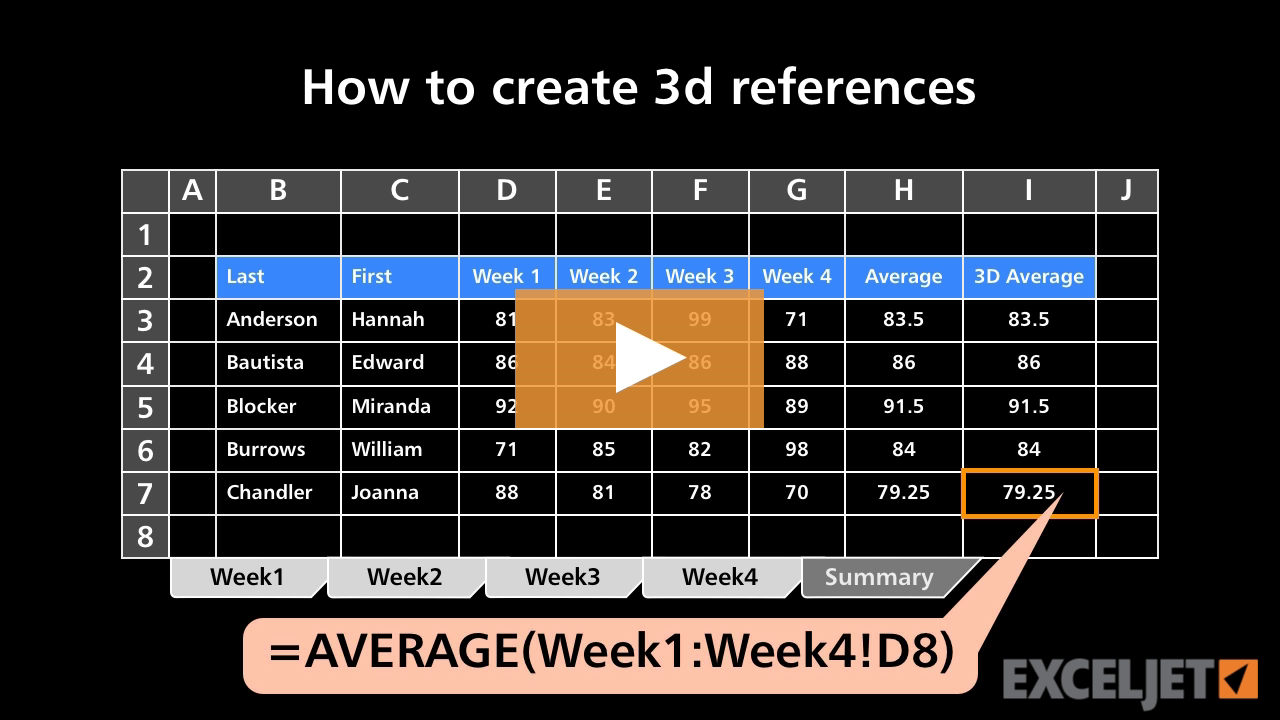
How to create 3D references
Core Formula
3:08

How to create 3D references

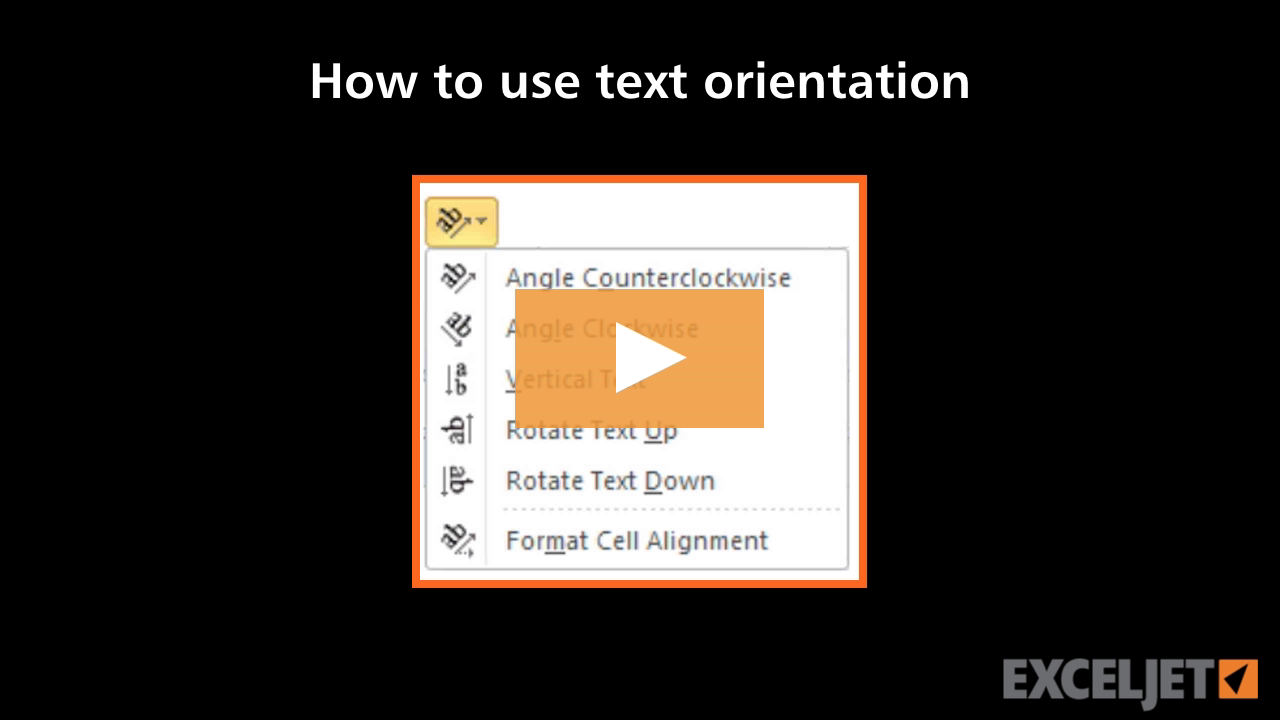
How to use text orientation in Excel
Core Excel
3:08

How to use text orientation in Excel

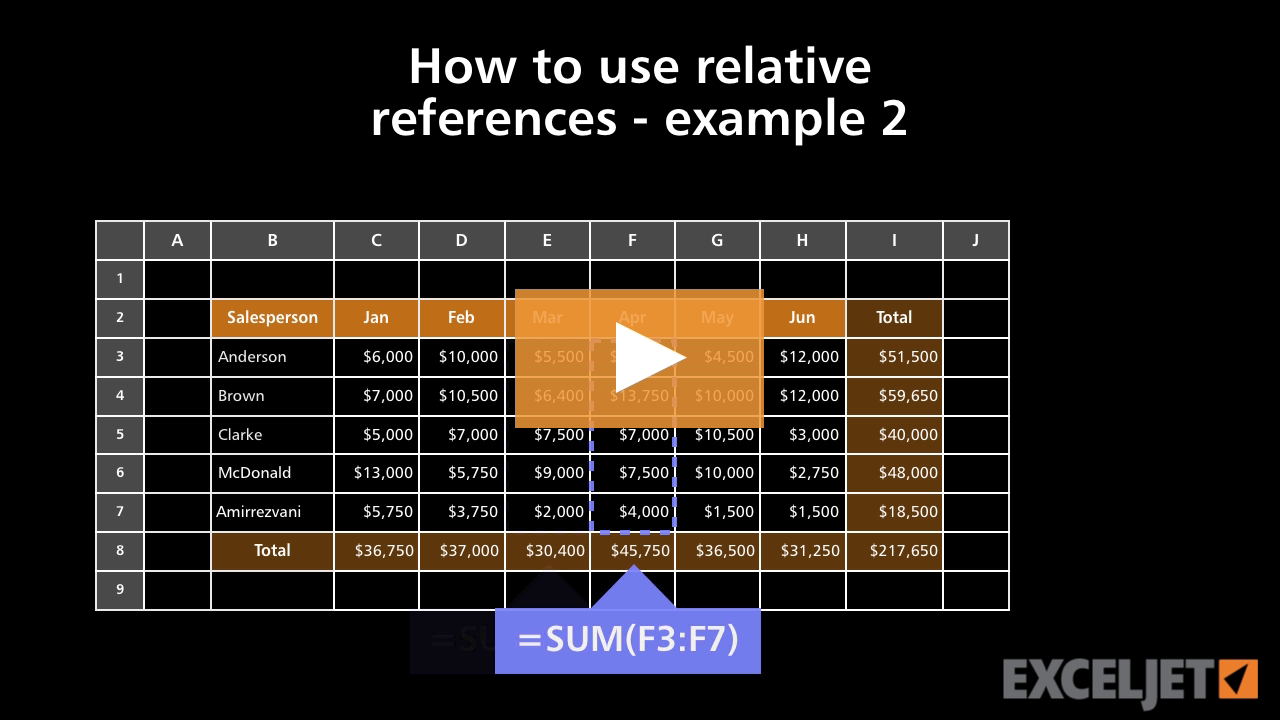
How to use relative references - example 2
Core Excel
2:37

How to use relative references - example 2

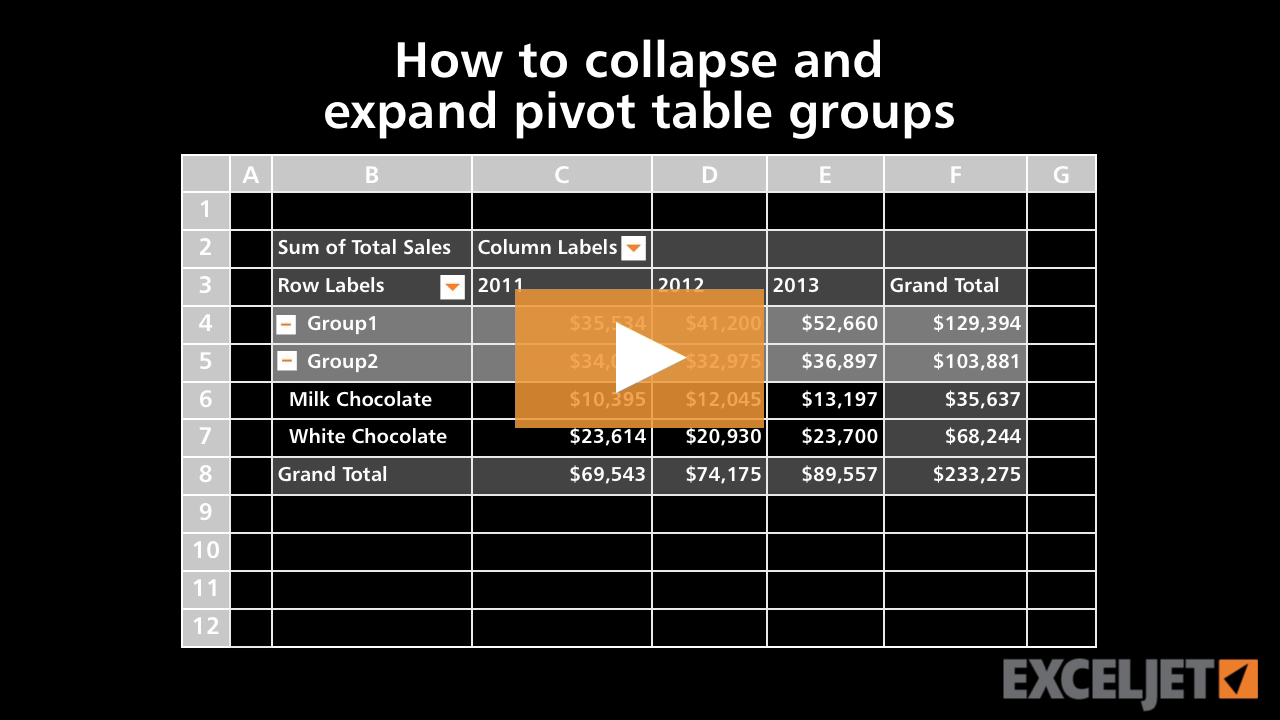
How to collapse and expand pivot table groups
Core Pivot
2:40

How to collapse and expand pivot table groups

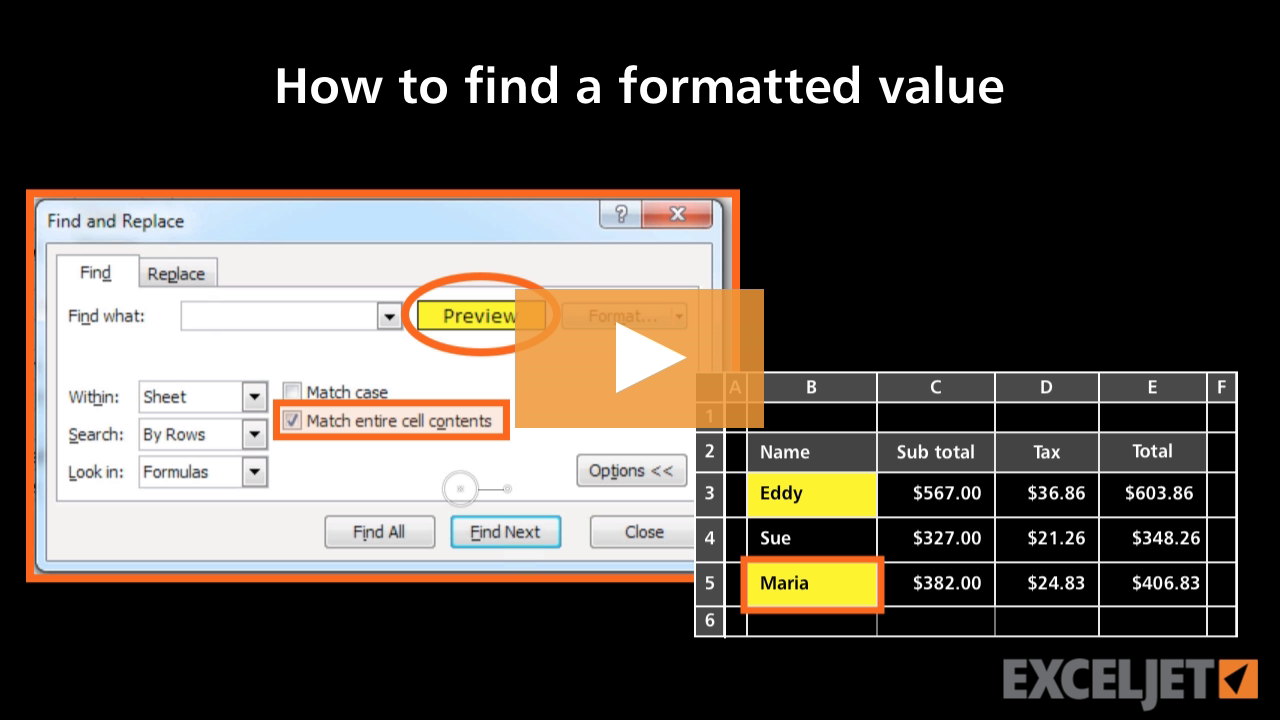
How to find a formatted value in Excel
Core Excel
2:53

How to find a formatted value in Excel

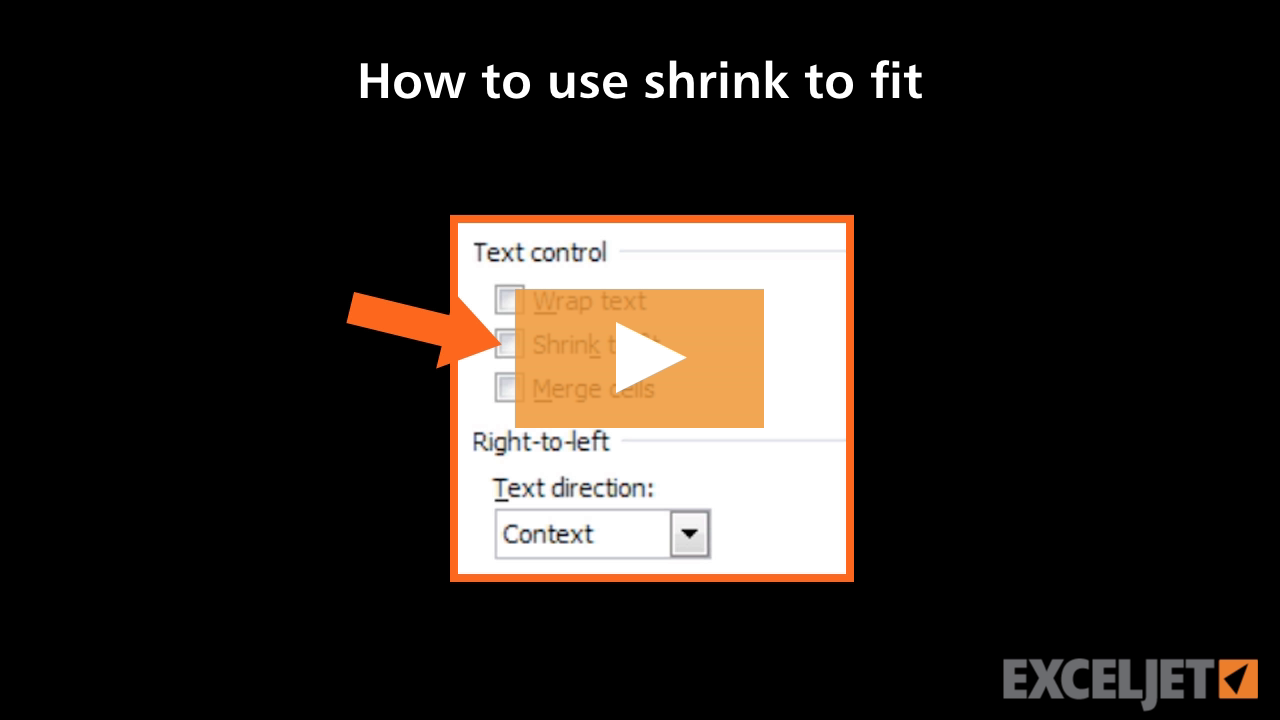
How to use Shrink to fit in Excel
Core Excel
2:42

How to use Shrink to fit in Excel

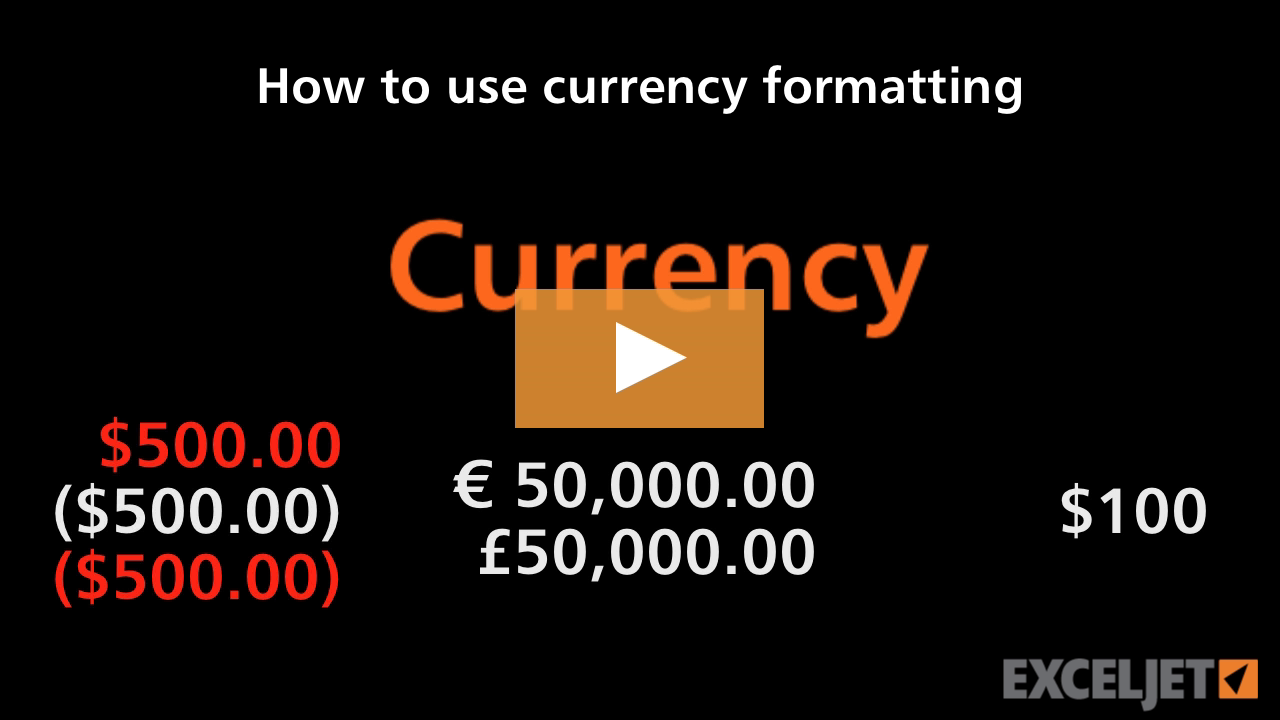
How to use currency formatting in Excel
Core Excel
2:51

How to use currency formatting in Excel

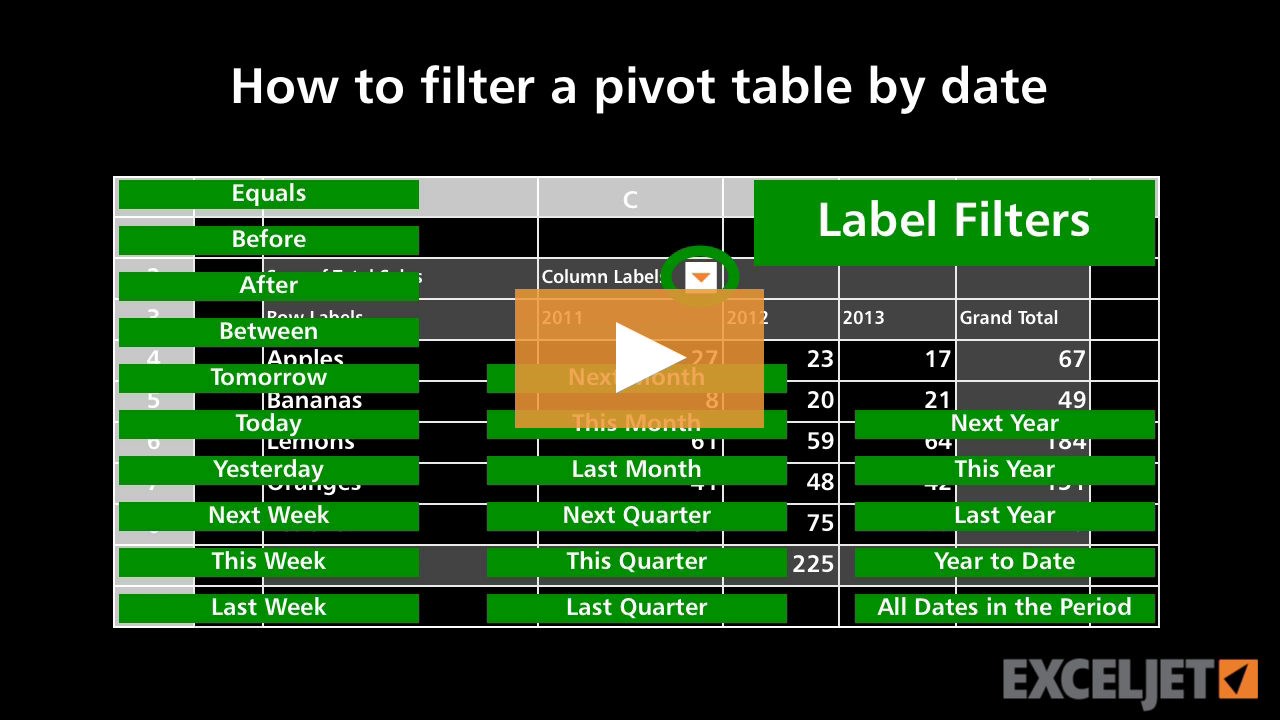
How to filter a pivot table by date
Core Pivot
3:04

How to filter a pivot table by date

How to insert and delete cells in Excel
Core Excel
3:15

How to insert and delete cells in Excel

How to use operators in formulas
Core Formula
3:21

How to use operators in formulas

How to use VLOOKUP to merge tables
3:06

How to use VLOOKUP to merge tables

What is conditional formatting?
Conditional Formatting
2:33

What is conditional formatting?

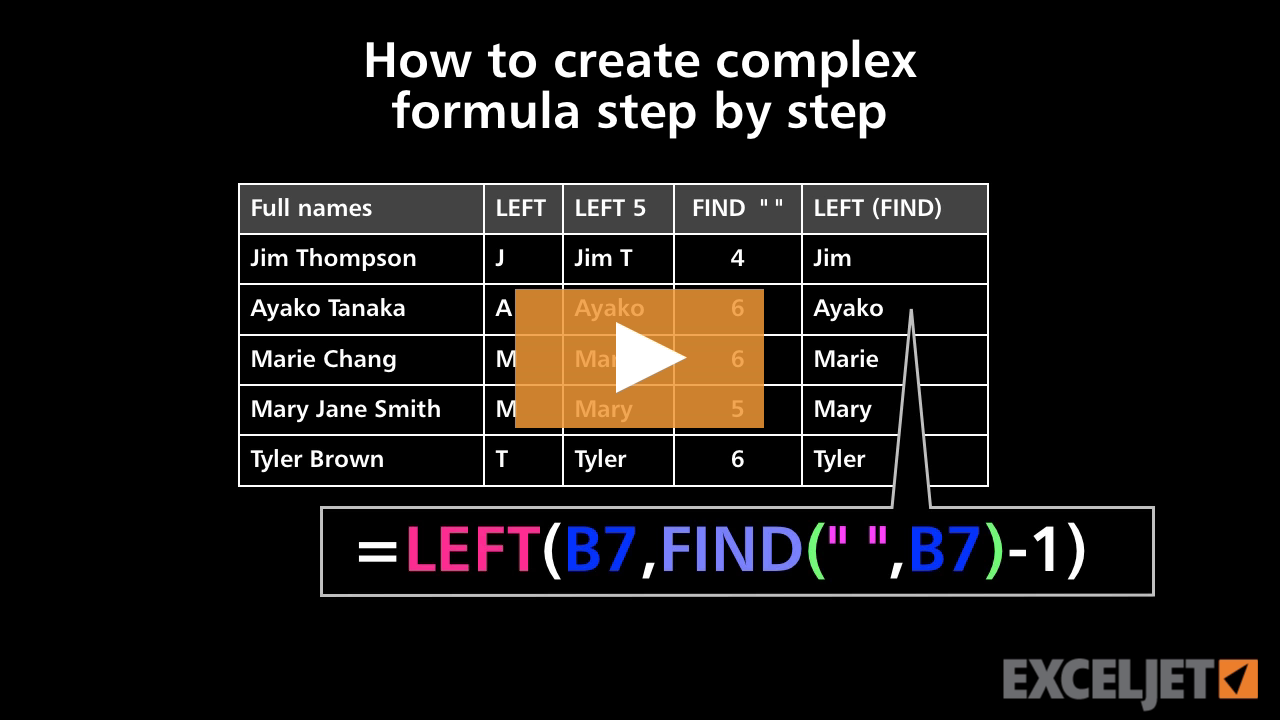
How to create a complex formula step by step
Core Formula
3:07

How to create a complex formula step by step

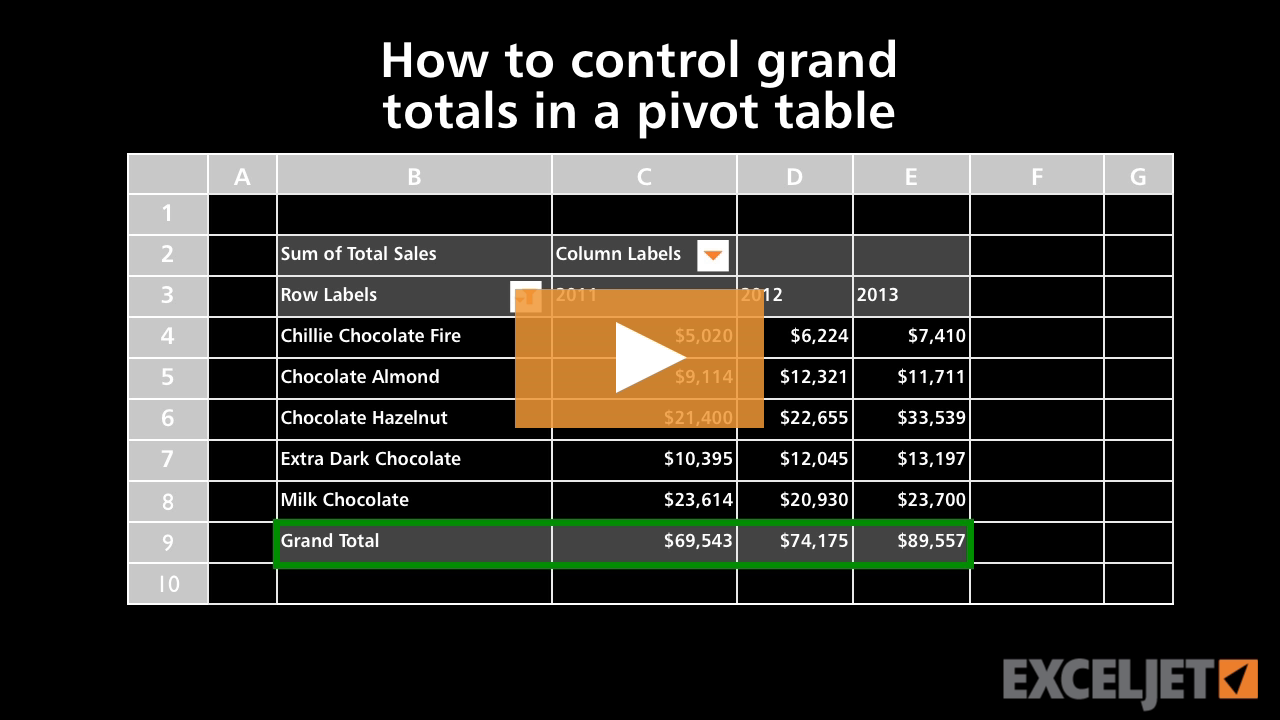
How to control grand totals in a pivot table
Core Pivot
1:53

How to control grand totals in a pivot table

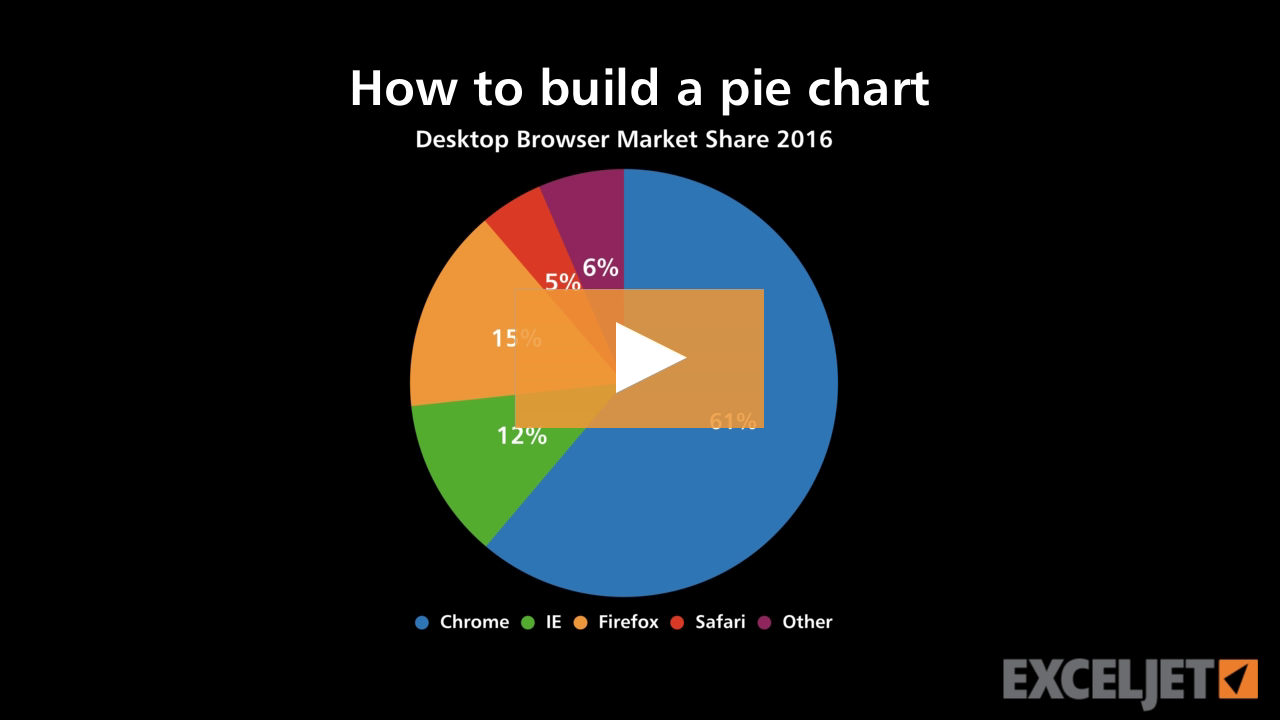
How to build a pie chart
Core Charts
3:04

How to build a pie chart

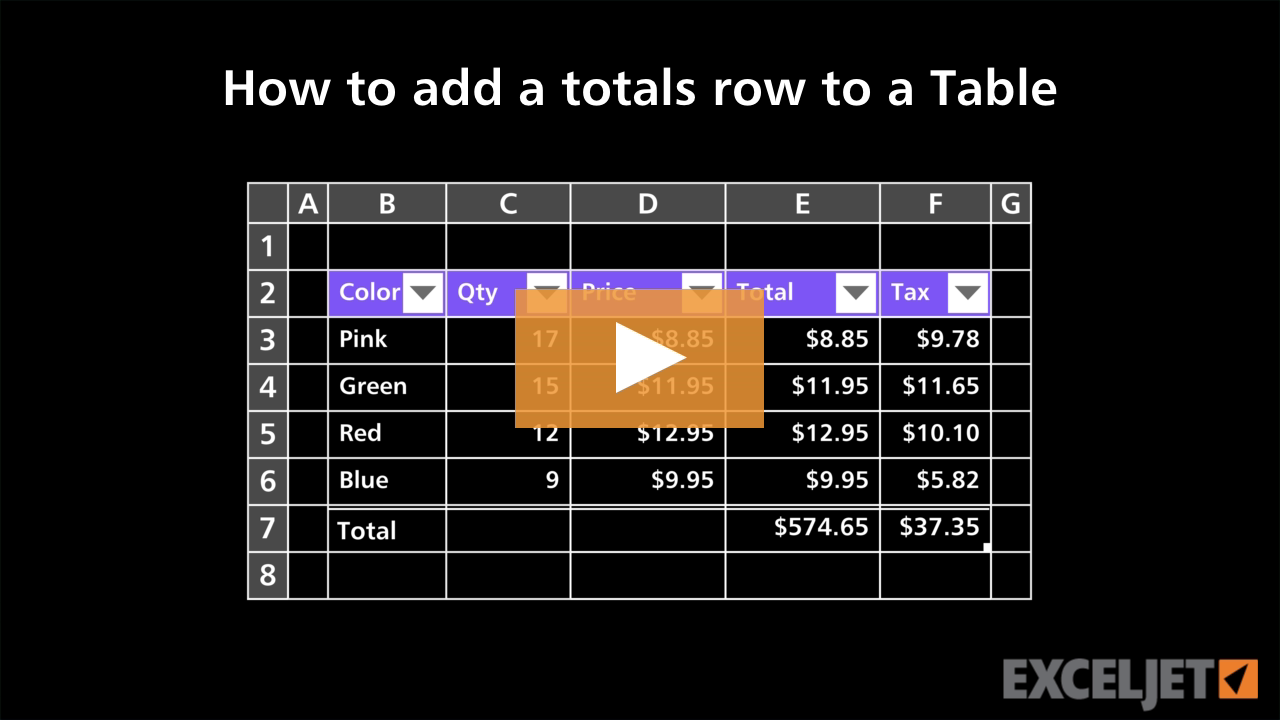
How to add a totals row to a Table
Excel Tables
2:44

How to add a totals row to a Table

New dynamic array functions in Excel
Dynamic Array Formulas
3:38

New dynamic array functions in Excel

How to apply horizontal alignment in Excel
Core Excel
2:39

How to apply horizontal alignment in Excel

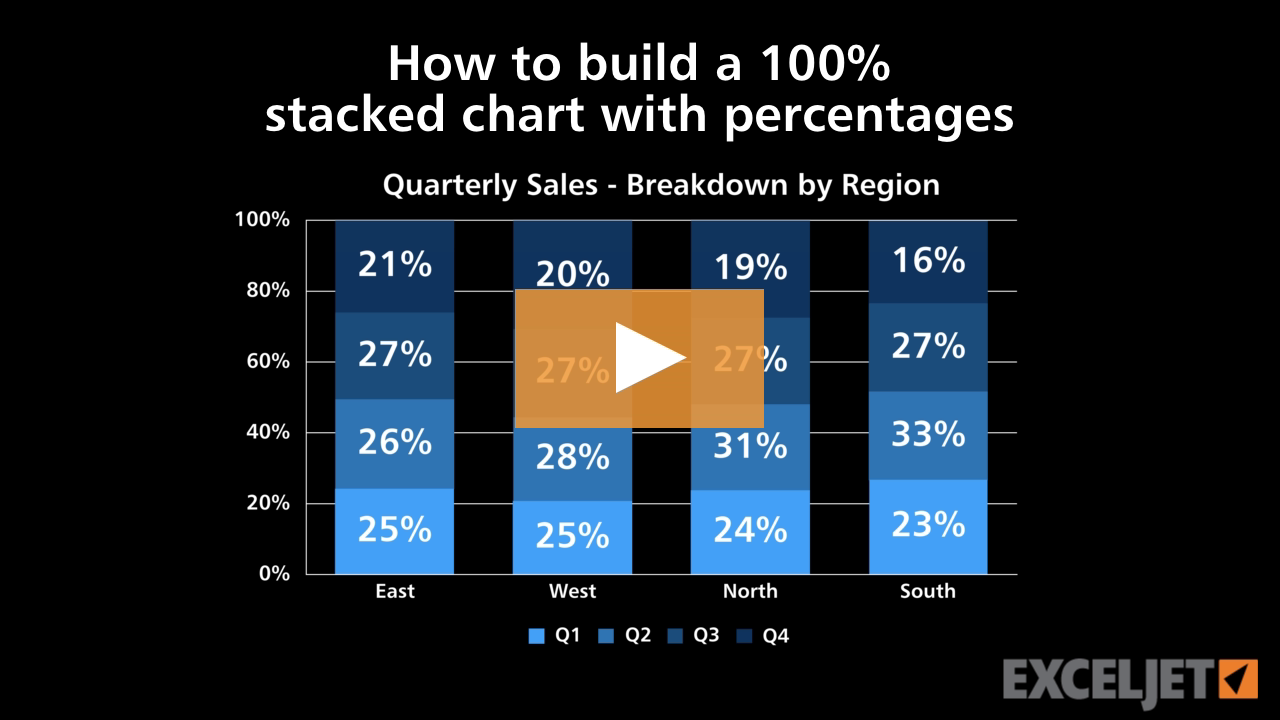
How to build a 100% stacked chart with percentages
Core Charts
2:47

How to build a 100% stacked chart with percentages

How to use special formatting in Excel
Core Excel
2:58

How to use special formatting in Excel

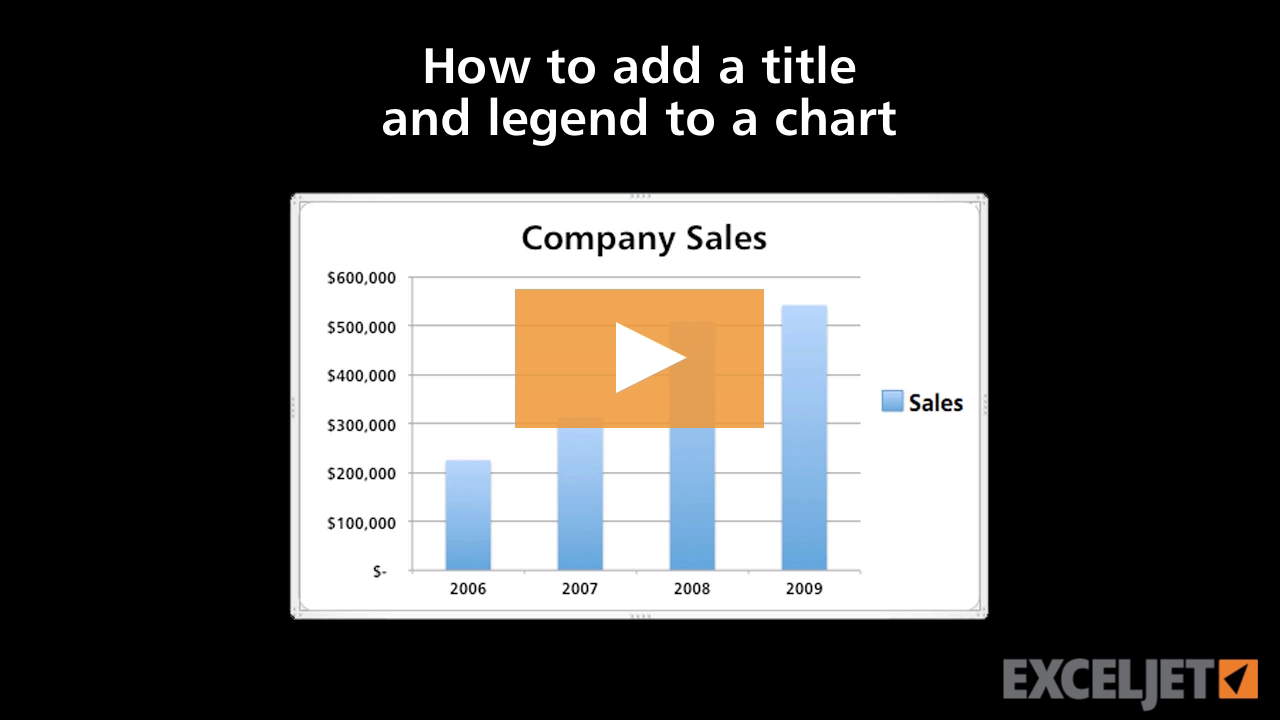
How to add a title and legend to a chart
Core Excel
3:00

How to add a title and legend to a chart

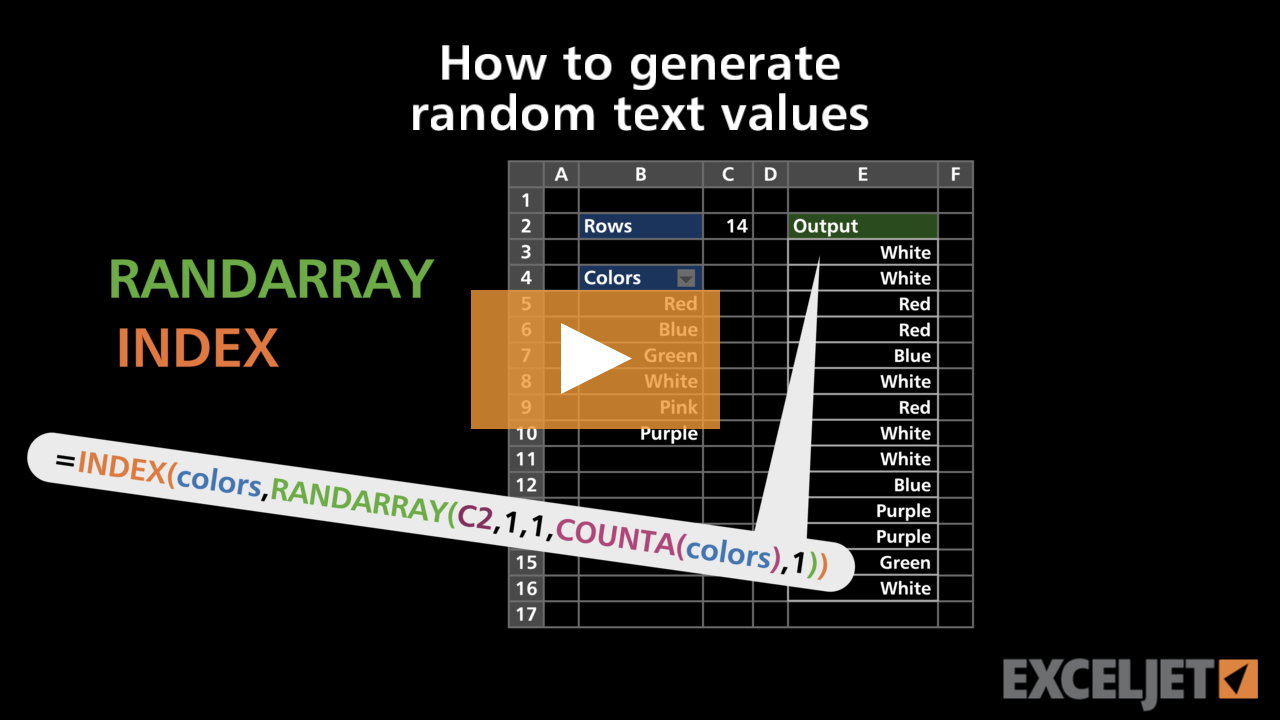
How to generate random text values
Dynamic Array Formulas
2:58

How to generate random text values

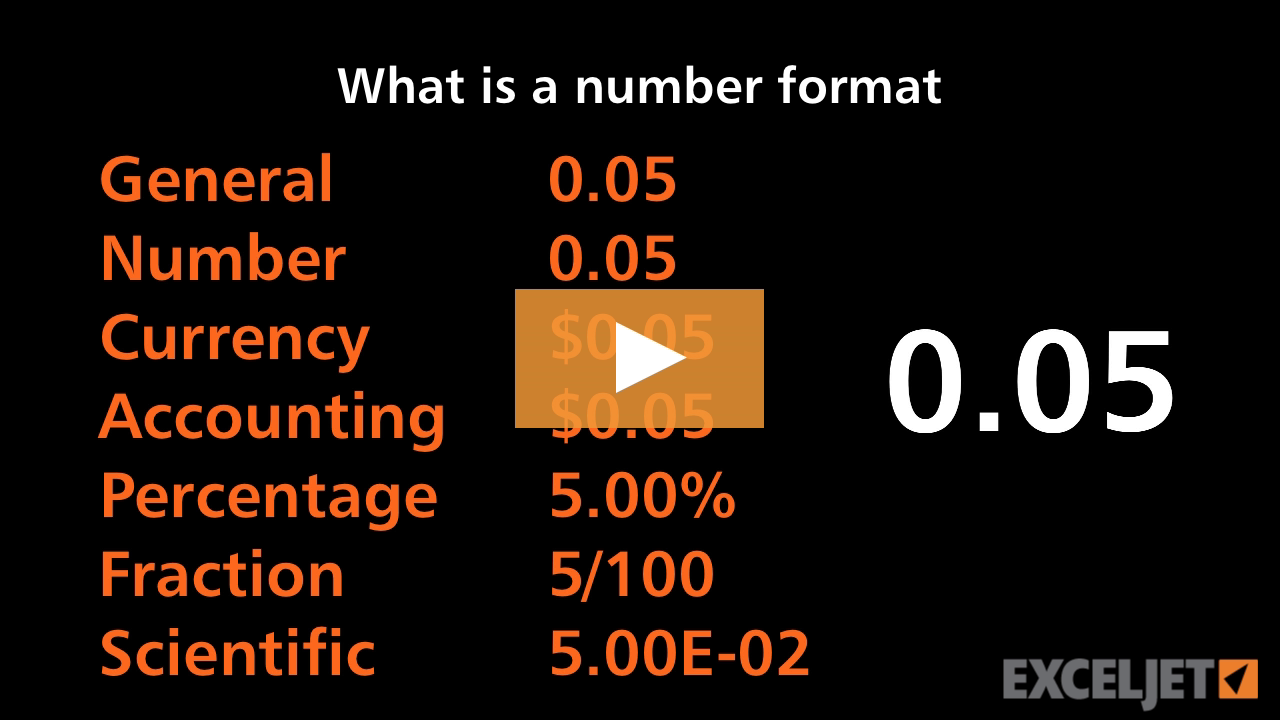
What is a number format in Excel?
Core Excel
3:21

What is a number format in Excel?

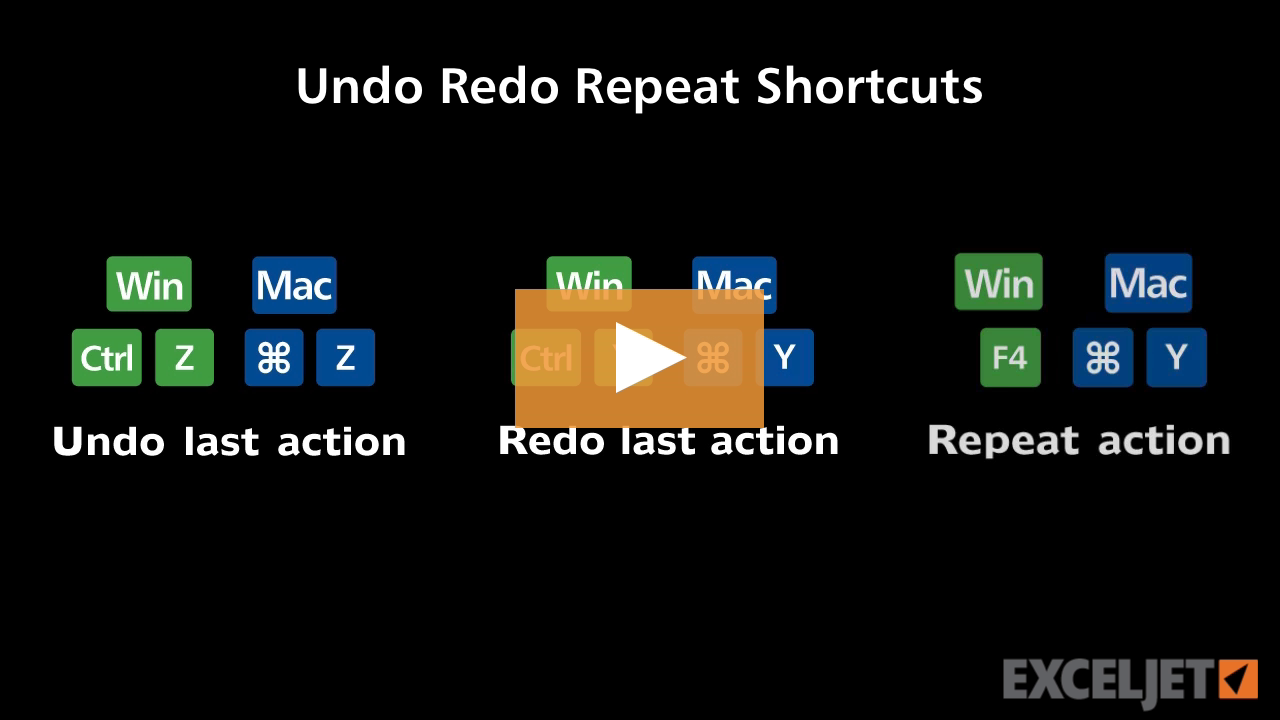
Shortcuts to undo, redo and repeat
Excel Shortcuts
3:22

Shortcuts to undo, redo and repeat

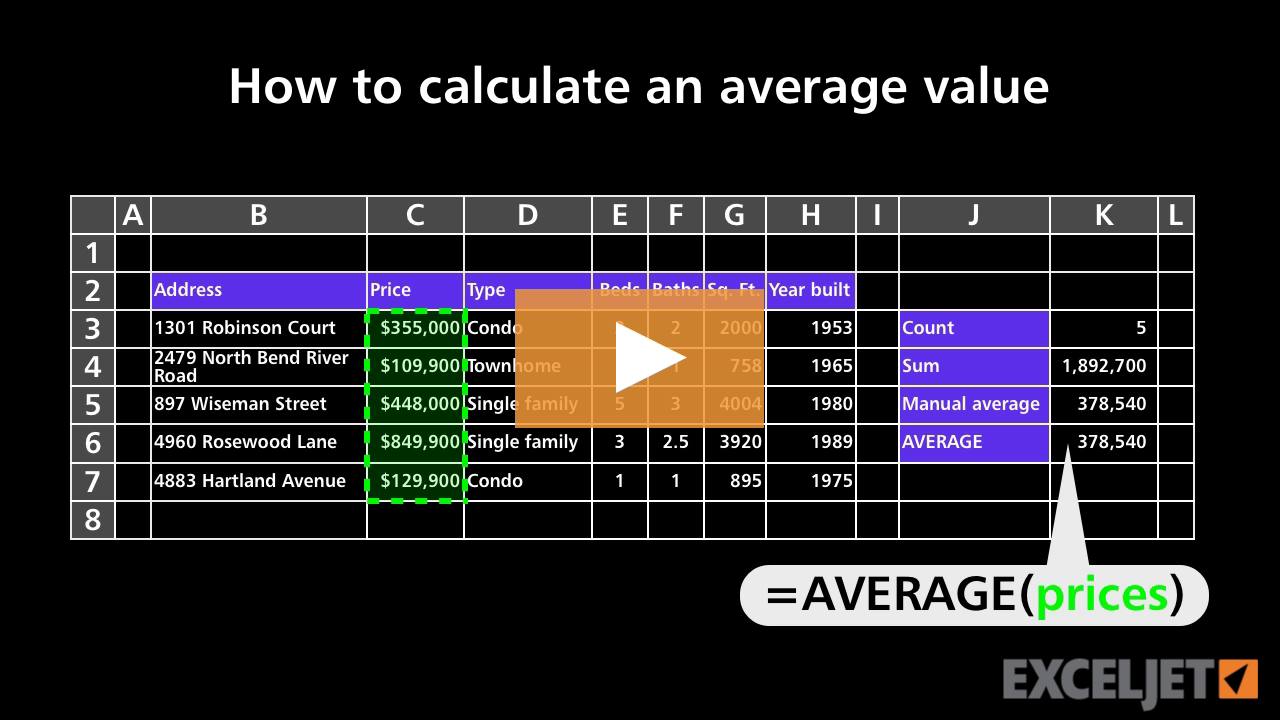
How to calculate an average value
Core Formula
2:31

How to calculate an average value

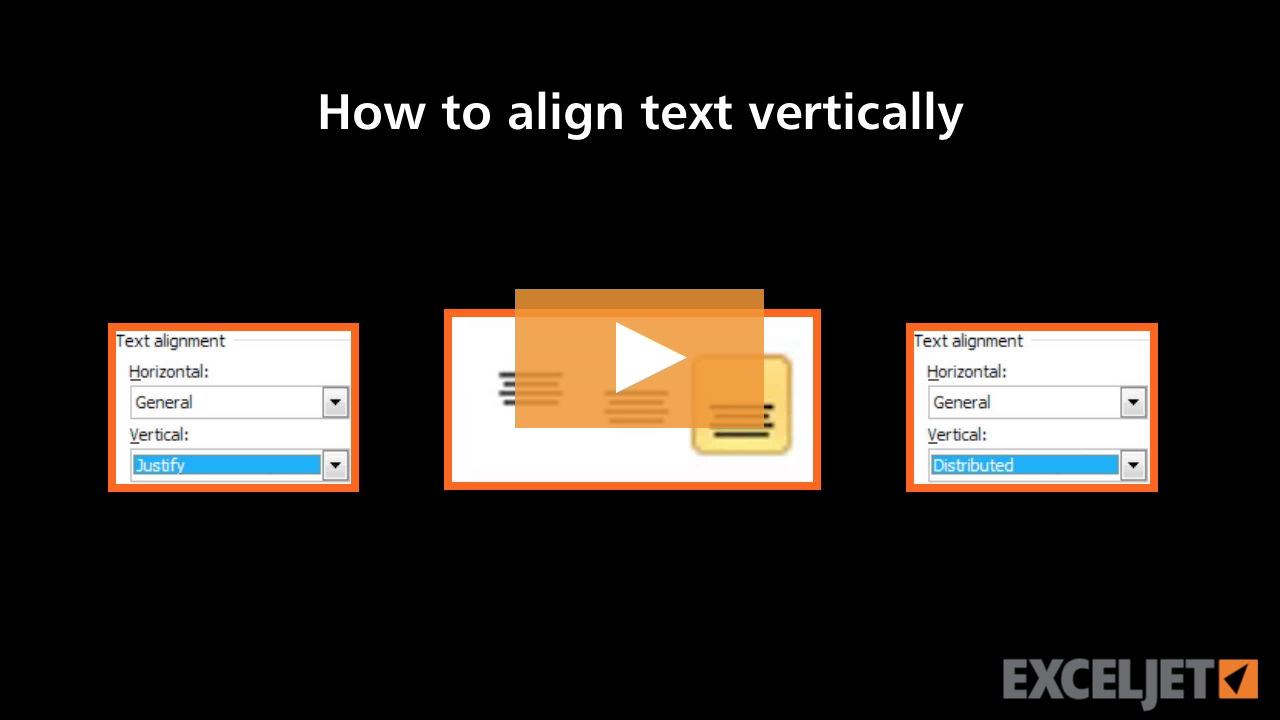
How to align text vertically in Excel
Core Excel
3:08

How to align text vertically in Excel

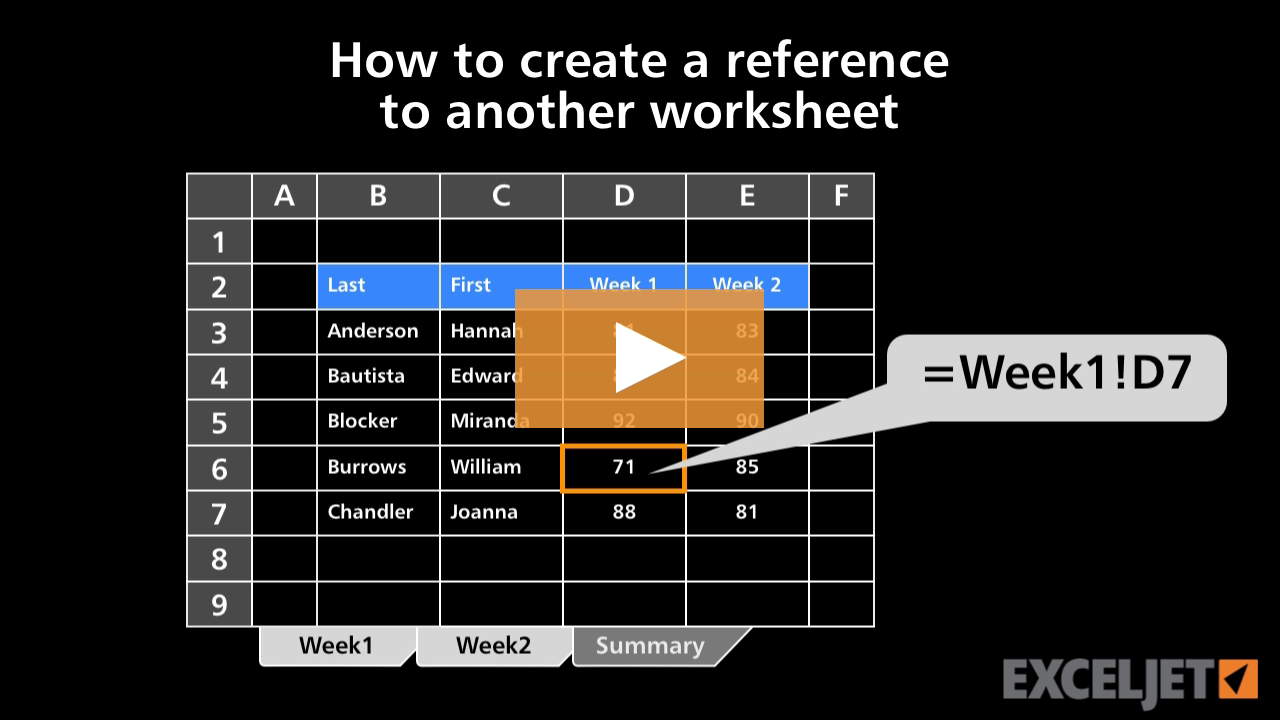
How to create a reference to another worksheet
Core Formula
2:55

How to create a reference to another worksheet

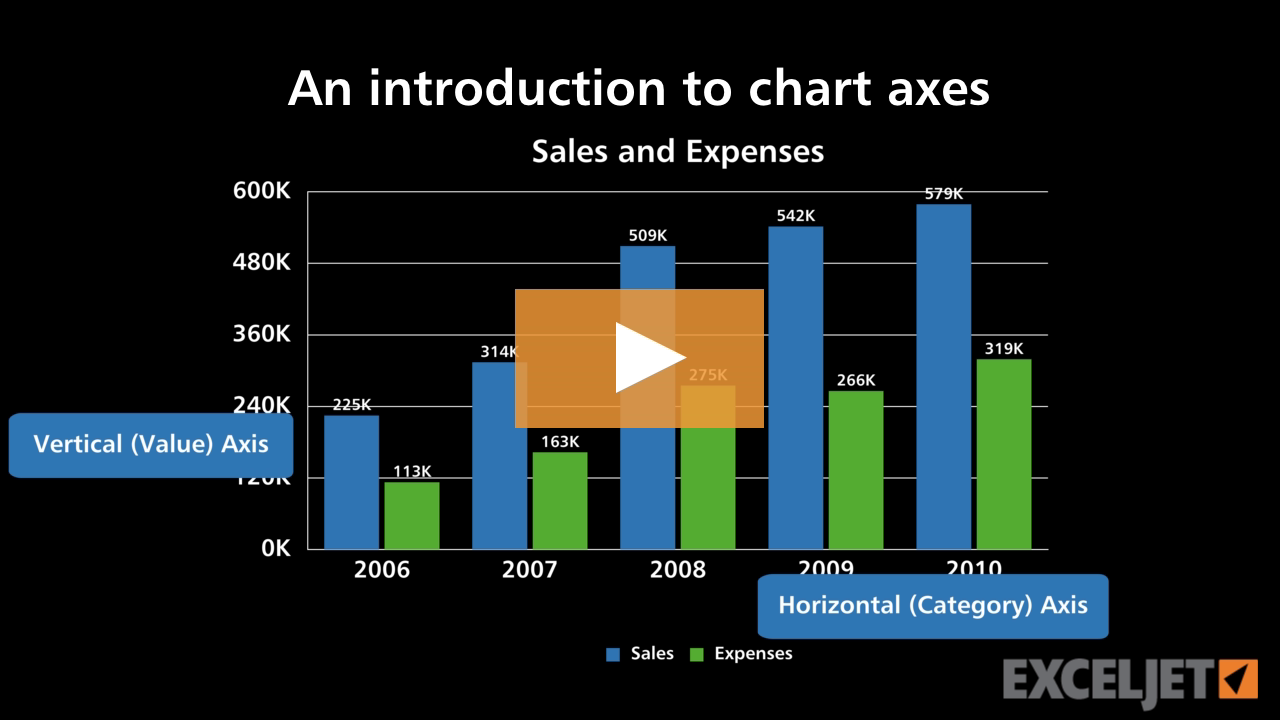
An introduction to chart axes
Core Charts
3:23

An introduction to chart axes

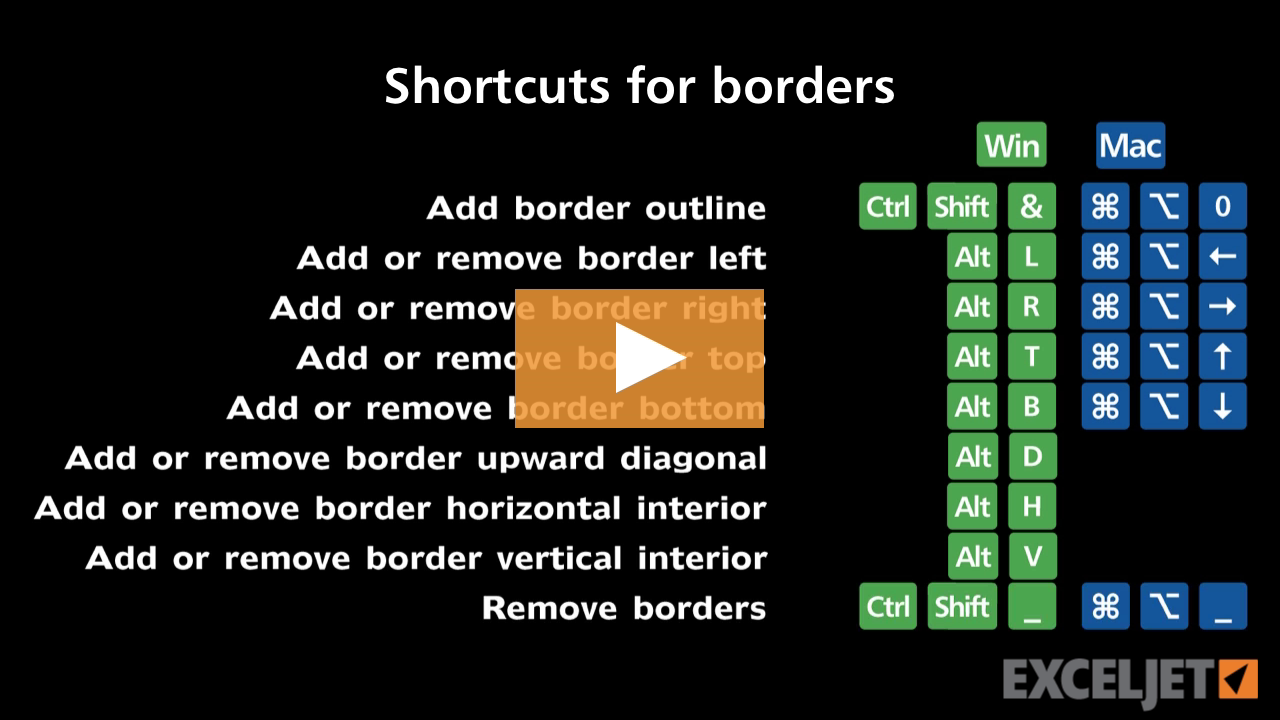
Shortcuts for borders
Excel Shortcuts
3:15

Shortcuts for borders

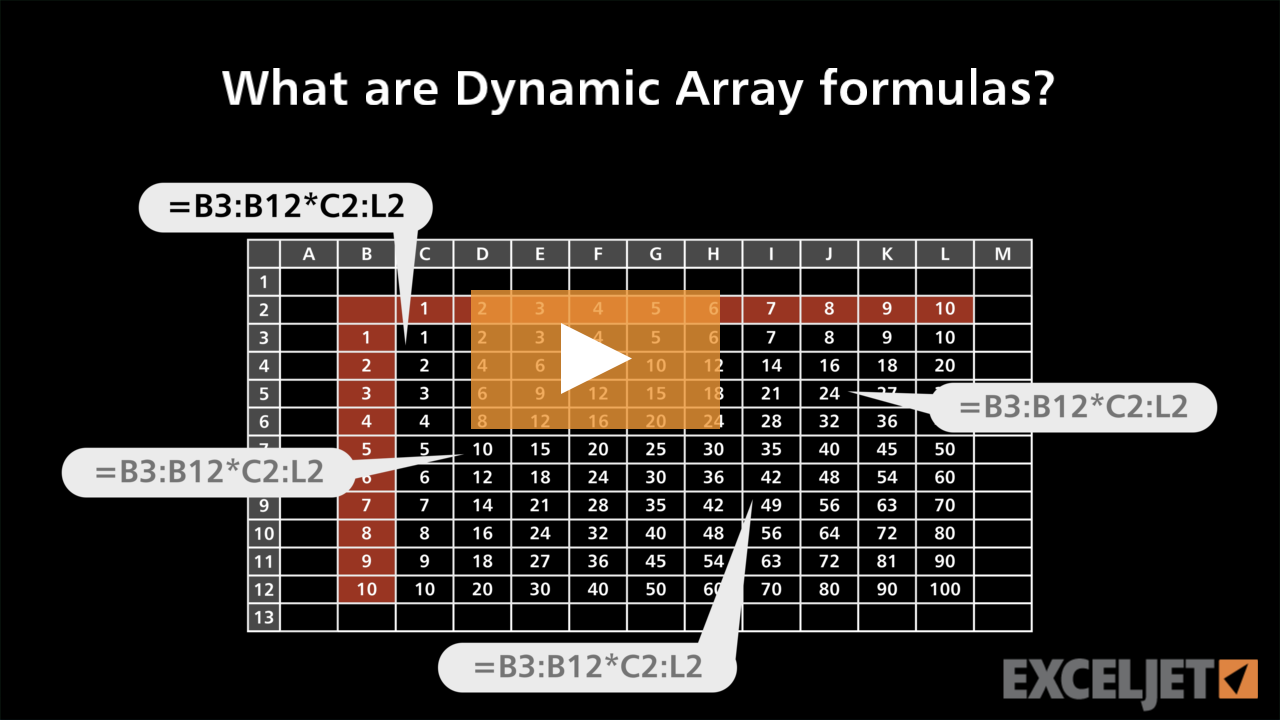
What are Dynamic Array formulas?
Dynamic Array Formulas
3:14

What are Dynamic Array formulas?

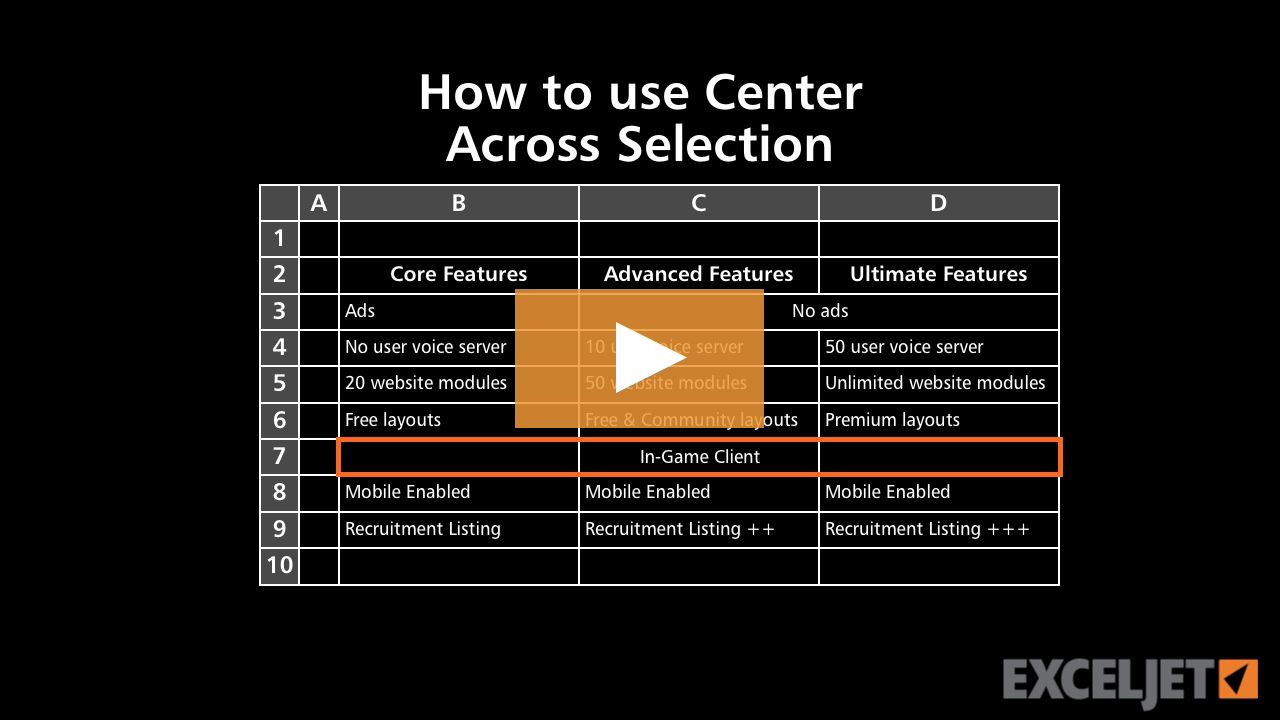
How to use Center Across Selection in Excel
Core Excel
2:54

How to use Center Across Selection in Excel

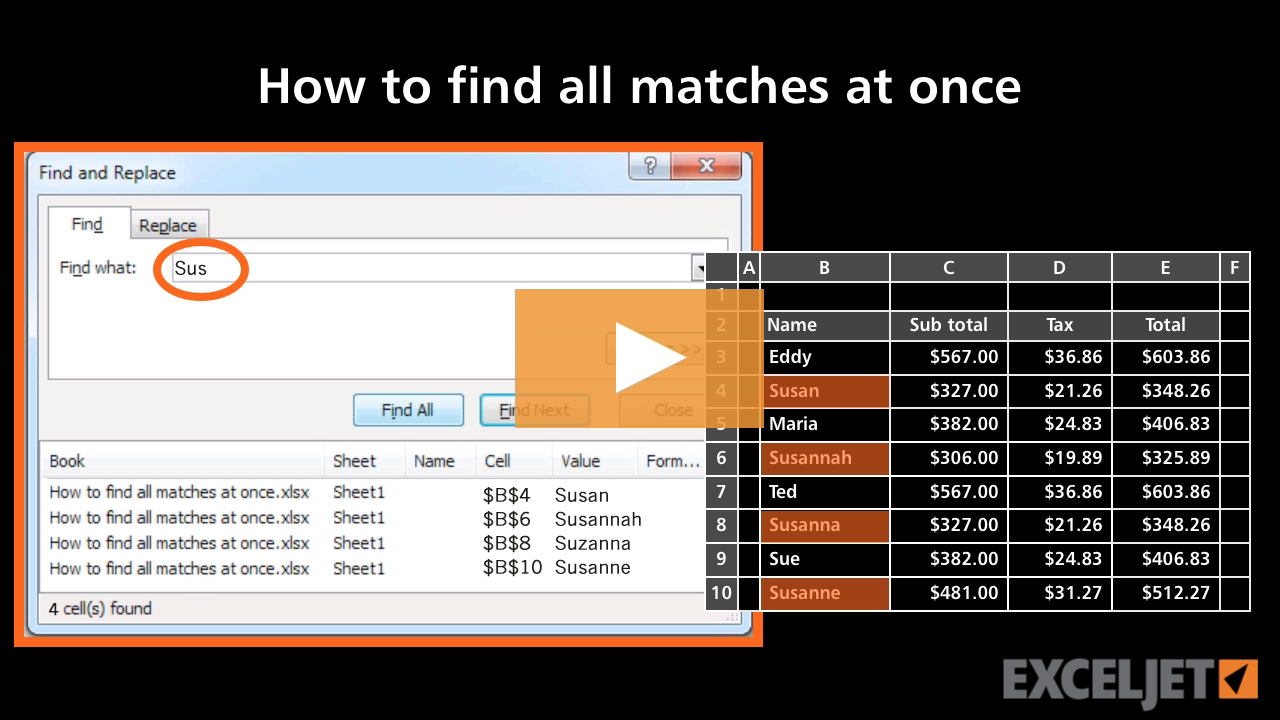
How to find all matches at once in Excel
Core Excel
2:43

How to find all matches at once in Excel

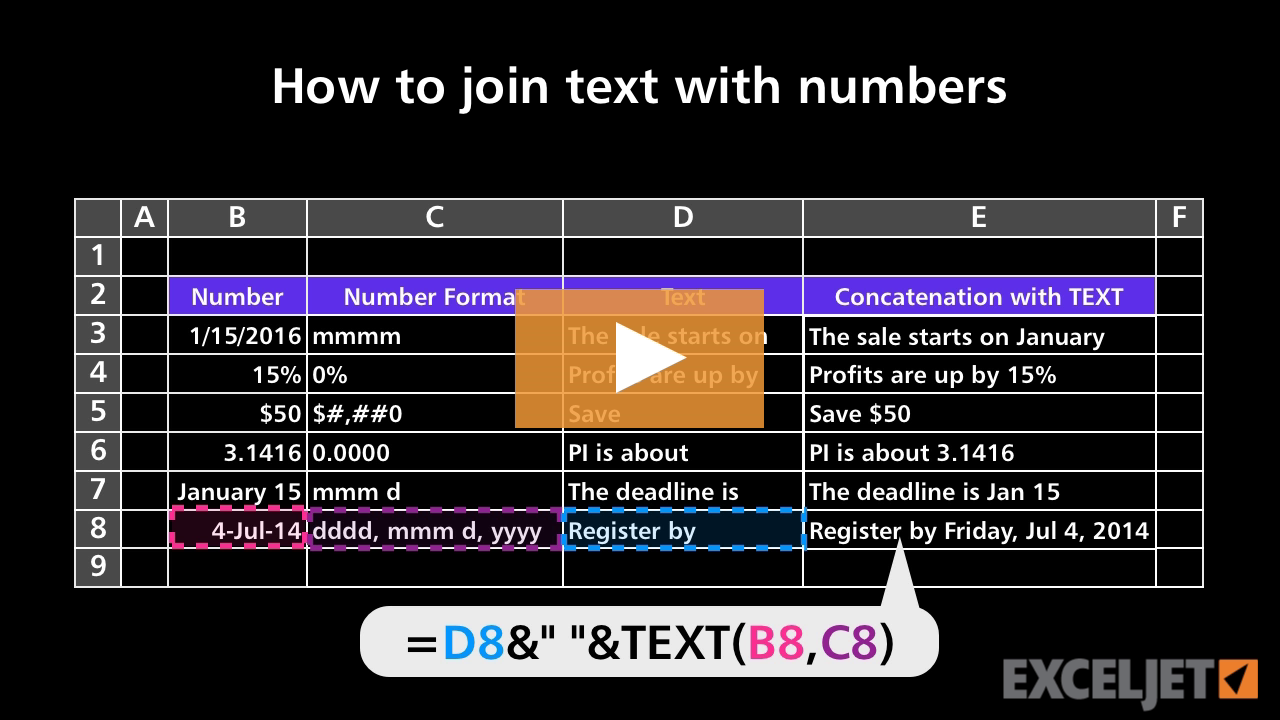
How to join text with numbers
Core Formula
3:09

How to join text with numbers

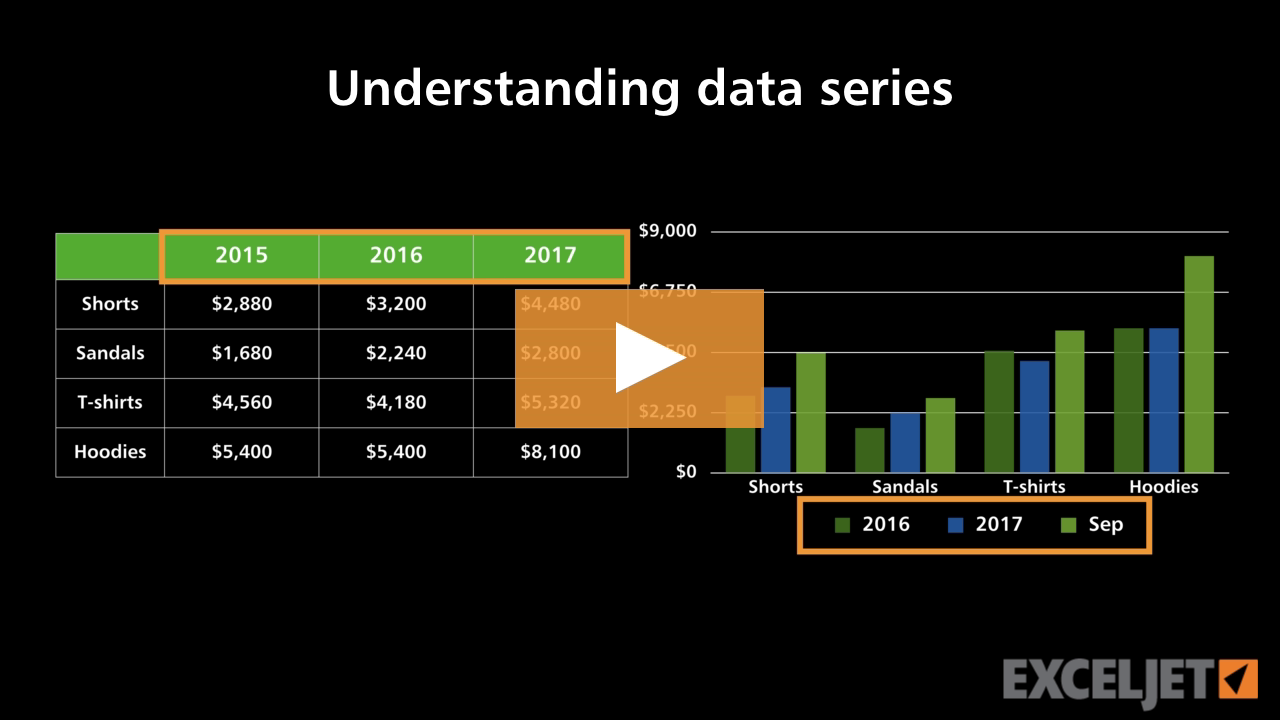
Understanding data series
Core Charts
2:46

Understanding data series

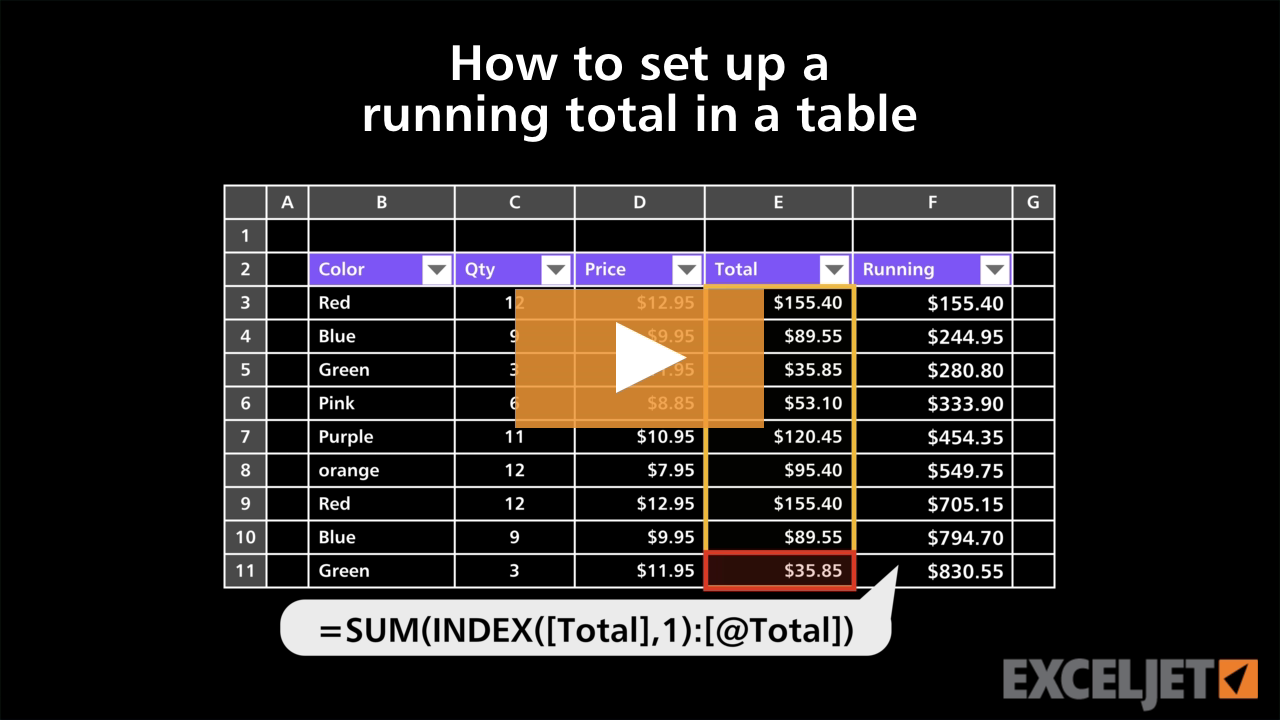
How to set up a running total in a table
Excel Tables
3:44

How to set up a running total in a table

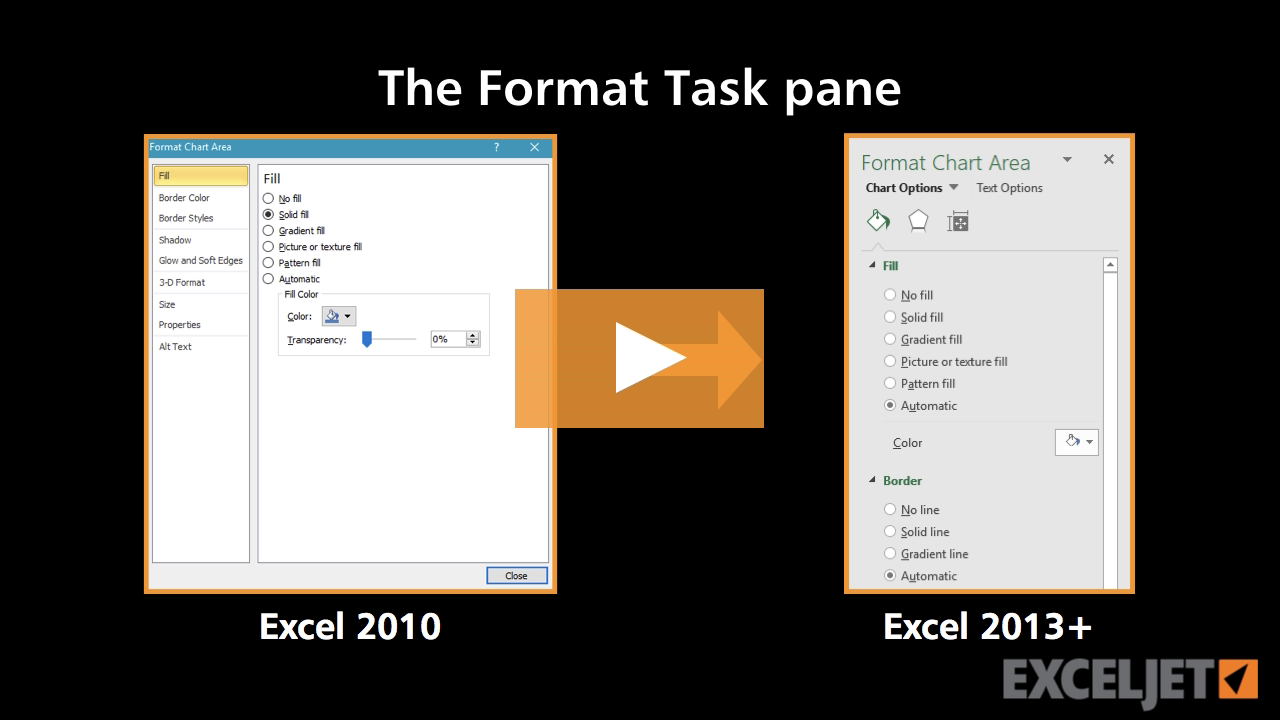
The Format Task pane
Core Charts
3:04

The Format Task pane

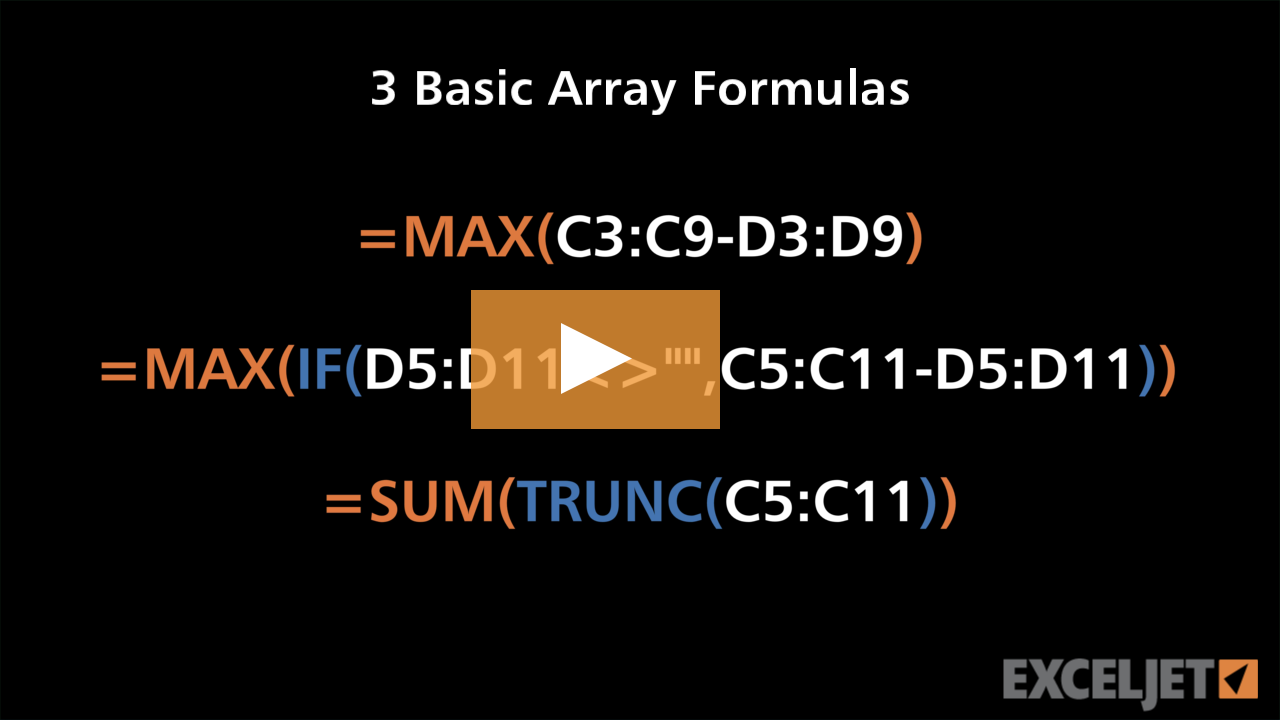
3 basic array formulas
Dynamic Array Formulas
2:55

3 basic array formulas

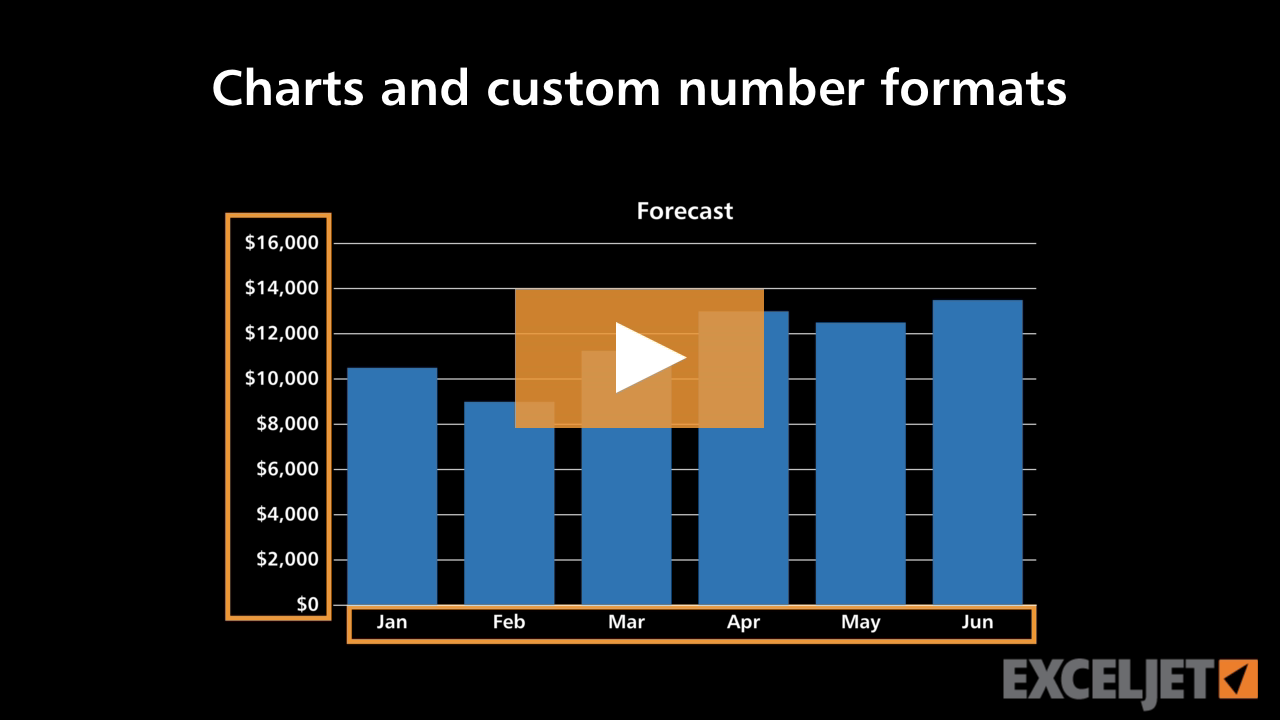
Charts and custom number formats
Core Charts
3:13

Charts and custom number formats

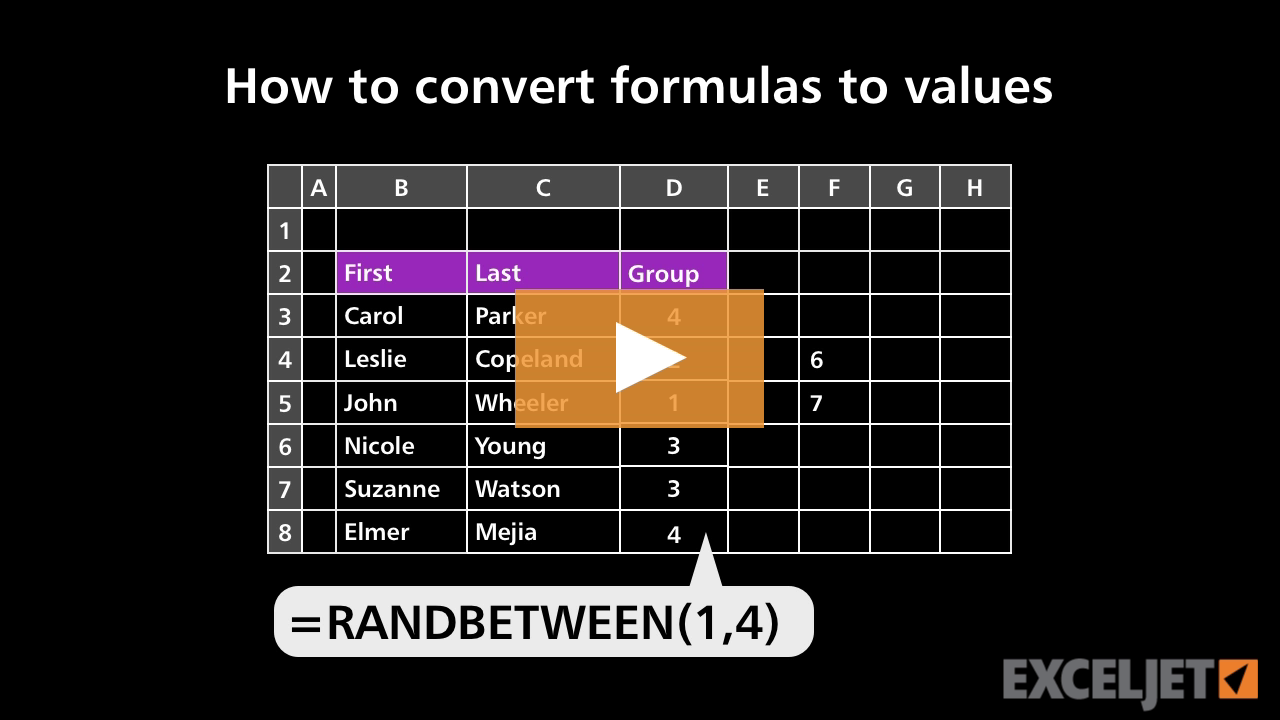
How to convert formulas to values
Core Formula
2:14

How to convert formulas to values

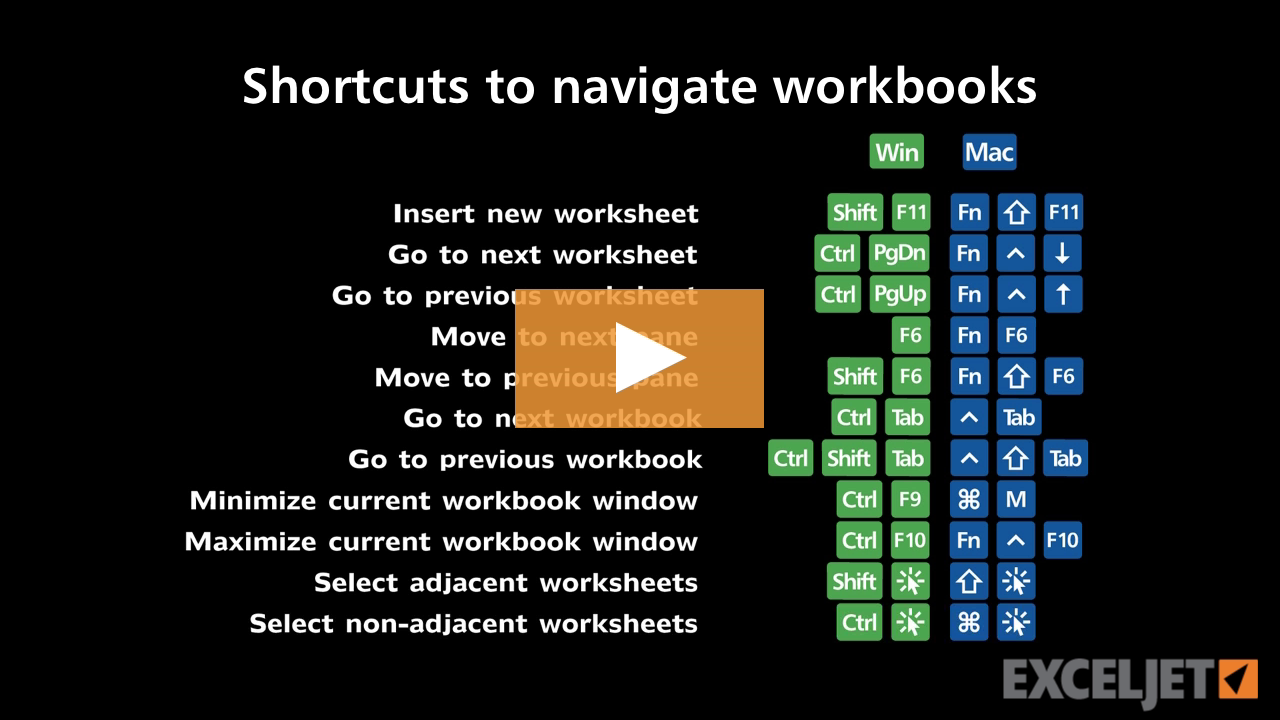
Shortcuts to navigate workbooks
Excel Shortcuts
3:36

Shortcuts to navigate workbooks

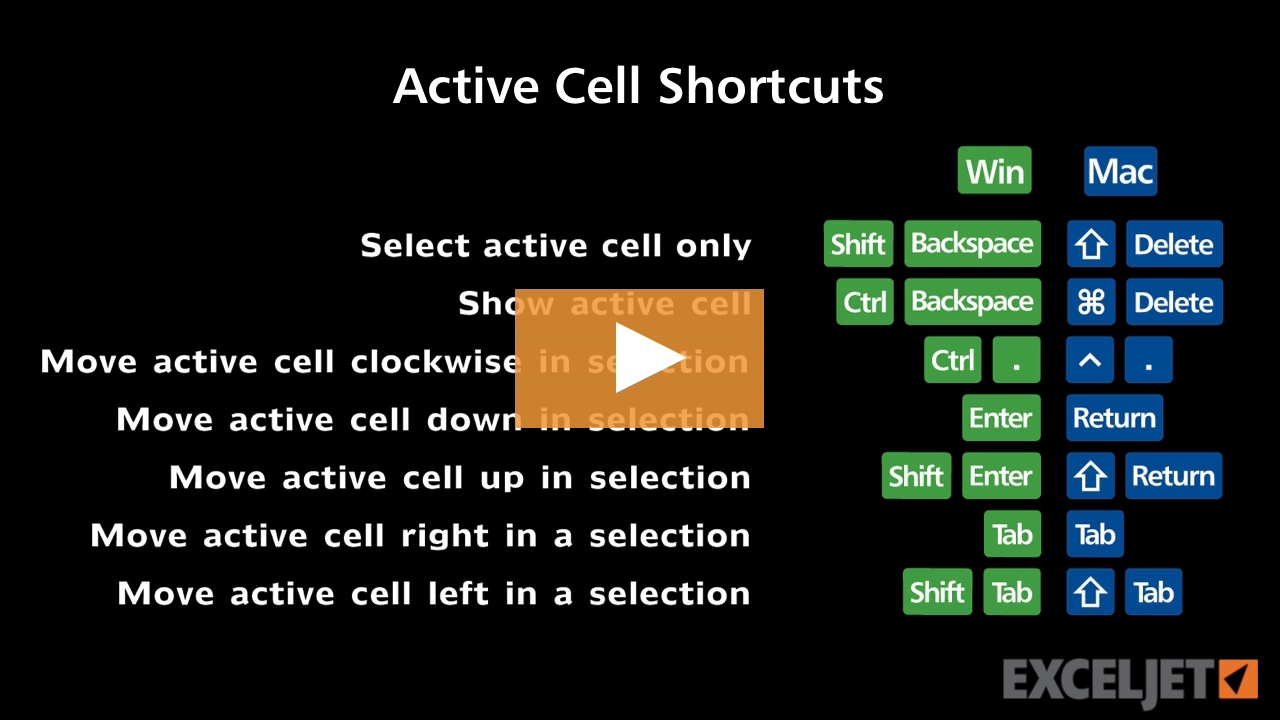
Shortcuts to move the active cell
Excel Shortcuts
3:03

Shortcuts to move the active cell

How to save a workbook
Core Excel
2:16

How to save a workbook

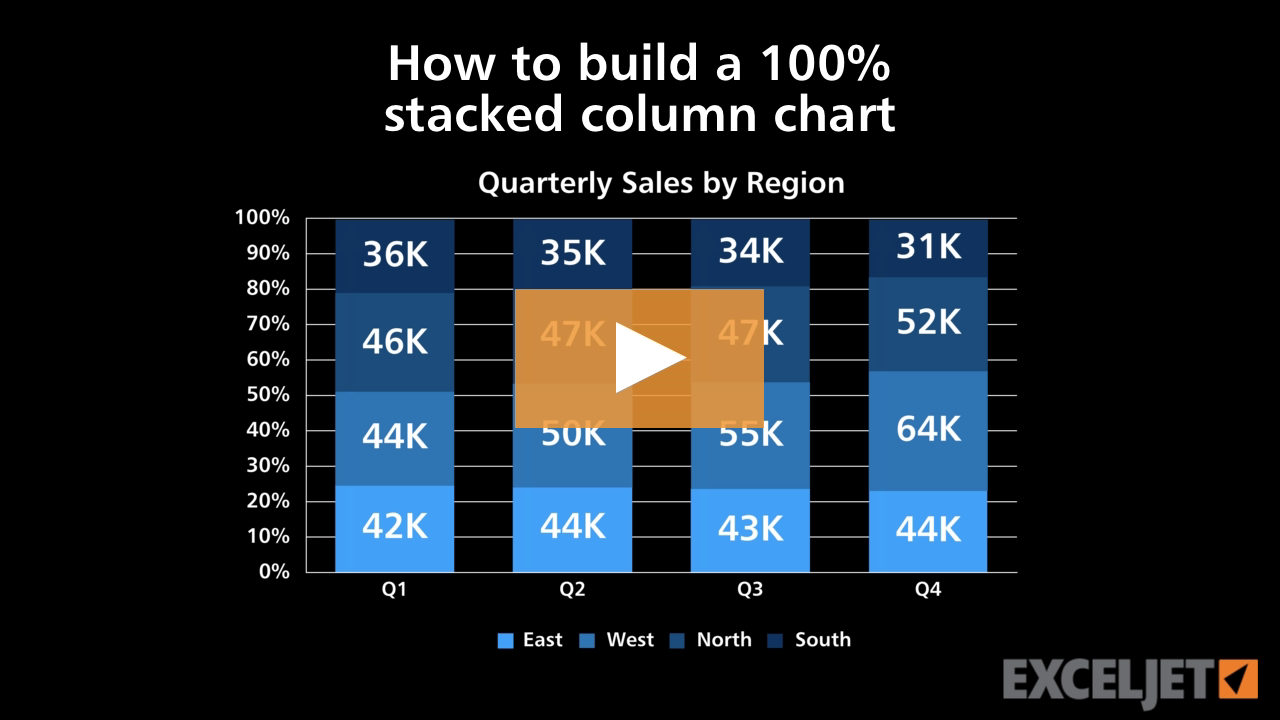
How to build a 100% stacked column chart
Core Charts
2:48

How to build a 100% stacked column chart

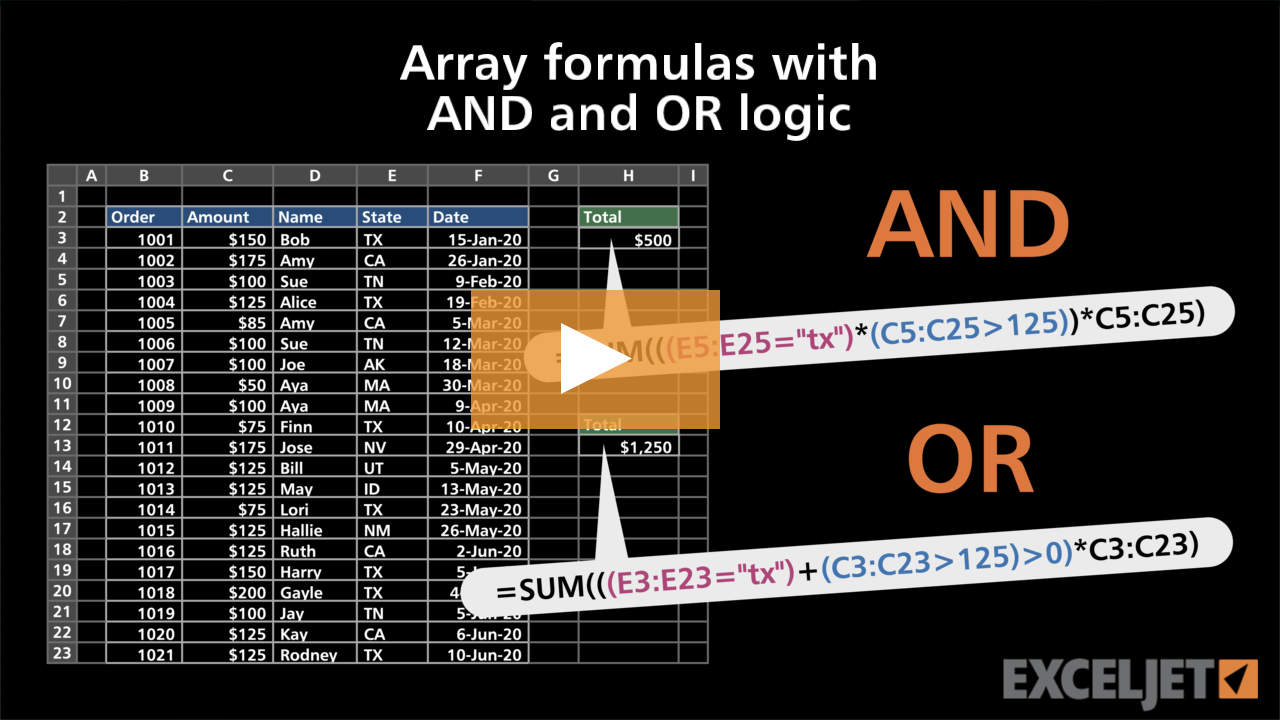
Array formulas with AND and OR logic
Dynamic Array Formulas
3:36

Array formulas with AND and OR logic

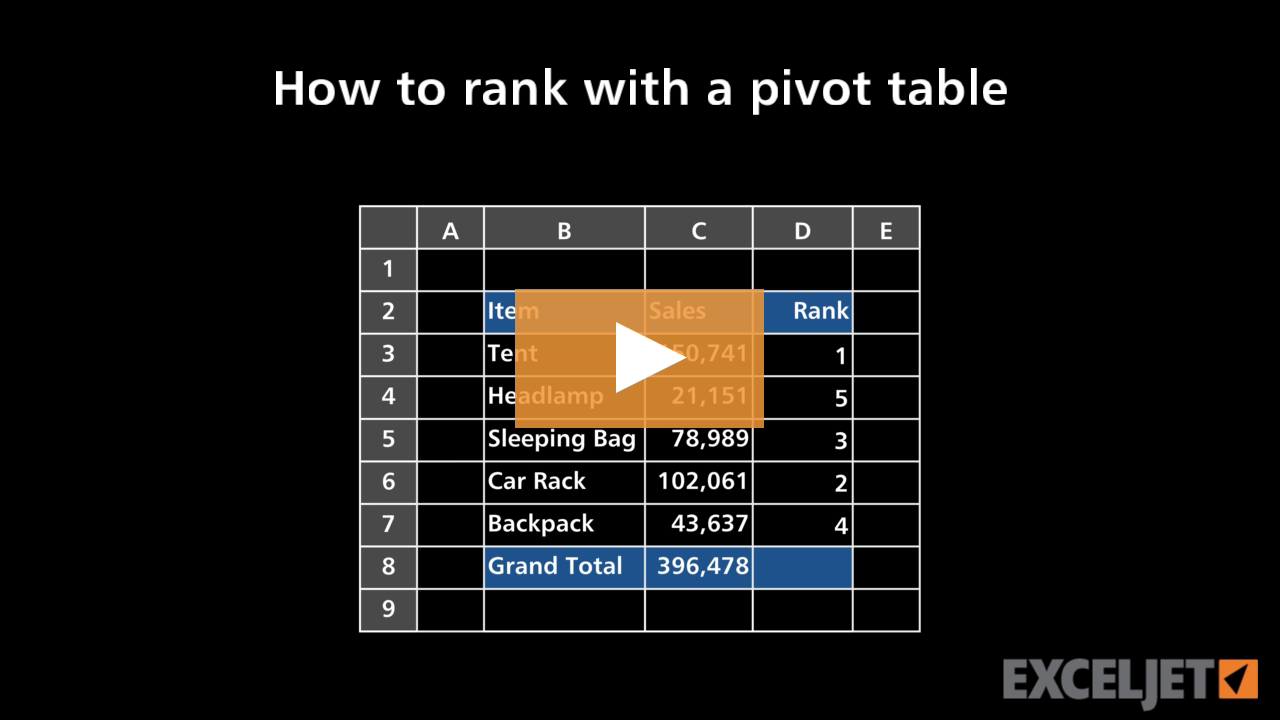
How to rank with a pivot table
Core Pivot
3:09

How to rank with a pivot table

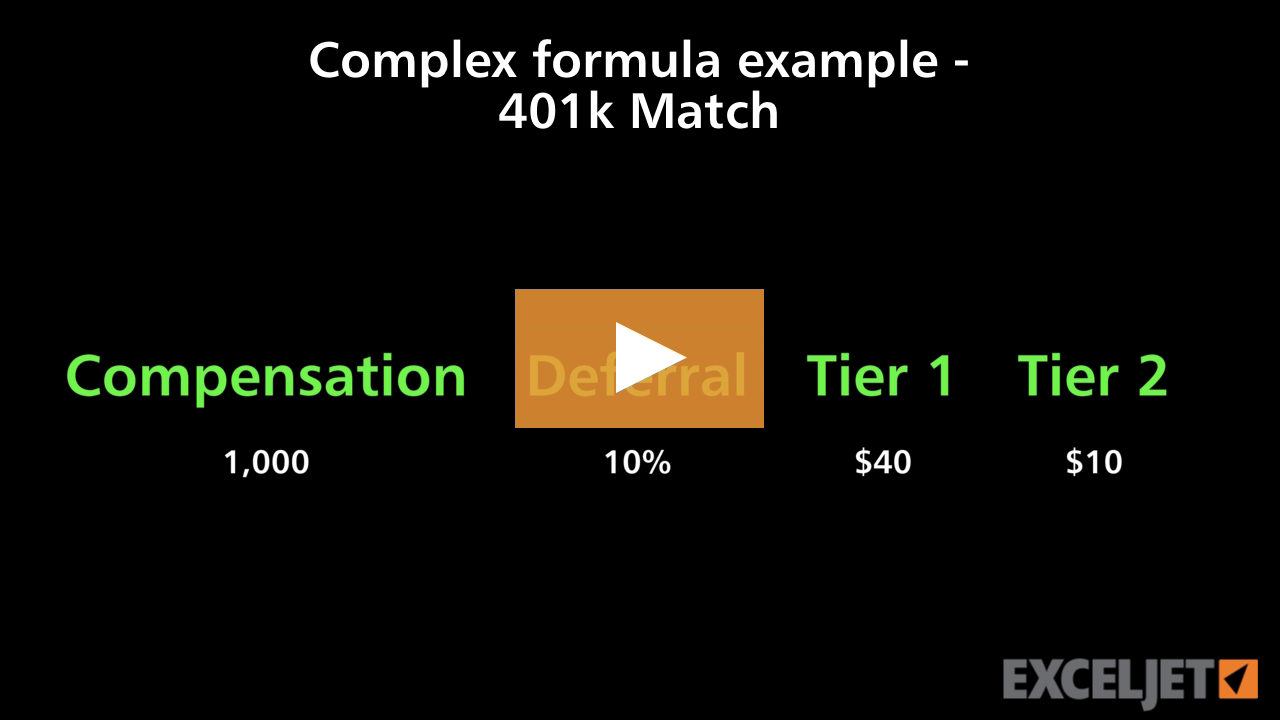
Complex formula example 401k Match
Core Formula
3:17

Complex formula example 401k Match

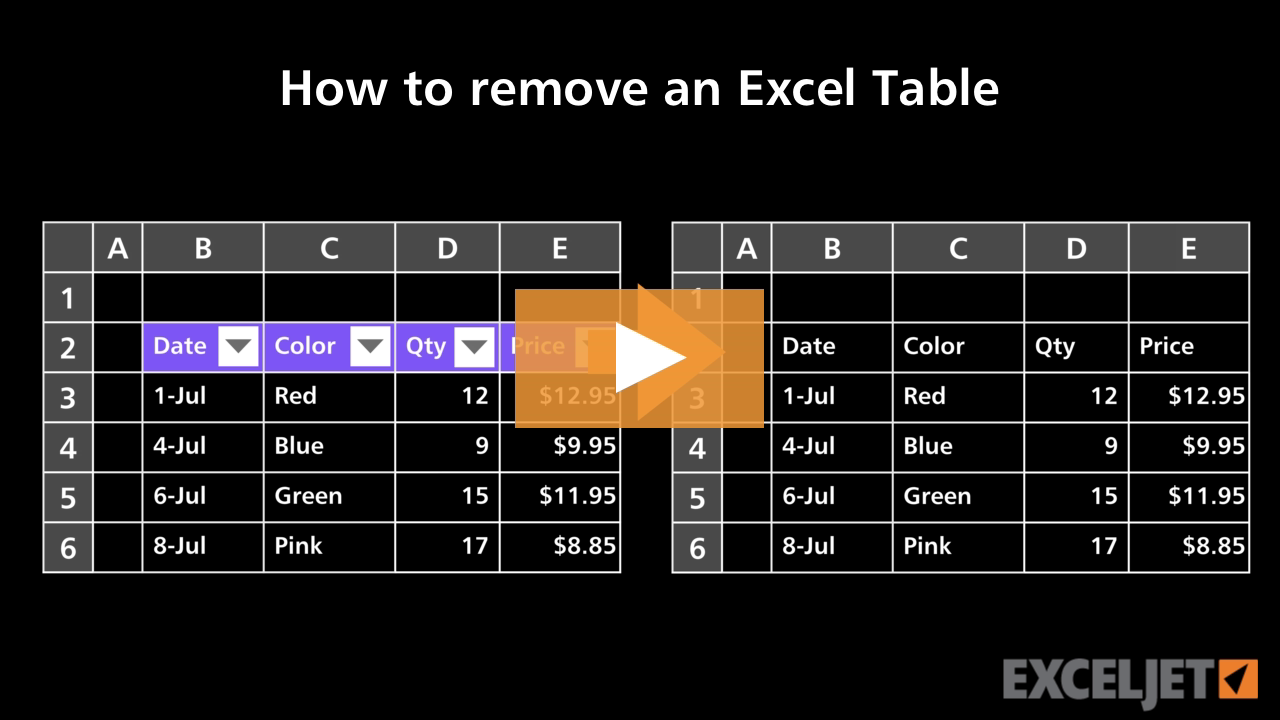
How to remove an Excel Table
Excel Tables
3:08

How to remove an Excel Table

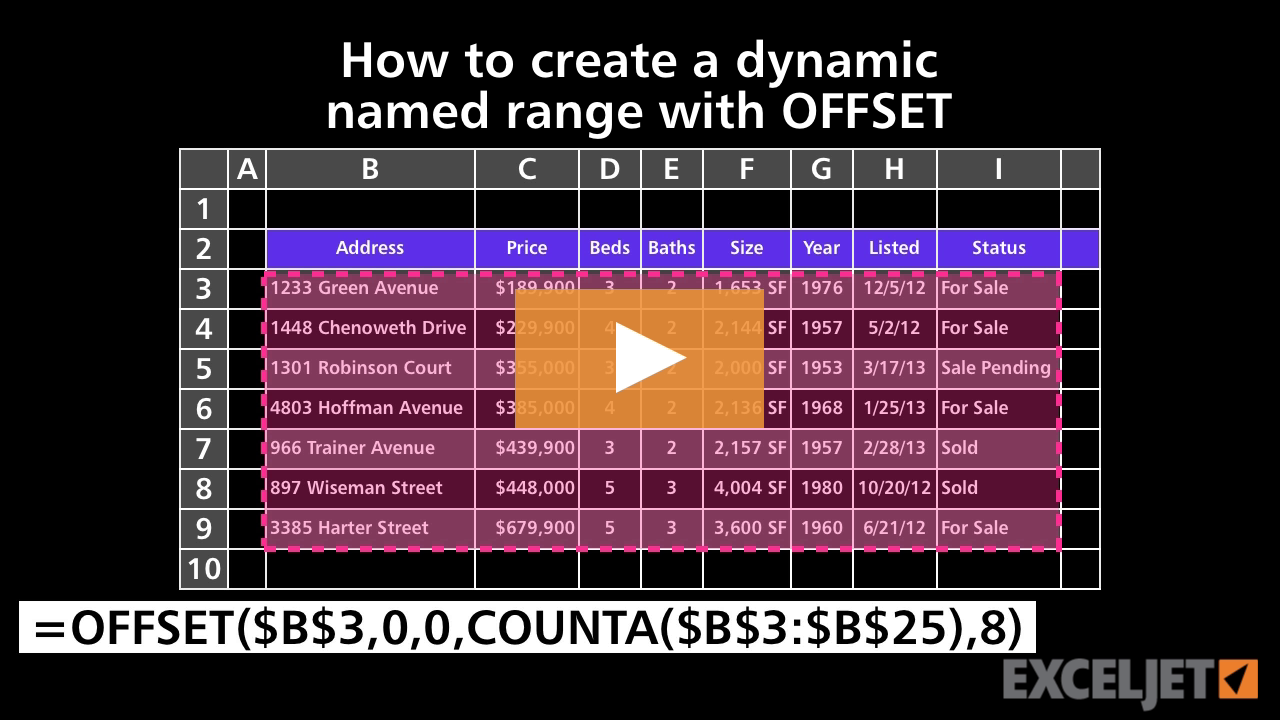
How to create a dynamic named range with OFFSET
Core Formula
3:39

How to create a dynamic named range with OFFSET

TEXTSPLIT with multiple delimiters
Dynamic Array Formulas
3:58

TEXTSPLIT with multiple delimiters

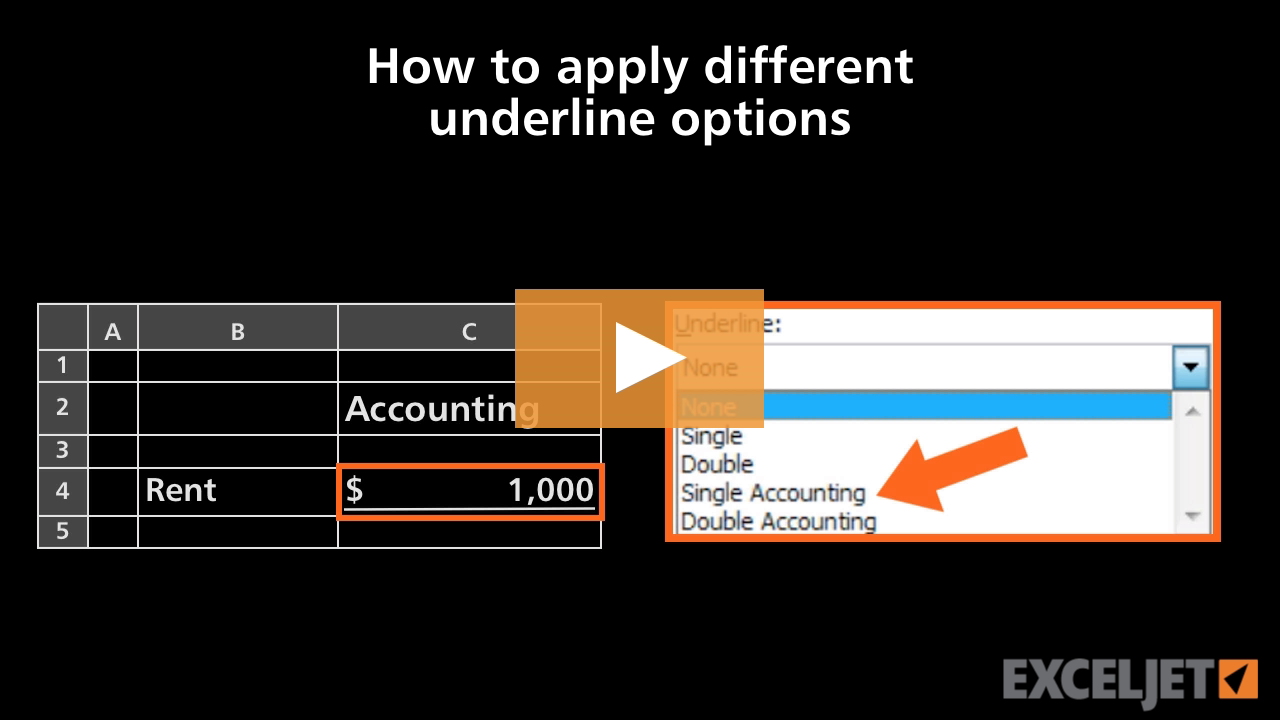
How to apply different underline options in Excel
Core Excel
2:41

How to apply different underline options in Excel

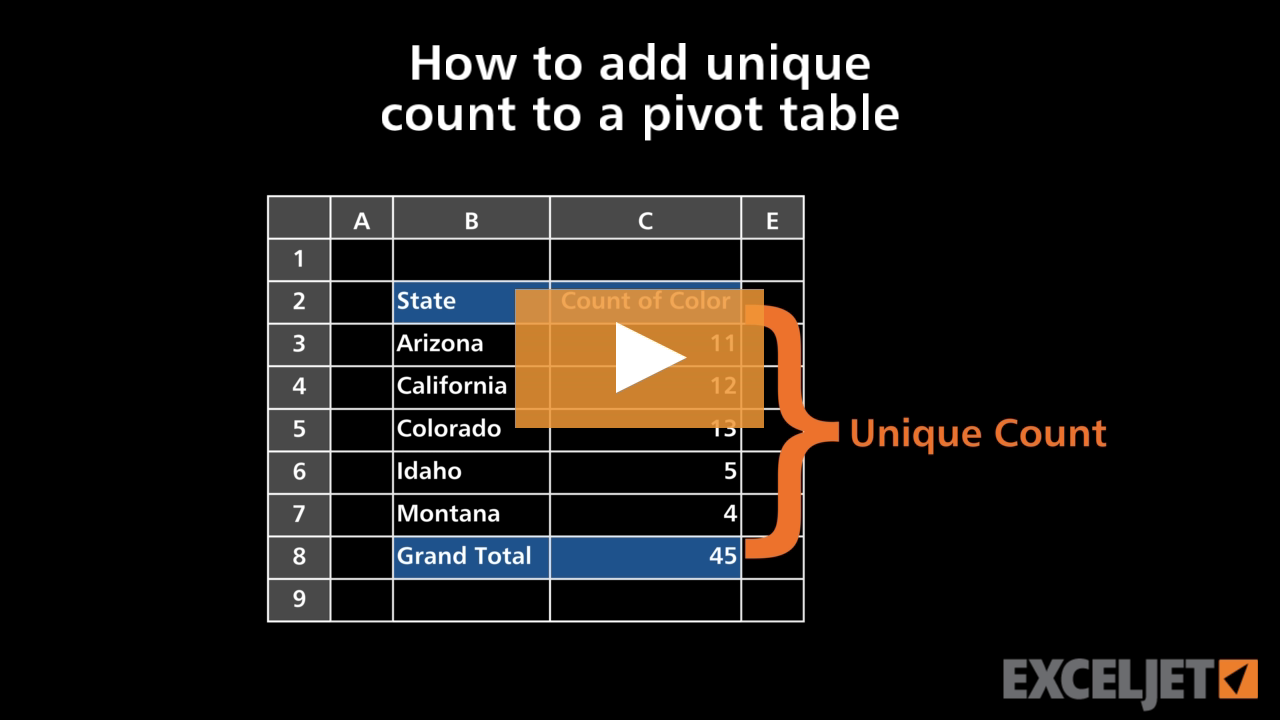
How to add unique count to a pivot table
Core Pivot
3:27

How to add unique count to a pivot table

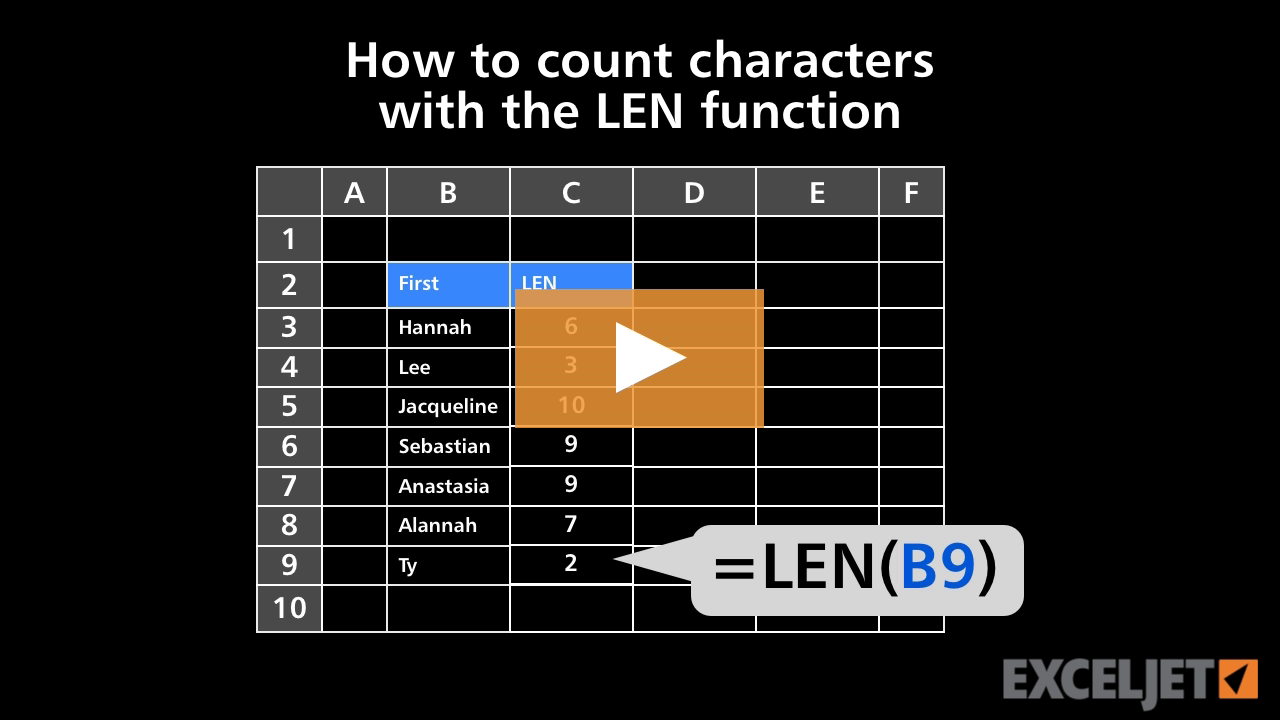
How to count characters with the LEN function
Core Formula
2:52

How to count characters with the LEN function

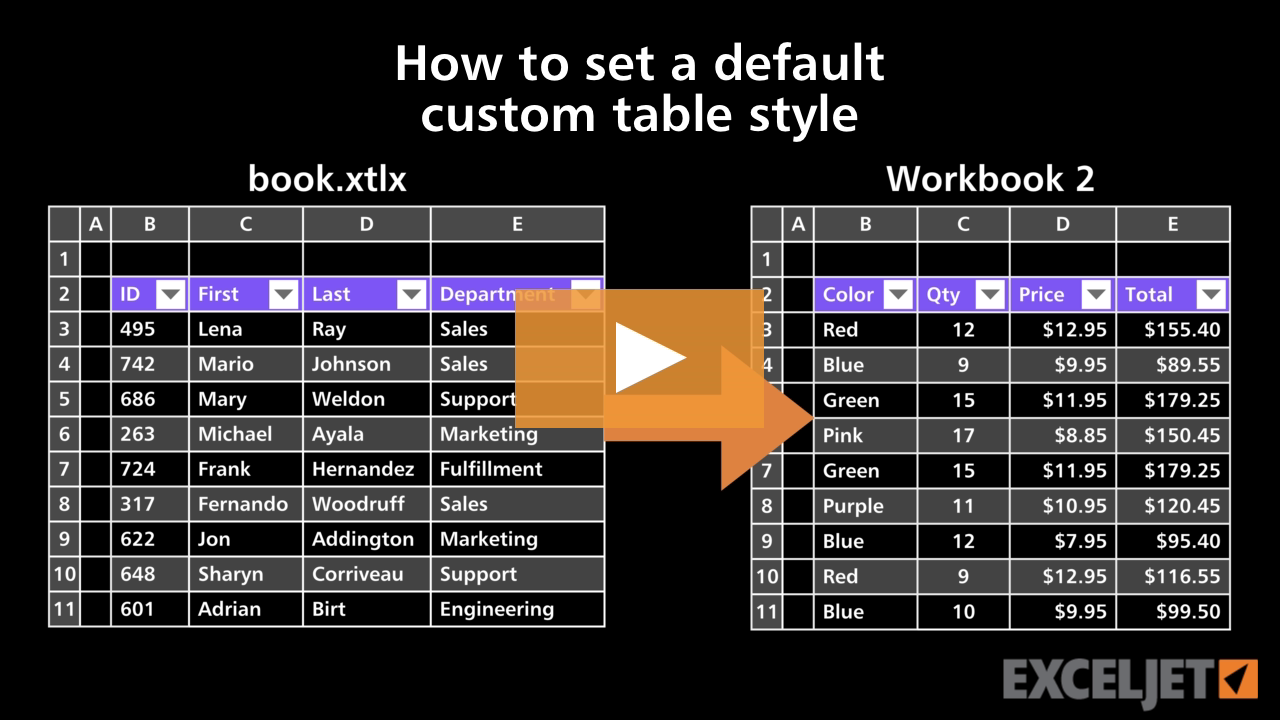
How to set a default custom table style
Excel Tables
3:29

How to set a default custom table style

How to find a value in Excel
Core Excel
3:25

How to find a value in Excel

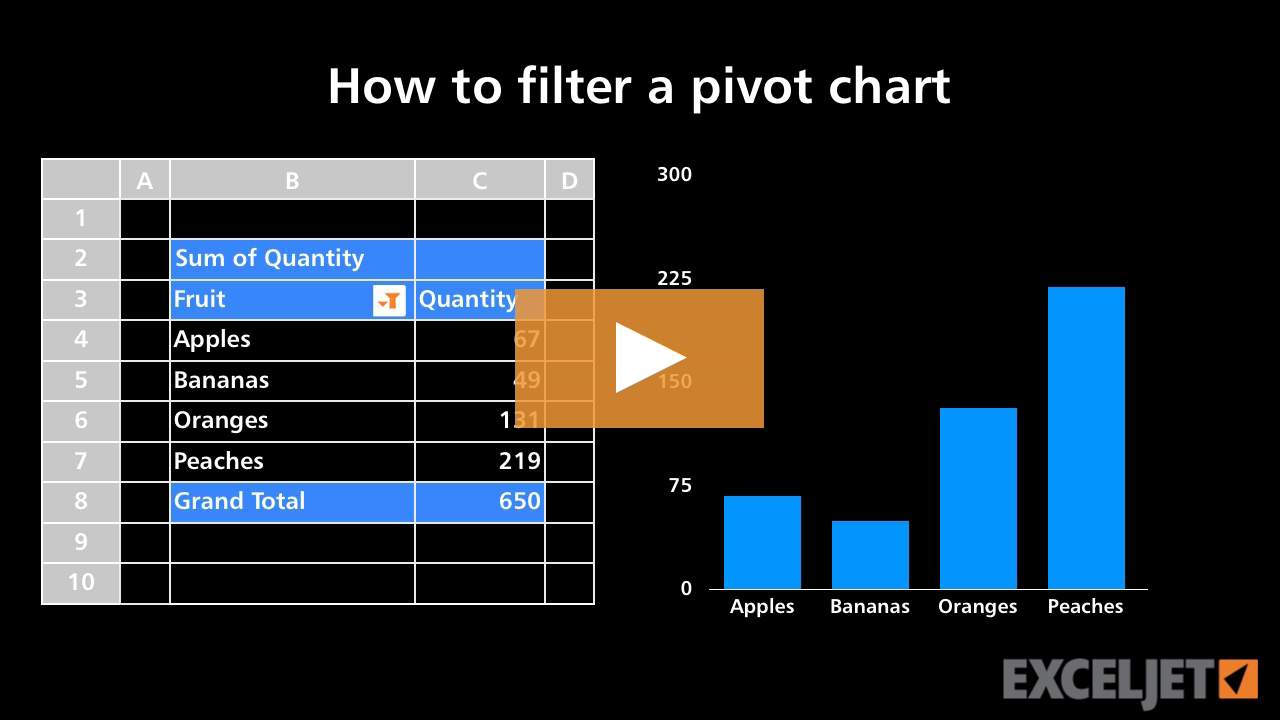
How to filter a pivot chart
Core Pivot
2:11

How to filter a pivot chart

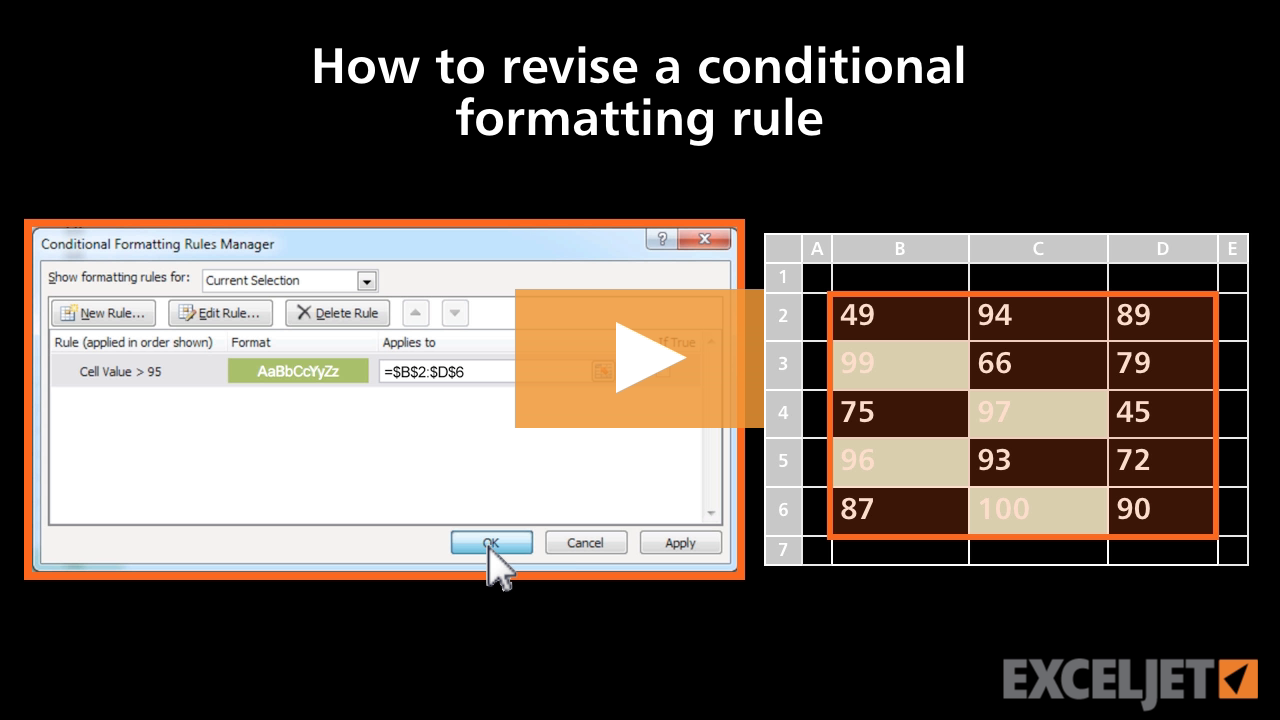
How to revise a conditional formatting rule
Conditional Formatting
2:56

How to revise a conditional formatting rule

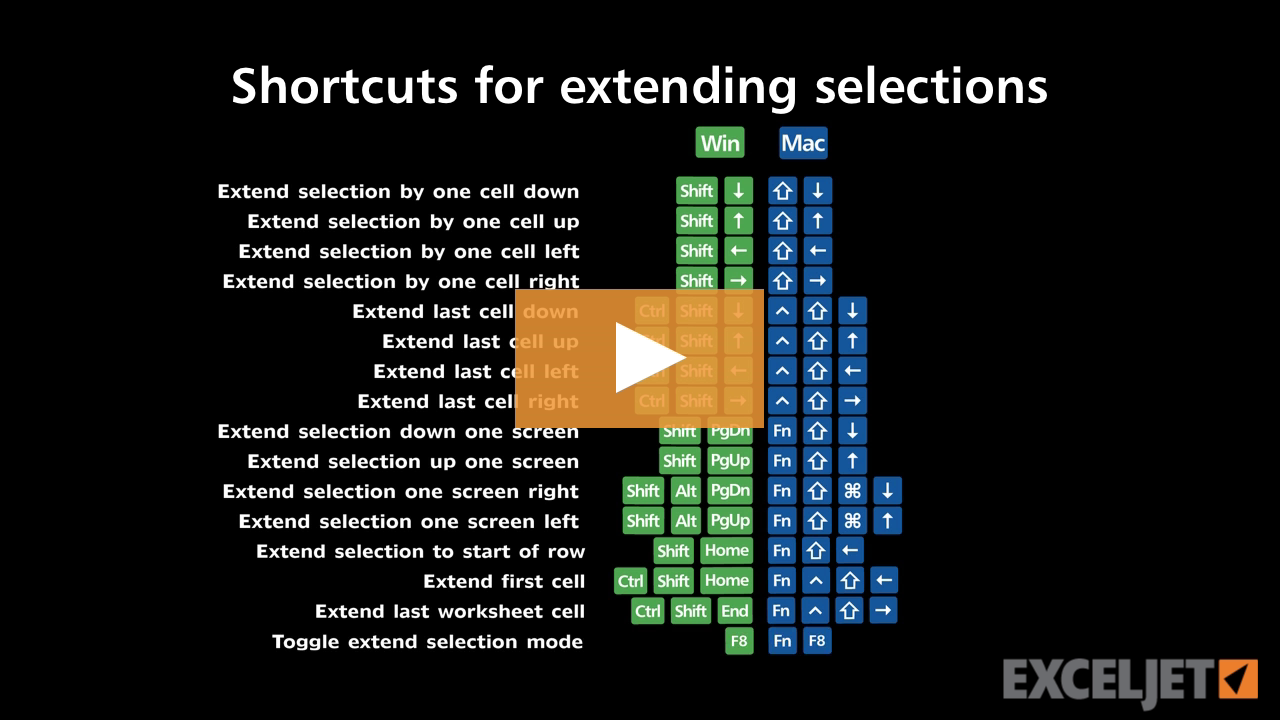
Shortcuts for extending selections
Excel Shortcuts
2:51

Shortcuts for extending selections

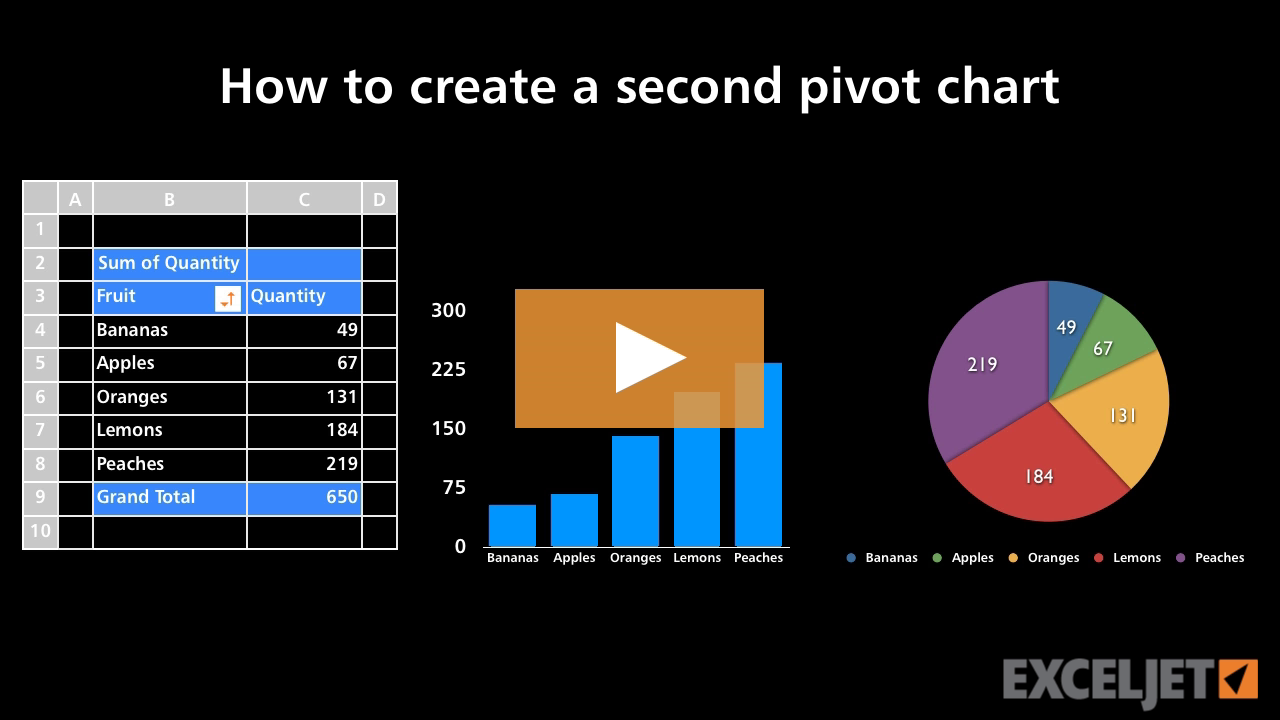
How to create a second pivot chart
Core Pivot
2:15

How to create a second pivot chart

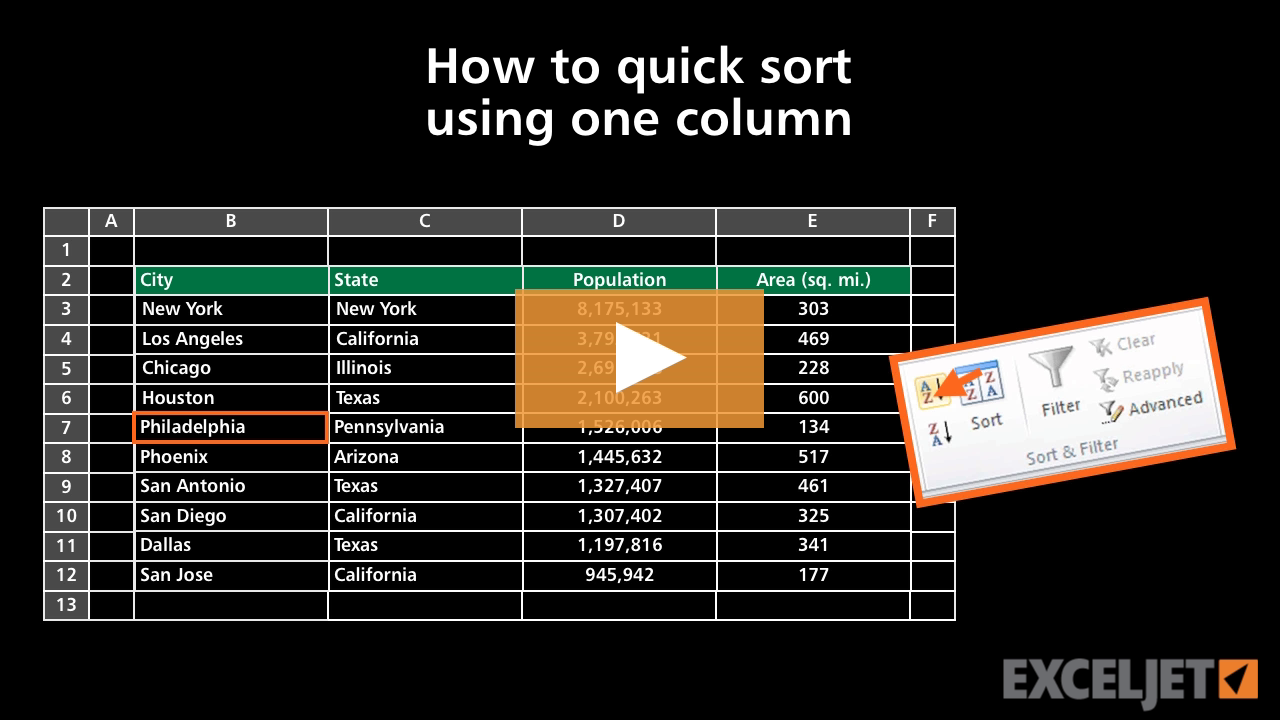
How to quick sort using one column in Excel
Core Excel
2:36

How to quick sort using one column in Excel

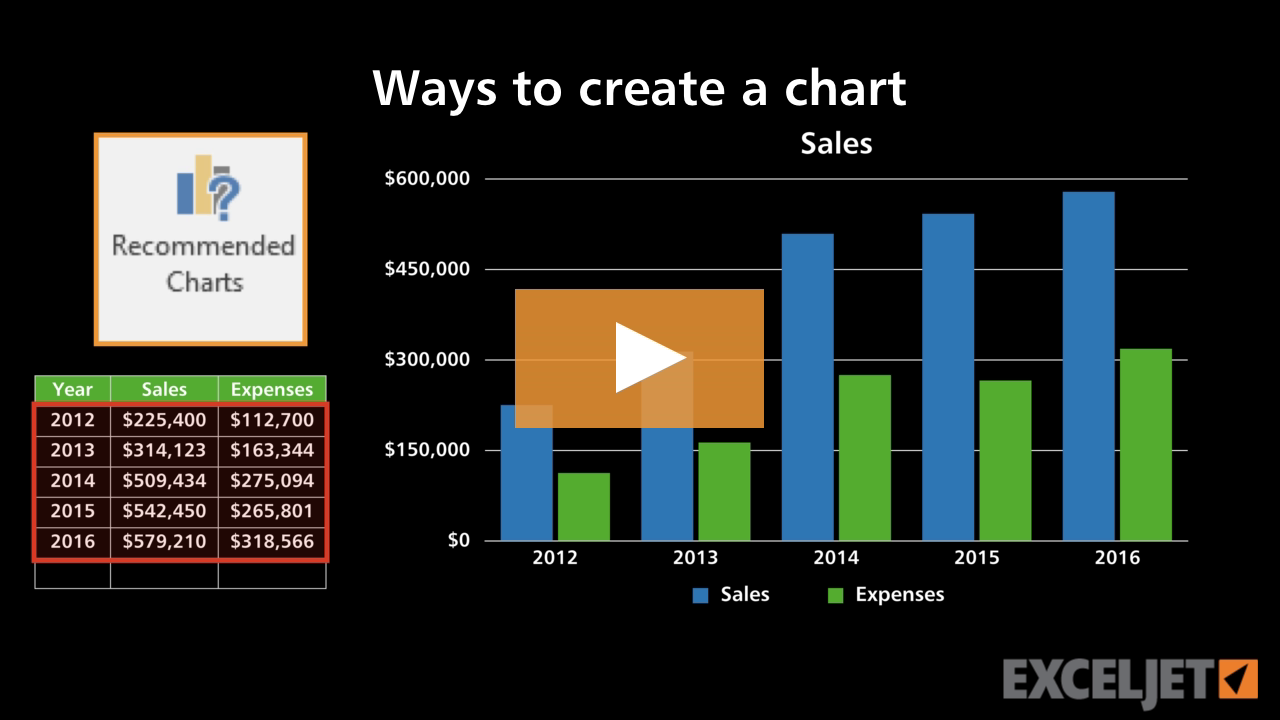
Ways to create a chart
Core Charts
3:14

Ways to create a chart

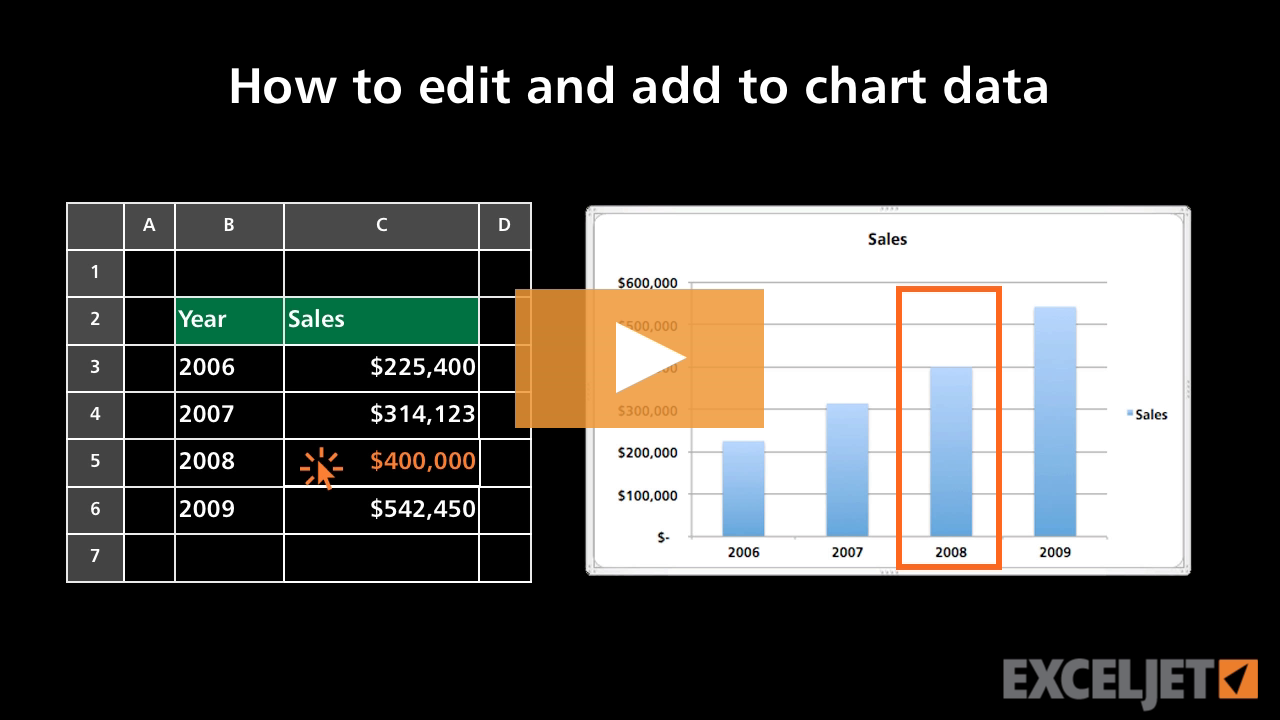
How to edit and add to chart data
Core Excel
2:25

How to edit and add to chart data

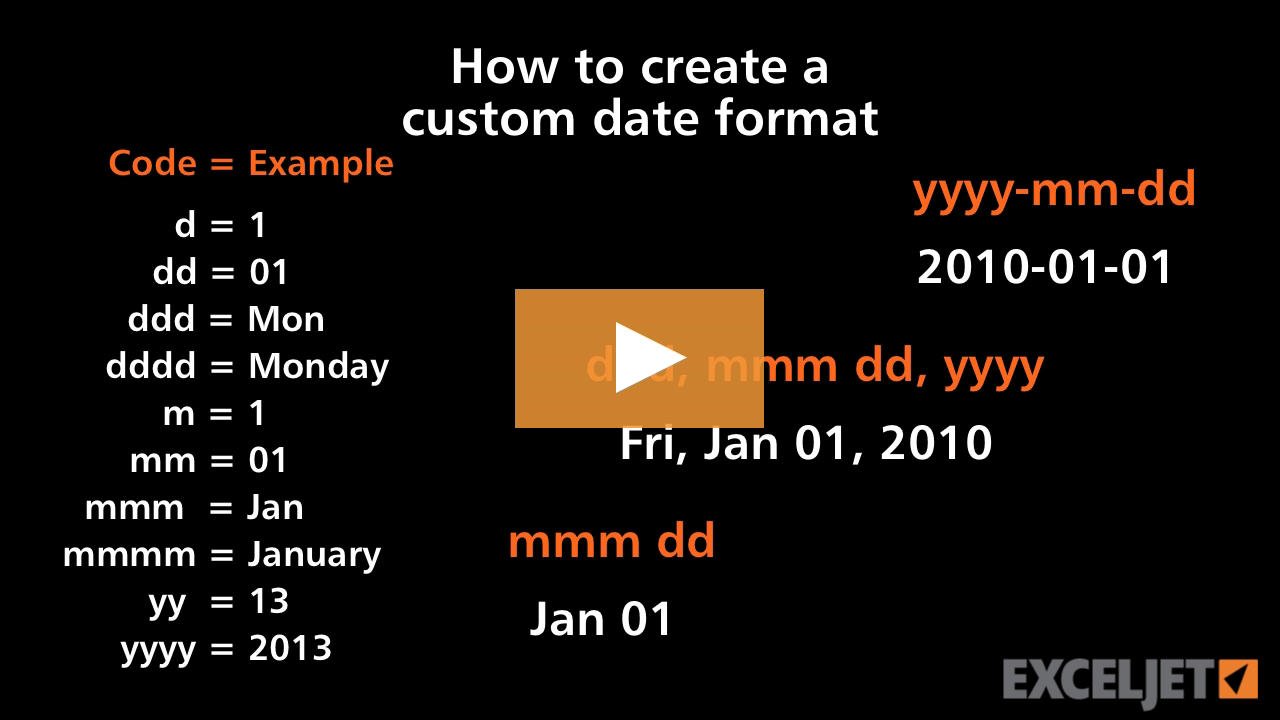
How to create a custom date format
Core Excel
2:54

How to create a custom date format

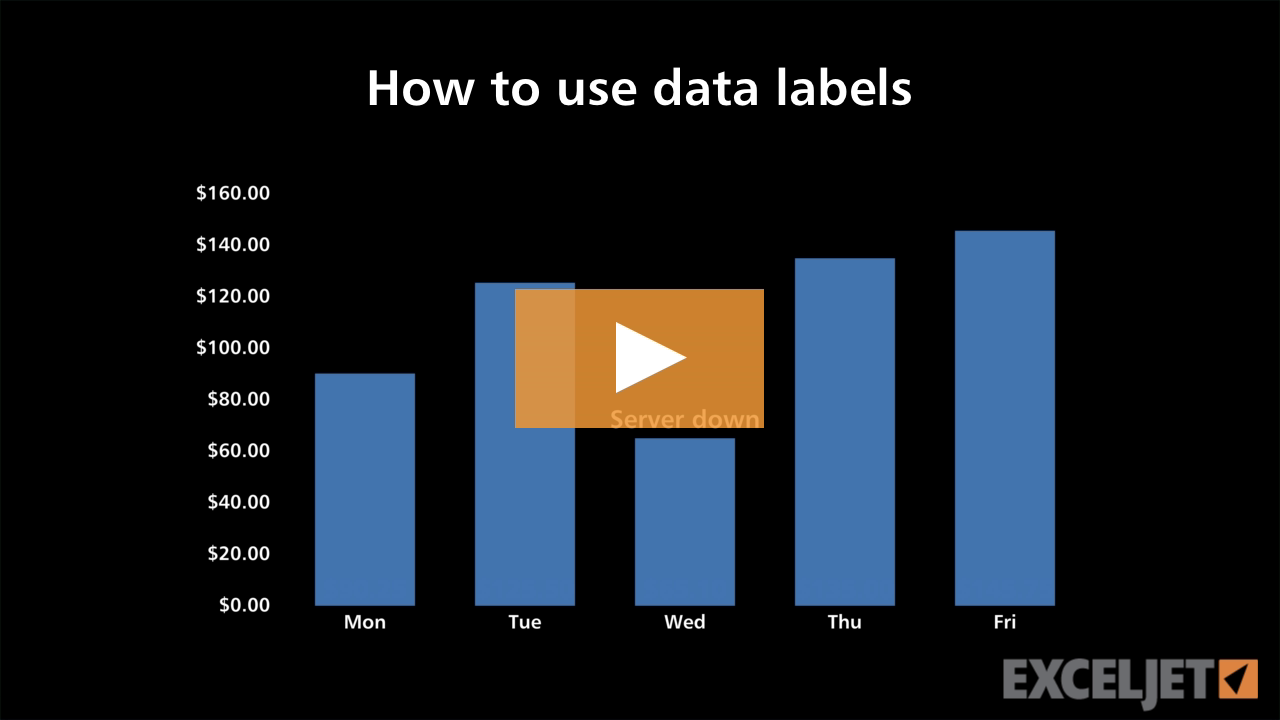
How to use data labels
Core Charts
2:42

How to use data labels

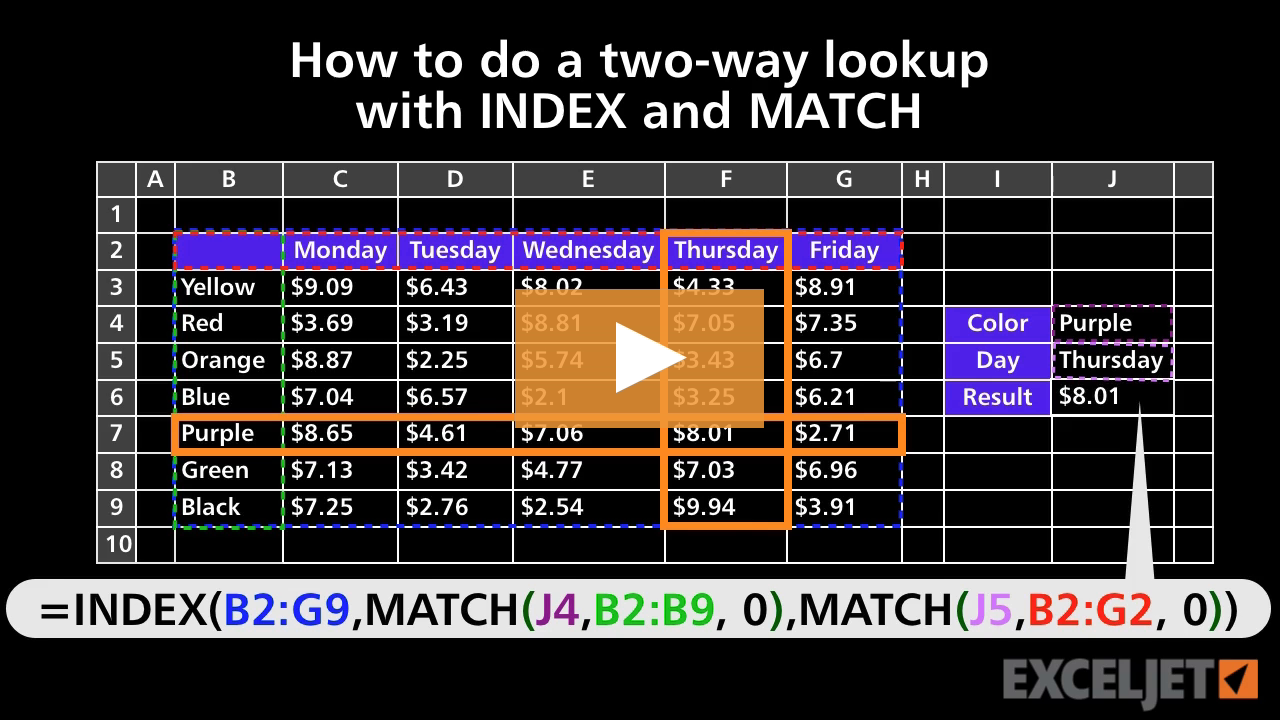
How to do a two-way lookup with INDEX and MATCH
Core Formula
3:18

How to do a two-way lookup with INDEX and MATCH

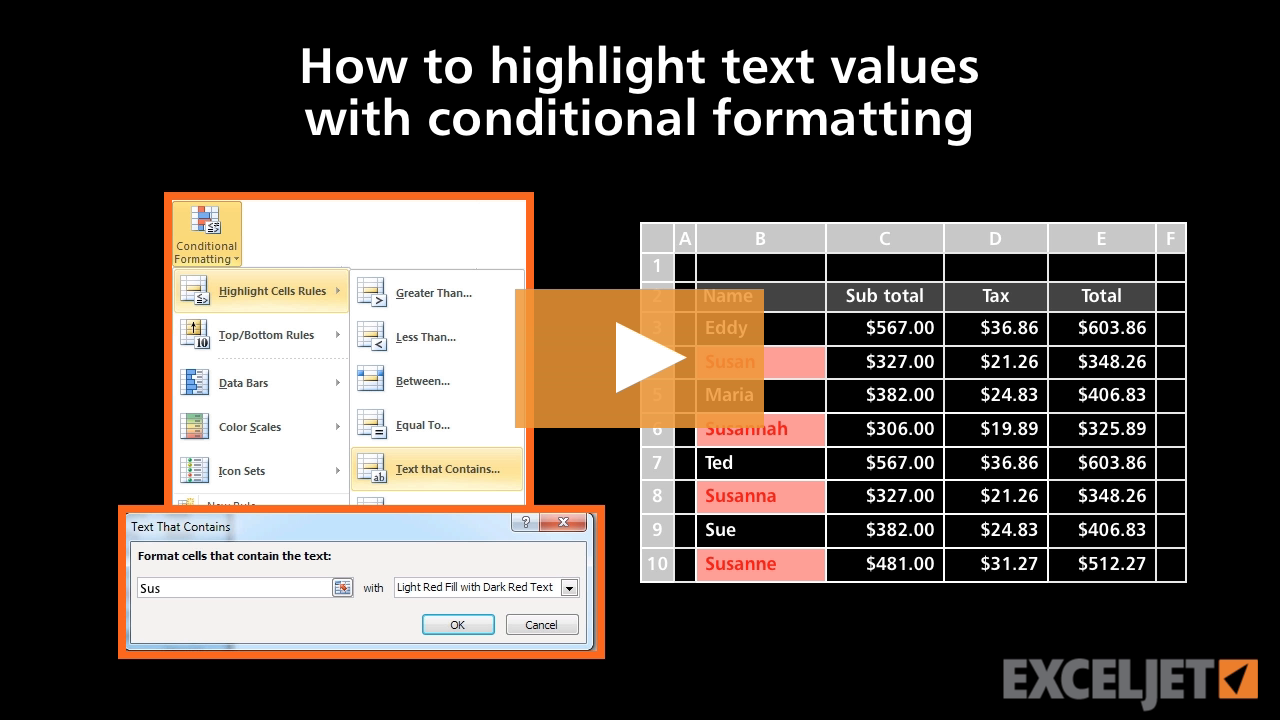
How to highlight text values with conditional formatting
Conditional Formatting
2:08

How to highlight text values with conditional formatting

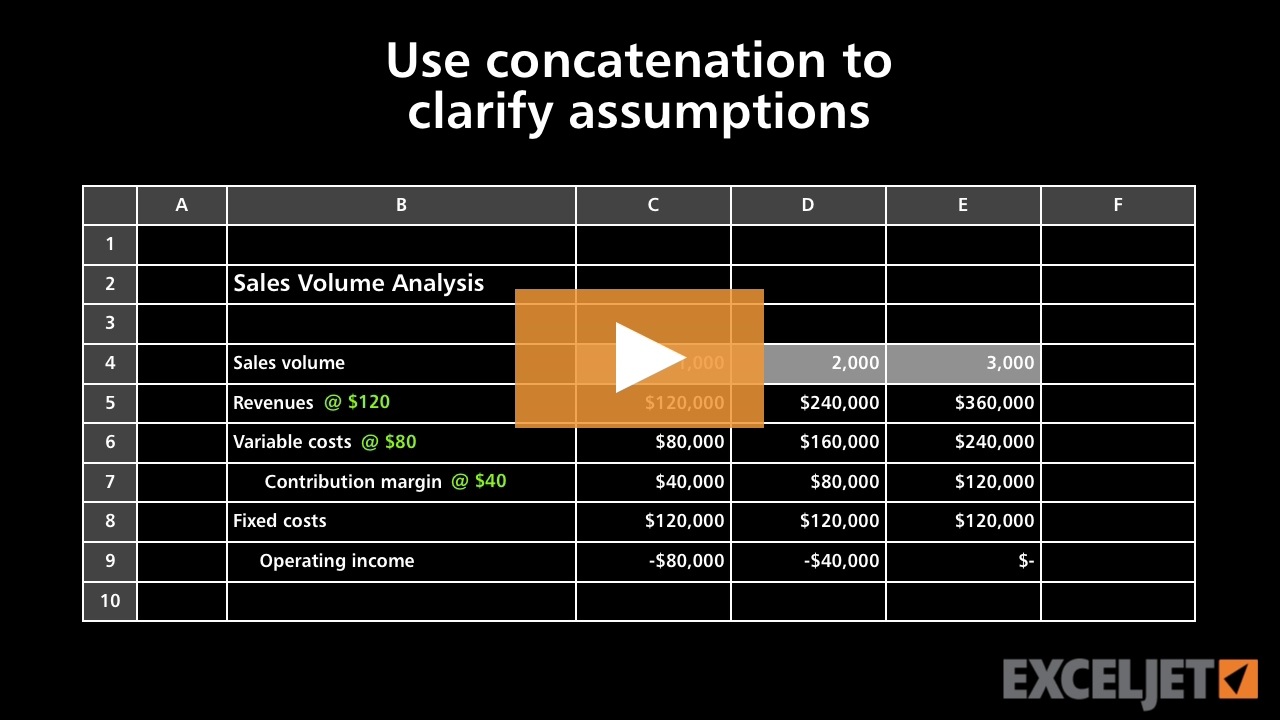
How to use concatenation to clarify assumptions
Core Formula
3:20

How to use concatenation to clarify assumptions

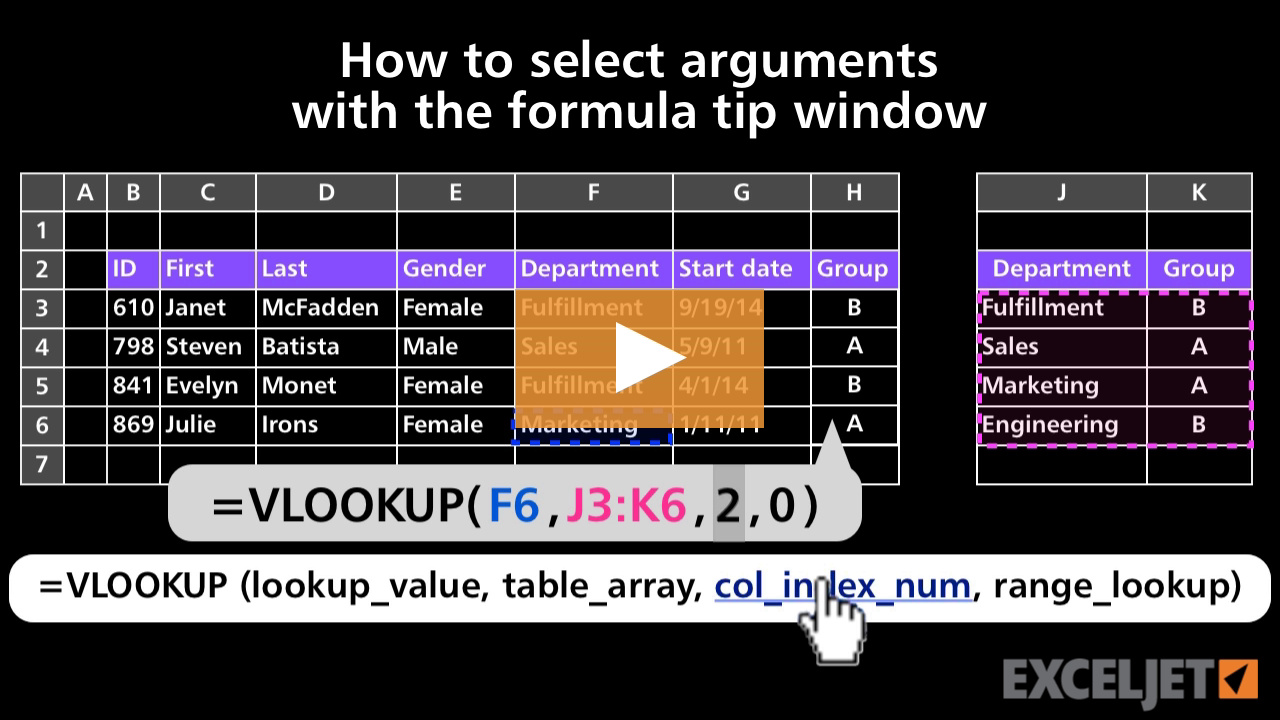
How to select arguments with the formula tip window
Core Formula
1:56

How to select arguments with the formula tip window

Welcome
Core Excel
2:26

Welcome

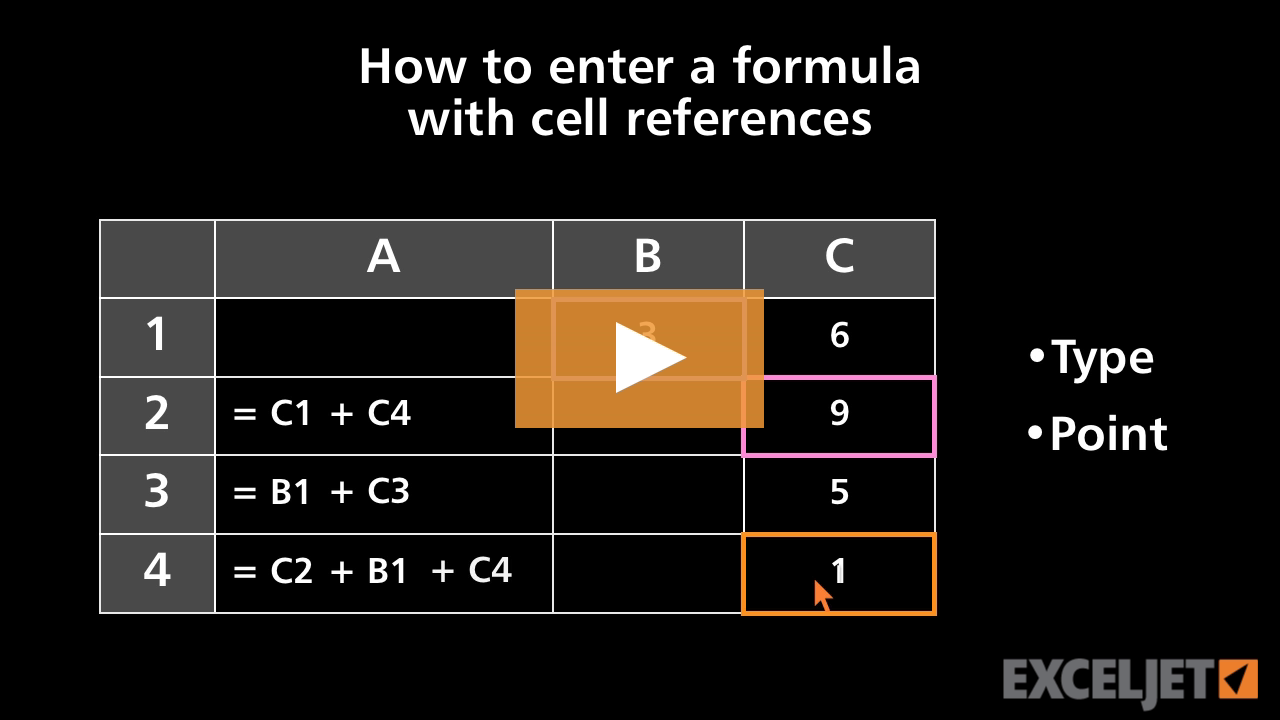
How to enter a formula with cell references
Core Excel
2:28

How to enter a formula with cell references

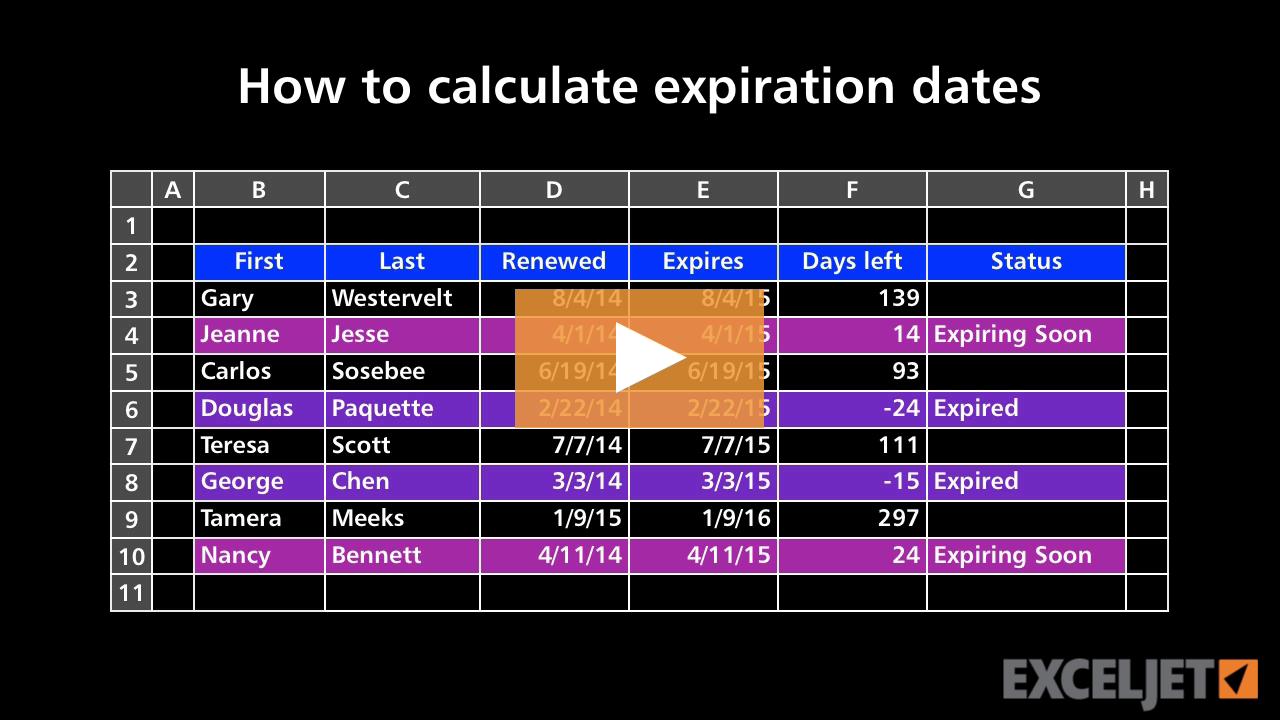
How to calculate and highlight expiration dates
Core Formula
3:54

How to calculate and highlight expiration dates

What is an array formula?
Dynamic Array Formulas
2:53

What is an array formula?

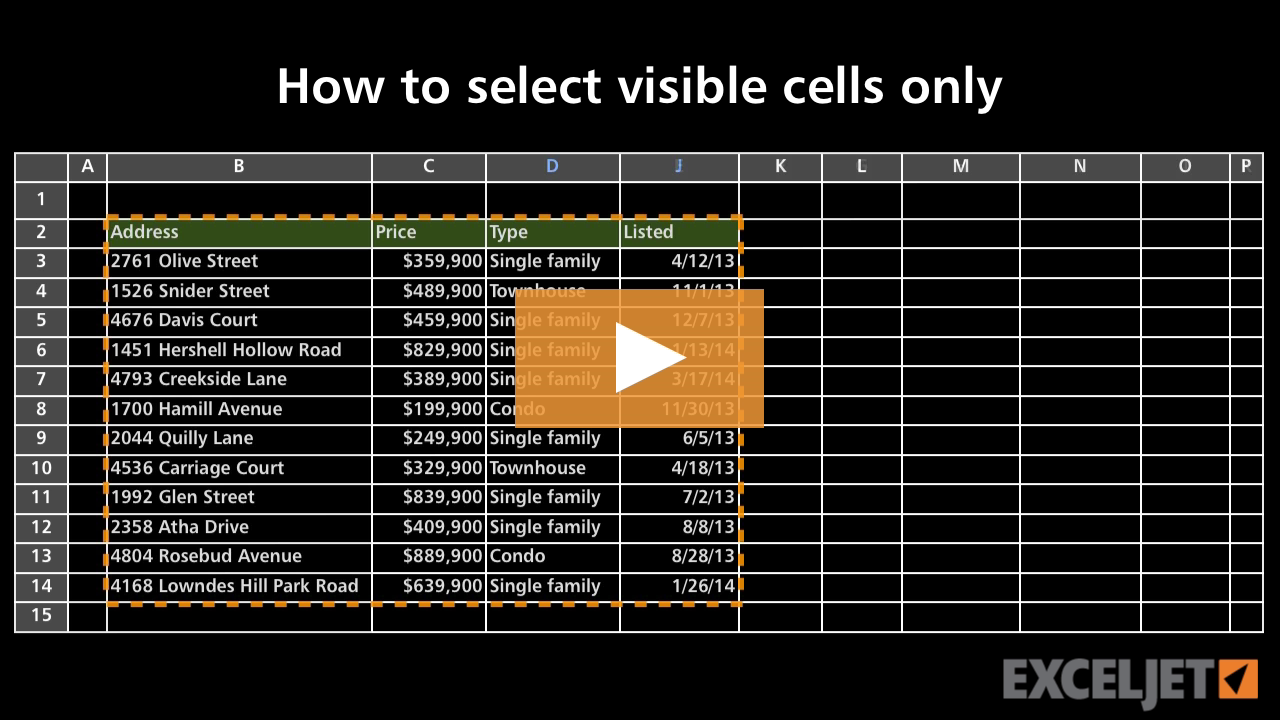
How to select visible cells only
Core Excel
2:33

How to select visible cells only

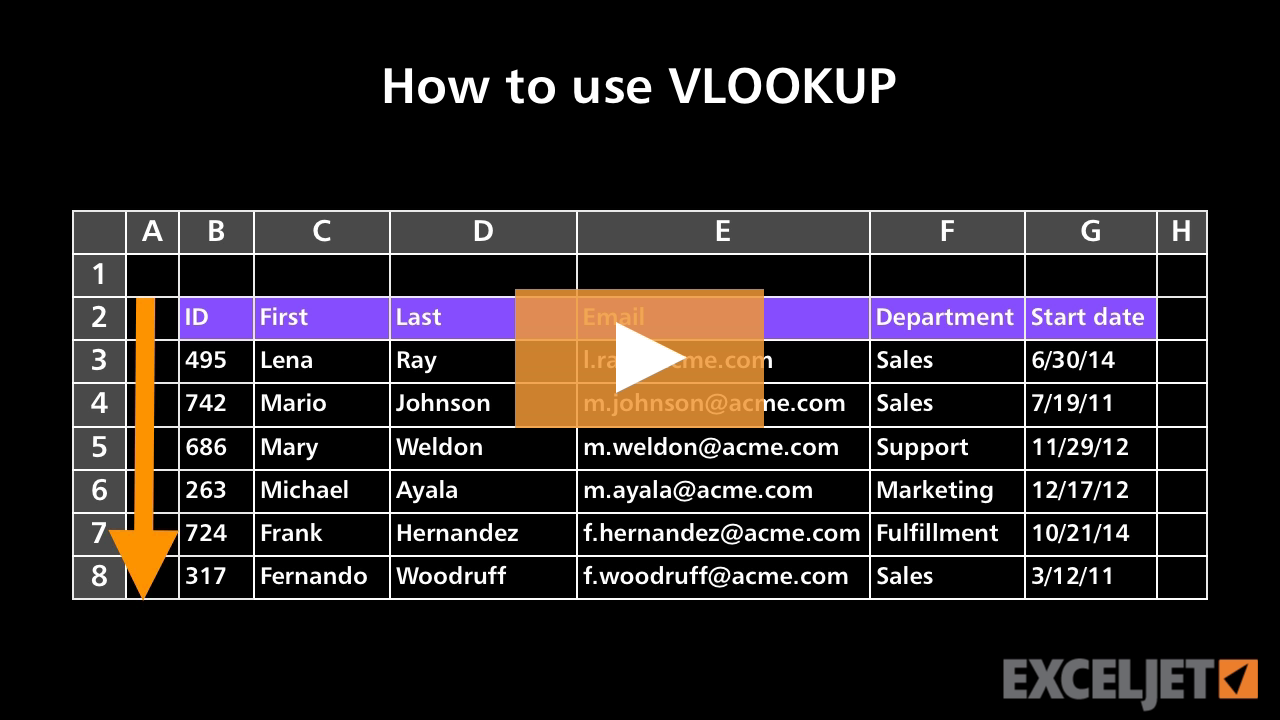
How to use VLOOKUP
Core Formula
3:10

How to use VLOOKUP

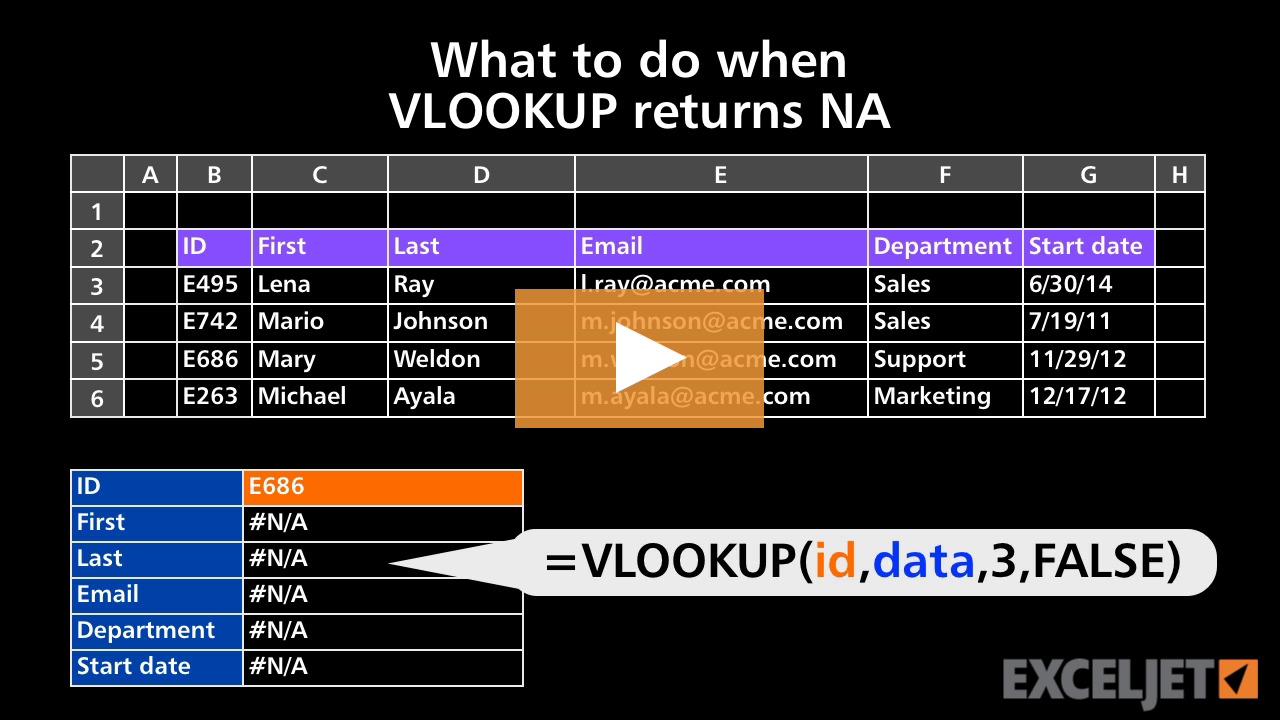
What to do when VLOOKUP returns NA
Core Formula
2:40

What to do when VLOOKUP returns NA

Introducing Excel shortcuts
Excel Shortcuts
3:54

Introducing Excel shortcuts

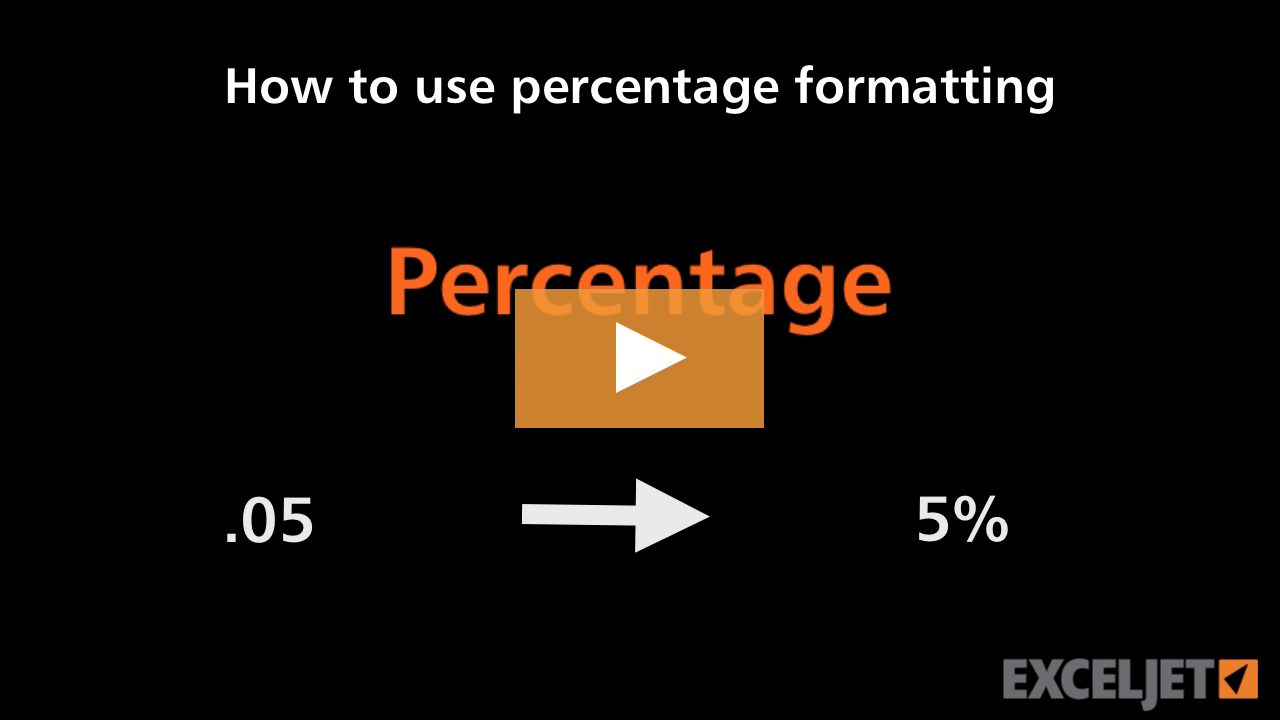
How to use percentage formatting in Excel
Core Excel
3:03

How to use percentage formatting in Excel

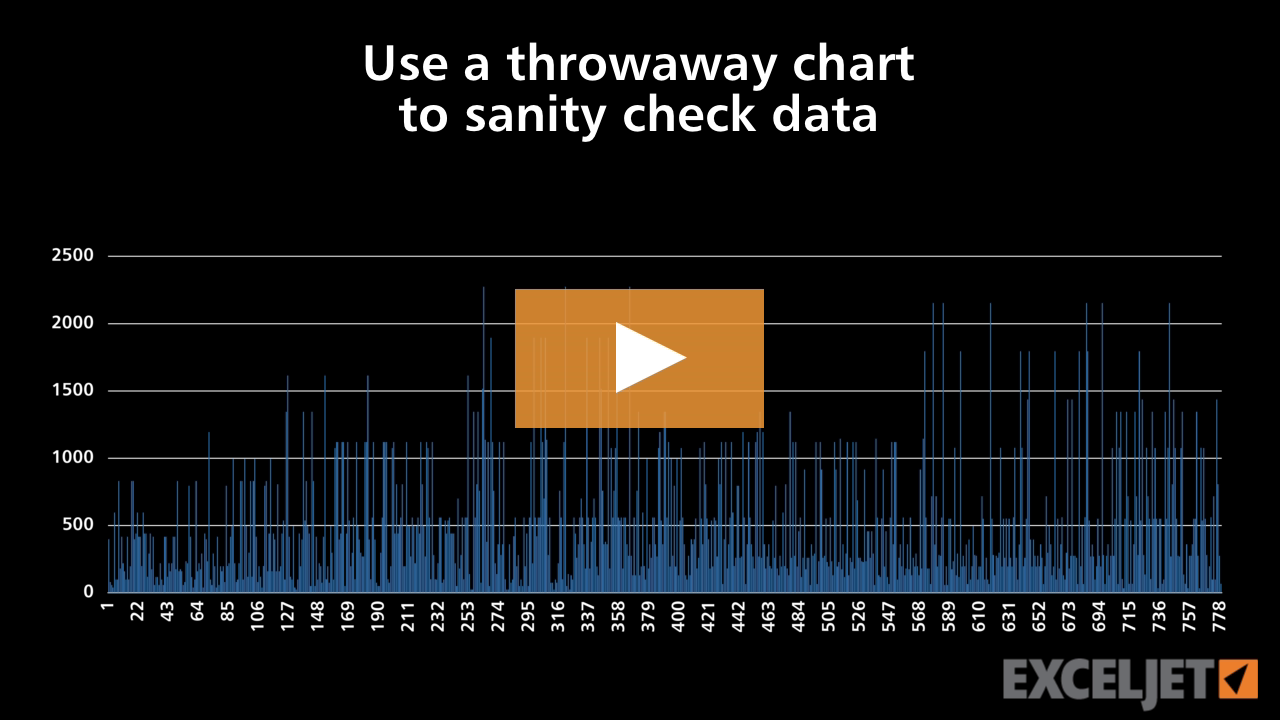
Use a throwaway chart to sanity check data
Core Charts
2:53

Use a throwaway chart to sanity check data

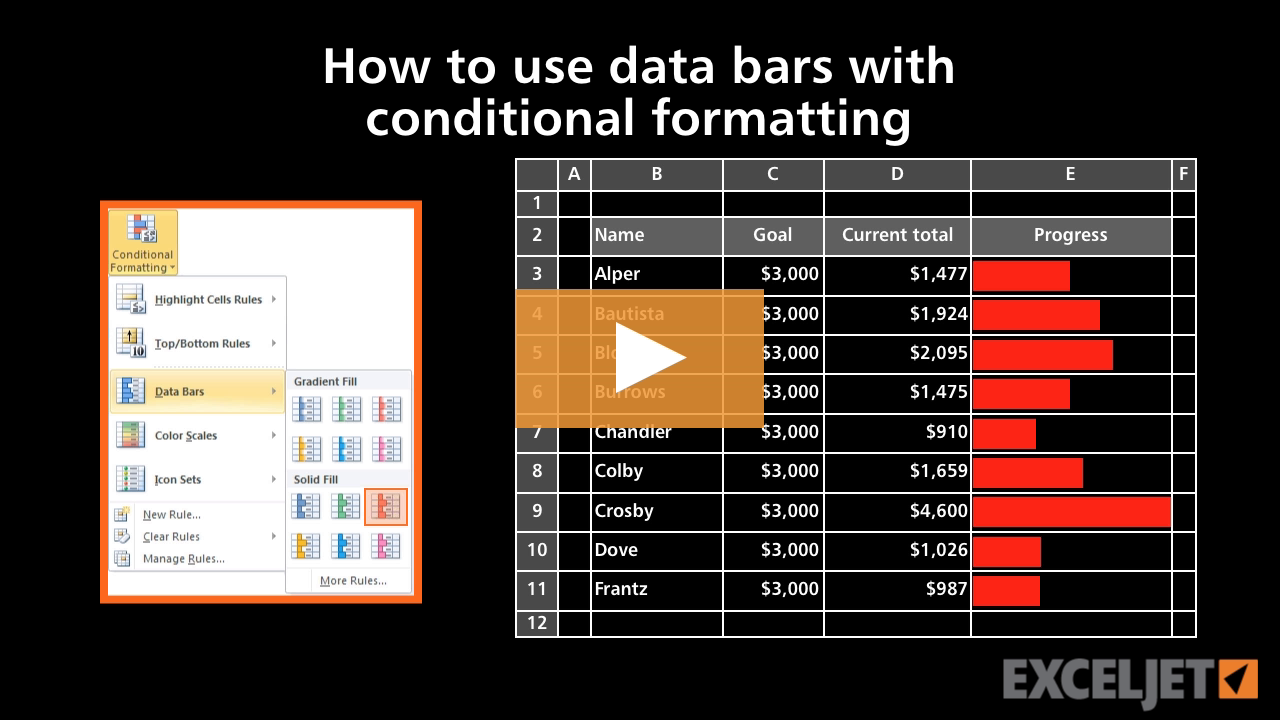
How to use data bars with conditional formatting
Conditional Formatting
3:10

How to use data bars with conditional formatting

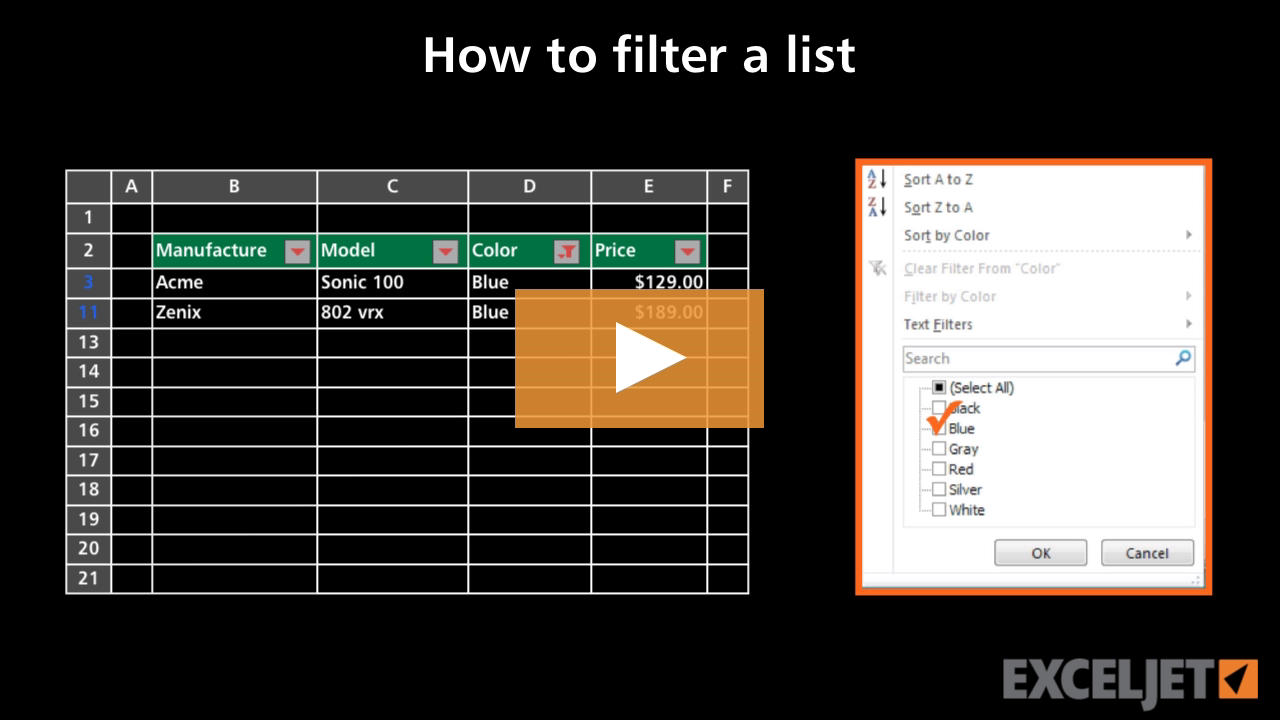
How to filter a list
Core Excel
2:44

How to filter a list

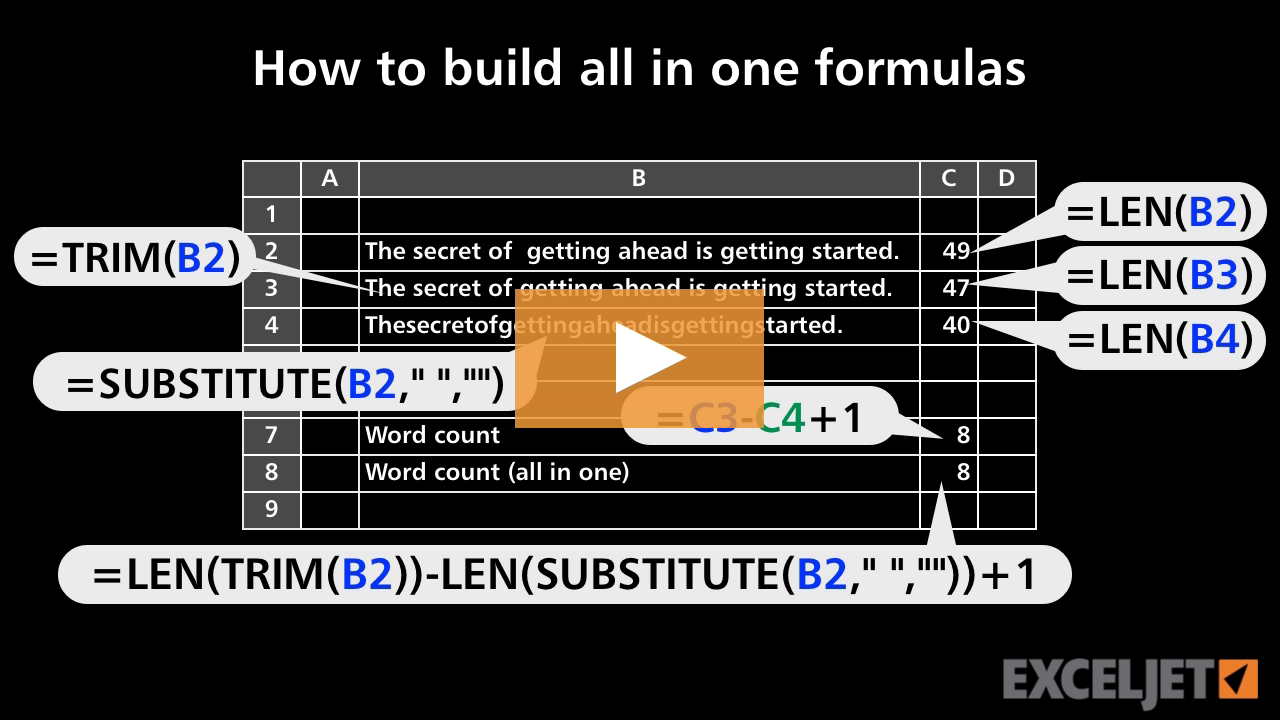
How to build all-in-one formulas
Core Formula
3:44

How to build all-in-one formulas

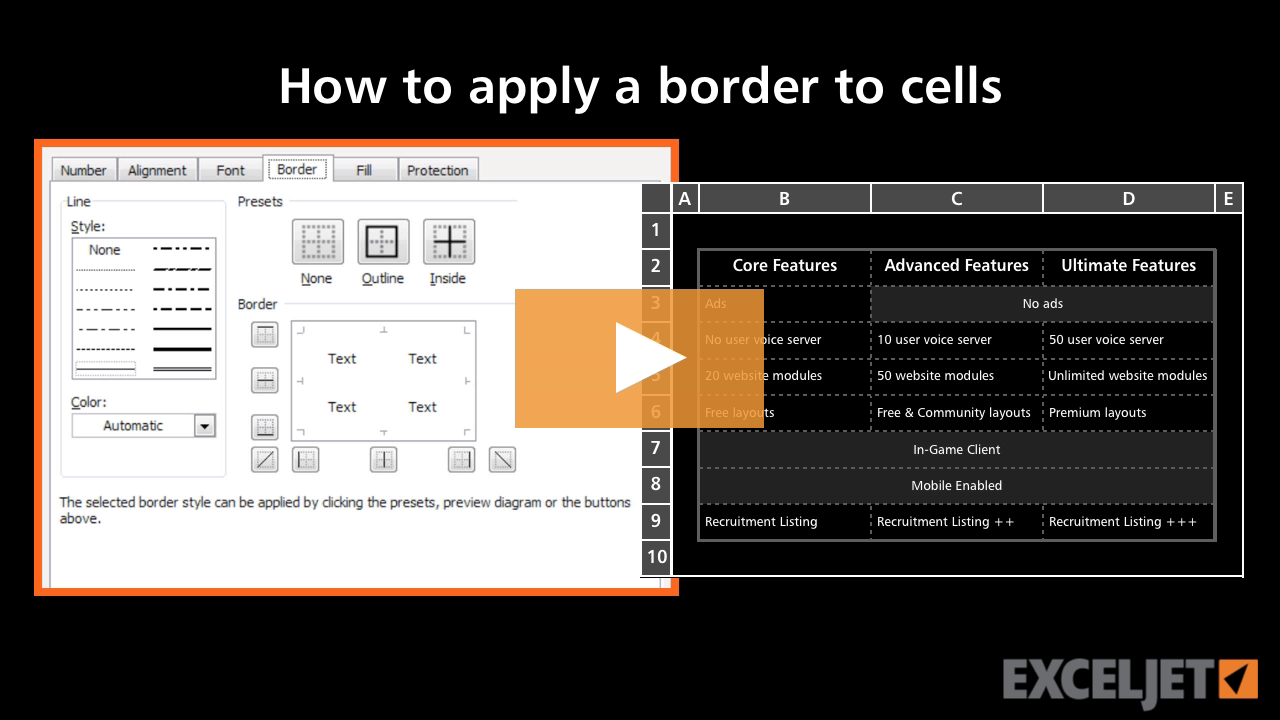
How to apply a border to cells in Excel
Core Excel
3:11

How to apply a border to cells in Excel

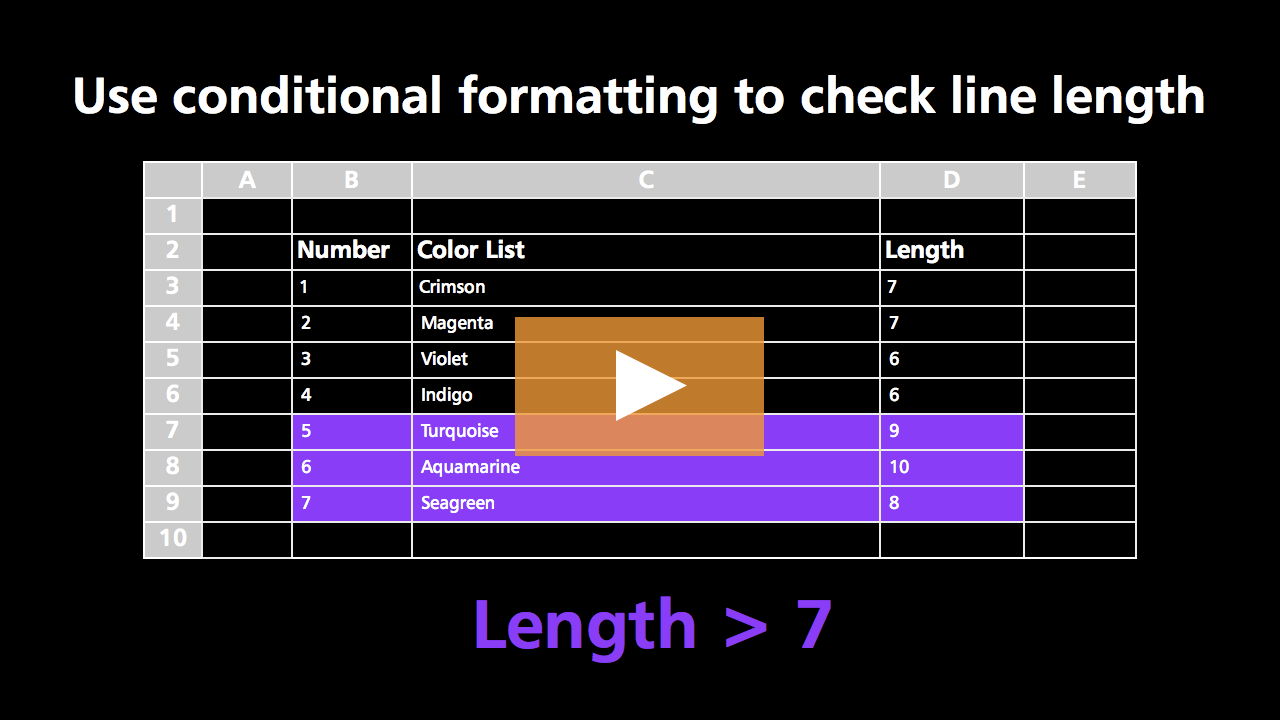
How to check line length with conditional formatting
Conditional Formatting
3:06

How to check line length with conditional formatting

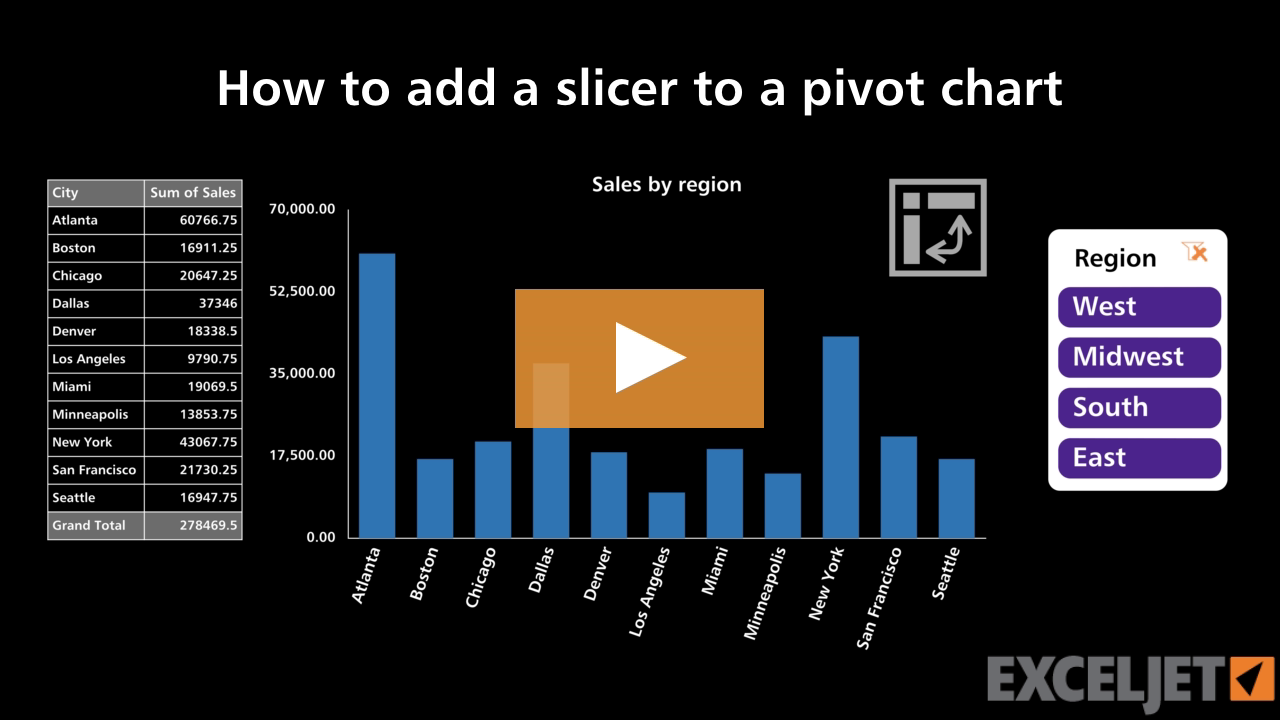
How to add a slicer to a pivot chart
Core Charts
2:11

How to add a slicer to a pivot chart

How to hide and unhide worksheets
Core Excel
2:12

How to hide and unhide worksheets

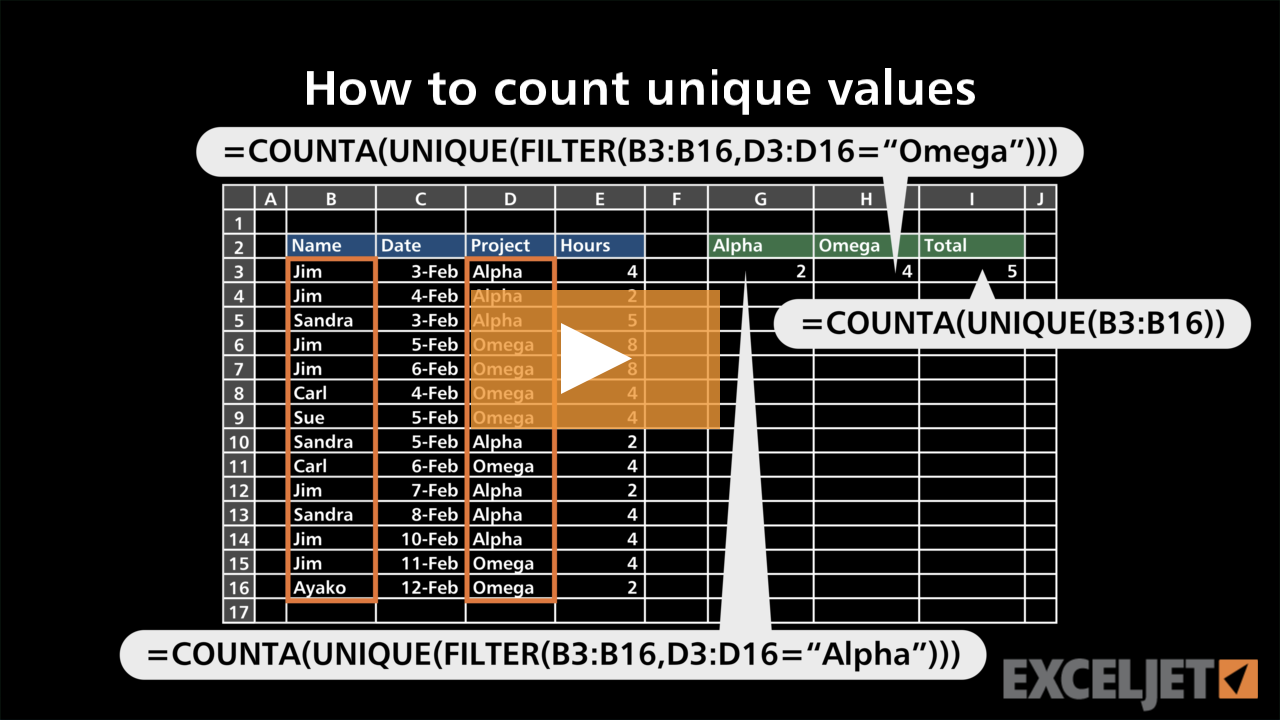
How to count unique values
Dynamic Array Formulas
3:22

How to count unique values

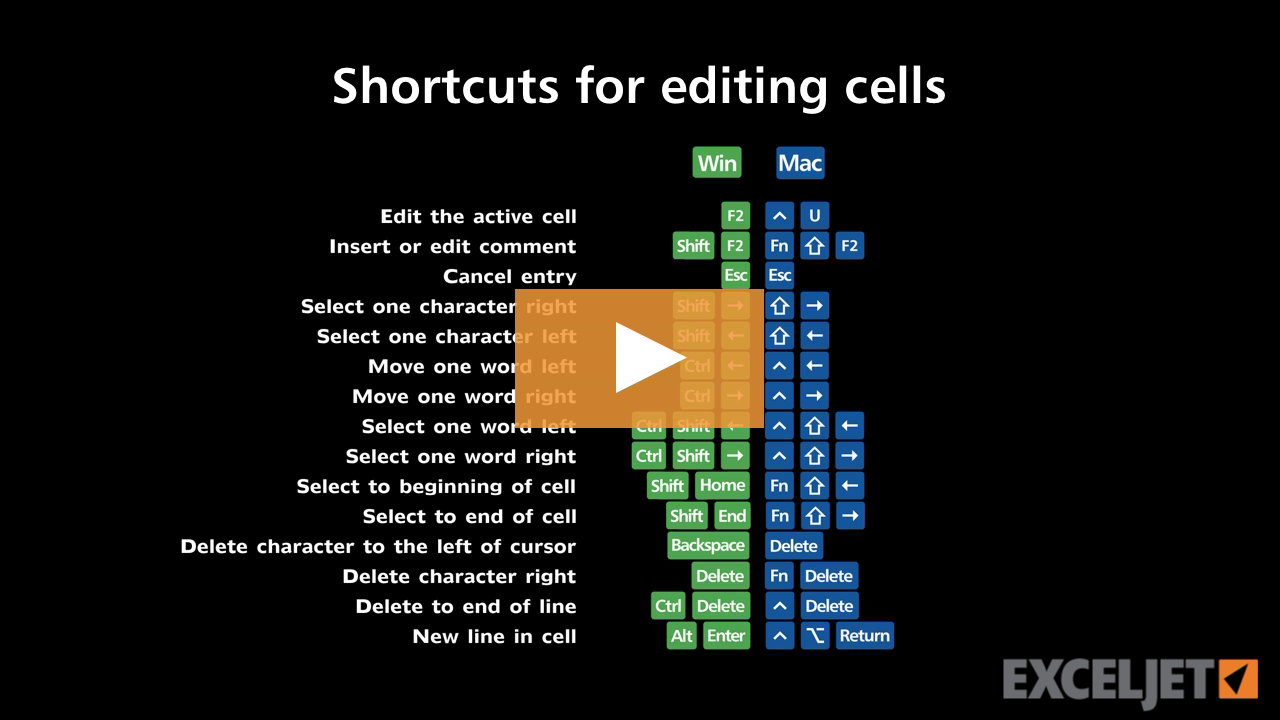
Shortcuts for editing cells
Excel Shortcuts
3:35

Shortcuts for editing cells

How to enter numbers as text in Excel
Core Excel
2:29

How to enter numbers as text in Excel

How to add a slicer to a table
Excel Tables
3:16

How to add a slicer to a table

Introduction to Booleans
Dynamic Array Formulas
3:22

Introduction to Booleans

Spilling and the spill range
Dynamic Array Formulas
2:34

Spilling and the spill range

How to use addition in a formula
Core Excel
2:20

How to use addition in a formula

Conditional formatting based on a different cell
Conditional Formatting
2:24

Conditional formatting based on a different cell

How to reverse a chart axis
Core Charts
3:06

How to reverse a chart axis

How to add fields to a pivot table
Core Pivot
2:25

How to add fields to a pivot table

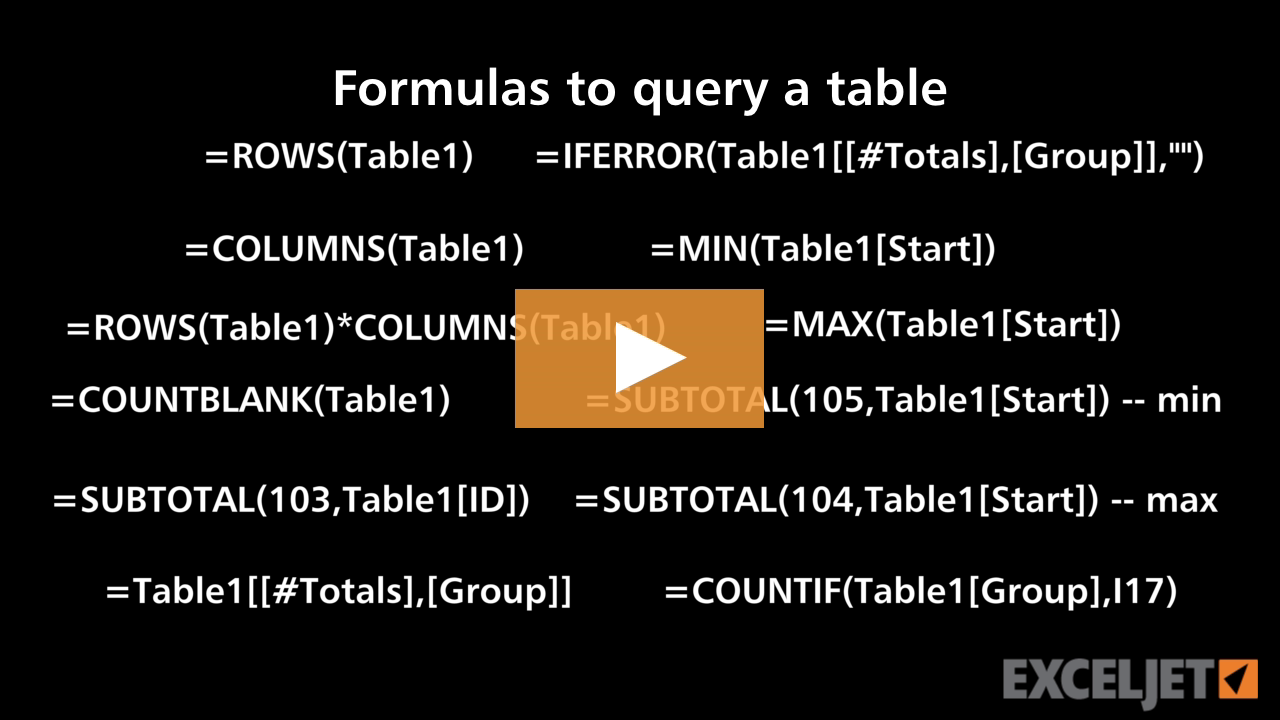
Formulas to query a table
Excel Tables
3:49

Formulas to query a table

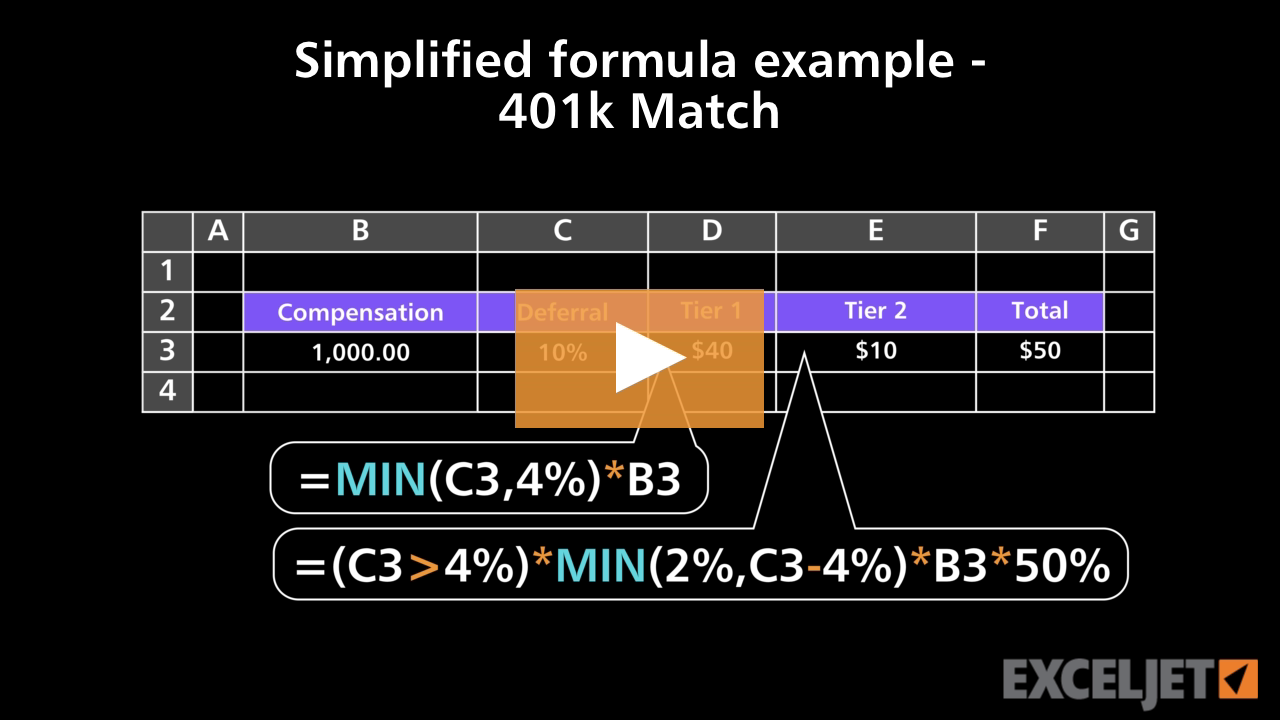
Simplified formula example 401k Match
Core Formula
3:43

Simplified formula example 401k Match

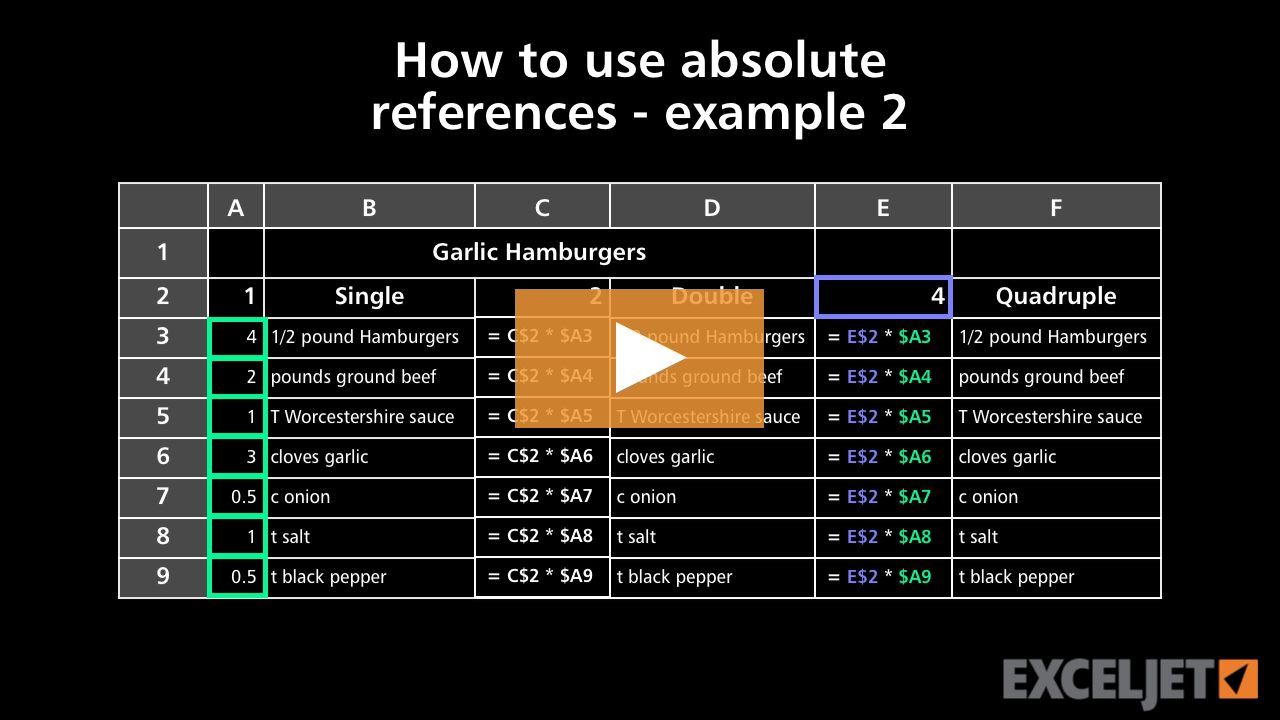
How to use absolute references - example 2
Core Excel
2:49

How to use absolute references - example 2

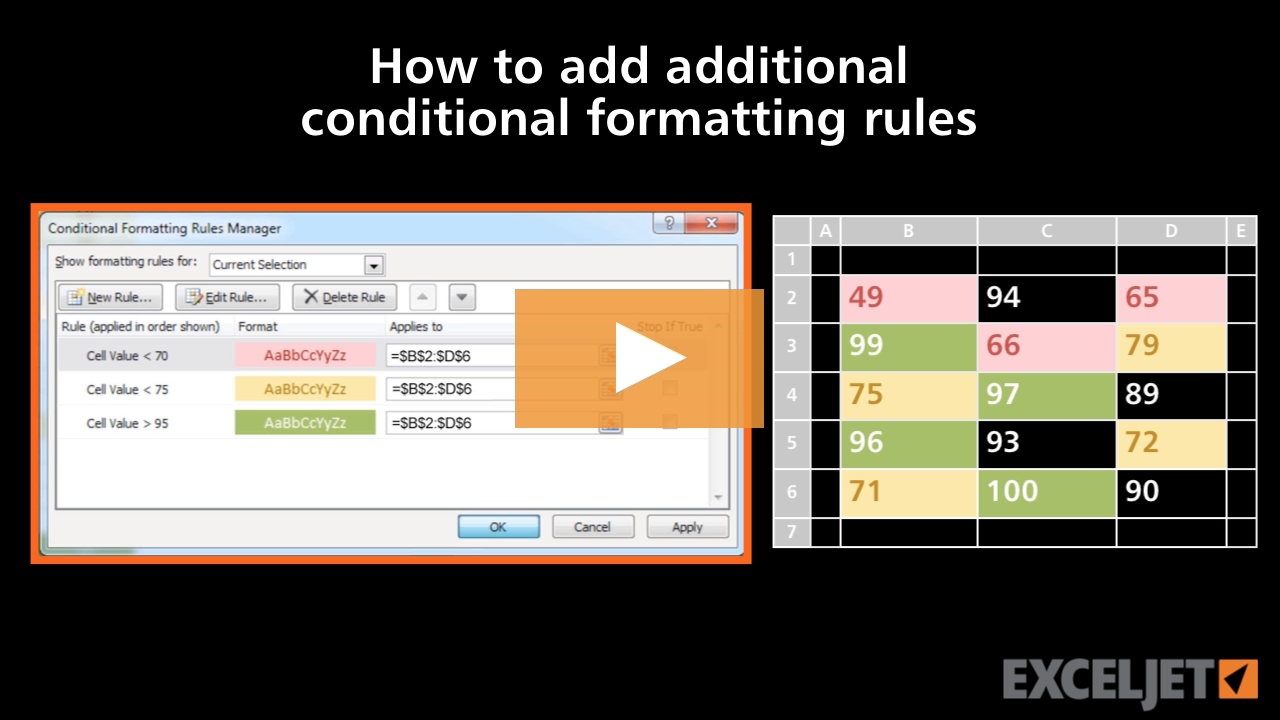
How to add additional conditional formatting rules
Conditional Formatting
2:58

How to add additional conditional formatting rules

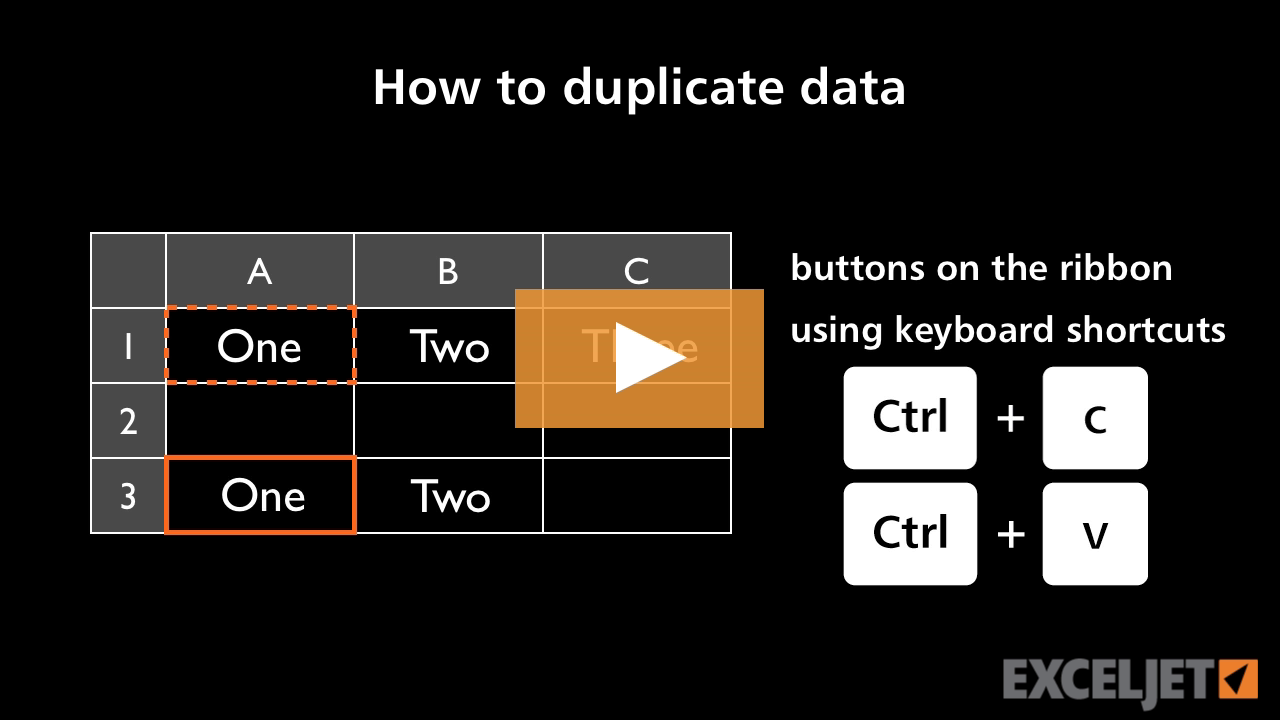
How to duplicate data in Excel
Core Excel
2:44

How to duplicate data in Excel

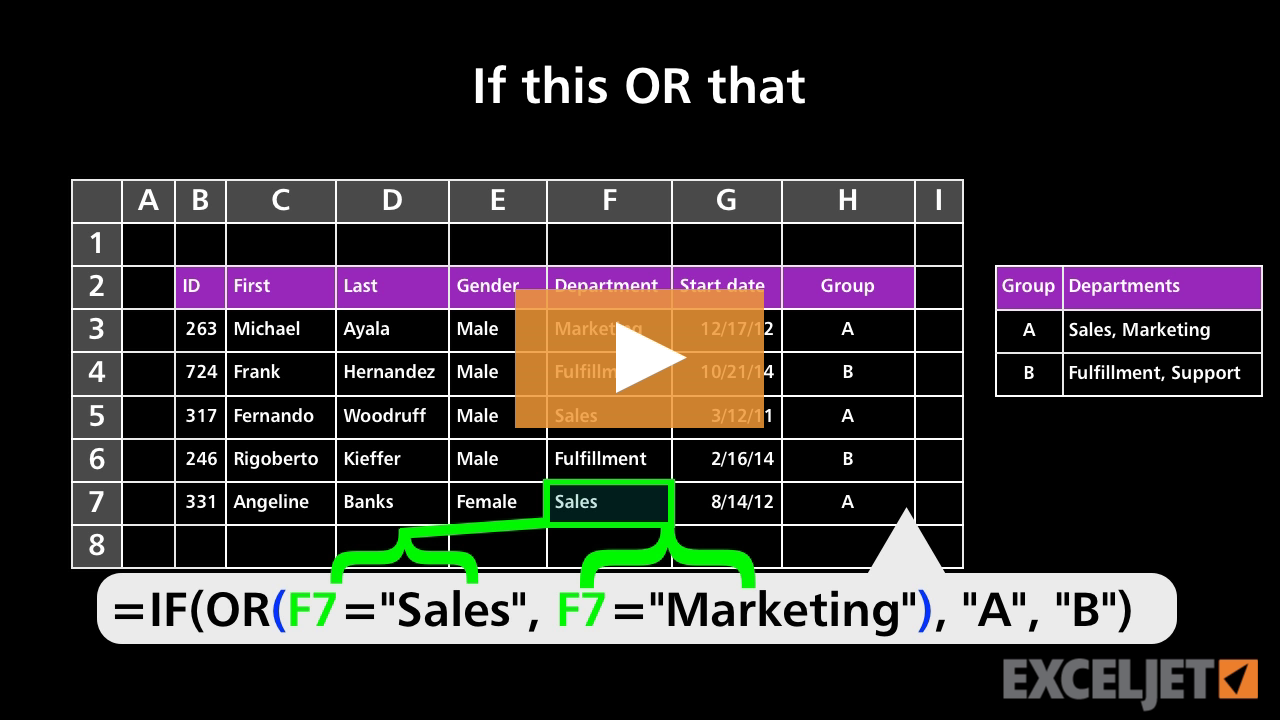
If this OR that
Core Formula
3:02

If this OR that

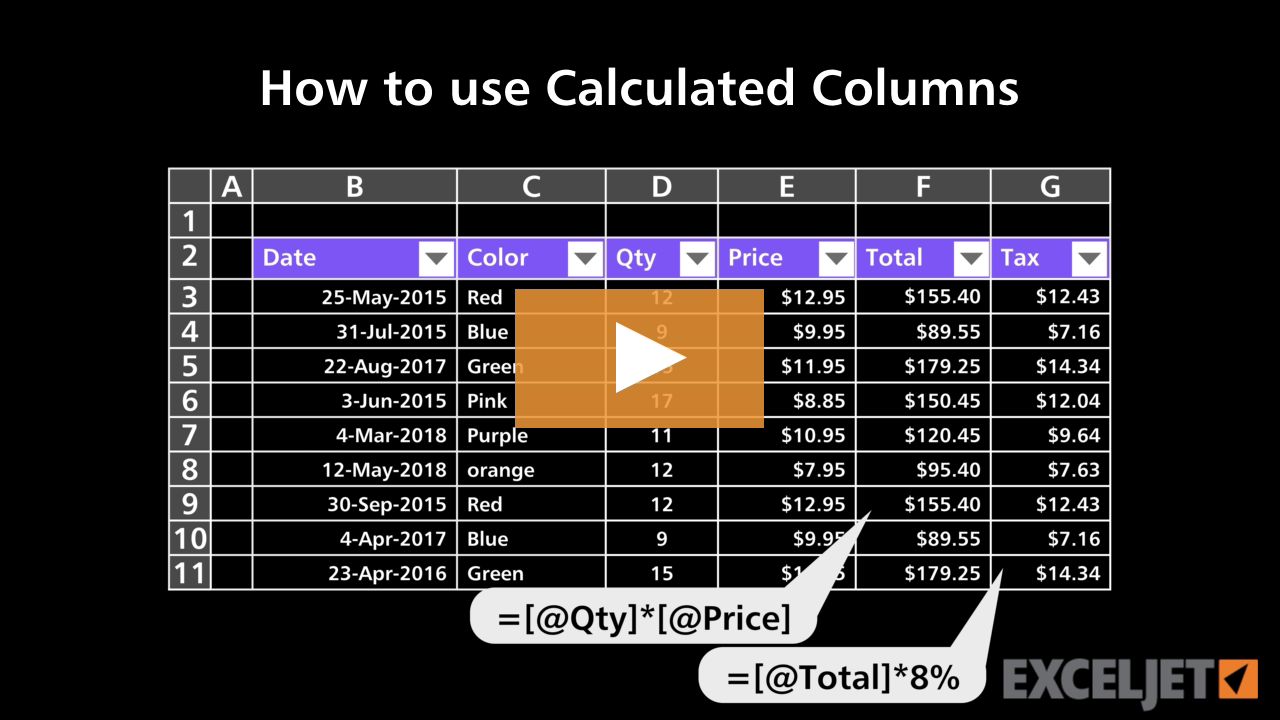
How to use Calculated Columns
Excel Tables
2:49

How to use Calculated Columns

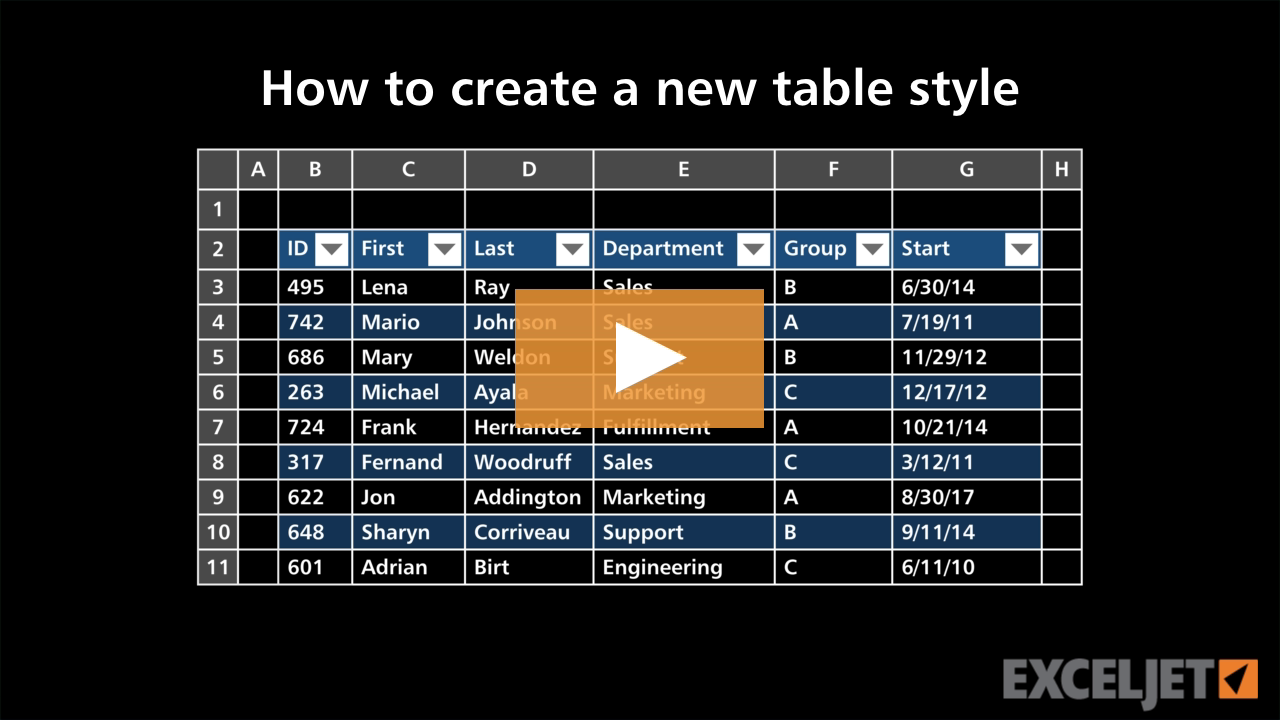
How to create a new table style
Excel Tables
3:41

How to create a new table style

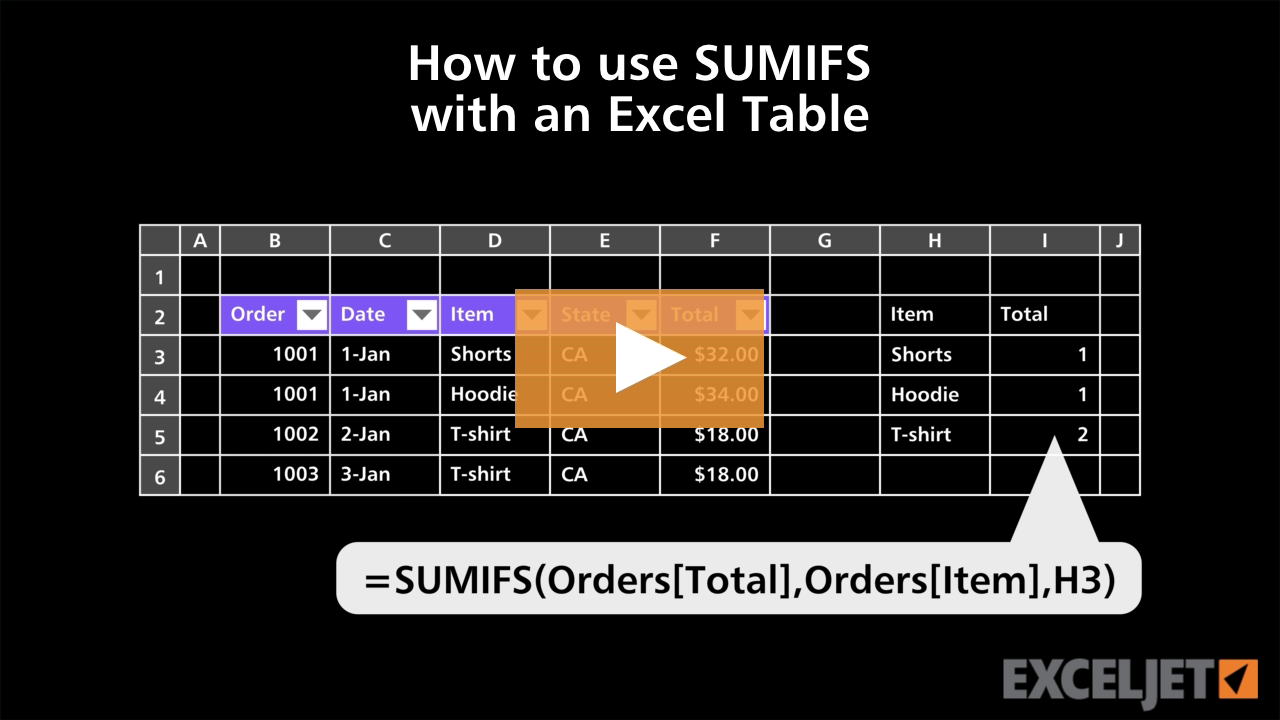
How to use SUMIFS with an Excel Table
Excel Tables
3:35

How to use SUMIFS with an Excel Table

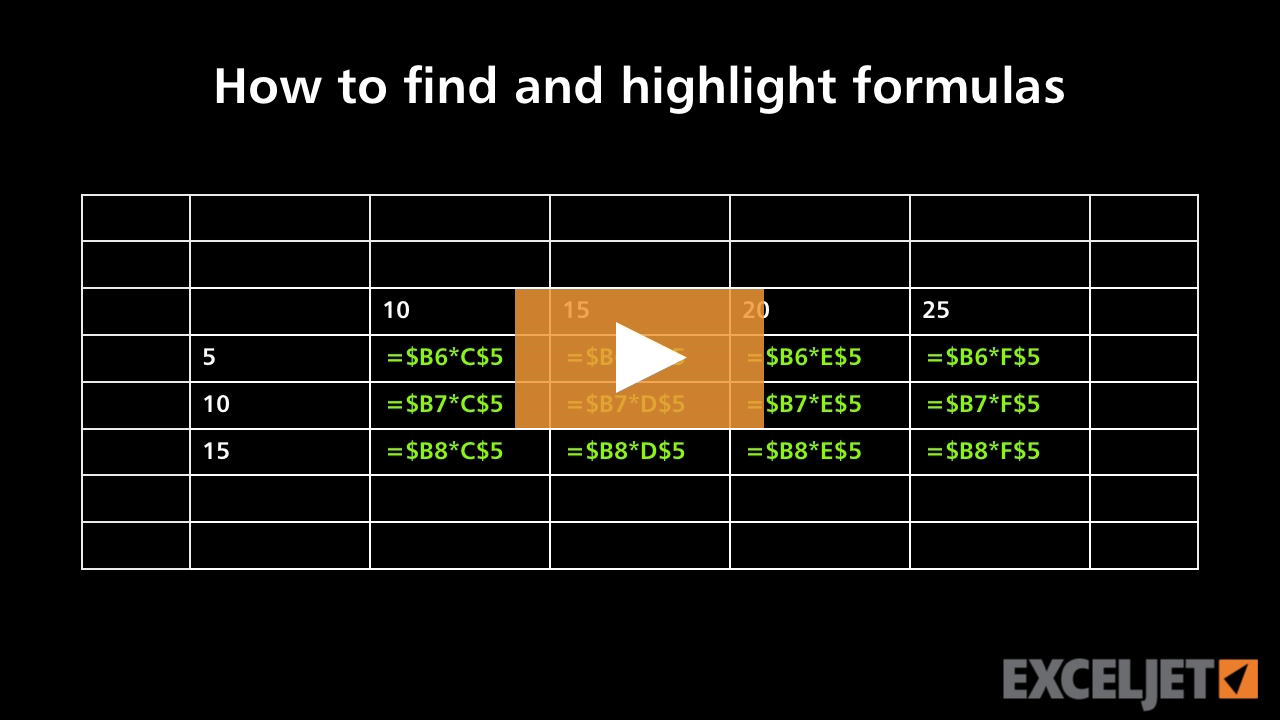
How to find and highlight formulas
Core Formula
3:54

How to find and highlight formulas

How to use subtraction in a formula
Core Excel
1:51

How to use subtraction in a formula

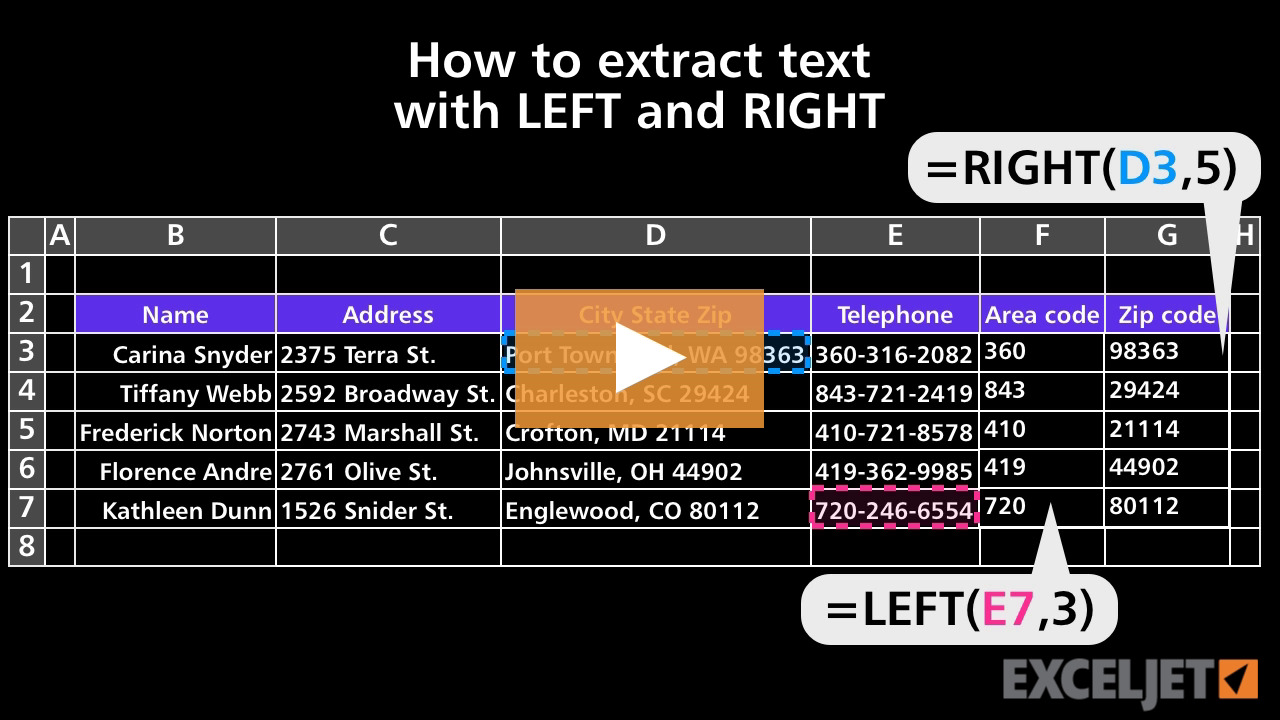
How to extract text with LEFT and RIGHT
Core Formula
2:35

How to extract text with LEFT and RIGHT

How to use borders and fills together in Excel
Core Excel
2:30

How to use borders and fills together in Excel

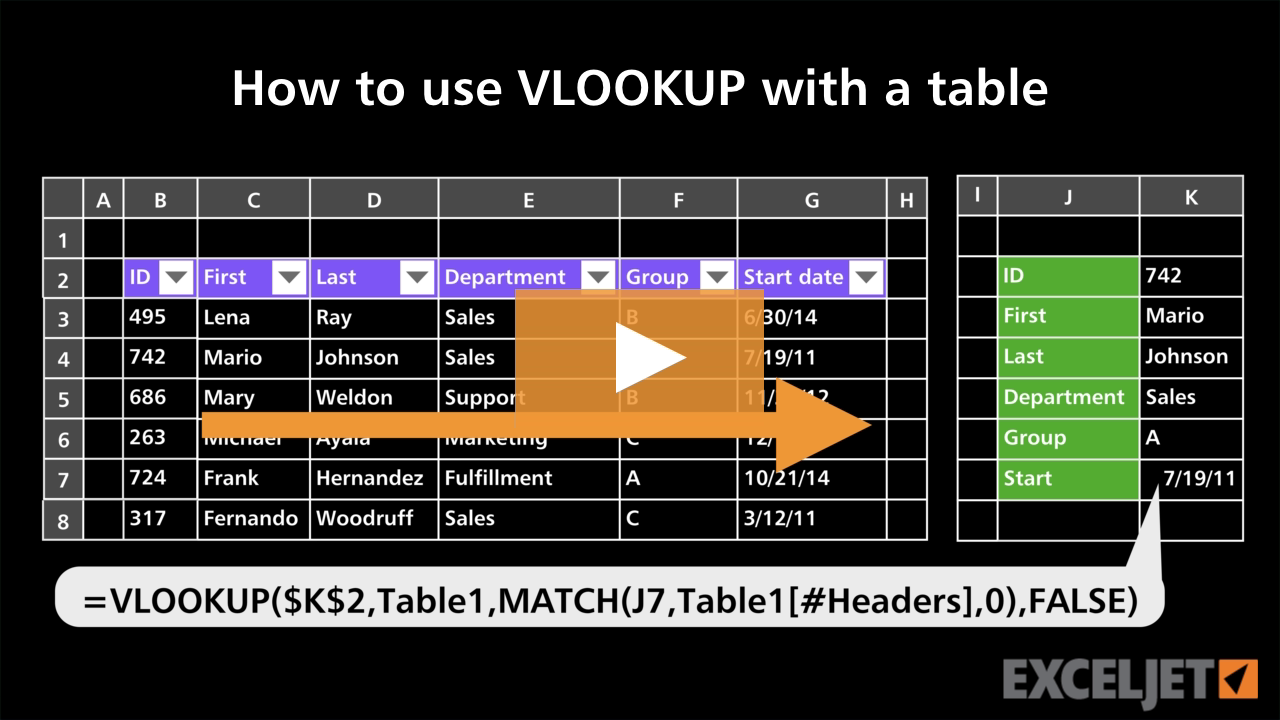
How to use VLOOKUP with a table
Excel Tables
3:46

How to use VLOOKUP with a table

How to quickly remove blank rows
Core Excel
2:01

How to quickly remove blank rows

TEXTAFTER with TEXTBEFORE
Dynamic Array Formulas
3:48

TEXTAFTER with TEXTBEFORE

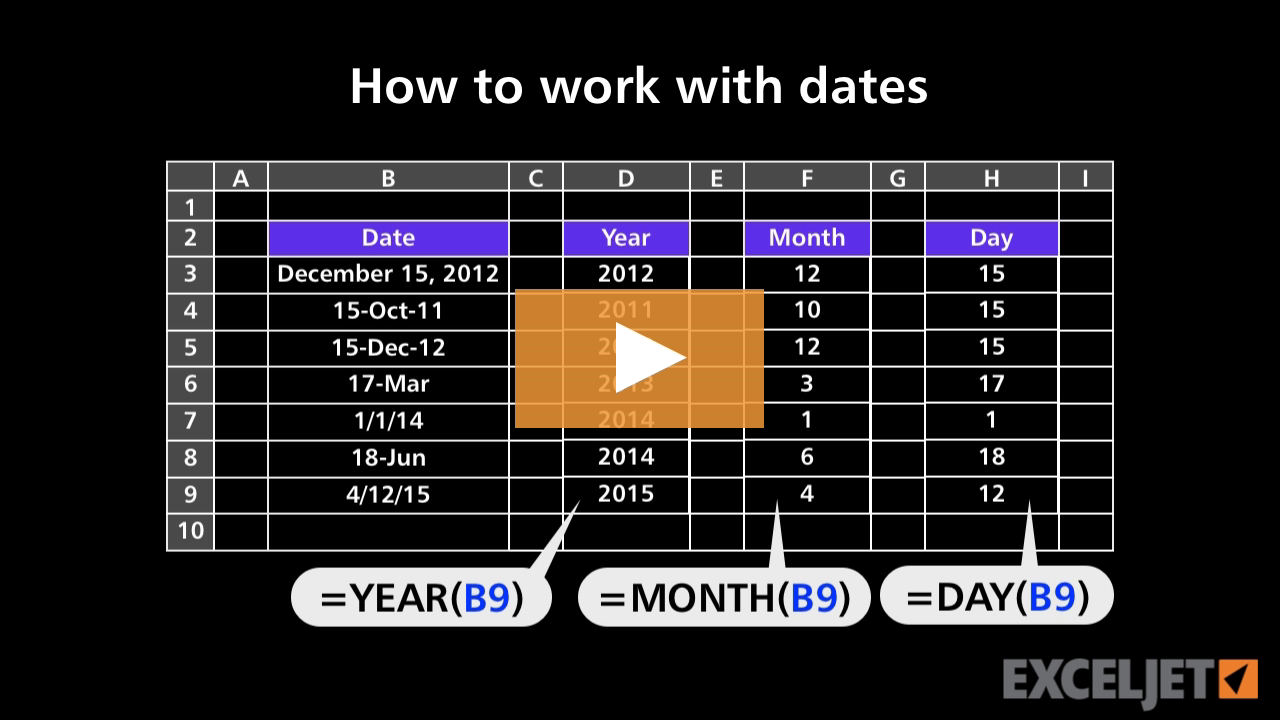
How to work with dates
Core Formula
2:54

How to work with dates

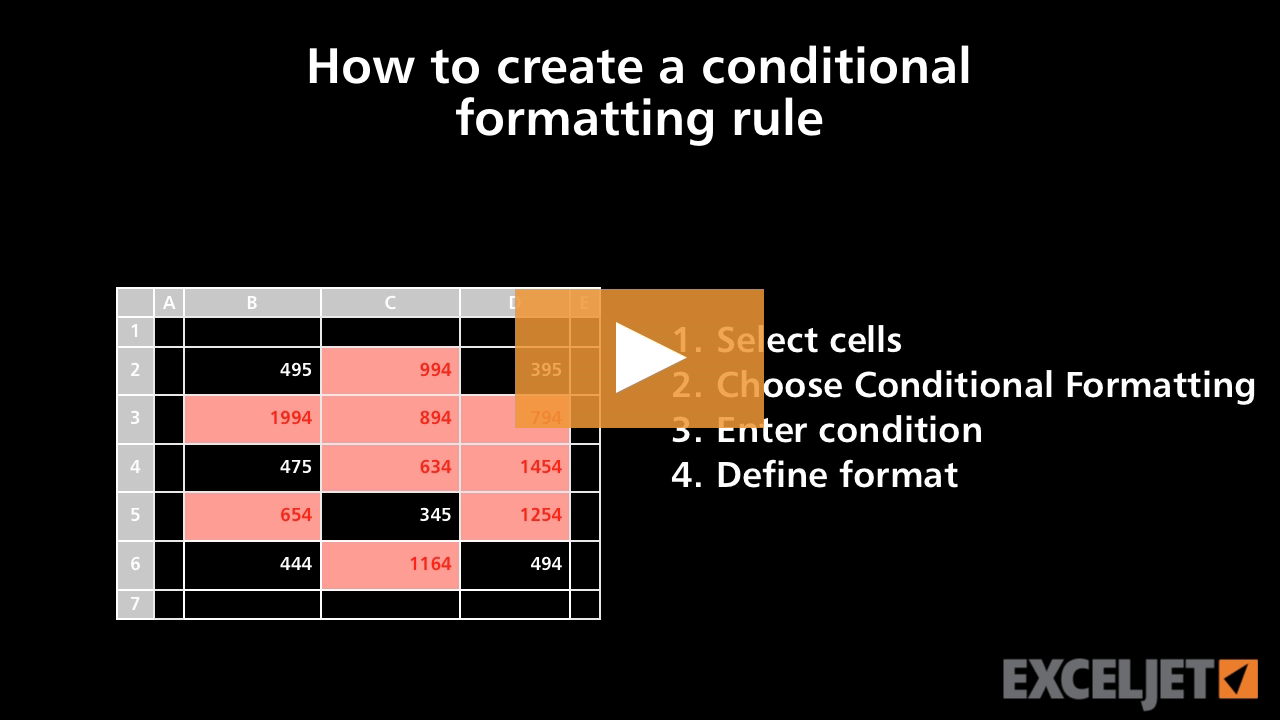
How to create a conditional formatting rule
Conditional Formatting
2:27

How to create a conditional formatting rule

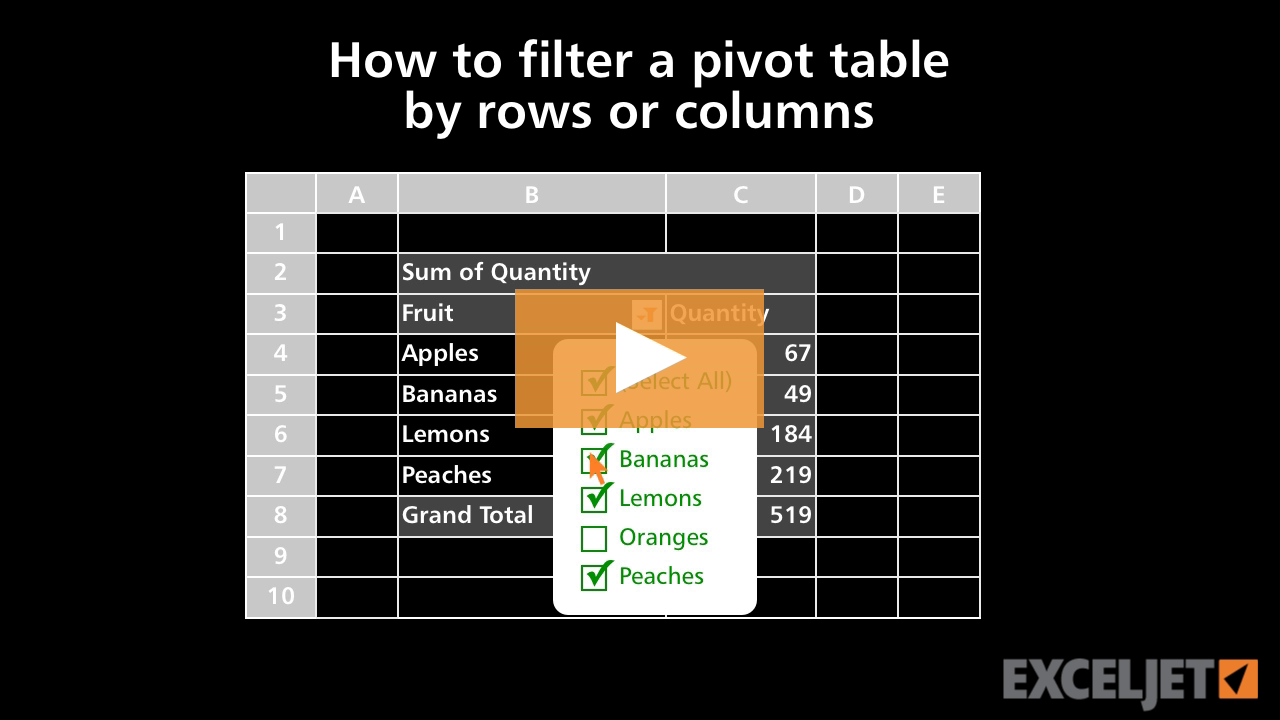
How to filter a pivot table by rows or columns
Core Pivot
2:33

How to filter a pivot table by rows or columns

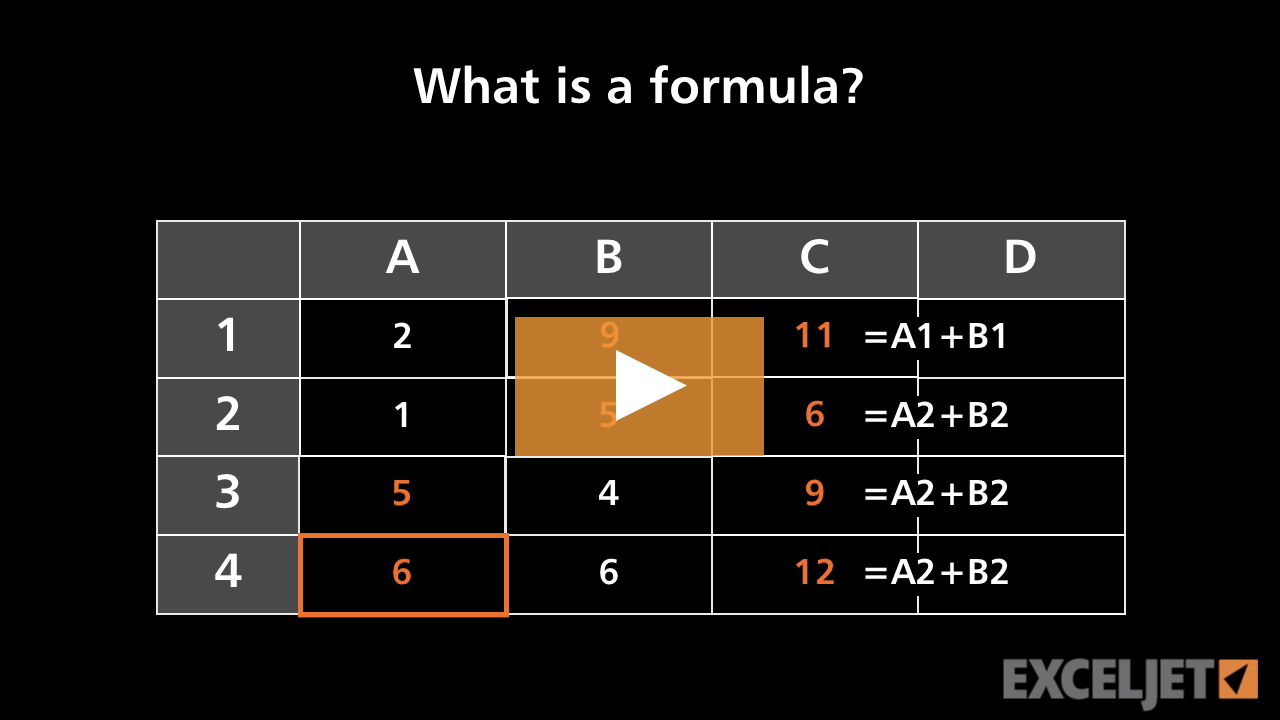
What is a formula?
Core Excel
2:28

What is a formula?

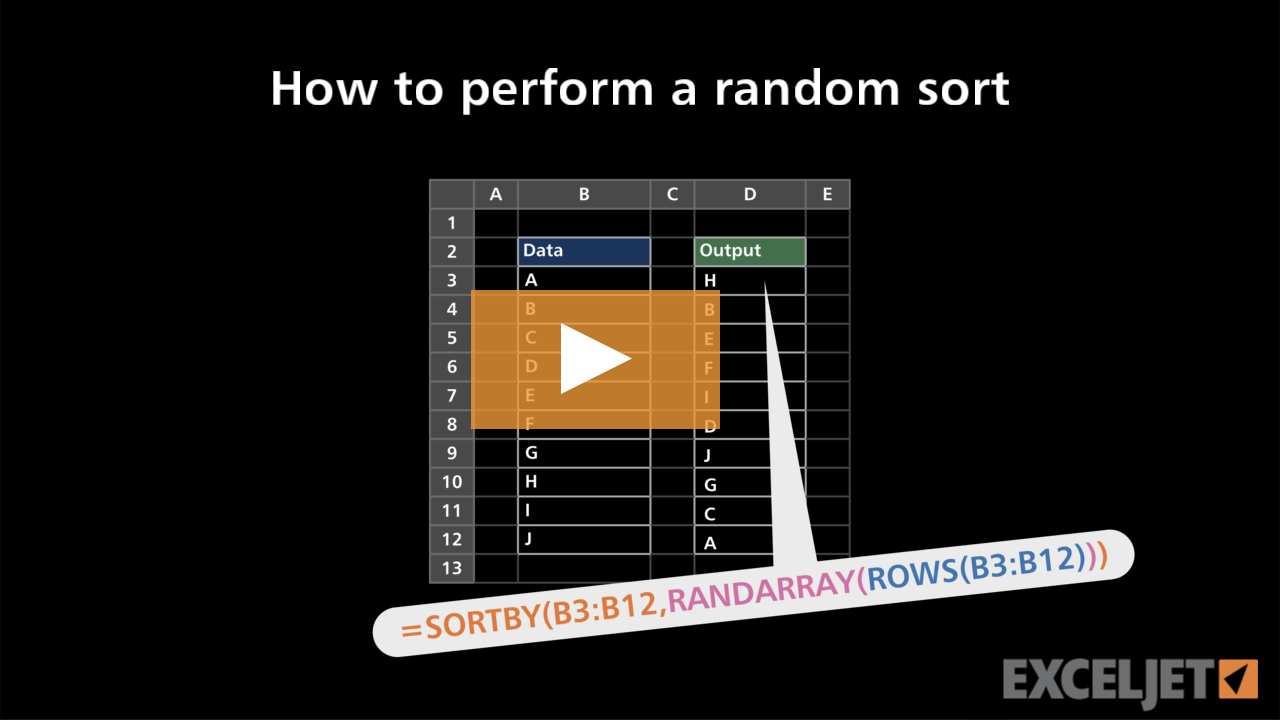
How to perform a random sort
Dynamic Array Formulas
2:31

How to perform a random sort

How to move and copy worksheets in Excel
Core Excel
2:20

How to move and copy worksheets in Excel

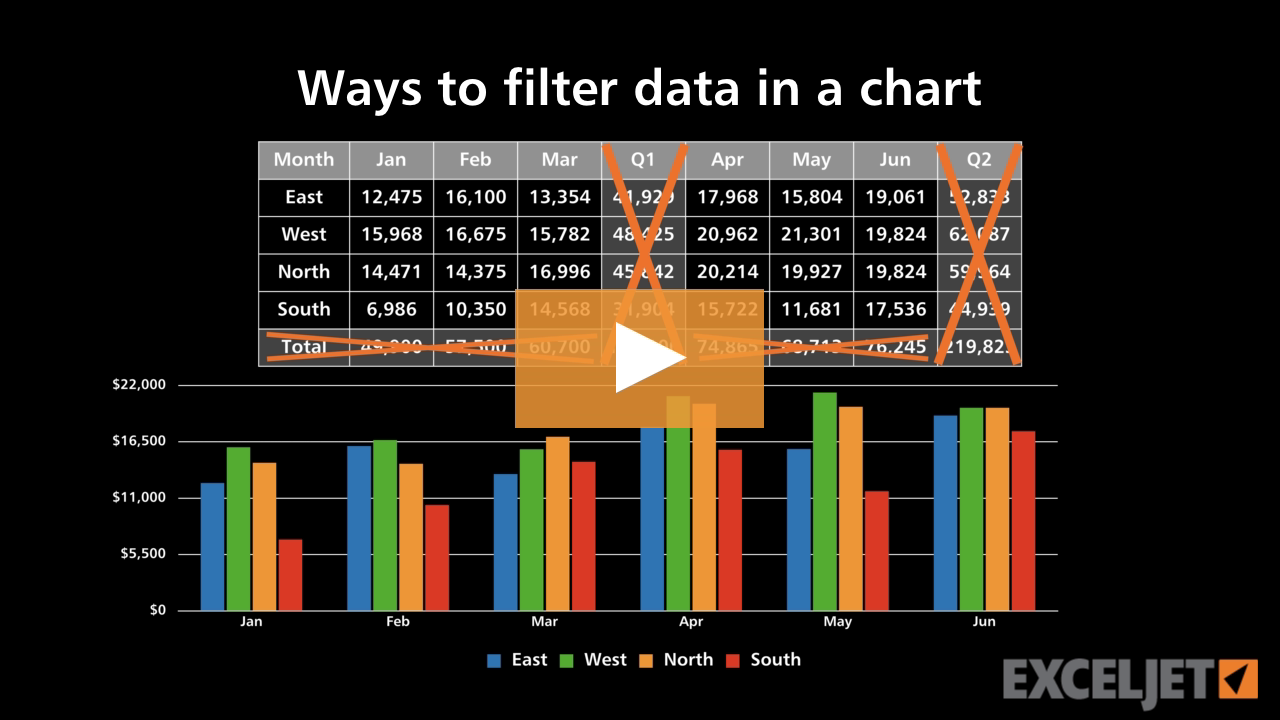
Ways to filter data in a chart
Core Charts
3:29

Ways to filter data in a chart

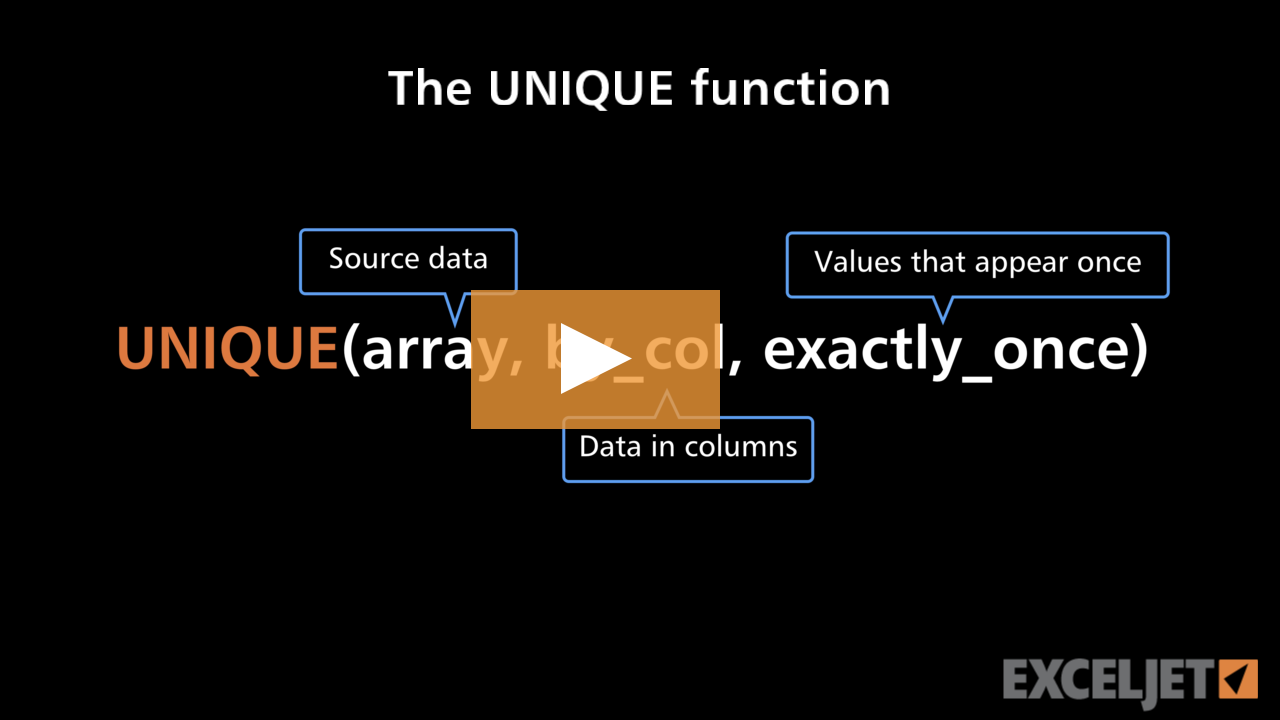
The UNIQUE function
Dynamic Array Formulas
3:12

The UNIQUE function

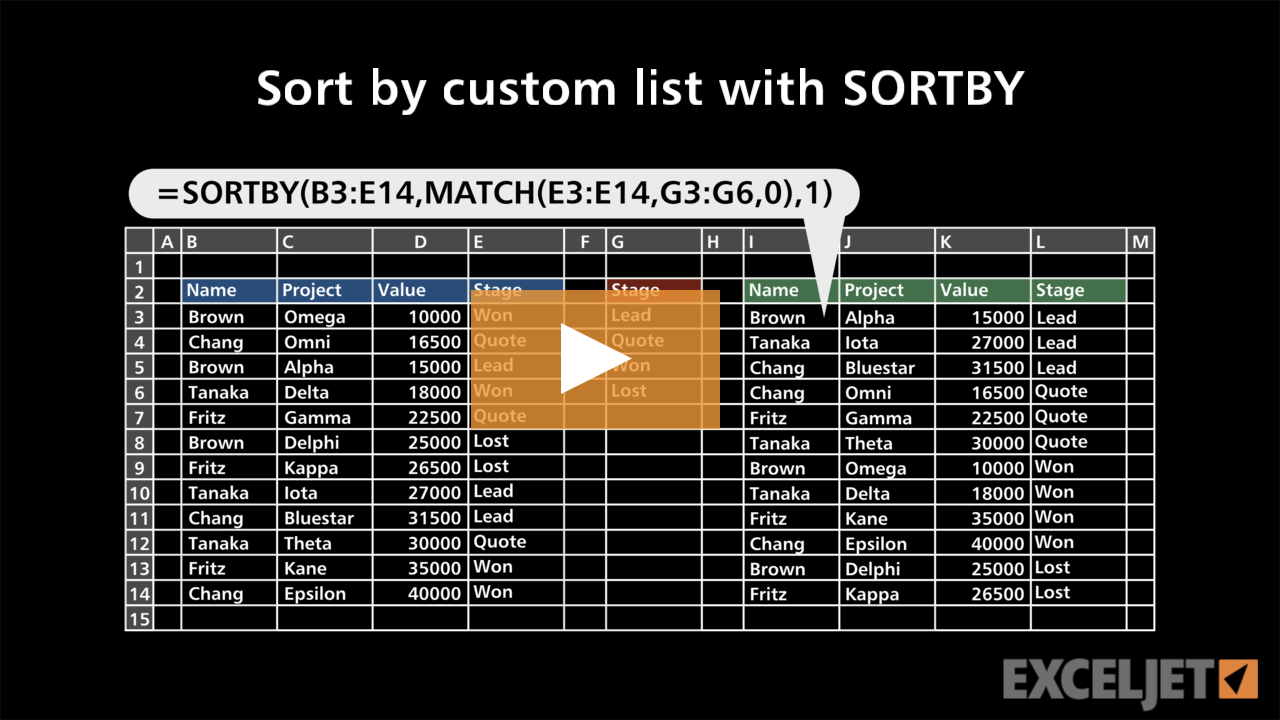
Sort by custom list with SORTBY
Dynamic Array Formulas
2:50

Sort by custom list with SORTBY

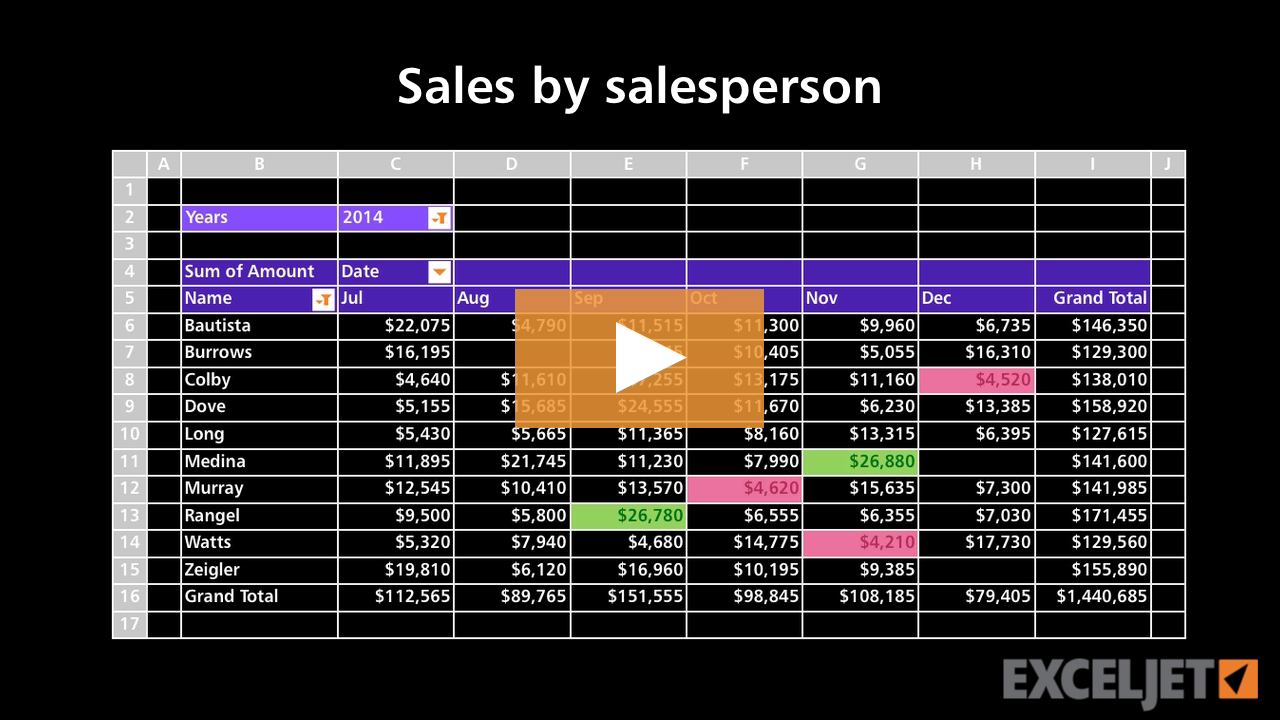
Pivot Table Example - Sales by sales person
Core Pivot
2:02

Pivot Table Example - Sales by sales person

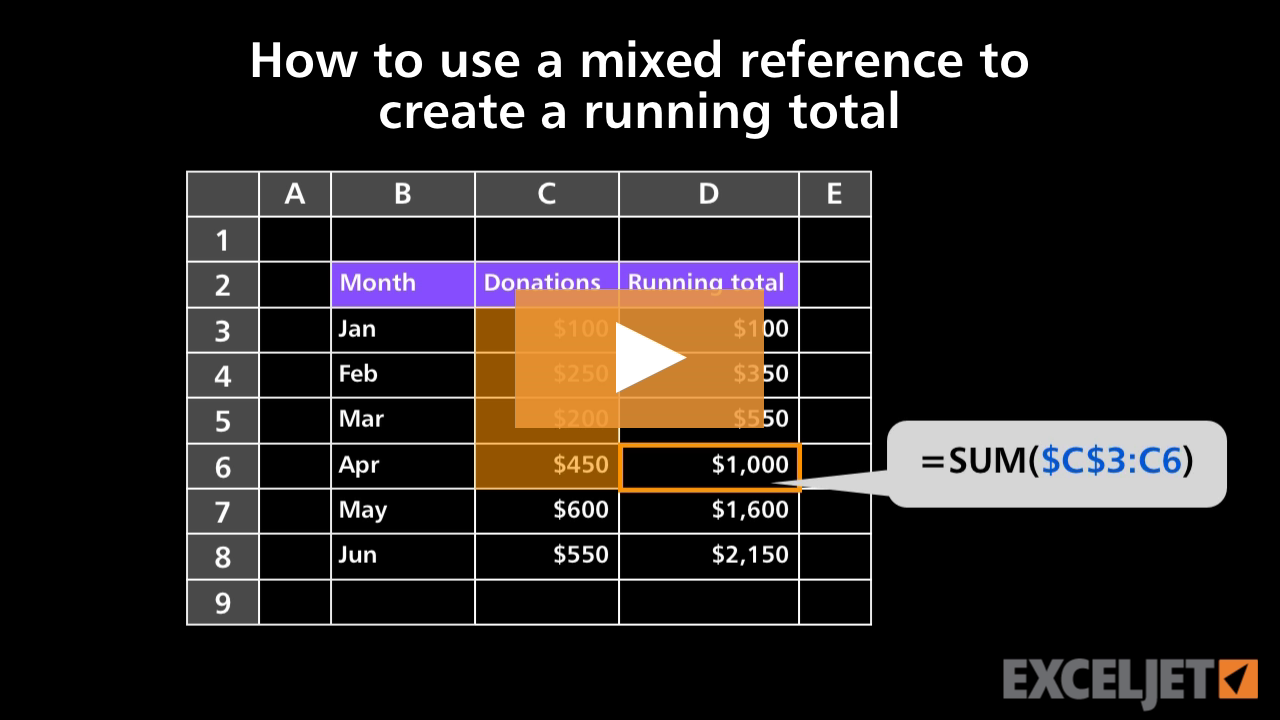
How to use a mixed reference to create a running total
Core Formula
2:09

How to use a mixed reference to create a running total

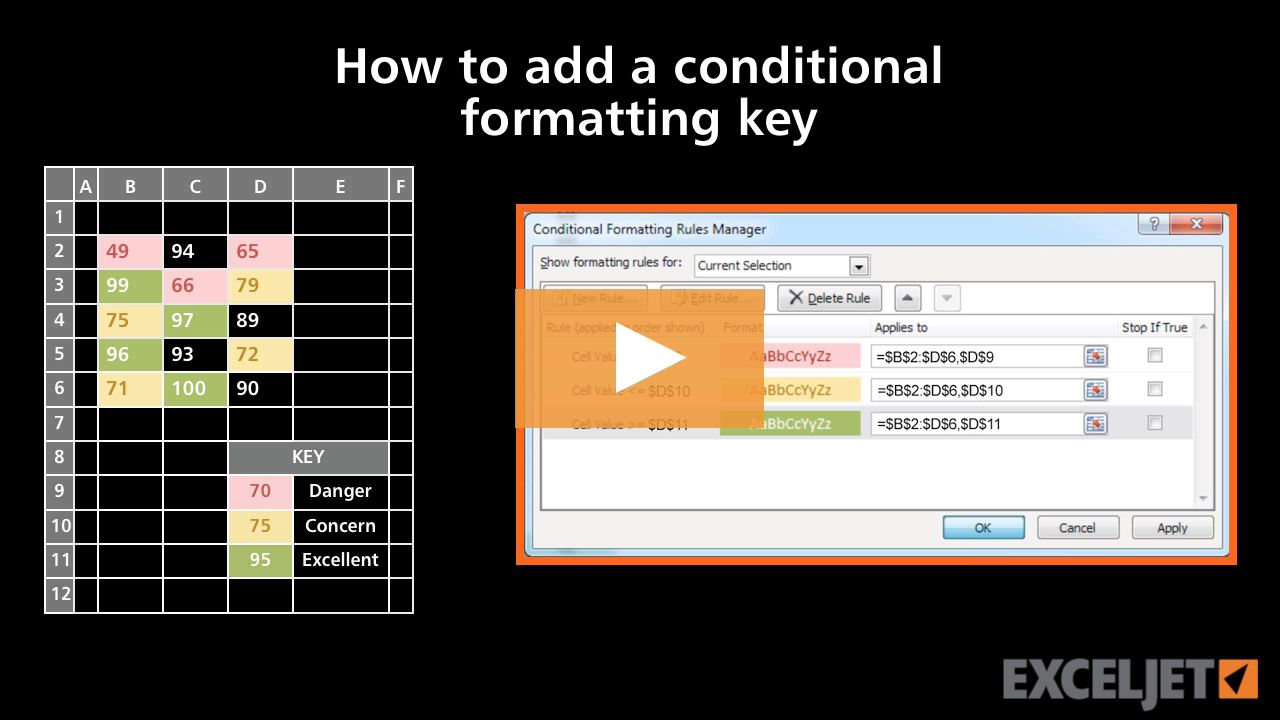
How to add a conditional formatting key
Conditional Formatting
3:28

How to add a conditional formatting key

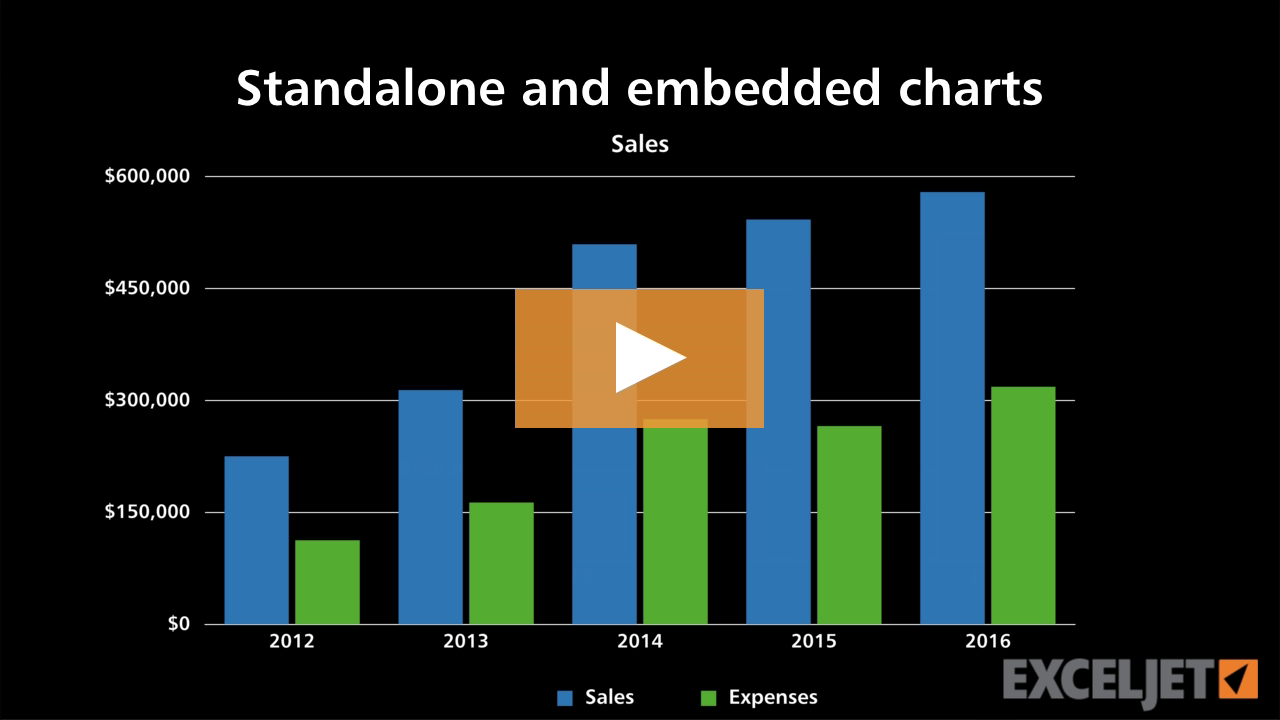
Standalone and embedded charts
Core Charts
2:01

Standalone and embedded charts

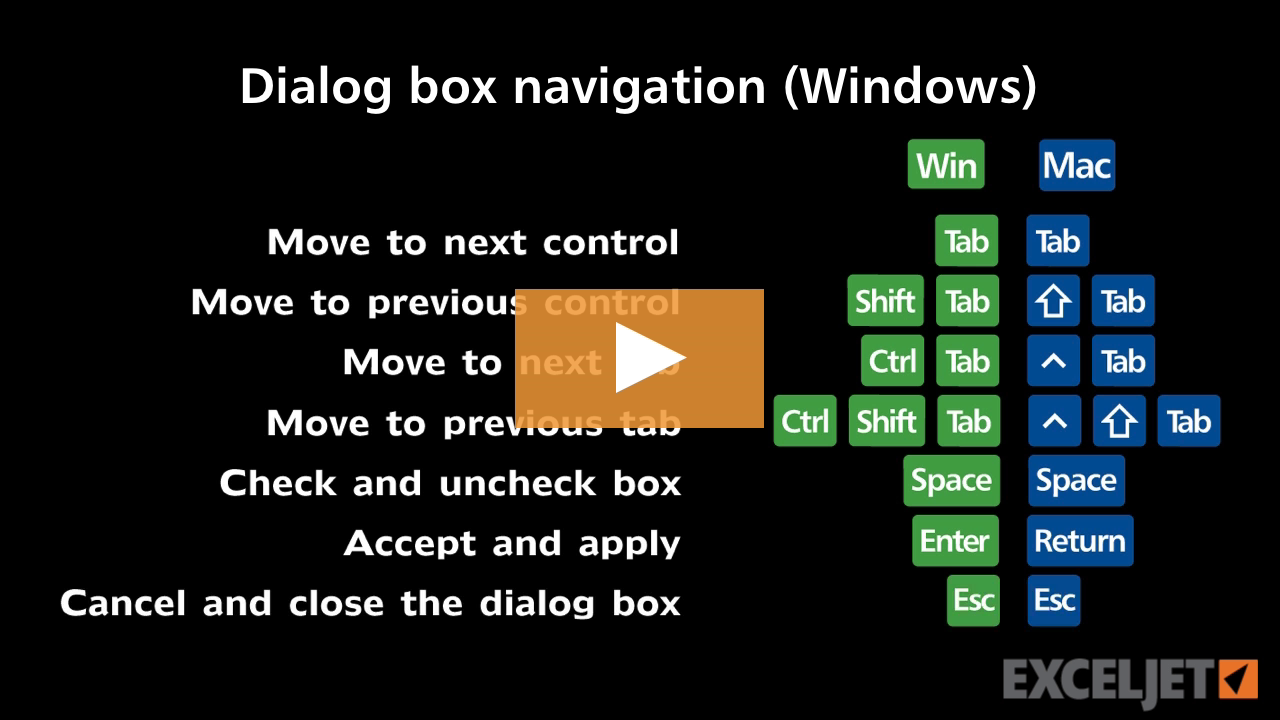
Shortcuts for Excel dialog boxes (Win)
Excel Shortcuts
3:08

Shortcuts for Excel dialog boxes (Win)

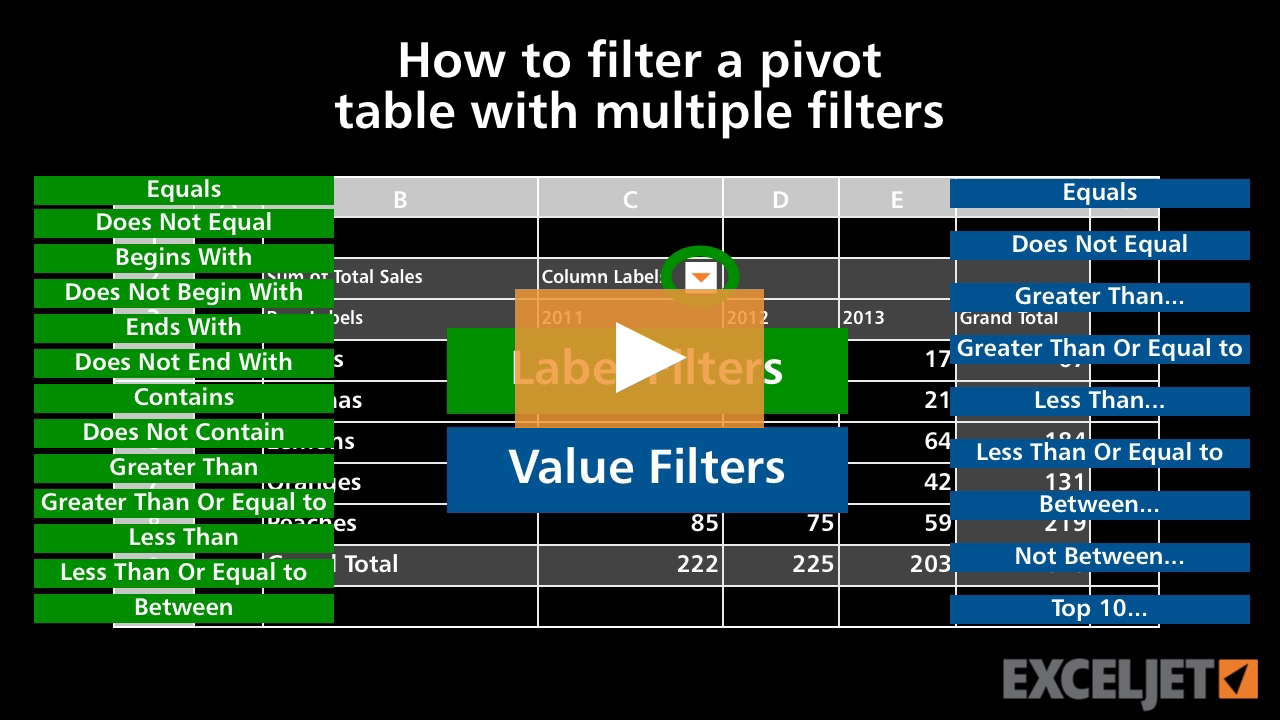
How to filter a pivot table with multiple filters
Core Pivot
2:36

How to filter a pivot table with multiple filters

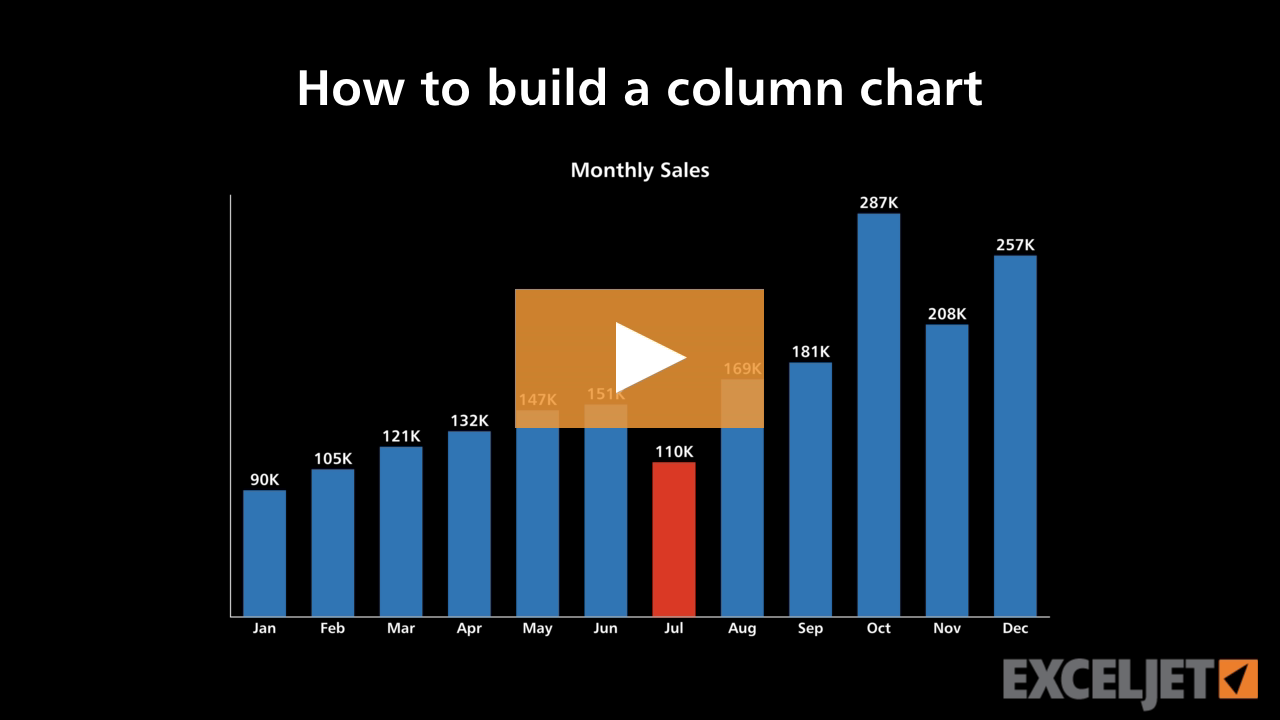
How to build a column chart
Core Charts
3:22

How to build a column chart

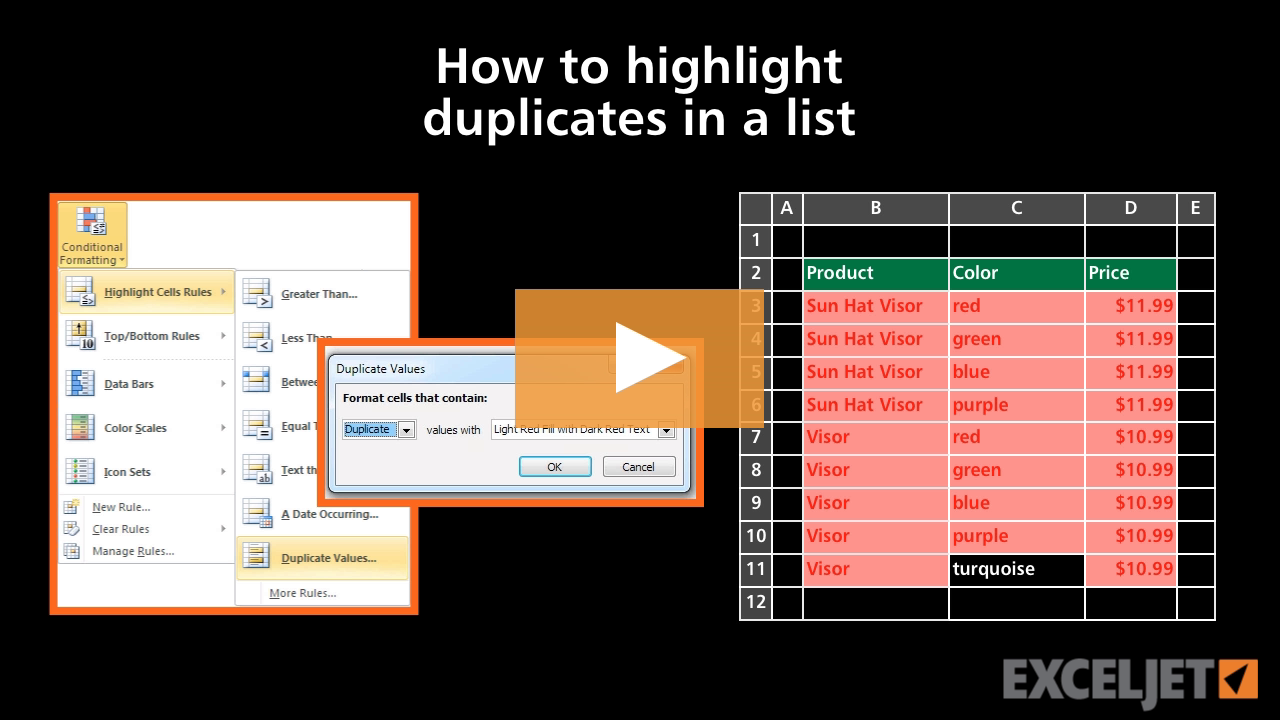
How to highlight duplicates in a list
Core Excel
2:33

How to highlight duplicates in a list

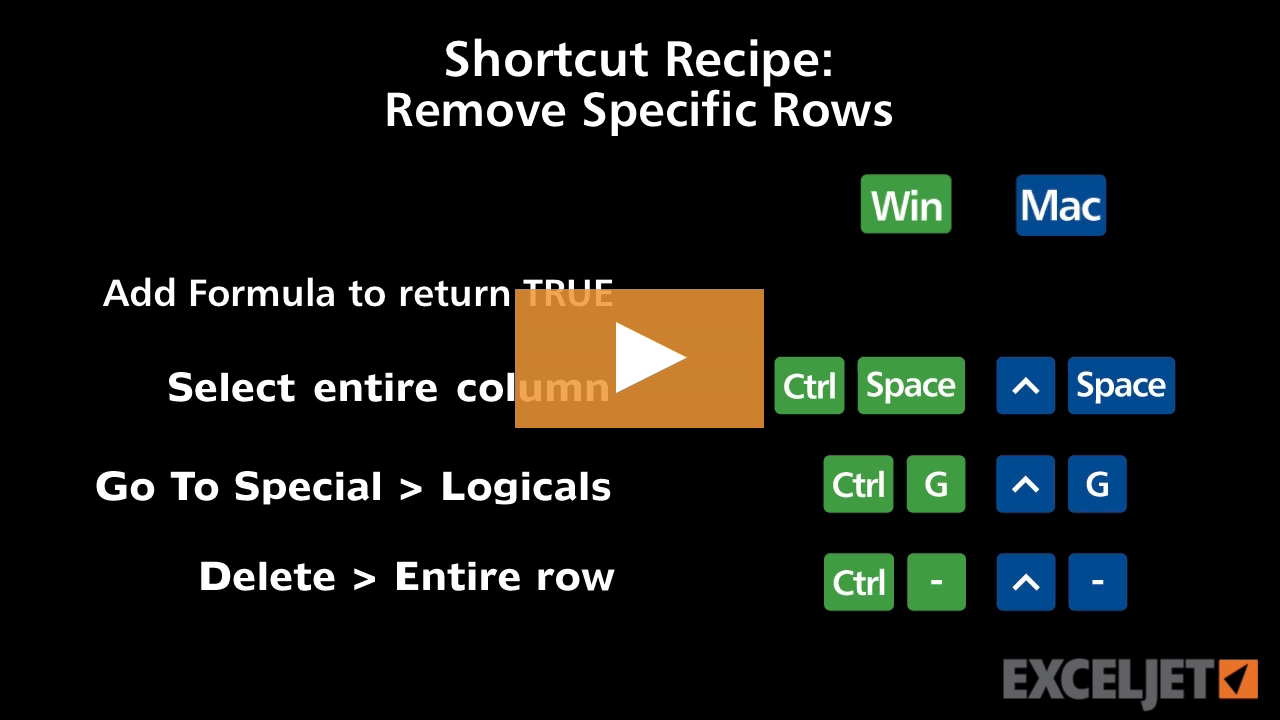
Shortcut recipe: remove specific rows
Excel Shortcuts
2:58

Shortcut recipe: remove specific rows

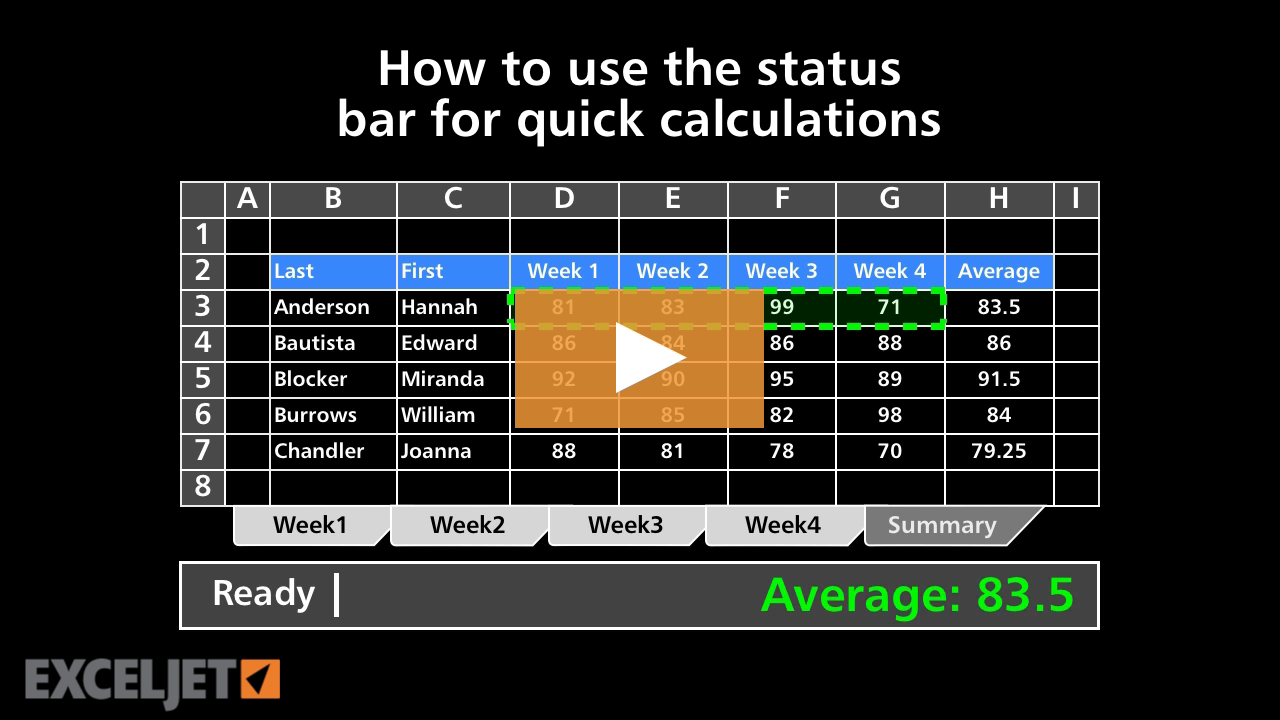
How to use the status bar for quick calculations
Core Formula
2:36

How to use the status bar for quick calculations

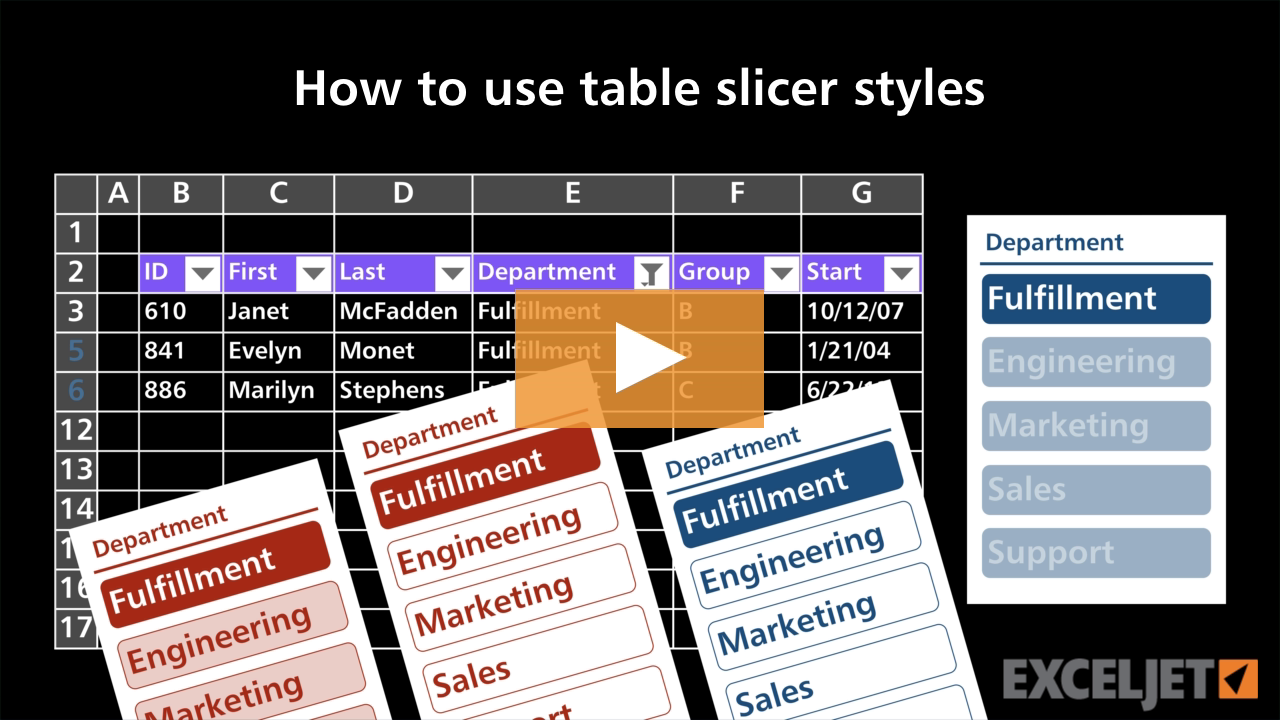
How to use table slicer styles
Excel Tables
2:53

How to use table slicer styles

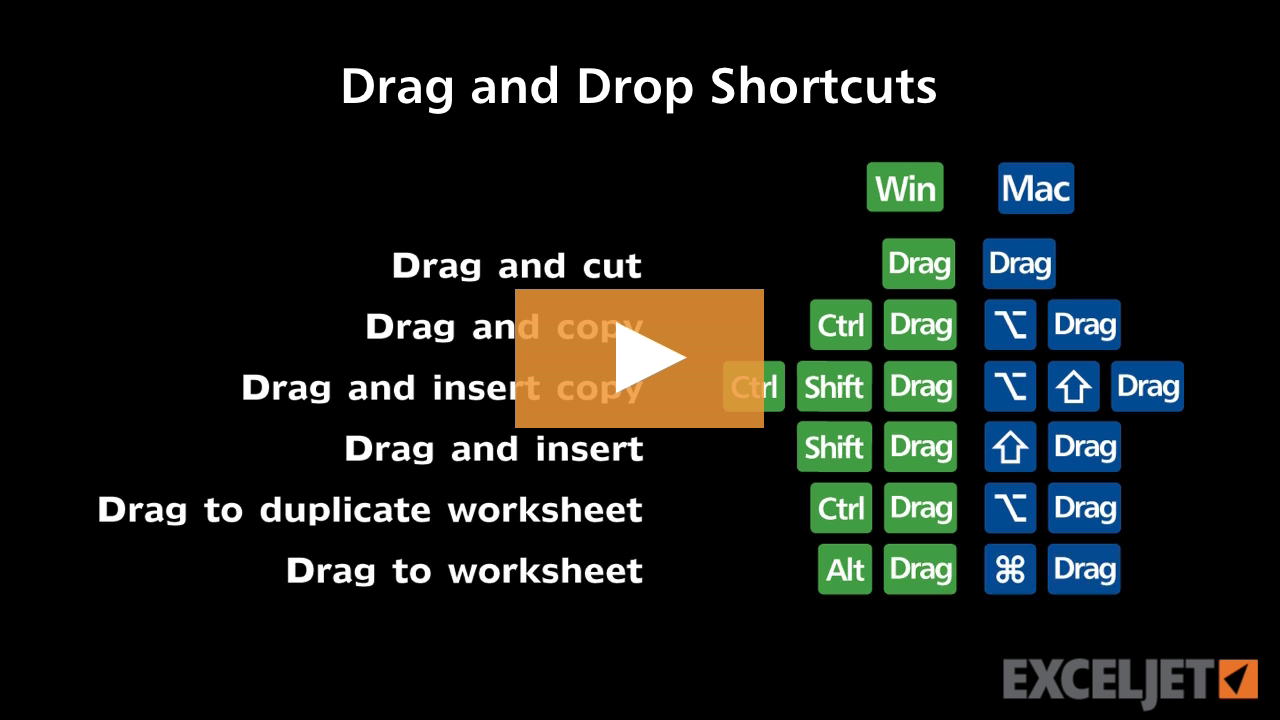
Shortcuts for drag and drop
Excel Shortcuts
2:43

Shortcuts for drag and drop

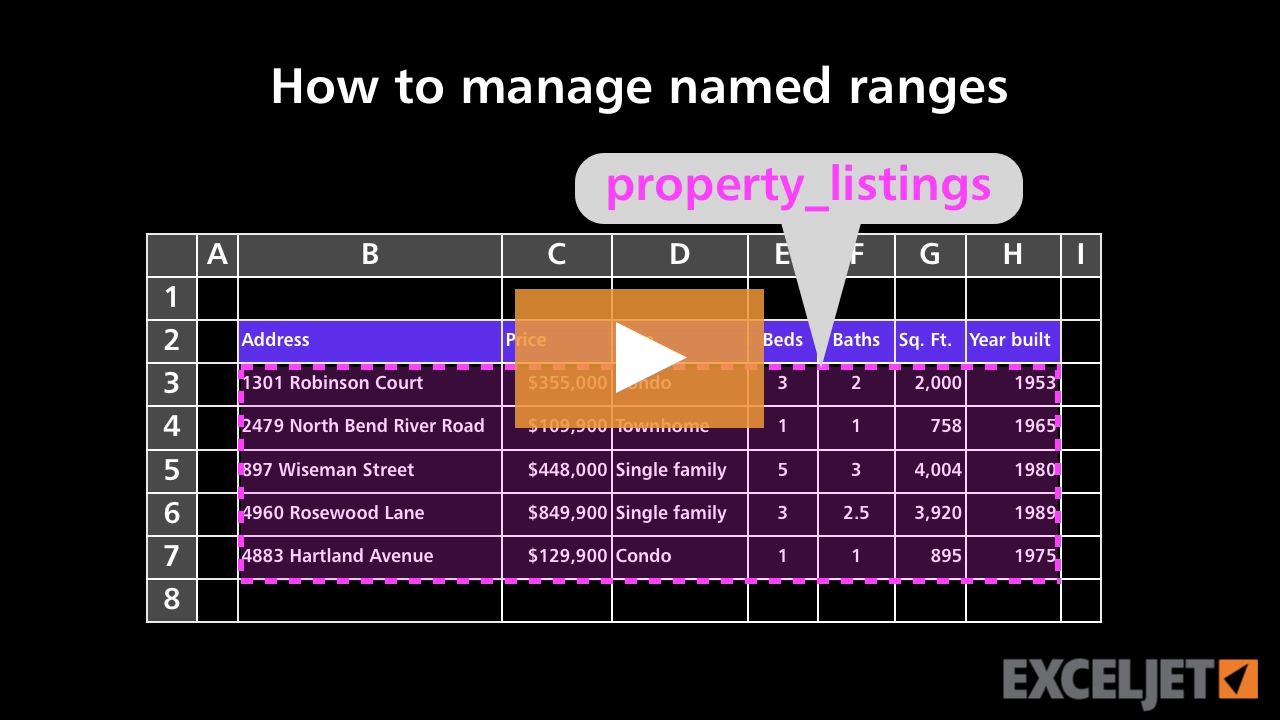
How to manage named ranges
Core Formula
2:17

How to manage named ranges

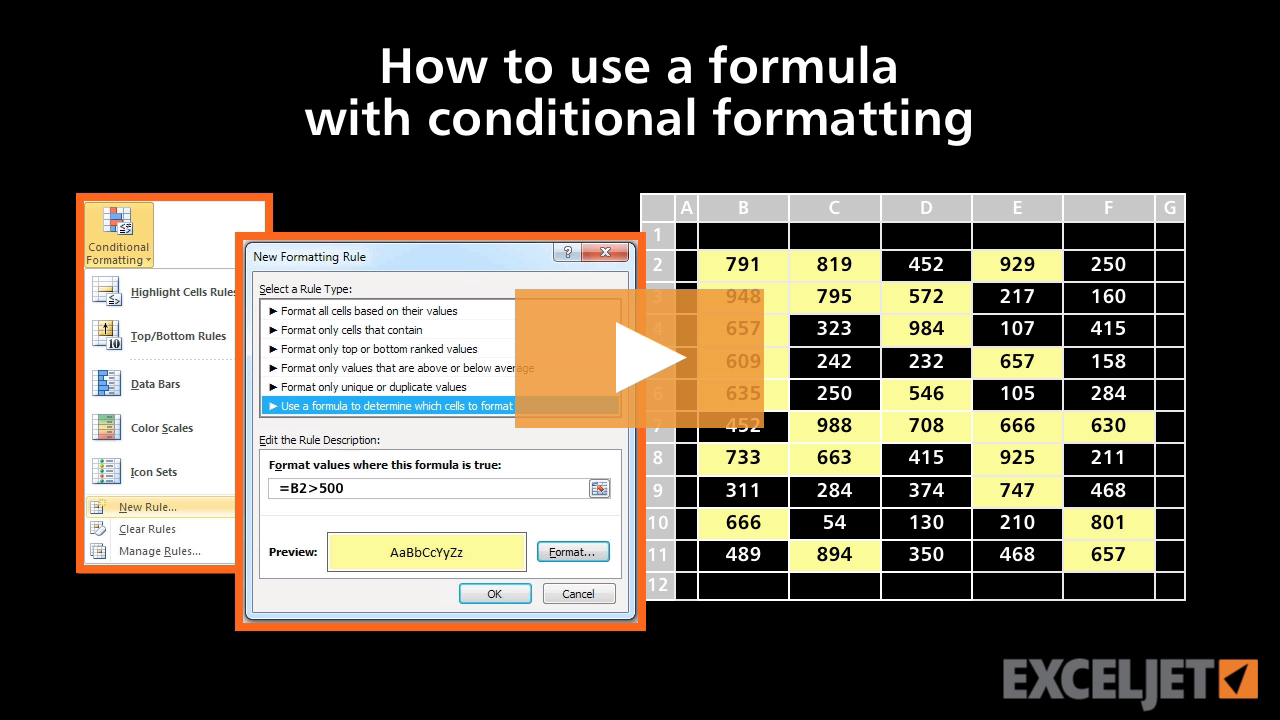
How to use a formula with conditional formatting
Conditional Formatting
3:07

How to use a formula with conditional formatting

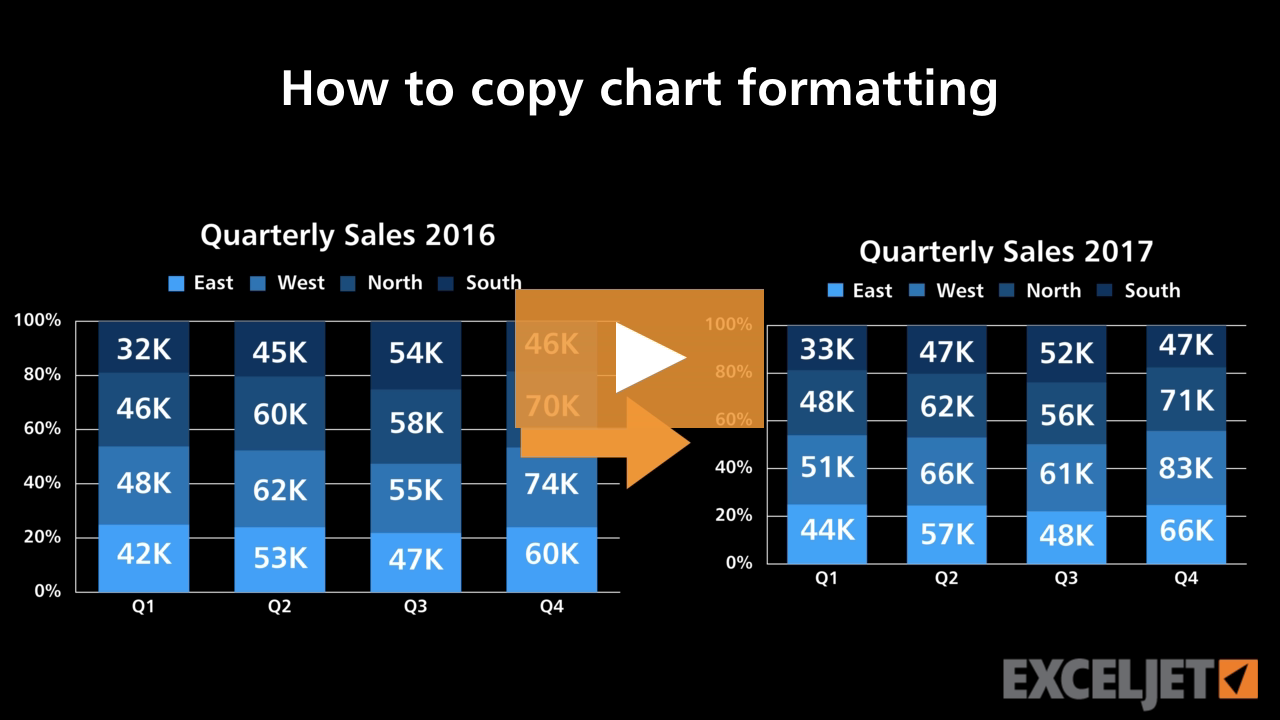
How to copy chart formatting
Core Charts
2:20

How to copy chart formatting

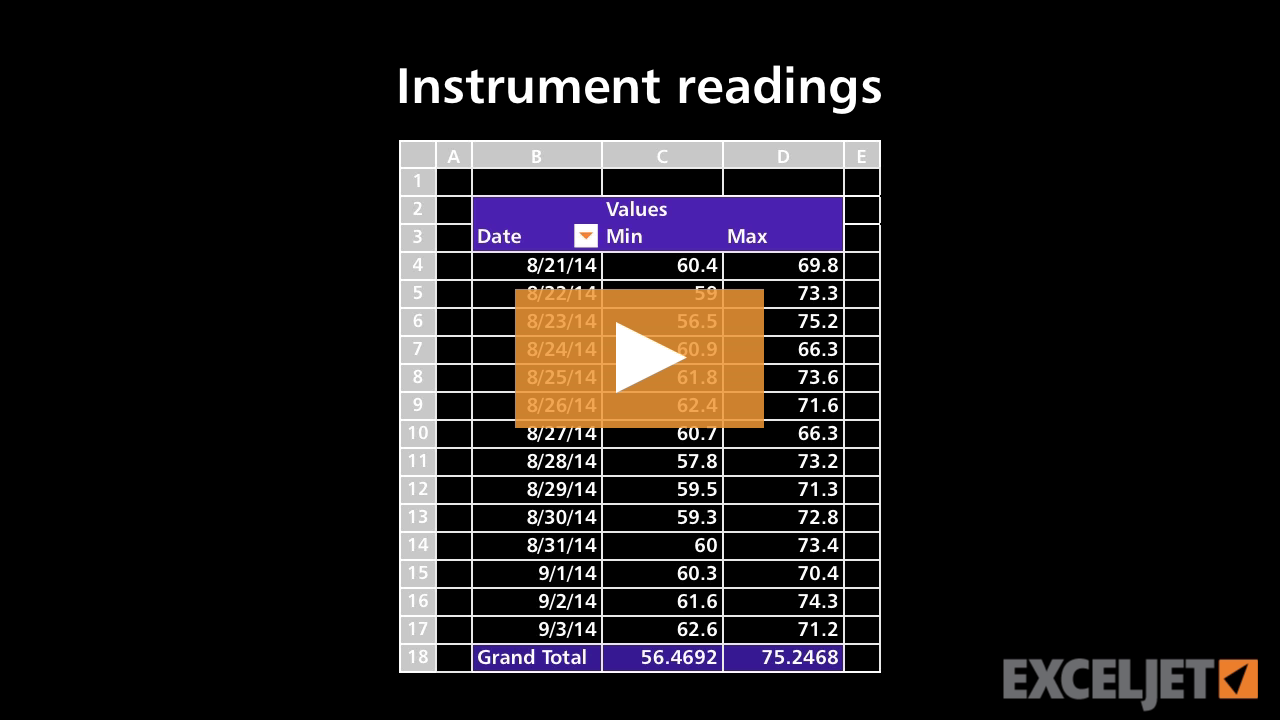
Pivot Table Example - Instrument readings
Core Pivot
2:32

Pivot Table Example - Instrument readings

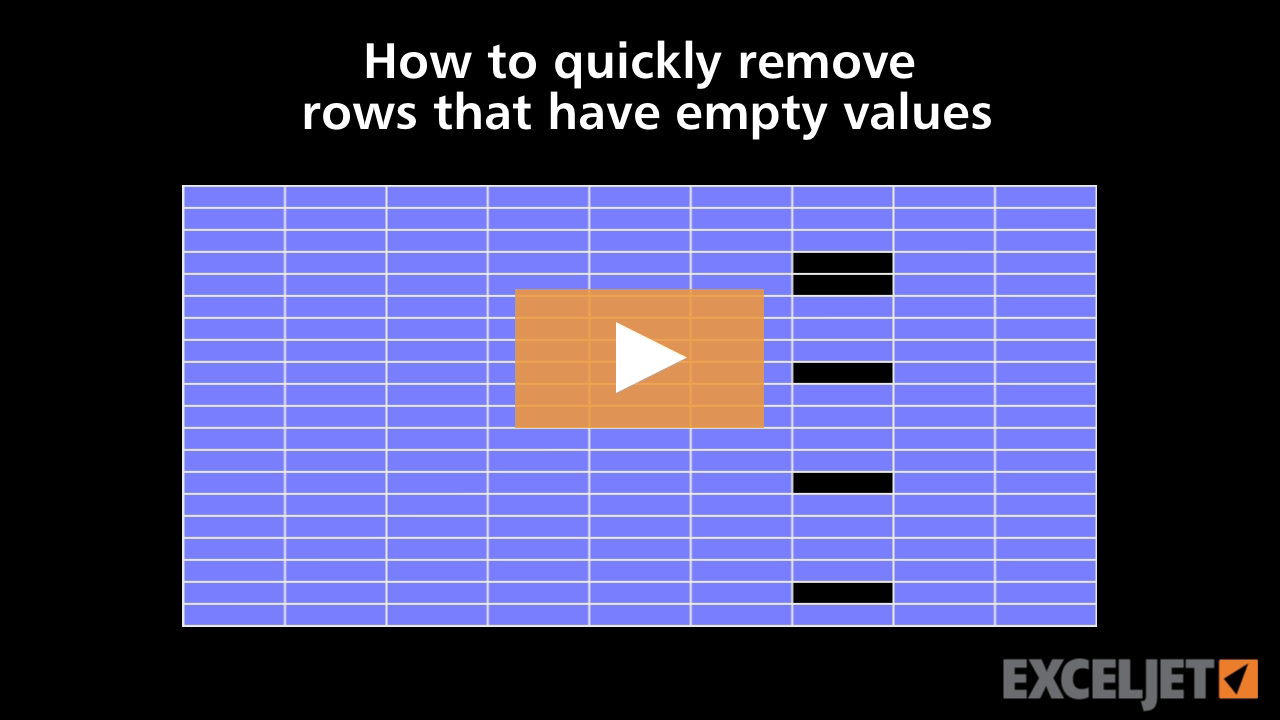
How to quickly remove rows that have empty values
Core Excel
3:46

How to quickly remove rows that have empty values

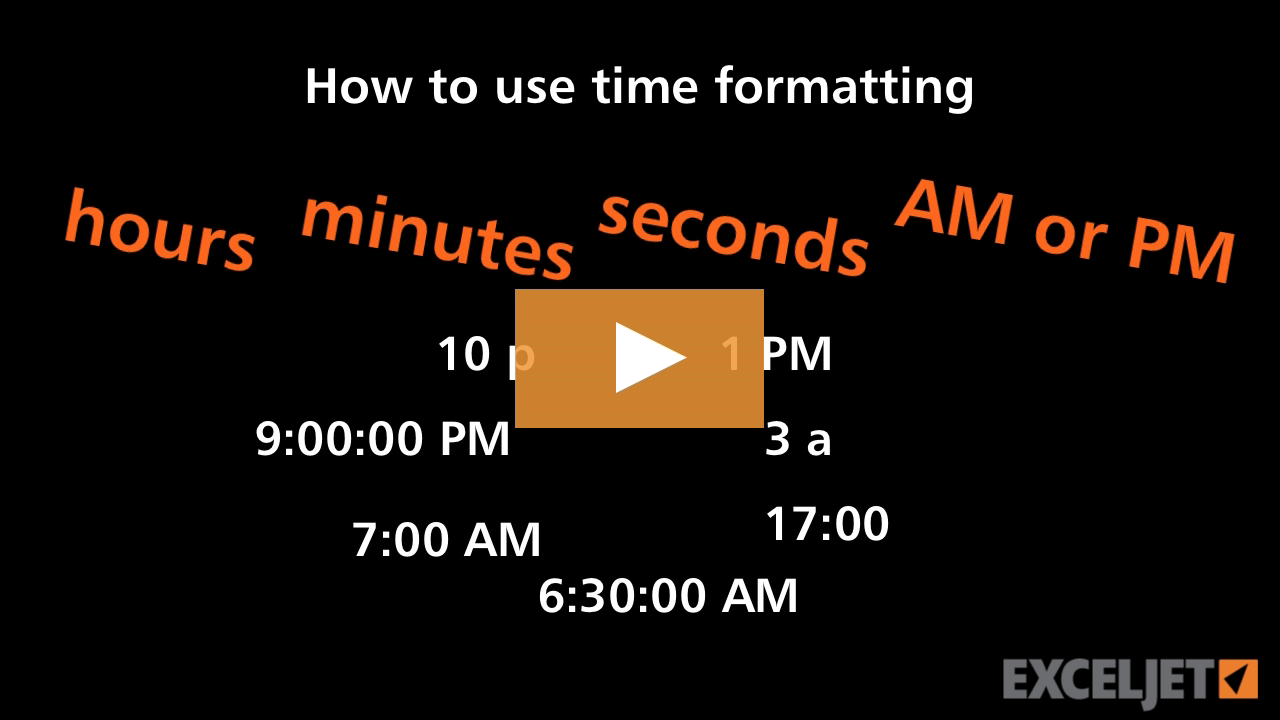
How to use time formatting in Excel
Core Excel
2:49

How to use time formatting in Excel

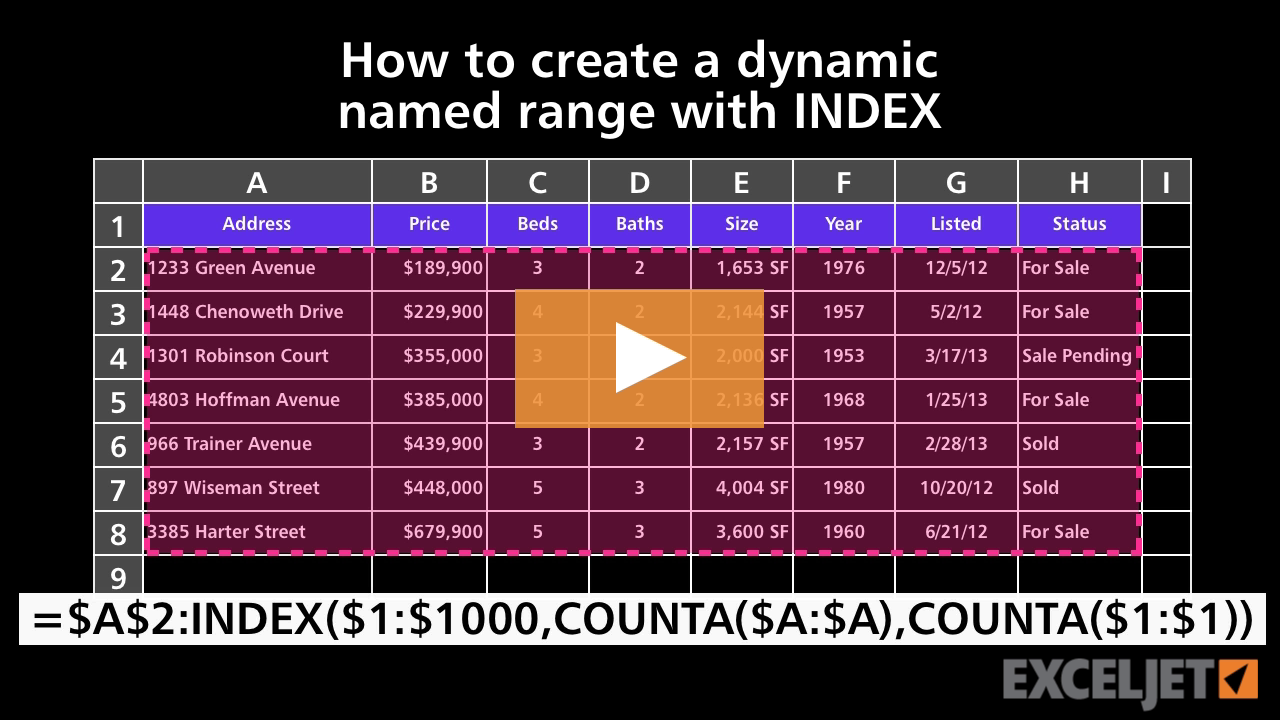
How to create a dynamic named range with INDEX
Core Formula
4:07

How to create a dynamic named range with INDEX

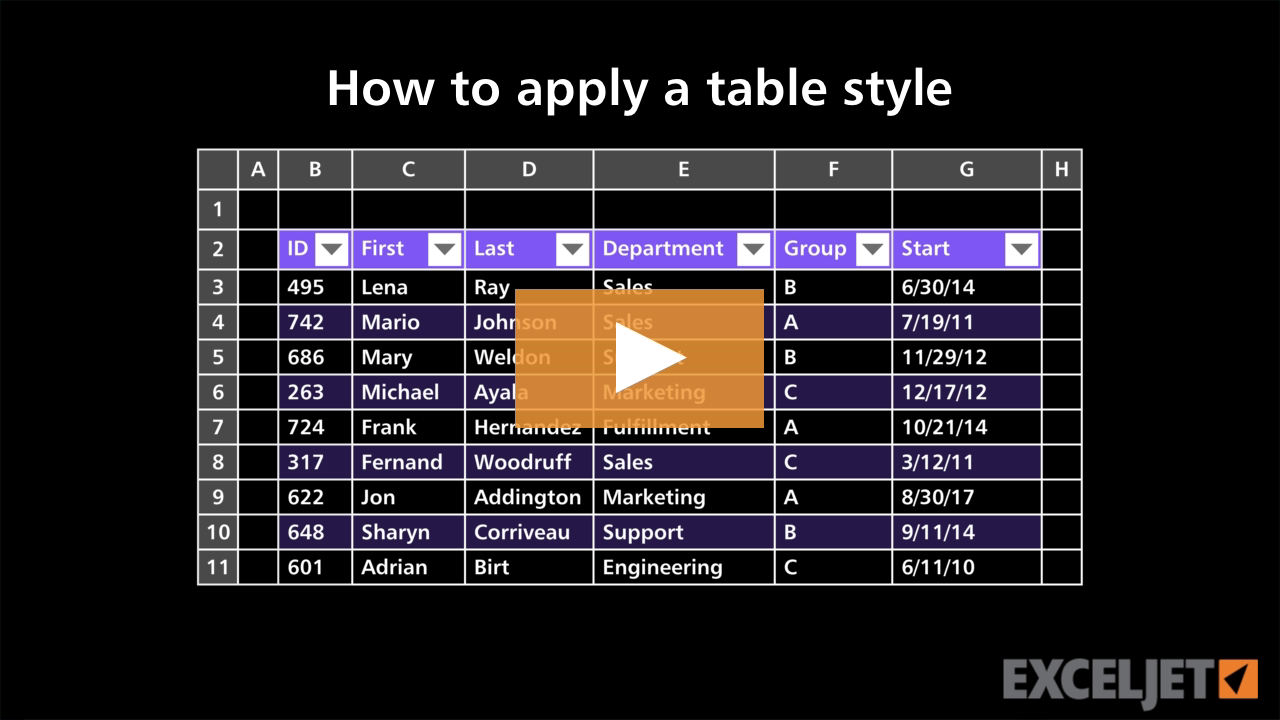
How to apply a table style
Excel Tables
2:29

How to apply a table style

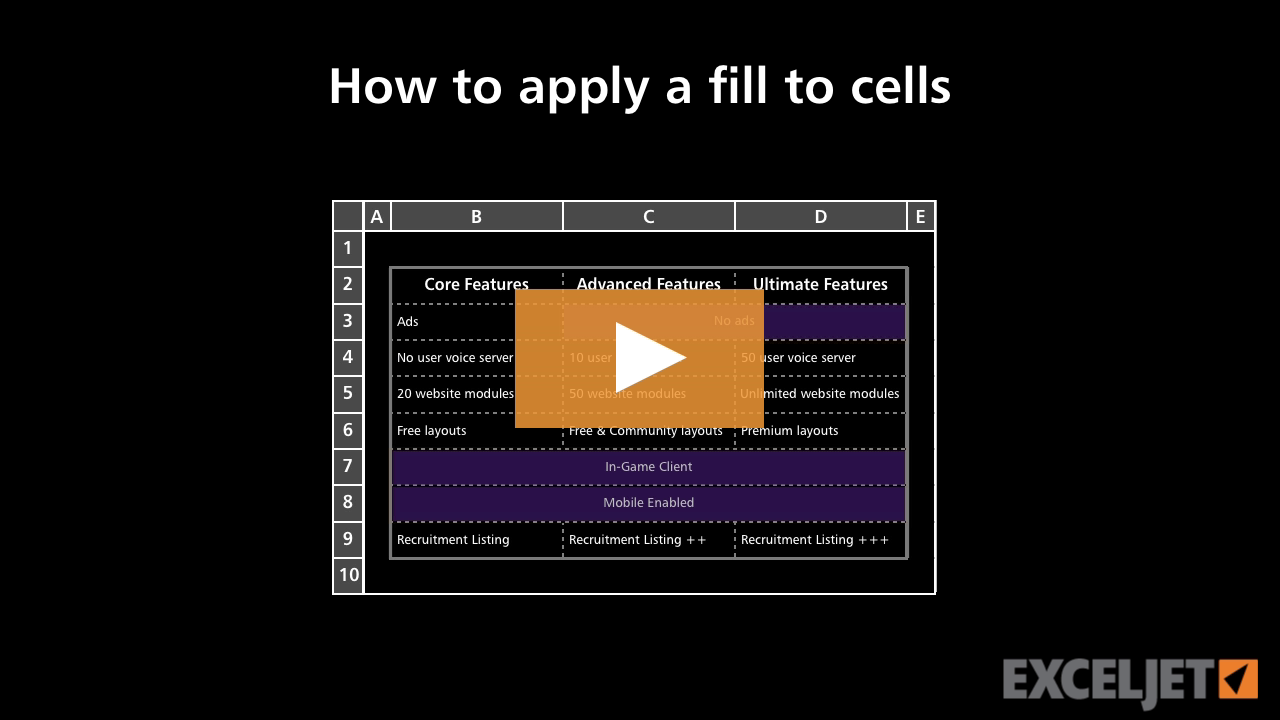
How to apply a fill to cells in Excel
Core Excel
2:48

How to apply a fill to cells in Excel

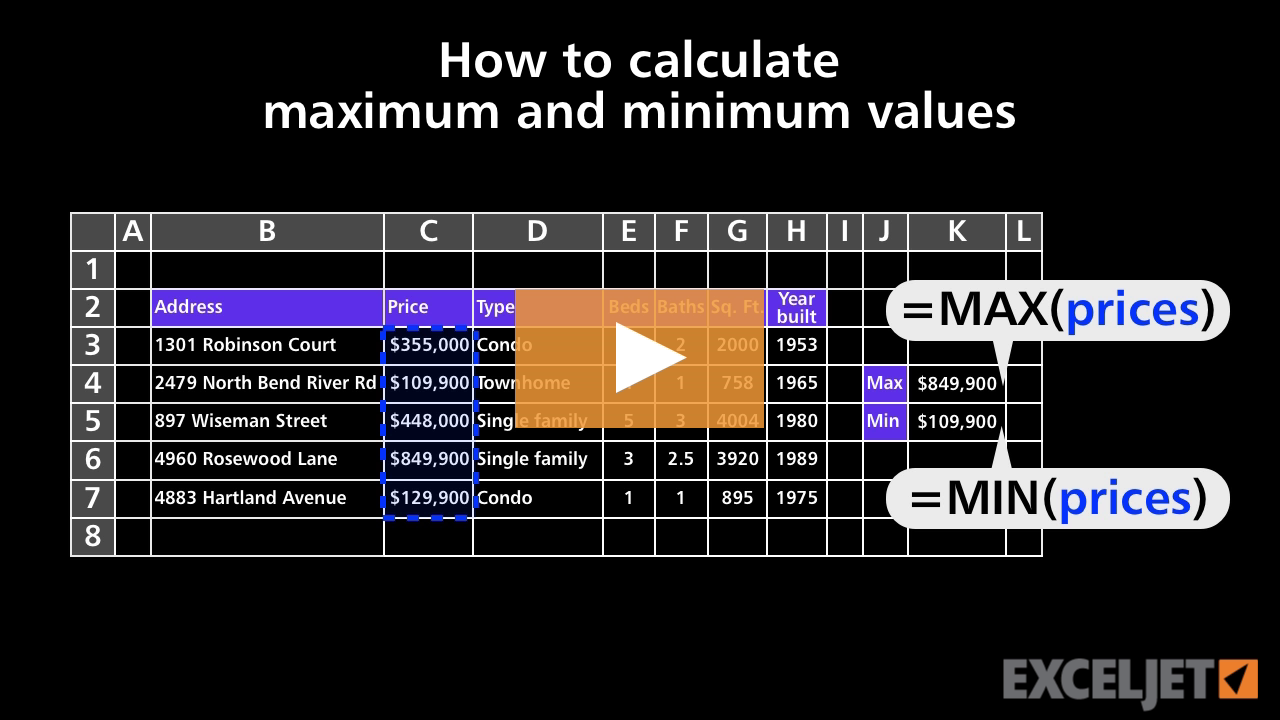
How to calculate maximum and minimum values
Core Formula
2:53

How to calculate maximum and minimum values

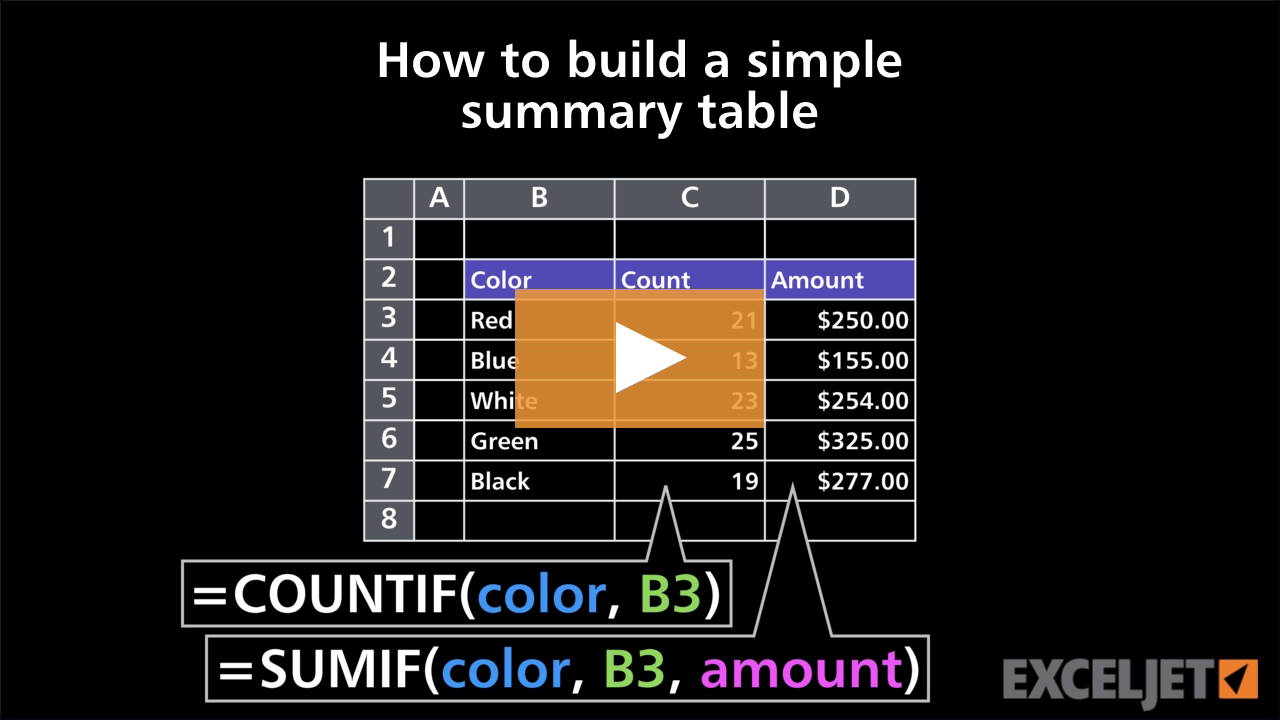
How to build a simple summary table
Core Formula
3:01

How to build a simple summary table

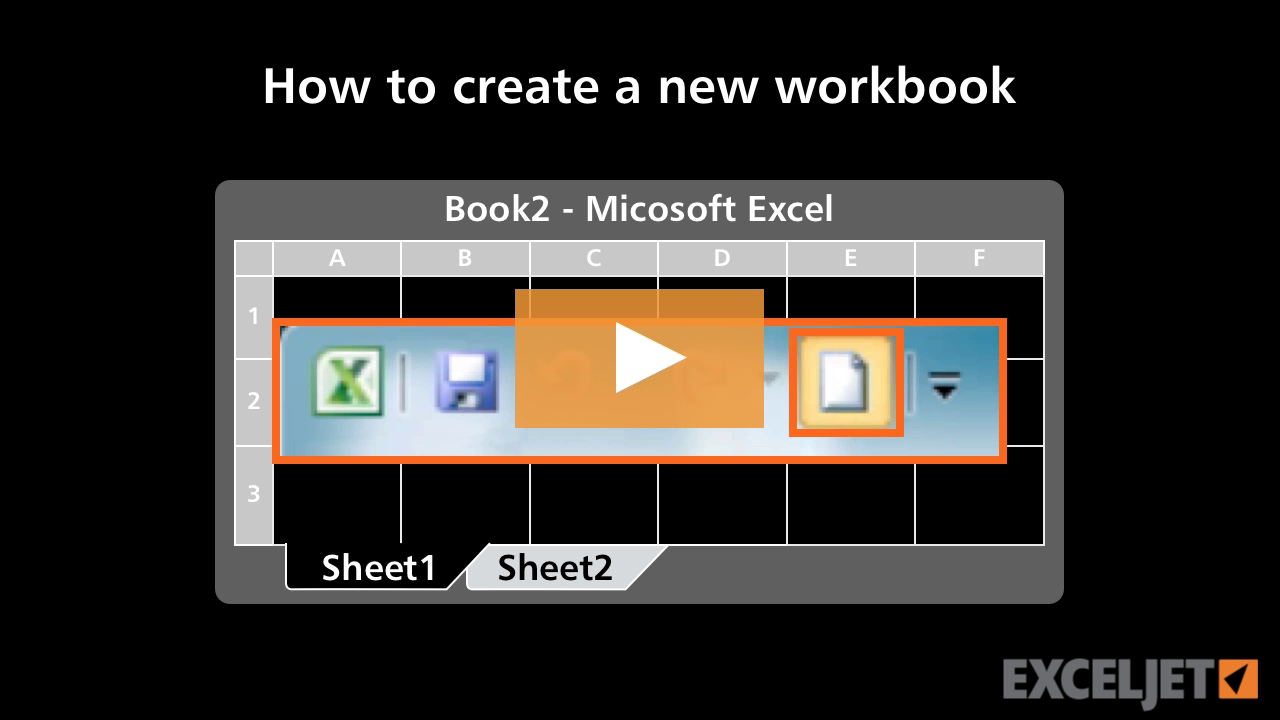
How to create a new workbook
Core Excel
2:06

How to create a new workbook

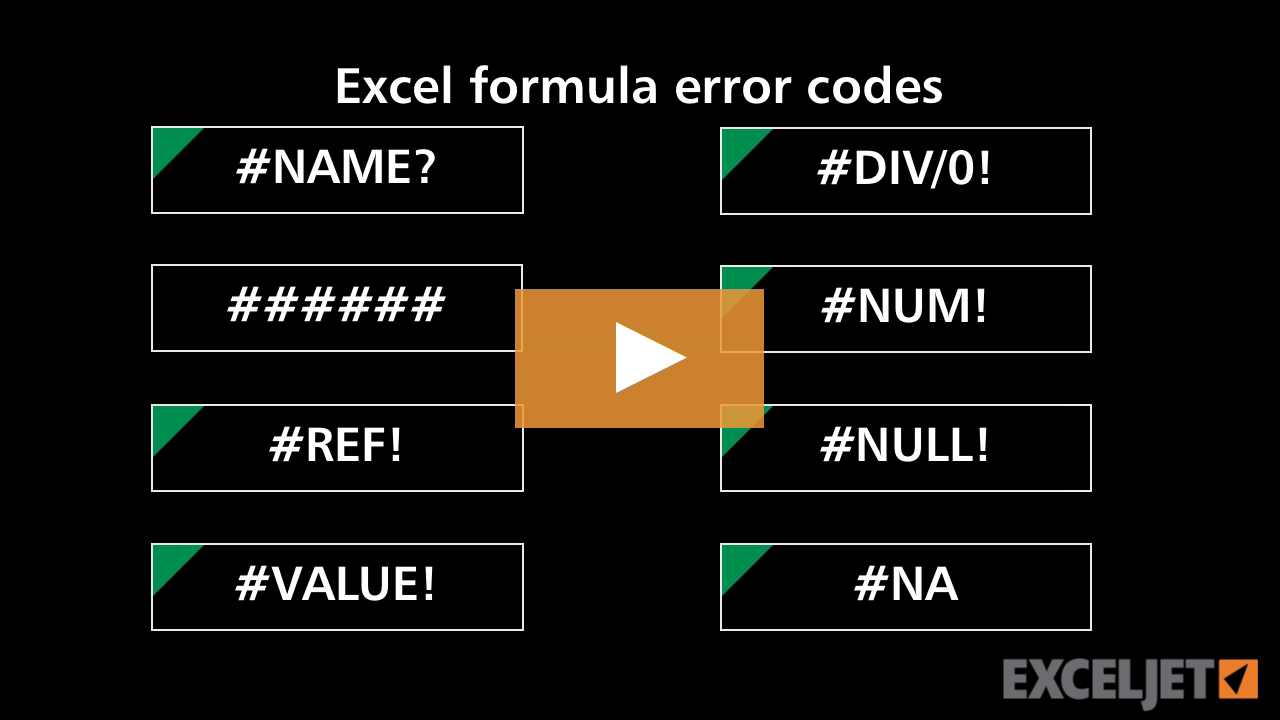
Excel formula error codes
Core Formula
4:22

Excel formula error codes

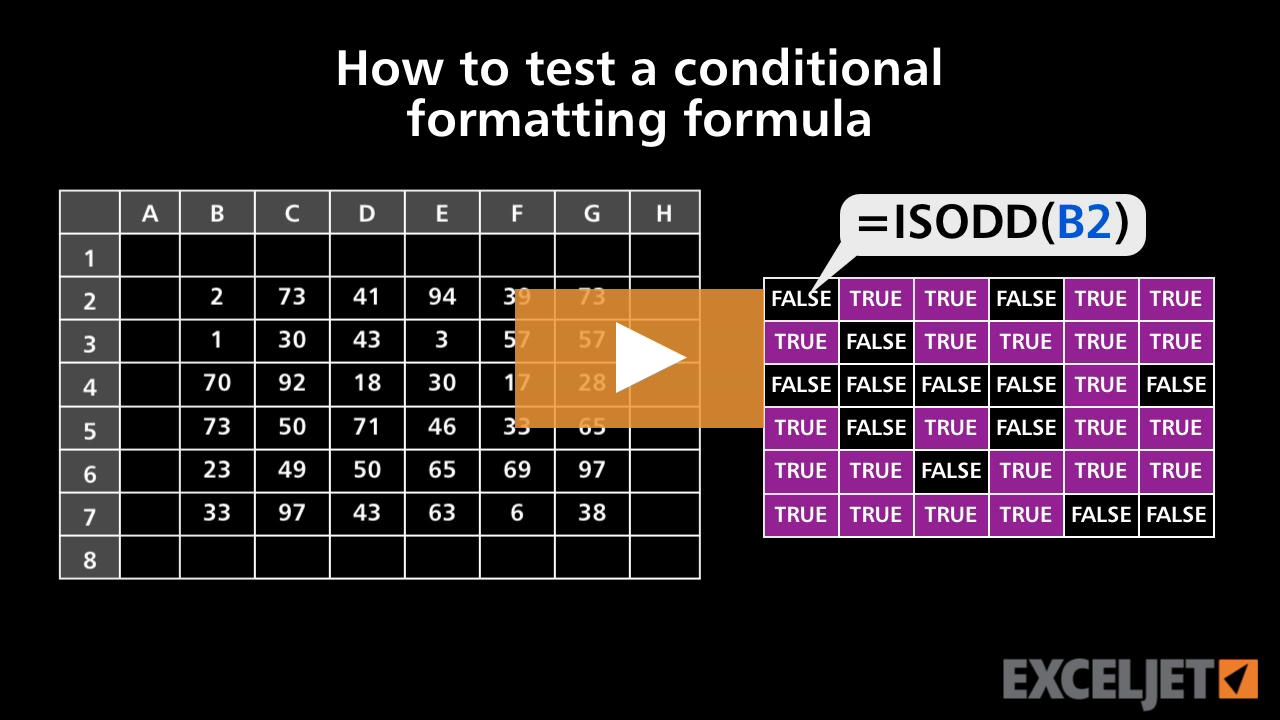
How to test a conditional formatting formula
Conditional Formatting
3:15

How to test a conditional formatting formula

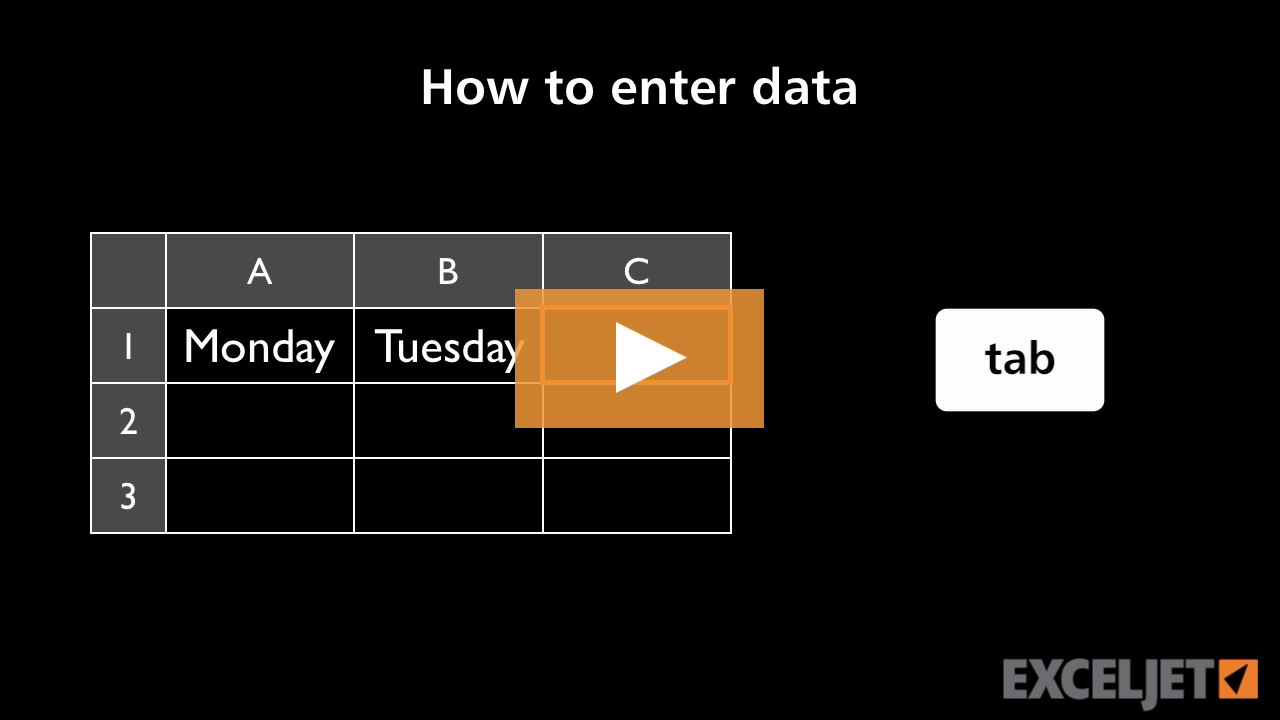
How to enter data in Excel
Core Excel
1:42

How to enter data in Excel

How to use text formatting in Excel
Core Excel
2:43

How to use text formatting in Excel

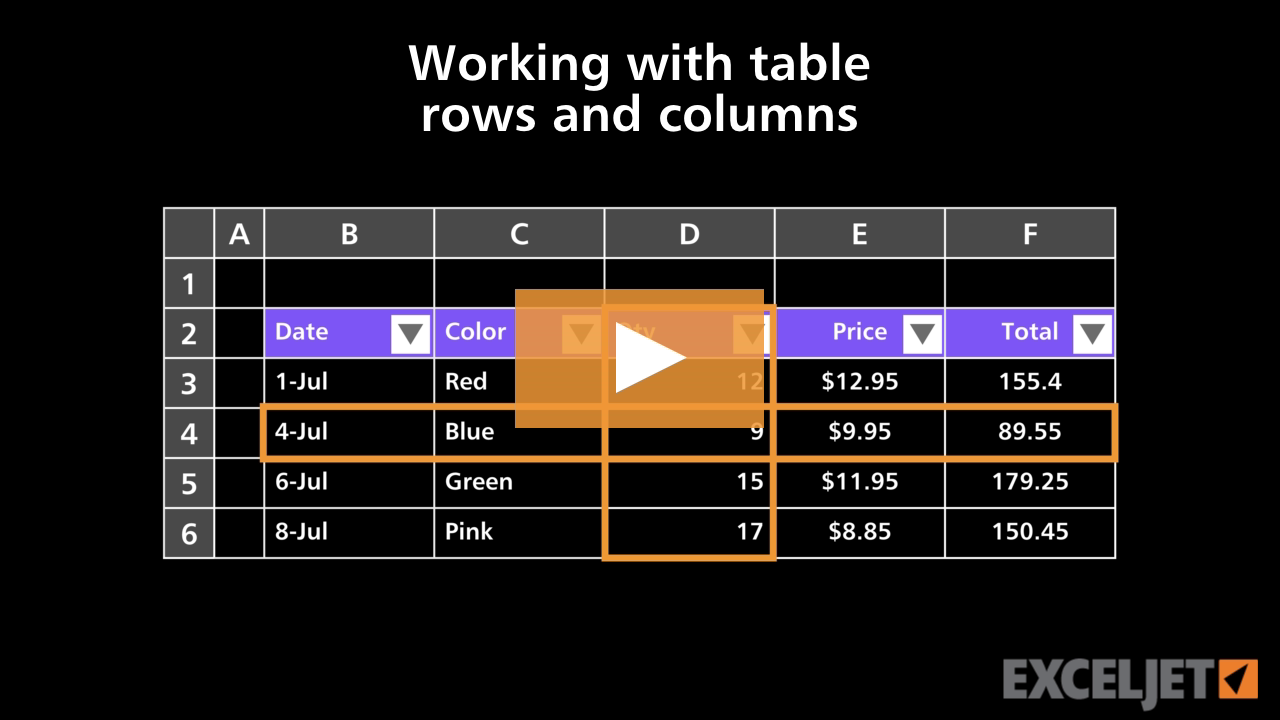
Working with table rows and columns
Excel Tables
3:28

Working with table rows and columns

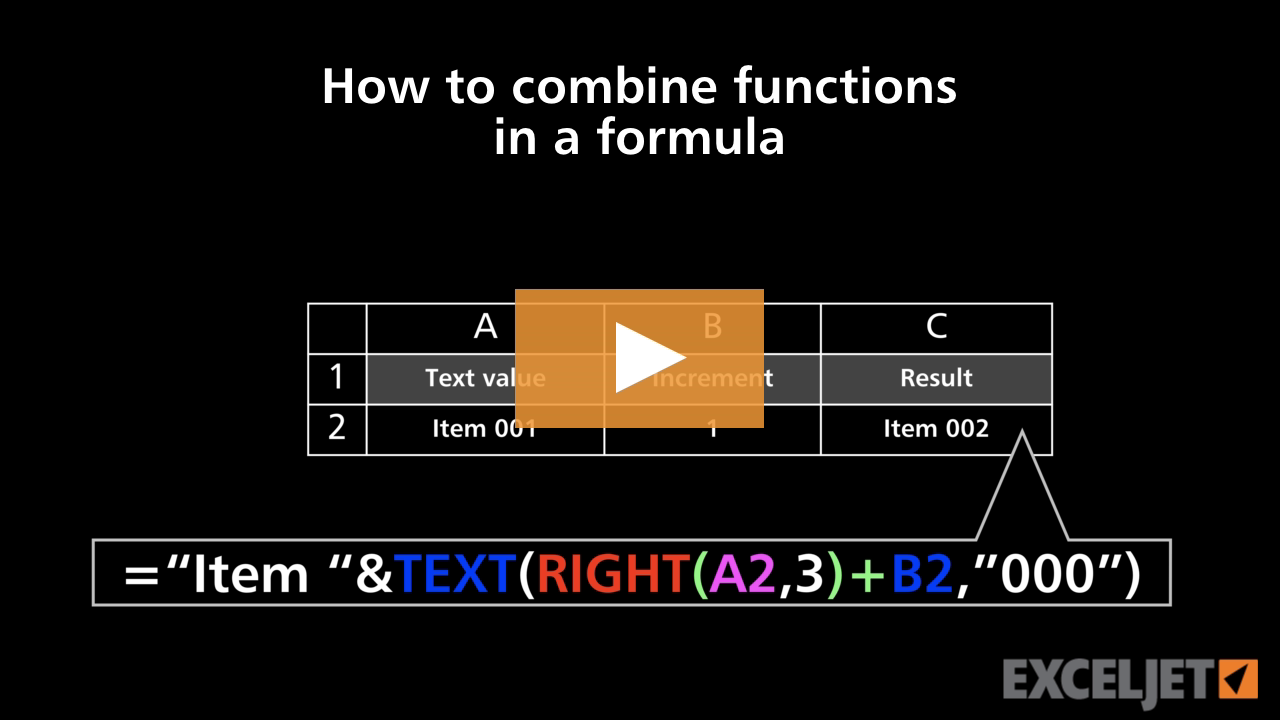
How to combine functions in a formula
Core Formula
2:45

How to combine functions in a formula

How to apply general formatting in Excel
Core Excel
2:31

How to apply general formatting in Excel

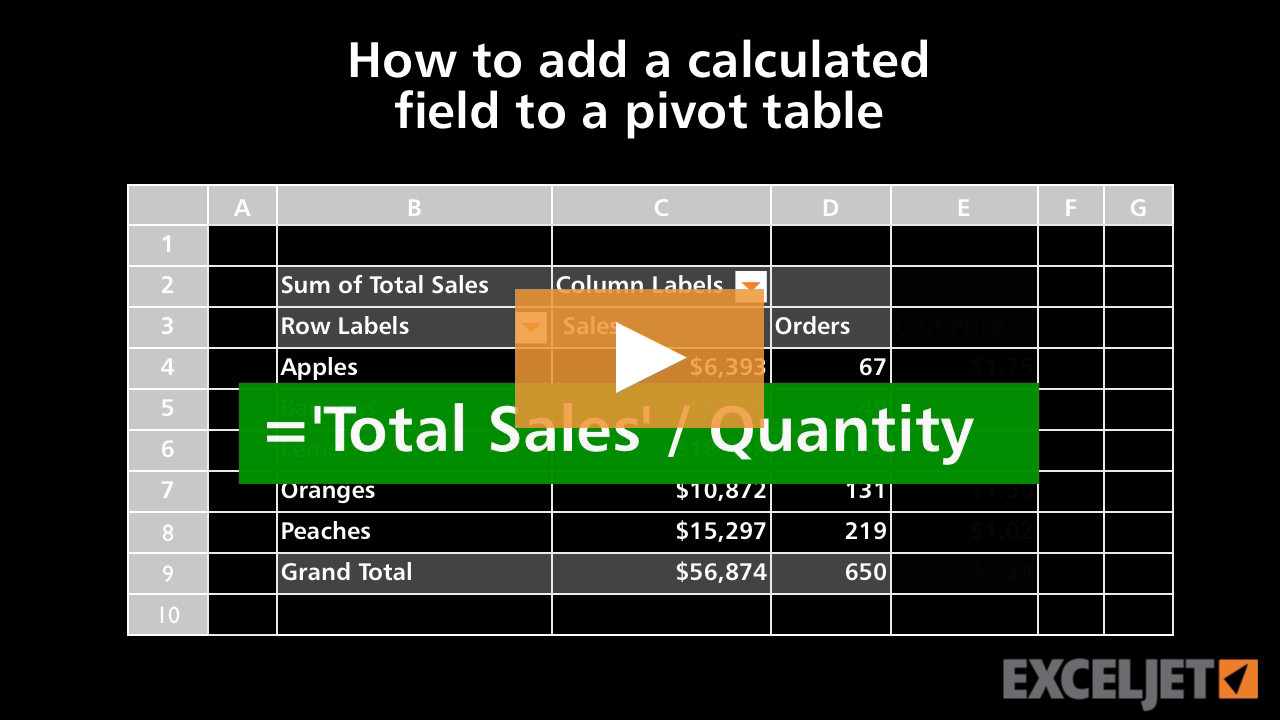
How to add a calculated field to a pivot table
Core Pivot
3:04

How to add a calculated field to a pivot table

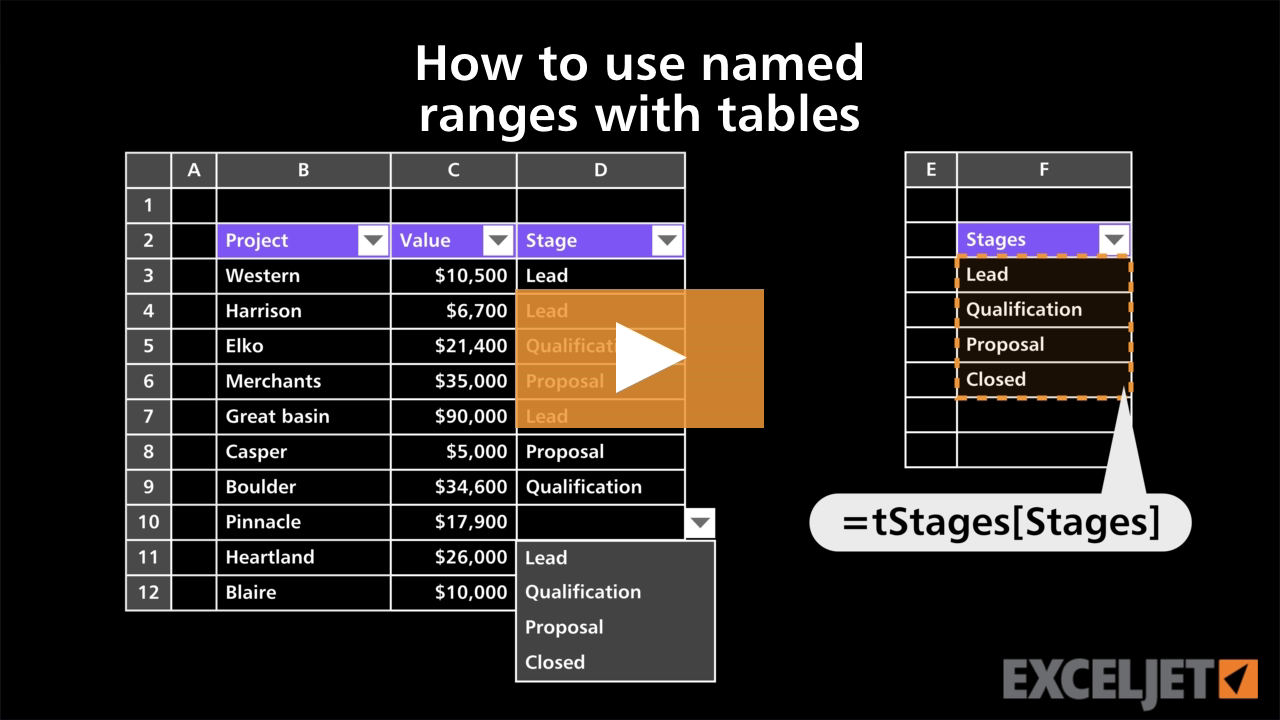
How to use named ranges with tables
Excel Tables
2:38

How to use named ranges with tables

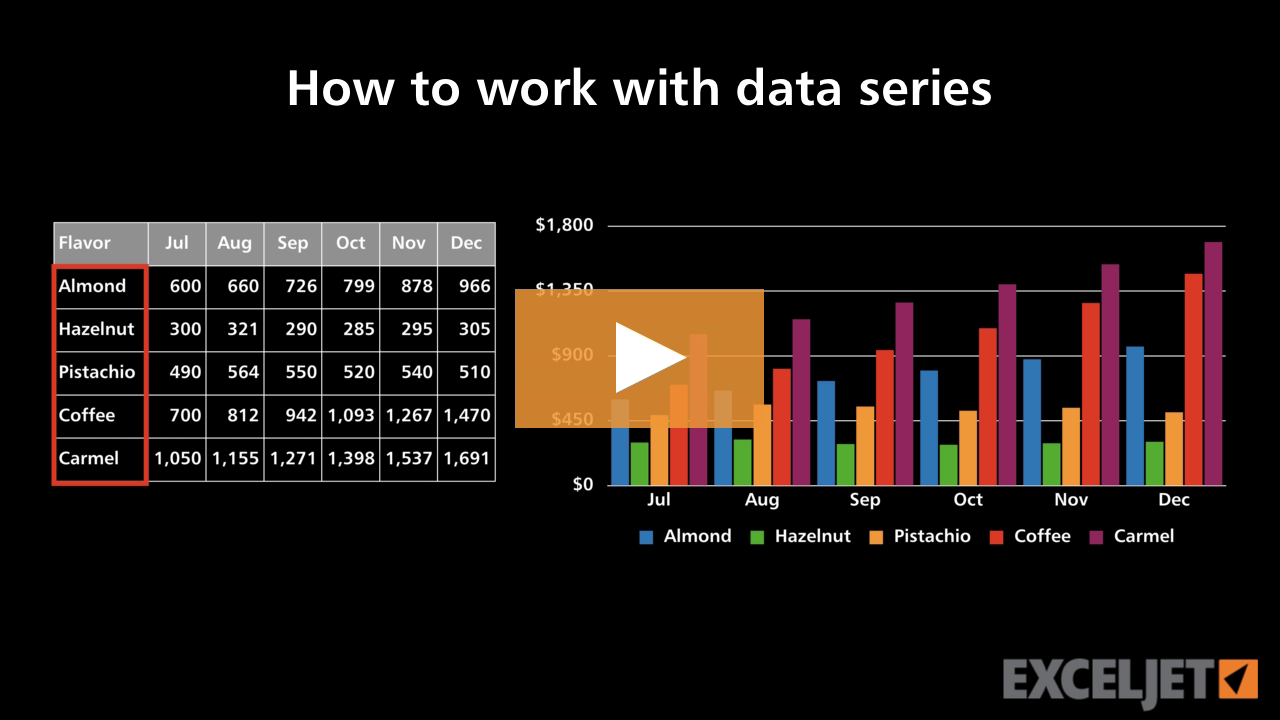
How to work with data series
Core Charts
2:42

How to work with data series

How to edit data in Excel
Core Excel
1:22

How to edit data in Excel

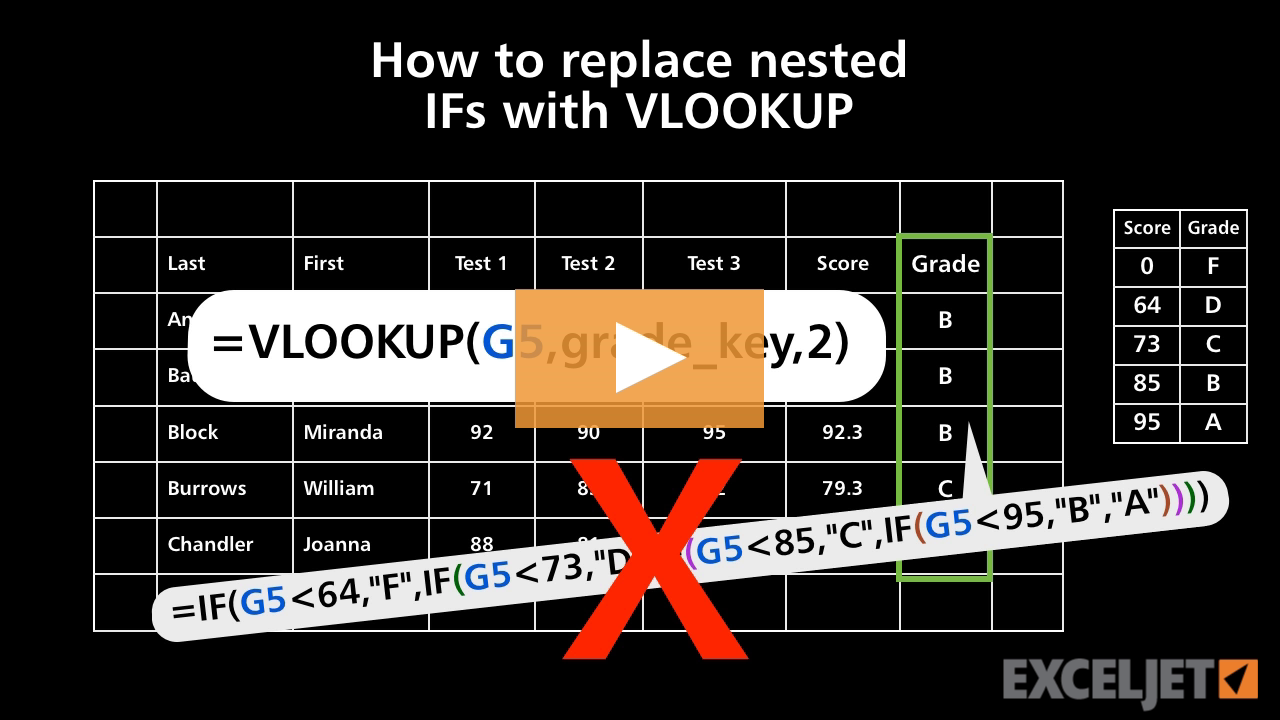
How to replace nested IFs with VLOOKUP
Core Formula
3:55

How to replace nested IFs with VLOOKUP

Shortcuts for selecting cells in Excel
Core Excel
2:09

Shortcuts for selecting cells in Excel

How to change the font color in Excel
Core Excel
2:40

How to change the font color in Excel

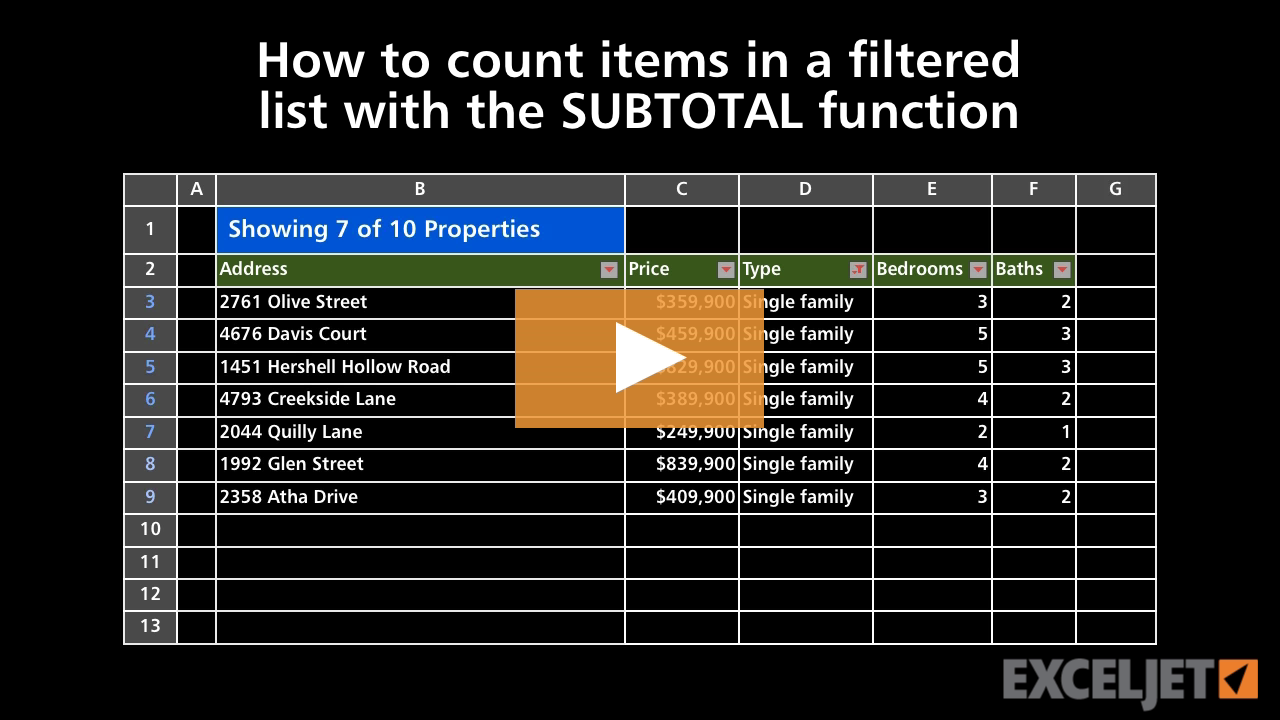
How to count items in a filtered list
Core Formula
3:15

How to count items in a filtered list

Filter with dynamic dropdown list
Dynamic Array Formulas
2:55

Filter with dynamic dropdown list

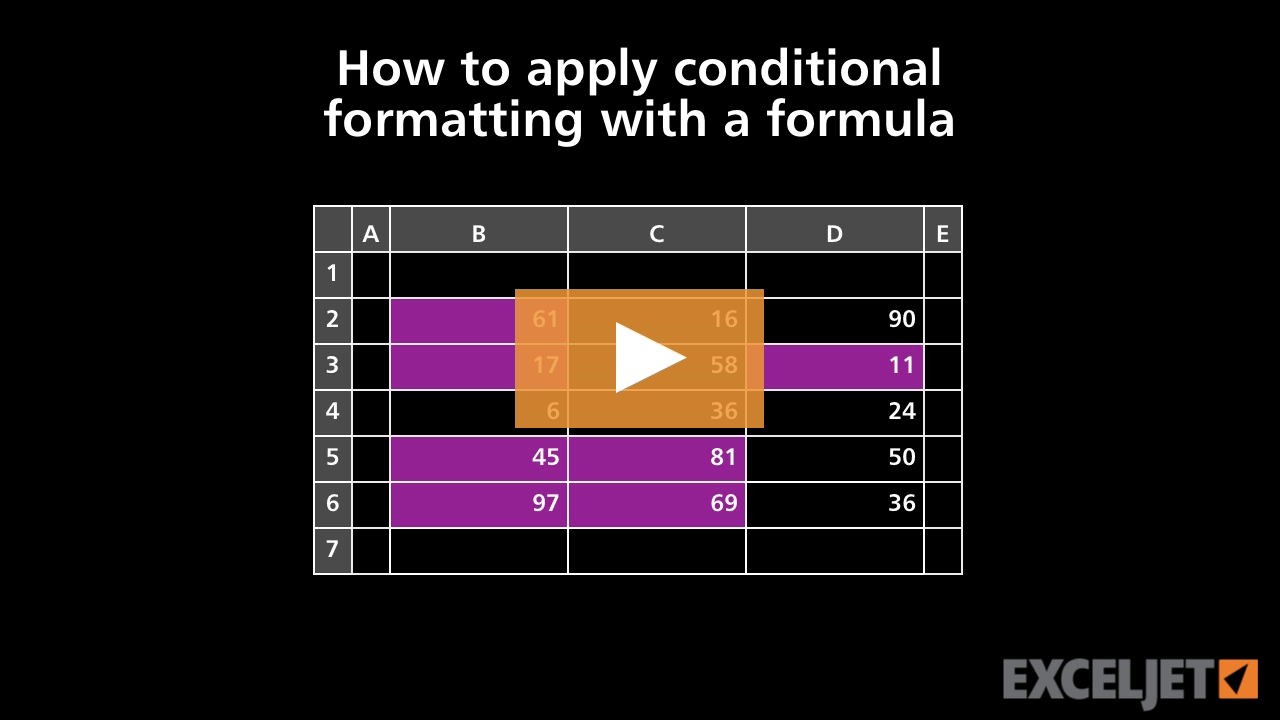
How to apply conditional formatting with a formula
Conditional Formatting
2:41

How to apply conditional formatting with a formula

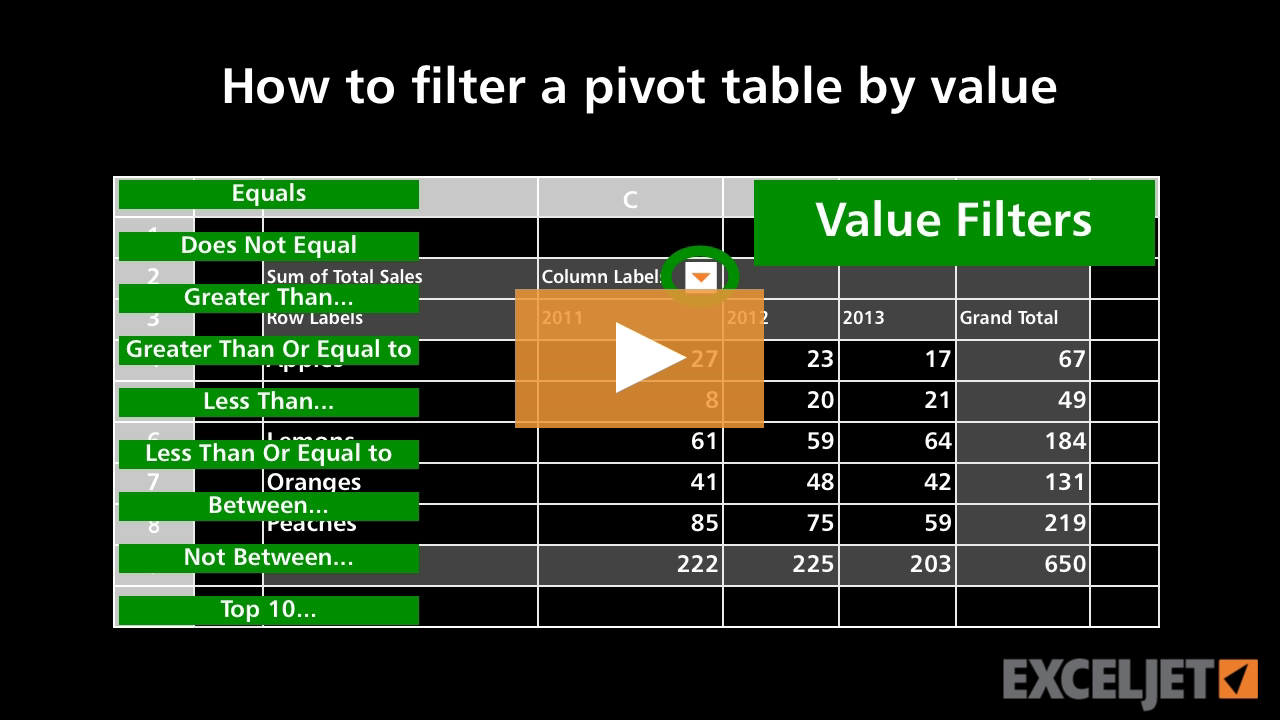
How to filter a pivot table by value
Core Pivot
2:32

How to filter a pivot table by value

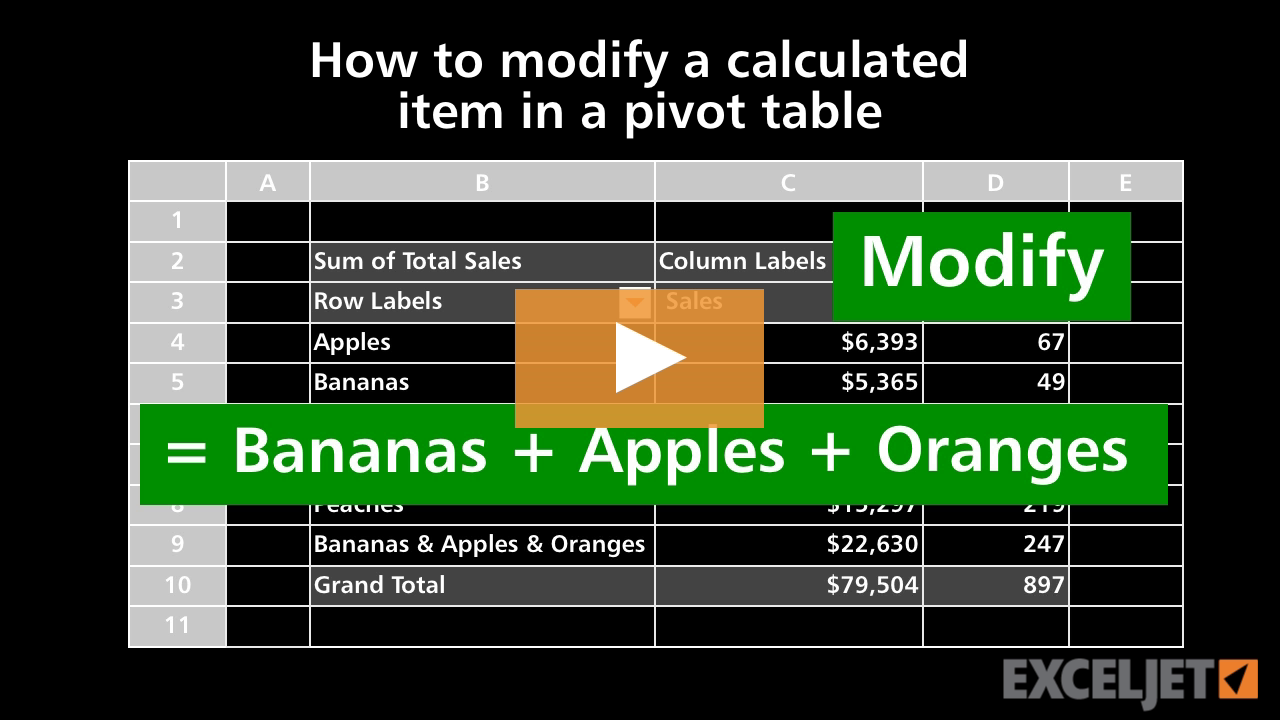
How to modify a calculated item in a pivot table
Core Pivot
2:56

How to modify a calculated item in a pivot table

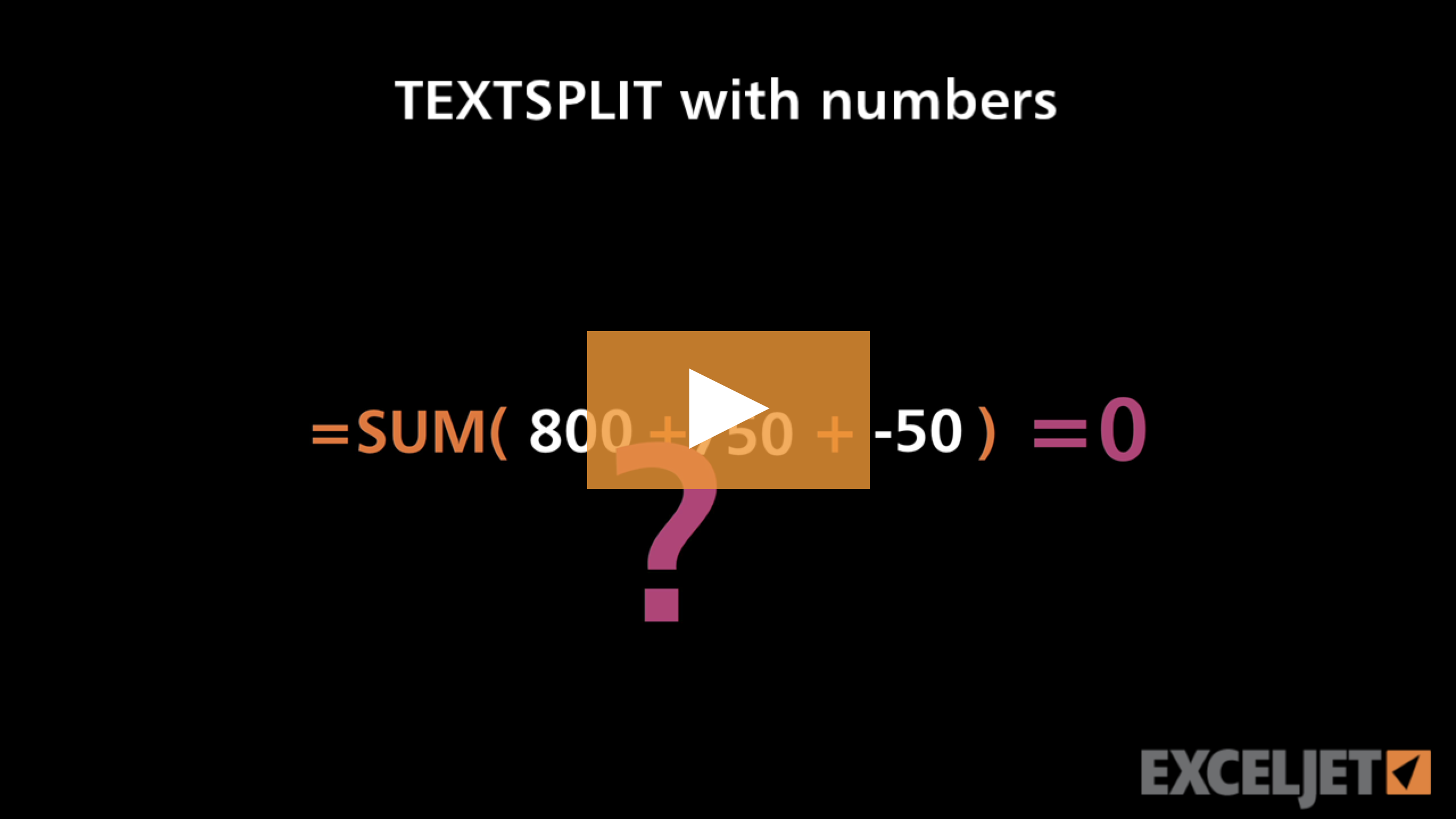
TEXTSPLIT with numbers
Dynamic Array Formulas
3:30

TEXTSPLIT with numbers

Get Training

Quick, clean, and to the point training

Learn Excel with high quality video training. Our videos are quick, clean, and to the point, so you can learn Excel in less time, and easily review key topics when needed. Each video comes with its own practice worksheet.

View Paid Training & Bundles


Excel foundational video course
Excel Pivot Table video training course
Excel formulas and functions video training course
Excel Charts video training course
Video training for Excel Tables
Dynamic Array Formulas
Exceljet logo Exceljet
Quick, clean, and to the point

Resources

  • Training
  • Videos
  • Functions
  • Formulas
  • Shortcuts
  • Articles

About Us

  • About
  • Testimonials
  • Topics
  • Contact
  • Donate

Newsletter Sign-up

Work faster in Excel. Join more than 100,000 people who get weekly tips from us.
© 2012-2026 Exceljet. Terms of use
  • Visit our Twitter page