
| Windows | Mac |
|---|---|
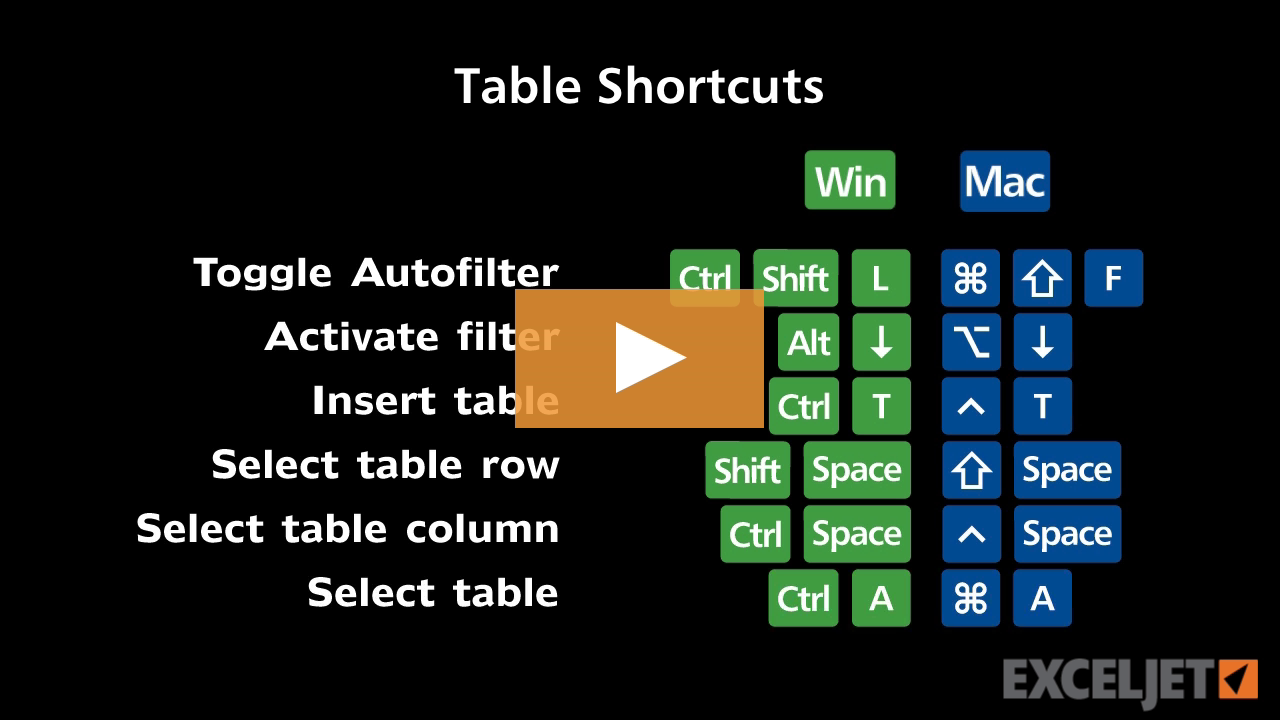
| CtrlT | ⌘T |
About This Shortcut
This shortcut converts a range to an Excel Table. To use this shortcut, first select the range of data you want to convert.
Note: in Mac Excel 365, you can also use Control + T to convert a range to a table.
| Windows | Mac |
|---|---|
| CtrlT | ⌘T |
This shortcut converts a range to an Excel Table. To use this shortcut, first select the range of data you want to convert.
Note: in Mac Excel 365, you can also use Control + T to convert a range to a table.





Author
Hi - I'm Dave Bruns, and I run Exceljet with my wife, Lisa. Our goal is to help you work faster in Excel. We create short videos, and clear examples of formulas, functions, pivot tables, conditional formatting, and charts.
Learn Excel with high quality video training. Our videos are quick, clean, and to the point, so you can learn Excel in less time, and easily review key topics when needed. Each video comes with its own practice worksheet.
View Paid Training & Bundles