
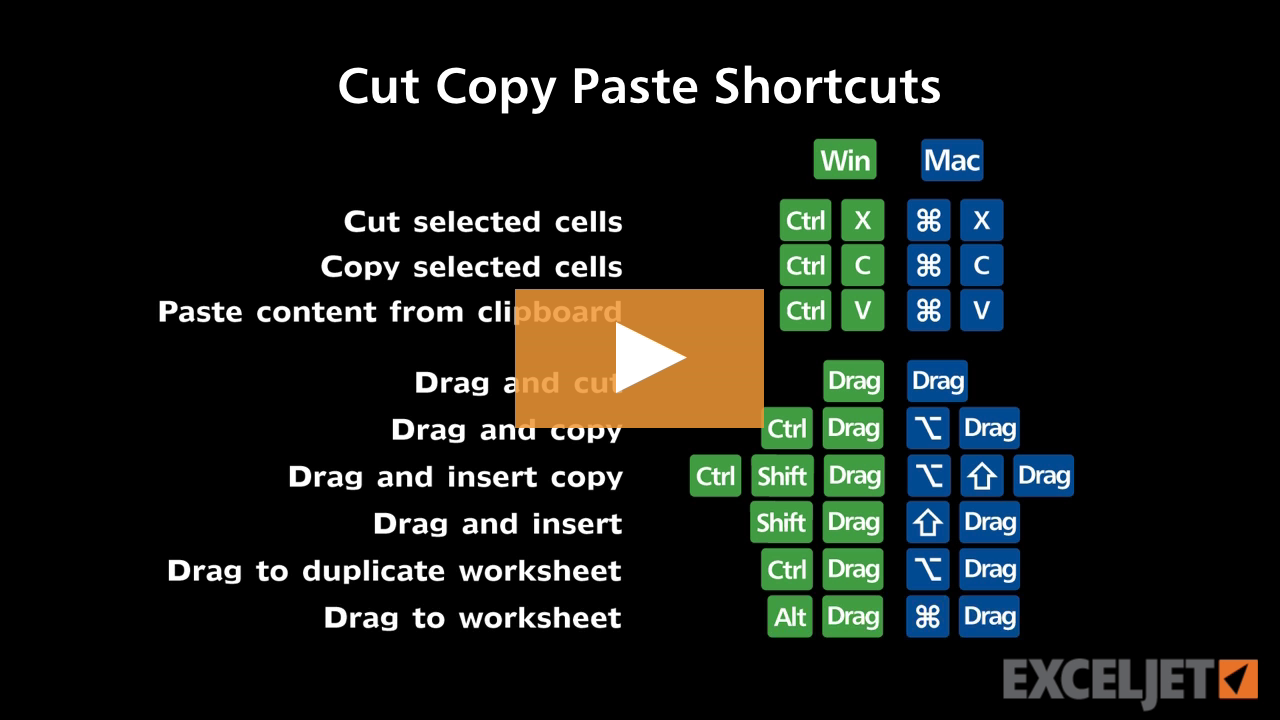
| Windows | Mac |
|---|---|
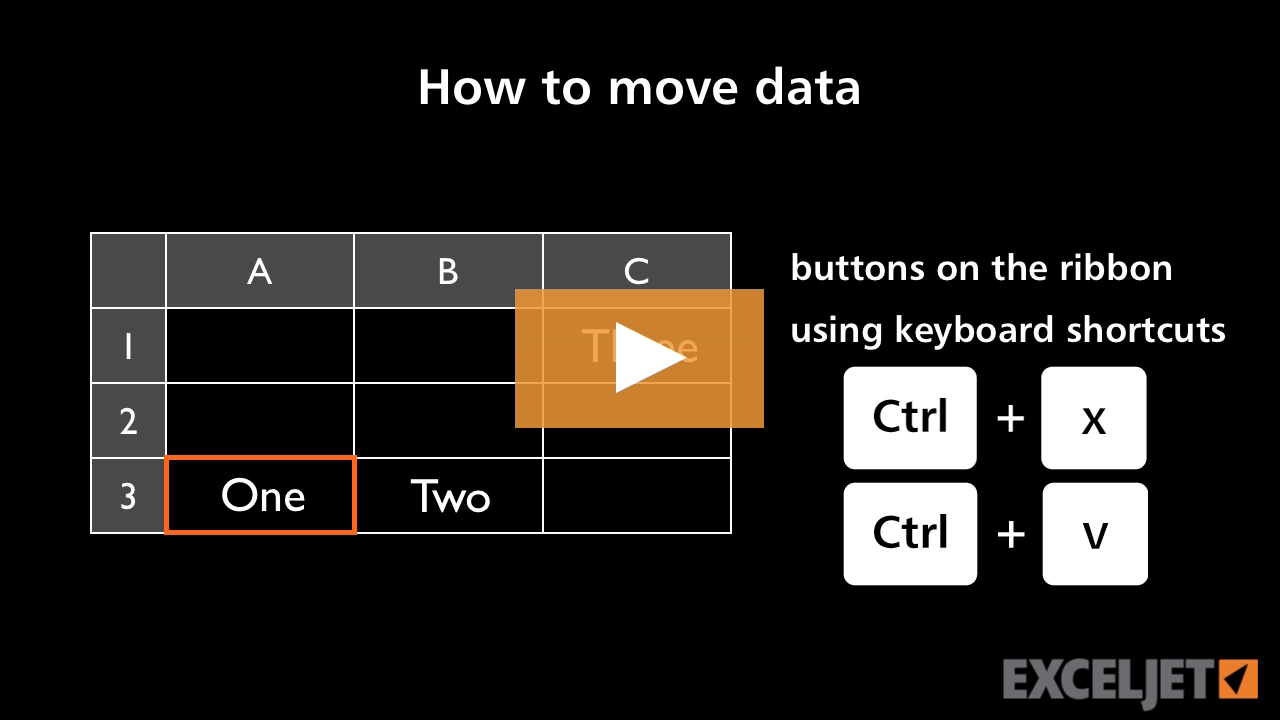
| CtrlX | ⌘X |
About This Shortcut
Cut puts everything on the clipboard: text, formulas, formatting, borders, fills, etc. Use Paste Special to selectively paste only parts of what was copied.
On the Mac, Ctrl + X also works
| Windows | Mac |
|---|---|
| CtrlX | ⌘X |
Cut puts everything on the clipboard: text, formulas, formatting, borders, fills, etc. Use Paste Special to selectively paste only parts of what was copied.
On the Mac, Ctrl + X also works


Author
Hi - I'm Dave Bruns, and I run Exceljet with my wife, Lisa. Our goal is to help you work faster in Excel. We create short videos, and clear examples of formulas, functions, pivot tables, conditional formatting, and charts.
Learn Excel with high quality video training. Our videos are quick, clean, and to the point, so you can learn Excel in less time, and easily review key topics when needed. Each video comes with its own practice worksheet.
View Paid Training & Bundles