Purpose
Get difference between two complex numbers
Return value
Difference between complex numbers as text
Syntax
=IMSUB(inumber1, inumber2)- inumber1 - Complex number 1.
- inumber2 - Complex number 2.
Using the IMSUB function
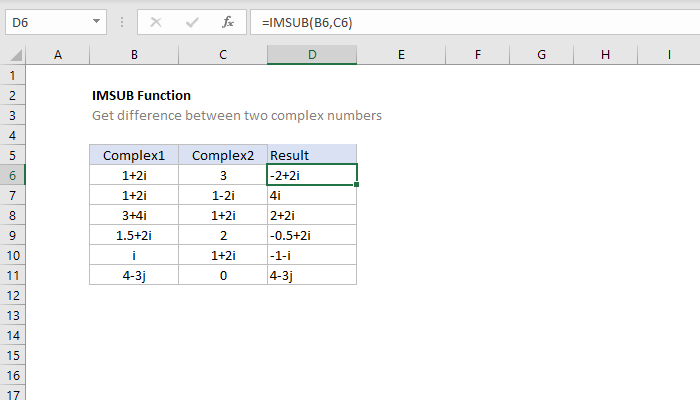
The IMSUB function returns the difference between two complex numbers. For example:
=IMSUB("4+3i","1+2i") // returns "3+i"
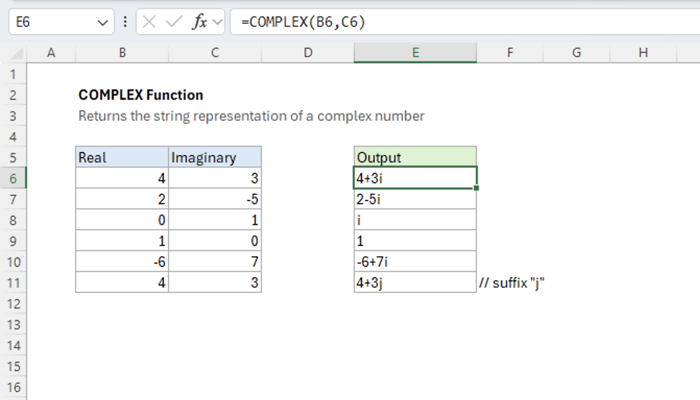
Excel handles complex numbers as strings formatted like “x+yi” or “x+yj”. Use the COMPLEX function to get the string representing a complex number.
Explanation
The result of the IMSUB function can be visualized by adding the opposite of the second vector tip-to-tail with the first. For example, the result of the subtraction below
=IMSUB("4+3i","-2+5i") // returns "6-2i"
is visualized like this: