Purpose
Get hyperbolic cosine of complex number
Return value
The hyperbolic cosine of a complex number
Syntax
=IMCOSH(complex_num)- complex_num - The number to get the hyperbolic cosine of.
Using the IMCOSH function
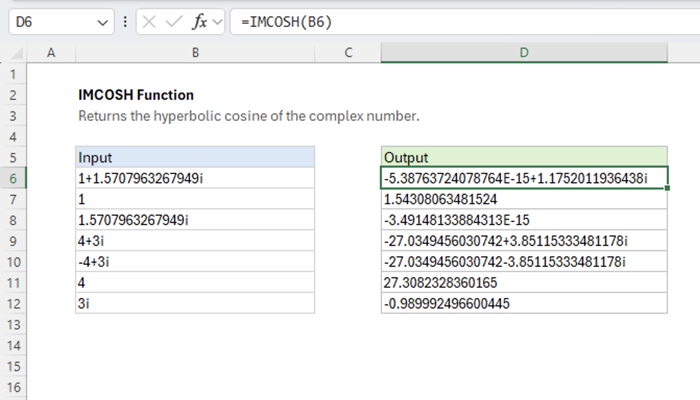
The Excel IMCOSH function returns the hyperbolic cosine of a complex number. Given “1+1.5707963267949i” as input, the function returns “-5.4E-15+1.175201i” as output.
=IMCOSH(COMPLEX(1, PI()/2)) // returns -5.4E-15+1.175201i
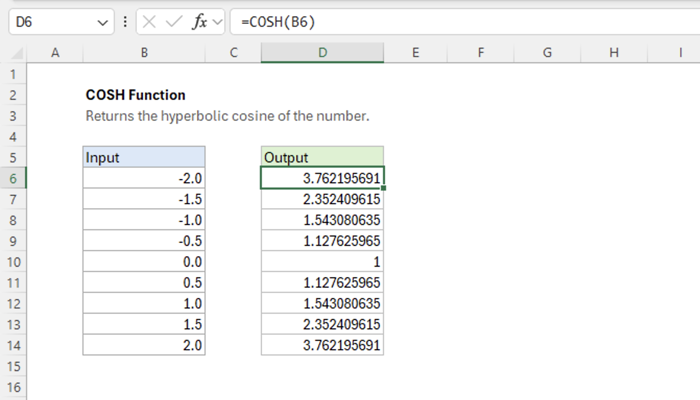
When the function’s output is plotted over the complex plane, the real output along the real axis traces the shape of the COSH function.
=IMCOSH(COMPLEX(x, 0)) // returns COSH(x)
The imaginary output along the imaginary axis traces the shape of the COS function.
=IMCOSH(COMPLEX(0, y)) // returns COS(y)
Explanation
The function can be defined using the COSH, COS, SINH, and SIN functions.