=IF(COUNTIF(range,criteria)=1,SUMIF(range,criteria,sumrange,"")Explanation
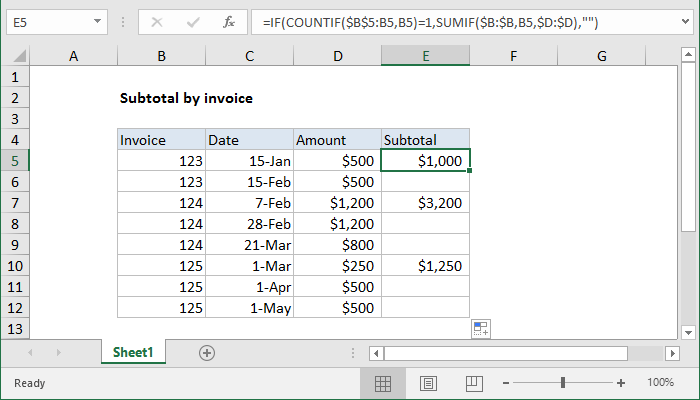
This formula uses COUNTIF with an expanding range to first check if the current row is the first occurrence of a given invoice number:
COUNTIF($B$5:B5,B5)=1
This expression only returns TRUE when this is the first occurrence of a given invoice number. If so, a SUMIF calculation is run:
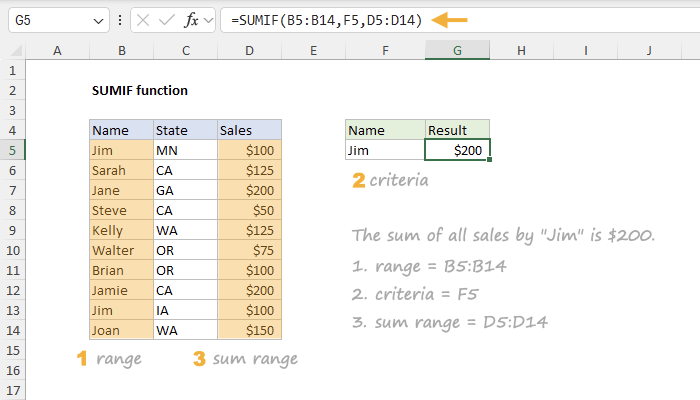
SUMIF($B:$B,B5,$D:$D)
Here, SUMIF generates a total sum by invoice number, using the amounts in column D. If the count is not 1, the formula simply returns an empty string ("")